
Patagonian Glacier Research Documentary
A cinematic research-themed video prompt set at a Patagonian glacier, featuring precise camera movements and environmental storytelling.
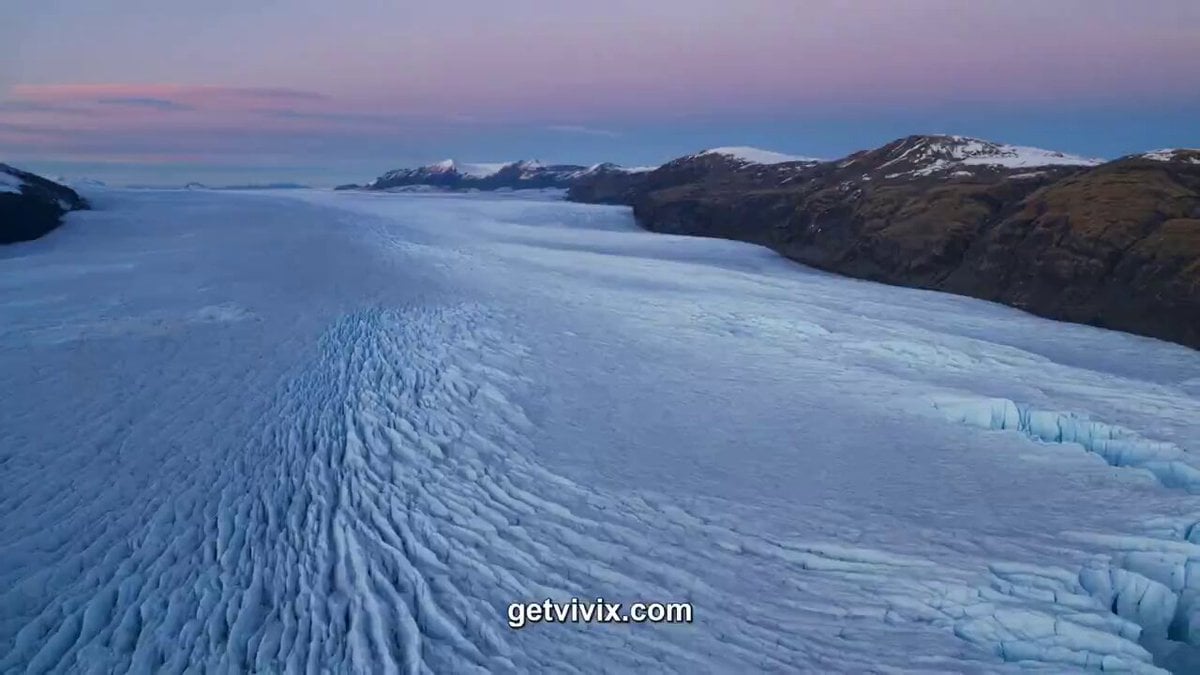
- Prompt included
- Model and format preset
- Premium template
The prompt behind this video
Copy the exact prompt behind Patagonian Glacier Research Documentary, or open it in the studio and make it yours.
Director-grade 12-second mini-narrative, six distinct camera shots in a single coherent 4K clip, full spatial continuity. Setting: a Patagonian glacier-edge research station at twilight, the ice cliff calving slowly behind. SHOT 1 (0:00-0:02) — wide establishing aerial, drone-style, slow forward push over the ice field, glacier groan rumbling low. SHOT 2 (0:02-0:04) — medium of Dr. Elena Rivas, 38, in a red parka, breath fogging, lifting a battered field journal. 35mm, T2.0, slight handheld. SHOT 3 (0:04-0:06) — over-the-shoulder onto her gloved hand turning the page; we read pencil-shaded ice diagrams, no readable text. 50mm macro, shallow. SHOT 4 (0:06-0:08) — reverse close on her face, the cliff calving in soft focus behind her over her right shoulder, a great chunk of ice falling silently into the fjord. SHOT 5 (0:08-0:10) — the moment of impact: the falling ice hits the water, a single thunderclap, then a wave moving outward in 4K detail, every droplet sharp. SHOT 6 (0:10-0:12) — pull-back aerial, Elena small in the frame, the new wave reaching the shoreline, dusk light blue-purple, the station lamp clicking on. Native audio across all six cuts: glacier groans, parka rustle, pencil scratch, the calving boom, water rush, distant engine hum. No dialogue, no music, no captions. Color: cold cyan ice, deep navy water, single red parka accent, dusk magenta sky. 30fps cinematic, 16-bit HDR look, no logos, no on-screen text. Each cut snaps clean to the next; the spatial geography of Elena, cliff, and water remains continuously readable.
How to use Patagonian Glacier Research Documentary in 3 steps
- 1
Open
The prompt is already in the box next to the preview, with the template's model and format selected.
- 2…a portrait of your subject in softgolden-hour light, 85mm…
Personalize
Edit the subject and creative details for your destination.
- 3Generate
Generate
Press Generate — your video is created in PicX Studio, so you can compare it with the original and refine one variable at a time.
More like this
Templates with the same subject, style or setup. Open one to see its prompt.

Forgotten 1980s High School Documentary Seedance

Live-Action Firefighter Rescue Night Scene
Scientific Documentary Research Interview
Antarctic Research Station Blood Test Horror
Arctic Research Station Thriller
Ice Mammoth City Glacier Transformation
Arctic Glacier to Futuristic Megacity Transformation
Frost Dragon Glacier Fortress Attack
Cinematic Aerial Shot of Iceland Glaciers and Volcanoes
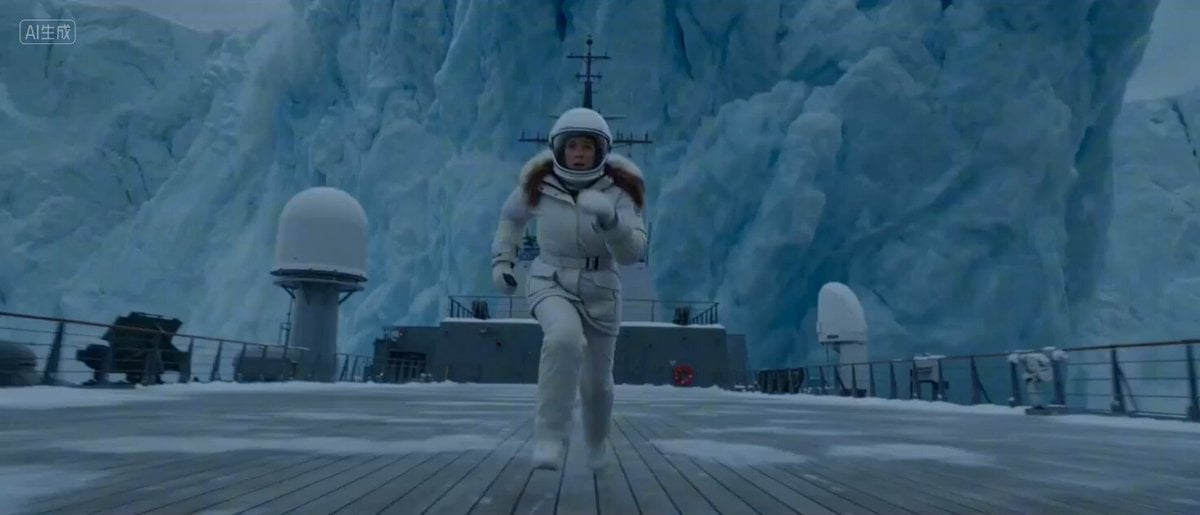
Arctic Glacier Collapse and Snowmobile Escape
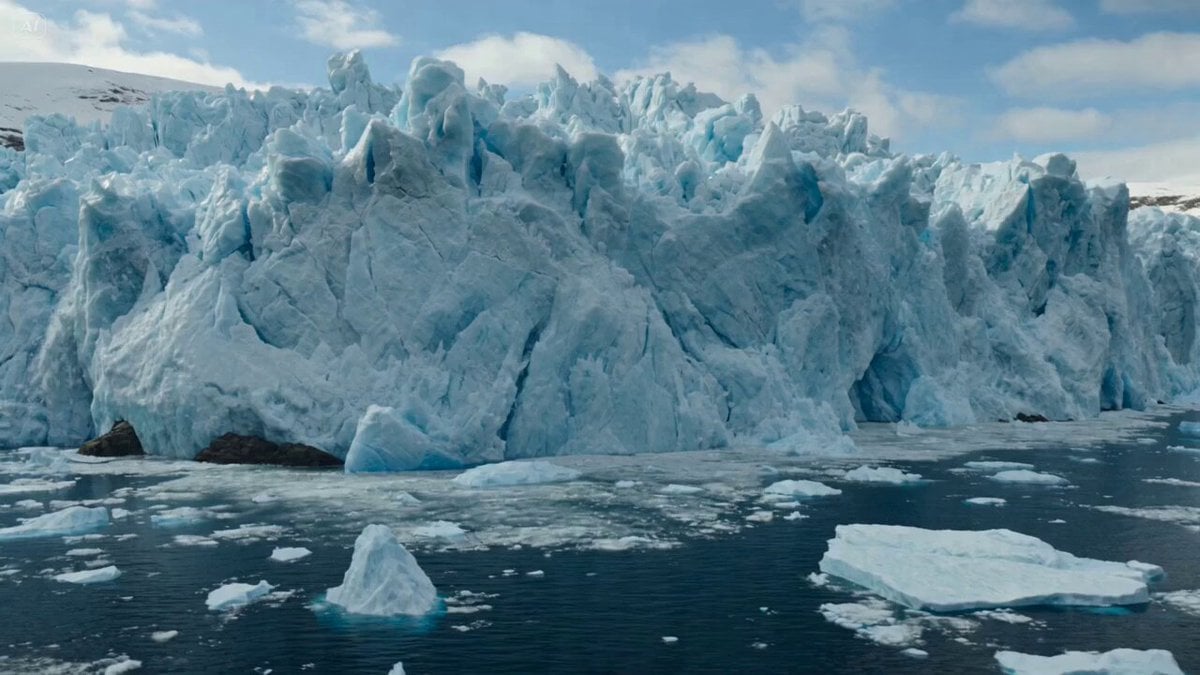
Glacier Collapse Disaster Scene
Glacier Planet Escape
Make it yours
Patagonian Glacier Research Documentary works as-is. These are the safest ways to change it without losing the look.
Change one field
Copy a single group, rewrite it, and generate again so you can see what that field is doing.
Keep the frame, change the subject
Hold the composition and light of Patagonian Glacier Research Documentary, then swap wardrobe, props or the person for a new take.
| If the result… | Why | Fix |
|---|---|---|
| The result drifts from the preview | Too many fields changed at once. | Reuse Patagonian Glacier Research Documentary as-is first, then change one group — subject, light, or setting. |
| The model over-stylizes the scene | The prose prompt leaves finish and camera underspecified. | Add one camera or lighting sentence and stay on Seedance 2.0. |
More Seedance 2.0 templates
Other prompts made for Seedance 2.0.

Comical Martial Arts Punch Scene

Maglev Train Action Sequence

Martial Arts Fight Sequence

Wuxia Protection and Trust Script

Vintage Korean Arcade MiniDV Vlog

Mercedes 190 SL Luxury Ad

Rainy Night Supernatural Reverse Comedy Video Script

Amazon Civilization Discovery

Futuristic South Asian City Transformation

Cozy Luxury Cafe Commercial
More video prompts
Fresh picks from across the catalog.
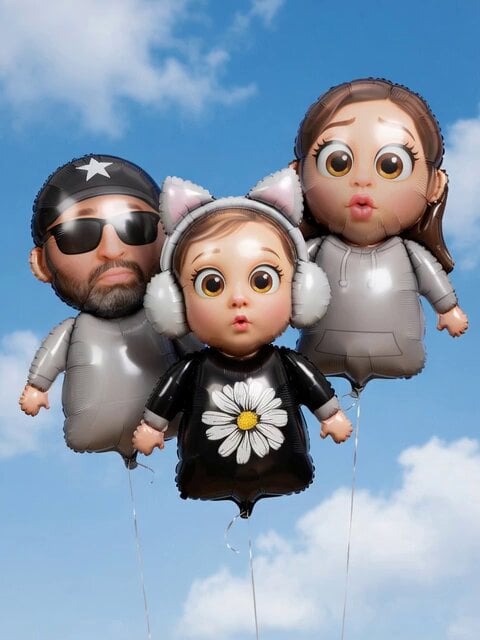
Family Balloon Flight with Static Elements
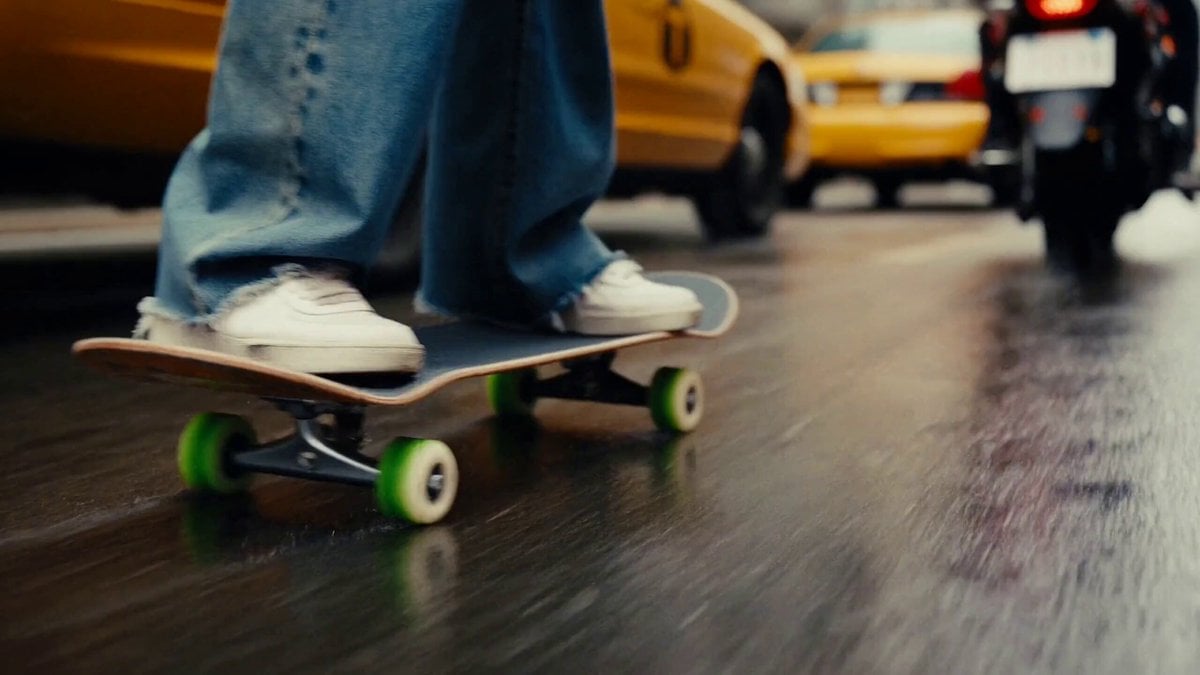
Chaotic City Skateboarding Action

Cinematic slow motion with gentle breeze and soft sunlight
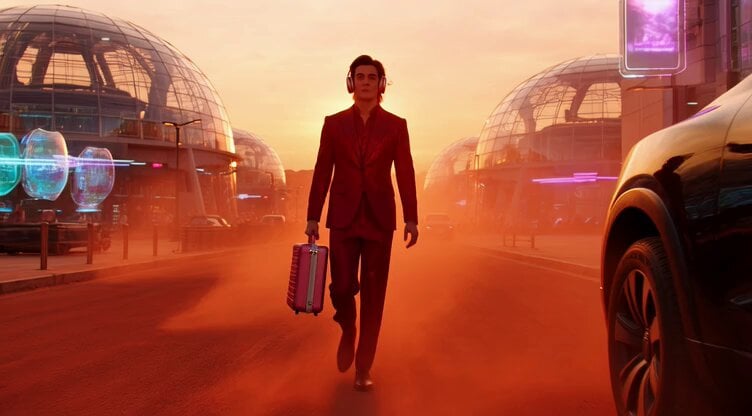
Sci-Fi Fashion on Mars

Outback Road Trip Crocodile Chase
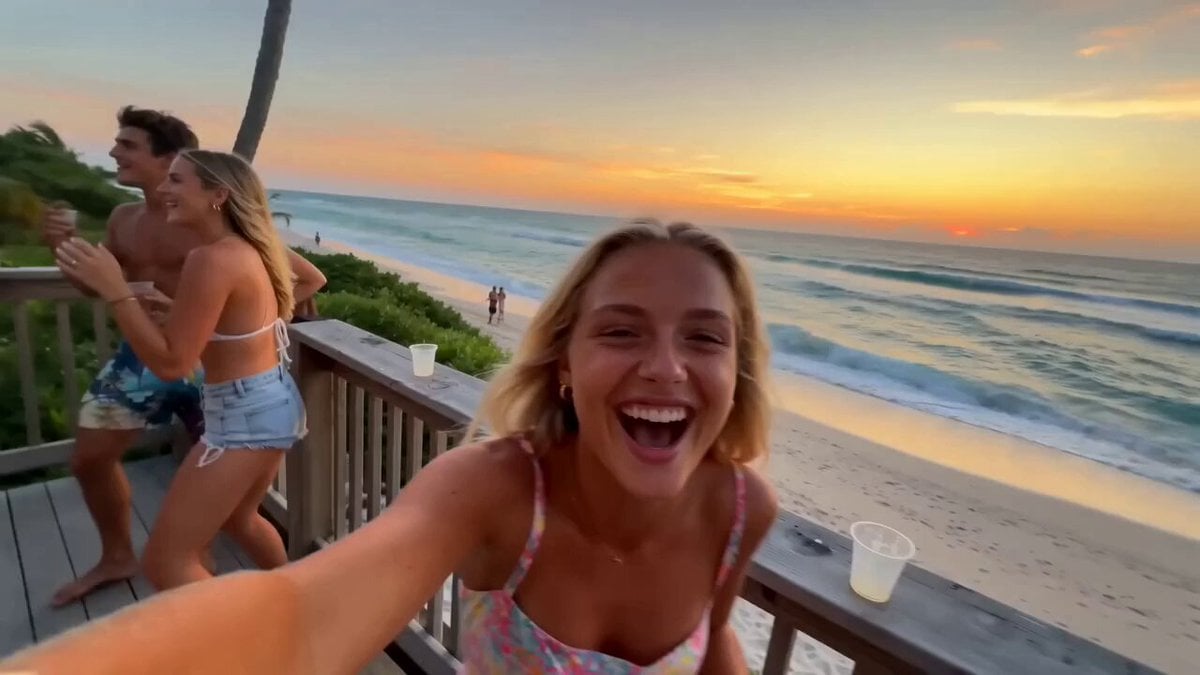
Miami Beach House Party Smartphone Video
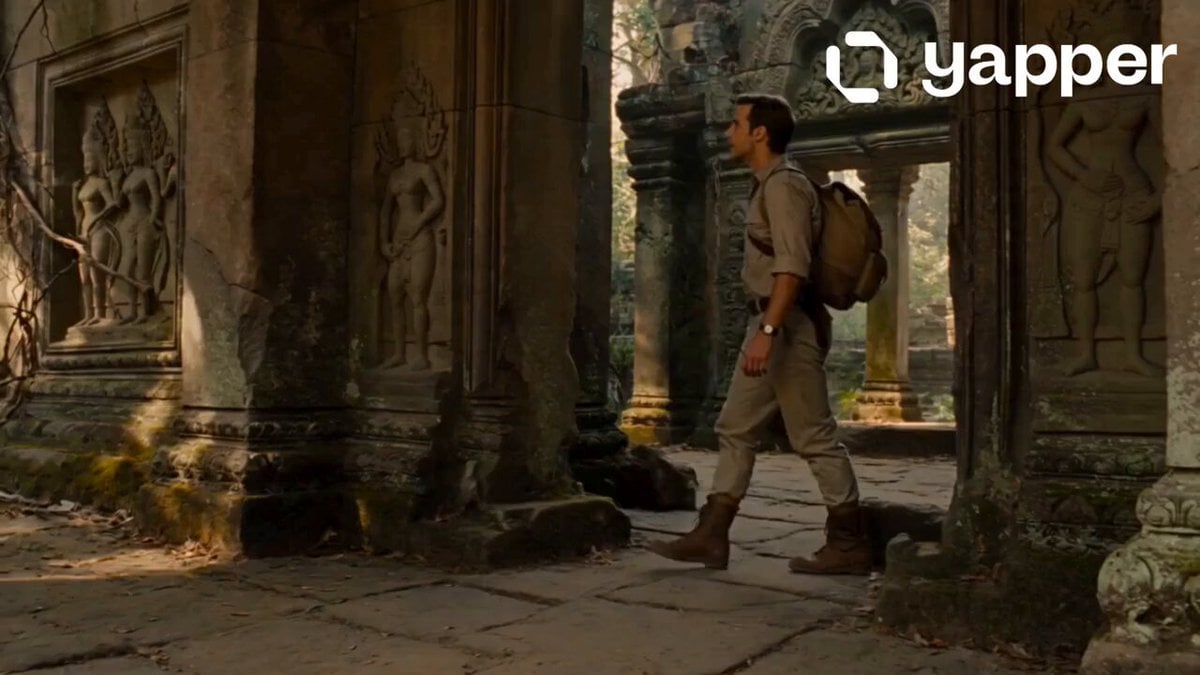
Jungle Temple Explorer Cinematic Video
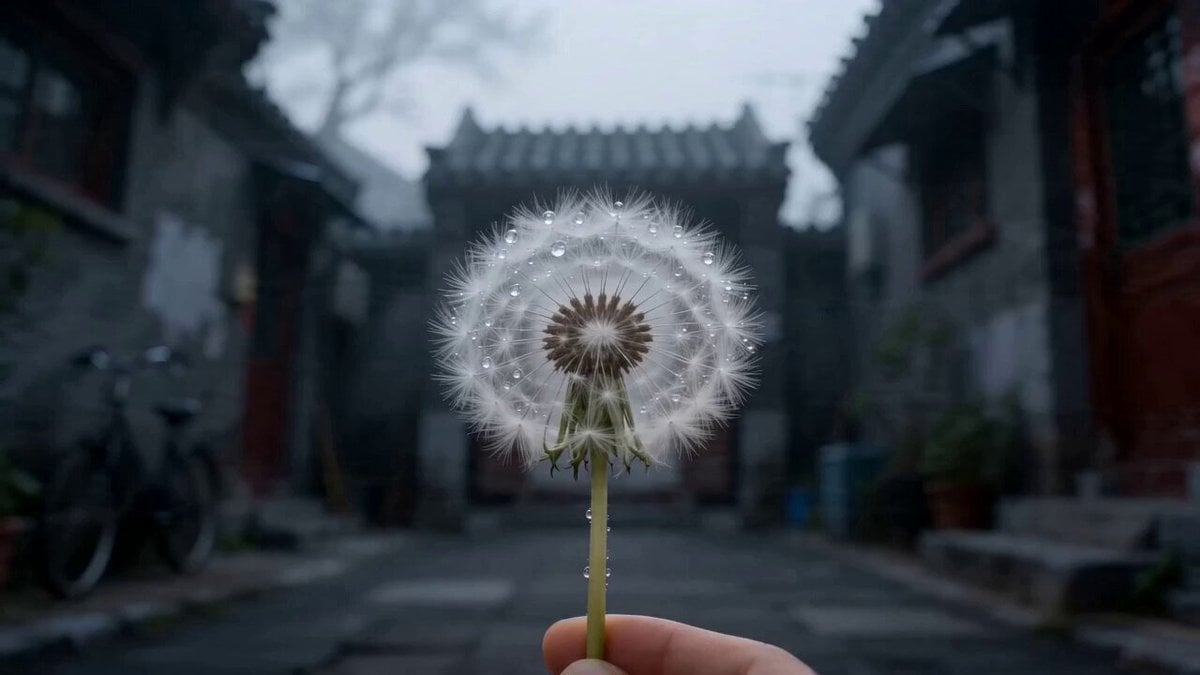
Cinematic Chinese Style City Culture Ad
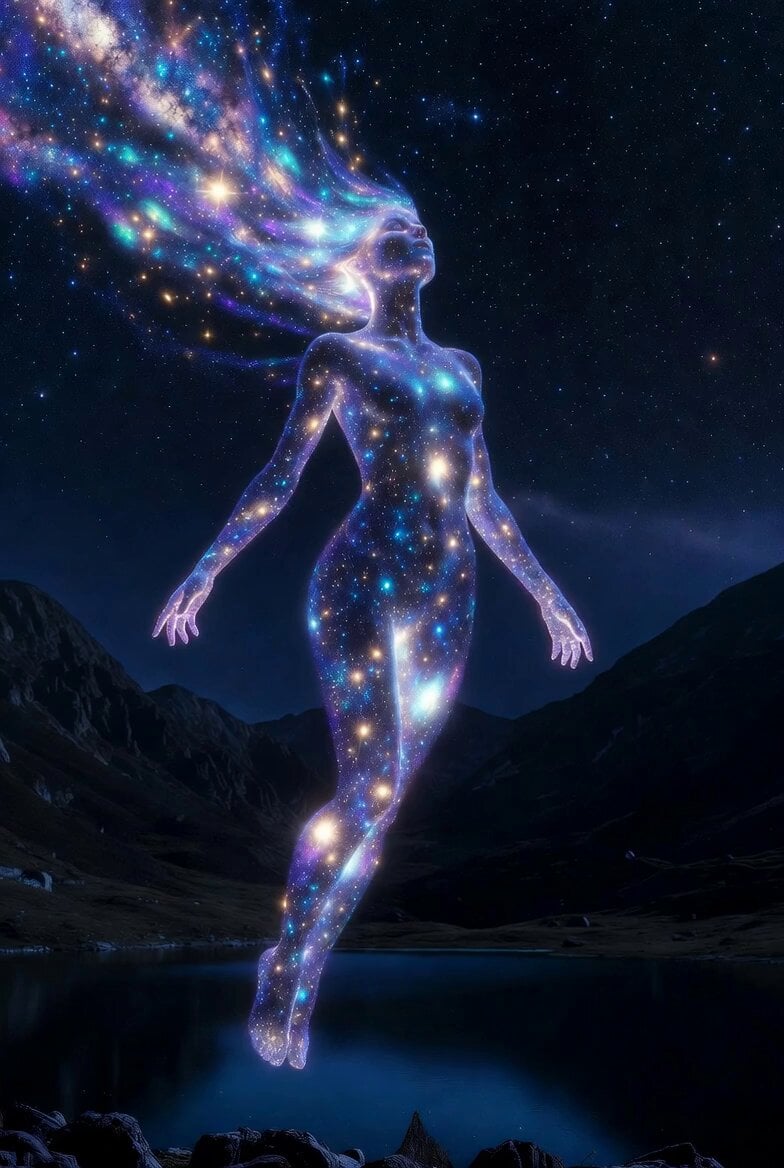
Cosmic Goddess Spirit Above Water
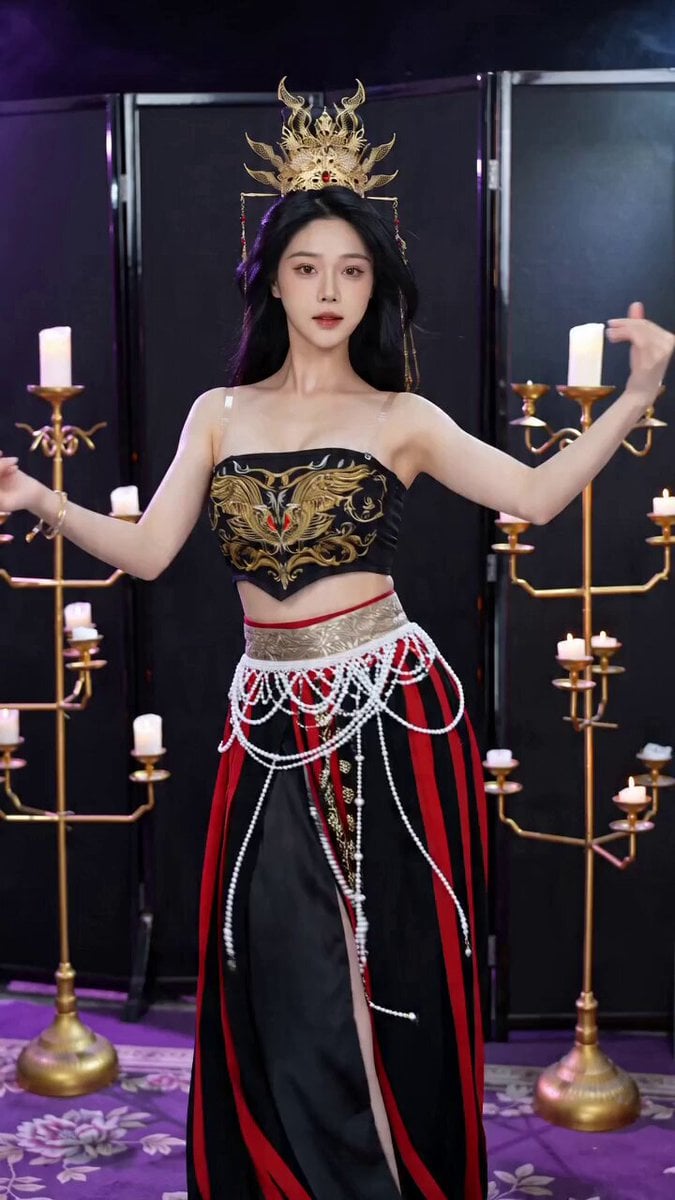
Seedance 2.0 Ancient Style Transformation Video Prompt
Browse template categories
Patagonian Glacier Research Documentary questions
How do I use the Patagonian Glacier Research Documentary template?
Add your photo if the template asks for one, edit the prompt if you like — the template's model and format are already selected — and press Generate. Your version opens in PicX Studio.
Can I customize the Patagonian Glacier Research Documentary template?
Yes. You can change the subject, setting, lighting, mood, format, and available model controls before creating your video.
Is the Patagonian Glacier Research Documentary template free?
Opening and editing this template is free. Generating uses credits, shown on the Generate button when you are signed in.
Which AI model should I use?
Start with Seedance 2.0, which is the model associated with this template. You can compare another compatible model for a different finish.
Looking for something else? Browse all templates.

Your photo, any look
Thousands of ready templates for every top image and video model, from one credit balance.