
Outback Road Trip Crocodile Chase
An intense action sequence depicting a giant crocodile chasing and attacking an SUV on a dusty road in the Australian outback.

- Prompt included
- Model and format preset
- Premium template
The prompt behind this video
Copy the exact prompt behind Outback Road Trip Crocodile Chase, or open it in the studio and make it yours.
Cinematic action horror sequence in the bright sunny Australian outback. A white Ford SUV speeds desperately down a dusty red dirt road, kicking up huge clouds of brown dust. A gigantic, hyper-realistic saltwater crocodile, over 50 feet long with massive armored scales and powerful jaws, aggressively chases and attacks the vehicle. The enormous croc slams into the side of the SUV, bites down on the hood and doors with its huge mouth wide open, revealing rows of sharp teeth, then climbs over the roof and smashes violently against the vehicle. Inside the car, a muscular man in a tank top is driving with a panicked expression, shouting, while a terrified woman in the passenger seat covers her face in fear. Dynamic camera angles switch between exterior tracking shots of the chase, close-ups of the crocodile’s massive head and jaws, and intense interior POV shots from inside the car showing the giant creature lunging toward the windshield. The final shot shows the crocodile’s enormous open mouth crashing directly into the front windshield, cracking the glass dramatically. Bright daylight, dry yellow grass, scattered eucalyptus trees, high-speed action, realistic dust and motion blur, intense Hollywood blockbuster style, photorealistic details, dramatic lighting, 12-second thrilling clip.
How to use Outback Road Trip Crocodile Chase in 3 steps
- 1
Open
The prompt is already in the box next to the preview, with the template's model and format selected.
- 2…a portrait of your subject in softgolden-hour light, 85mm…
Personalize
Edit the subject and creative details for your destination.
- 3Generate
Generate
Press Generate — your video is created in PicX Studio, so you can compare it with the original and refine one variable at a time.
More like this
Templates with the same subject, style or setup. Open one to see its prompt.
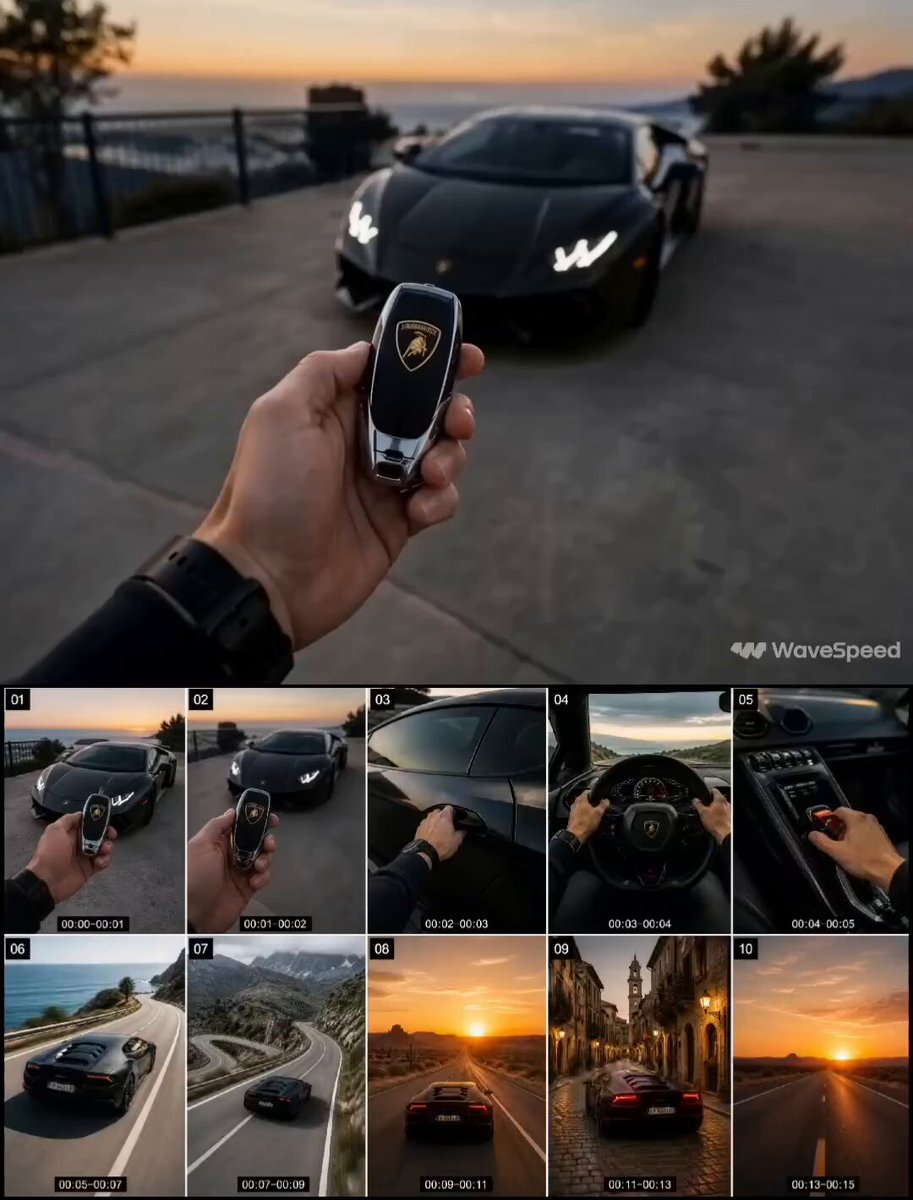
First-Person Luxury Car Roadtrip
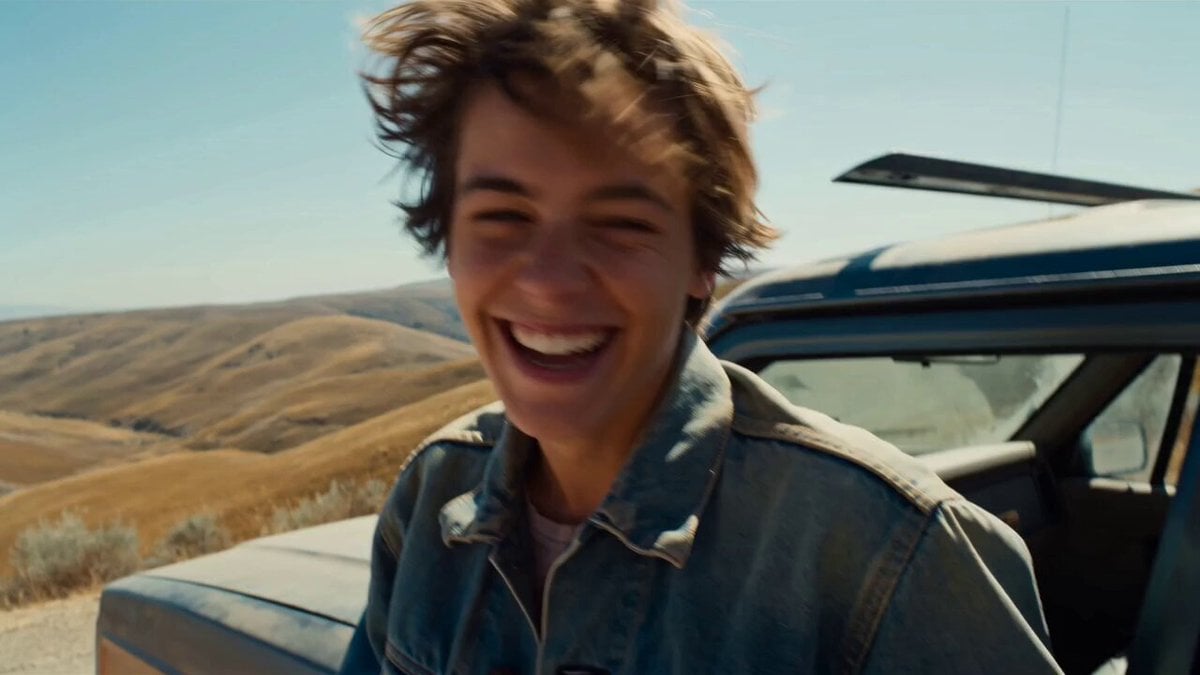
Smartphone Road Trip Vlog Montage

Silk Road Pomegranate Folk Animation
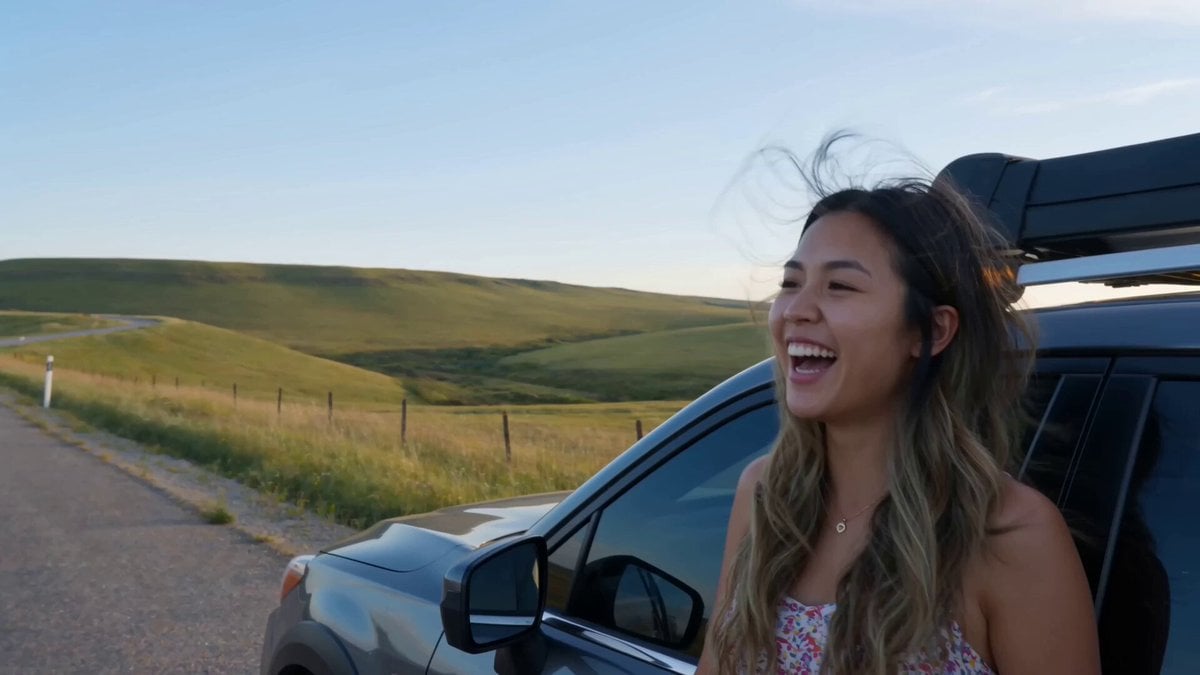
Handheld Smartphone Road Trip Montage

Cartoon Donut Heist Bakery Chase
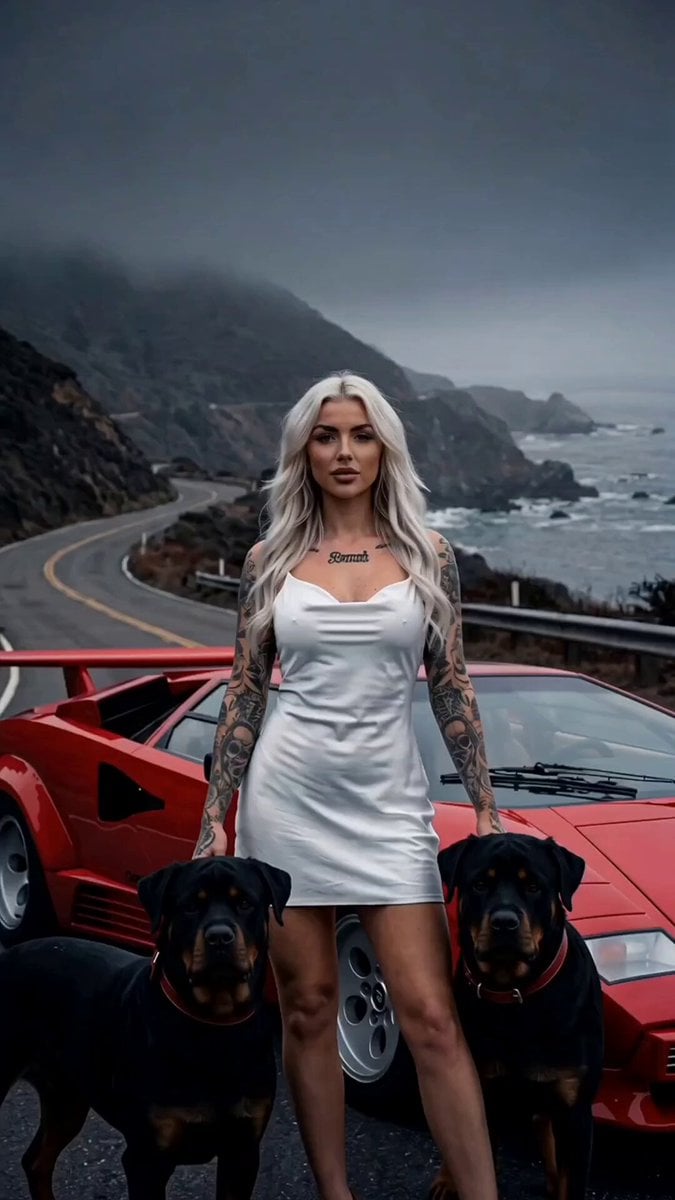
Luxury Coast Road Trip Shot Sequence
American Vlog Road Trip Collage
Mega Crocodile Swamp Spider Chase

Walking Factory with Rebel on Hoverbike - Wasteland
Golden Hour Road Trip Cinematic Scene
Amazon FPV Drone Chase — Seedance 2.0
Dim Sum Chase — Shrimp Dumpling Monster
Make it yours
Outback Road Trip Crocodile Chase works as-is. These are the safest ways to change it without losing the look.
Change one field
Copy a single group, rewrite it, and generate again so you can see what that field is doing.
Keep the frame, change the subject
Hold the composition and light of Outback Road Trip Crocodile Chase, then swap wardrobe, props or the person for a new take.
| If the result… | Why | Fix |
|---|---|---|
| The result drifts from the preview | Too many fields changed at once. | Reuse Outback Road Trip Crocodile Chase as-is first, then change one group — subject, light, or setting. |
| The model over-stylizes the scene | The prose prompt leaves finish and camera underspecified. | Add one camera or lighting sentence and stay on Seedance 2.0. |
More Seedance 2.0 templates
Other prompts made for Seedance 2.0.

Comical Martial Arts Punch Scene

Maglev Train Action Sequence

Martial Arts Fight Sequence

Wuxia Protection and Trust Script

Vintage Korean Arcade MiniDV Vlog

Mercedes 190 SL Luxury Ad

Rainy Night Supernatural Reverse Comedy Video Script

Amazon Civilization Discovery

Futuristic South Asian City Transformation

Cozy Luxury Cafe Commercial
More video prompts
Fresh picks from across the catalog.
Mechanical Keyboard Hidden Miniature World
Paper Quilling Nature Scene

Seedance 2.0 Prompt for 'Card Check' Transition Video
Fantasy Title Sequence Animation Prompt

Parallel Self Encounter
Nano Banana Seedance Environment Render Walk

Second Daily Vlog Style Video of a Girl in a Cozy Bedroom
Synth Pulse and Gravel-Road Growl Video Prompt
1984 Showa Era Home Video
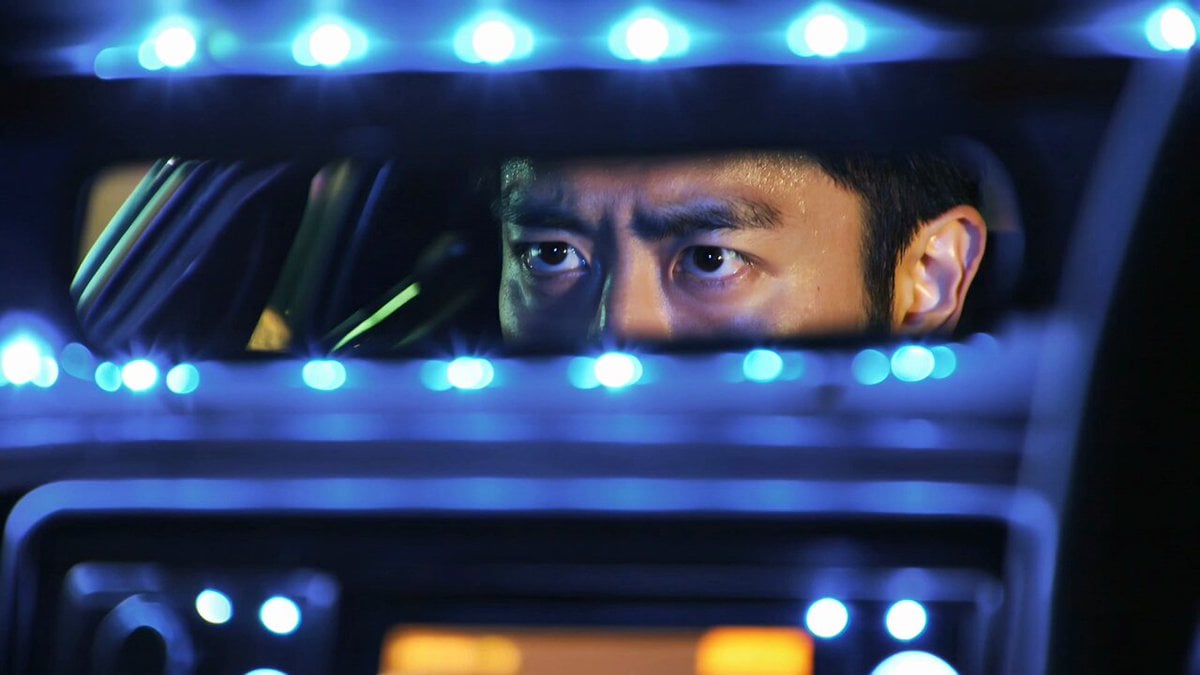
Kling 3.0 Tokyo Street Racing Multi-Shot Prompt
Browse template categories
Outback Road Trip Crocodile Chase questions
How do I use the Outback Road Trip Crocodile Chase template?
Add your photo if the template asks for one, edit the prompt if you like — the template's model and format are already selected — and press Generate. Your version opens in PicX Studio.
Can I customize the Outback Road Trip Crocodile Chase template?
Yes. You can change the subject, setting, lighting, mood, format, and available model controls before creating your video.
Is the Outback Road Trip Crocodile Chase template free?
Opening and editing this template is free. Generating uses credits, shown on the Generate button when you are signed in.
Which AI model should I use?
Start with Seedance 2.0, which is the model associated with this template. You can compare another compatible model for a different finish.
Looking for something else? Browse all templates.

Your photo, any look
Thousands of ready templates for every top image and video model, from one credit balance.