
Han River Bicycle Influencer Vlog
A fast-paced influencer vlog prompt for Seedance 2.0 featuring a male character riding a bicycle at Han River and eating ramen, with specific shot timing and camera instructions.

- Prompt included
- Model and format preset
- Free template
The prompt behind this video
Copy the exact prompt behind Han River Bicycle Influencer Vlog, or open it in the studio and make it yours.
Character Consistency: The subject is the young male influencer from the reference image. The face shape, facial features, and skin tone must match the reference image exactly in every time period and from every angle. Do not alter or distort the face. Outfit: Wear stylish and luxurious black casual, streetwear, or suit outfits in every scene. Do not wear the outfit from the character reference sheet. Completely change the outfit and hairstyle for each segment. Format: 9:16 vertical. Camera / Style: Fast editing rhythm with cuts every 0.5 to 1 second. iPhone handheld vertical shooting texture. Mix digital zoom in, zoom out, and tilt up, with natural camera shake. Include autofocus hunting, indoor and outdoor lighting exposure changes, and image quality degradation during zoom adjustments. Preserve real skin texture including pores, beard shadow, flyaway hairs, and natural skin oil. Do not use beauty filters, excessive skin retouching, CGI textures, or cinematic color grading. Do not merge cuts or omit scenes. Do not insert on screen text. Sound: Trendy hip hop or R&B background music mixed with natural environmental sounds such as street noise, footsteps, and everyday ambient sounds. --- Han River Bicycle Ride & Instant Ramen Mukbang 0 to 2 seconds: [Yeouinaru Station Exit] Handheld low angle selfie shot walking quickly up the stairs while holding a bicycle helmet in your hand. 2 to 4 seconds: [Bicycle Rental Station] Tight shot of tanned hands checking the bicycle chain, followed by a transition to a sporty face adjusting sunglasses while getting onto the bicycle seat. 4 to 6 seconds: [Bicycle Path] Tight shot of feet rotating the pedals, followed by dynamic high speed front and side cross cuts riding with the Han River bridge in the background. 6 to 8 seconds: [Han River Convenience Store] Hands placing an instant ramen cup into the ramen cooking machine, followed by a tilt up through the steam from the boiling ramen to a face swallowing in anticipation. 8 to 10 seconds: [On a Picnic Mat] Close up lifting a large portion of ramen with chopsticks, followed by a satisfied reaction after eating the hot ramen and drinking a carbonated beverage. 10 to 12 seconds: [Riverside Walking Path] Natural handheld tracking shot walking slowly on the gravel path while pushing the bicycle beside you and looking toward the sunset. 12 to 15 seconds: [In Front of Mapo Bridge] Standing while leaning on the bicycle handlebars with the red sunset behind you, making a peace sign toward the camera. End with a front facing full body shot frozen on the final frame.
How to use Han River Bicycle Influencer Vlog in 3 steps
- 1Upload ImagePNG, JPG or paste
Add your photo
Upload the photo the template builds on. The prompt, model and format are already set.
- 2…a portrait of your subject in softgolden-hour light, 85mm…
Personalize
Edit the subject and creative details for your destination.
- 3Generate
Generate
Press Generate — your video is created in PicX Studio, so you can compare it with the original and refine one variable at a time.
More like this
Templates with the same subject, style or setup. Open one to see its prompt.
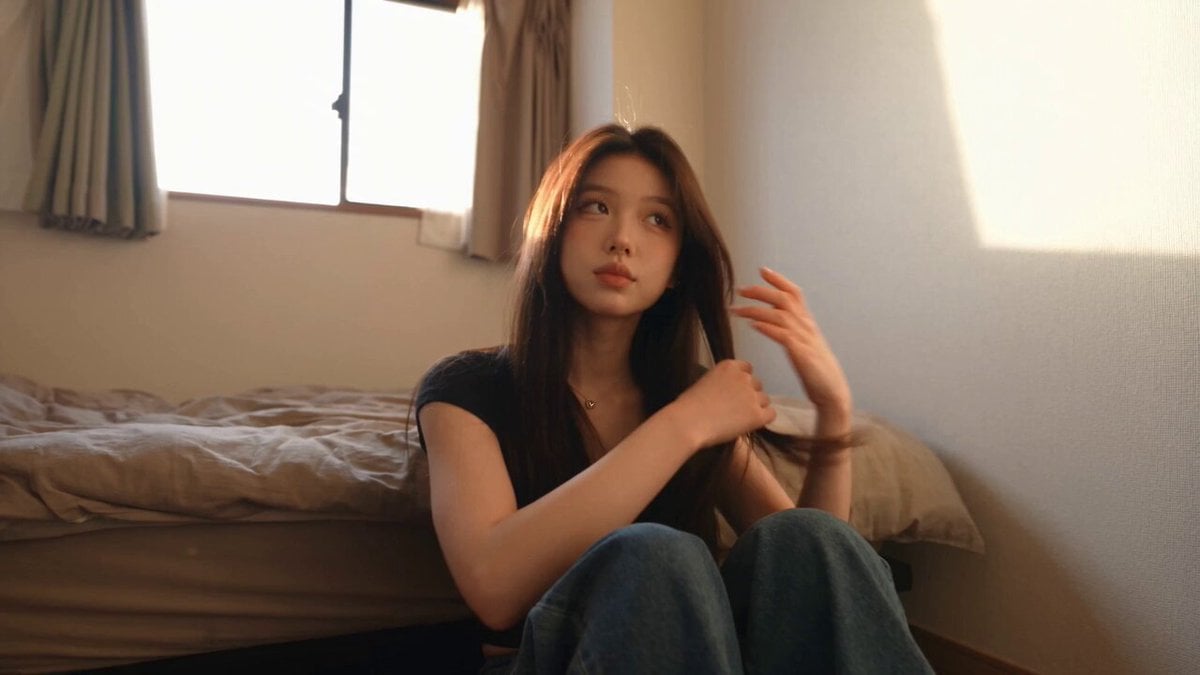
Handheld Tokyo Travel Vlog - Seedance 2.5
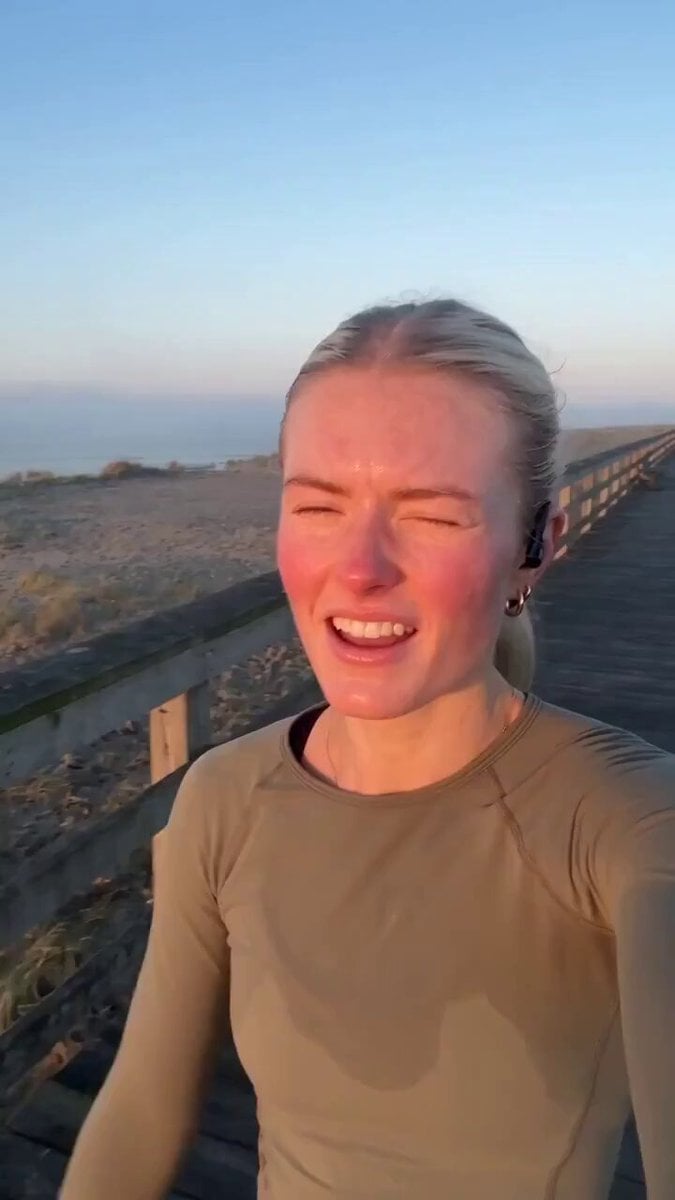
Handheld Scandinavian Influencer Running Vlog
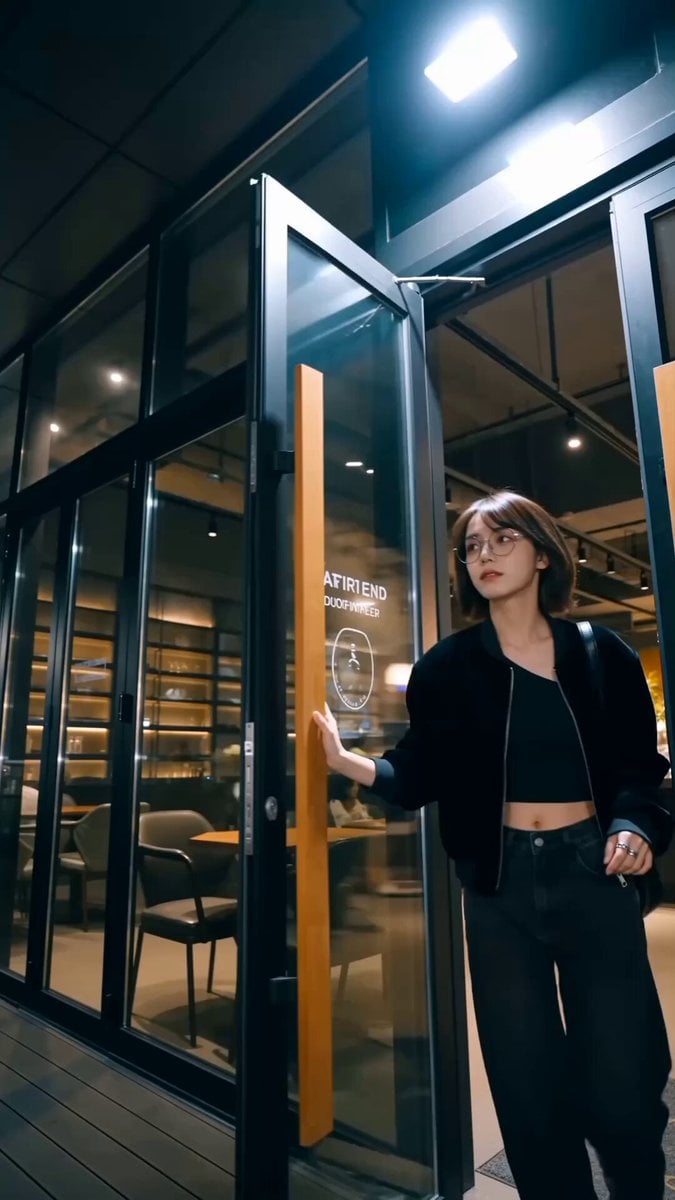
Handheld Influencer Night Vlog
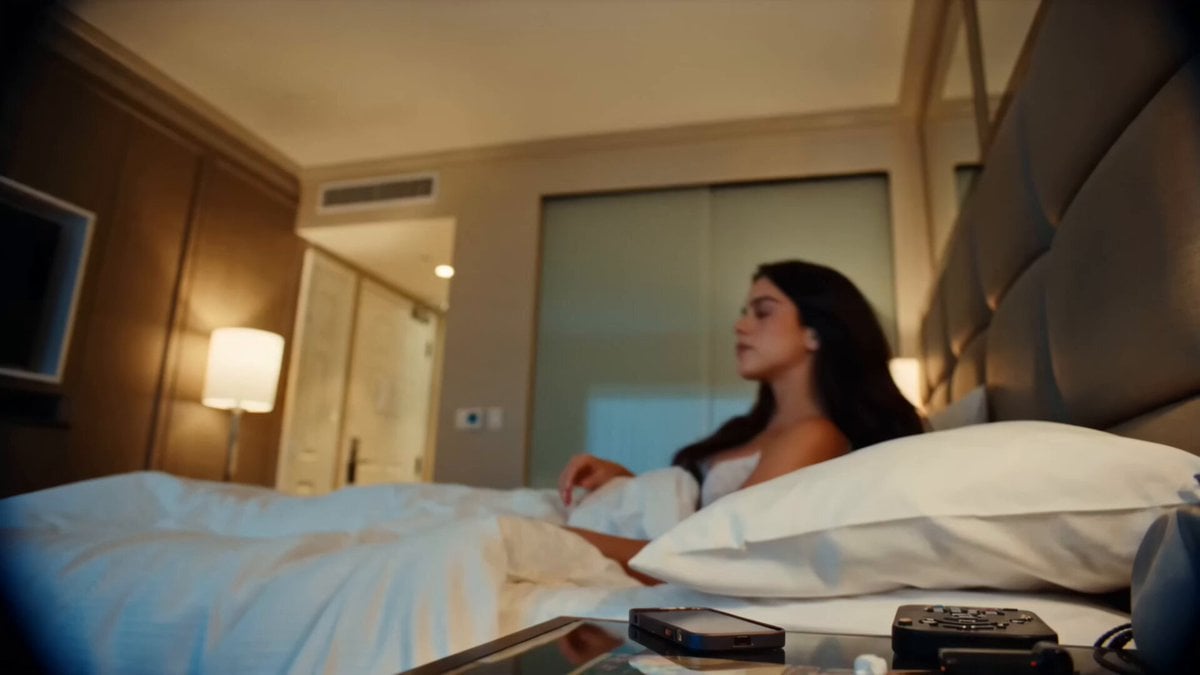
Handheld DV Influencer Montage
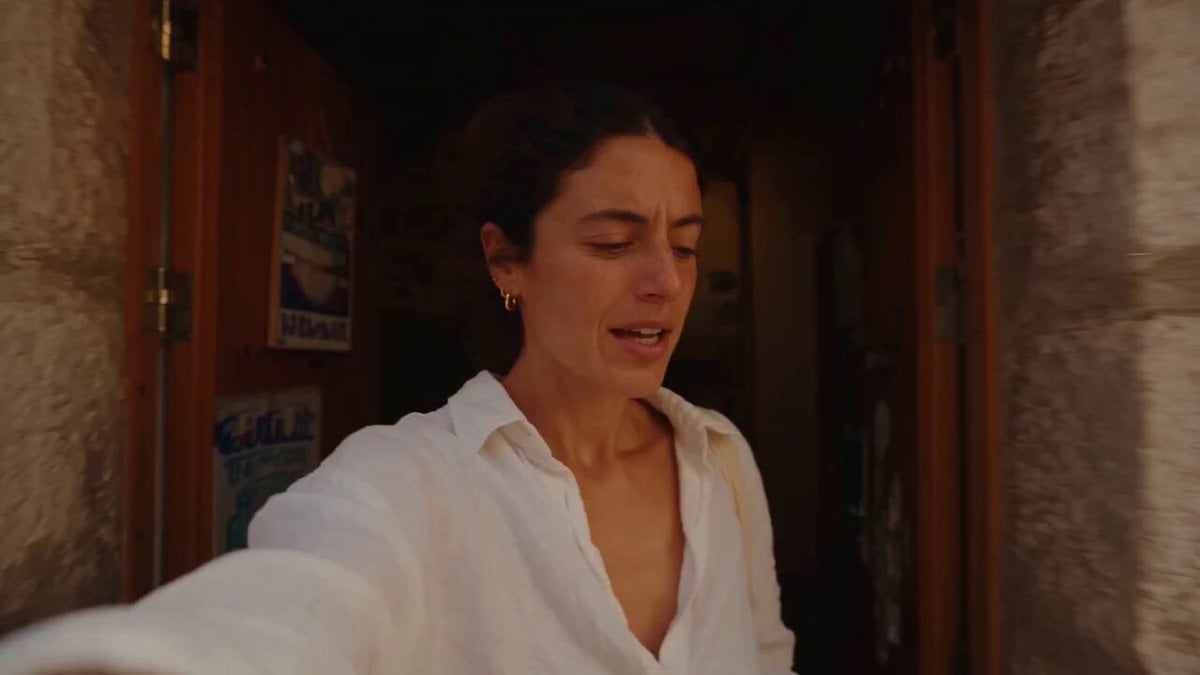
Mediterranean Coffee Run Vlog - Seedance 2.5

Mysterious Home Exploration Vlog - Seedance 2.5
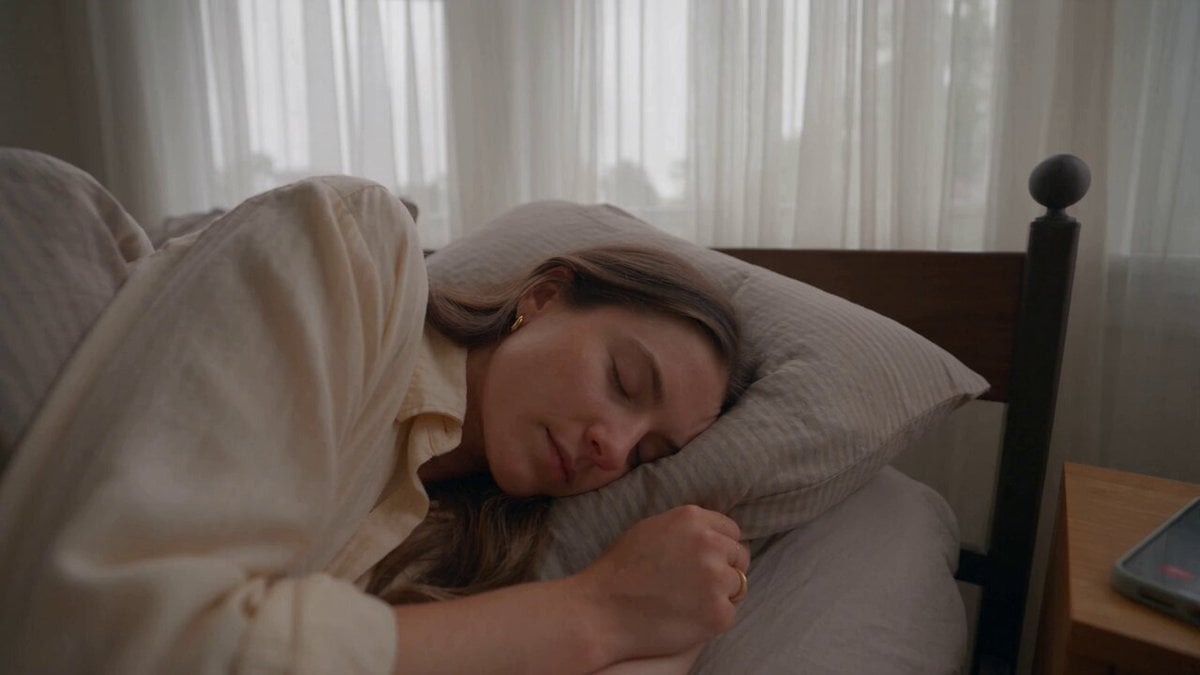
Realistic Morning Routine Lifestyle Vlog - Seedance 2.5
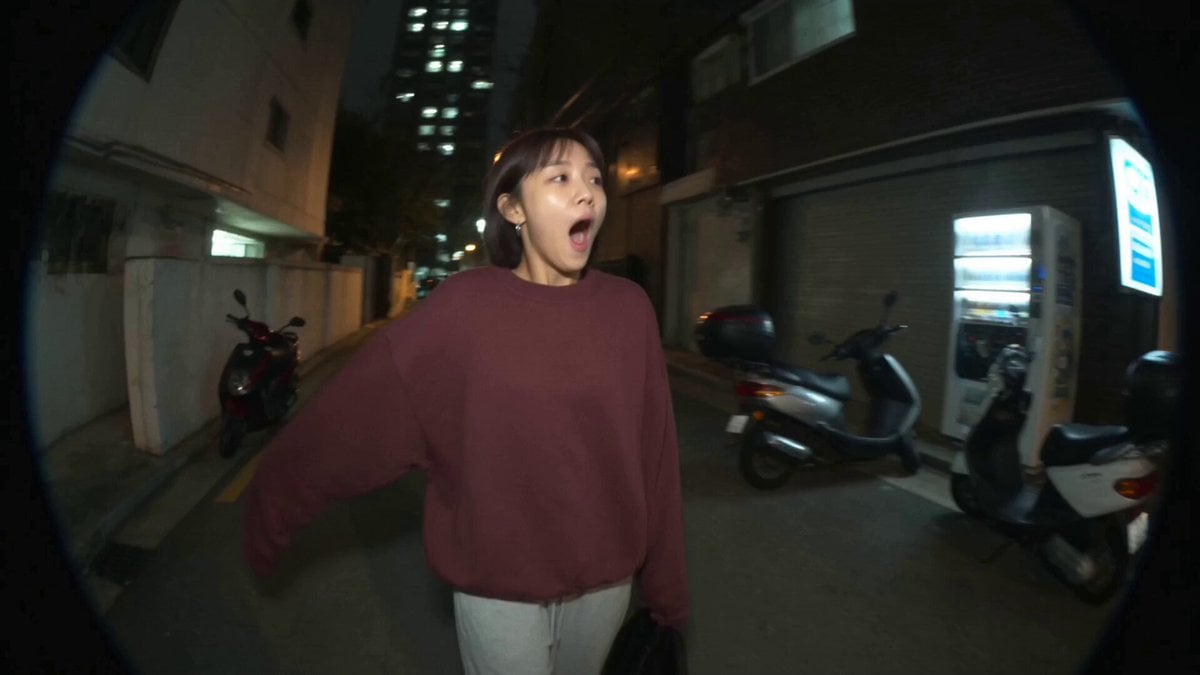
Nostalgic MiniDV Convenience Store Vlog - Seedance 2.5
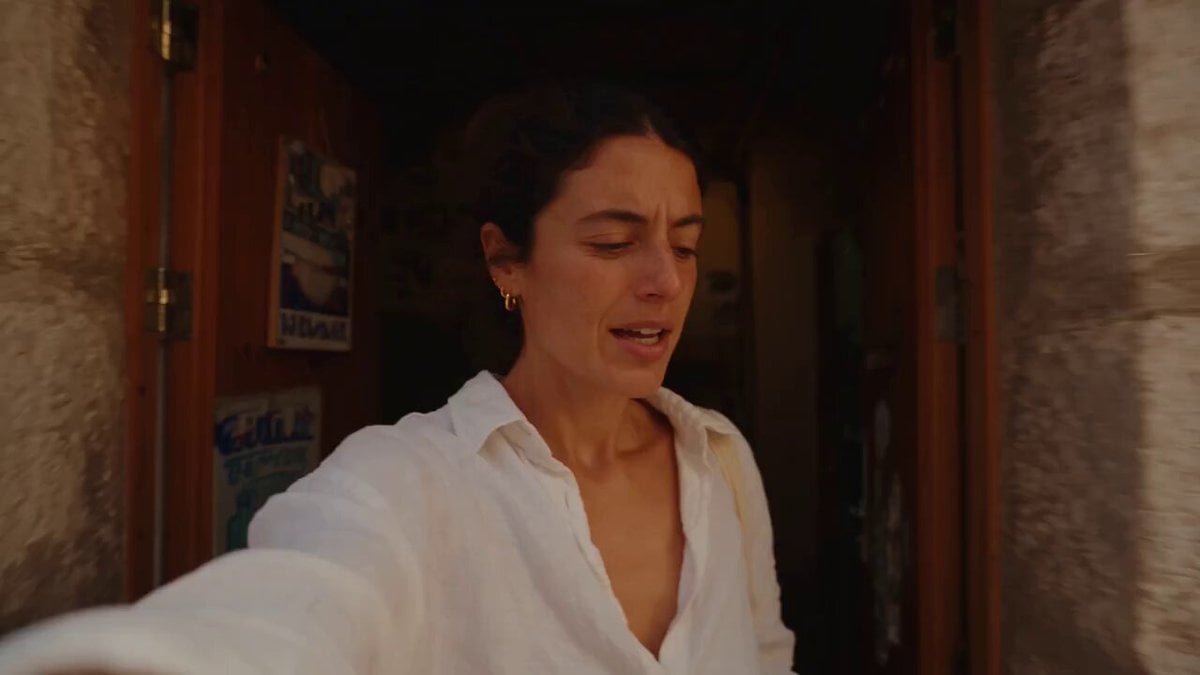
Mediterranean Morning Coffee Run Vlog (Seedance 2.5)
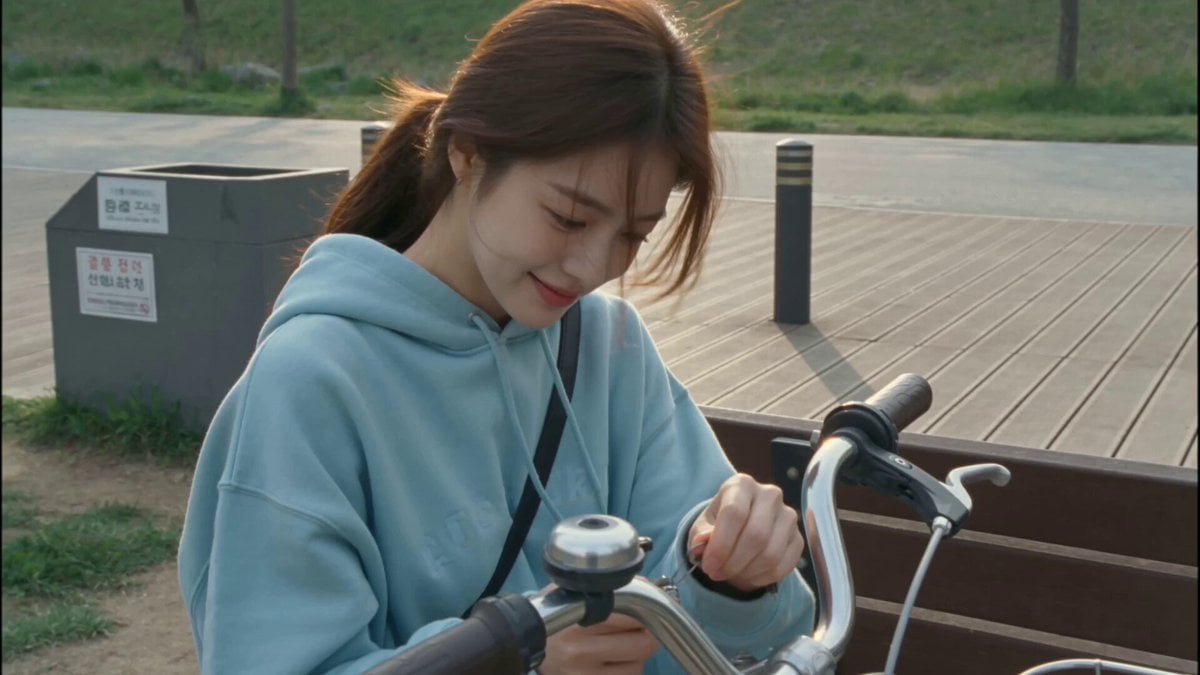
2000s MiniDV Han River Cycle
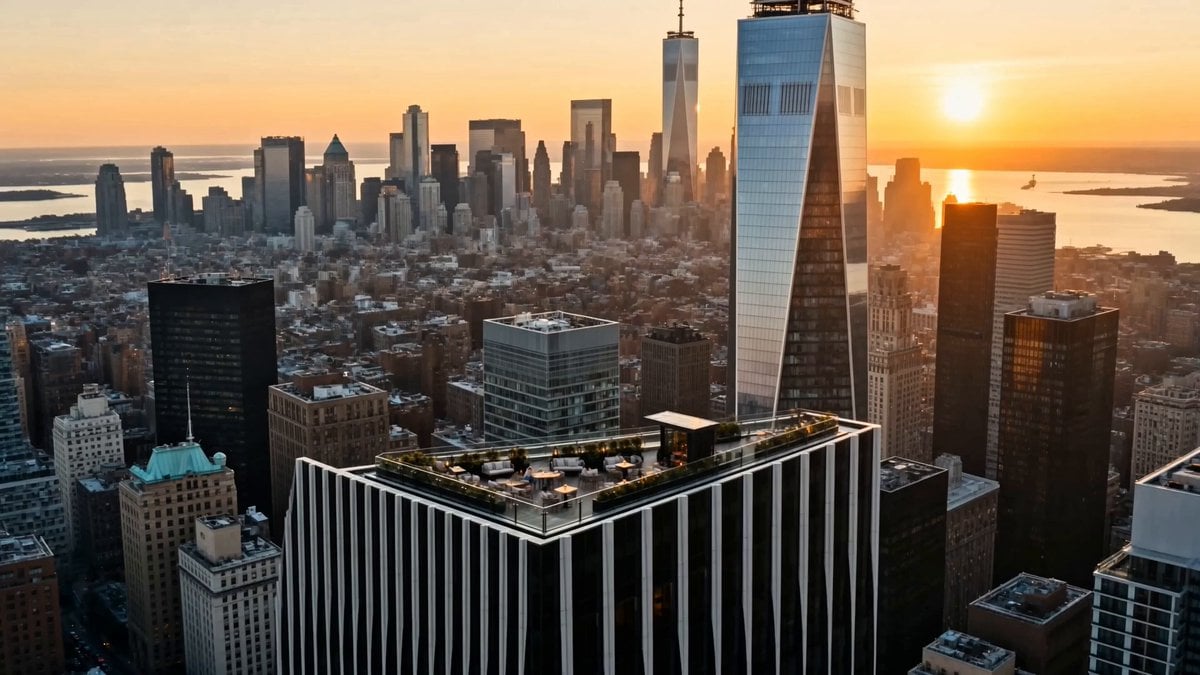
Luxury Lifestyle Day Vlog
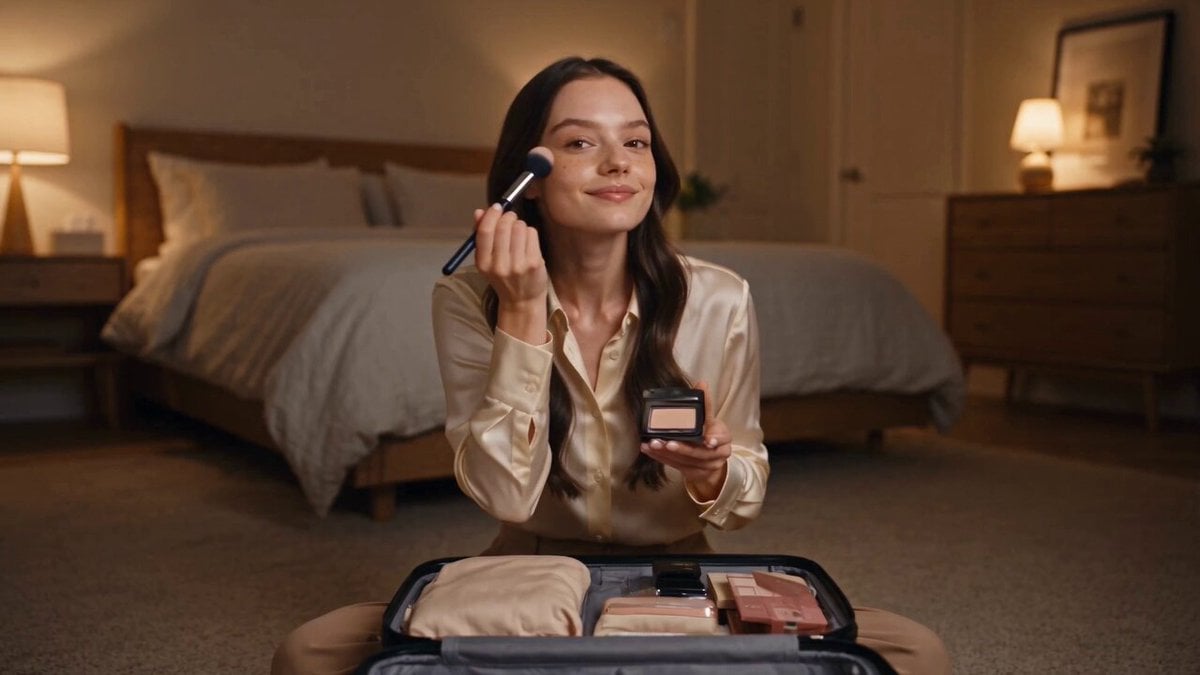
Luxury Airport Travel Vlog
Make it yours
Han River Bicycle Influencer Vlog works as-is. These are the safest ways to change it without losing the look.
Change one field
Copy a single group, rewrite it, and generate again so you can see what that field is doing.
Keep the frame, change the subject
Hold the composition and light of Han River Bicycle Influencer Vlog, then swap wardrobe, props or the person for a new take.
| If the result… | Why | Fix |
|---|---|---|
| The result drifts from the preview | Too many fields changed at once. | Reuse Han River Bicycle Influencer Vlog as-is first, then change one group — subject, light, or setting. |
| The model over-stylizes the scene | The prose prompt leaves finish and camera underspecified. | Add one camera or lighting sentence and stay on Seedance 2.0. |
More Seedance 2.0 templates
Other prompts made for Seedance 2.0.

Comical Martial Arts Punch Scene

Maglev Train Action Sequence

Martial Arts Fight Sequence

Wuxia Protection and Trust Script

Vintage Korean Arcade MiniDV Vlog

Mercedes 190 SL Luxury Ad

Rainy Night Supernatural Reverse Comedy Video Script

Amazon Civilization Discovery

Futuristic South Asian City Transformation

Cozy Luxury Cafe Commercial
More video prompts
Fresh picks from across the catalog.
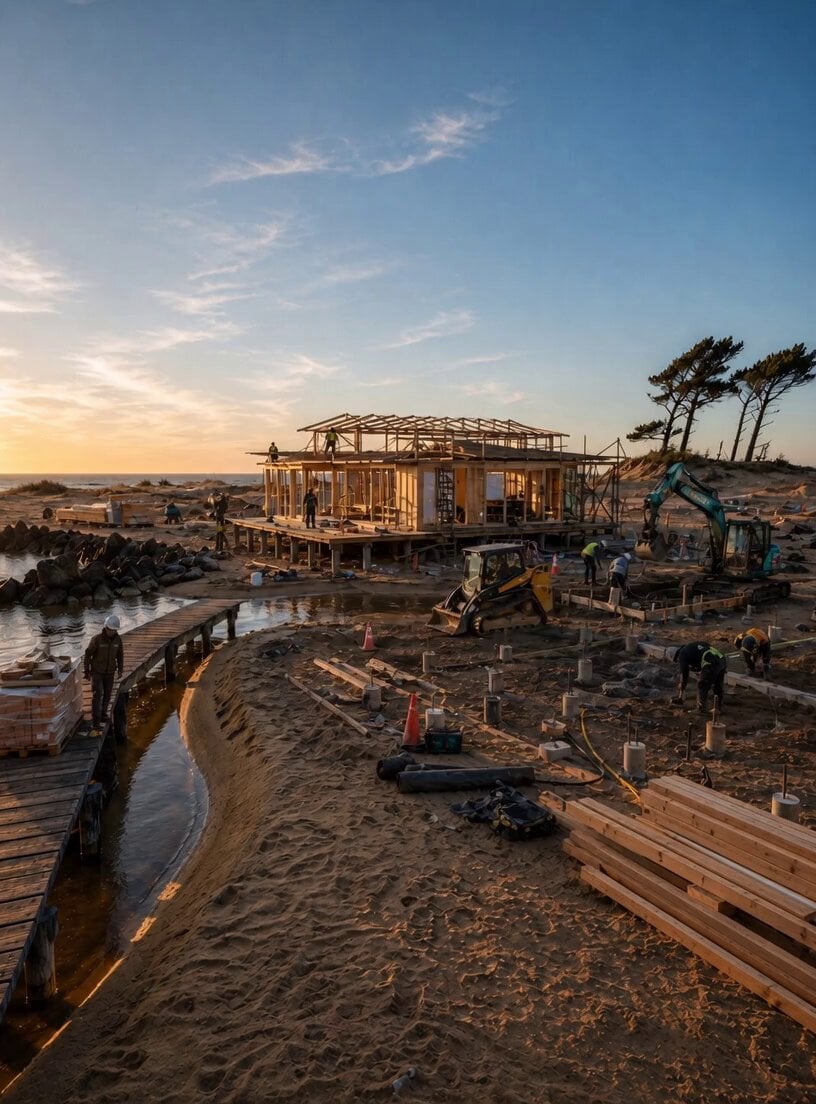
Shore-side Scene Lock Technical Prompt
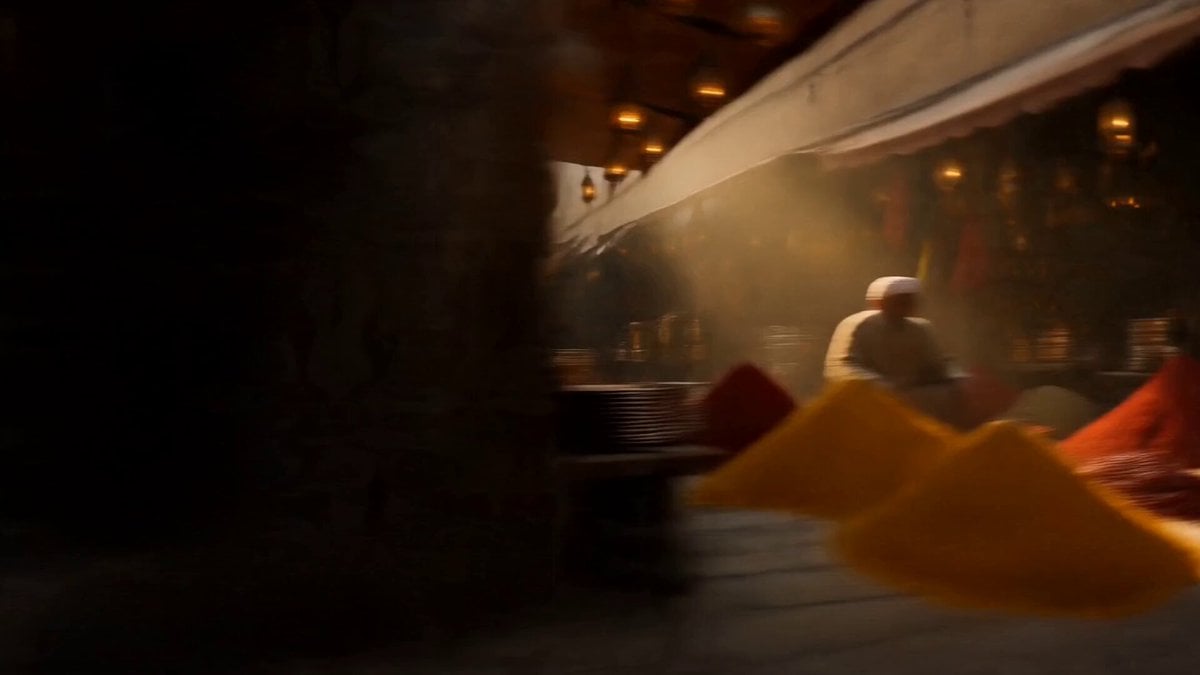
Vintage 1960s Cairo Bazaar
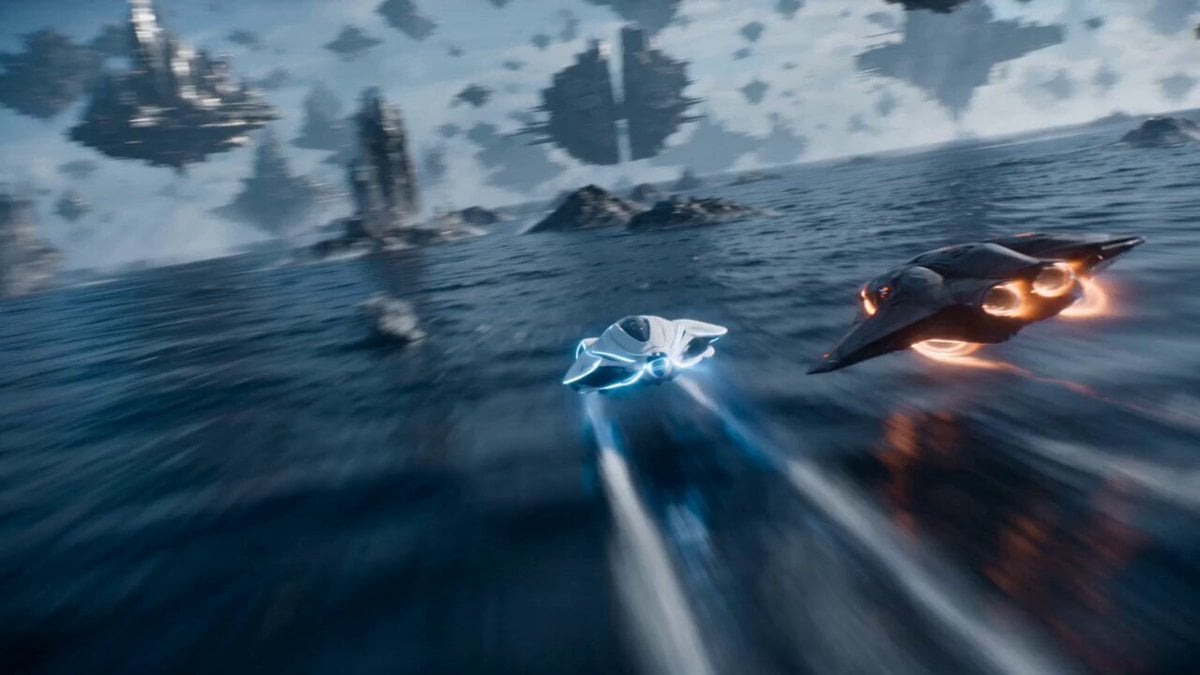
Magnetic Archipelago Sci-Fi Animation

Cyberpunk Demonic Cyborg Warlord
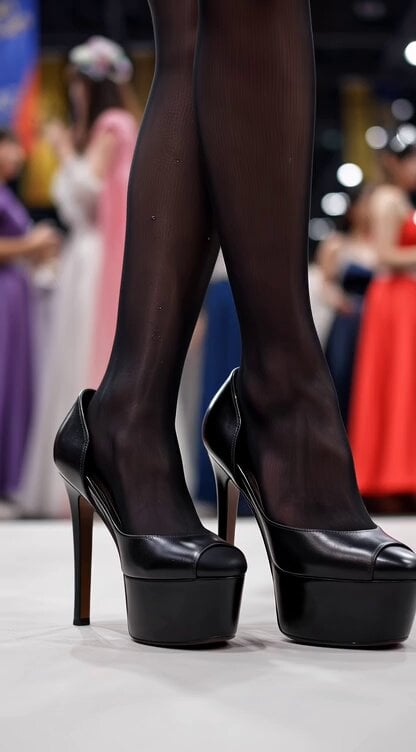
Video generation prompt for a cosplay model's foot and leg focus

Pixar-Inspired Animated Short of Anthropomorphic Breakfast Items
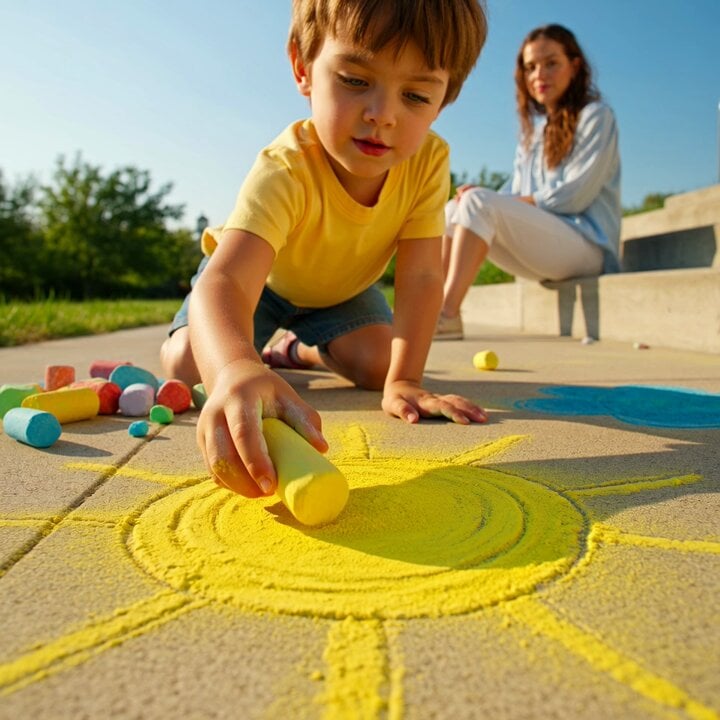
Grok Imagine video prompt: Child Drawing Chalk on Sidewalk
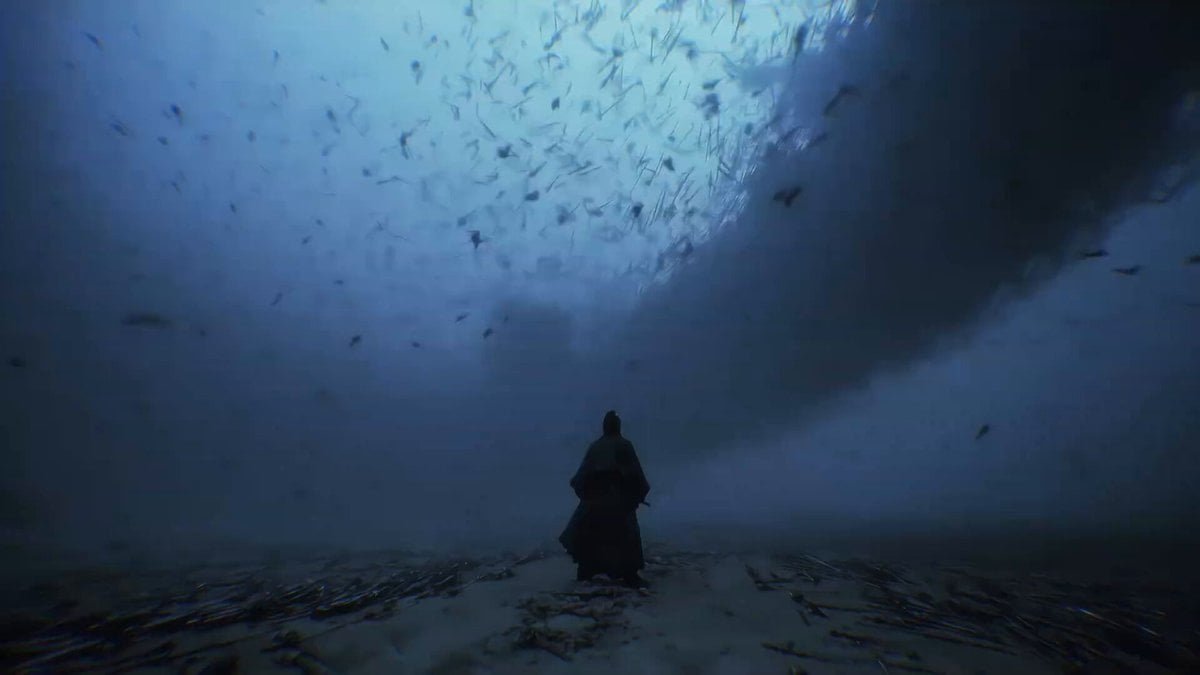
Martial Arts World with Dragons
Reverse Destruction Magic Assembly
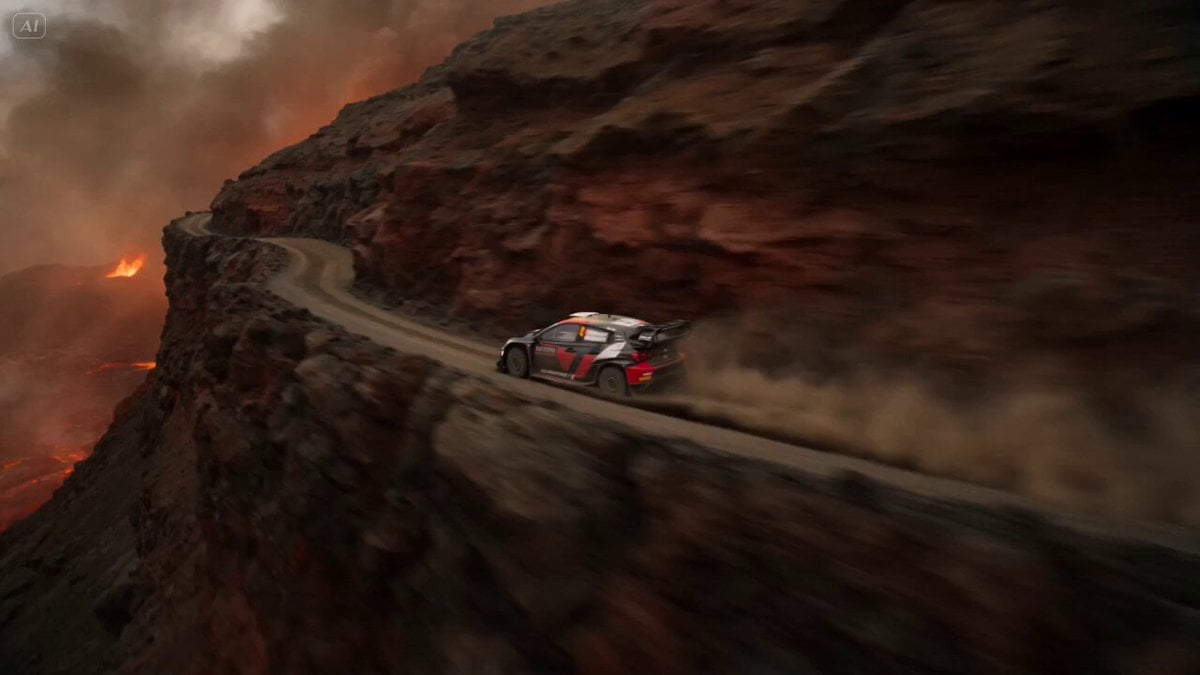
Volcanic Rally Stunt Ejection
Browse template categories
Han River Bicycle Influencer Vlog questions
How do I use the Han River Bicycle Influencer Vlog template?
Add your photo if the template asks for one, edit the prompt if you like — the template's model and format are already selected — and press Generate. Your version opens in PicX Studio.
Can I customize the Han River Bicycle Influencer Vlog template?
Yes. You can change the subject, setting, lighting, mood, format, and available model controls before creating your video.
Is the Han River Bicycle Influencer Vlog template free?
Opening and editing this template is free. Generating uses credits, shown on the Generate button when you are signed in.
Which AI model should I use?
Start with Seedance 2.0, which is the model associated with this template. You can compare another compatible model for a different finish.
Looking for something else? Browse all templates.

Your photo, any look
Thousands of ready templates for every top image and video model, from one credit balance.