
Magnetic Archipelago Sci-Fi Animation
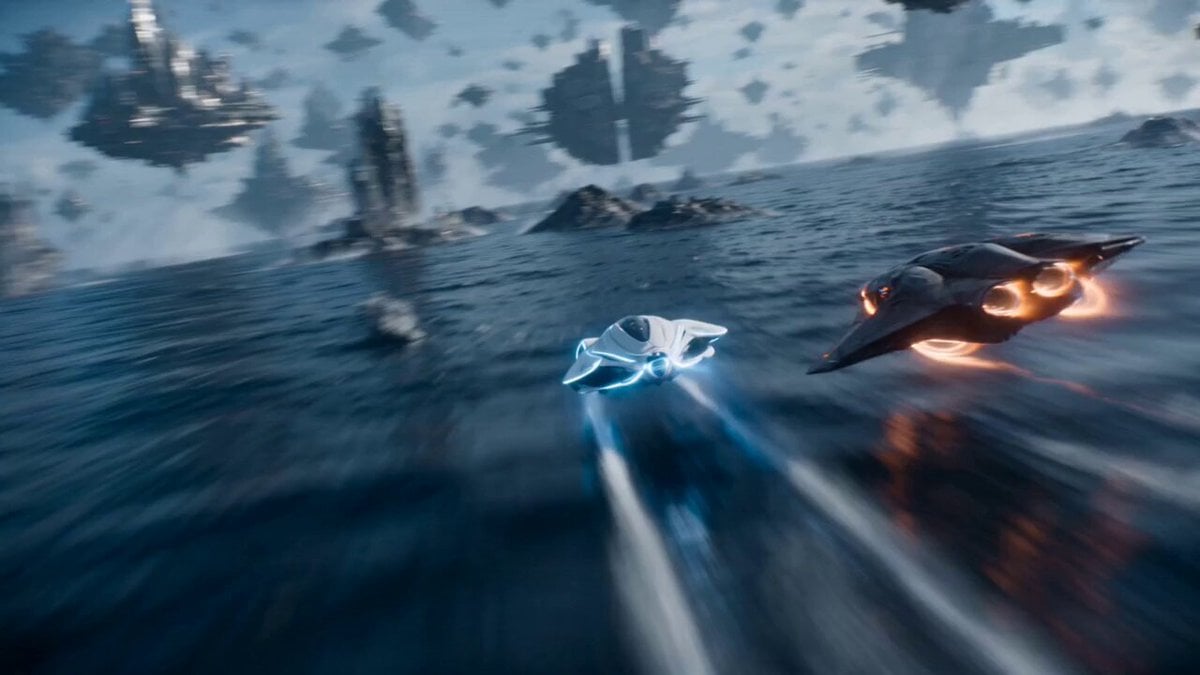
A complex multi-shot sci-fi animation prompt describing a magnetic archipelago with floating metallic islands and high-speed flight craft weaving through shifting terrain.
- Prompt included
- Model and format preset
- Premium template
The prompt behind this video
Copy the exact prompt behind Magnetic Archipelago Sci-Fi Animation, or open it in the studio and make it yours.
SHOT 1 Camera is already racing just above a vast sky-sea made of floating metallic islands suspended in a magnetic field, each island slowly drifting and rotating like ships frozen in time. Two high-speed flight craft skim across the surface layer between islands, one white with blue energy lines and one dark graphite with orange magnetic pulses, weaving through shifting terrain that rises and sinks unpredictably. SHOT 2 The white craft slips between two massive floating landplates as they slide apart. The dark craft follows through the narrowing gap. Camera tilts and rolls as entire islands rotate like gears around them. SHOT 3 They drop into a low corridor formed by stacked magnetic debris fields, where floating metal fragments orbit like storms. The camera stays tight, threading through spinning structures and drifting industrial ruins held together by invisible force fields. SHOT 4 Inside a transparent control sphere embedded in a floating island, a lone operator floats weightless, watching as the craft streak past outside. Reflections ripple across the curved glass as islands rotate around the capsule. SHOT 5 The craft ascend through a vertical magnetic lift zone where islands align into a spiral staircase in mid-air. Camera corkscrews upward with them. SHOT 6 They exit above the magnetic sea, revealing thousands of floating islands slowly rotating in synchronized orbital motion across the horizon.
How to use Magnetic Archipelago Sci-Fi Animation in 3 steps
- 1
Open
The prompt is already in the box next to the preview, with the template's model and format selected.
- 2…a portrait of your subject in softgolden-hour light, 85mm…
Personalize
Edit the subject and creative details for your destination.
- 3Generate
Generate
Press Generate — your video is created in PicX Studio, so you can compare it with the original and refine one variable at a time.
More like this
Templates with the same subject, style or setup. Open one to see its prompt.

Sci-Fi Disaster Movie Scene - Seedance 2.5

3D Glossy Fairy Animation - Seedance 2.5

Silk Road Pomegranate Folk Animation

Multilingual Creative Typography Loop

Walking Factory with Rebel on Hoverbike - Wasteland
Cartoon Bullfight Arena — Girl vs Bull (Seedance)
Dim Sum Chase — Shrimp Dumpling Monster
80s Sci-Fi Practical Effects Scene Prompt
Magic City Fantasy Battle Animation
Seasonal Path Transition Animation
Multidimensional Glitch Morphing Animation
Sci-Fi Horror Hospital Alien Scene
Make it yours
Magnetic Archipelago Sci-Fi Animation works as-is. These are the safest ways to change it without losing the look.
Change one field
Copy a single group, rewrite it, and generate again so you can see what that field is doing.
Keep the frame, change the subject
Hold the composition and light of Magnetic Archipelago Sci-Fi Animation, then swap wardrobe, props or the person for a new take.
| If the result… | Why | Fix |
|---|---|---|
| The result drifts from the preview | Too many fields changed at once. | Reuse Magnetic Archipelago Sci-Fi Animation as-is first, then change one group — subject, light, or setting. |
| The model over-stylizes the scene | The prose prompt leaves finish and camera underspecified. | Add one camera or lighting sentence and stay on Seedance 2.0. |
More Seedance 2.0 templates
Other prompts made for Seedance 2.0.

Comical Martial Arts Punch Scene

Maglev Train Action Sequence

Martial Arts Fight Sequence

Wuxia Protection and Trust Script

Vintage Korean Arcade MiniDV Vlog

Mercedes 190 SL Luxury Ad

Rainy Night Supernatural Reverse Comedy Video Script

Amazon Civilization Discovery

Futuristic South Asian City Transformation

Cozy Luxury Cafe Commercial
More video prompts
Fresh picks from across the catalog.
Adorable Ghost 3D Animation Storyboard
Gourmet Cheeseburger Food Commercial
Post-Apocalyptic Desert Truck Action
Future Industrial Sci-Fi Motorcycle Video Generation
Mountain Biker Action Sequence
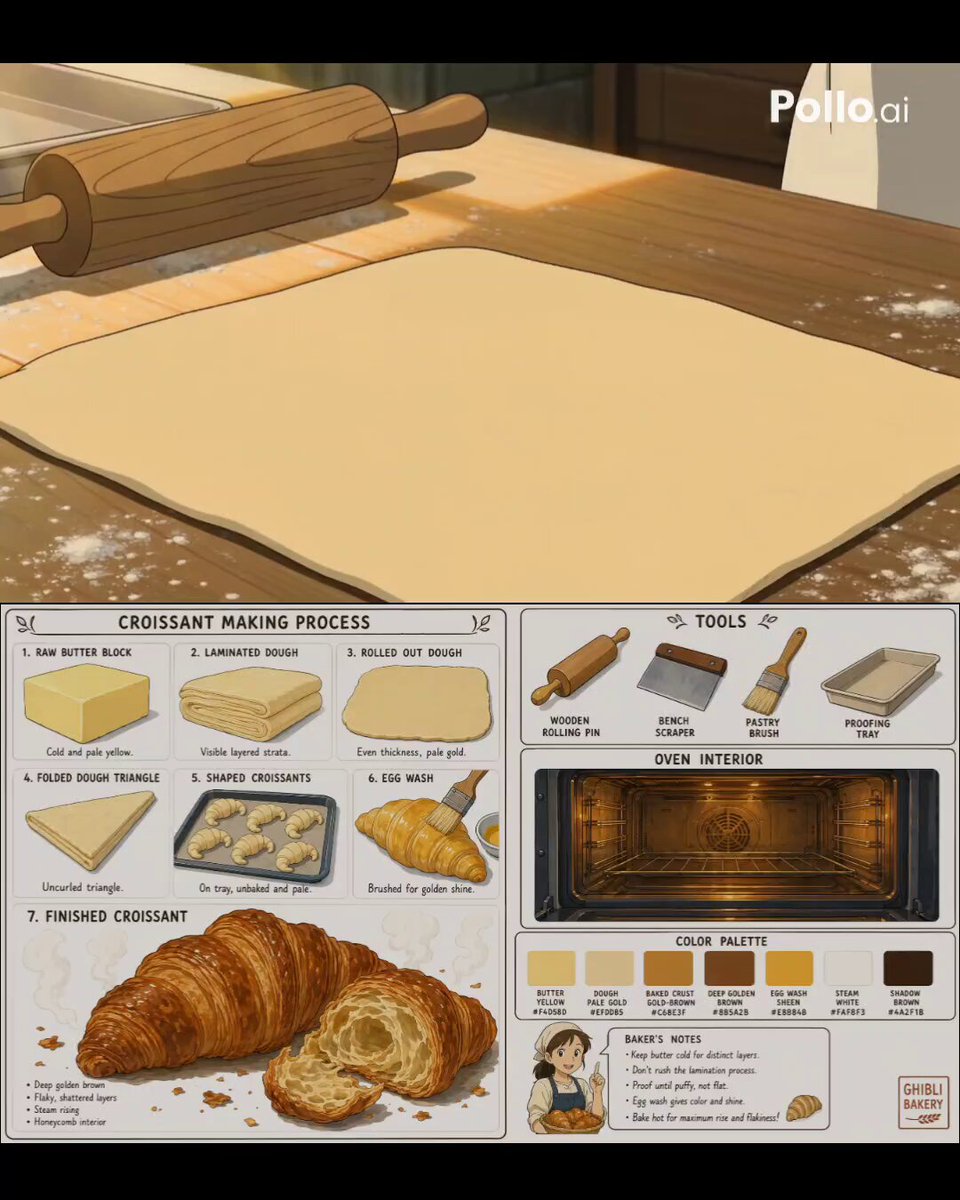
Studio Ghibli Style Croissant Bakery
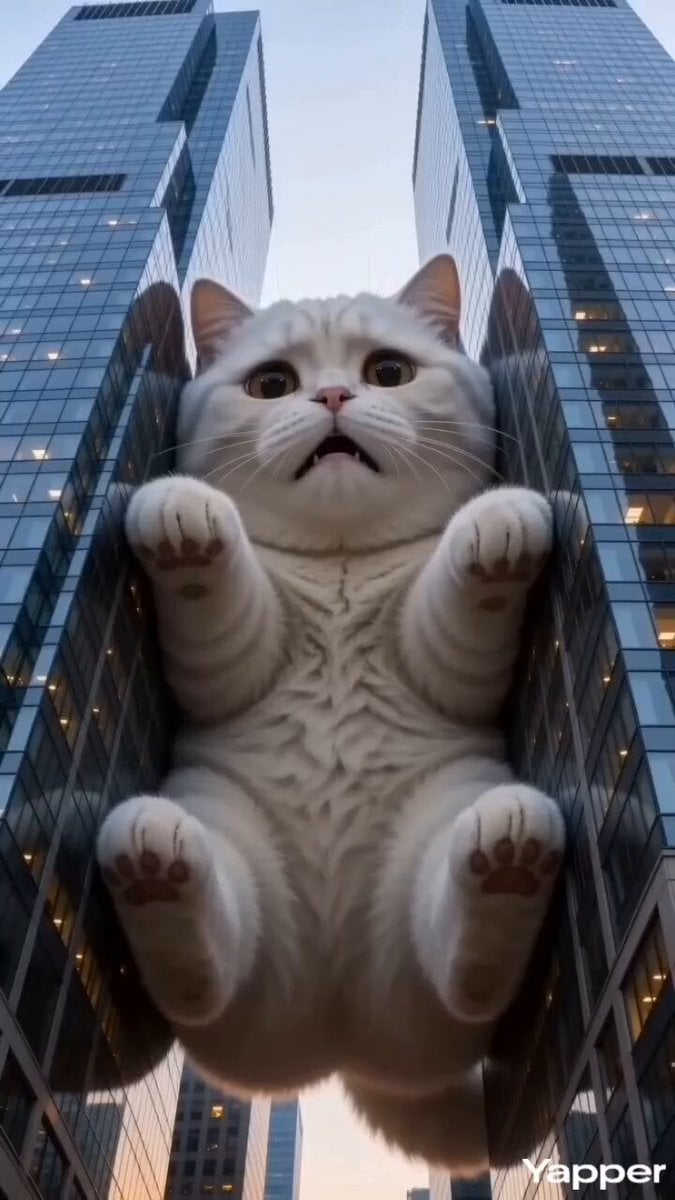
Godzilla-Sized White Tabby Cat in Chongqing
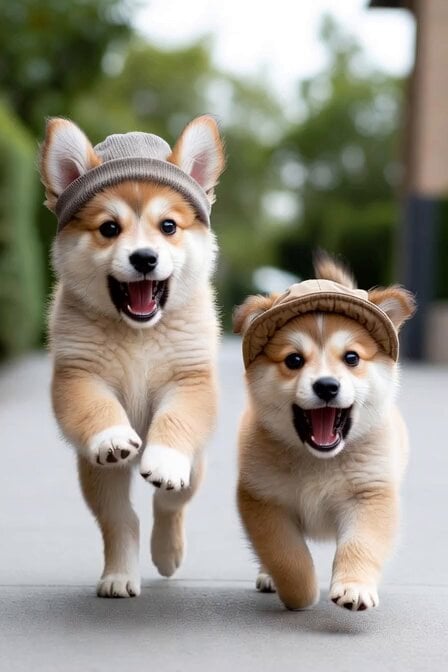
Singing Puppies in Hats
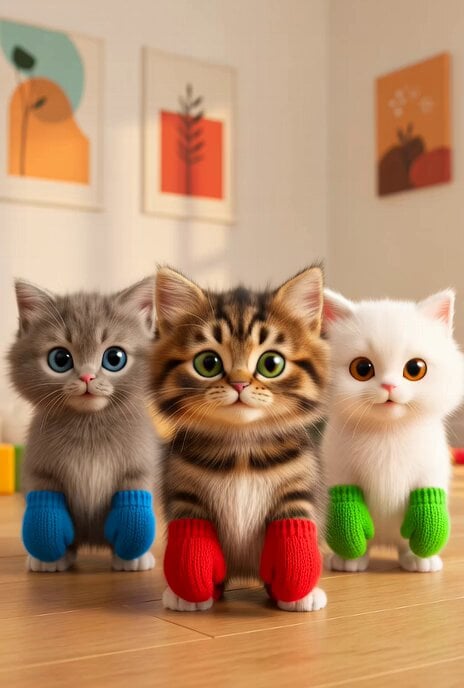
Dancing Kittens with Mittens
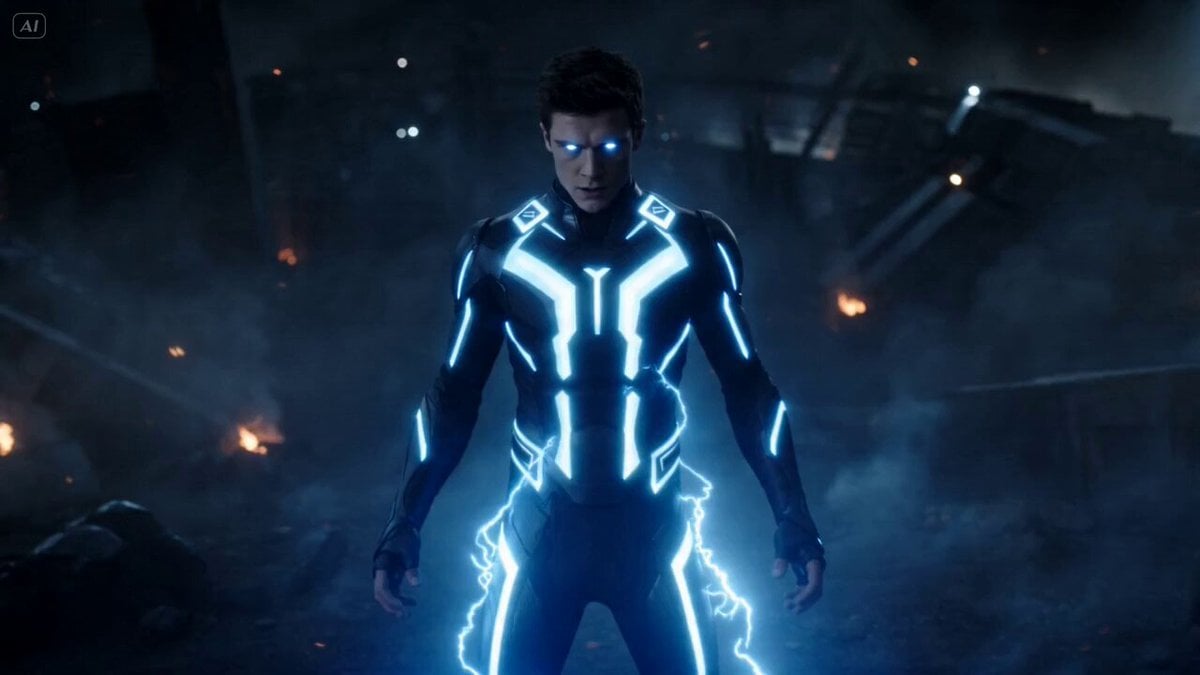
Superhuman Fighter Lightning Combat
Browse template categories
Magnetic Archipelago Sci-Fi Animation questions
How do I use the Magnetic Archipelago Sci-Fi Animation template?
Add your photo if the template asks for one, edit the prompt if you like — the template's model and format are already selected — and press Generate. Your version opens in PicX Studio.
Can I customize the Magnetic Archipelago Sci-Fi Animation template?
Yes. You can change the subject, setting, lighting, mood, format, and available model controls before creating your video.
Is the Magnetic Archipelago Sci-Fi Animation template free?
Opening and editing this template is free. Generating uses credits, shown on the Generate button when you are signed in.
Which AI model should I use?
Start with Seedance 2.0, which is the model associated with this template. You can compare another compatible model for a different finish.
Looking for something else? Browse all templates.

Your photo, any look
Thousands of ready templates for every top image and video model, from one credit balance.