
Adorable Ghost 3D Animation Storyboard
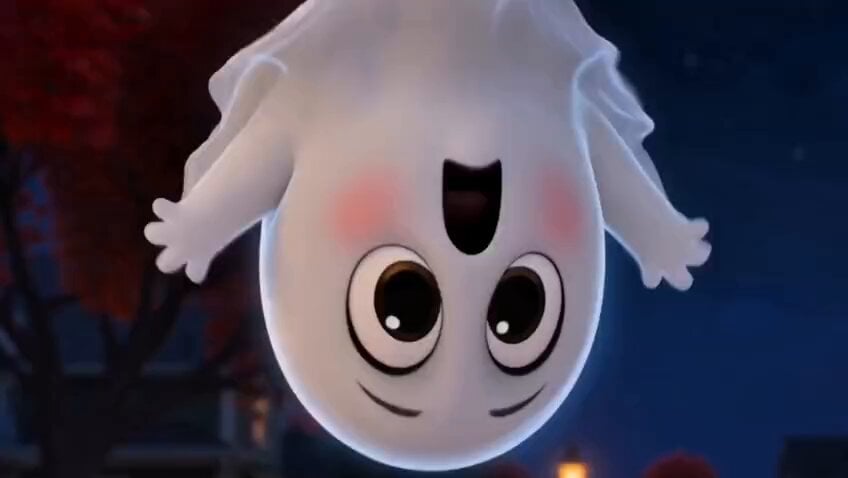
A detailed storyboard for a Pixar-style animation about a tiny ghost whose attempts to be scary result in making unexpected friends.
- Prompt included
- Model and format preset
- Premium template
The prompt behind this video
Copy the exact prompt behind Adorable Ghost 3D Animation Storyboard, or open it in the studio and make it yours.
Style: Pixar-quality 3D animation, ultra-cute, expressive characters, soft cinematic lighting, vibrant autumn colors, cozy Halloween atmosphere, exaggerated facial expressions, smooth animation, whimsical music, heartwarming comedy, highly detailed environments, shallow depth of field, 4K. 0:00–0:05 — The Big Scare Attempt Camera: Slow dolly through a charming neighborhood decorated with pumpkins, glowing lanterns, and colorful autumn leaves before stopping at a tiny floating ghost hiding behind a tree. Action: A tiny, round white ghost with oversized sparkling eyes and rosy cheeks peeks out nervously. It takes a deep breath, puffs up to look intimidating, and jumps in front of a couple walking down the sidewalk, shouting a tiny "Boo!" Instead of screaming, the couple smiles warmly. One whispers, "Aww... look how adorable!" The ghost freezes in confusion, embarrassed as its cheeks blush pink. 0:05–0:10 — Trying Harder Camera: Fast, playful cuts following the ghost around the neighborhood. Action: The little ghost tries everything it can think of: It wears a spooky vampire cape. It makes a silly scary face. It rattles tiny chains. It floats upside down while yelling another "Boo!" Everyone who sees it laughs affectionately. An old lady gently pats its head. A dog happily chases it, wagging its tail. The ghost lets out a tiny sigh. 0:10–0:15 — Total Failure Camera: Medium shot following the ghost as it slowly floats away, shoulders slumped. Action: Sitting alone on a park bench beneath glowing lanterns, the ghost sadly watches other Halloween decorations. A small tear forms in its eye. It whispers quietly, "Maybe I'm just not scary enough..." 0:15–0:20 — An Unexpected Friend Camera: Low-angle shot as a little girl notices the lonely ghost. Action: She slowly walks over with a warm smile and gently opens her arms. The ghost looks surprised. She gives it the biggest hug. The ghost's eyes become wide with happiness. 0:20–0:25 — Everyone Joins In Camera: Wide shot revealing more children running toward the ghost. Action: One by one, the kids gather around, giving the tiny ghost hugs, high-fives, and gentle pats. The ghost laughs for the very first time. Its body begins glowing with a soft golden light. Tiny glowing hearts float gently around everyone. 0:25–0:30 — The Happiest Ghost Camera: Slow pull-back as the neighborhood glows under the moonlight. Action: The once-shy ghost happily floats above the children while everyone waves goodbye. Instead of saying "Boo," the ghost smiles brightly and says, "Hiiiii!" Everyone laughs. The final shot freezes on the ghost's joyful smile as tiny glowing hearts drift into the night sky. End Card: "Sometimes being kind is the greatest magic of all. 👻❤️"
How to use Adorable Ghost 3D Animation Storyboard in 3 steps
- 1
Open
The prompt is already in the box next to the preview, with the template's model and format selected.
- 2…a portrait of your subject in softgolden-hour light, 85mm…
Personalize
Edit the subject and creative details for your destination.
- 3Generate
Generate
Press Generate — your video is created in PicX Studio, so you can compare it with the original and refine one variable at a time.
More like this
Templates with the same subject, style or setup. Open one to see its prompt.
Pigeon Nemesis Pixar Animation Storyboard
Apartment Arrival Storyboard Animation
3D Glossy Fairy Animation - Seedance 2.5
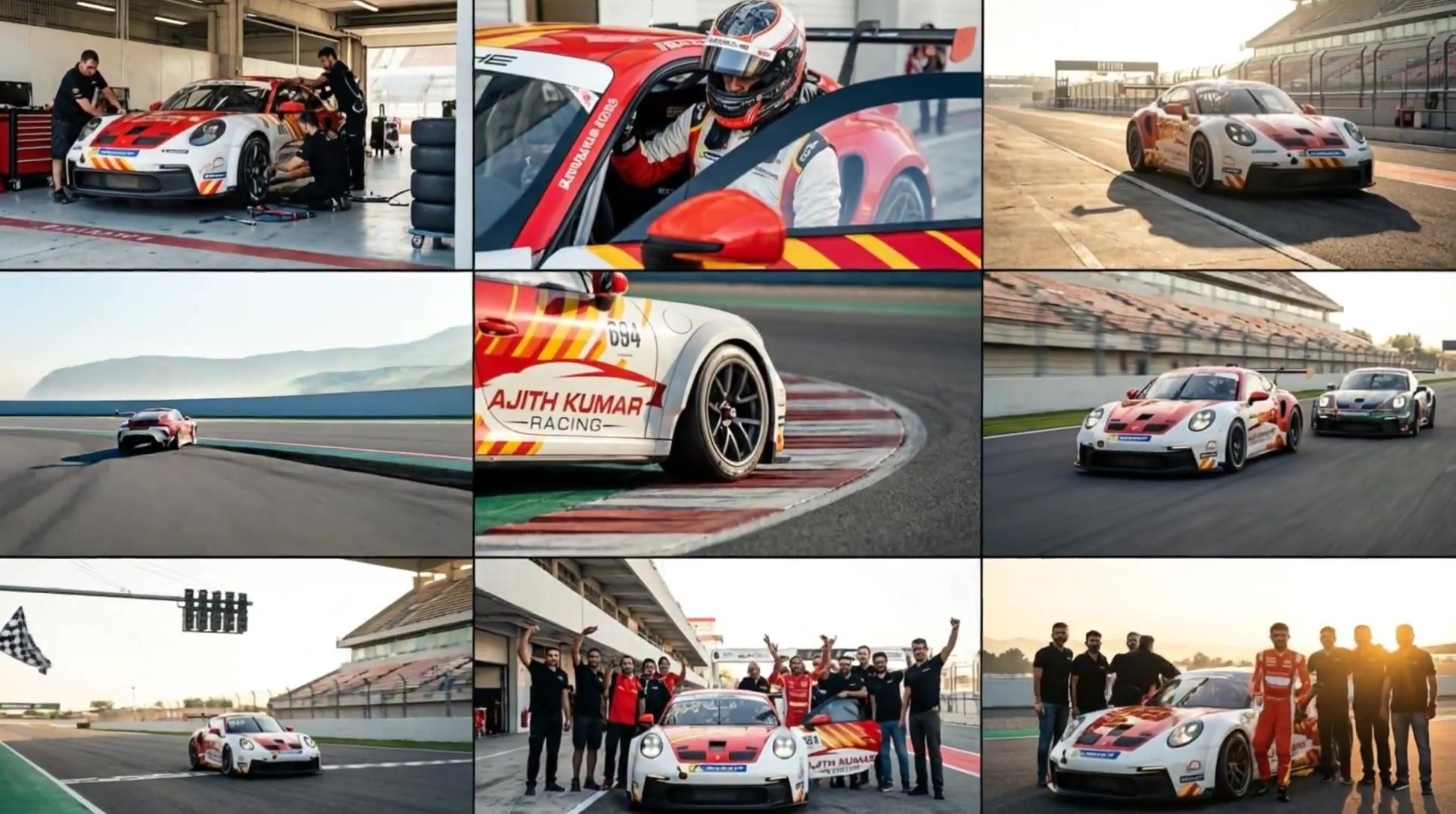
3x3 Grid Storyboard Racing — Kling 3.0 O3 Pro

Dragon Rider Cinematic Flight — Seedance 2.5
Silk Road Pomegranate Folk Animation
Multilingual Creative Typography Loop
Storyboard to Cinematic 3D Animation
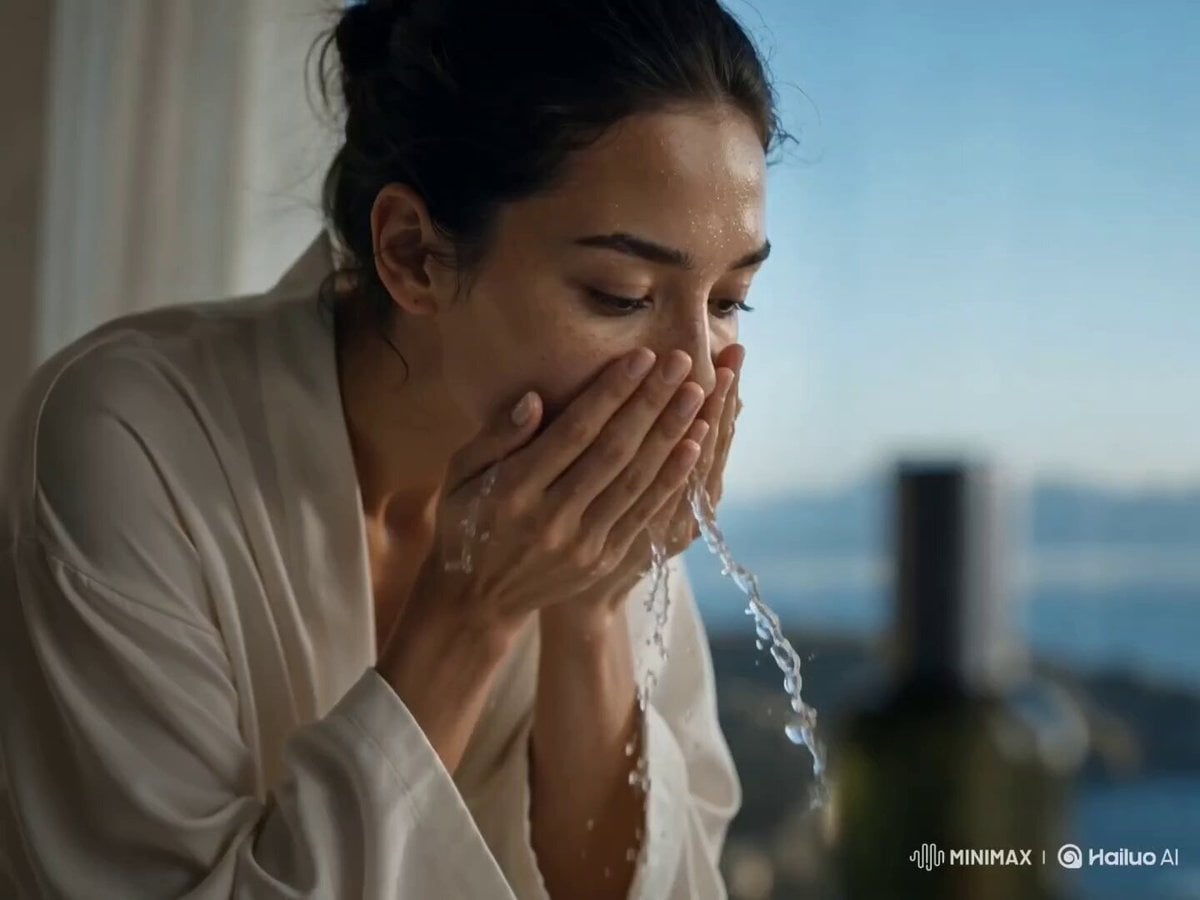
Skincare Storyboard Animation

Walking Factory with Rebel on Hoverbike - Wasteland
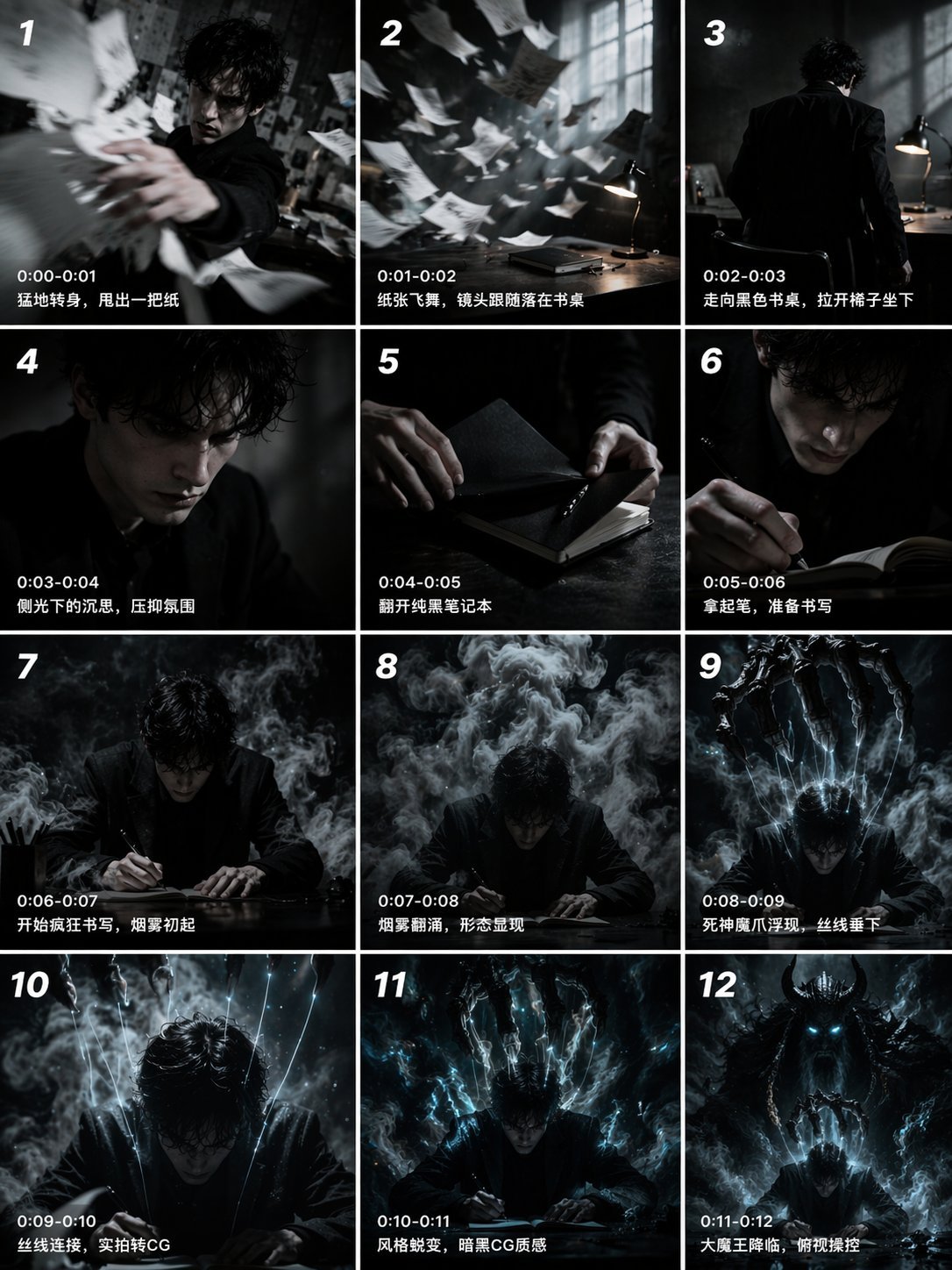
Gpt2 Gpt2 Seedance Storyboard to Video
Cartoon Bullfight Arena — Girl vs Bull (Seedance)
Make it yours
Adorable Ghost 3D Animation Storyboard works as-is. These are the safest ways to change it without losing the look.
Change one field
Copy a single group, rewrite it, and generate again so you can see what that field is doing.
Keep the frame, change the subject
Hold the composition and light of Adorable Ghost 3D Animation Storyboard, then swap wardrobe, props or the person for a new take.
| If the result… | Why | Fix |
|---|---|---|
| The result drifts from the preview | Too many fields changed at once. | Reuse Adorable Ghost 3D Animation Storyboard as-is first, then change one group — subject, light, or setting. |
| The model over-stylizes the scene | The prose prompt leaves finish and camera underspecified. | Add one camera or lighting sentence and stay on Seedance 2.0. |
More Seedance 2.0 templates
Other prompts made for Seedance 2.0.

Comical Martial Arts Punch Scene

Maglev Train Action Sequence

Martial Arts Fight Sequence

Wuxia Protection and Trust Script

Vintage Korean Arcade MiniDV Vlog

Mercedes 190 SL Luxury Ad

Rainy Night Supernatural Reverse Comedy Video Script

Amazon Civilization Discovery

Futuristic South Asian City Transformation

Cozy Luxury Cafe Commercial
More video prompts
Fresh picks from across the catalog.
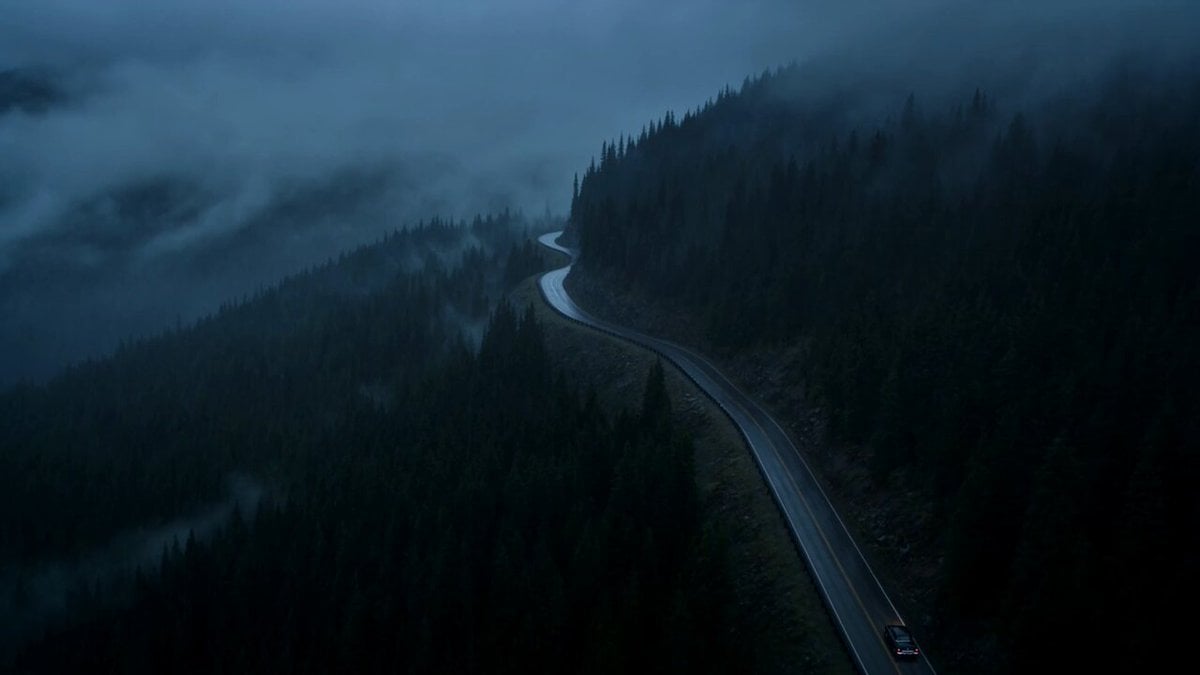
Vintage Neo-Noir Road Film
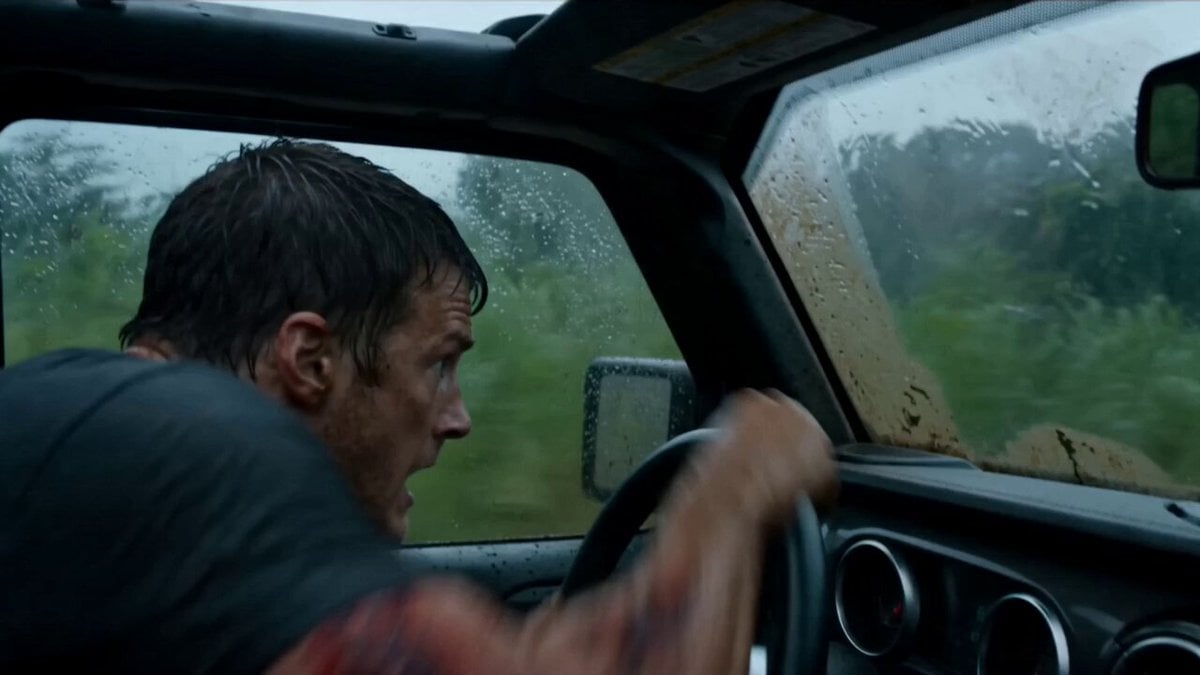
Alligator Mutant Rescue Scene
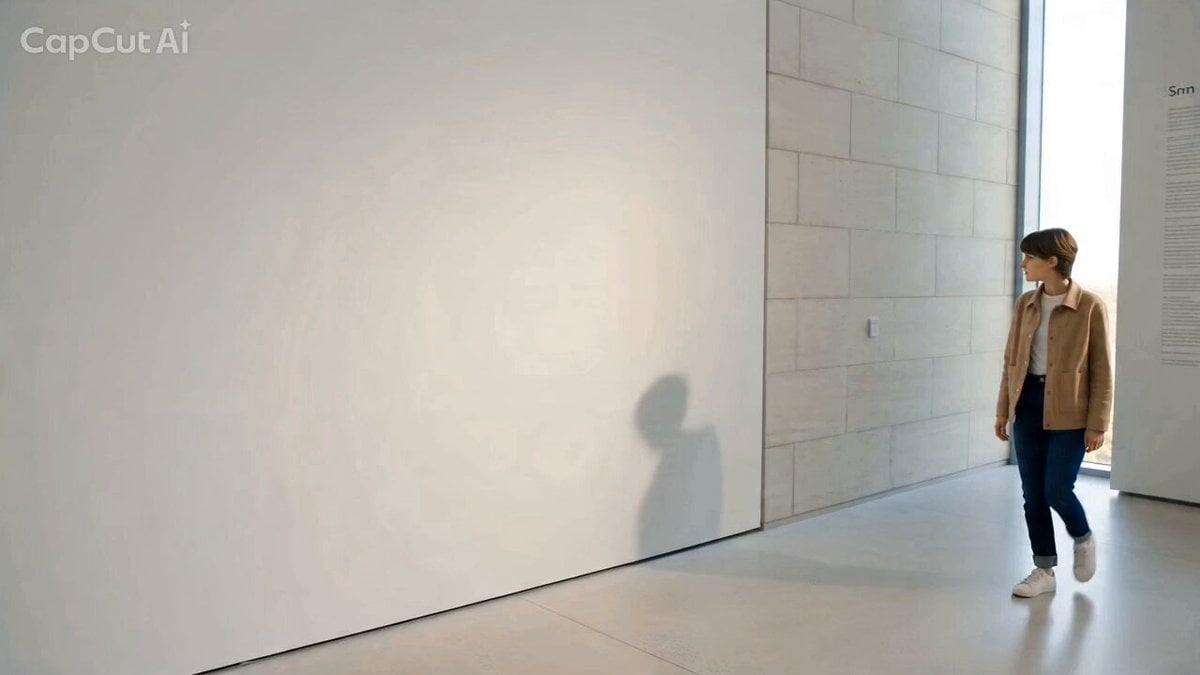
Starlight Shadow: Interaction with a Magical Shadow
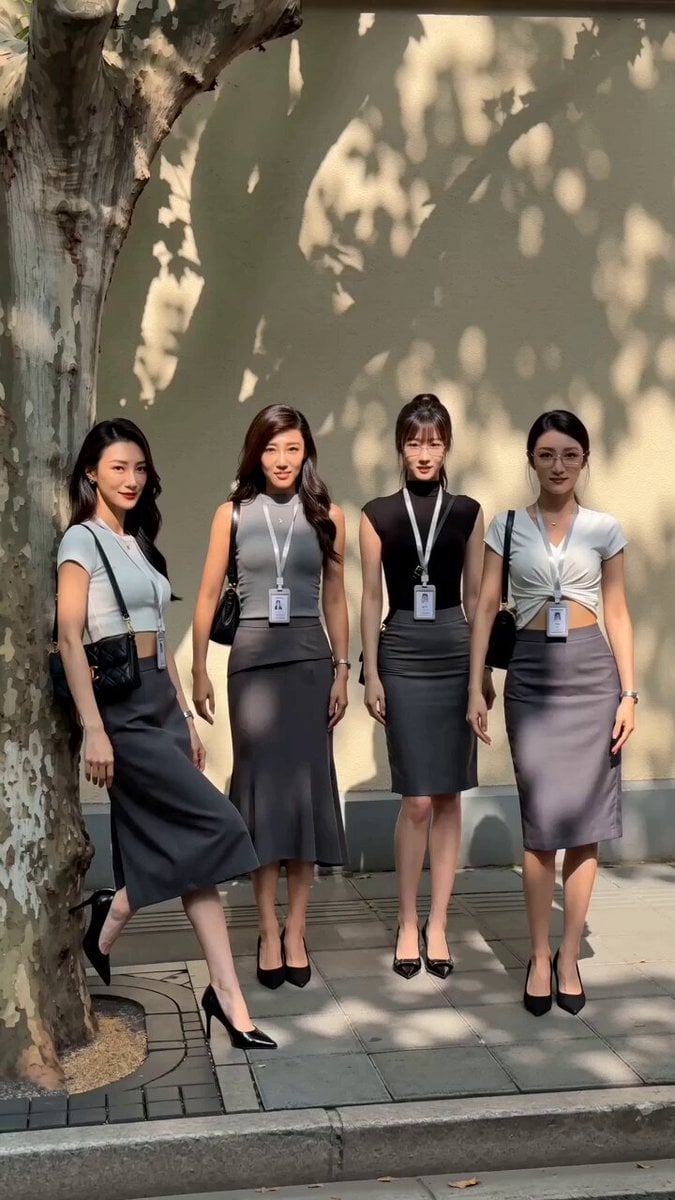
Street Dance Performance Video
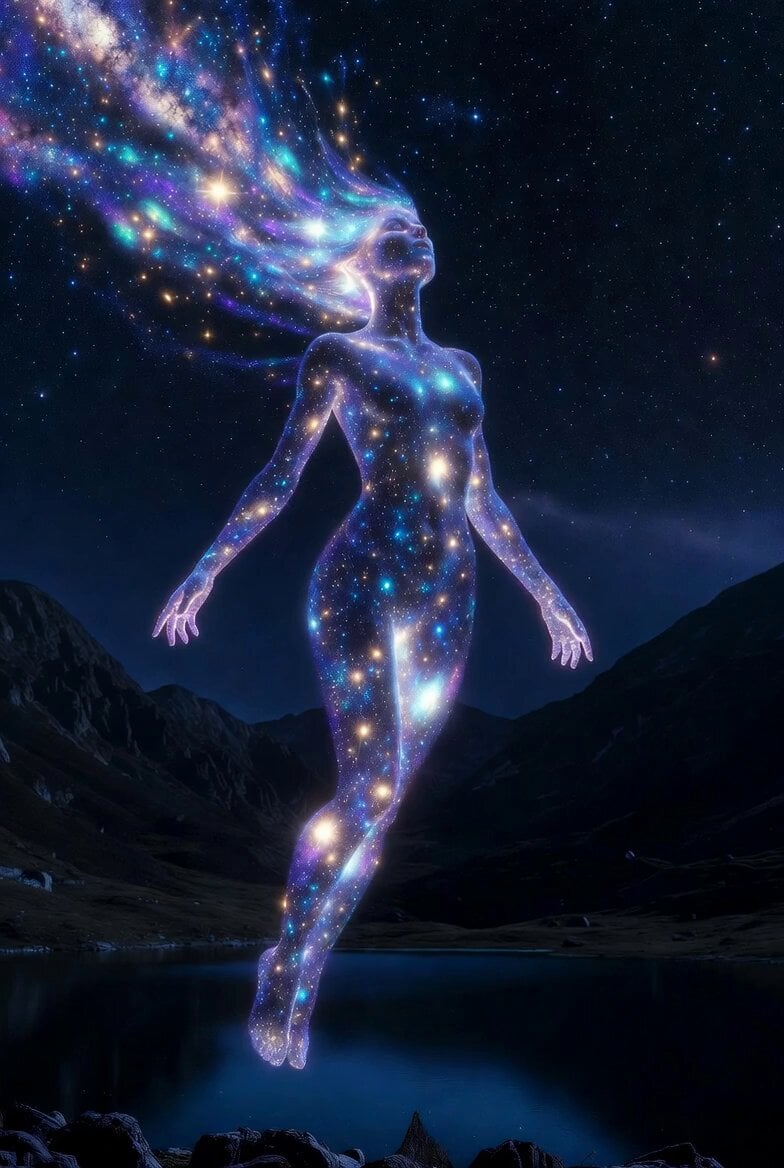
Cosmic Goddess Spirit Above Water
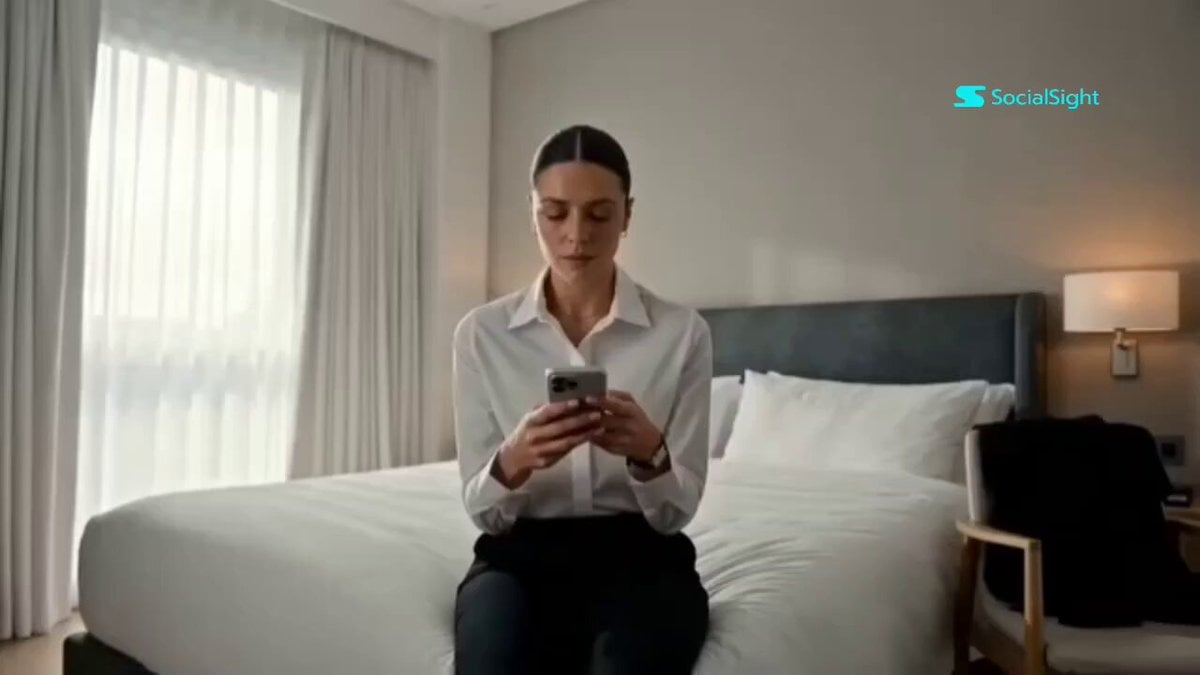
Beat-Synced Interview Day Storyboard
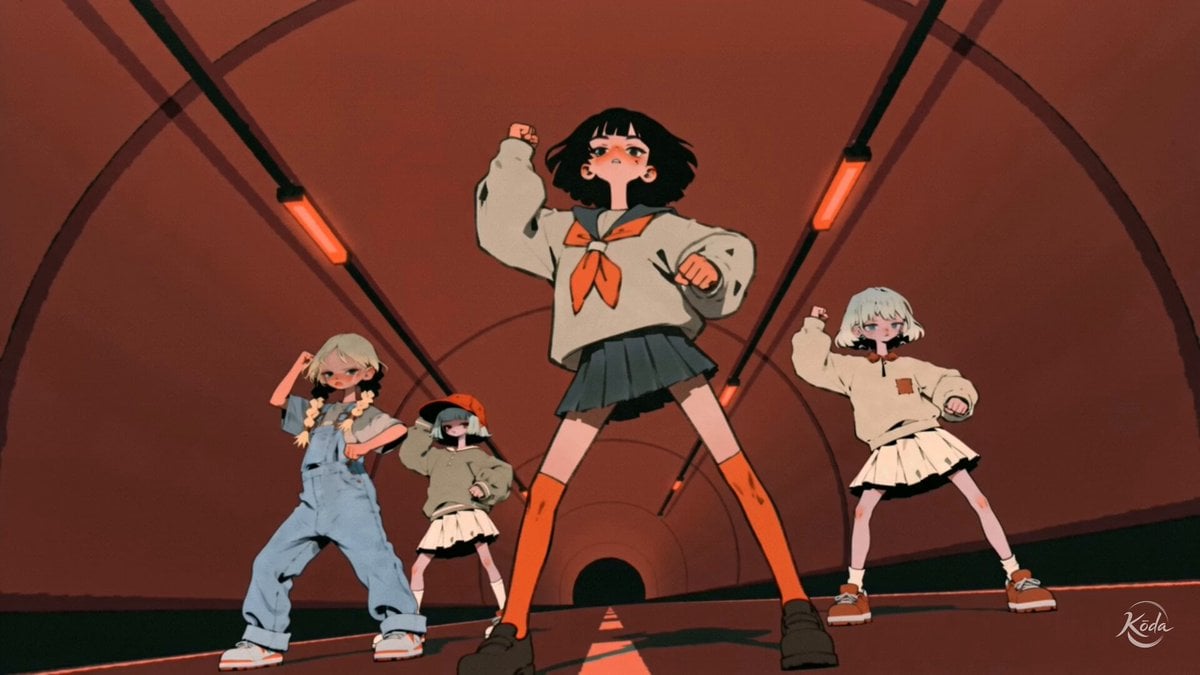
Music Video Choreography and Identity

Anime Pilot First-Person Flight
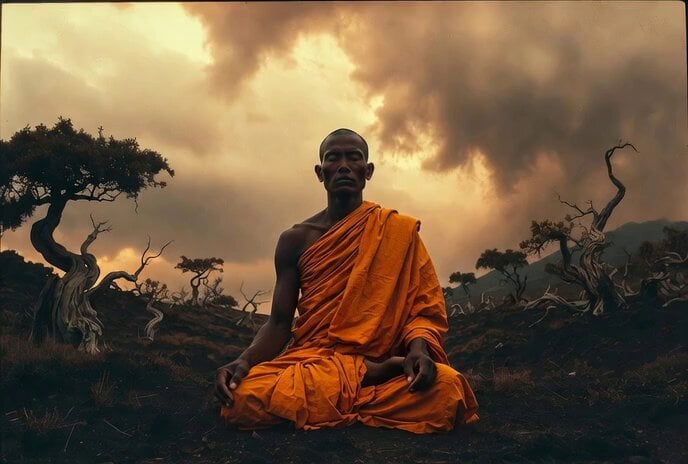
Weather Change Timelapse Video Prompt
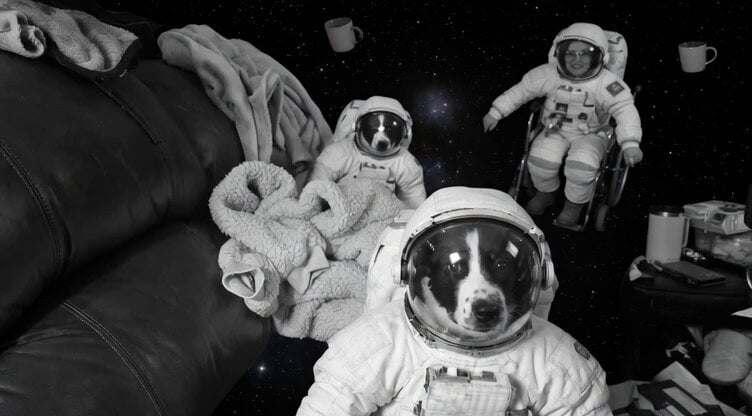
Floating Happily in Space Video Prompt
Browse template categories
Adorable Ghost 3D Animation Storyboard questions
How do I use the Adorable Ghost 3D Animation Storyboard template?
Add your photo if the template asks for one, edit the prompt if you like — the template's model and format are already selected — and press Generate. Your version opens in PicX Studio.
Can I customize the Adorable Ghost 3D Animation Storyboard template?
Yes. You can change the subject, setting, lighting, mood, format, and available model controls before creating your video.
Is the Adorable Ghost 3D Animation Storyboard template free?
Opening and editing this template is free. Generating uses credits, shown on the Generate button when you are signed in.
Which AI model should I use?
Start with Seedance 2.0, which is the model associated with this template. You can compare another compatible model for a different finish.
Looking for something else? Browse all templates.

Your photo, any look
Thousands of ready templates for every top image and video model, from one credit balance.