How do I use the Beat-Synced Interview Day Storyboard template?
Edit the prompt in the box under the preview — the template's model and format are already selected — and press Generate. Your version appears right on this page.
A complex, multi-scene storyboard prompt for Seedance 2.0 that synchronizes specific environment changes and character actions to a 145 BPM beat.
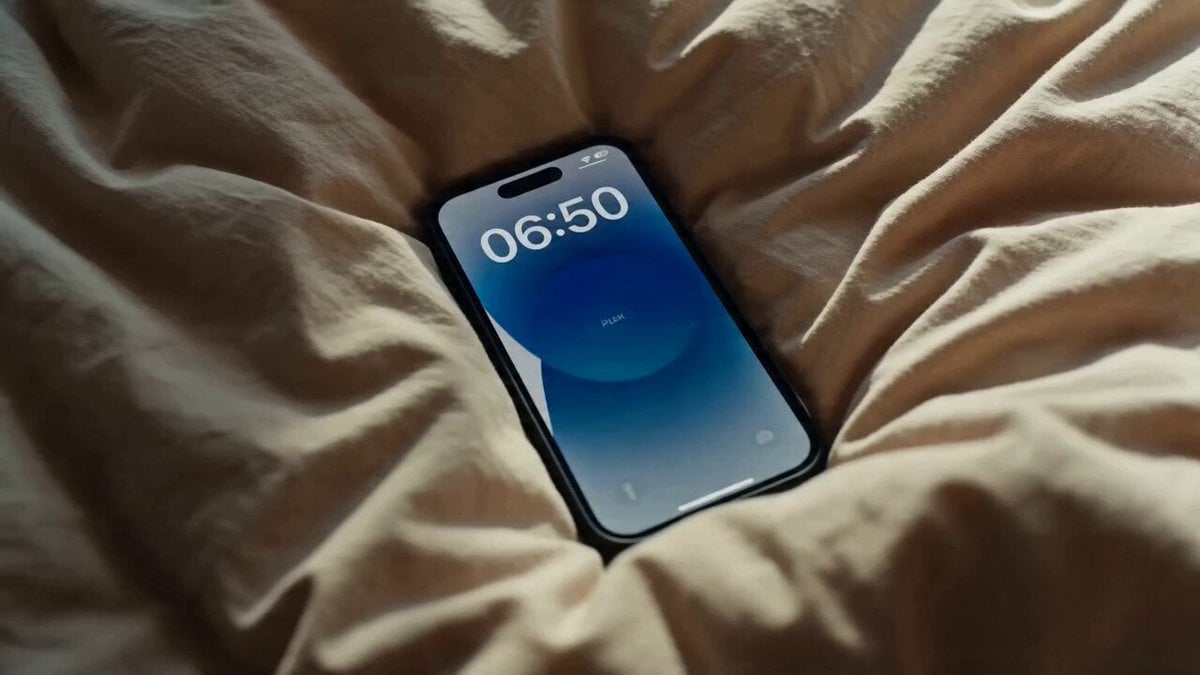
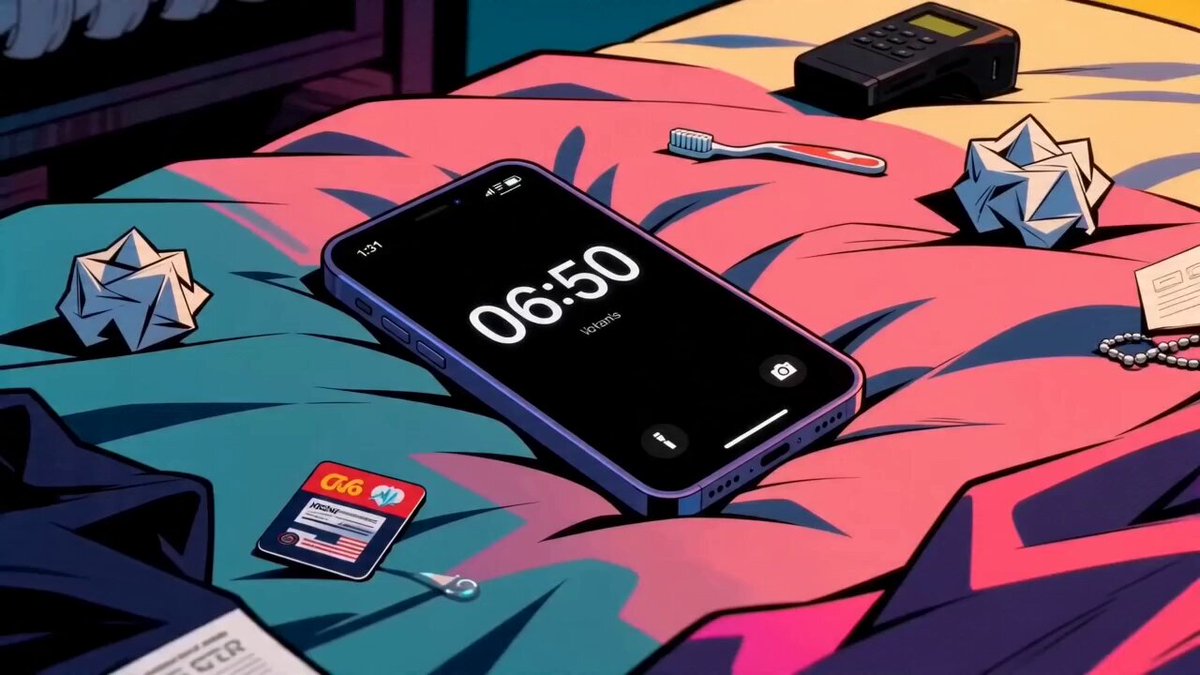
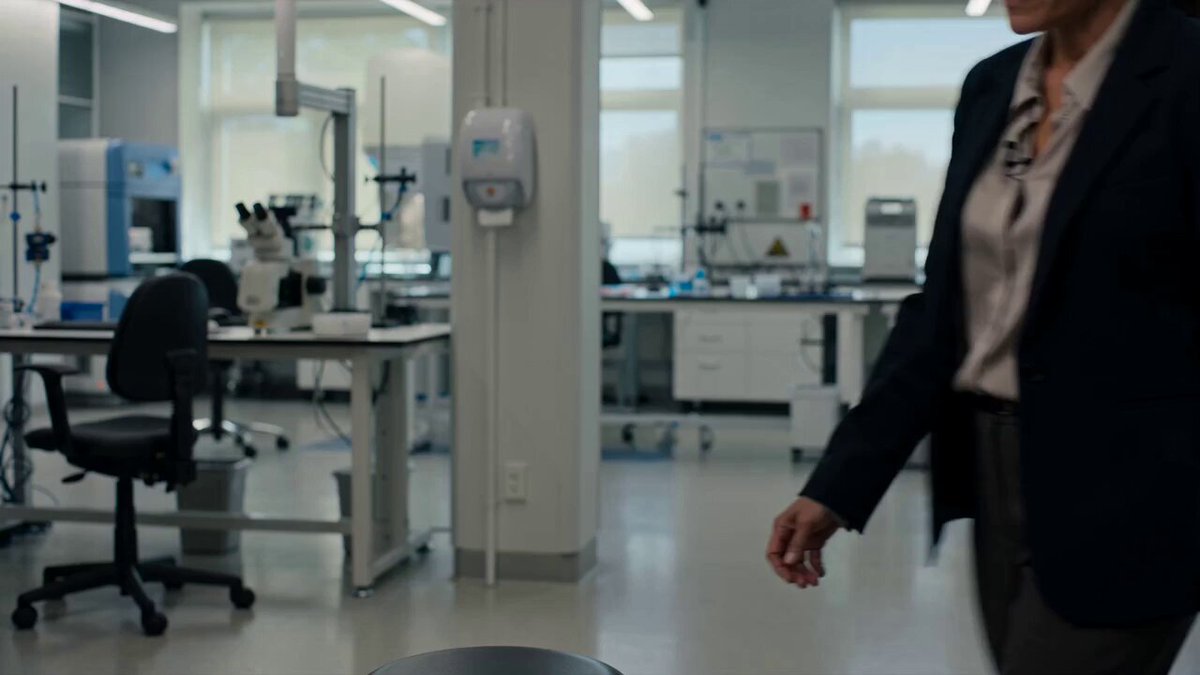
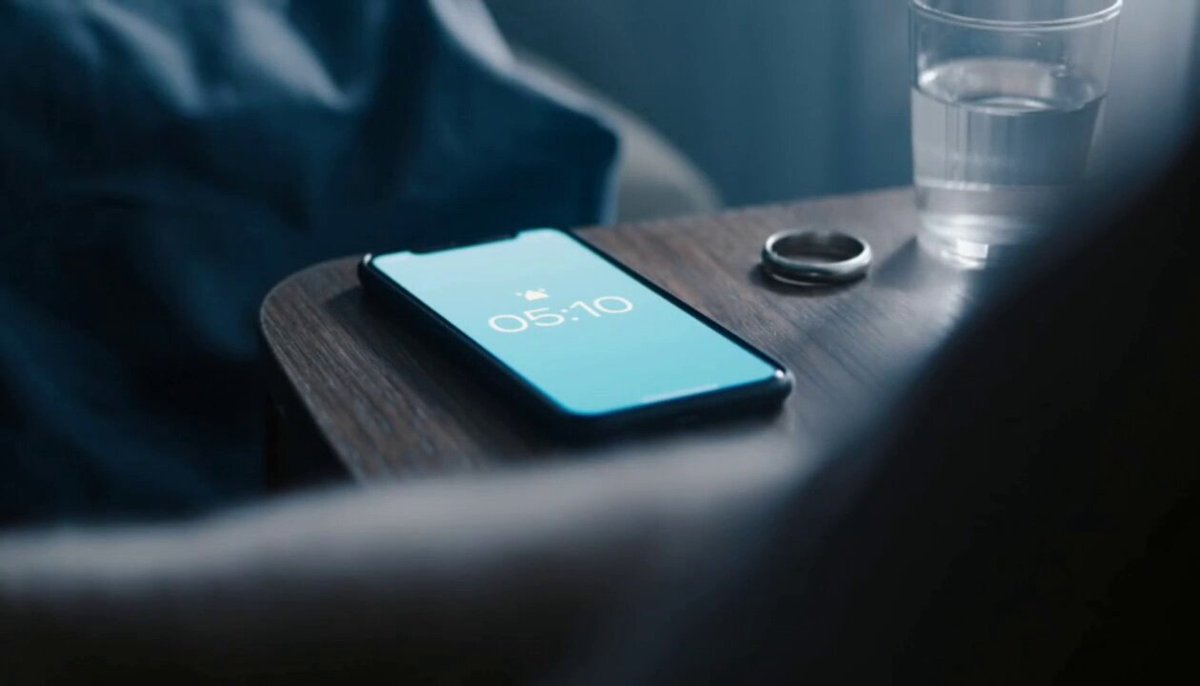
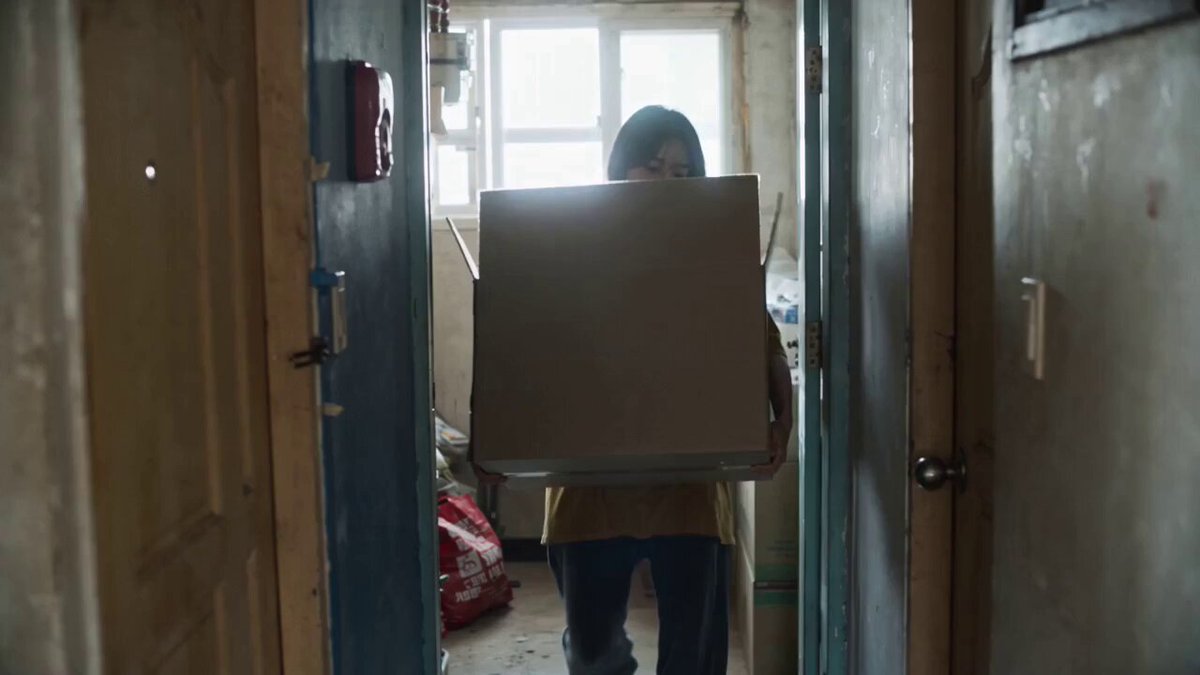
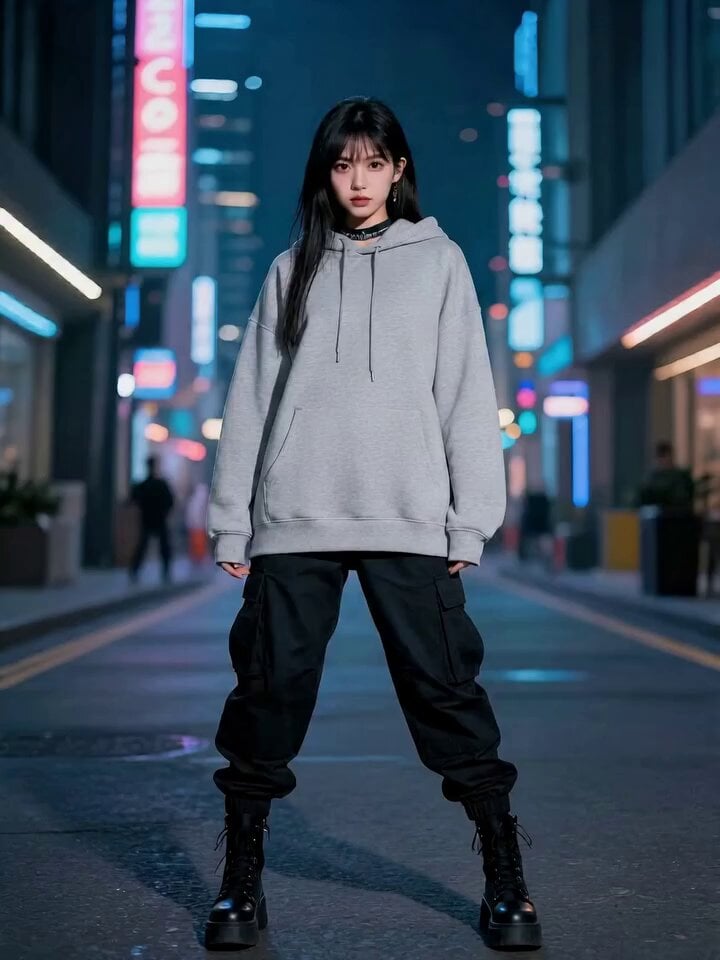
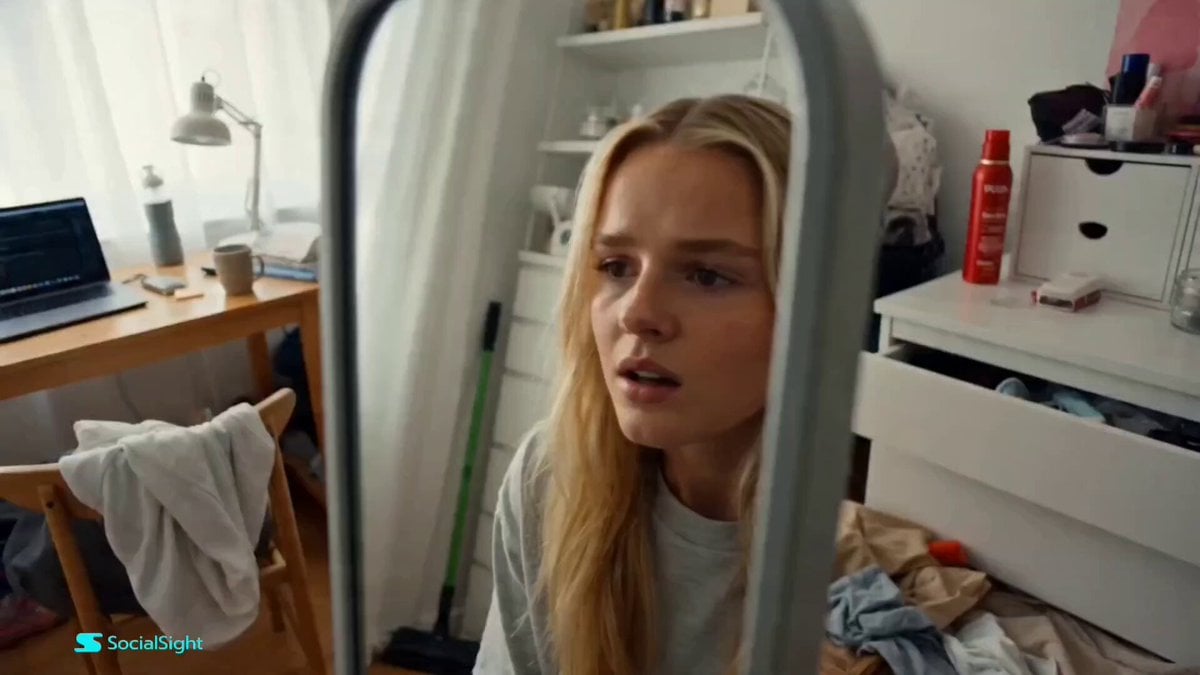
FORMAT: 15 seconds / 145 BPM / 15 beat-synced shots SUBJECT: @[image1] 📍 ENVIRONMENT: Bedroom → mirror → commute → office lobby → interview room 🎭 MOOD ARC: Calm nerves → rising pressure → focused confidence → relief ⚡ SHOT LIST (Beat-synced) Sitting on bed reviewing resume on phone Interview reminder notification pops up Sudden focus shift Grabs blazer / straightens outfit Fast mirror prep (hair, watch, confidence check) Picks up portfolio/laptop bag Rushes out the door Commute through traffic (dynamic cuts) Arrives at office building, deep breath Elevator ride tension moment Waiting in lobby, reviewing notes Handshake with interviewer Answering confidently across desk Interview ends with subtle smile Exits building, relieved exhale / “nailed it” energy
FORMAT: 15 seconds / 145 BPM / 15 beat-synced shots SUBJECT: @[image1] 📍 ENVIRONMENT: Bedroom → mirror → commute → office lobby → interview room 🎭 MOOD ARC: Calm nerves → rising pressure → focused confidence → relief ⚡ SHOT LIST (Beat-synced) Sitting on bed reviewing resume on phone Interview reminder notification pops up Sudden focus shift Grabs blazer / straightens outfit Fast mirror prep (hair, watch, confidence check) Picks up portfolio/laptop bag Rushes out the door Commute through traffic (dynamic cuts) Arrives at office building, deep breath Elevator ride tension moment Waiting in lobby, reviewing notes Handshake with interviewer Answering confidently across desk Interview ends with subtle smile Exits building, relieved exhale / “nailed it” energy
Edit the prompt in the box under the preview — the template's model and format are already selected — and press Generate. Your version appears right on this page.
Yes. You can change the subject, setting, lighting, mood, format, and available model controls before creating your video.
Opening and editing this template is free. Generating uses credits, shown on the Generate button when you are signed in.
Start with Seedance 2.0, which is the model associated with this template. You can compare another compatible model for a different finish.
Follow a topic to a crawlable collection of related PicX Studio templates.