
Cyberpunk Sky Runner Chase
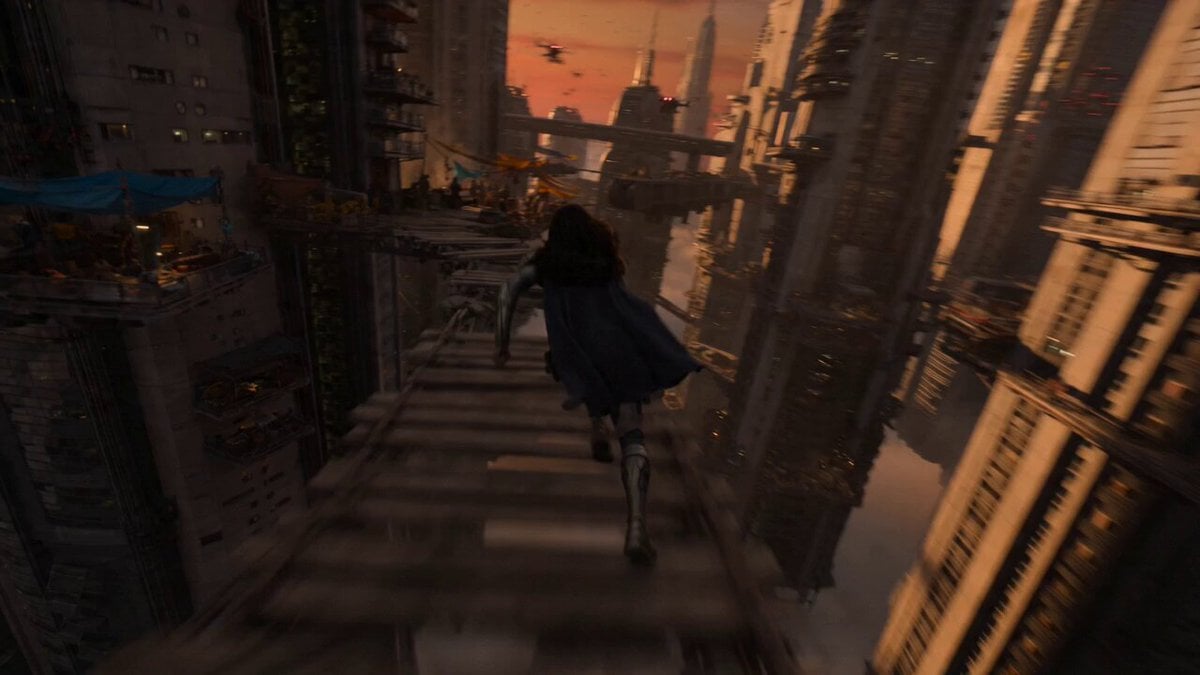
An intense cinematic sky runner chase sequence through a floating city, featuring dynamic aerial camera work and swarming drones.
- Prompt included
- Model and format preset
- Premium template
The prompt behind this video
Copy the exact prompt behind Cyberpunk Sky Runner Chase, or open it in the studio and make it yours.
Gigantic floating city above endless clouds at sunset. Narrow suspended pathways, hanging markets, turbine bridges, glowing cables, and vertical drops disappearing into fog below. A female sky-runner wearing lightweight flight-assisted armor and a flowing dark cloak. Hover-bike hunters, floating security drones, and automated defense turrets attached to structures. Fast kinetic tracking shot close behind the runner. Smooth aerial motion mixed with sudden drops and sharp vertical dives. The camera swings dynamically during jumps between floating structures. She sprints across suspended bridges while sections collapse behind her. Hover-bikes blast through market pathways scattering debris into open sky. She wall-runs along turbine structures, leaps across impossible gaps, and drops through maintenance shafts glowing with energy cables. Drones swarm through narrow corridors while clouds rush beneath the city. She leaps from the city edge into dense clouds as pursuit lights fade above. Camera follows briefly before visibility disappears completely.
How to use Cyberpunk Sky Runner Chase in 3 steps
- 1Upload ImagePNG, JPG or paste
Add your photo
Upload the photo the template builds on. The prompt, model and format are already set.
- 2…a portrait of your subject in softgolden-hour light, 85mm…
Personalize
Edit the subject and creative details for your destination.
- 3Generate
Generate
Press Generate — your video is created in PicX Studio, so you can compare it with the original and refine one variable at a time.
More like this
Templates with the same subject, style or setup. Open one to see its prompt.

Cyberpunk Holographic Dance Performance - Seedance 2.5

RX-7 to Mech Transformation Cyberpunk
Cyberpunk Tokyo Rainy Car Chase

Cartoon Donut Heist Bakery Chase
Skydiving Wingsuit Chase Action Sequence

Walking Factory with Rebel on Hoverbike - Wasteland
Cyberpunk Action Sequence: Elegant Female Agent Jumps from Skyscraper to Moving Car
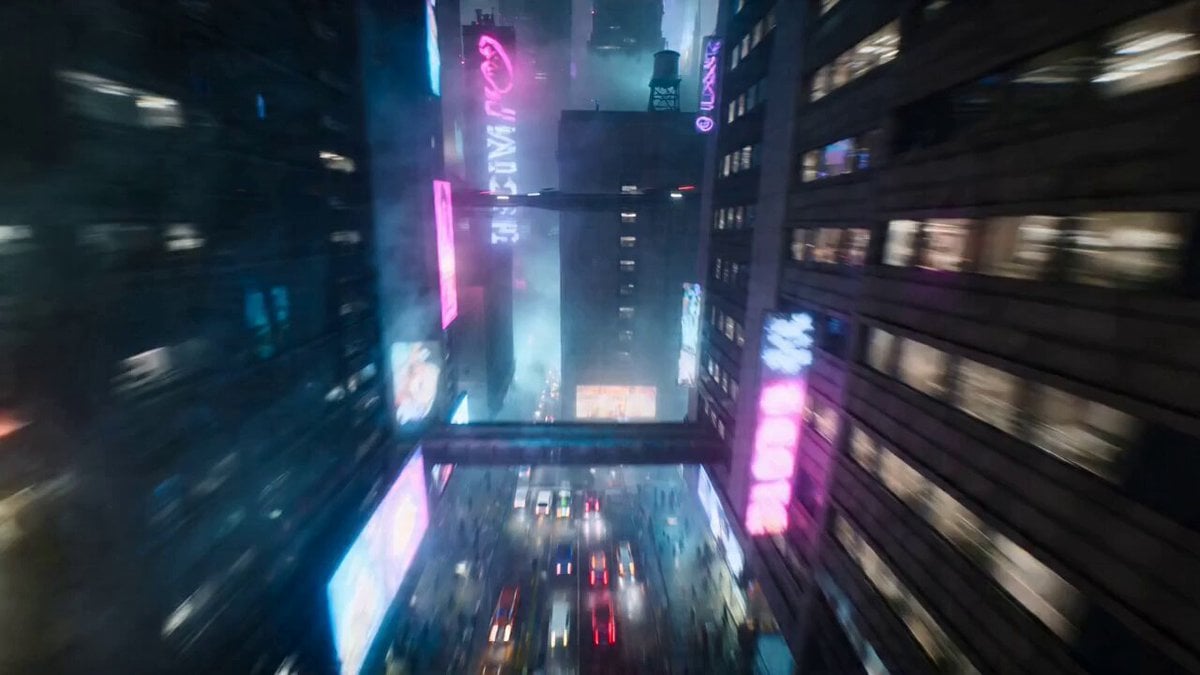
Cyberpunk Urban Runner Animation
Amazon FPV Drone Chase — Seedance 2.0
Whale in the Sky — City Shadows (Kling AI)
Dim Sum Chase — Shrimp Dumpling Monster
Speeder Chase Across a Cliff City
Make it yours
Cyberpunk Sky Runner Chase works as-is. These are the safest ways to change it without losing the look.
Change one field
Copy a single group, rewrite it, and generate again so you can see what that field is doing.
Keep the frame, change the subject
Hold the composition and light of Cyberpunk Sky Runner Chase, then swap wardrobe, props or the person for a new take.
| If the result… | Why | Fix |
|---|---|---|
| The result drifts from the preview | Too many fields changed at once. | Reuse Cyberpunk Sky Runner Chase as-is first, then change one group — subject, light, or setting. |
| The model over-stylizes the scene | The prose prompt leaves finish and camera underspecified. | Add one camera or lighting sentence and stay on Seedance 2.0. |
More Seedance 2.0 templates
Other prompts made for Seedance 2.0.

Comical Martial Arts Punch Scene

Maglev Train Action Sequence

Martial Arts Fight Sequence

Wuxia Protection and Trust Script

Vintage Korean Arcade MiniDV Vlog

Mercedes 190 SL Luxury Ad

Rainy Night Supernatural Reverse Comedy Video Script

Amazon Civilization Discovery

Futuristic South Asian City Transformation

Cozy Luxury Cafe Commercial
More video prompts
Fresh picks from across the catalog.

Cartoon Child and Chicken Chase
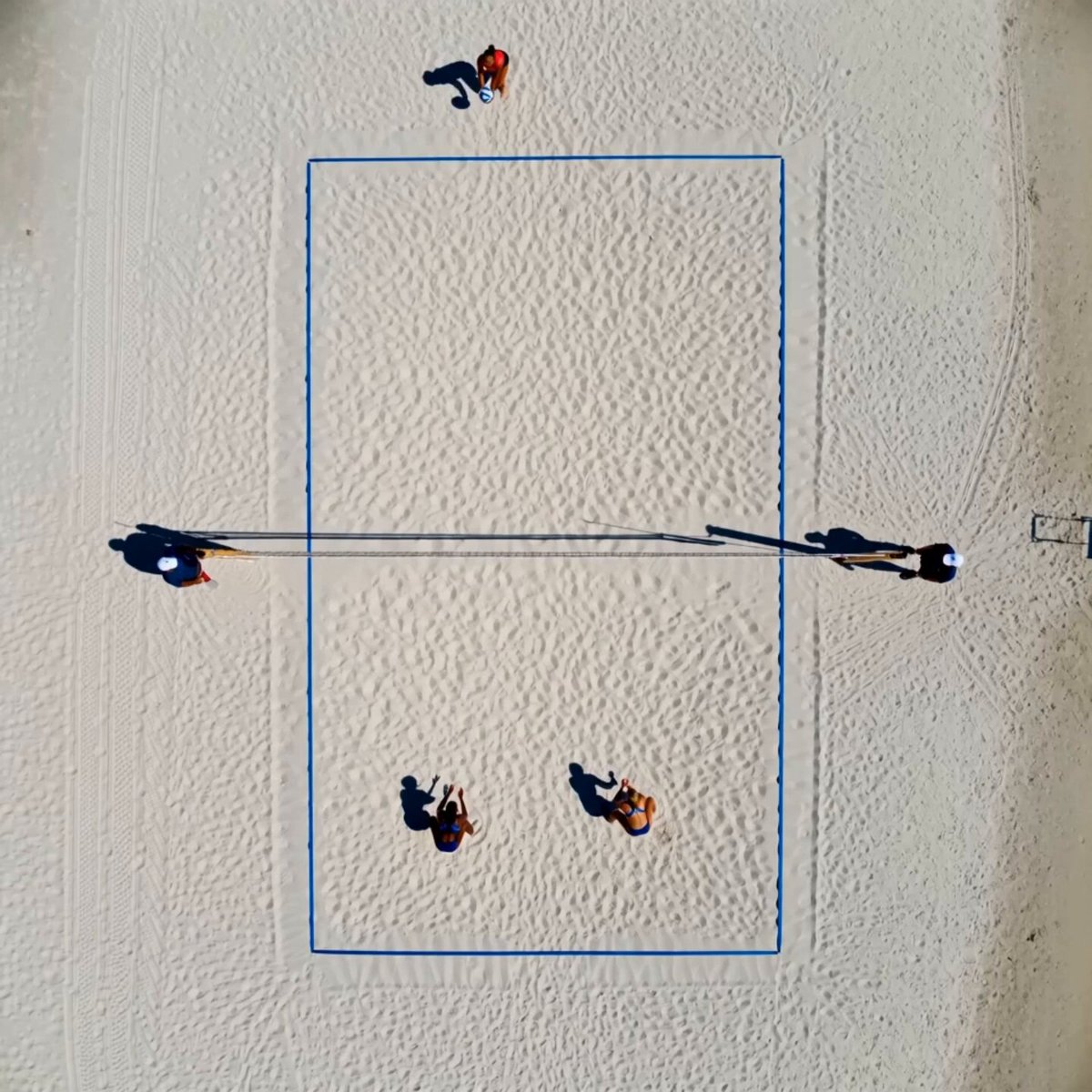
Cinematic Beach Volleyball Rally

Library of Forgotten Dreams
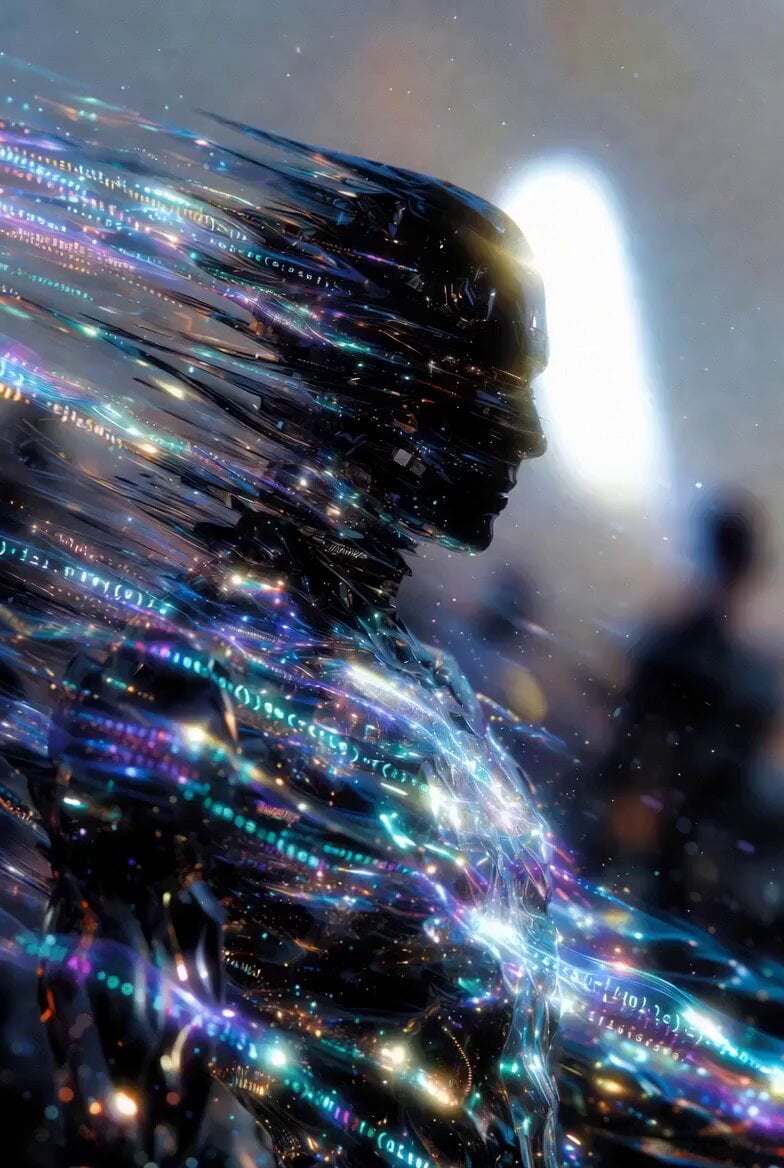
Dissolving Spiritual Scientific Body
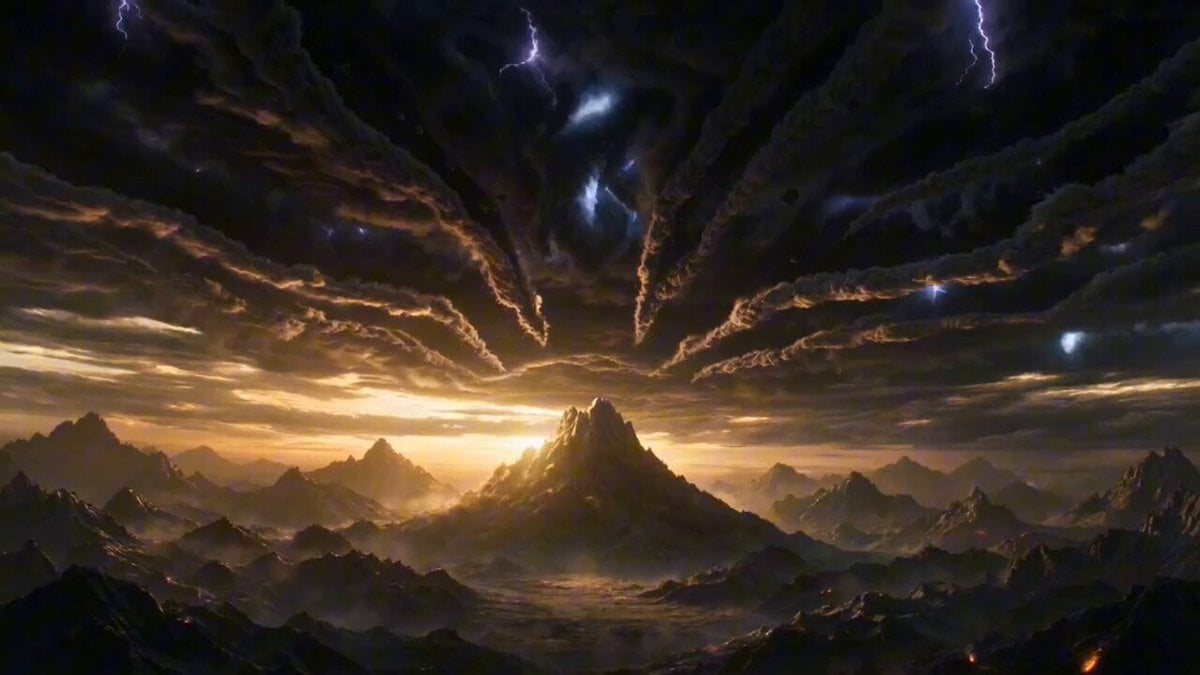
Seedance 2.0 Ancient Chinese Mythology Epic Scene

Cinematic Mariachi Bar Scene
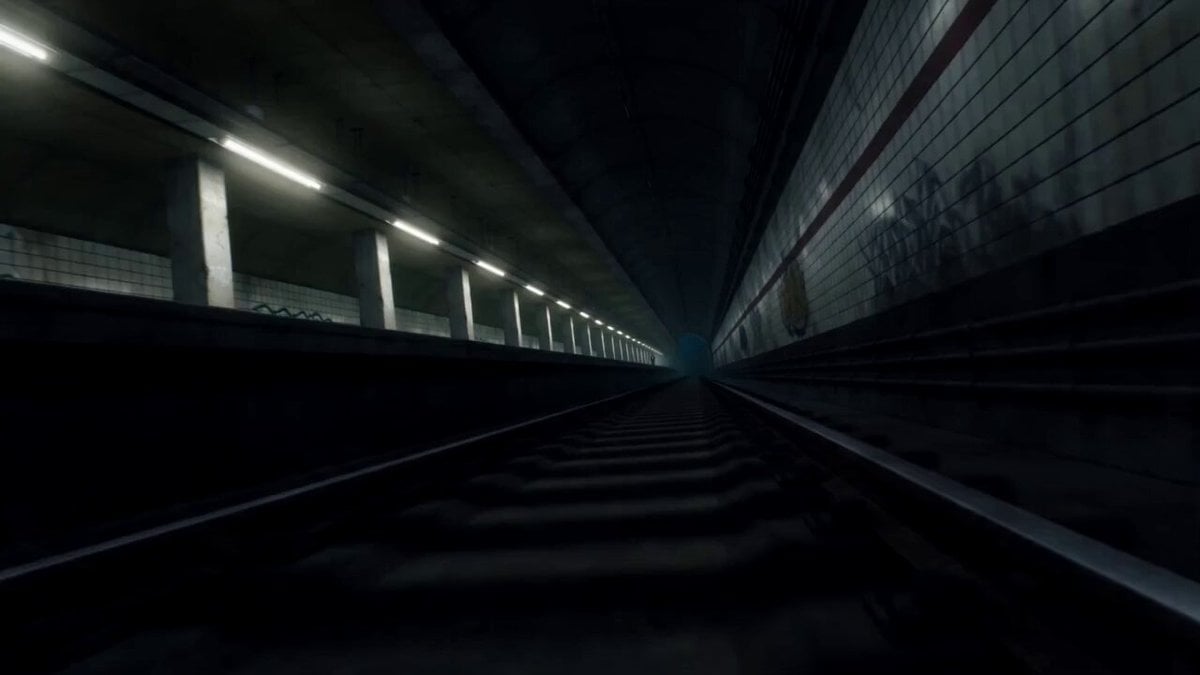
Supernatural Sakuga Anime Combat
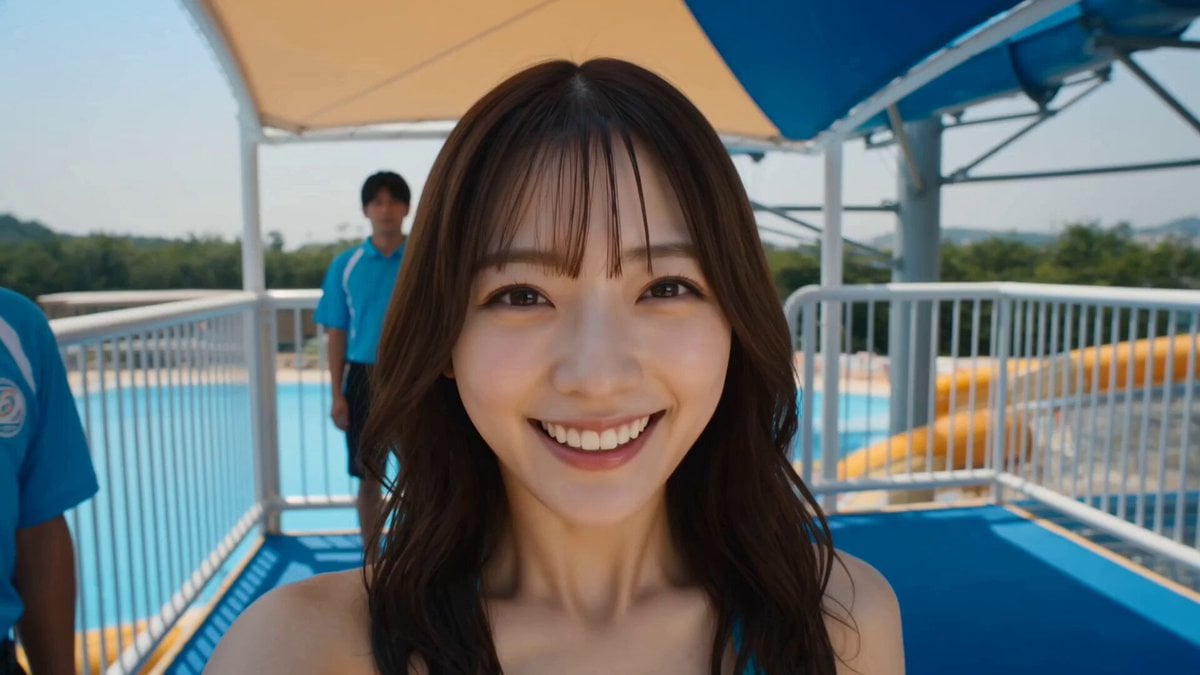
Water Park to Parliament Prank Video
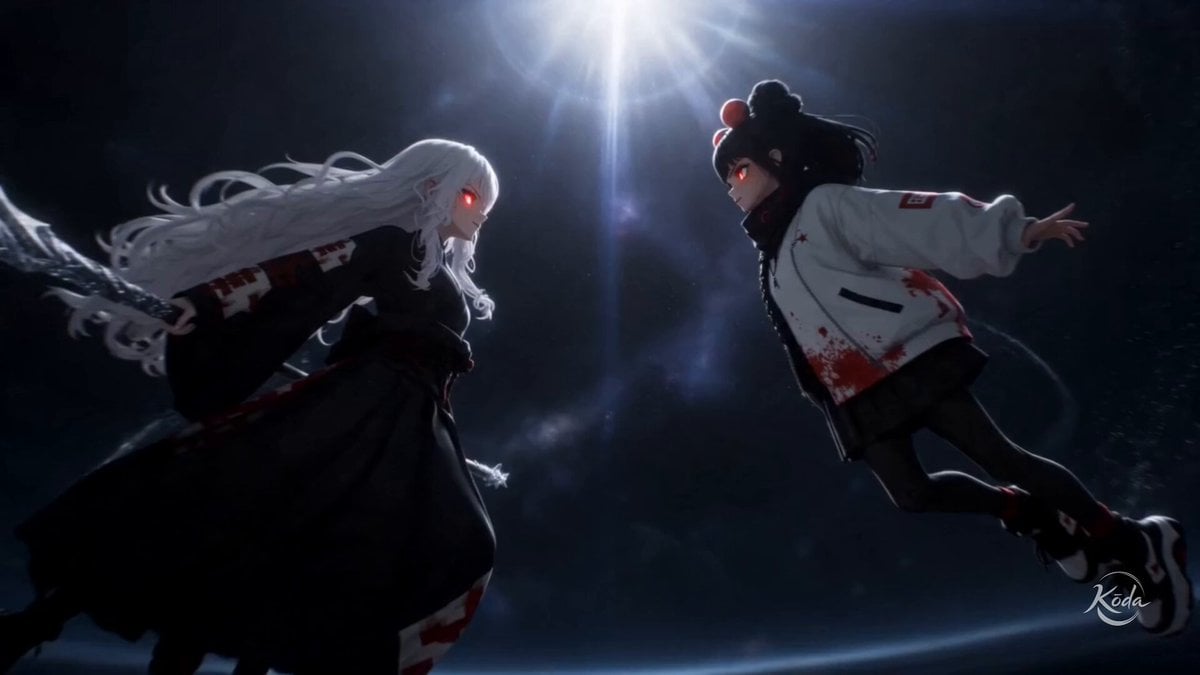
Astral Surge Visual Preset

Heritage Garden Travel Vlog
Browse template categories
Cyberpunk Sky Runner Chase questions
How do I use the Cyberpunk Sky Runner Chase template?
Add your photo if the template asks for one, edit the prompt if you like — the template's model and format are already selected — and press Generate. Your version opens in PicX Studio.
Can I customize the Cyberpunk Sky Runner Chase template?
Yes. You can change the subject, setting, lighting, mood, format, and available model controls before creating your video.
Is the Cyberpunk Sky Runner Chase template free?
Opening and editing this template is free. Generating uses credits, shown on the Generate button when you are signed in.
Which AI model should I use?
Start with Seedance 2.0, which is the model associated with this template. You can compare another compatible model for a different finish.
Looking for something else? Browse all templates.

Your photo, any look
Thousands of ready templates for every top image and video model, from one credit balance.