
The Cinematic Master Prompt (Image and Video)
A highly detailed, structured prompt for generating both an image (using Nano Banana 2) and a 10-second video (using Seedance 1.5 Pro) of a neo-noir urban scene, focusing on architectural massing and atmospheric effects.
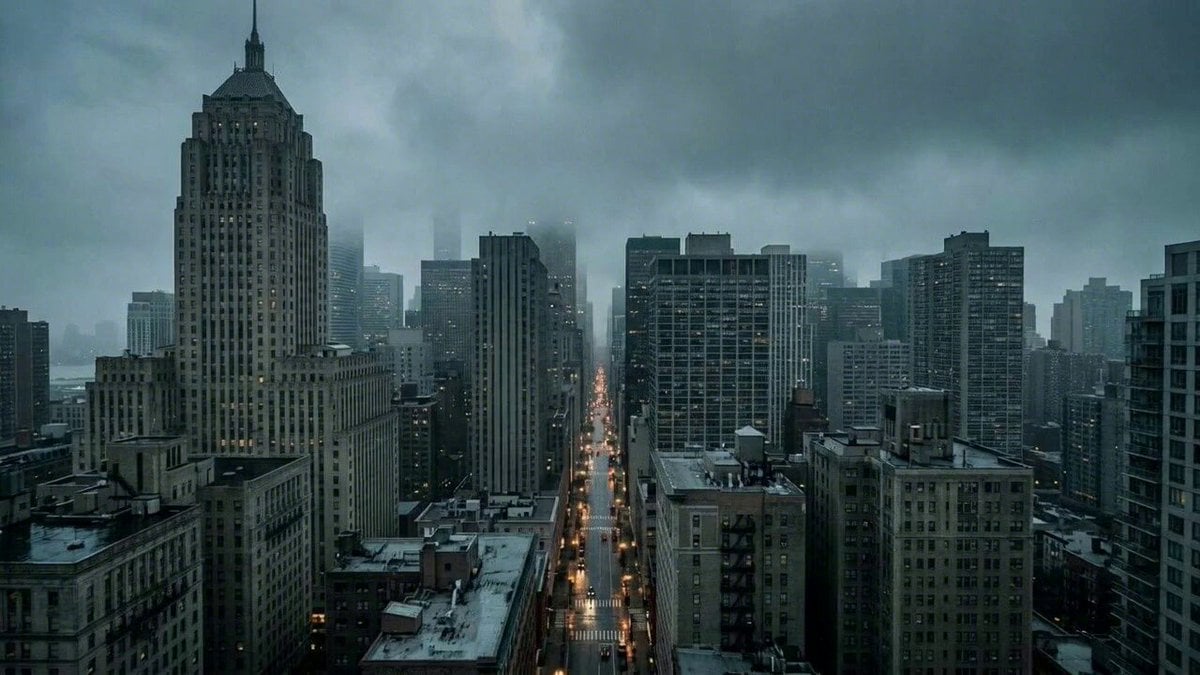
- Prompt included
- Model and format preset
- Free template
The prompt behind this video
Copy the exact prompt behind The Cinematic Master Prompt (Image and Video), or open it in the studio and make it yours.
{ "project_title": "The Cinematic Master Prompt", "scene_description": { "subject_and_composition": { "angle": "High-angle, 'God’s eye' cinematic overlook", "setting": "Dense North American metropolitan canyon", "time_of_day": "Blue hour", "focal_point": "Massive, tiered Art Deco skyscraper dominating the left-third power line", "perspective": "Deep one-point perspective leading down a central street", "architecture_styles": [ "Brutalist", "International-style" ], "framing": "Upper 40% dominated by crushing, heavy, slate-grey overcast sky" }, "atmosphere_and_lighting": { "mood": "Neo-noir urban melancholy", "weather_effects": [ "High atmospheric density", "Thick fog", "Drizzle", "Smog" ], "primary_lighting": "7500K ultra-soft, top-down diffused cool daylight", "secondary_lighting": "2700K warm tungsten glow from interior windows and amber streetlamps", "surface_interaction": "Reflections off highly specular, wet asphalt", "ambient_fill": "Subtle cyan-blue in shadows" }, "color_and_tone": { "palette": "Desaturated teal-and-charcoal", "contrast": "High contrast (cold exterior vs. warm human activity)", "black_point": "Raised black points for a faded, matte filmic look", "toning": "Soft S-curve" }, "technical_camera_specs": { "format": "35mm full-frame digital (underexposed film emulation)", "aperture": "f/8.0 deep depth of field", "visual_texture": "High frequency architectural window grids", "artifacts": [ "Visible ISO 3200 film grain", "Slight chromatic aberration at edges", "Subtle vignetting" ], "depth": "Sharp foreground masonry with atmospheric haze recession" }, "narrative_vibe": { "themes": [ "Liminal space", "Edward Hopper-inspired realism", "The Sentient City", "Profound isolation", "Lonely crowd motif" ], "constraints": "No visible people or organic life; pure architectural massing and gravity" } } } Video: { "video_metadata": { "duration": "10s", "aspect_ratio": "16:9", "style": "Cinematic Neo-Noir" }, "prompt_details": { "subject_composition": "High-angle 'God’s eye' cinematic overlook of a North American metropolitan canyon at blue hour. Massive Art Deco skyscraper anchored on the left-third.", "atmosphere": "Neo-noir urban melancholy, thick fog, drizzle, and smog softening the distant skyline.", "lighting": { "primary": "7500K cool top-down diffused daylight", "secondary": "2700K warm tungsten glow from interior windows and amber streetlamps", "reflections"
How to use The Cinematic Master Prompt (Image and Video) in 3 steps
- 1
Open
The prompt is already in the box next to the preview, with the template's model and format selected.
- 2…a portrait of your subject in softgolden-hour light, 85mm…
Personalize
Edit the subject and creative details for your destination.
- 3Generate
Generate
Press Generate — your video is created in PicX Studio, so you can compare it with the original and refine one variable at a time.
More like this
Templates with the same subject, style or setup. Open one to see its prompt.
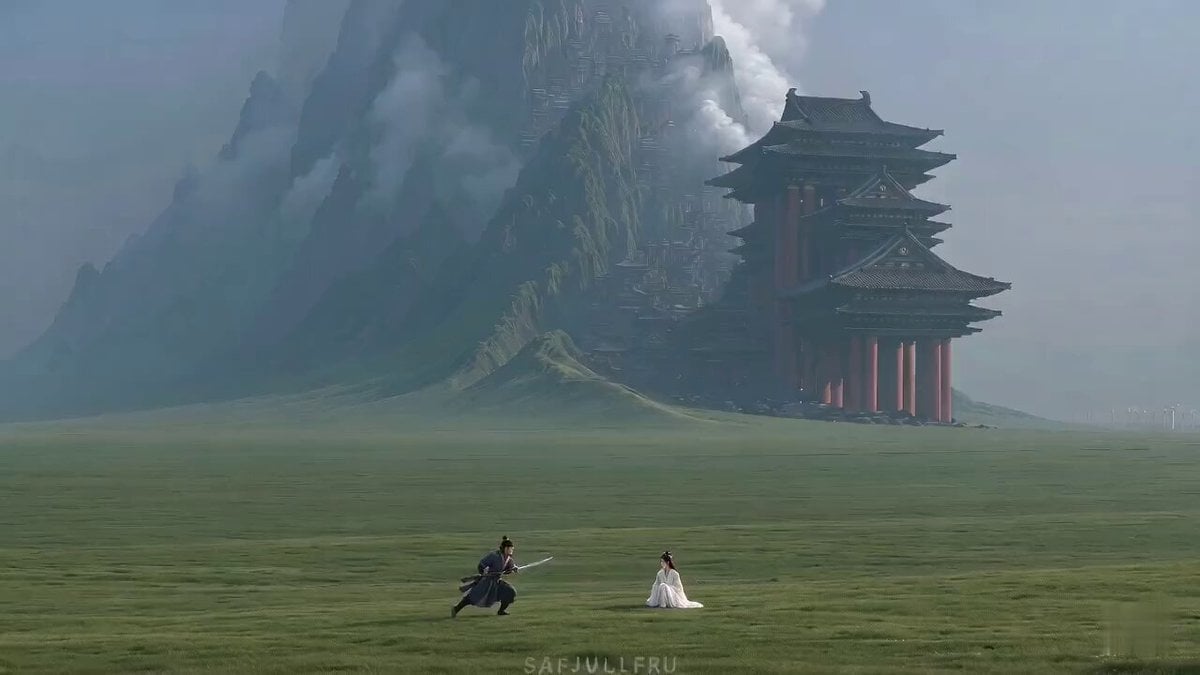
Wuxia Misunderstanding Comedy "Master Filter"
Flying Sword Master Cat
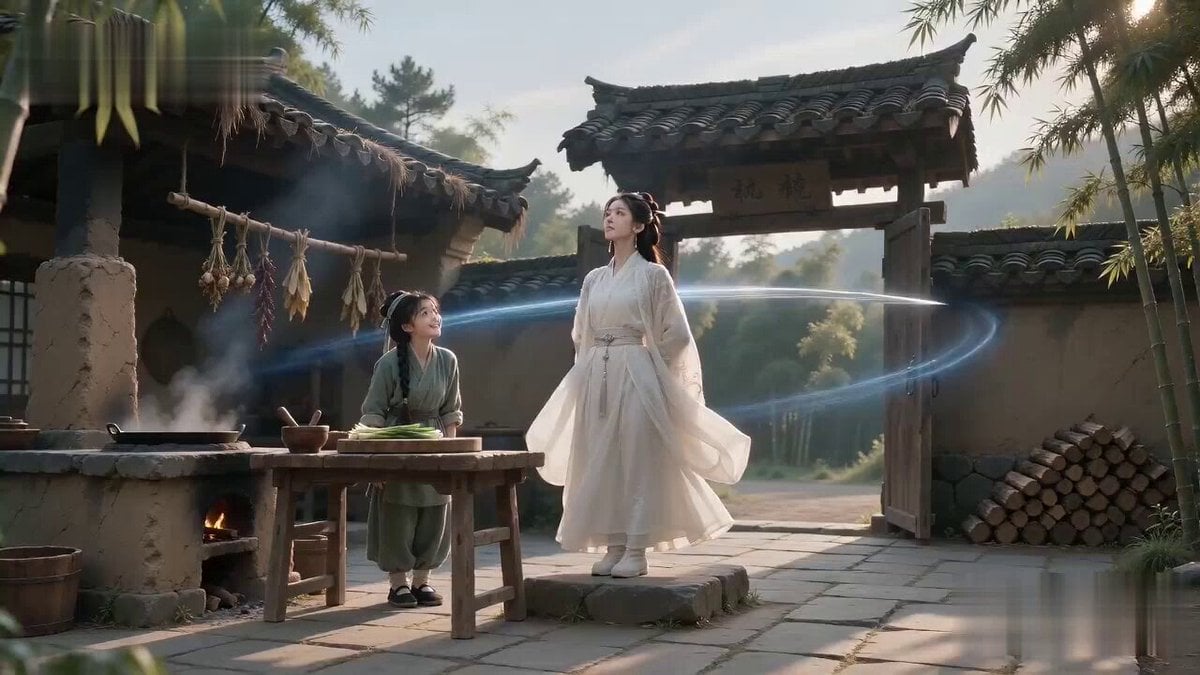
Sword Master Onion Chopping Comedy
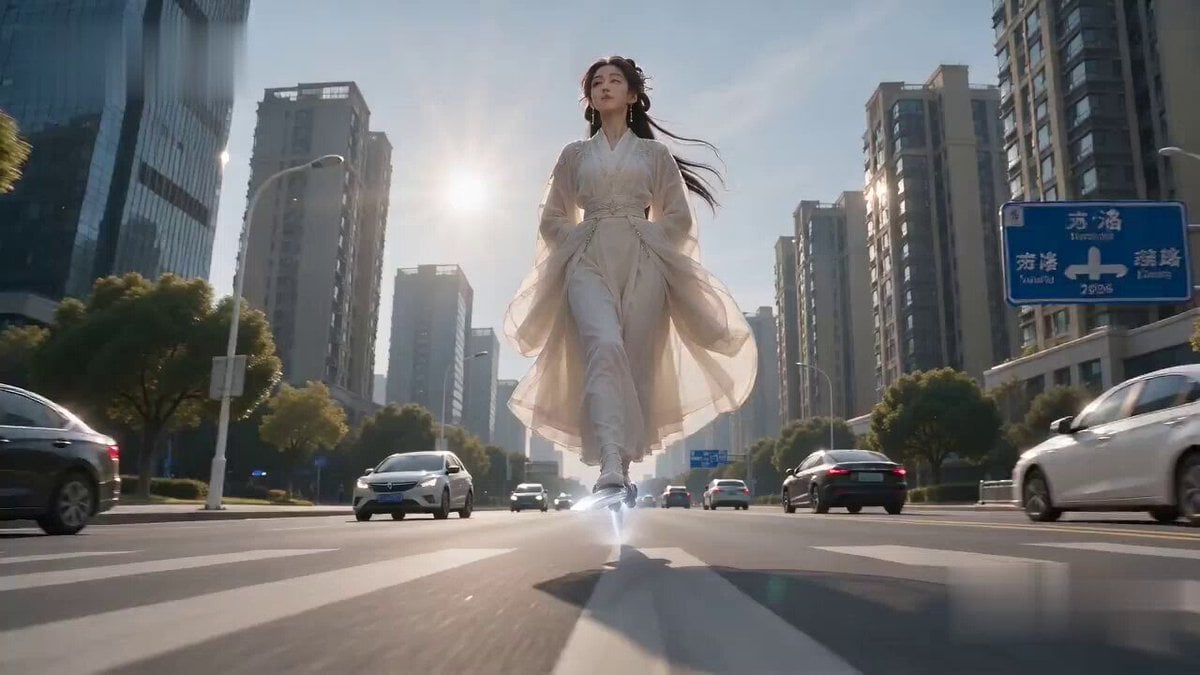
Immortal Sword Master Comedy Twist
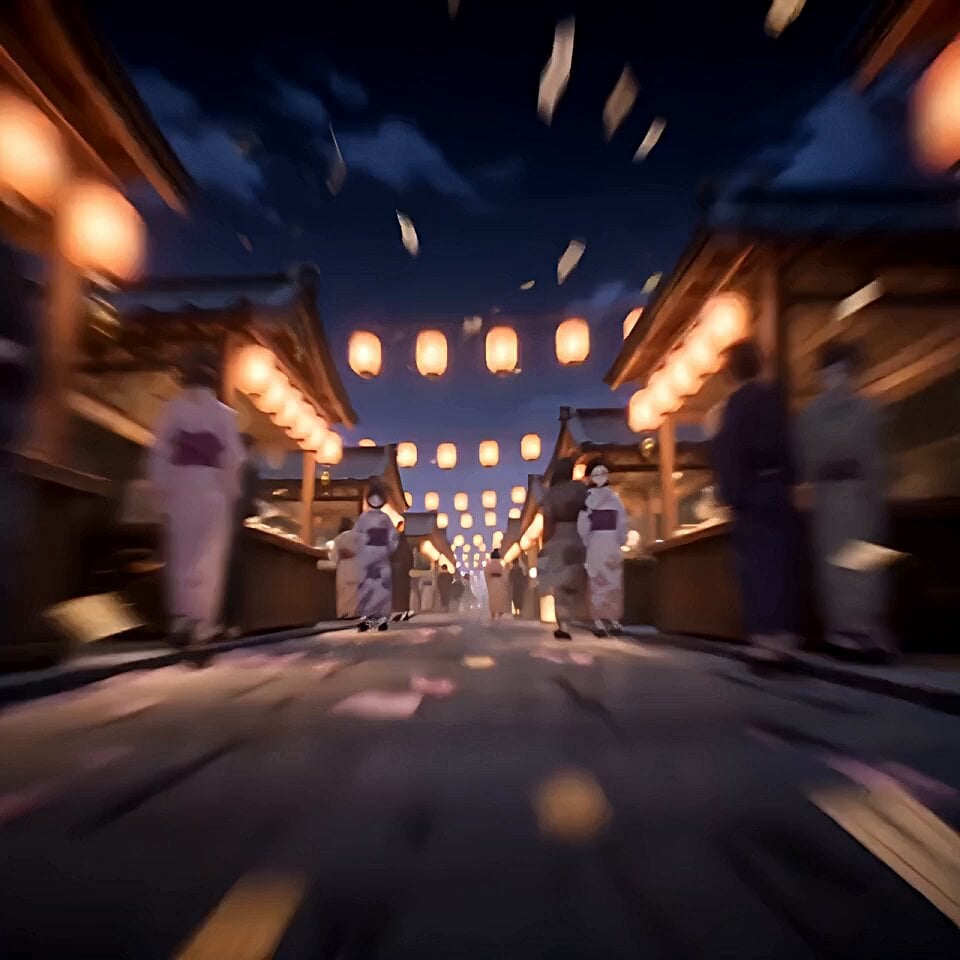
Japanese Fantasy Barrier Master Anime
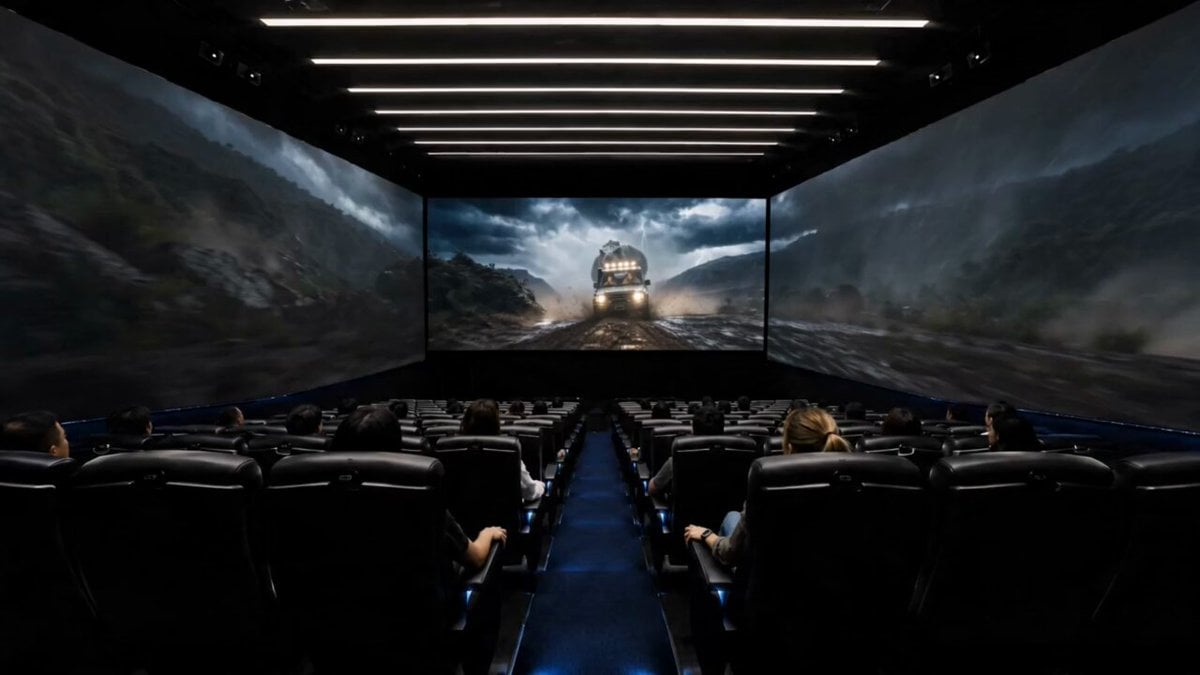
4DX Cinema ScreenX Master Prompt
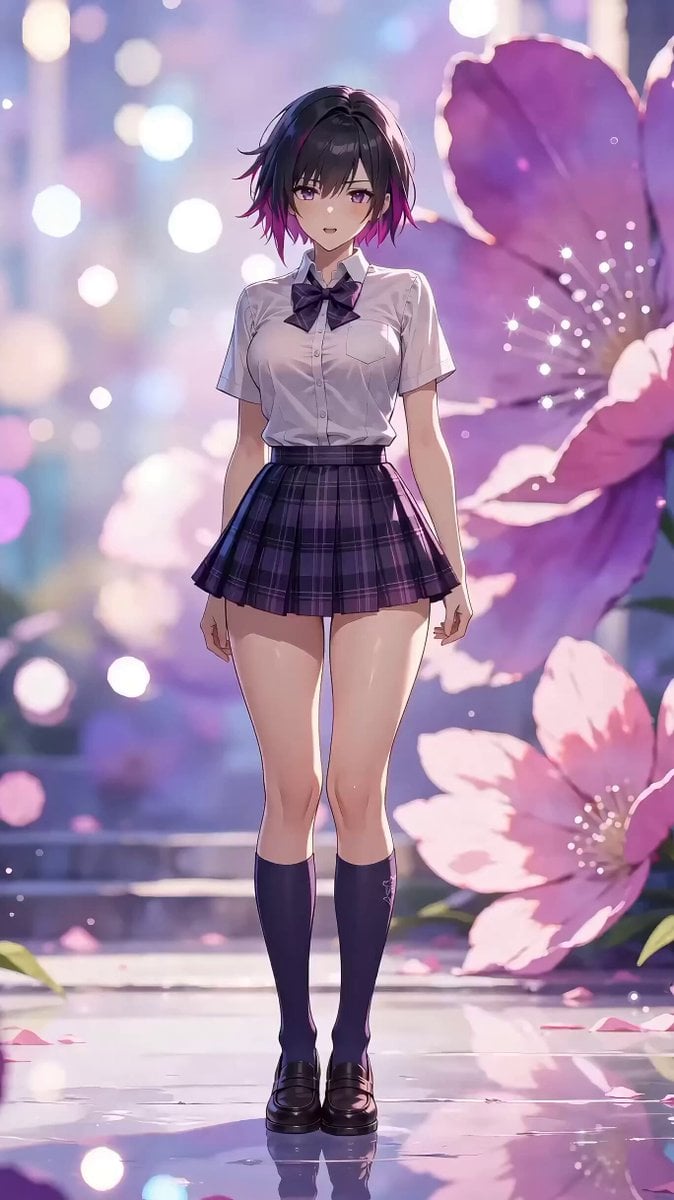
Character Dance MV Master Template
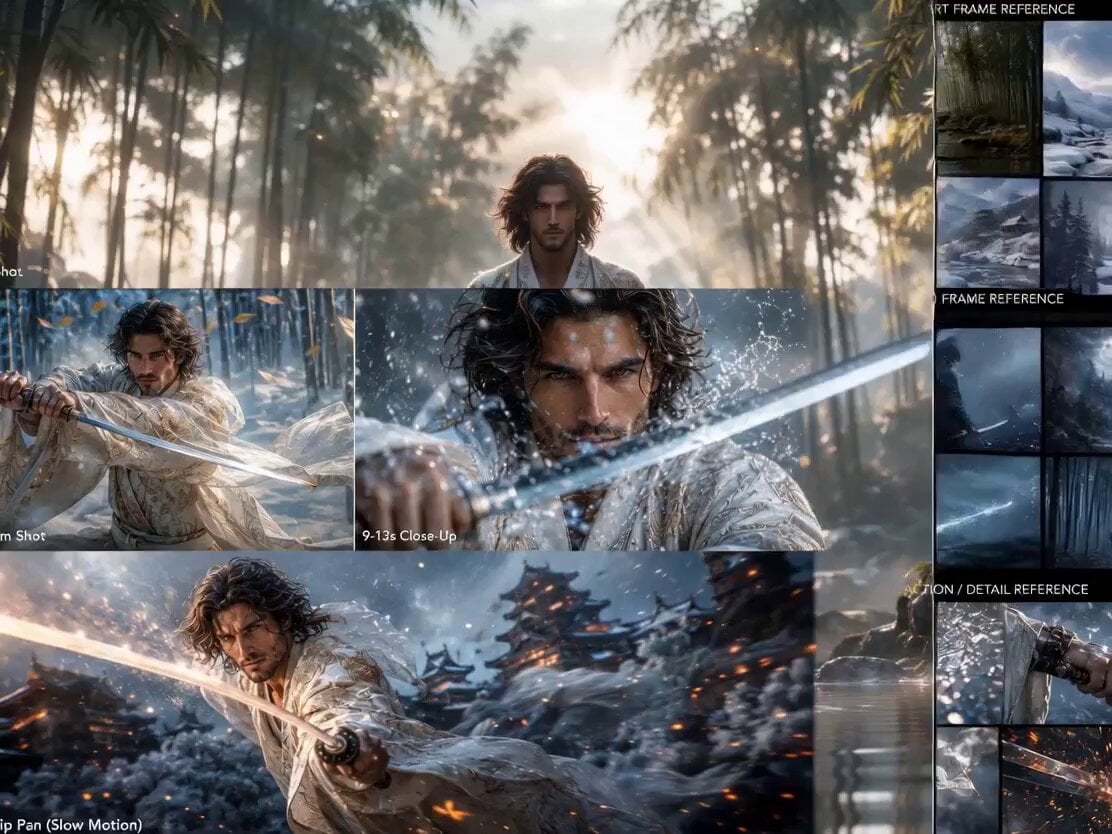
Epic Samurai Duel Master Prompt
Anime Martial Arts Master Animation
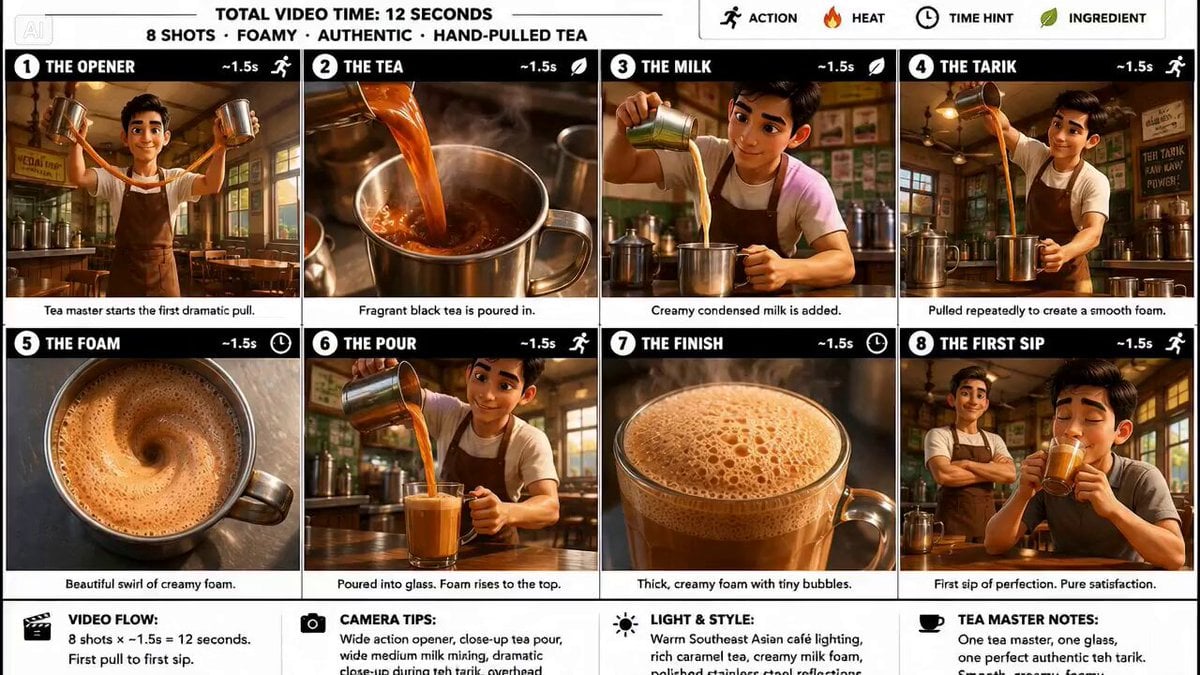
Traditional Tea Master Pixar Animation
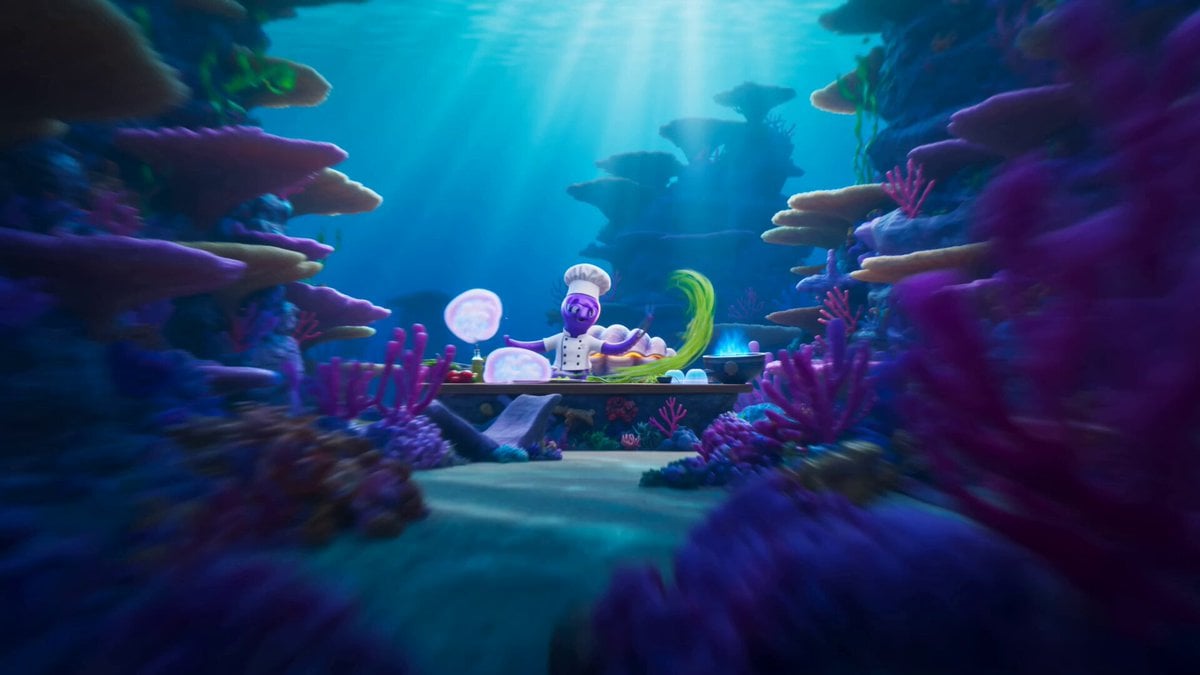
3D Octopus Master Chef
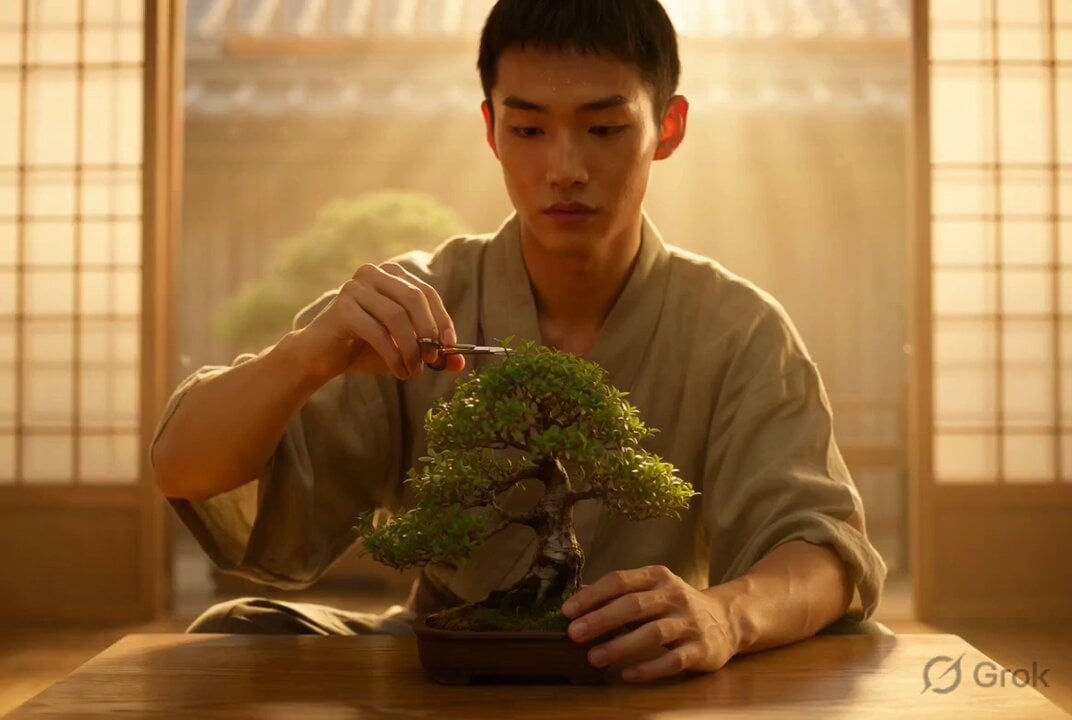
Photorealistic Cinematic Portrait of a Bonsai Master
Make it yours
The Cinematic Master Prompt (Image and Video) works as-is. These are the safest ways to change it without losing the look.
Change one field
Copy a single group, rewrite it, and generate again so you can see what that field is doing.
Keep the frame, change the subject
Hold the composition and light of The Cinematic Master Prompt (Image and Video), then swap wardrobe, props or the person for a new take.
| If the result… | Why | Fix |
|---|---|---|
| The result drifts from the preview | Too many fields changed at once. | Reuse The Cinematic Master Prompt (Image and Video) as-is first, then change one group — subject, light, or setting. |
| The model over-stylizes the scene | The prose prompt leaves finish and camera underspecified. | Add one camera or lighting sentence and stay on Seedance 2.0. |
More Seedance 2.0 templates
Other prompts made for Seedance 2.0.

Comical Martial Arts Punch Scene

Maglev Train Action Sequence

Martial Arts Fight Sequence

Wuxia Protection and Trust Script

Vintage Korean Arcade MiniDV Vlog

Mercedes 190 SL Luxury Ad

Rainy Night Supernatural Reverse Comedy Video Script

Amazon Civilization Discovery

Futuristic South Asian City Transformation

Cozy Luxury Cafe Commercial
More video prompts
Fresh picks from across the catalog.
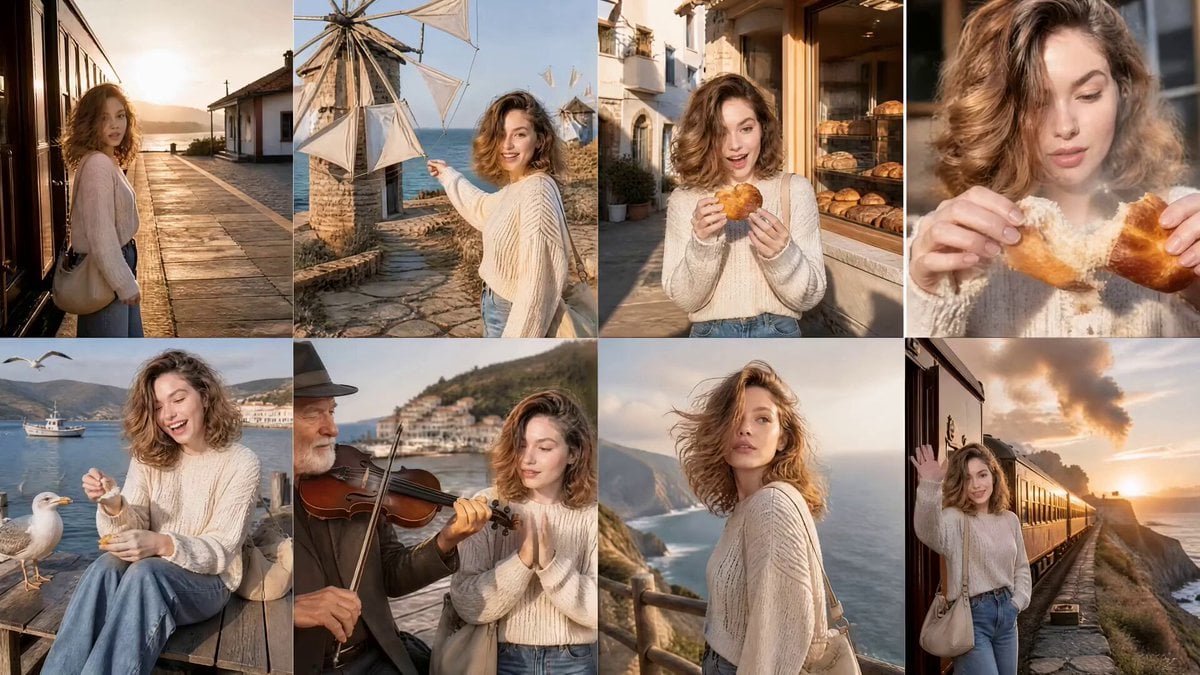
Cinematic Korean Woman Coastal Adventure
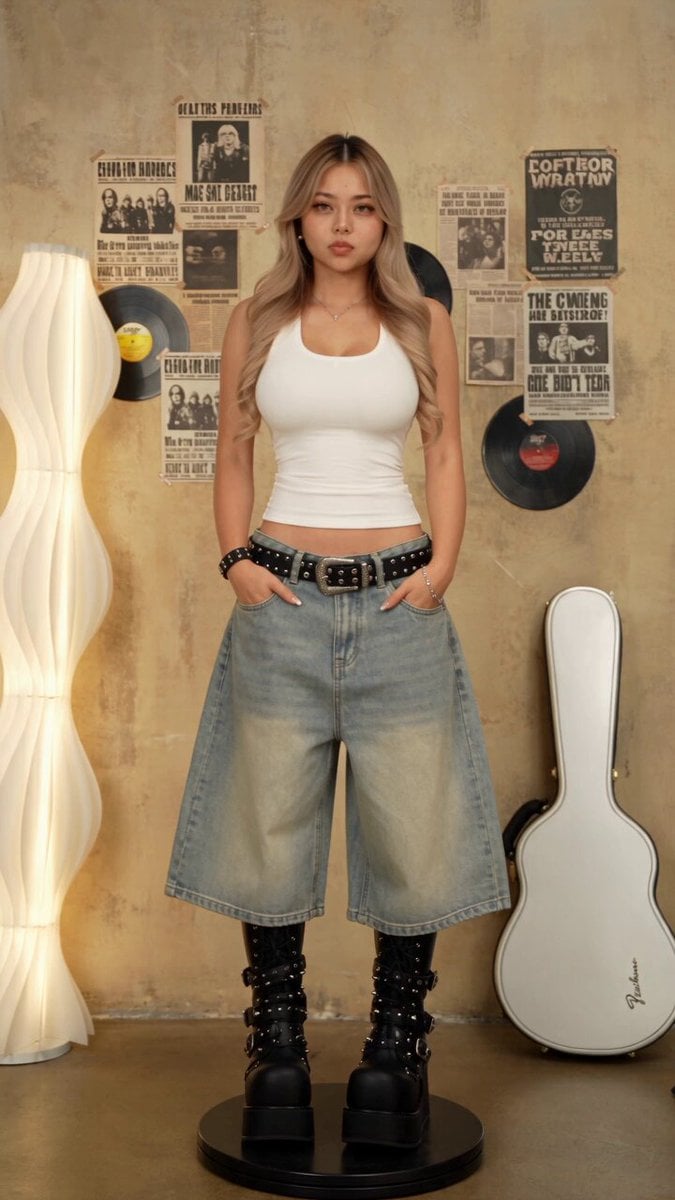
Y2K Rock Fashion Transition Video
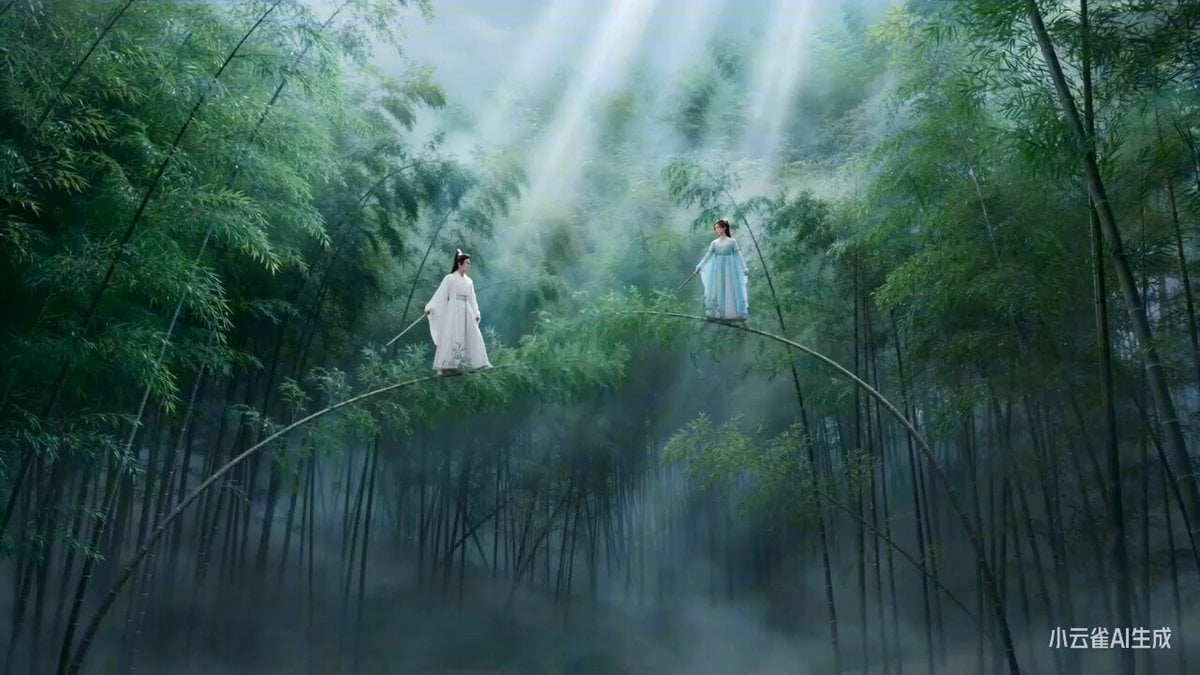
Moonlit Bamboo Forest Swordsman Scene
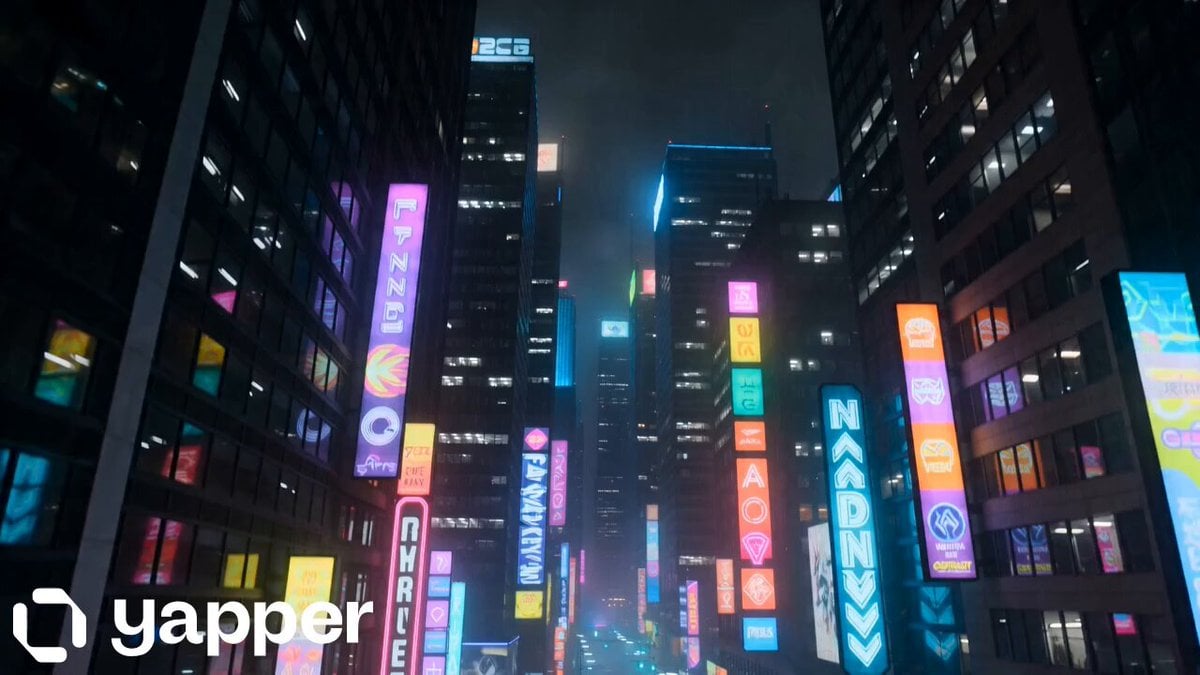
Rainy Neon City Cinematic Walk
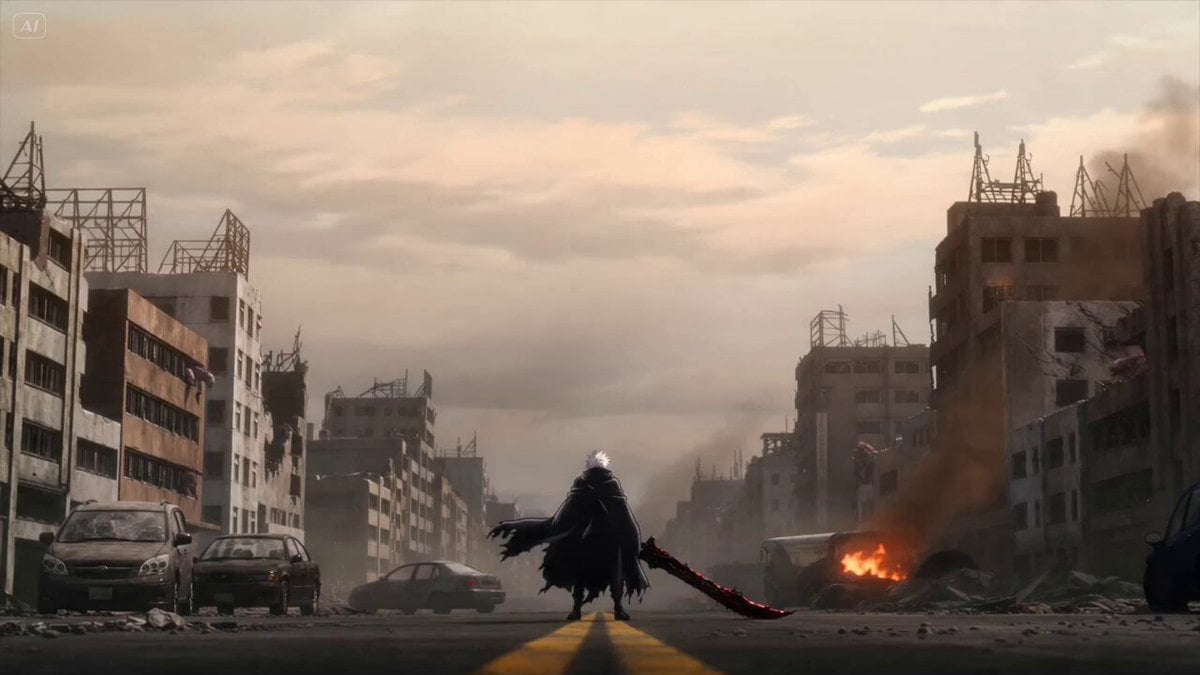
Anime Swordsman Action Sequence
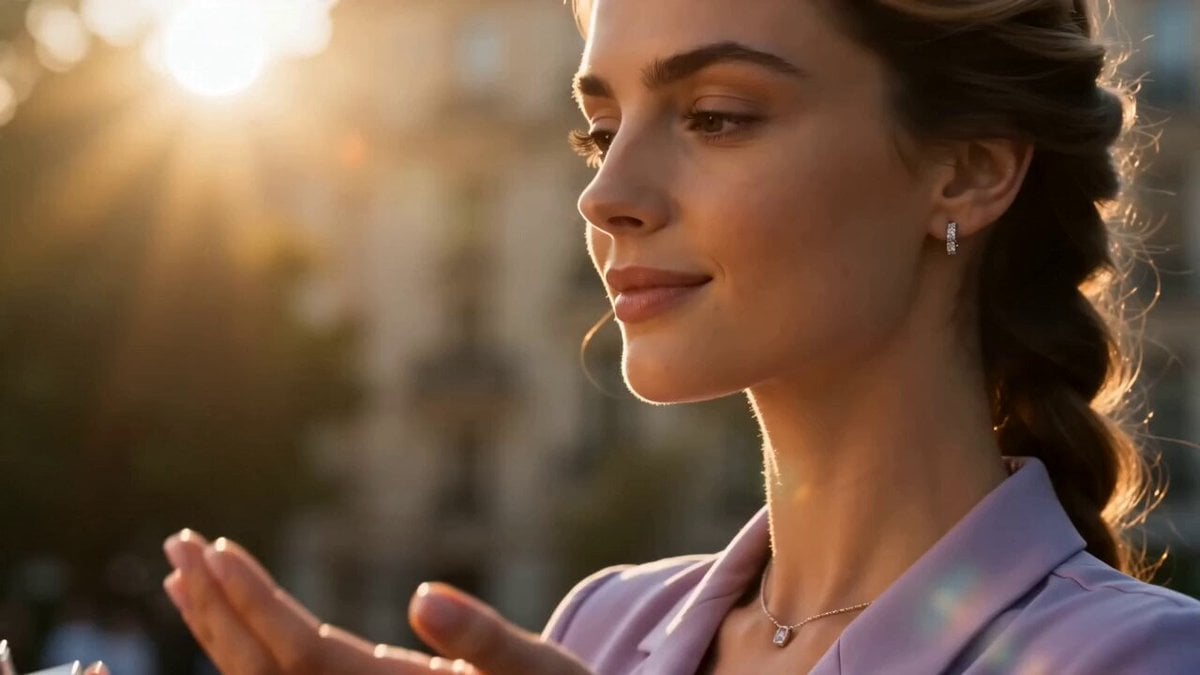
Luxury Fragrance Cinematic Campaign Prompt
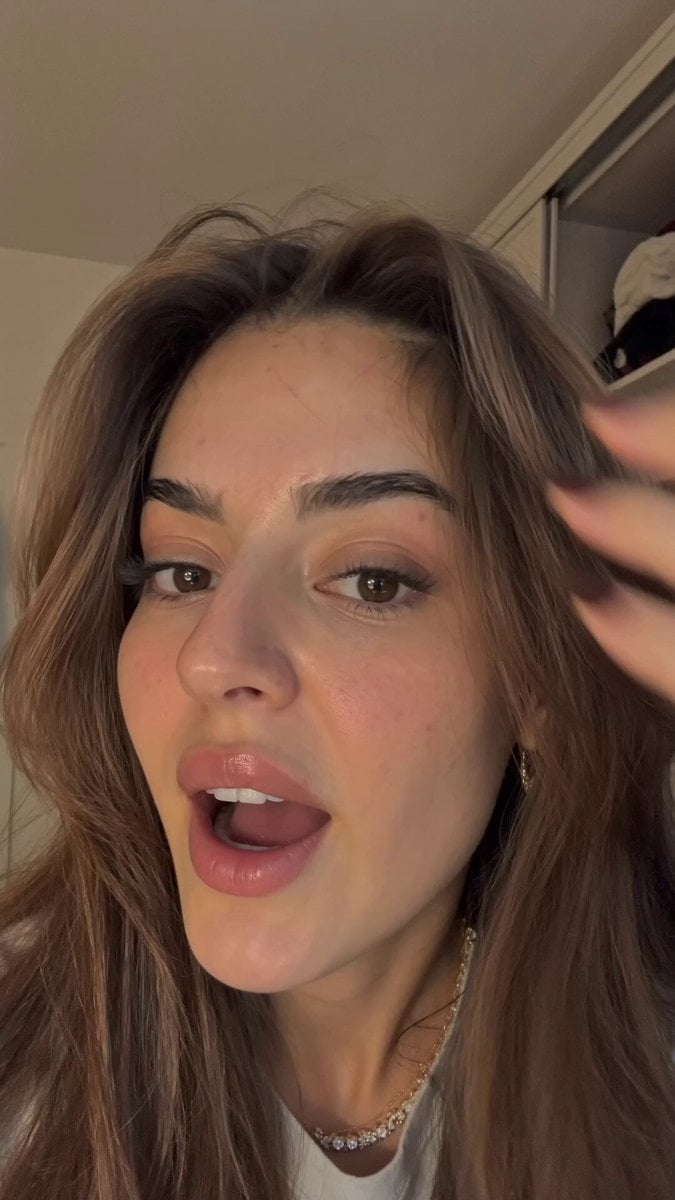
Realistic bedroom video recording prompt
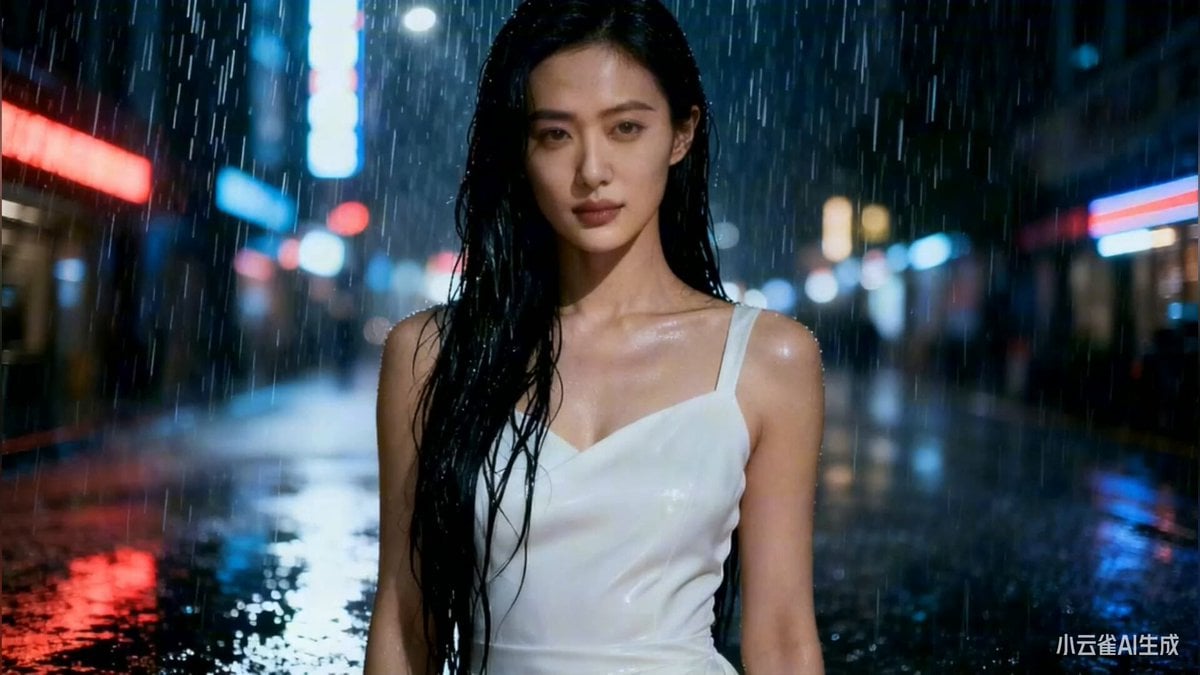
Modern Beauty to Ancient Warrior Transformation Prompt
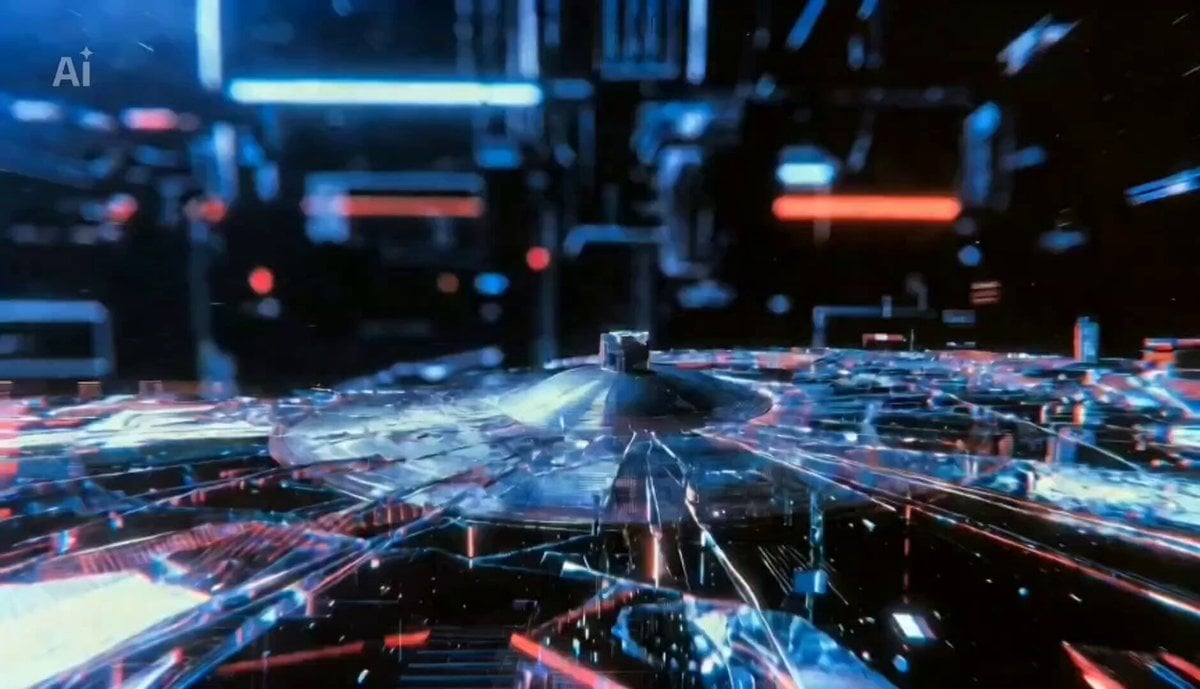
High-Tempo 9-Image Glitch Edit
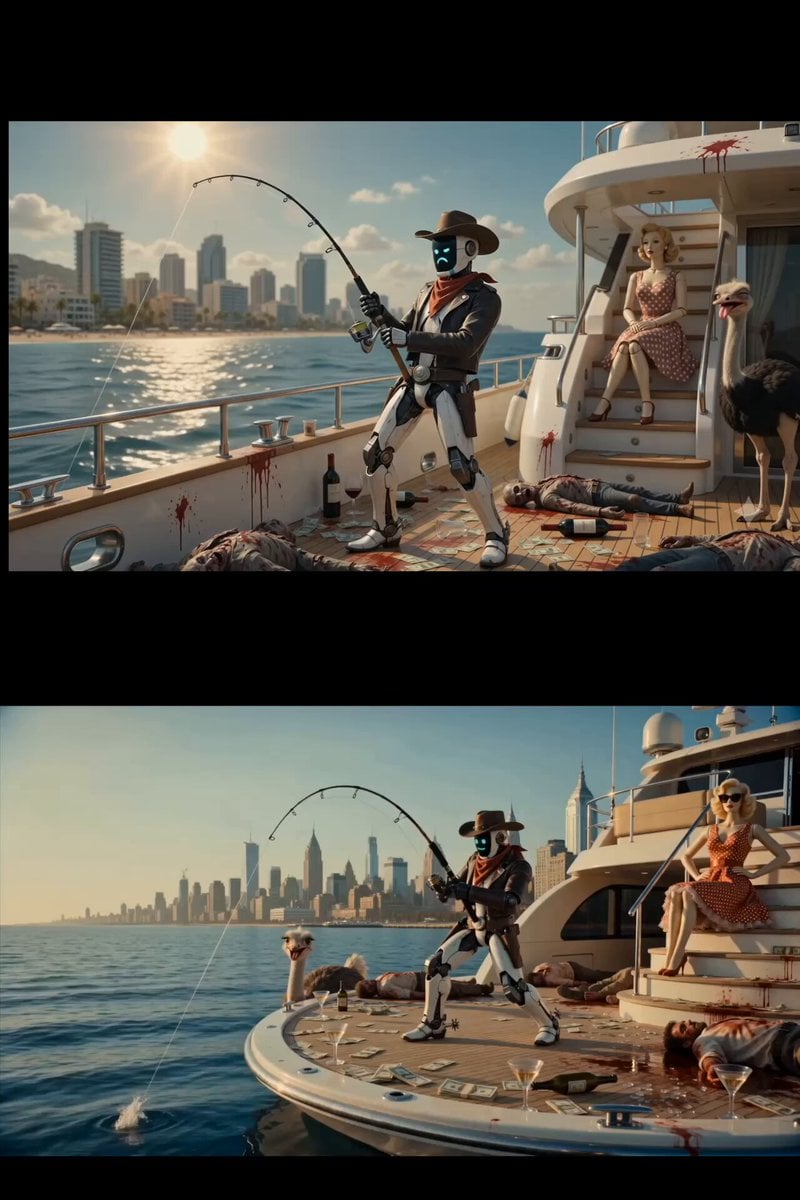
Surreal Scavenger Yacht Scene
Browse template categories
The Cinematic Master Prompt (Image and Video) questions
How do I use the The Cinematic Master Prompt (Image and Video) template?
Add your photo if the template asks for one, edit the prompt if you like — the template's model and format are already selected — and press Generate. Your version opens in PicX Studio.
Can I customize the The Cinematic Master Prompt (Image and Video) template?
Yes. You can change the subject, setting, lighting, mood, format, and available model controls before creating your video.
Is the The Cinematic Master Prompt (Image and Video) template free?
Opening and editing this template is free. Generating uses credits, shown on the Generate button when you are signed in.
Which AI model should I use?
Start with Seedance 2.0, which is the model associated with this template. You can compare another compatible model for a different finish.
Looking for something else? Browse all templates.

Your photo, any look
Thousands of ready templates for every top image and video model, from one credit balance.