
Epic Samurai Duel Master Prompt
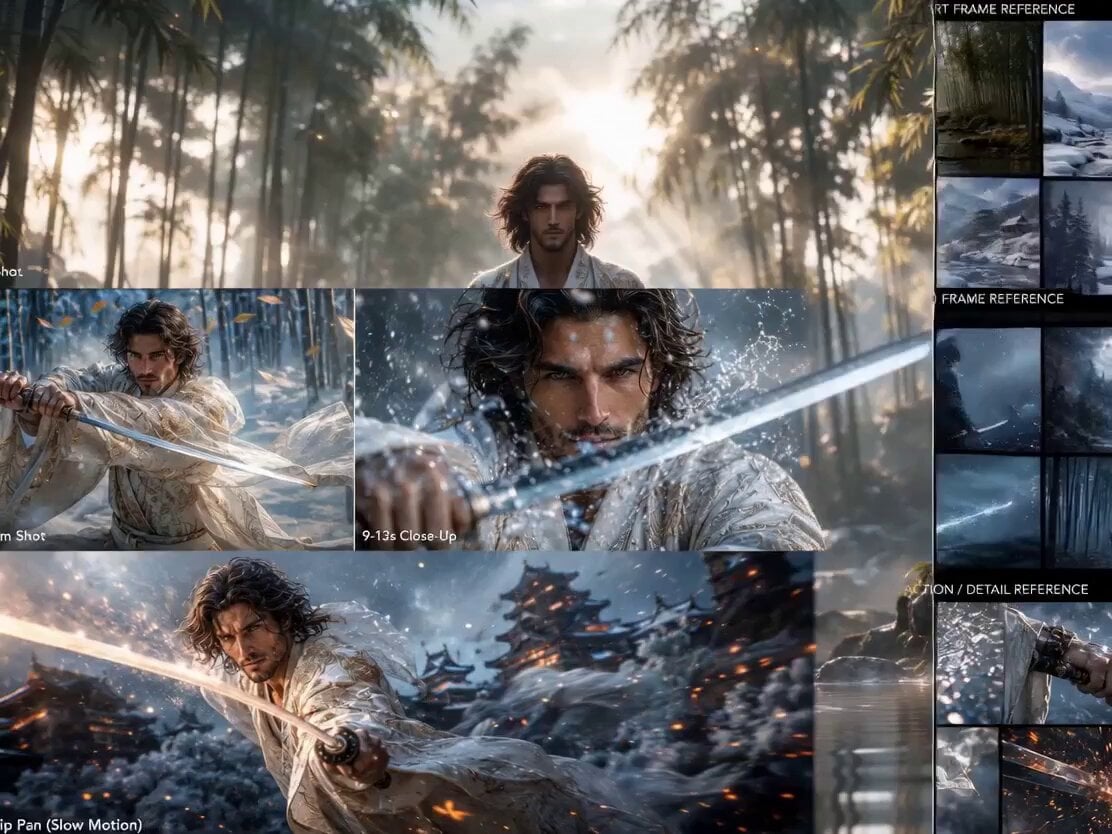
A highly detailed three-scene script for a cinematic samurai duel in a bamboo forest at sunrise.
- Prompt included
- Model and format preset
- Free template
The prompt behind this video
Copy the exact prompt behind Epic Samurai Duel Master Prompt, or open it in the studio and make it yours.
Ultra cinematic Japanese fantasy action film, hyper realistic samurai duel sequence, 8K ultra detail, anamorphic lens, Unreal Engine 5 realism, cinematic depth of field, volumetric lighting, dynamic action choreography, dramatic atmosphere, luxury fantasy styling, film grain, motion blur, epic cinematic pacing. CHARACTER: Use uploaded face reference exactly for identity consistency. Handsome masculine warrior with sharp jawline, wavy shoulder-length dark hair, golden-brown eyes, subtle beard texture, elegant facial structure, intense emotional gaze. Luxury fantasy samurai outfit inspired by royal Japanese warrior aesthetics: flowing ivory-white robes, silver and gold embroidery, ornamental layered armor, translucent fabric physics, cinematic cloth simulation, high-fashion fantasy design, ethereal elegance mixed with deadly warrior energy. VISUAL STYLE: Dreamlike cinematic realism, golden atmospheric lighting, Japanese epic fantasy mood, highly detailed environments, floating particles, soft mist, slow-motion action, cinematic realism mixed with fantasy beauty. SCENE 1 — 0s to 4s — “THE ARRIVAL” Wide cinematic drone shot. The samurai walks slowly toward camera through a massive bamboo forest during sunrise. Morning mist covers the ground. Golden sunlight rays pierce through tall bamboo trees. Wind flows through his hair and robes dramatically. Shallow water beneath his feet creates ripples with every step. Floating glowing particles drift through the air. Camera tracks backward smoothly while slowly pushing inward. Atmosphere feels calm, mystical, and emotionally powerful. Environment: dense bamboo forest, wet stones, soft fog, Japanese cinematic atmosphere, subtle fantasy glow, ultra detailed nature realism. Camera: 35mm anamorphic lens, smooth cinematic tracking, slow-motion cloth movement, volumetric sun rays, shallow depth of field. SCENE 2 — 4s to 9s — “THE STANCE” Medium tracking shot rotating around the samurai. He slowly unsheathes his katana with metallic reflections glimmering in sunlight. Leaves begin falling around him. Wind intensifies dramatically. His robes whip through the air. The blade reflects golden sunrise light. Water droplets rise from the ground due to the force of movement. The camera circles him dynamically while maintaining cinematic face detail consistency. Expression: focused, fearless, silent determination. Action details: strong stance, precise sword handling, cinematic tension building, epic warrior aura. Camera: dynamic handheld cinematic movement, slow-motion mixed with real-time pacing, peak anamorphic lens flares, high-speed cinematic capture. SCENE 3 — 9s to 13s — “THE STRIKE” Extreme close-up action sequence. The samurai launches forward at incredible speed. Katana slices through the air with glowing motion trails. Massive slow-motion water explosion erupts around the blade. Detailed splash physics.
How to use Epic Samurai Duel Master Prompt in 3 steps
- 1Upload ImagePNG, JPG or paste
Add your photo
Upload the photo the template builds on. The prompt, model and format are already set.
- 2…a portrait of your subject in softgolden-hour light, 85mm…
Personalize
Edit the subject and creative details for your destination.
- 3Generate
Generate
Press Generate — your video is created in PicX Studio, so you can compare it with the original and refine one variable at a time.
More like this
Templates with the same subject, style or setup. Open one to see its prompt.
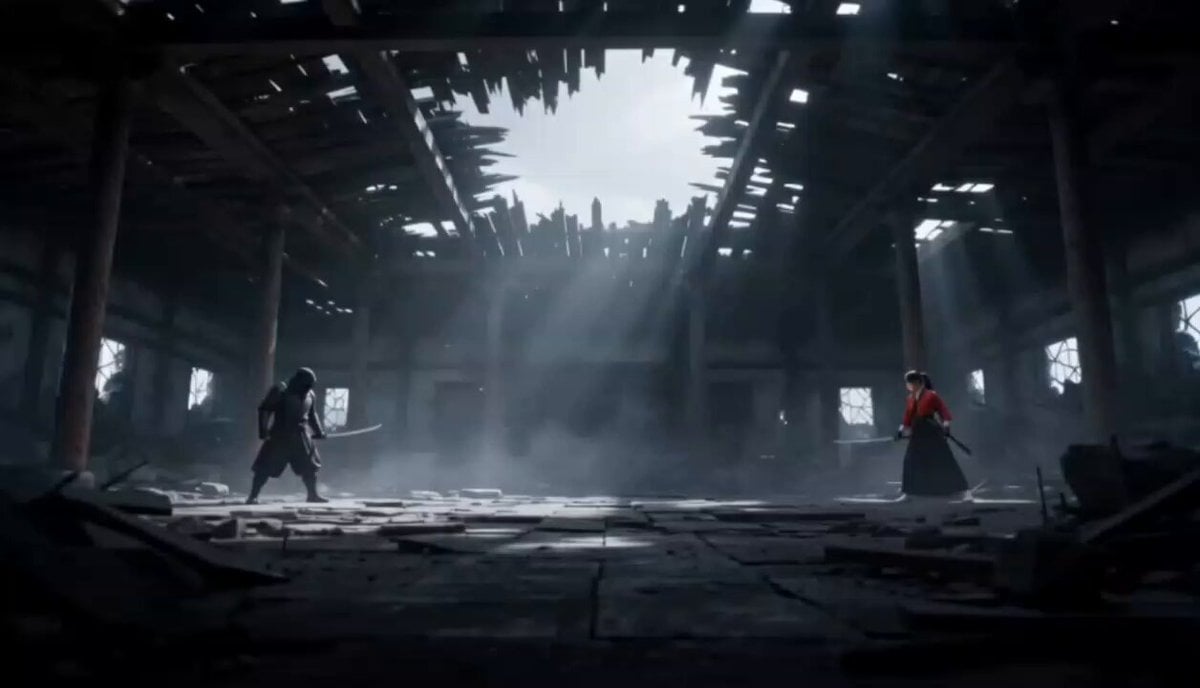
Cinematic Anime Samurai Duel
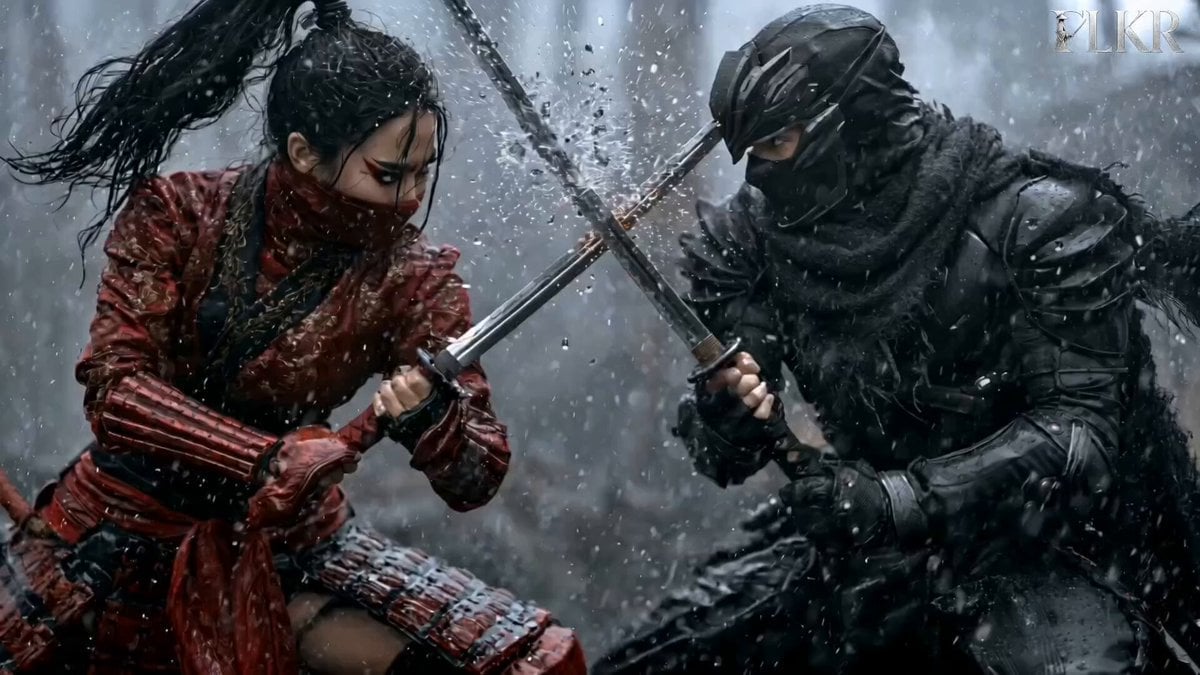
Samurai Duel in Stormy Rooftop
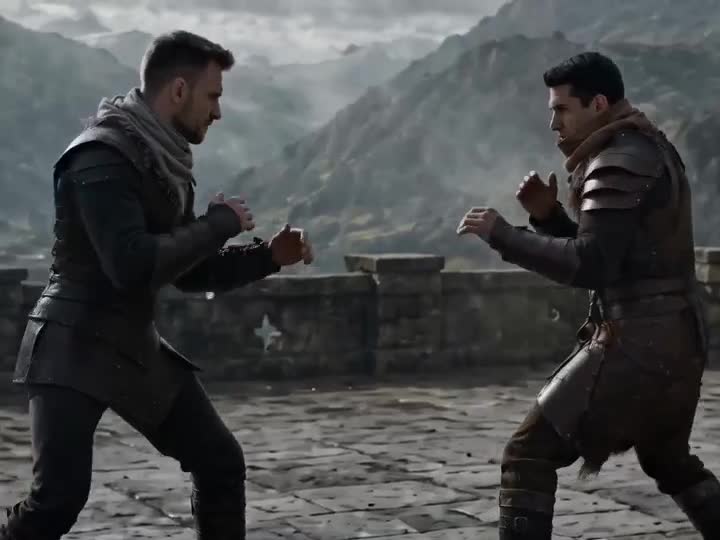
Medieval Duel Style Transfer

Oceanic Civilization Epic Sci-Fi Film
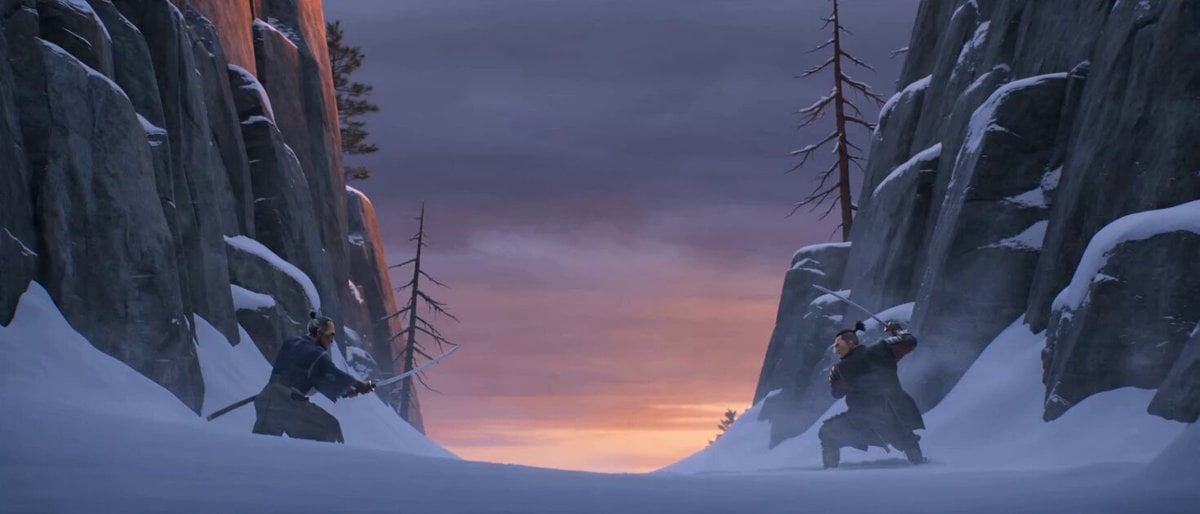
Cinematic Samurai Duel Sequence
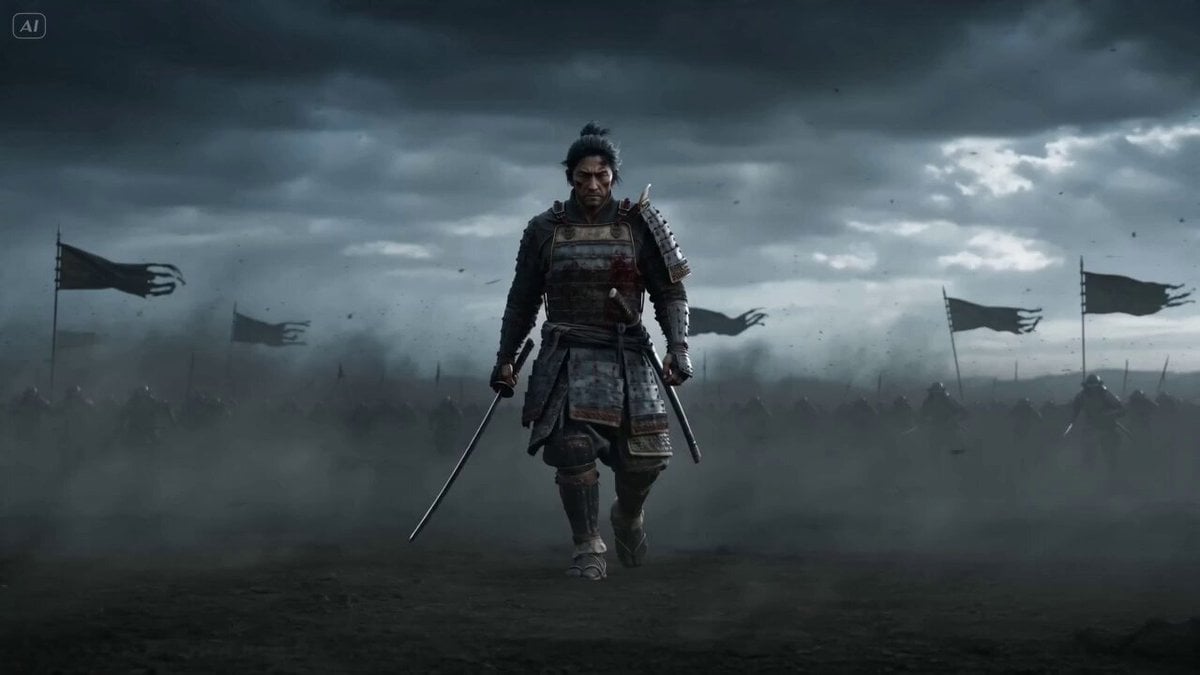
Epic Samurai Multi-Slash Sequence
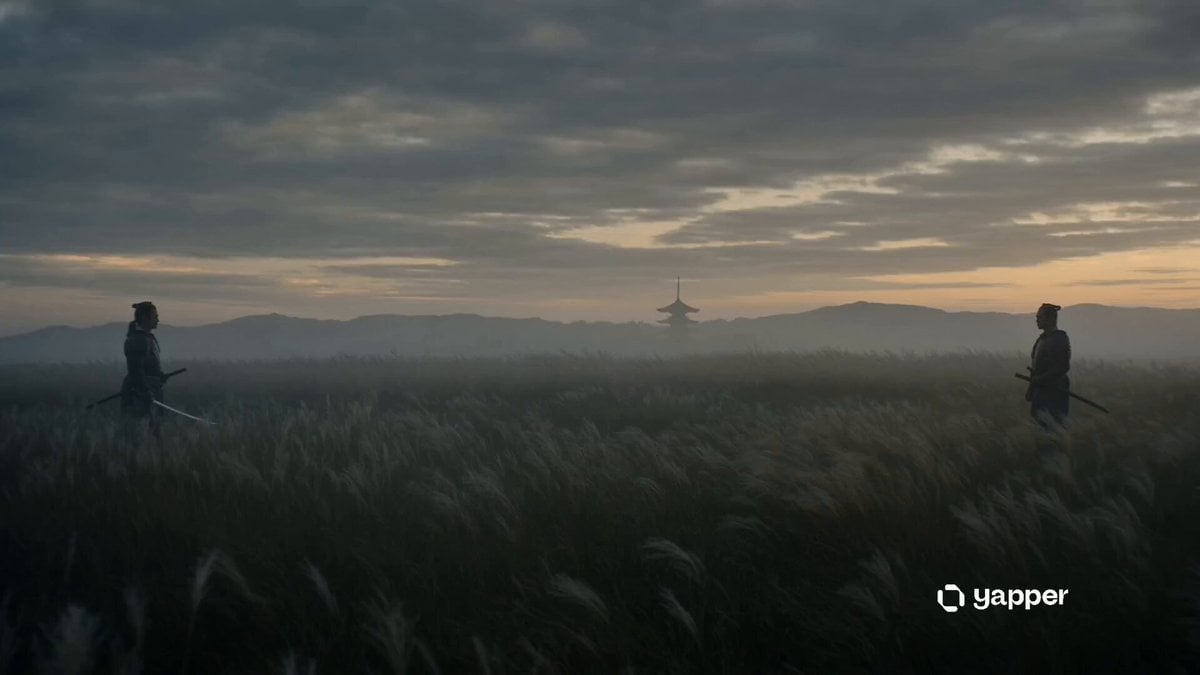
Cinematic Samurai Dusk Duel
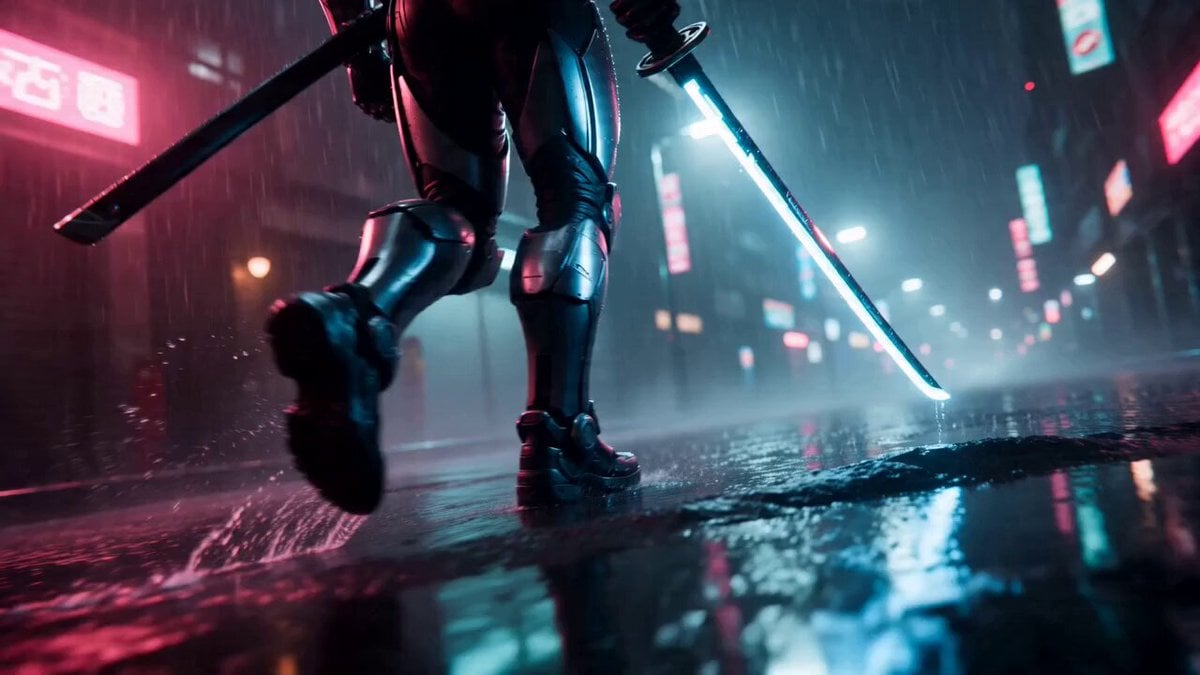
Cyberpunk Neon Samurai Duel
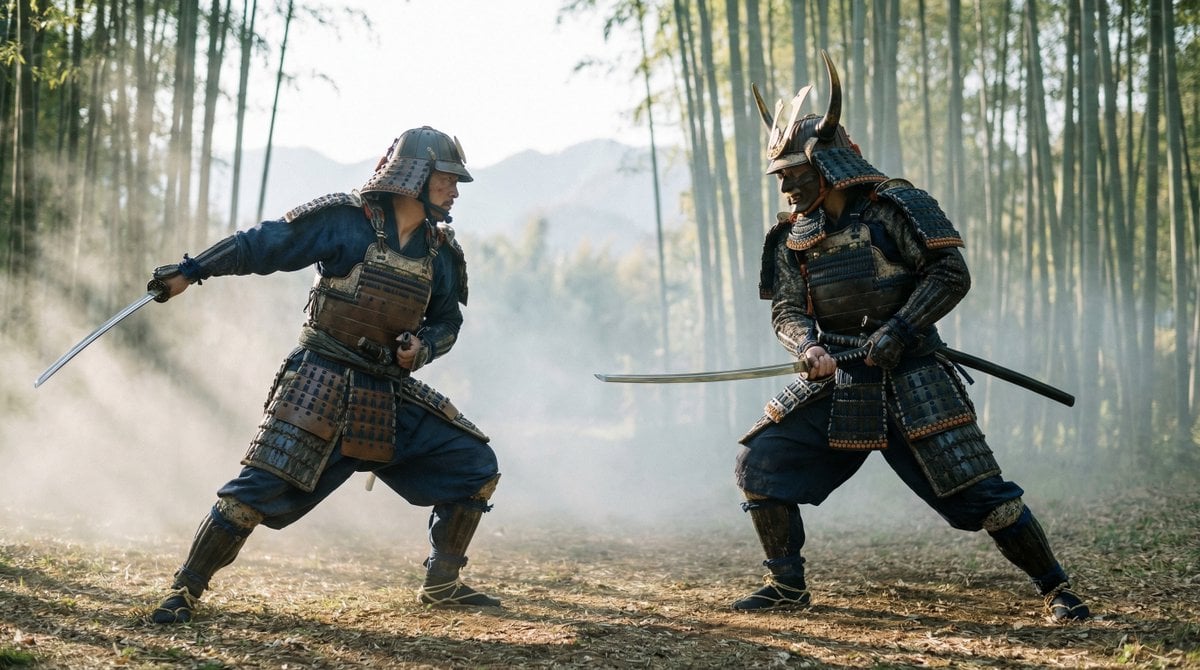
Samurai Duel Fight Sequence (Image-to-Video)
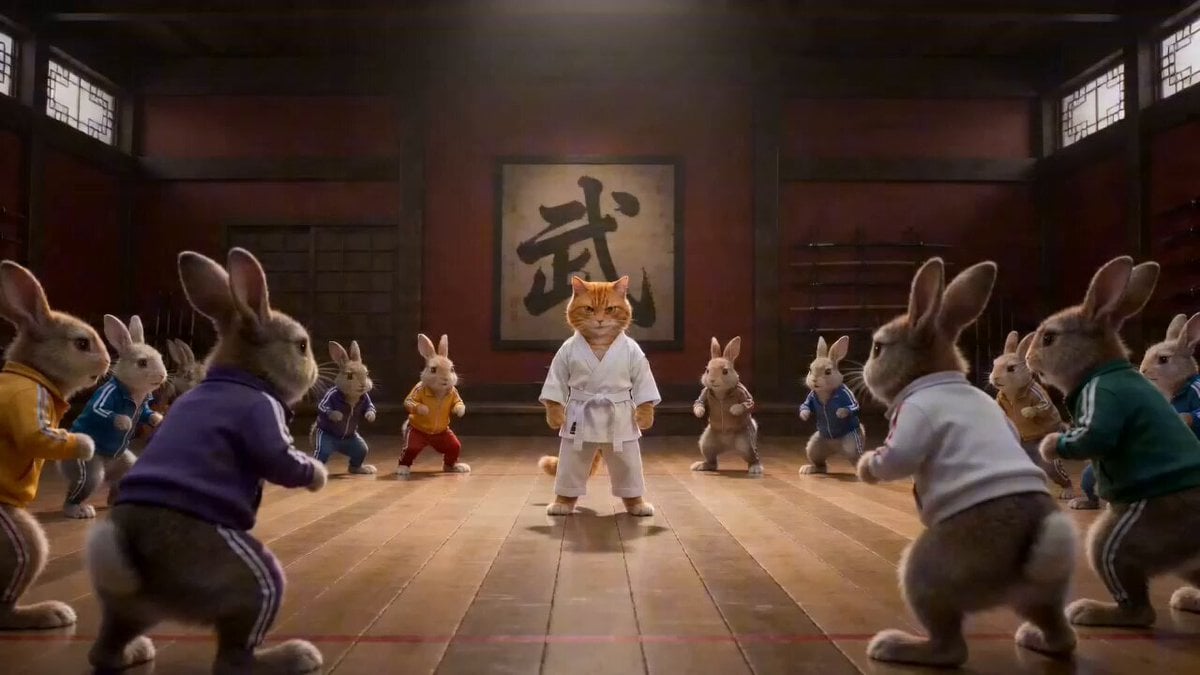
Epic Martial Arts Battle Between Cat Master and Rabbits
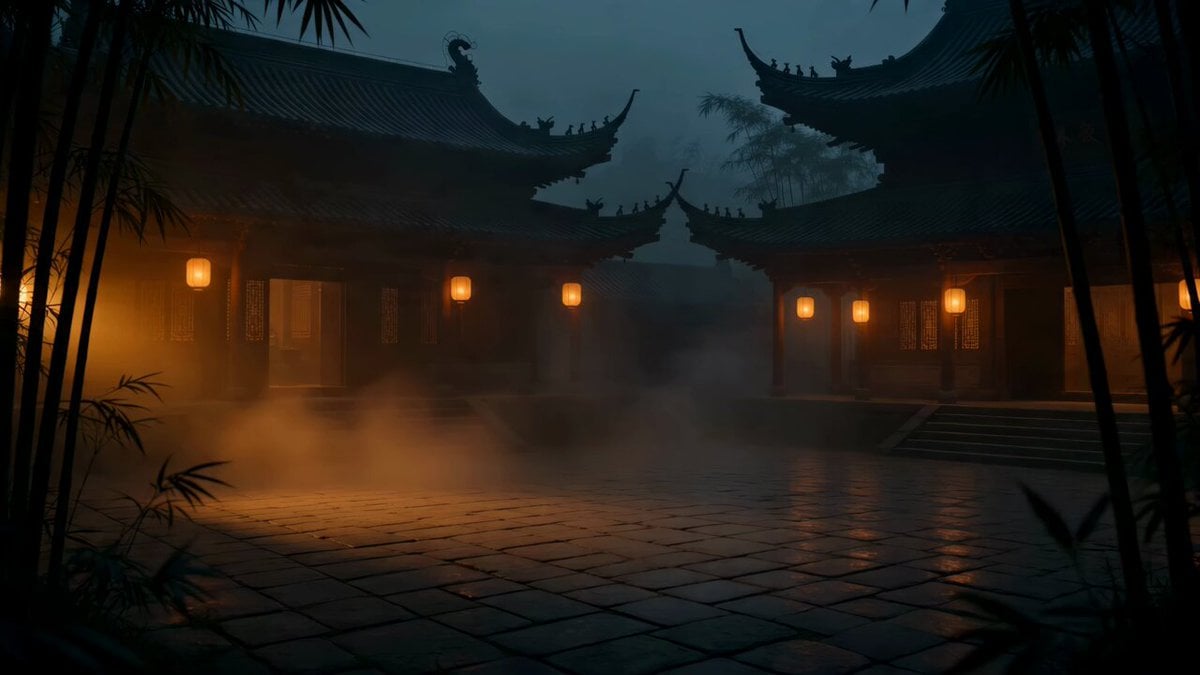
Cat vs Kung Fu Master Duel
Cyberpunk Samurai Duel
Make it yours
Epic Samurai Duel Master Prompt works as-is. These are the safest ways to change it without losing the look.
Change one field
Copy a single group, rewrite it, and generate again so you can see what that field is doing.
Keep the frame, change the subject
Hold the composition and light of Epic Samurai Duel Master Prompt, then swap wardrobe, props or the person for a new take.
| If the result… | Why | Fix |
|---|---|---|
| The result drifts from the preview | Too many fields changed at once. | Reuse Epic Samurai Duel Master Prompt as-is first, then change one group — subject, light, or setting. |
| The model over-stylizes the scene | The prose prompt leaves finish and camera underspecified. | Add one camera or lighting sentence and stay on Seedance 2.0. |
More Seedance 2.0 templates
Other prompts made for Seedance 2.0.

Comical Martial Arts Punch Scene

Maglev Train Action Sequence

Martial Arts Fight Sequence

Wuxia Protection and Trust Script

Vintage Korean Arcade MiniDV Vlog

Mercedes 190 SL Luxury Ad

Rainy Night Supernatural Reverse Comedy Video Script

Amazon Civilization Discovery

Futuristic South Asian City Transformation

Cozy Luxury Cafe Commercial
More video prompts
Fresh picks from across the catalog.
Injured Kitten Rescue Story Video
Hanfu Character Dance and Motion Transfer
Mysterious Victorian Woman and Floating Clocks
Korean Fantasy Romance Drama
Music Video Choreography and Identity
Anime Town Street Navigation
Spaceship Concert Moshpit
Macro Golden Morphing Animation

Lord of the Rings Alternate Ending (Eagles)
Talking Woman with Synchronized Subtitles
Browse template categories
Epic Samurai Duel Master Prompt questions
How do I use the Epic Samurai Duel Master Prompt template?
Add your photo if the template asks for one, edit the prompt if you like — the template's model and format are already selected — and press Generate. Your version opens in PicX Studio.
Can I customize the Epic Samurai Duel Master Prompt template?
Yes. You can change the subject, setting, lighting, mood, format, and available model controls before creating your video.
Is the Epic Samurai Duel Master Prompt template free?
Opening and editing this template is free. Generating uses credits, shown on the Generate button when you are signed in.
Which AI model should I use?
Start with Seedance 2.0, which is the model associated with this template. You can compare another compatible model for a different finish.
Looking for something else? Browse all templates.

Your photo, any look
Thousands of ready templates for every top image and video model, from one credit balance.