
Cyberpunk Neon Samurai Duel
A high-energy, 15-second cinematic action sequence featuring a cyber-samurai duel in a rainy neon Shinjuku alley with complex VFX.
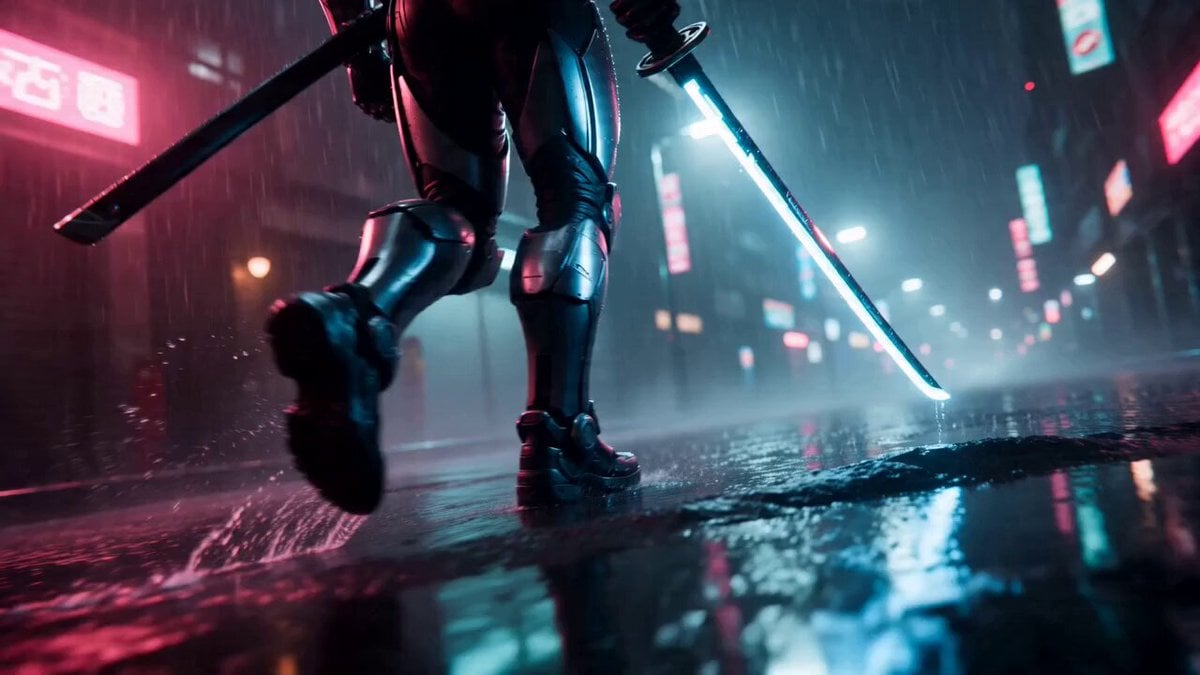
- Prompt included
- Model and format preset
- Premium template
The prompt behind this video
Copy the exact prompt behind Cyberpunk Neon Samurai Duel, or open it in the studio and make it yours.
Cyberpunk Neon Samurai Duel (High-energy action viral style)15-second ultra-cinematic cyberpunk VFX duel, anamorphic lens flares, 8K hyper-realistic, neon-noir rainy Shinjuku alley at night, torrential rain with realistic splashes and reflections on wet asphalt, pink/teal volumetric lighting, high-speed shutter with motion blur, realistic physics mixed with stylized slow-mo impacts, sparks and energy shockwaves, no text/logos, samurai maintains perfect face, glowing neural links, and katana consistency throughout, no deformation or extra limbs. 0–2s: Extreme low-angle tracking shot, cyber-samurai with glowing blue neural links strides powerfully through pouring rain, katana humming with electric energy. 2–4s: Wide whip-pan as holographic guards materialize, samurai launches into fluid sword flurry, blade collisions exploding bright sparks. 4–6s: Medium 120fps tracking shot, low sweeping kick sends one guard flying, camera follows the leg arc with realistic rain spray. 6–8s: Bullet-time 360° orbit, samurai deflects digital bullet rain with vibrating katana, creating expanding blue energy rings in slow motion. 8–10s: Vertical slow-mo jump spin, powerful downward strike cracks asphalt, concrete shards and rain droplets exploding upward in perfect spheres. 10–12s: Close-up whip-pan on samurai’s reflective visor, neon lights flickering as he spins to face the final guard. 12–14s: Extreme close-up on narrowed eyes, katana sheathes with sharp metallic click and electric discharge, background neon bokeh blur. 14–15s: Quick wide pull-back, samurai stands victorious amid settling rain and debris in a dramatic hero silhouette freeze.
How to use Cyberpunk Neon Samurai Duel in 3 steps
- 1
Open
The prompt is already in the box next to the preview, with the template's model and format selected.
- 2…a portrait of your subject in softgolden-hour light, 85mm…
Personalize
Edit the subject and creative details for your destination.
- 3Generate
Generate
Press Generate — your video is created in PicX Studio, so you can compare it with the original and refine one variable at a time.
More like this
Templates with the same subject, style or setup. Open one to see its prompt.
Cyberpunk Samurai Duel
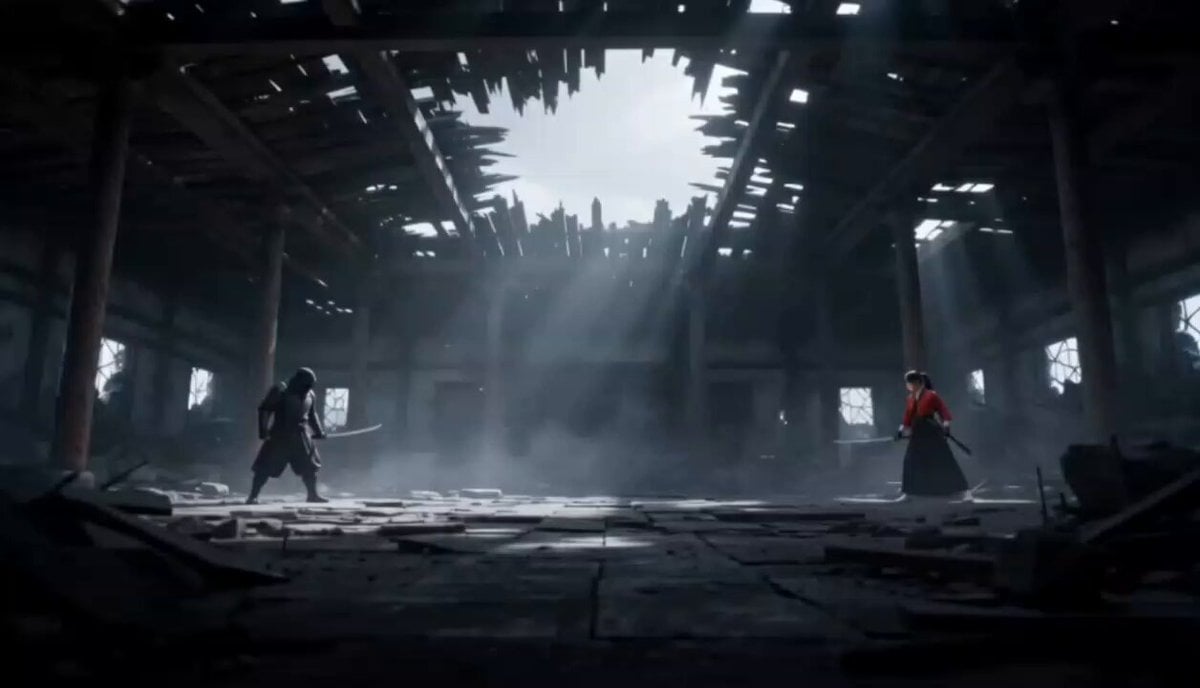
Cinematic Anime Samurai Duel
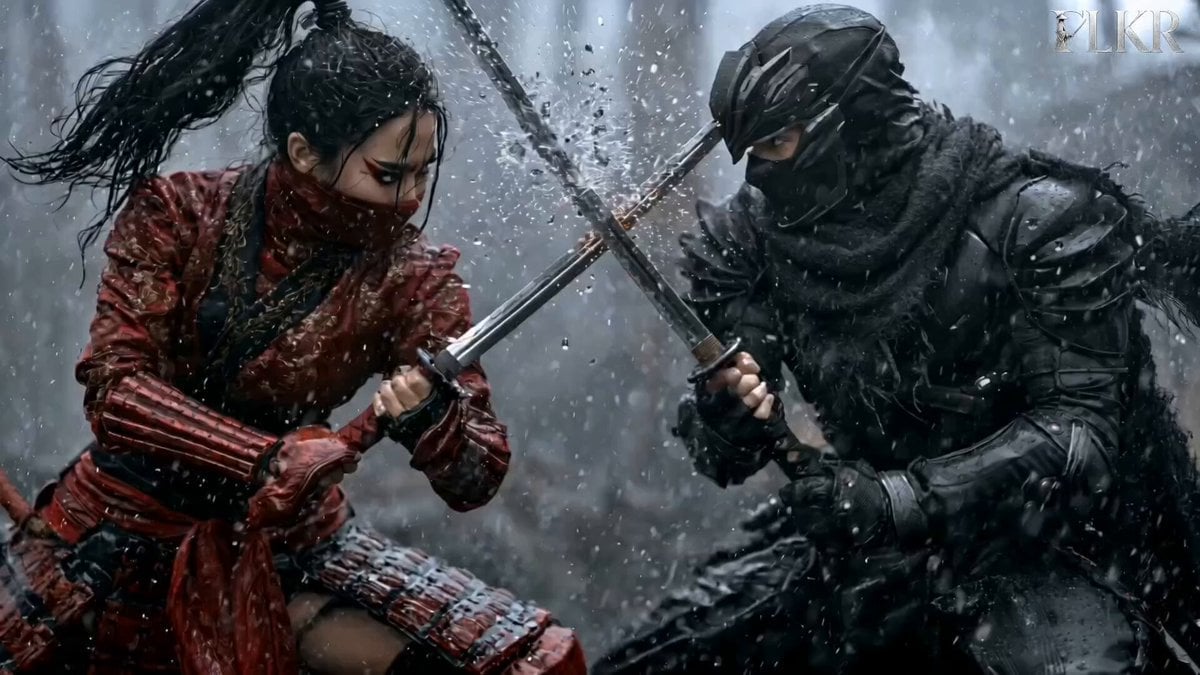
Samurai Duel in Stormy Rooftop

Cyberpunk Holographic Dance Performance - Seedance 2.5
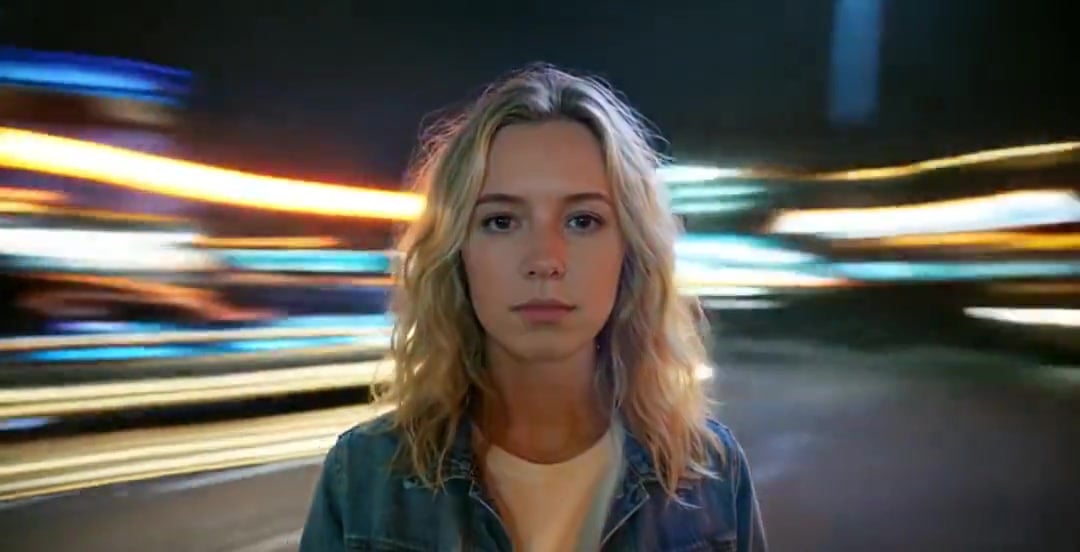
Handheld Neon Chaos Motion Blur — Kling 3.0 v3 Pro

RX-7 to Mech Transformation Cyberpunk
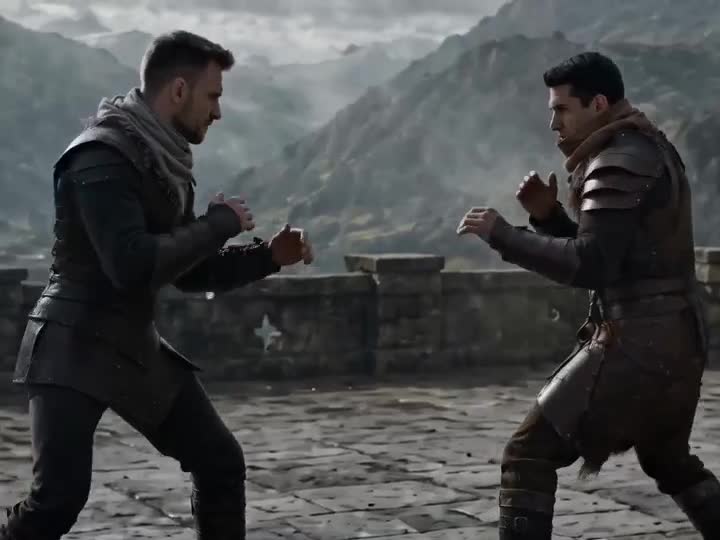
Medieval Duel Style Transfer
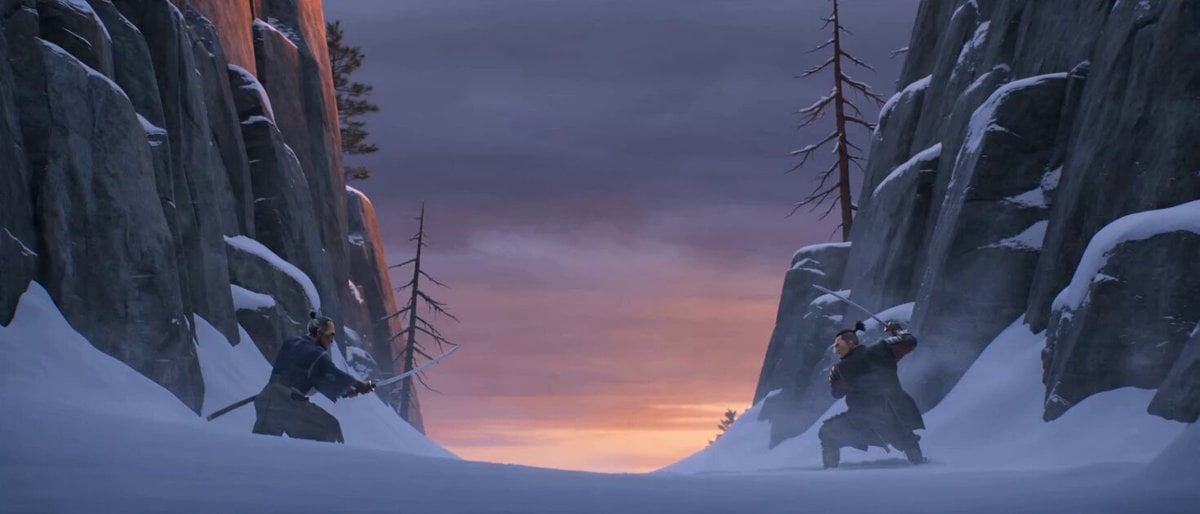
Cinematic Samurai Duel Sequence
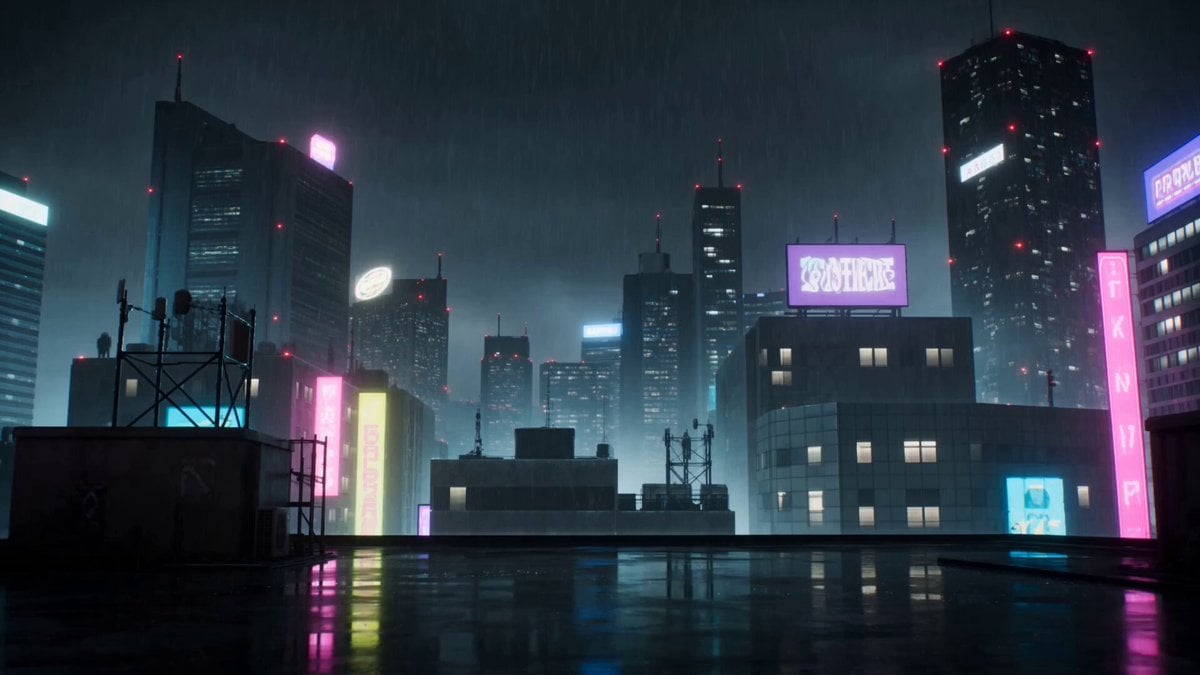
Cyberpunk Anime Duel Action
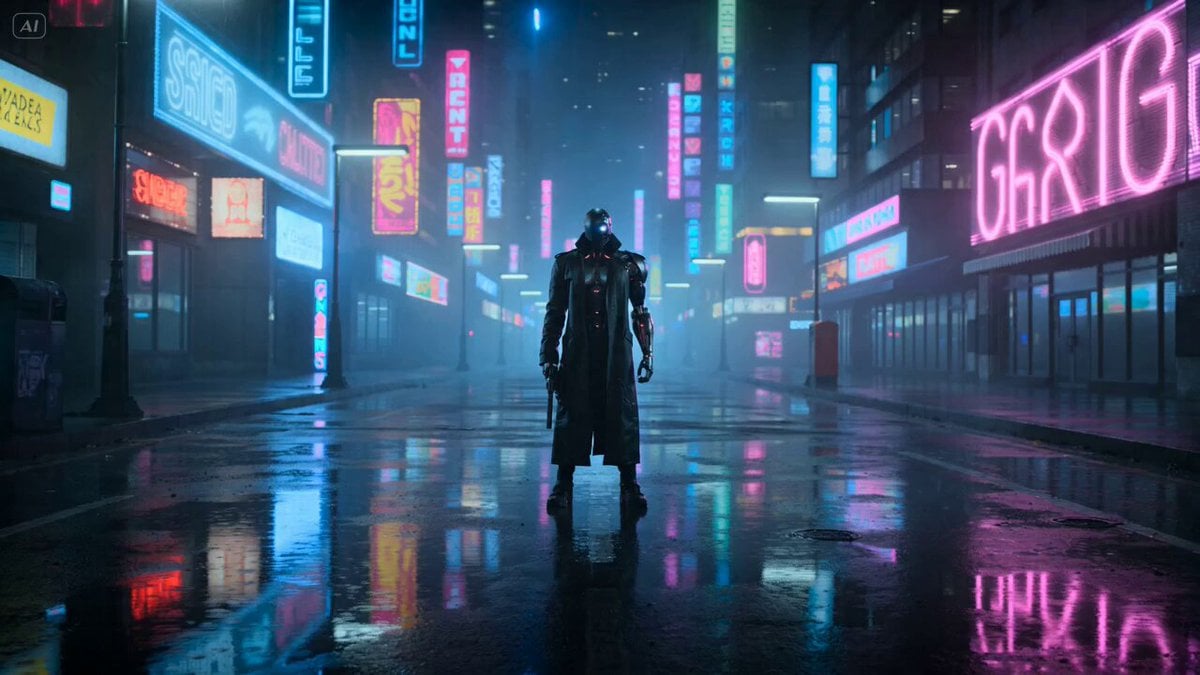
Cyberpunk Gunslinger Neon Sequence
Cyberpunk 'Neon Destiny' Storyboard
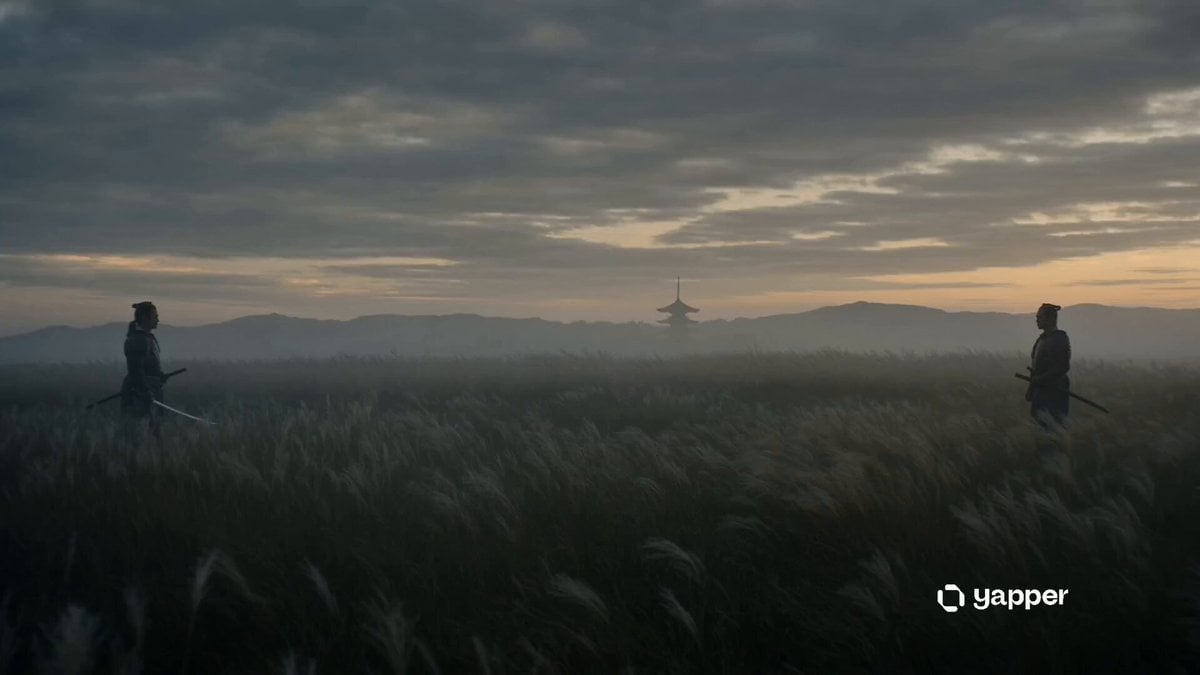
Cinematic Samurai Dusk Duel
Make it yours
Cyberpunk Neon Samurai Duel works as-is. These are the safest ways to change it without losing the look.
Change one field
Copy a single group, rewrite it, and generate again so you can see what that field is doing.
Keep the frame, change the subject
Hold the composition and light of Cyberpunk Neon Samurai Duel, then swap wardrobe, props or the person for a new take.
| If the result… | Why | Fix |
|---|---|---|
| The result drifts from the preview | Too many fields changed at once. | Reuse Cyberpunk Neon Samurai Duel as-is first, then change one group — subject, light, or setting. |
| The model over-stylizes the scene | The prose prompt leaves finish and camera underspecified. | Add one camera or lighting sentence and stay on Seedance 2.0. |
More Seedance 2.0 templates
Other prompts made for Seedance 2.0.

Comical Martial Arts Punch Scene

Maglev Train Action Sequence

Martial Arts Fight Sequence

Wuxia Protection and Trust Script

Vintage Korean Arcade MiniDV Vlog

Mercedes 190 SL Luxury Ad

Rainy Night Supernatural Reverse Comedy Video Script

Amazon Civilization Discovery

Futuristic South Asian City Transformation

Cozy Luxury Cafe Commercial
More video prompts
Fresh picks from across the catalog.

Flock of Swans Taking Flight at Sunset
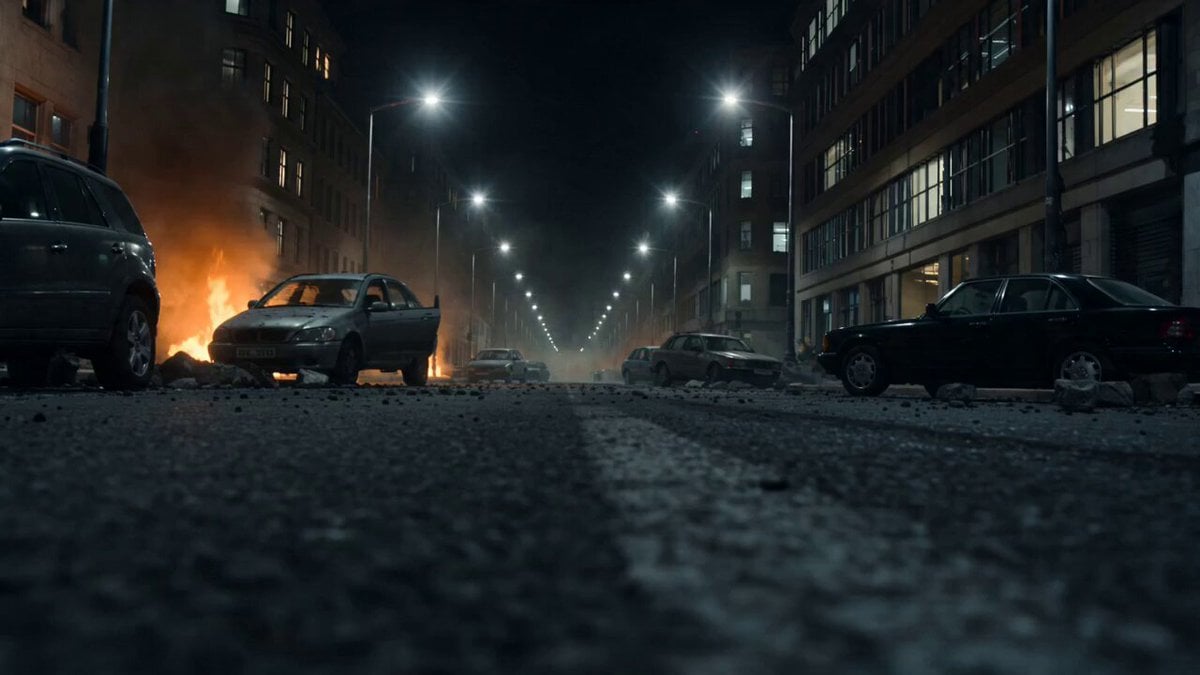
Formula Race Warzone Sequence
Universal Template: Young Man Walking in Autumn Forest (Cinematic Style)
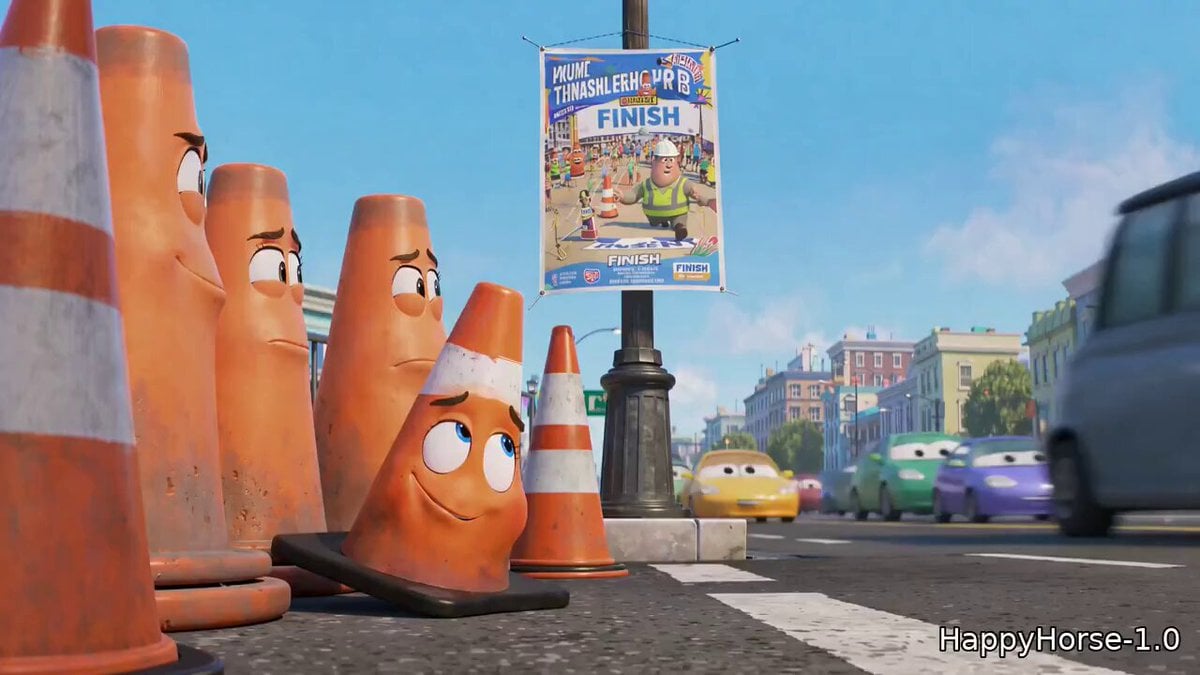
Pixar Style Traffic Cone Short
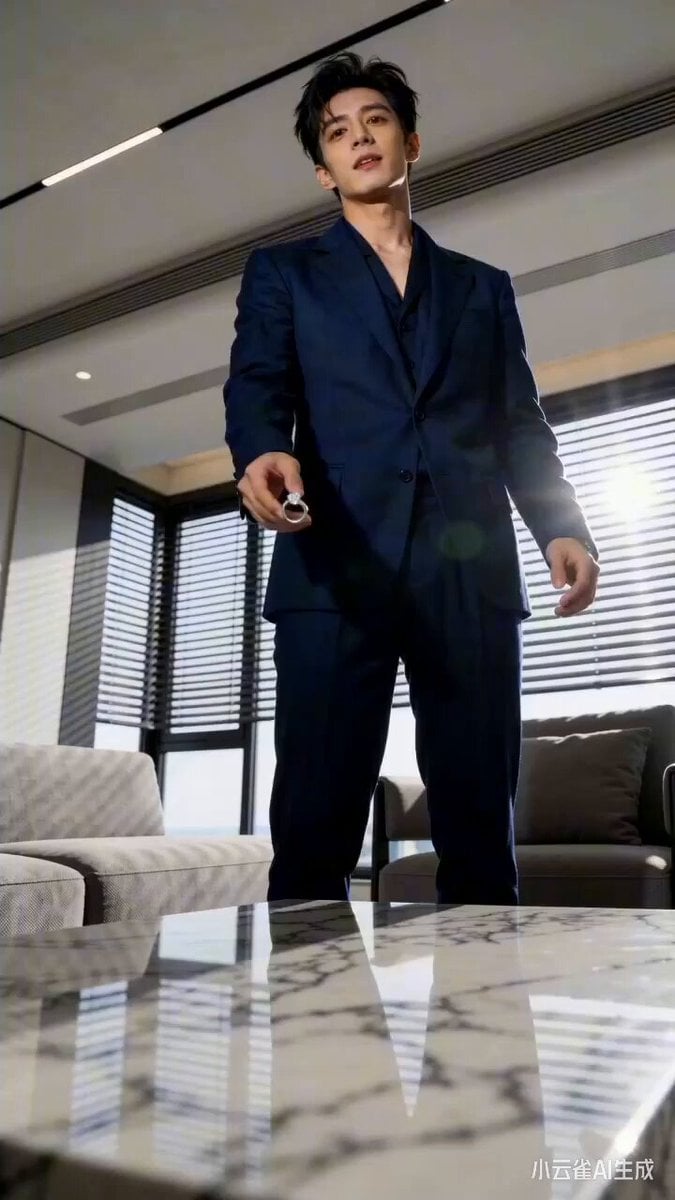
Seedance 2.0 Urban Short Drama Script Prompt
Night Sky and Pine Tree Animation
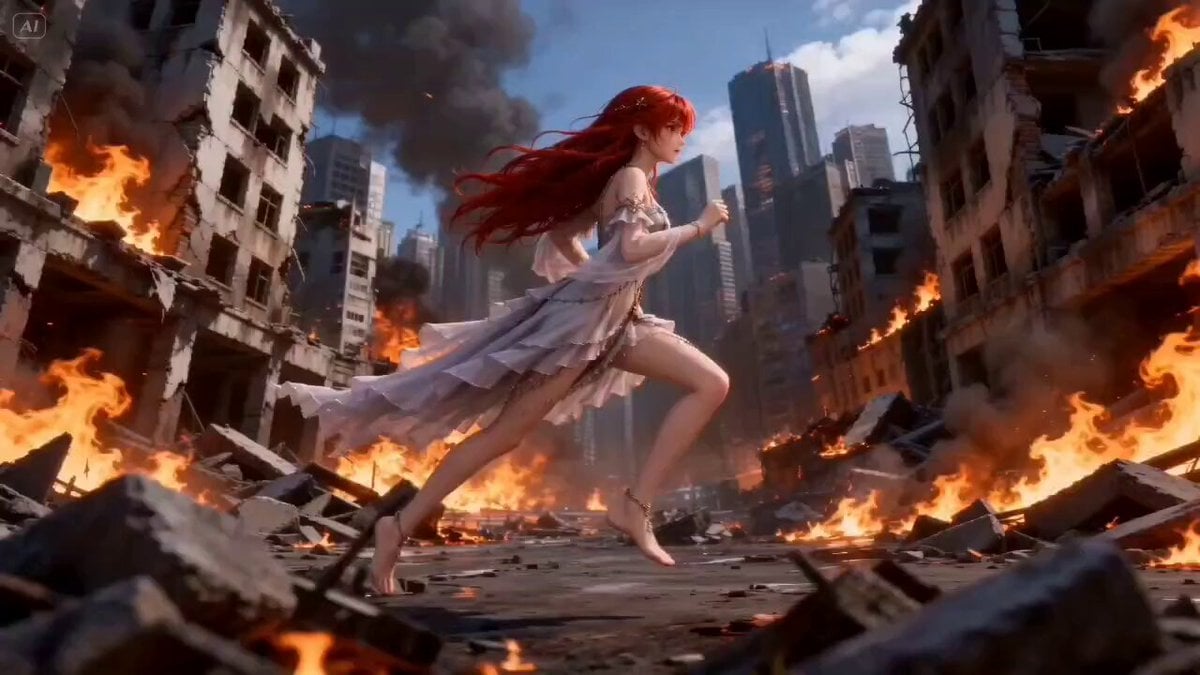
Mage Fireball Attack Anime
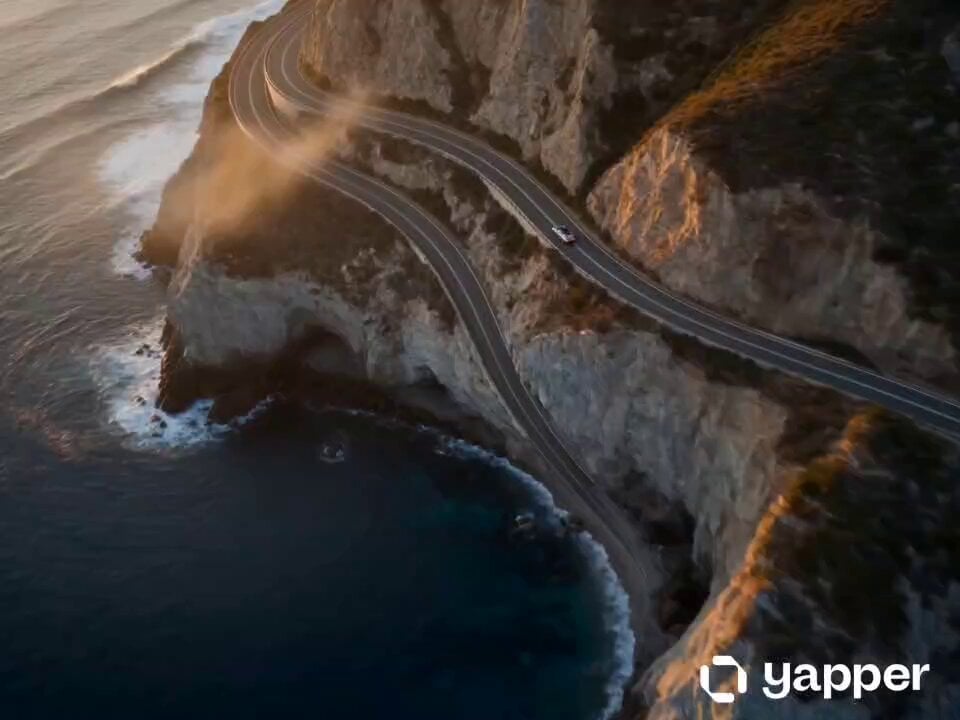
Coastal Highway Sunset Drive

Multilingual Creative Typography Loop
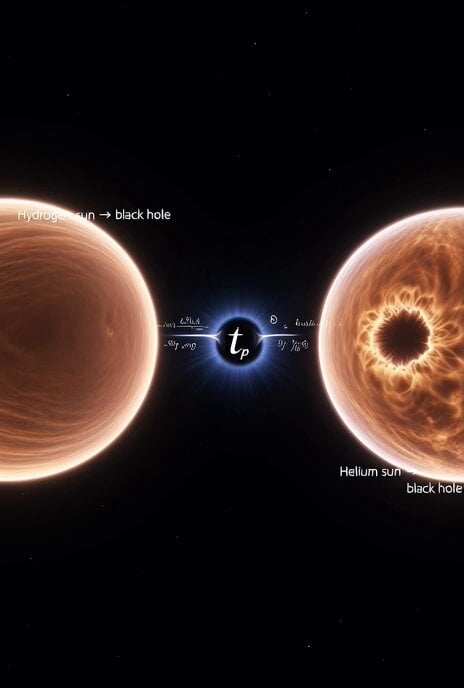
Cosmic Sun Collapse Visualization
Browse template categories
Cyberpunk Neon Samurai Duel questions
How do I use the Cyberpunk Neon Samurai Duel template?
Add your photo if the template asks for one, edit the prompt if you like — the template's model and format are already selected — and press Generate. Your version opens in PicX Studio.
Can I customize the Cyberpunk Neon Samurai Duel template?
Yes. You can change the subject, setting, lighting, mood, format, and available model controls before creating your video.
Is the Cyberpunk Neon Samurai Duel template free?
Opening and editing this template is free. Generating uses credits, shown on the Generate button when you are signed in.
Which AI model should I use?
Start with Seedance 2.0, which is the model associated with this template. You can compare another compatible model for a different finish.
Looking for something else? Browse all templates.

Your photo, any look
Thousands of ready templates for every top image and video model, from one credit balance.