How do I use the Talking Woman with Synchronized Subtitles template?
Edit the prompt in the box under the preview — the template's model and format are already selected — and press Generate. Your version appears right on this page.
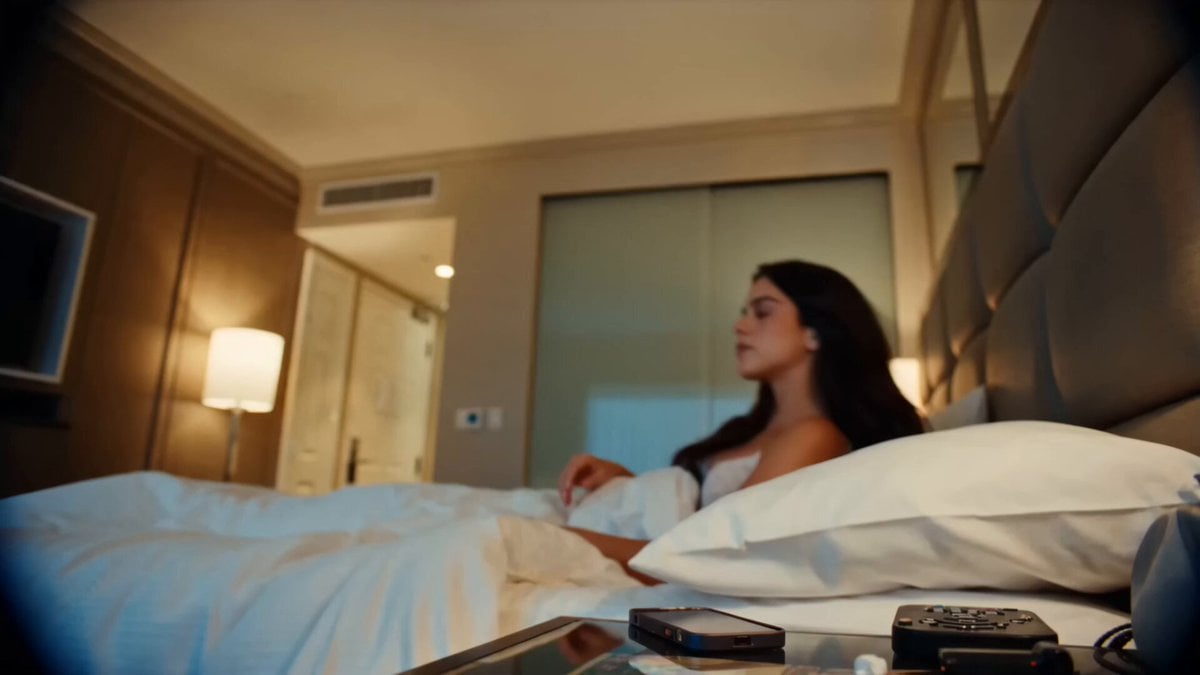
A detailed prompt for Grok Imagine to generate a video of a woman speaking naturally with perfectly synchronized and stylized Japanese subtitles.
女性が笑顔でカメラに向かって自然に話す。 セリフ: 「AI動画をいきなり作るより、まずチャットGPTで画像を作った方がいいよ!」 セリフに完全同期した日本語字幕を表示。 字幕は画面中央寄せ。 中央ぞろえ。 白文字+黒縁でくっきり表示。 太めの読みやすいフォント。 字幕は1〜2行で改行。 スマホでも読みやすいサイズ。 字幕は話すタイミングと完全同期。 字幕が途中で切れない。
女性が笑顔でカメラに向かって自然に話す。 セリフ: 「AI動画をいきなり作るより、まずチャットGPTで画像を作った方がいいよ!」 セリフに完全同期した日本語字幕を表示。 字幕は画面中央寄せ。 中央ぞろえ。 白文字+黒縁でくっきり表示。 太めの読みやすいフォント。 字幕は1〜2行で改行。 スマホでも読みやすいサイズ。 字幕は話すタイミングと完全同期。 字幕が途中で切れない。
Edit the prompt in the box under the preview — the template's model and format are already selected — and press Generate. Your version appears right on this page.
Yes. You can change the subject, setting, lighting, mood, format, and available model controls before creating your video.
Opening and editing this template is free. Generating uses credits, shown on the Generate button when you are signed in.
Start with Grok Imagine, which is the model associated with this template. You can compare another compatible model for a different finish.
Follow a topic to a crawlable collection of related PicX Studio templates.