How do I use the Talking Head Singing Prompt template?
Edit the prompt in the box under the preview — the template's model and format are already selected — and press Generate. Your version appears right on this page.
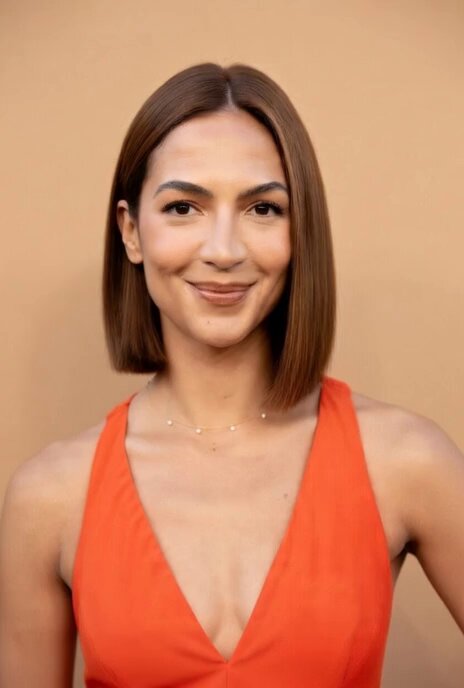
A highly specific motion prompt for Grok Imagine to create a singing animation with detailed tongue movements and timing instructions.
Have me say can I sing on here yet? Laa Laa Laa Laaaa as separate laa's while moving tongue to top teeth to begin each laaa and leaving original photo static in the beginning at end for one second each place
Have me say can I sing on here yet? Laa Laa Laa Laaaa as separate laa's while moving tongue to top teeth to begin each laaa and leaving original photo static in the beginning at end for one second each place
Edit the prompt in the box under the preview — the template's model and format are already selected — and press Generate. Your version appears right on this page.
Yes. You can change the subject, setting, lighting, mood, format, and available model controls before creating your video.
Opening and editing this template is free. Generating uses credits, shown on the Generate button when you are signed in.
Start with Grok Imagine, which is the model associated with this template. You can compare another compatible model for a different finish.
Follow a topic to a crawlable collection of related PicX Studio templates.