
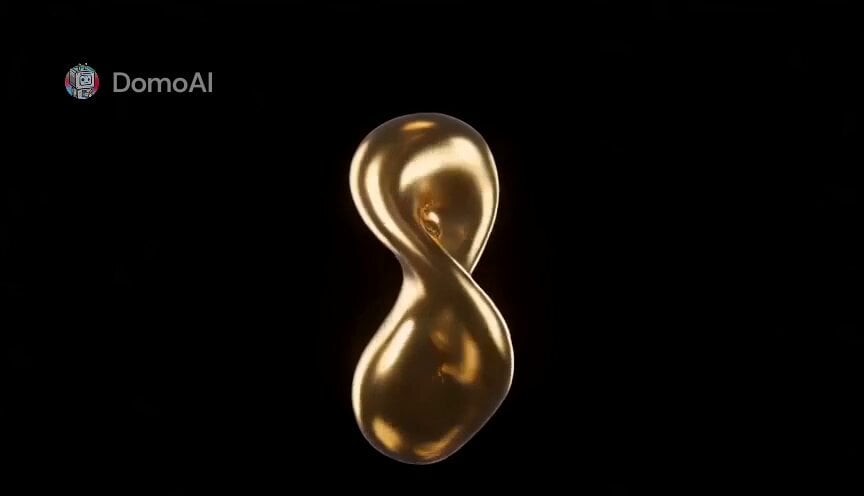
Macro Golden Morphing Animation
A highly sophisticated video prompt for Seedance 2.0 that creates a continuous, high-speed macro animation of melting gold morphing into various forms and looping back.
- Prompt included
- Model and format preset
- Free template
The prompt behind this video
Copy the exact prompt behind Macro Golden Morphing Animation, or open it in the studio and make it yours.
漆黒の背景に浮かぶ、溶けた黄金の一滴を起点として、自由な連想の連鎖を始めろ。 高速展開、途切れない連続モーフィング。制作予算5億円級、超高精細マクロ撮影のハイクオリティ映像。 連鎖の法則: - どのような物語にするか、具体的な指示は与えない。冒頭のモチーフ「特徴的な性質」(曲線、光沢、質感、色)から、AI自身が次の形を1つ連想し、絶え間なく別のモチーフへ変容させ続けろ。 - 一つの形に静止・完成させてはならない。常にその次の変容の途中でなければならない。カットを割らず、なめらかに溶け合いながら移り変わること。 - 直前の形が持っていた色・質感・光の性質を、次の形も必ず引き継ぐこと。無関係な飛躍は禁止。ただし変容先のモチーフそのものは幾何学的な形にとどめず、AI自身が自由に選んでよい(生き物、植物、天体、鉱物、液体、炎、なんでもよい)。 - 常に動き続けること。テンポは徐々に加速していく。 - 最後の瞬間、連想は再び冒頭の姿へと戻り、シームレスにループする。 テキストなし、ロゴなし、字幕なし、キャラクターなし、人物なし、セリフなし。カメラは画面中央に固定する。
How to use Macro Golden Morphing Animation in 3 steps
- 1
Open
The prompt is already in the box next to the preview, with the template's model and format selected.
- 2…a portrait of your subject in softgolden-hour light, 85mm…
Personalize
Edit the subject and creative details for your destination.
- 3Generate
Generate
Press Generate — your video is created in PicX Studio, so you can compare it with the original and refine one variable at a time.
More like this
Templates with the same subject, style or setup. Open one to see its prompt.
3D Glossy Fairy Animation - Seedance 2.5
Multidimensional Glitch Morphing Animation
Nebula to Shrimp Morphing Animation
Product Ad Drink Can 110° Orbit

Silk Road Pomegranate Folk Animation
Multilingual Creative Typography Loop
Macro Cinematic Hexapod Creature Animation

Golden Winged Muse Animation
Walking Factory with Rebel on Hoverbike - Wasteland
Cartoon Bullfight Arena — Girl vs Bull (Seedance)
Dim Sum Chase — Shrimp Dumpling Monster
Luxury Handbag Commercial — Hollywood VFX Ad
Make it yours
Macro Golden Morphing Animation works as-is. These are the safest ways to change it without losing the look.
Change one field
Copy a single group, rewrite it, and generate again so you can see what that field is doing.
Keep the frame, change the subject
Hold the composition and light of Macro Golden Morphing Animation, then swap wardrobe, props or the person for a new take.
| If the result… | Why | Fix |
|---|---|---|
| The result drifts from the preview | Too many fields changed at once. | Reuse Macro Golden Morphing Animation as-is first, then change one group — subject, light, or setting. |
| The model over-stylizes the scene | The prose prompt leaves finish and camera underspecified. | Add one camera or lighting sentence and stay on Seedance 2.0. |
More Seedance 2.0 templates
Other prompts made for Seedance 2.0.

Comical Martial Arts Punch Scene

Maglev Train Action Sequence

Martial Arts Fight Sequence

Wuxia Protection and Trust Script

Vintage Korean Arcade MiniDV Vlog

Mercedes 190 SL Luxury Ad

Rainy Night Supernatural Reverse Comedy Video Script

Amazon Civilization Discovery

Futuristic South Asian City Transformation

Cozy Luxury Cafe Commercial
More video prompts
Fresh picks from across the catalog.
Runner with BE 2060 i inscription passing through sequential doors video prompt
Cybernetic Space Book Promotion
Giant Mechanical Crab Monster Battle
Boyfriend POV Video Prompt for Seedance 2.0

Night Deck Recovery Shot List Prompt for Seedance 2.0
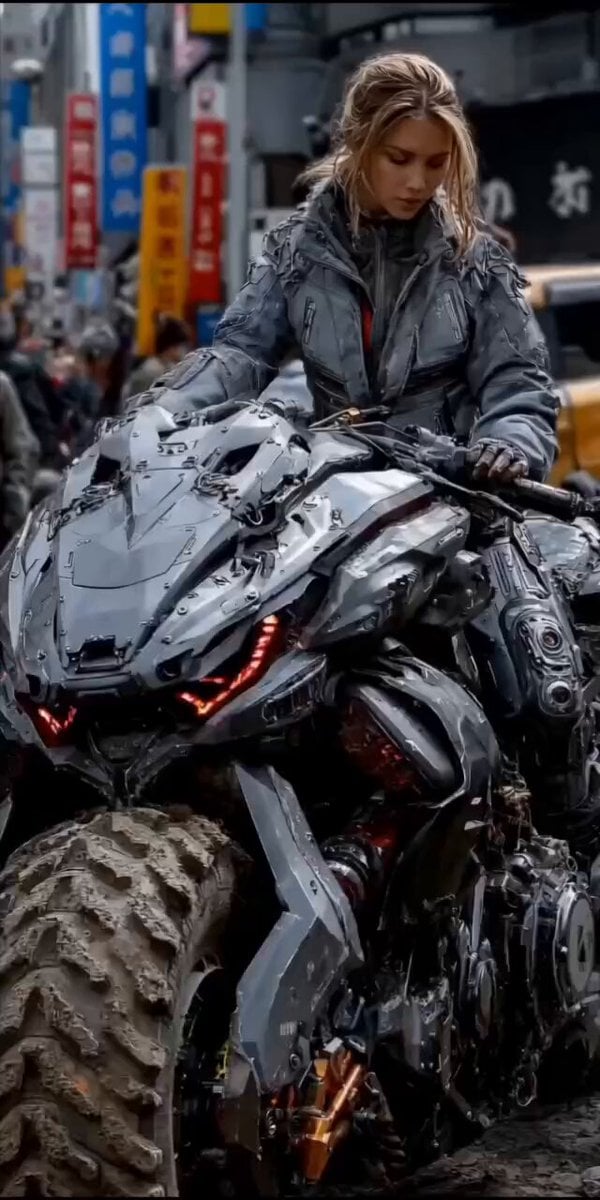
second cinematic video of a woman on a cyberpunk motorcycle in rainy Tokyo
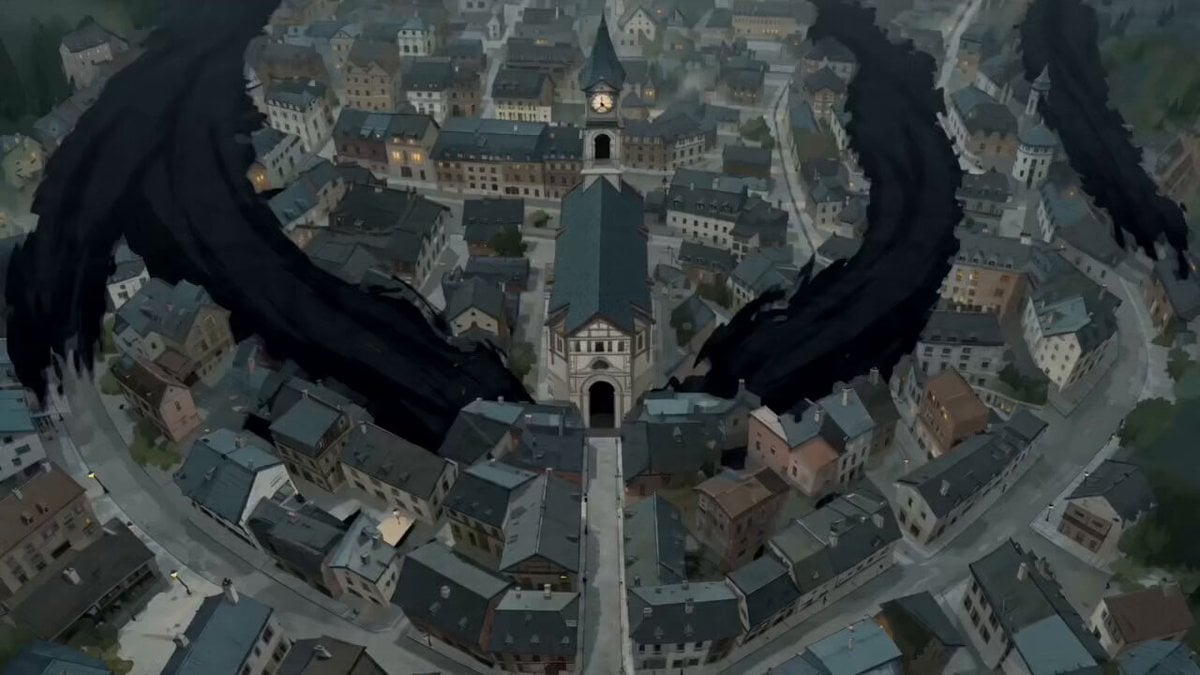
The Black Blight City Sealing

Parallel Lives Transformation Video
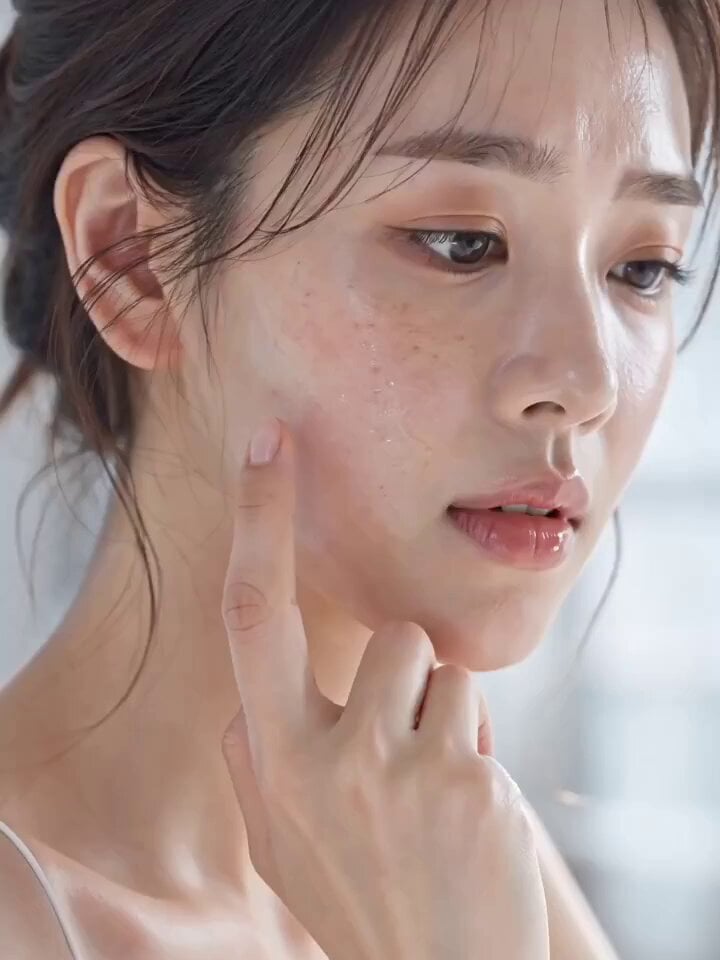
Skincare Serum Glass Skin Commercial

Beauty Advent Calendar Unboxing Vlog
Browse template categories
Macro Golden Morphing Animation questions
How do I use the Macro Golden Morphing Animation template?
Add your photo if the template asks for one, edit the prompt if you like — the template's model and format are already selected — and press Generate. Your version opens in PicX Studio.
Can I customize the Macro Golden Morphing Animation template?
Yes. You can change the subject, setting, lighting, mood, format, and available model controls before creating your video.
Is the Macro Golden Morphing Animation template free?
Opening and editing this template is free. Generating uses credits, shown on the Generate button when you are signed in.
Which AI model should I use?
Start with Seedance 2.0, which is the model associated with this template. You can compare another compatible model for a different finish.
Looking for something else? Browse all templates.

Your photo, any look
Thousands of ready templates for every top image and video model, from one credit balance.