How do I use the Giant Mechanical Crab Monster Battle template?
Edit the prompt in the box under the preview — the template's model and format are already selected — and press Generate. Your version appears right on this page.
A dynamic video generation prompt where a toy transforms into a giant mechanical crab to fight three different monsters in a lunar setting.
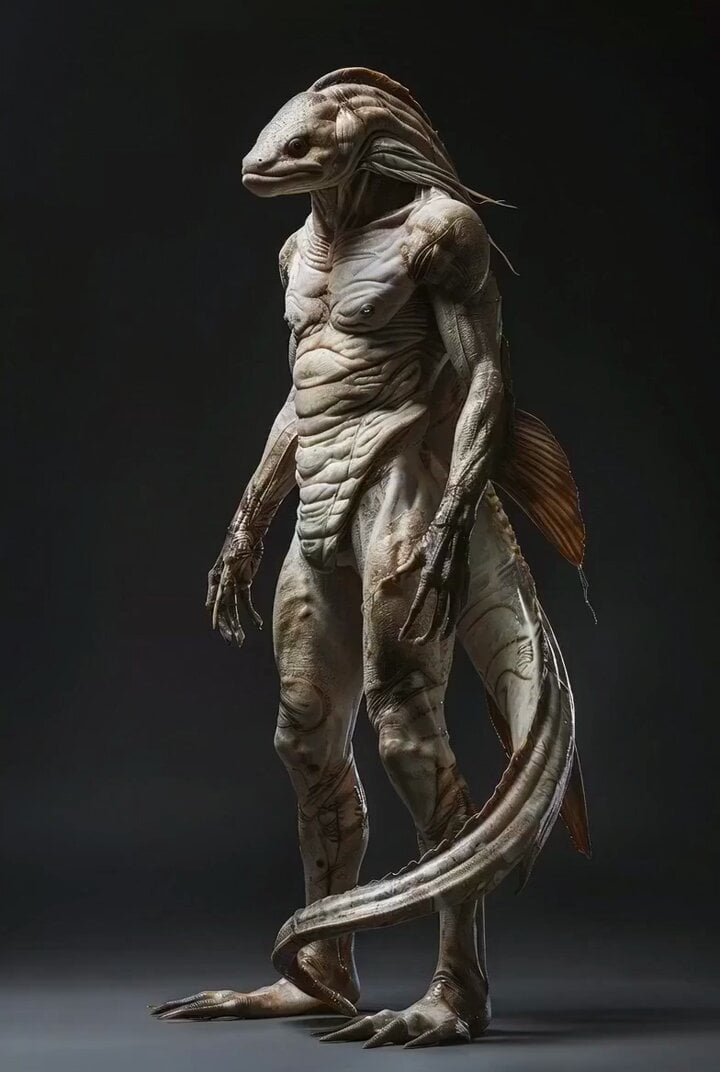
让这个玩偶变成一个巨大的机械螃蟹。然后打败了三个怪兽,在一个空旷的类似月球的场景里面。第一个怪兽是一只邪恶大老虎。第二个怪兽是一个看起来阴森森的蟒蛇。第三个怪兽是一个看起来很恶心的泥鳅。它是用一个巨型的机关枪把它们消灭的。
让这个玩偶变成一个巨大的机械螃蟹。然后打败了三个怪兽,在一个空旷的类似月球的场景里面。第一个怪兽是一只邪恶大老虎。第二个怪兽是一个看起来阴森森的蟒蛇。第三个怪兽是一个看起来很恶心的泥鳅。它是用一个巨型的机关枪把它们消灭的。
Edit the prompt in the box under the preview — the template's model and format are already selected — and press Generate. Your version appears right on this page.
Yes. You can change the subject, setting, lighting, mood, format, and available model controls before creating your video.
Opening and editing this template is free. Generating uses credits, shown on the Generate button when you are signed in.
Start with Grok Imagine, which is the model associated with this template. You can compare another compatible model for a different finish.
Follow a topic to a crawlable collection of related PicX Studio templates.