
Cinematic Car Entry and Drive Sequence
A comprehensive multi-shot storyboard prompt that describes a character entering a car, shifting gears, and driving away, featuring specific camera angles and close-up details for dynamic video generation.
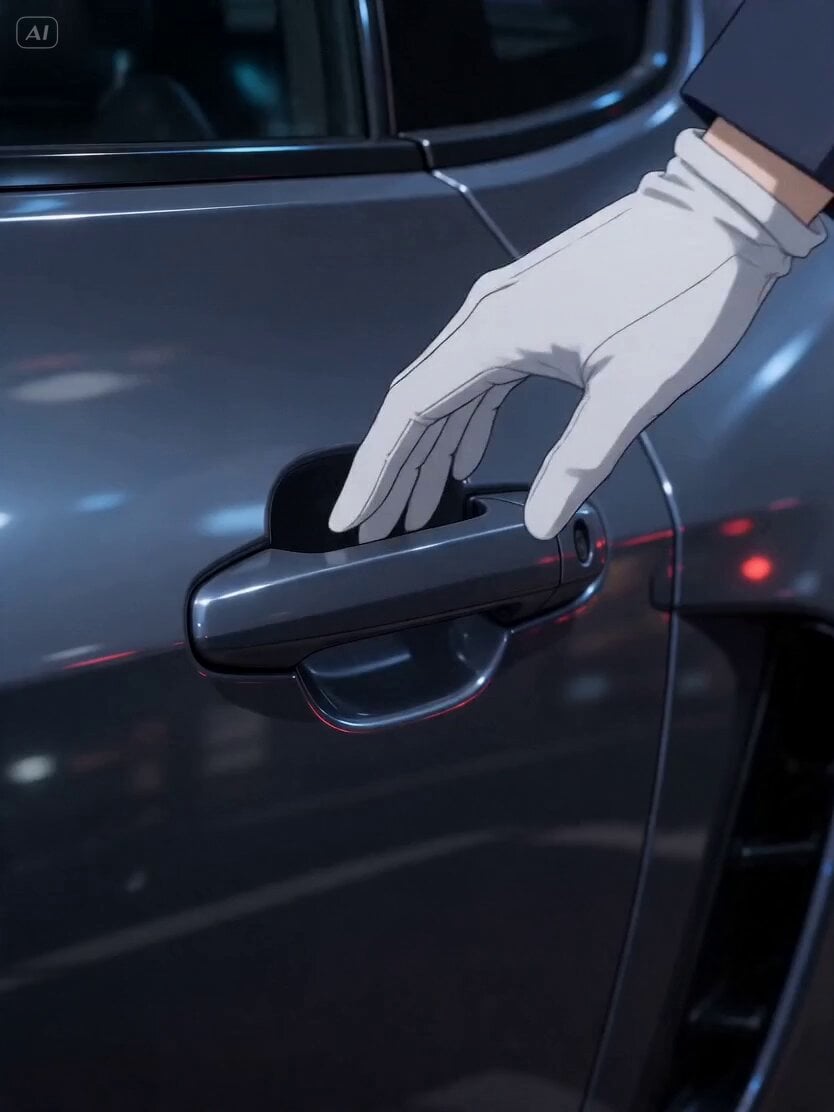
- Prompt included
- Model and format preset
- Premium template
The prompt behind this video
Copy the exact prompt behind Cinematic Car Entry and Drive Sequence, or open it in the studio and make it yours.
このキャラクターが①ドアノブに手をかけるアップ②車に乗り込み、③運転席に座ってハンドルを握っている場面を斜め下からの視点④マニュアルシフトを動かす手のアップ⑤アクセルを踏む足のアップ⑥その時のメーター⑦排気ガスがでている車のマフラーのアップ⑧車を前からの視点で。車が発進する。彼女が乗っているのが窓越しにわかる。
How to use Cinematic Car Entry and Drive Sequence in 3 steps
- 1
Open
The prompt is already in the box next to the preview, with the template's model and format selected.
- 2…a portrait of your subject in softgolden-hour light, 85mm…
Personalize
Edit the subject and creative details for your destination.
- 3Generate
Generate
Press Generate — your video is created in PicX Studio, so you can compare it with the original and refine one variable at a time.
More like this
Templates with the same subject, style or setup. Open one to see its prompt.
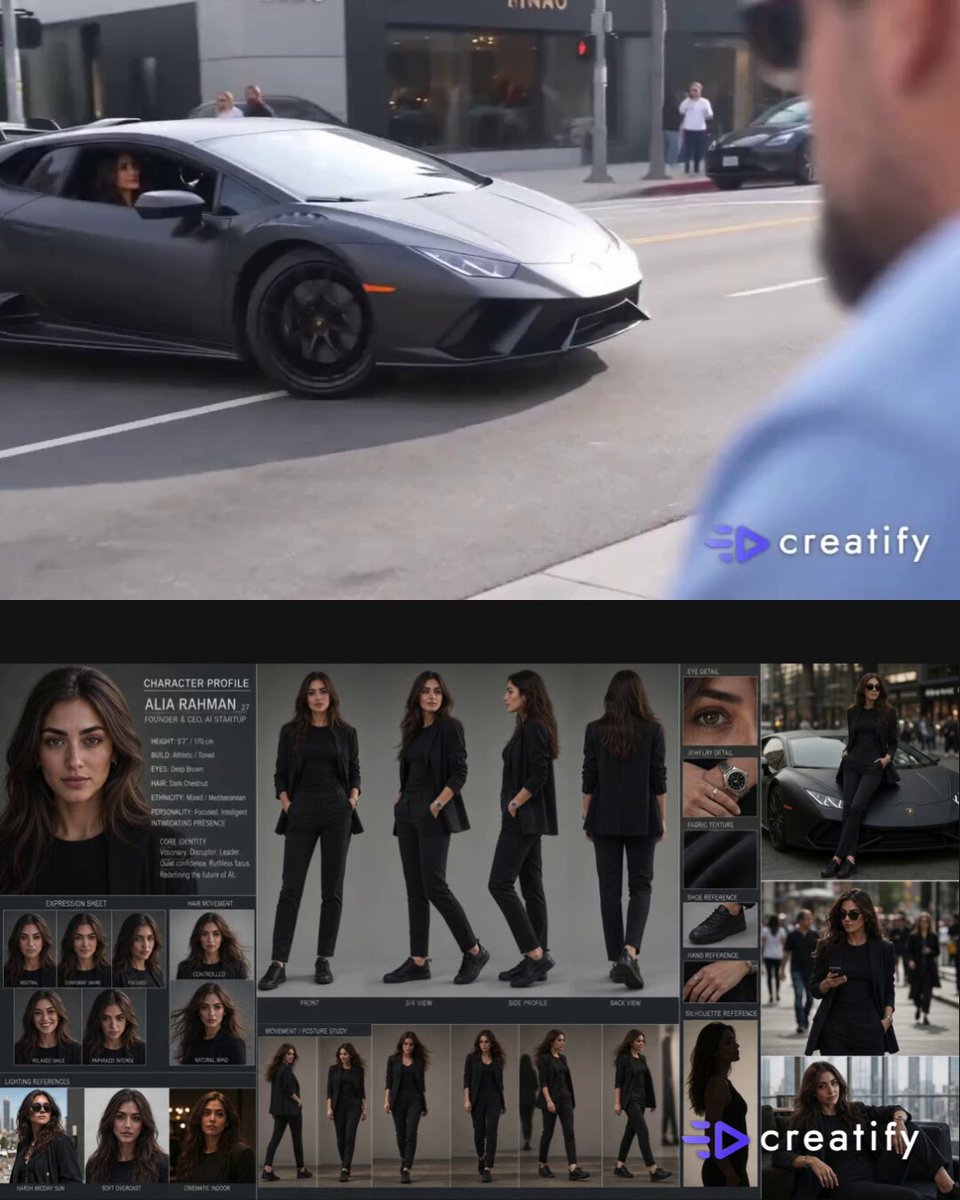
Rodeo Drive Supercar Paparazzi POV
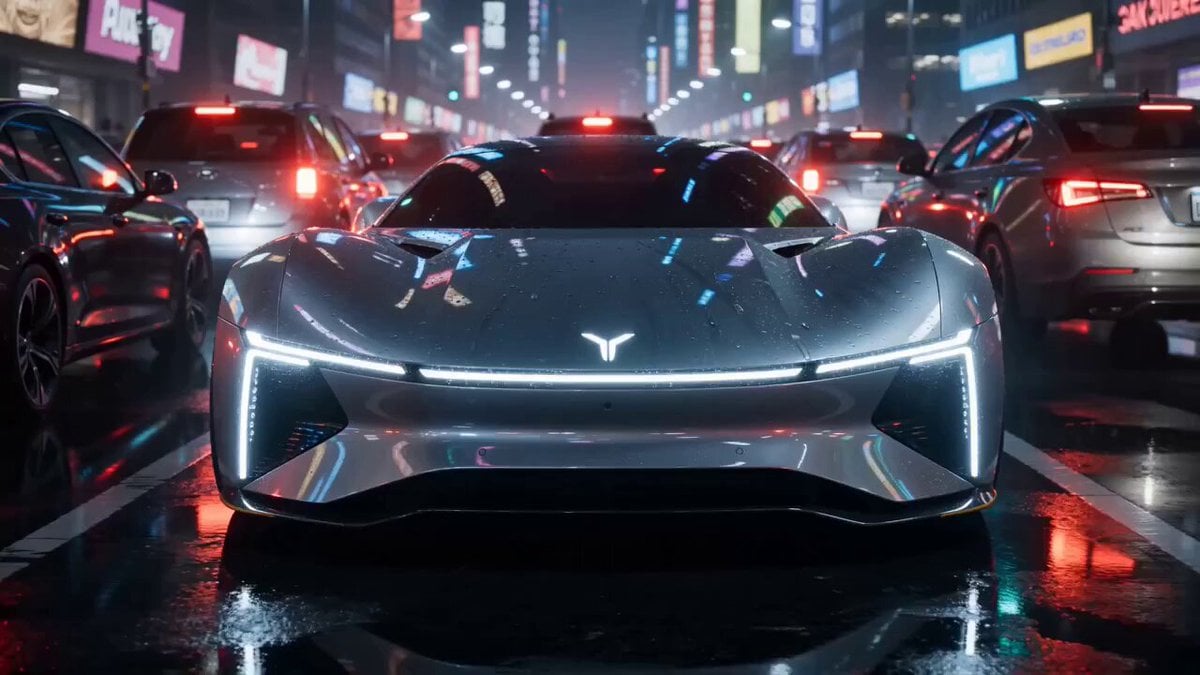
Futuristic Car Commercial Prompt (Y - Drive the Future)
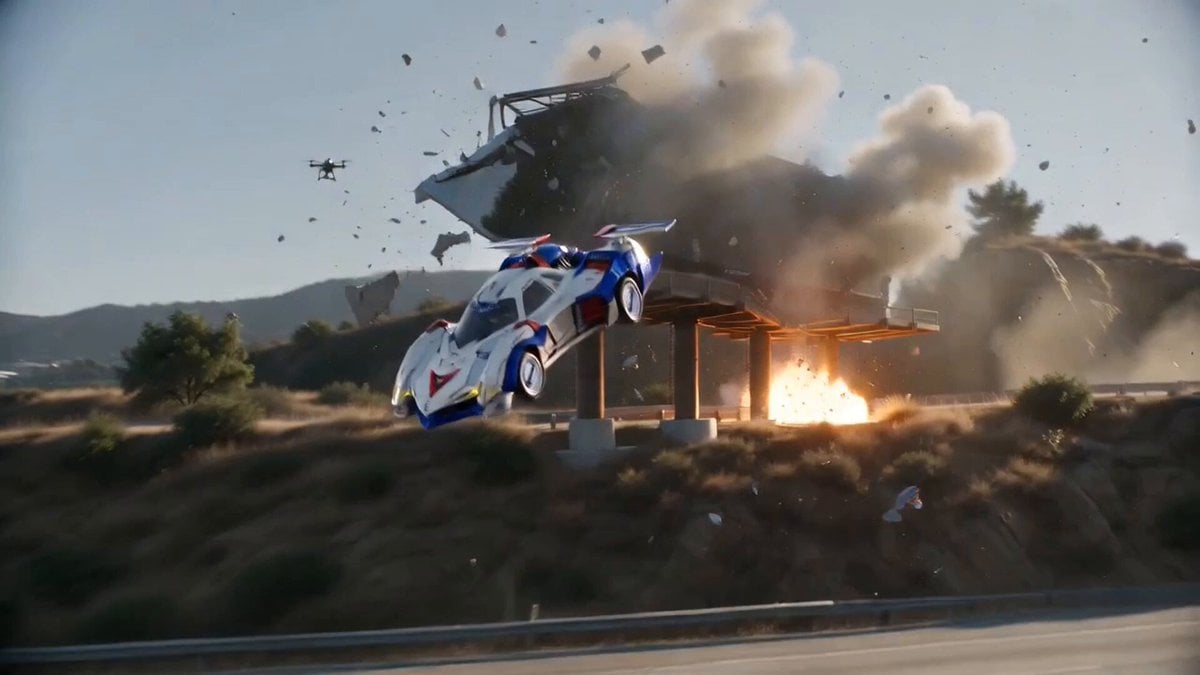
Hollywood Blockbuster Car Chase Sequence
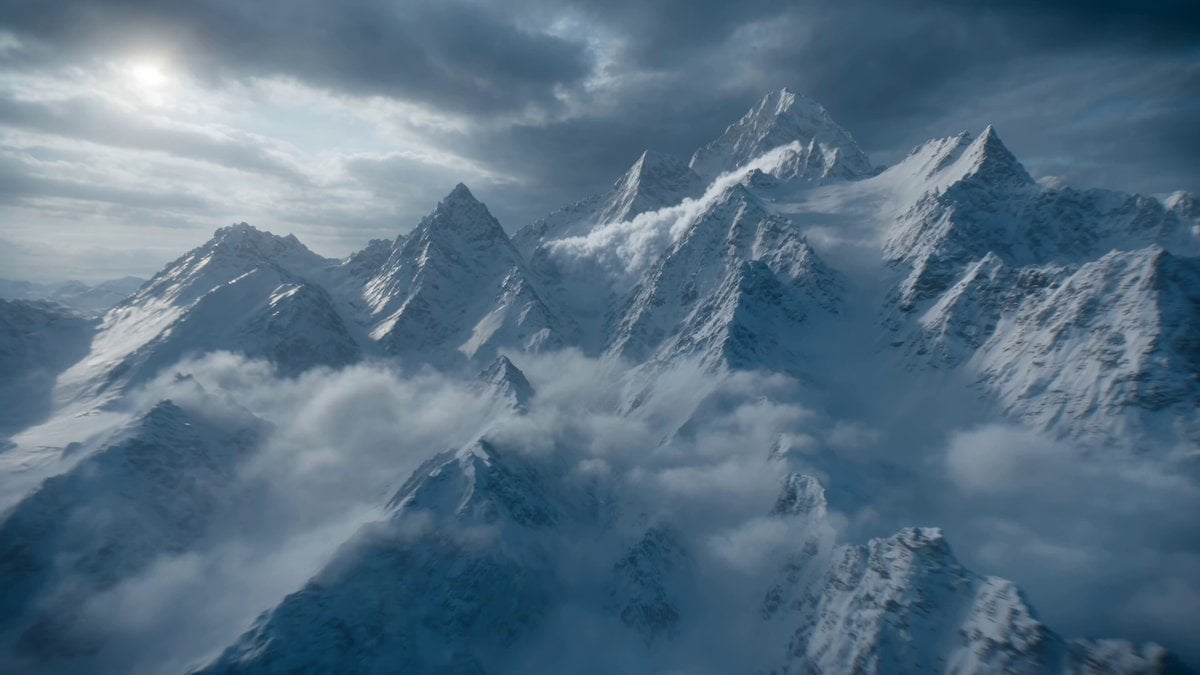
Futuristic Hypercar Avalanche Sequence
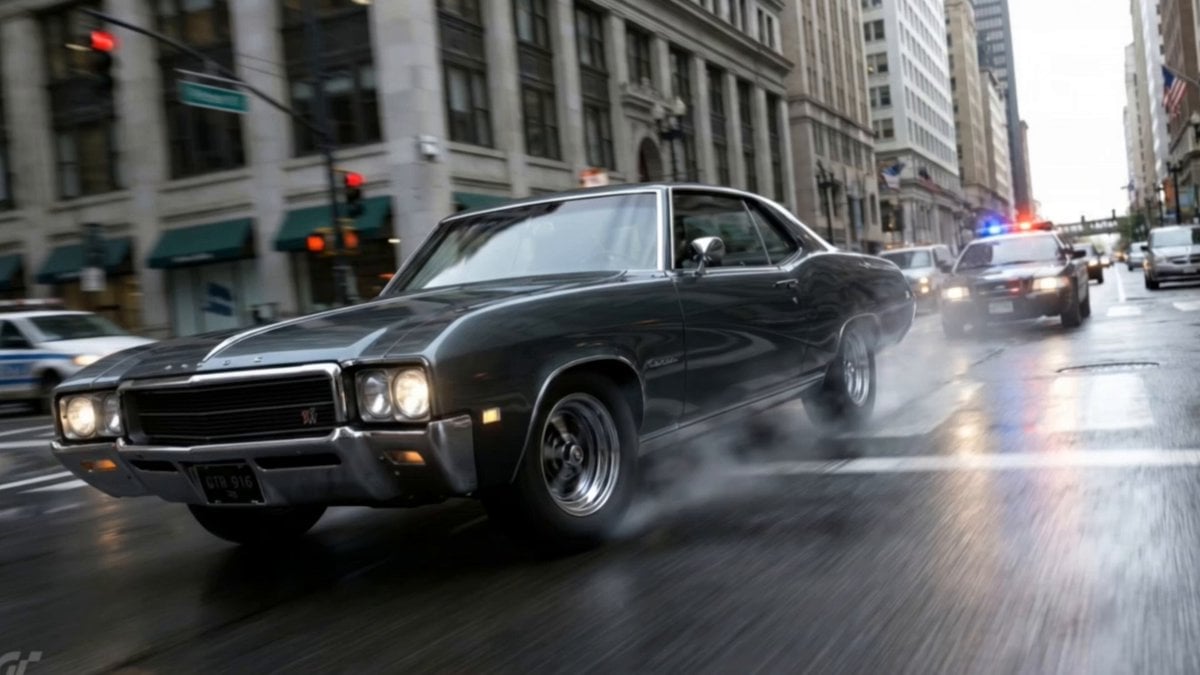
Action Movie Car Chase Sequence

Cartoon Chef Boy Hotel Kitchen Sequence

Skincare Commercial Morphing Sequence
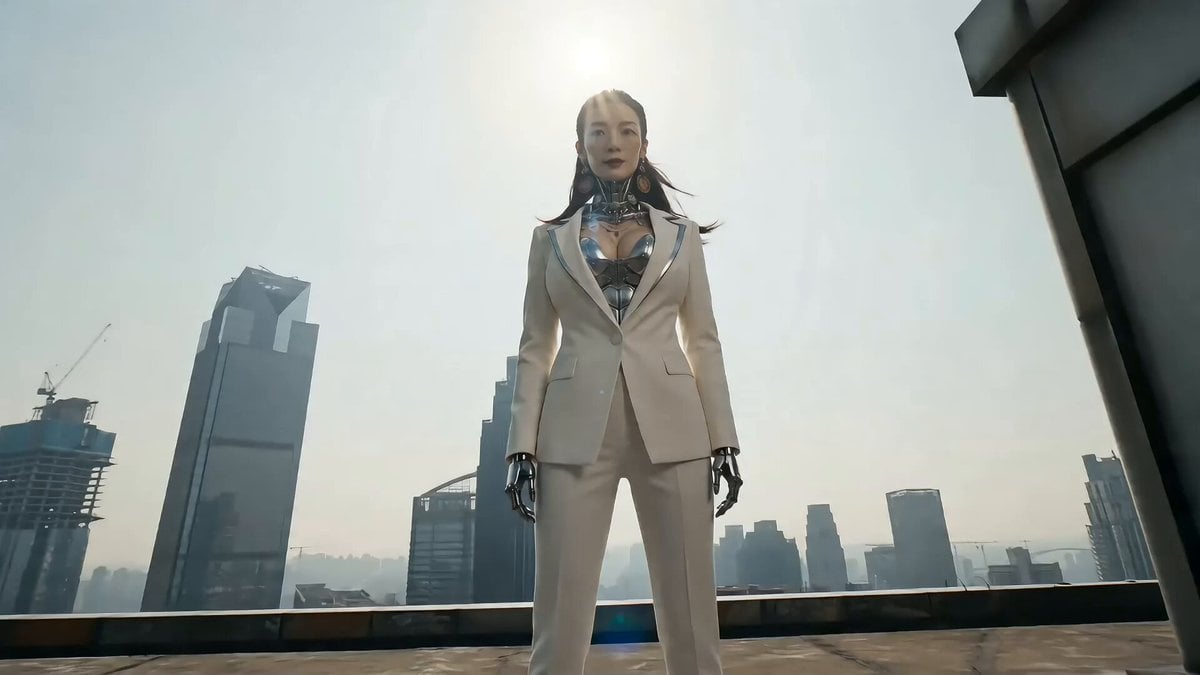
Cyberpunk Action Sequence: Elegant Female Agent Jumps from Skyscraper to Moving Car
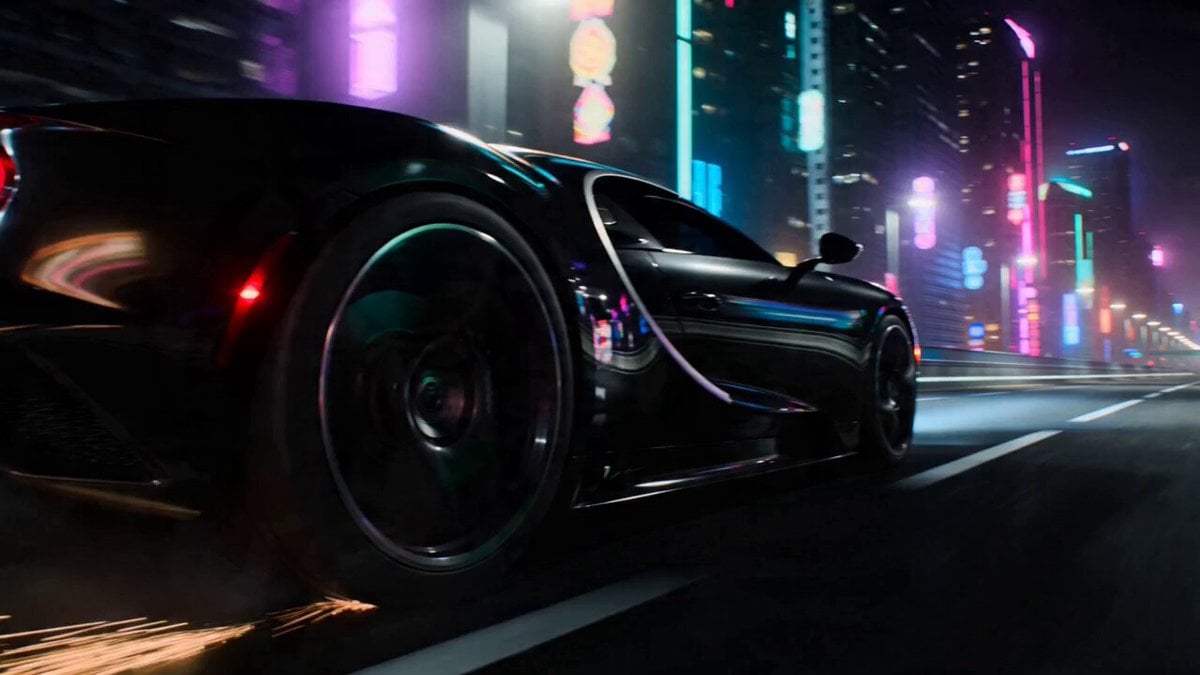
Car Transformation Sequence Prompt
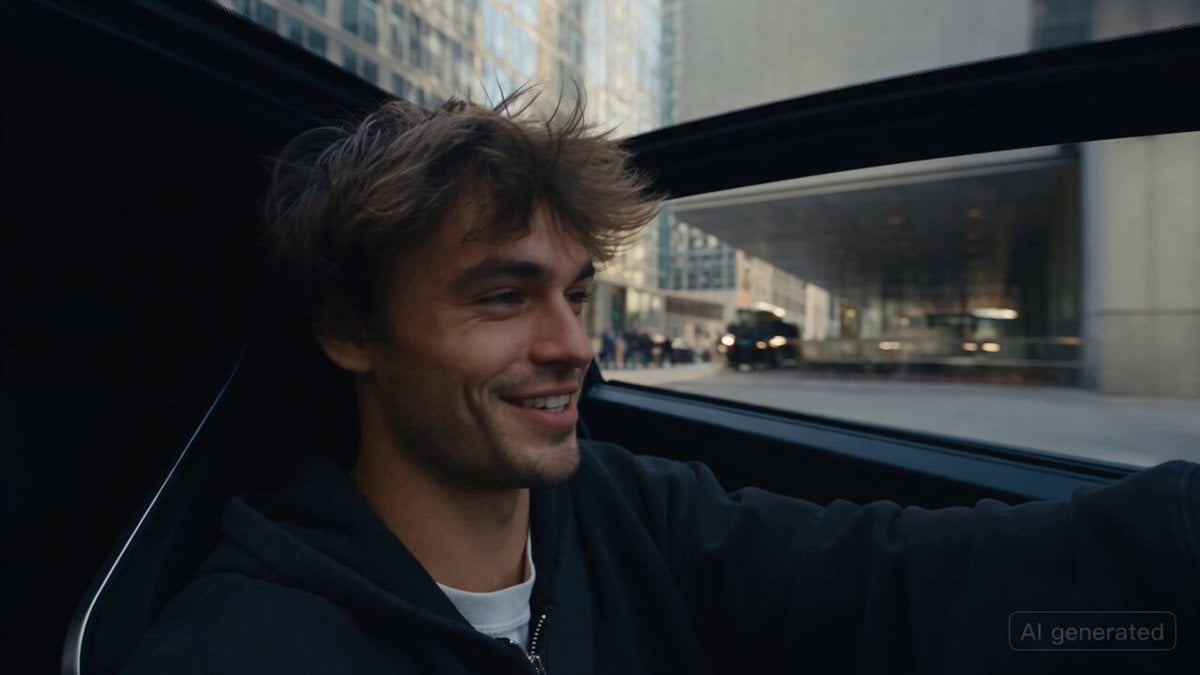
Car Guardian Mechanical Transformation Vlog
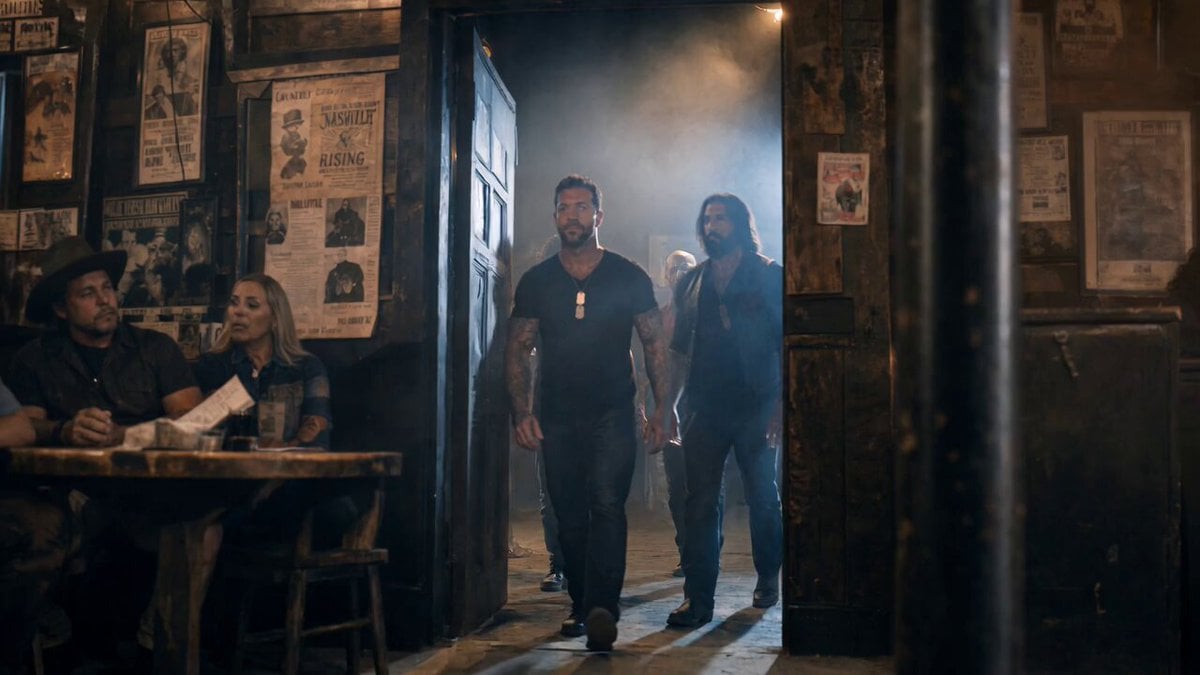
Smoky Bar Entry Shot
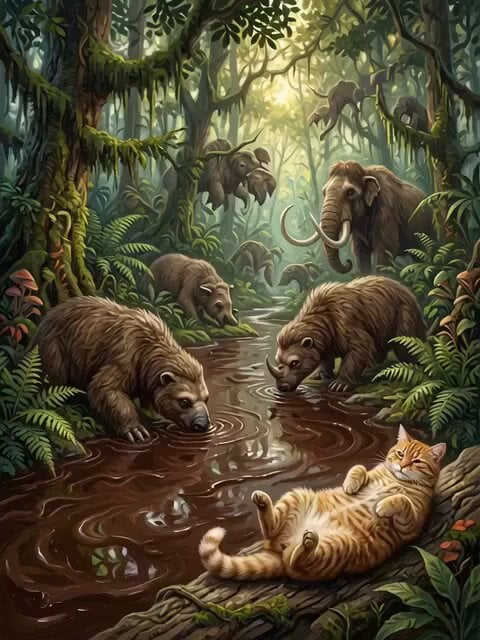
Tiger Striped Black Panther Entry
Make it yours
Cinematic Car Entry and Drive Sequence works as-is. These are the safest ways to change it without losing the look.
Change one field
Copy a single group, rewrite it, and generate again so you can see what that field is doing.
Keep the frame, change the subject
Hold the composition and light of Cinematic Car Entry and Drive Sequence, then swap wardrobe, props or the person for a new take.
| If the result… | Why | Fix |
|---|---|---|
| The result drifts from the preview | Too many fields changed at once. | Reuse Cinematic Car Entry and Drive Sequence as-is first, then change one group — subject, light, or setting. |
| The model over-stylizes the scene | The prose prompt leaves finish and camera underspecified. | Add one camera or lighting sentence and stay on Seedance 2.0. |
More Seedance 2.0 templates
Other prompts made for Seedance 2.0.

Comical Martial Arts Punch Scene

Maglev Train Action Sequence

Martial Arts Fight Sequence

Wuxia Protection and Trust Script

Vintage Korean Arcade MiniDV Vlog

Mercedes 190 SL Luxury Ad

Rainy Night Supernatural Reverse Comedy Video Script

Amazon Civilization Discovery

Futuristic South Asian City Transformation

Cozy Luxury Cafe Commercial
More video prompts
Fresh picks from across the catalog.
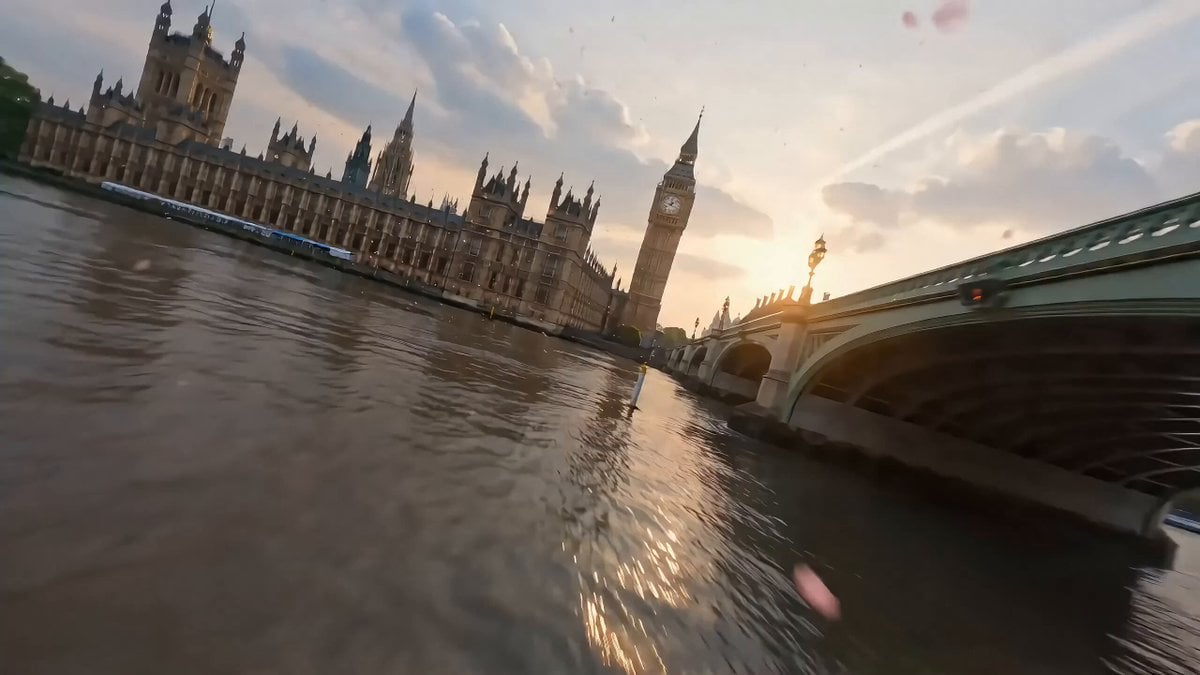
Cinematic Scene of London in Bloom
Flooded Office Intense Close-up

Japanese Idol Lifestyle Vlog
Cyber-Fantasy Elf Queen Transformation
Dramatic Live Scene PV Style
Fantasy Map Reality Transformation
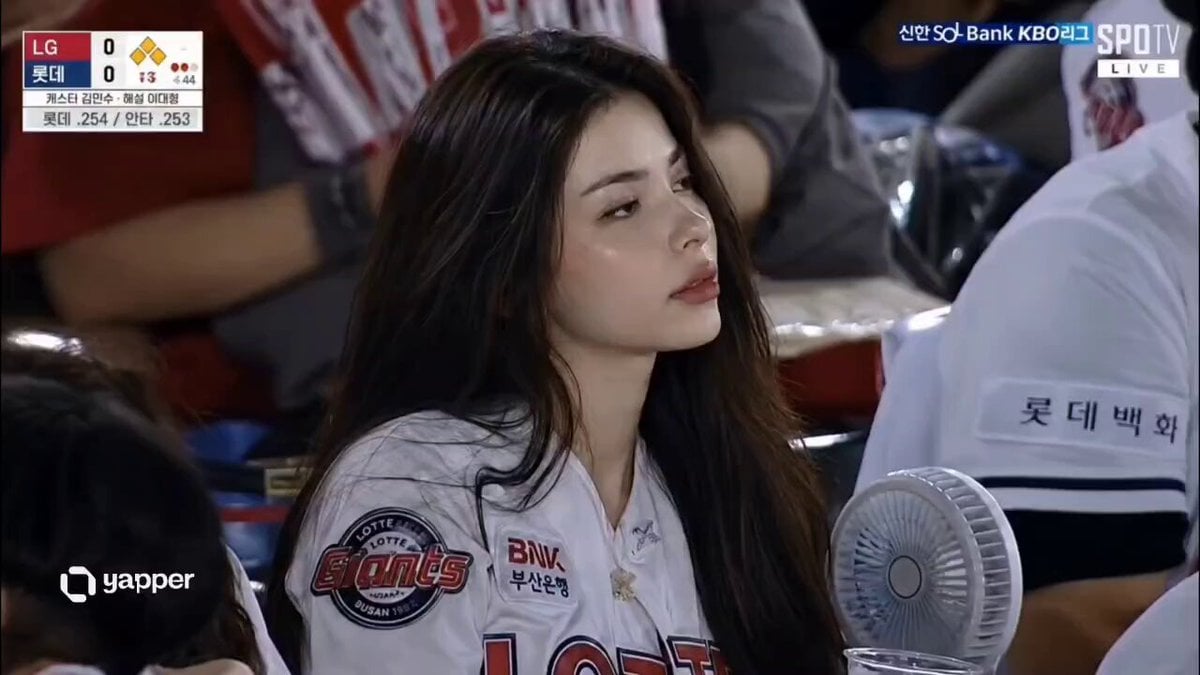
Korean Baseball Stadium Spectator Candid
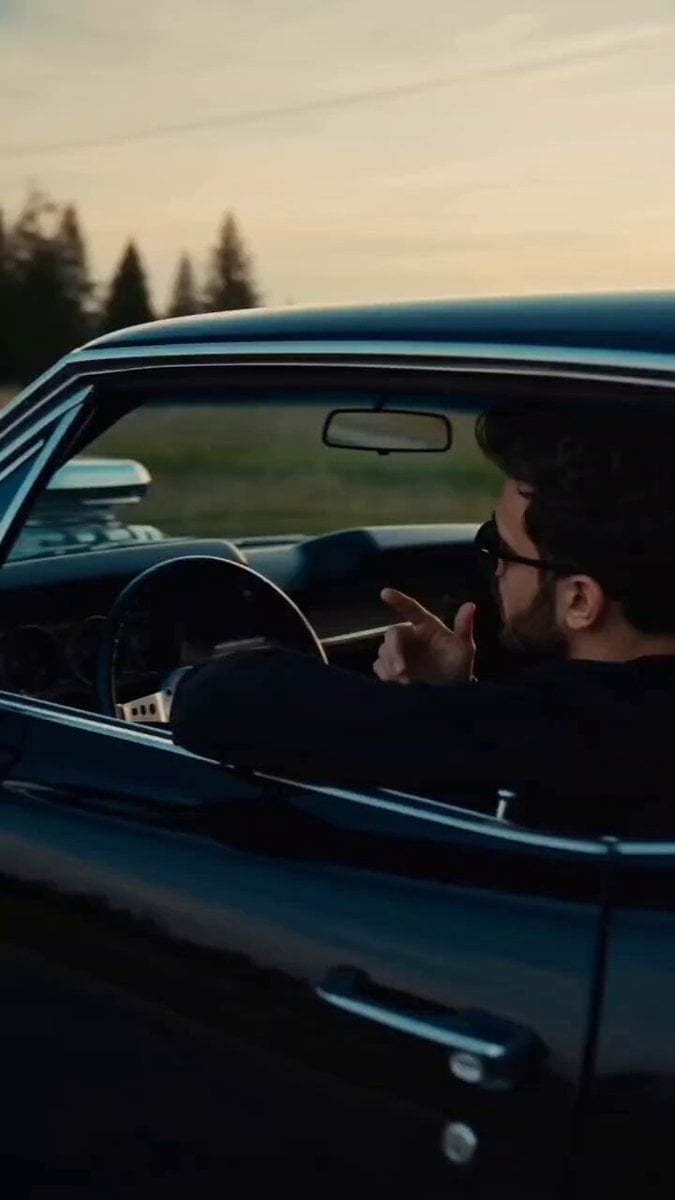
High Energy Cinematic Music Video
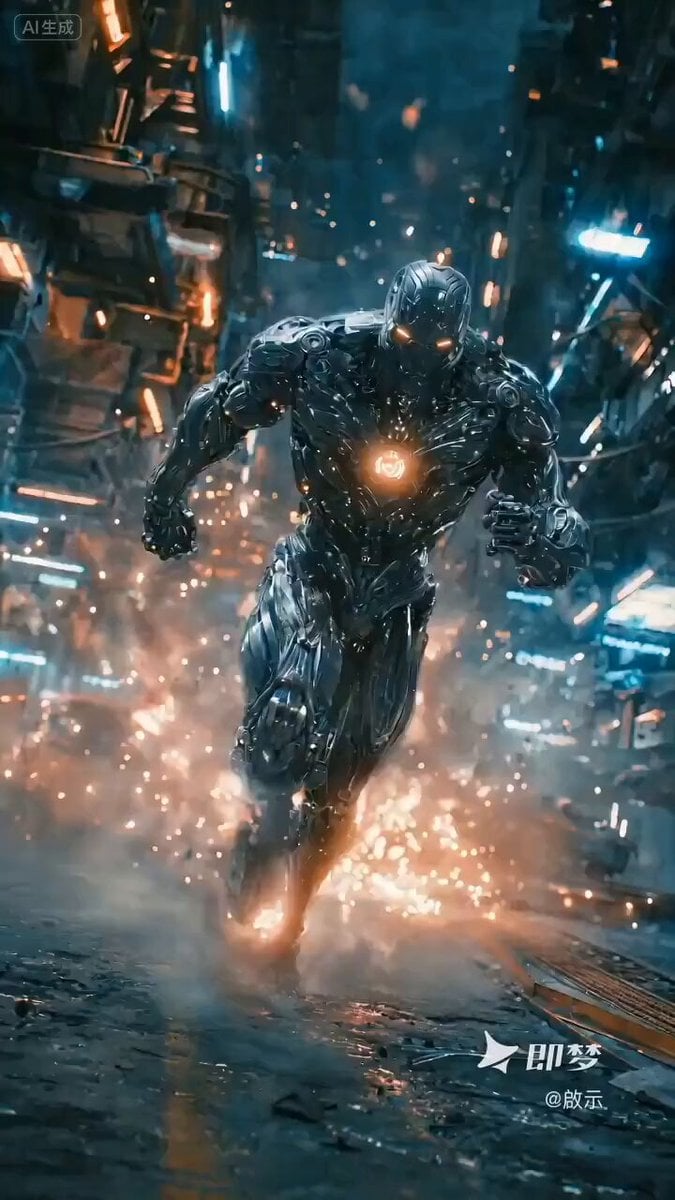
Cinematic sci-fi battle scene with a cyborg
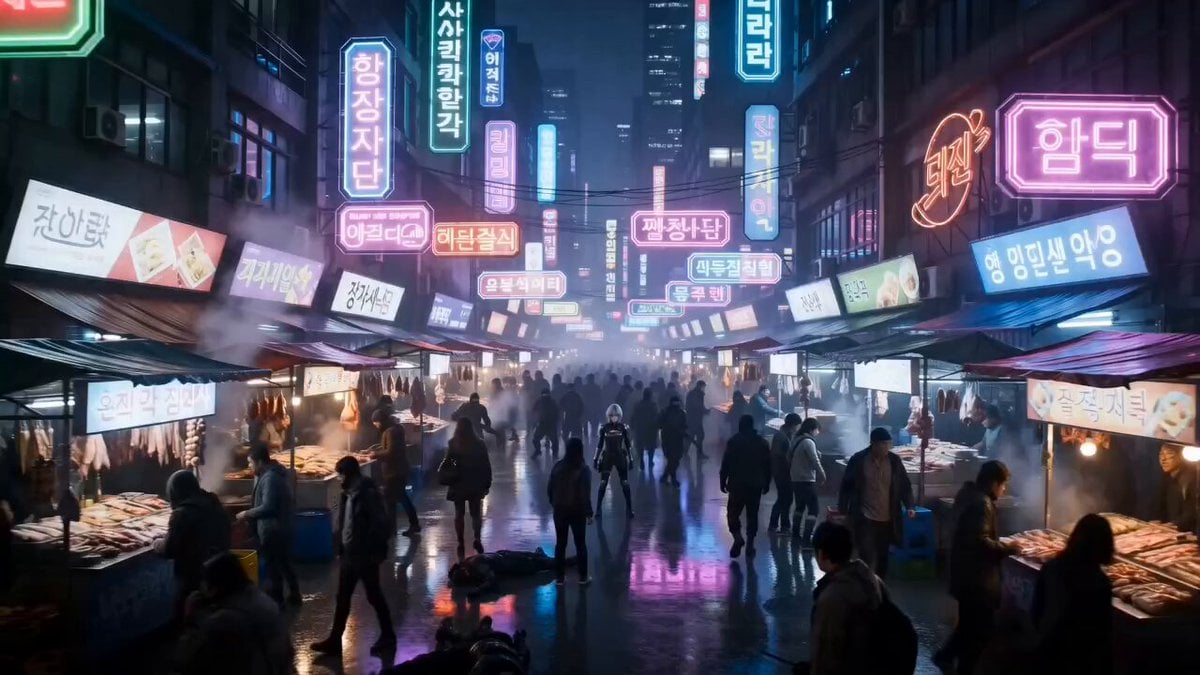
Cyberpunk Neon Market Fight
Browse template categories
Cinematic Car Entry and Drive Sequence questions
How do I use the Cinematic Car Entry and Drive Sequence template?
Add your photo if the template asks for one, edit the prompt if you like — the template's model and format are already selected — and press Generate. Your version opens in PicX Studio.
Can I customize the Cinematic Car Entry and Drive Sequence template?
Yes. You can change the subject, setting, lighting, mood, format, and available model controls before creating your video.
Is the Cinematic Car Entry and Drive Sequence template free?
Opening and editing this template is free. Generating uses credits, shown on the Generate button when you are signed in.
Which AI model should I use?
Start with Seedance 2.0, which is the model associated with this template. You can compare another compatible model for a different finish.
Looking for something else? Browse all templates.

Your photo, any look
Thousands of ready templates for every top image and video model, from one credit balance.