
High Energy Cinematic Music Video
A detailed prompt for generating a high-energy music video sequence featuring a character with identity consistency, vintage cars, and diverse cinematic locations ranging from roadsides to urban scenes.
- Prompt included
- Model and format preset
- Free template
The prompt behind this video
Copy the exact prompt behind High Energy Cinematic Music Video, or open it in the studio and make it yours.
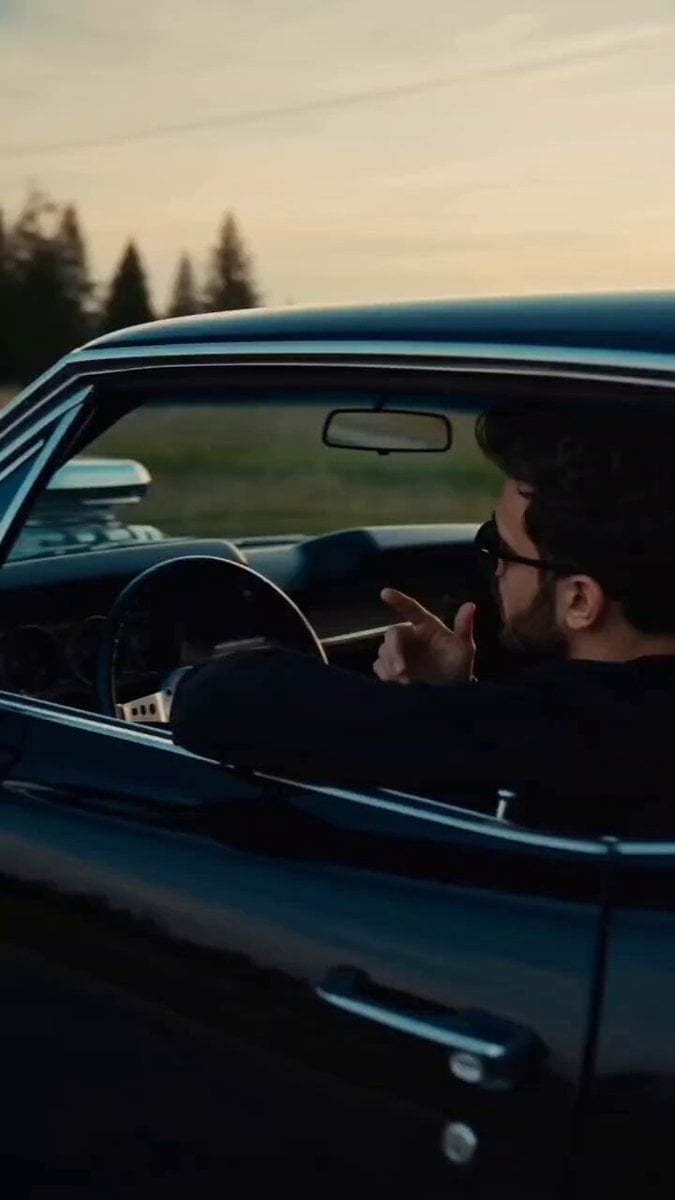
A cinematic 15-second high-energy music video sequence featuring a young male in @/image1. Use the provided face reference image for accurate identity, consistent facial structure, skin tone, beard, and hairstyle across all shots. Scene starts with a smooth tracking shot of a black vintage muscle car speeding on an open road with motion blur, subject leaning out of the window with confident attitude and stylish hand gestures. Cut to a wide golden-hour shot of the same character stepping out of the car in front of a retro American-style roadside diner with a large donut sign, slow walk toward camera with subtle swagger. Transition to dynamic driving shots through scenic hills, low-angle wheel shots, and interior close-ups with natural light flicker. Hard cut to an urban environment with police cars, motorcycles, and a group of men standing on containers in the background, creating a tense, cinematic presence. The main character stands in front of a luxury convertible, wearing modern streetwear, sunglasses, and a chain, delivering intense expressions to camera. Include fast cuts, whip pans, handheld energy, and slight camera shake for realism. Lighting is cinematic, slightly warm with teal shadows, high contrast, shallow depth of field, soft film grain. Maintain realistic physics, natural motion, and continuity of the subject's identity using the uploaded face angles. End with a hero shot of the character sitting on the car door surrounded by vehicles and crew, looking directly into camera with a powerful expression.
How to use High Energy Cinematic Music Video in 3 steps
- 1Upload ImagePNG, JPG or paste
Add your photo
Upload the photo the template builds on. The prompt, model and format are already set.
- 2…a portrait of your subject in softgolden-hour light, 85mm…
Personalize
Edit the subject and creative details for your destination.
- 3Generate
Generate
Press Generate — your video is created in PicX Studio, so you can compare it with the original and refine one variable at a time.
More like this
Templates with the same subject, style or setup. Open one to see its prompt.
Energy Bow Jungle Edit
Mediterranean Musical Scene Long Take
Japan Street Musician Vlog
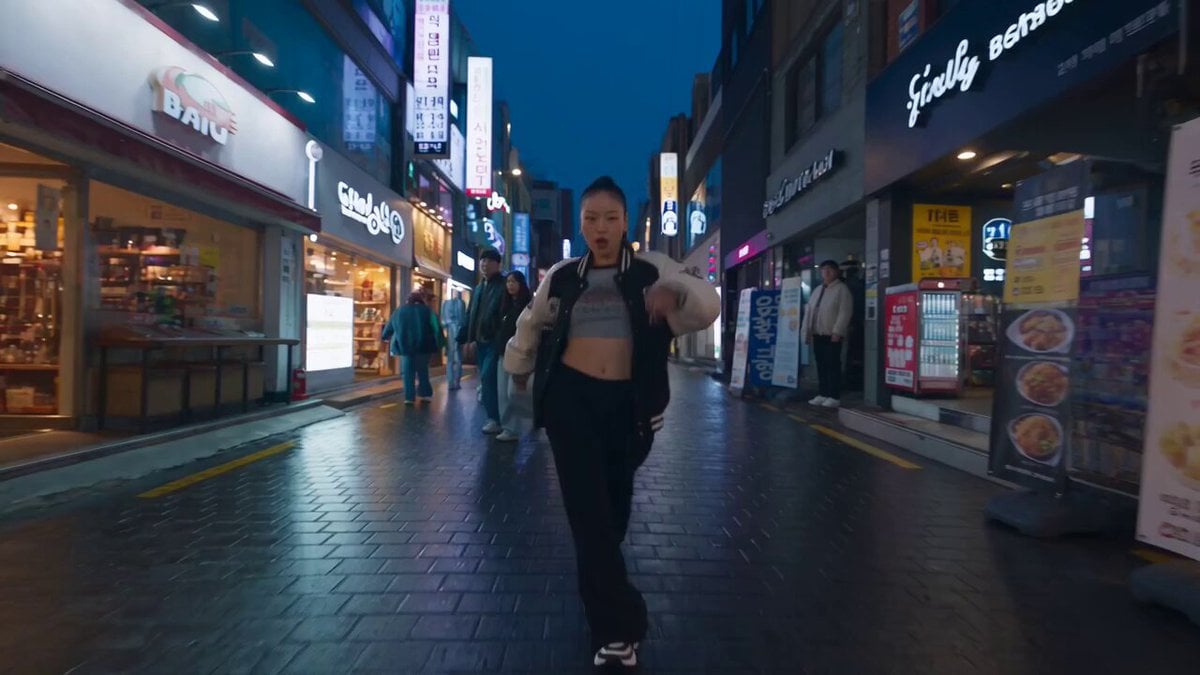
K-pop Flash Mob Music Video
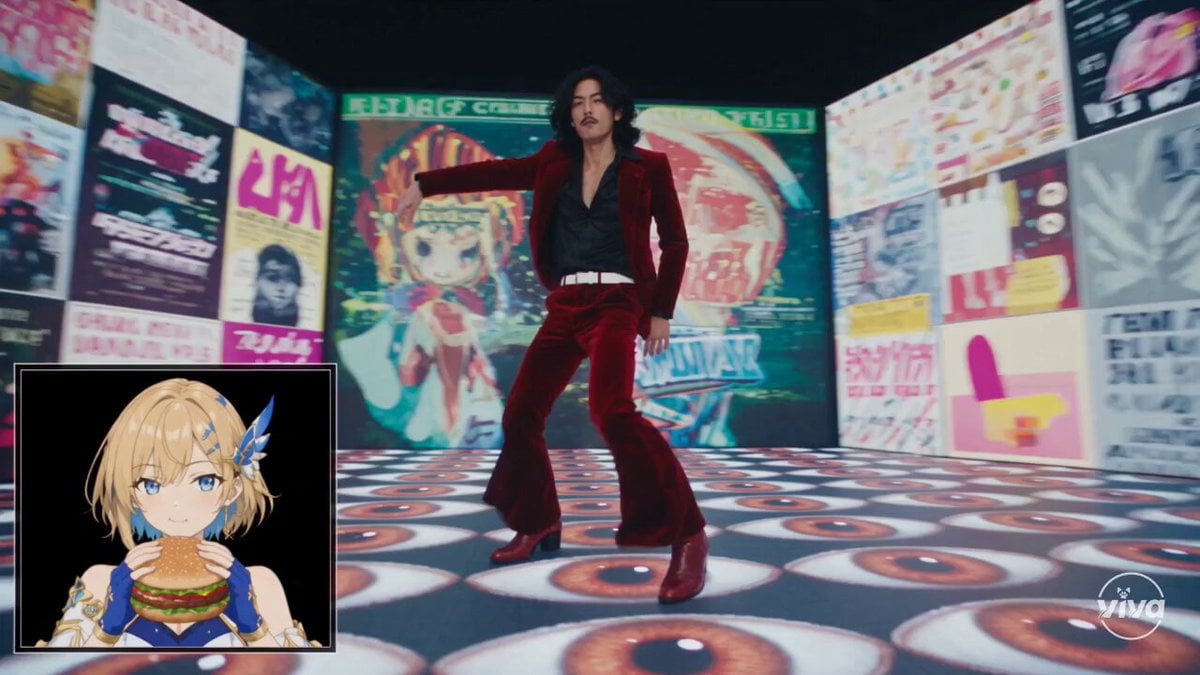
High-Intensity Experimental Music Video
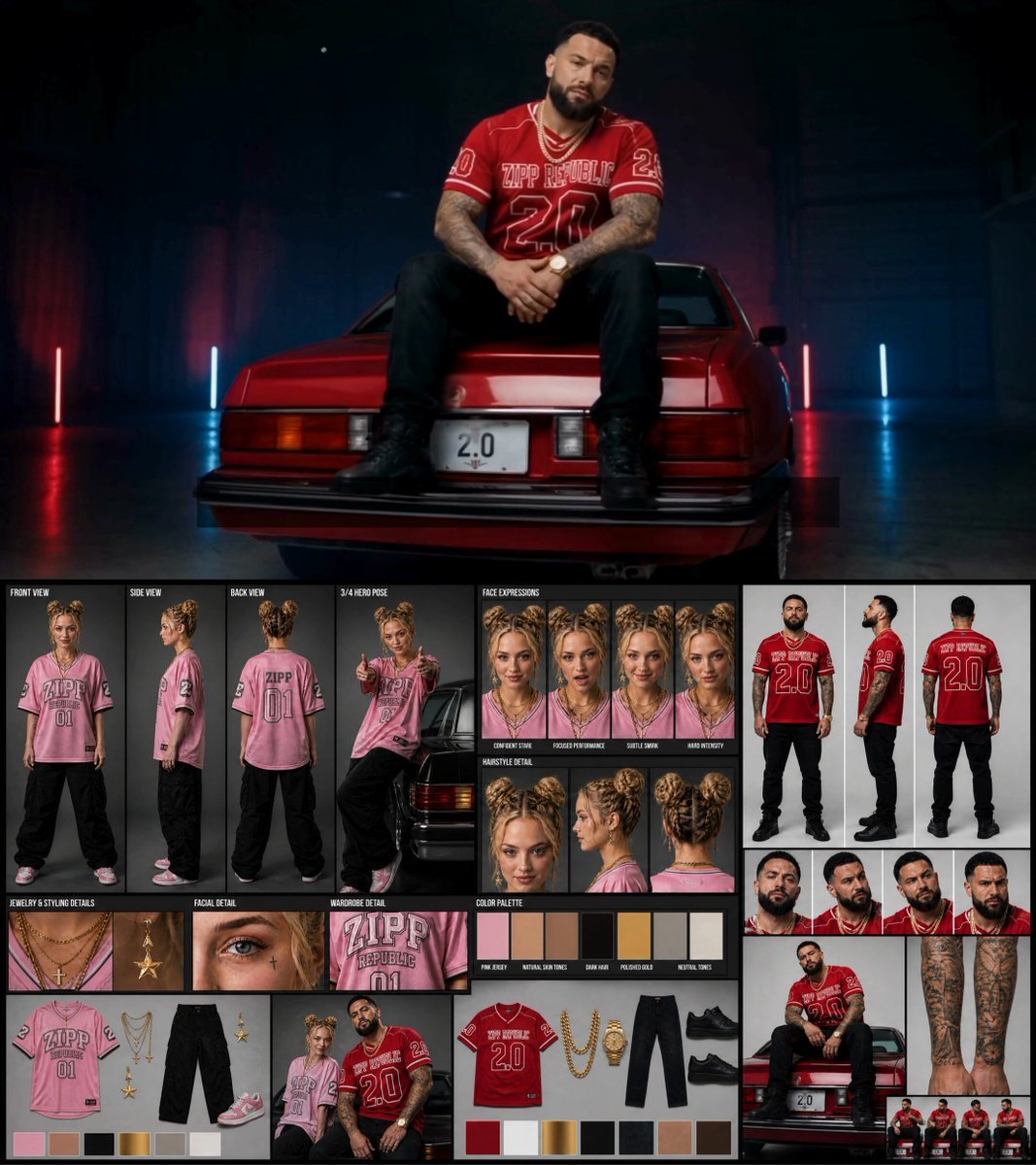
Female Rapper Performance Music Video
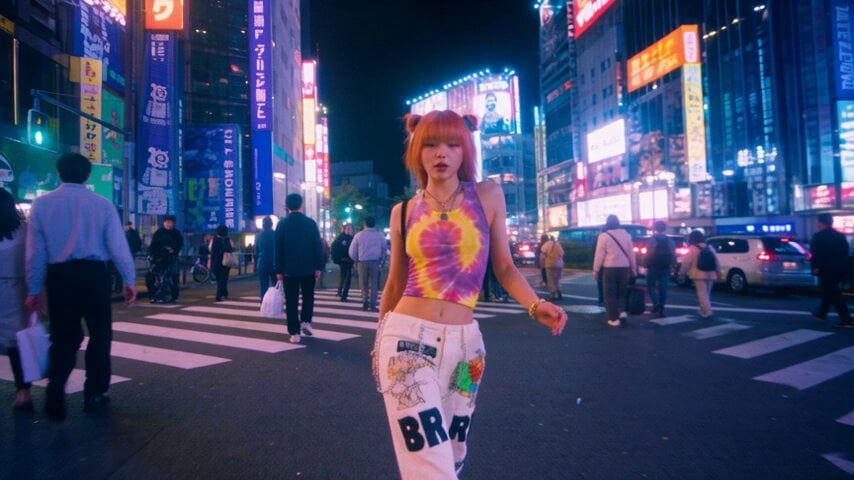
iPhone Style Street Dance Music Video
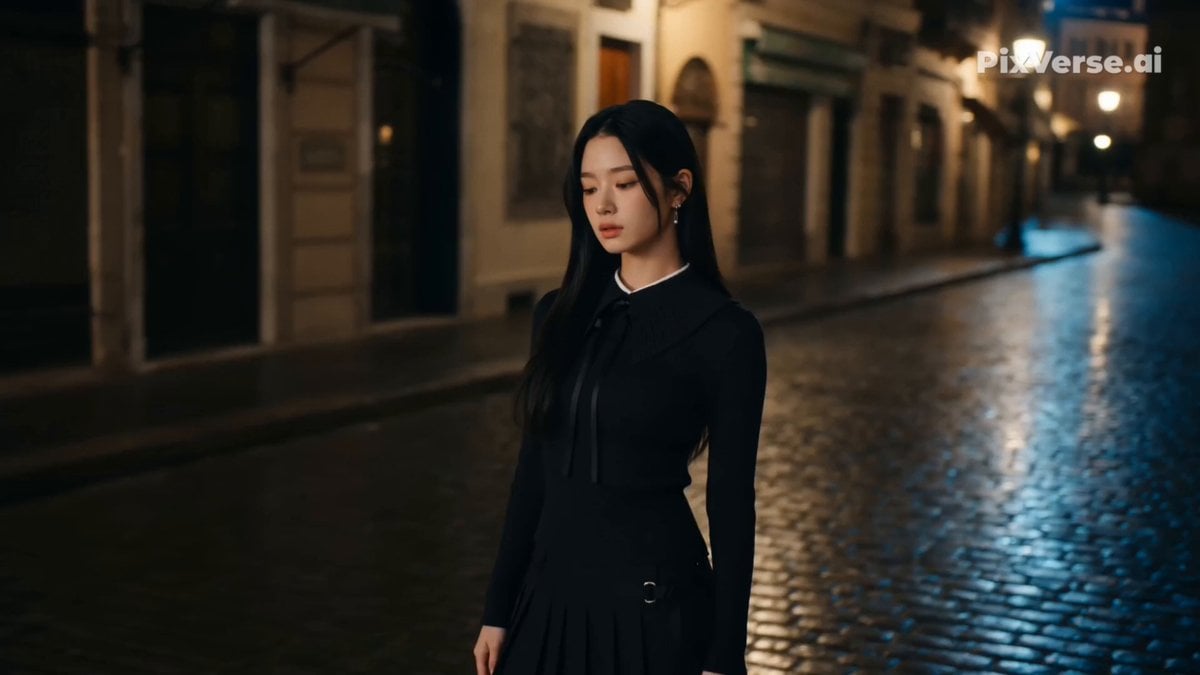
Retro Street Fashion Music Video

Metallic Relic Rainbow Energy

Cosmic Heart Radiant Energy

Hard Rock Performance Music Video
K-Pop Red Room Music Video
Make it yours
High Energy Cinematic Music Video works as-is. These are the safest ways to change it without losing the look.
Change one field
Copy a single group, rewrite it, and generate again so you can see what that field is doing.
Keep the frame, change the subject
Hold the composition and light of High Energy Cinematic Music Video, then swap wardrobe, props or the person for a new take.
| If the result… | Why | Fix |
|---|---|---|
| The result drifts from the preview | Too many fields changed at once. | Reuse High Energy Cinematic Music Video as-is first, then change one group — subject, light, or setting. |
| The model over-stylizes the scene | The prose prompt leaves finish and camera underspecified. | Add one camera or lighting sentence and stay on Seedance 2.0. |
More Seedance 2.0 templates
Other prompts made for Seedance 2.0.

Comical Martial Arts Punch Scene

Maglev Train Action Sequence

Martial Arts Fight Sequence

Wuxia Protection and Trust Script

Vintage Korean Arcade MiniDV Vlog

Mercedes 190 SL Luxury Ad

Rainy Night Supernatural Reverse Comedy Video Script

Amazon Civilization Discovery

Futuristic South Asian City Transformation

Cozy Luxury Cafe Commercial
More video prompts
Fresh picks from across the catalog.
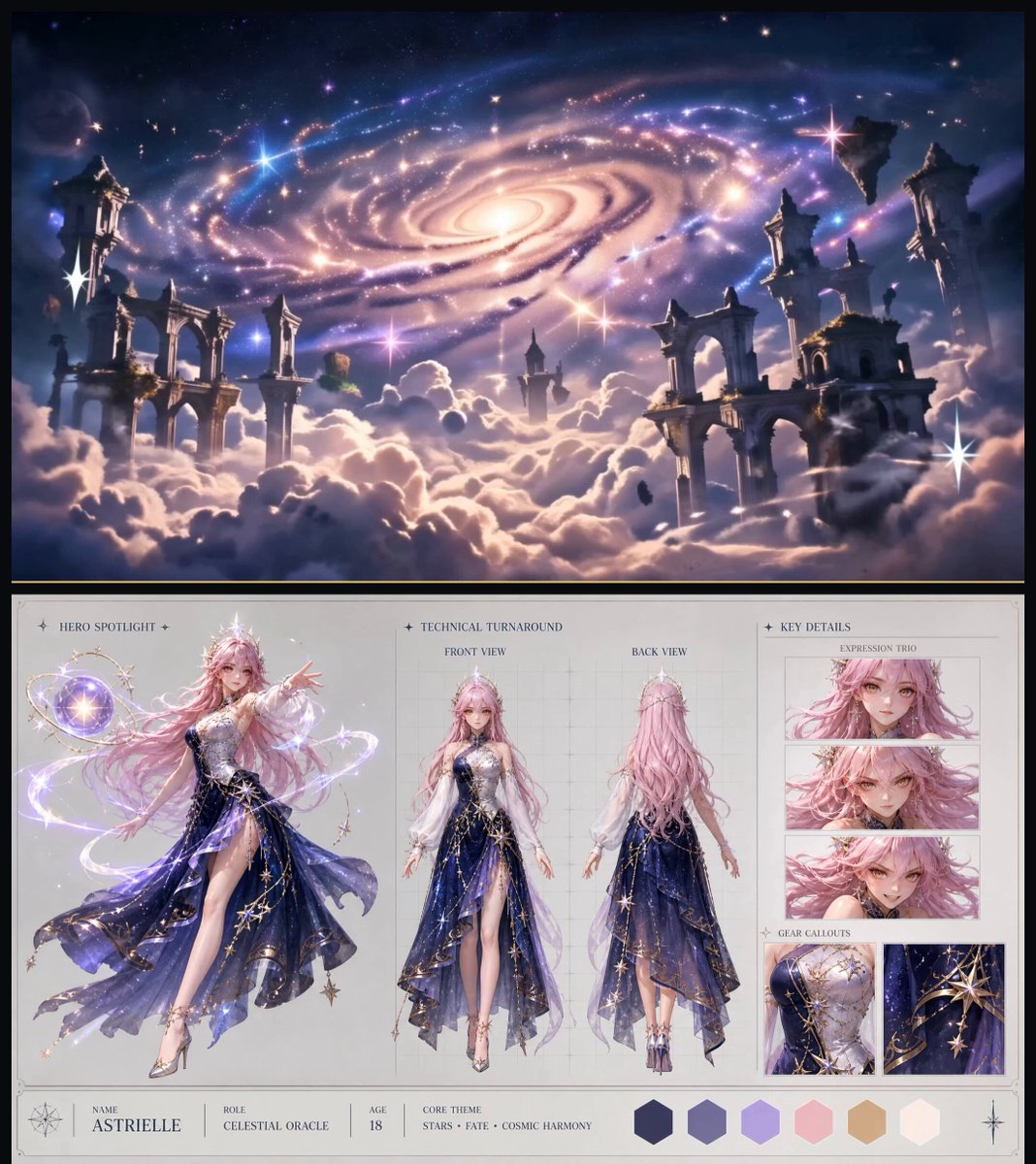
Celestial Fantasy Character Showcase
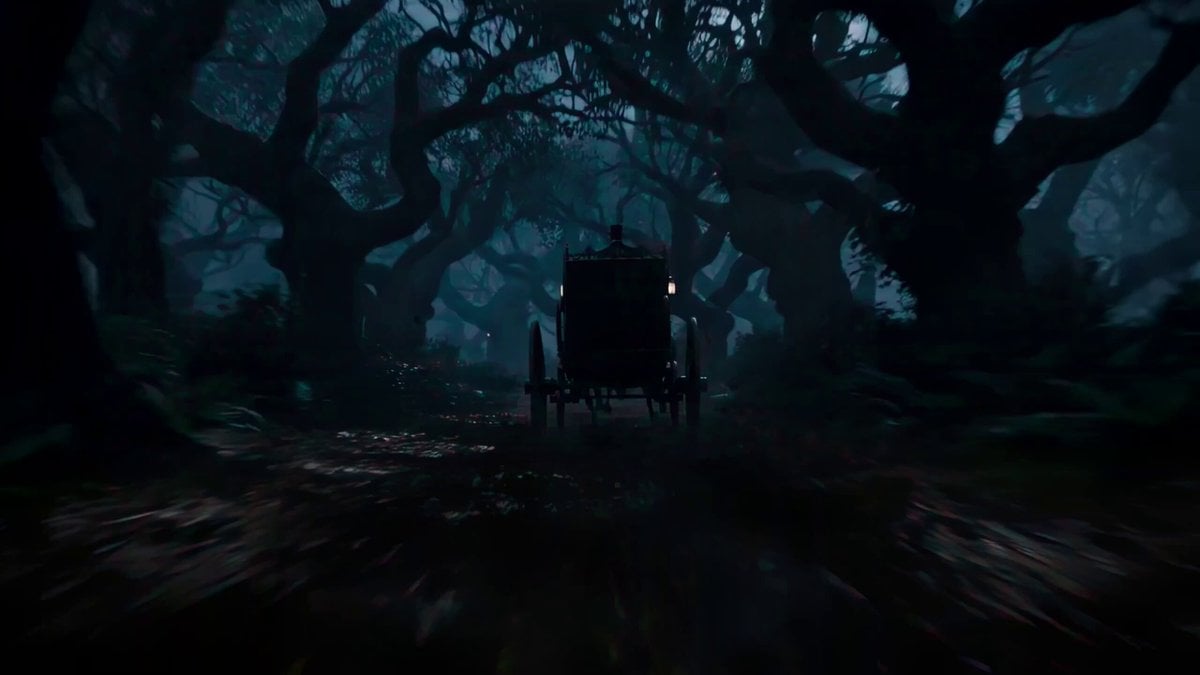
Cinematic Carriage Scene Prompt
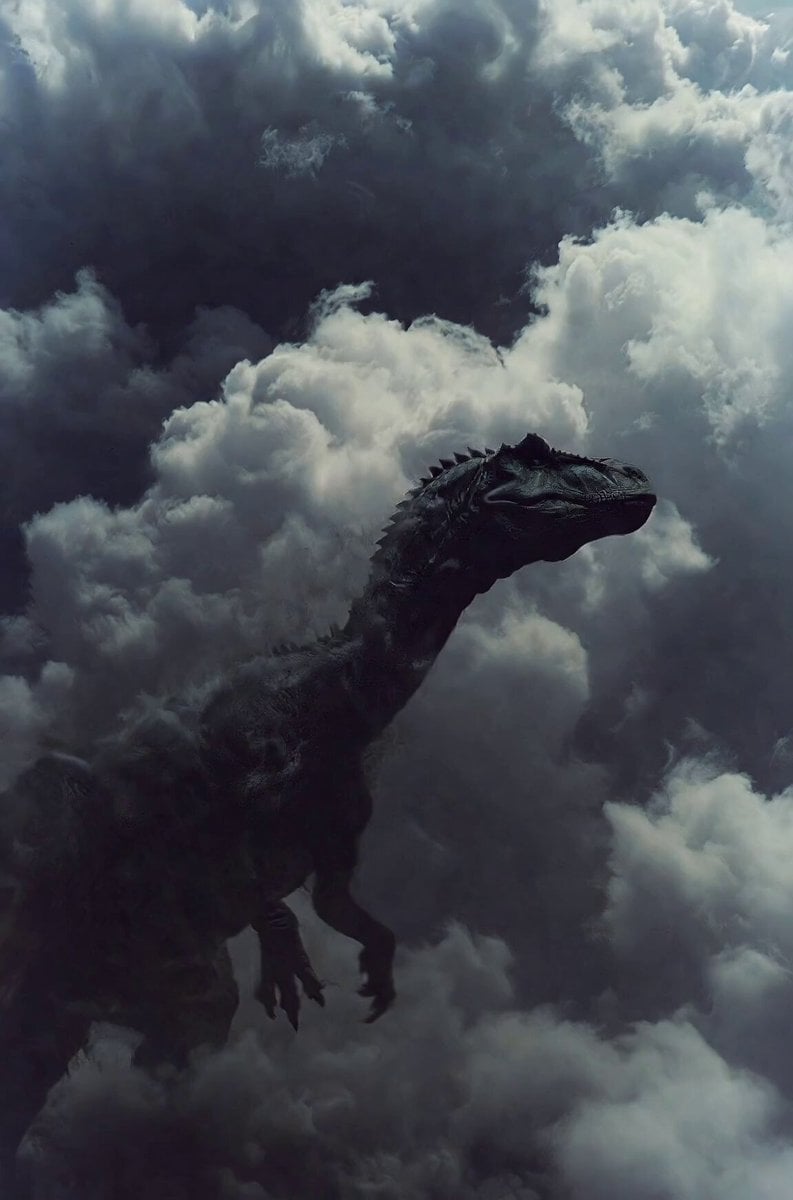
Cinematic Dinosaur in Ashy Clouds

Candid Joyful Woman Football Stadium Portrait
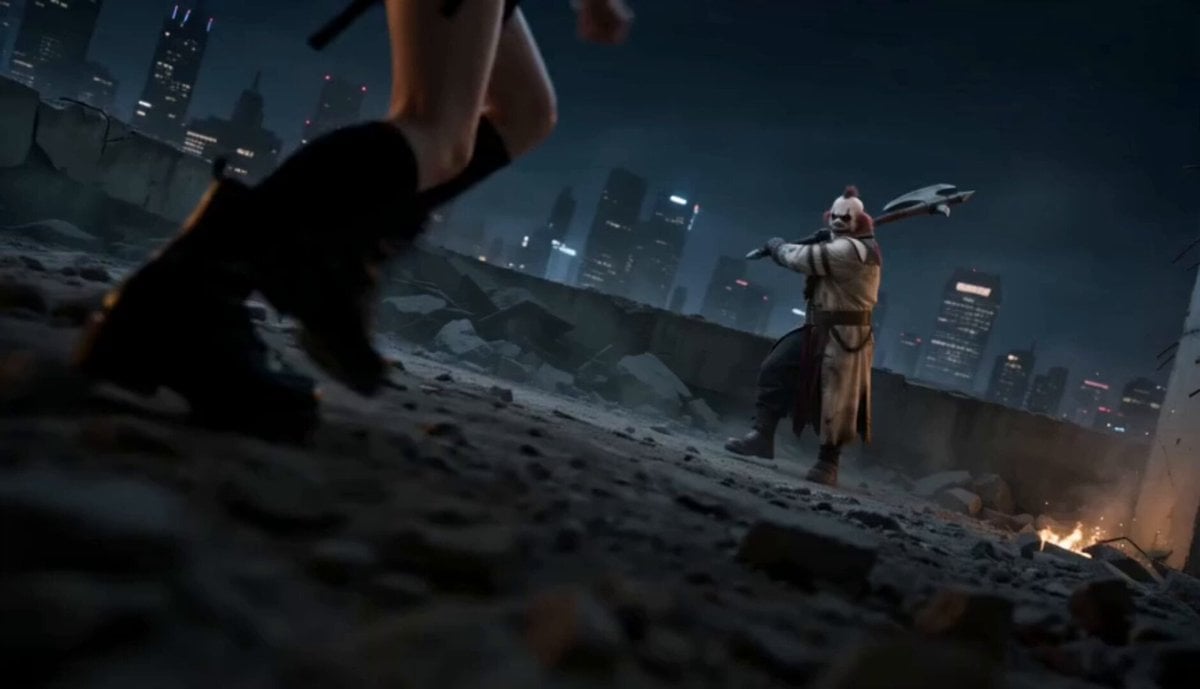
Urban Battlefield Action Scene
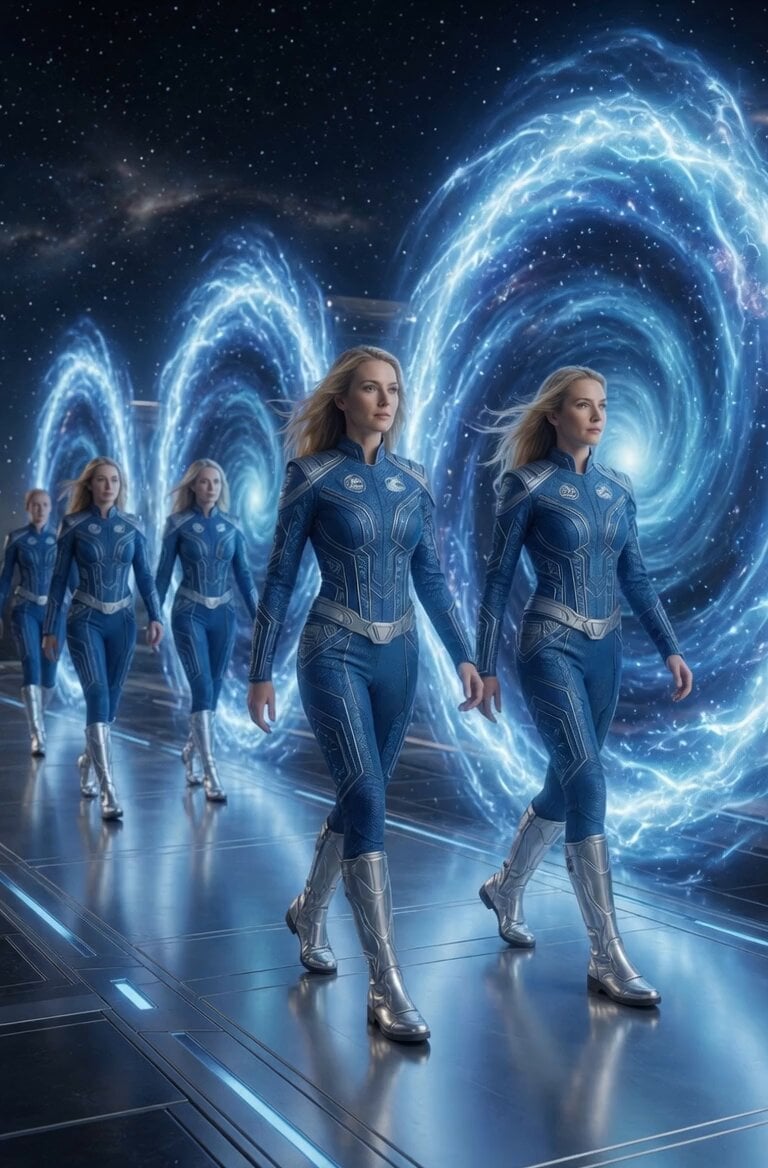
Pleiadian Portal Entrance
Whale Breaching Through Rising Tide
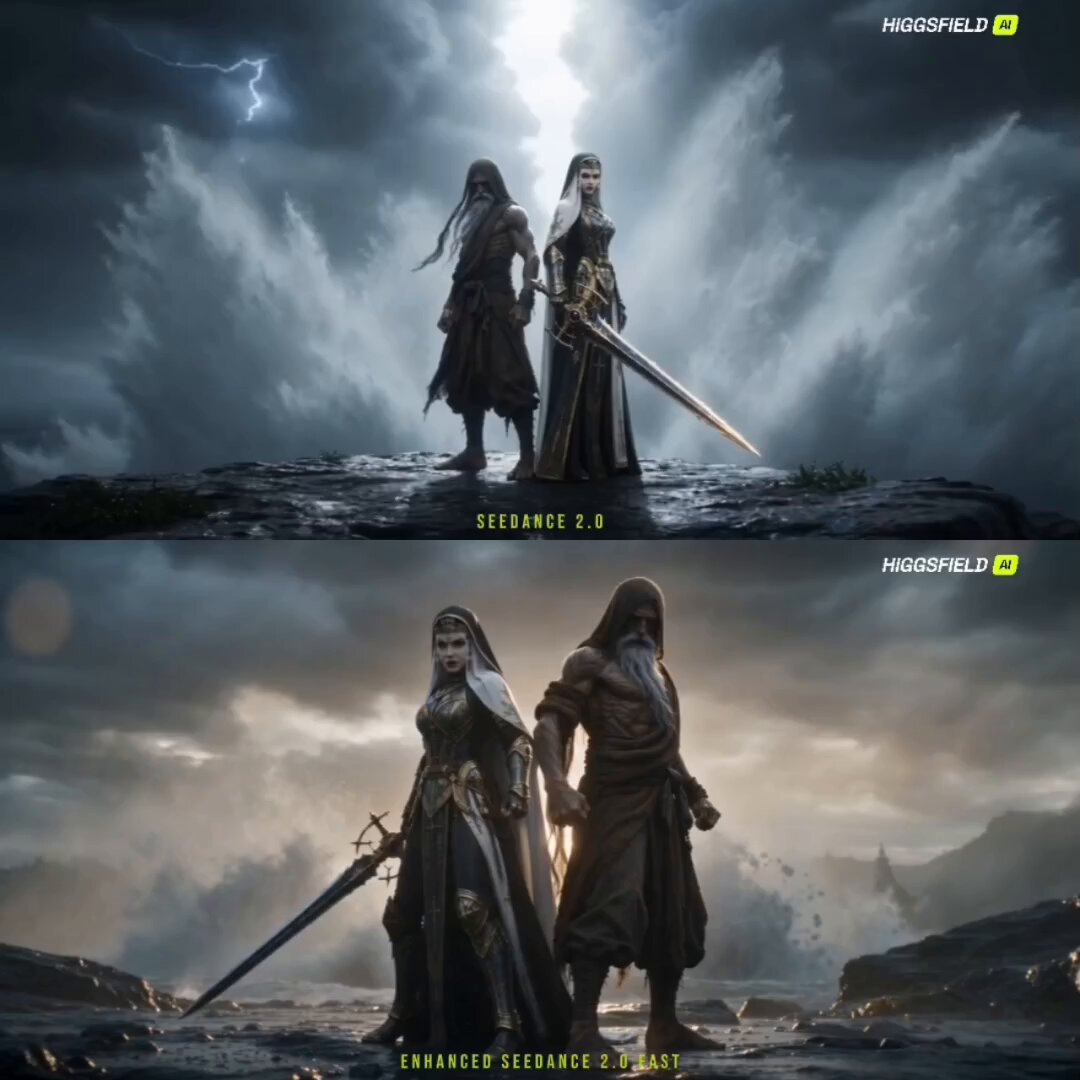
Starlit Blade Fantasy Action Sequence
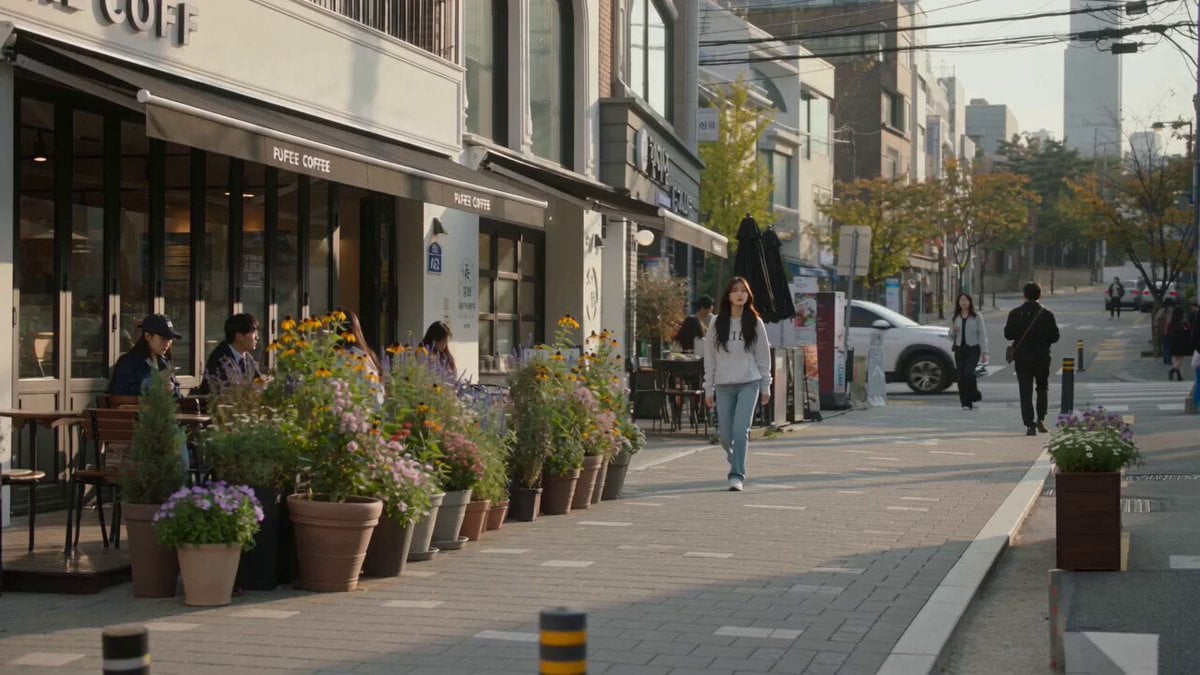
Urban Lifestyle Smartphone Photography
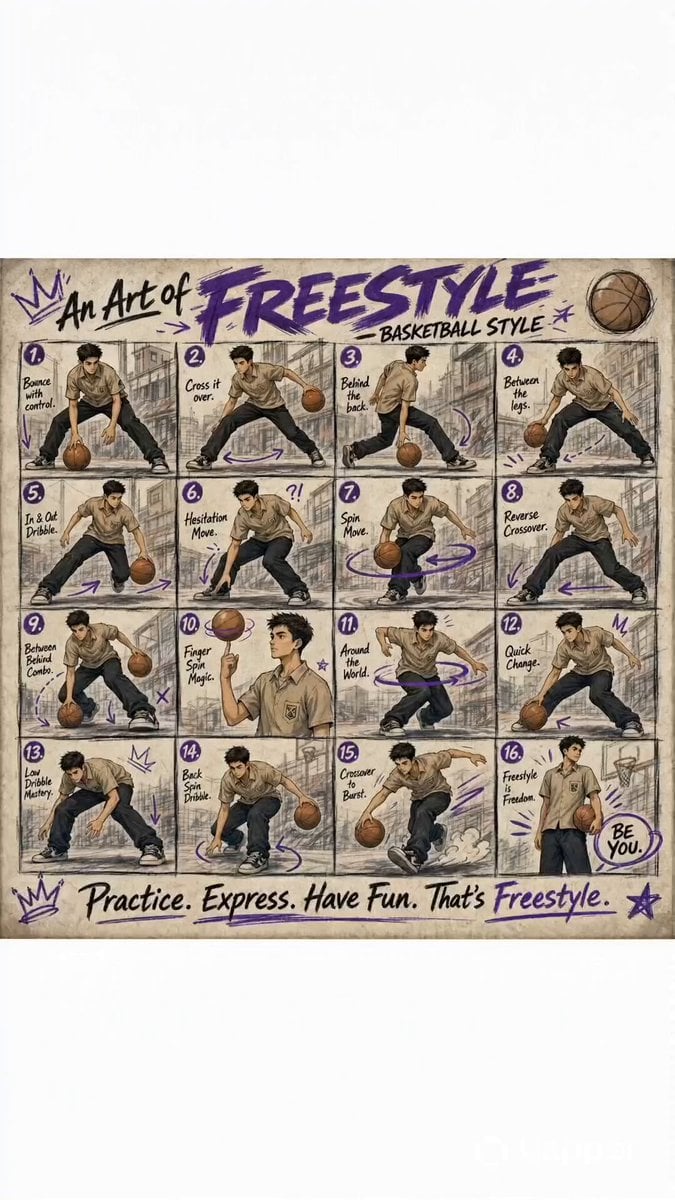
Animated Basketball Freestyle Poster
Browse template categories
High Energy Cinematic Music Video questions
How do I use the High Energy Cinematic Music Video template?
Add your photo if the template asks for one, edit the prompt if you like — the template's model and format are already selected — and press Generate. Your version opens in PicX Studio.
Can I customize the High Energy Cinematic Music Video template?
Yes. You can change the subject, setting, lighting, mood, format, and available model controls before creating your video.
Is the High Energy Cinematic Music Video template free?
Opening and editing this template is free. Generating uses credits, shown on the Generate button when you are signed in.
Which AI model should I use?
Start with Seedance 2.0, which is the model associated with this template. You can compare another compatible model for a different finish.
Looking for something else? Browse all templates.

Your photo, any look
Thousands of ready templates for every top image and video model, from one credit balance.