
iPhone Style Street Dance Music Video
A detailed video prompt for generating a continuous 15-second street dance music video in the style of a handheld iPhone recording, featuring energetic choreography in a Japanese city.
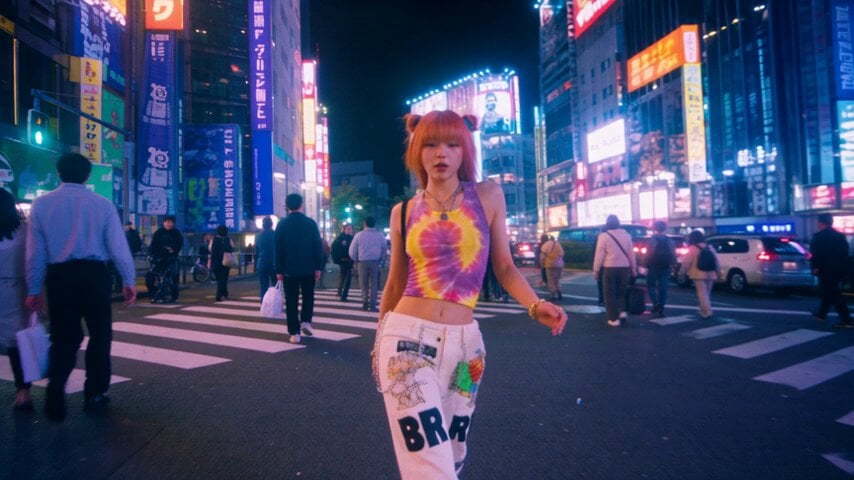
- Prompt included
- Model and format preset
- Free template
The prompt behind this video
Copy the exact prompt behind iPhone Style Street Dance Music Video, or open it in the studio and make it yours.
A high-energy 15-second continuous iPhone-shot street dance music video on a busy modern Japanese city street. A stylish female singer-dancer walks continuously toward the camera while performing energetic contemporary choreography combining modern hip-hop, waacking, K-pop dance, commercial street dance, body isolations, shoulder grooves, chest hits, hip accents, arm waves, quick footwork, and expressive performance. She is both a singer and dancer. She genuinely enjoys the music, occasionally mouths the lyrics, smiles naturally, makes confident eye contact with the camera, and performs with strong musicality and charisma. IMPORTANT: The dancer must continuously DANCE while WALKING. Do not reduce the choreography to ordinary walking with occasional arm movements. Her feet continuously travel forward while her entire body actively responds to the music. The choreography should have HIGH MOVEMENT DENSITY throughout the entire 15 seconds. The flash mob must begin VERY EARLY and gradually grow throughout the shot. CAMERA: Shot entirely on a modern iPhone. Natural handheld smartphone cinematography. Realistic iPhone image quality. Sharp but natural smartphone detail. Slight natural handheld movement. Subtle smartphone stabilization. Natural exposure changes. Realistic autofocus behavior. Natural wide-angle perspective. No cinematic crane. No professional cinema camera. No gimbal-perfect movement. No dramatic lens effects. The camera operator continuously BACKTRACKS in front of the dancer while filming her. The camera moves backward along the city street while keeping the main dancer centered. The camera operator walks backward naturally but carefully. The main dancer remains full-body or near-full-body in frame. No cuts. No transitions. No orbiting. No camera rotation around the dancer. No zoom. No drone. No slow motion. ================================================== 0.0-1.5s | SOLO The scene begins immediately on a busy modern Japanese city street. The main dancer is already walking toward the camera and dancing. 0.0-0.5s: Right foot forward. Strong hip-hop bounce through the knees. Sharp shoulder hit. 0.5-1.0s: Left foot forward. Chest isolation followed by a shoulder roll. Her arms naturally swing into a short waacking movement. 1.0-1.5s: Right foot forward. Fast arm circle around the head. Hip accent. Small head nod toward the beat. She is clearly dancing, not simply walking. Several ordinary pedestrians are visible in the background. ================================================== 1.5-3.0s | FIRST DANCER JOINS The main dancer continues moving forward. 1.5-2.0s: Left foot forward. Chest pop → shoulder hit → arm sweep. A pedestrian walking behind her notices the rhythm and begins subtly copying the shoulder movement. 2.0-2.5s: Right foot forward.
How to use iPhone Style Street Dance Music Video in 3 steps
- 1
Open
The prompt is already in the box next to the preview, with the template's model and format selected.
- 2…a portrait of your subject in softgolden-hour light, 85mm…
Personalize
Edit the subject and creative details for your destination.
- 3Generate
Generate
Press Generate — your video is created in PicX Studio, so you can compare it with the original and refine one variable at a time.
More like this
Templates with the same subject, style or setup. Open one to see its prompt.
Realistic City Street Story Cinematic Video - Seedance
Nano Banana Seedance Time Control Streets
Japan Street Musician Vlog
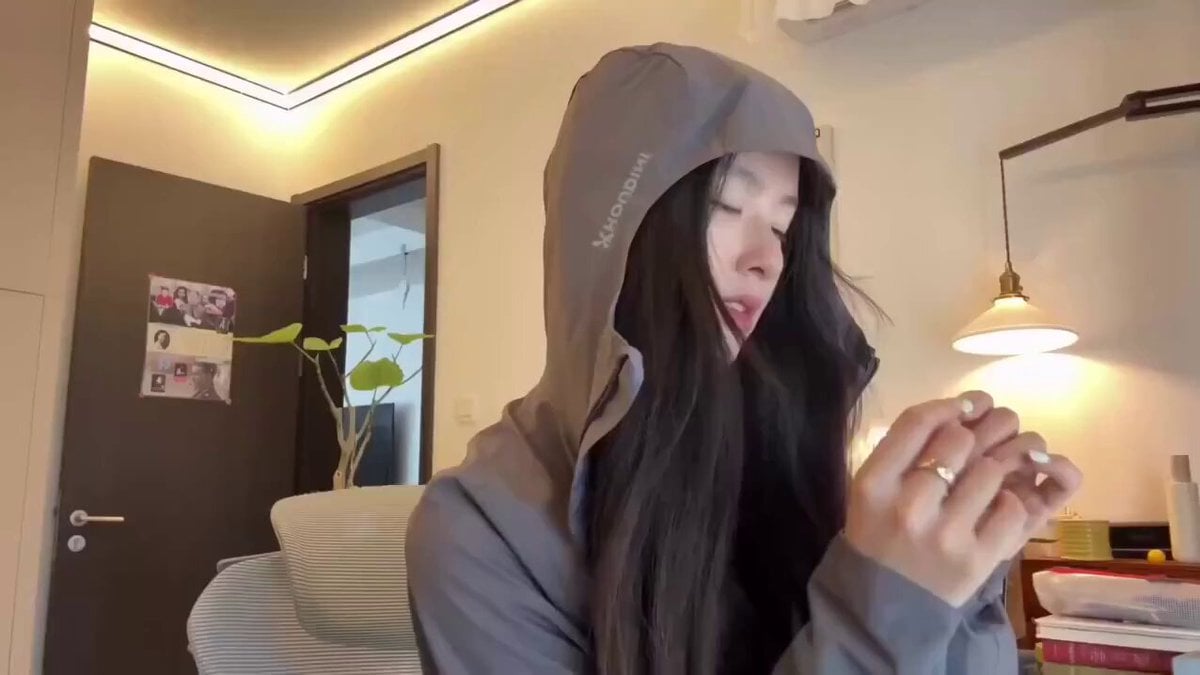
Cyberpunk Holographic Dance Performance - Seedance 2.5
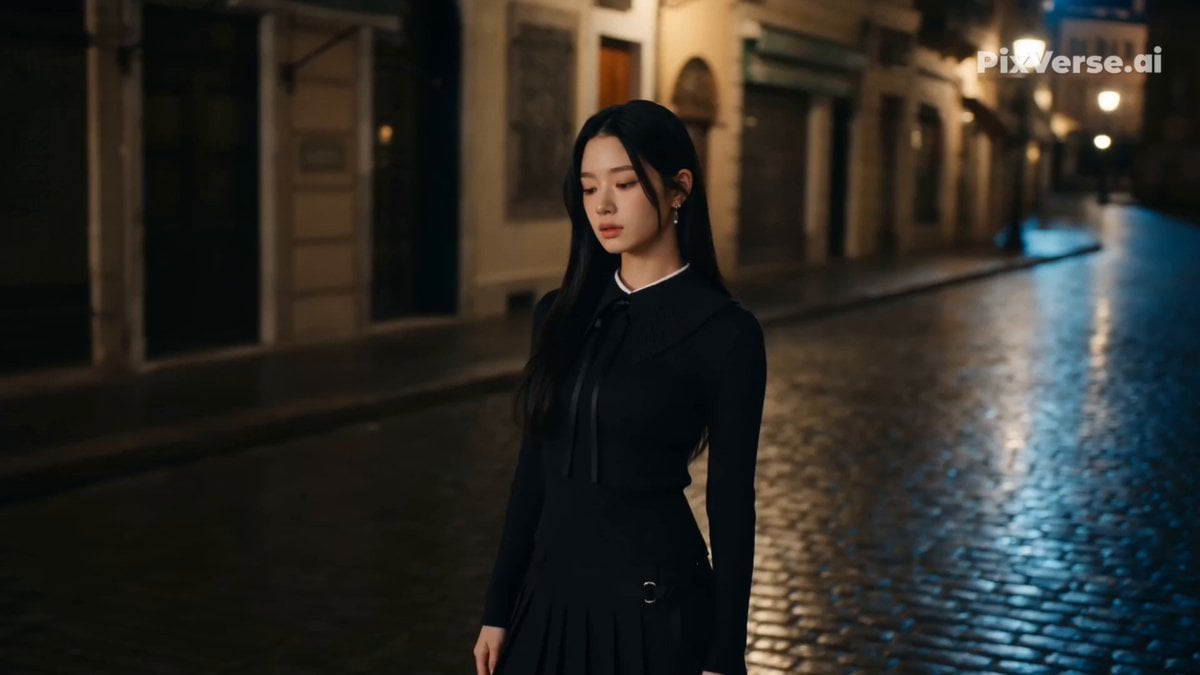
Retro Street Fashion Music Video
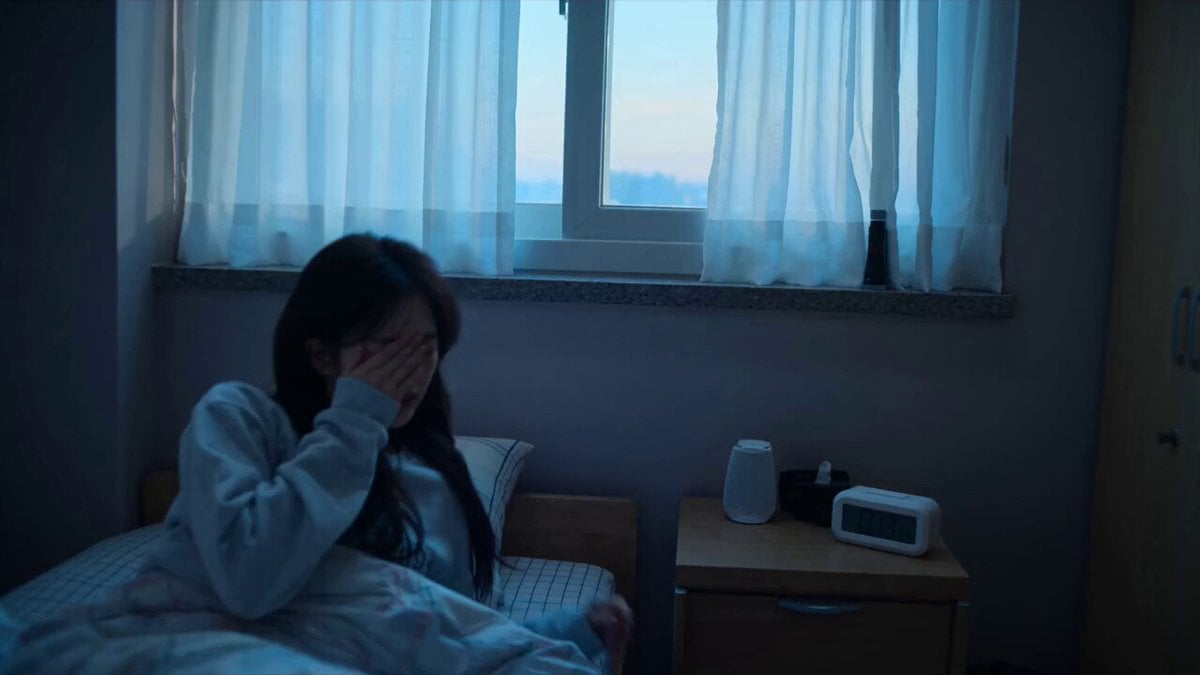
Early-2000s Trainee Flashback Film

Luxury Airport Travel Vlog
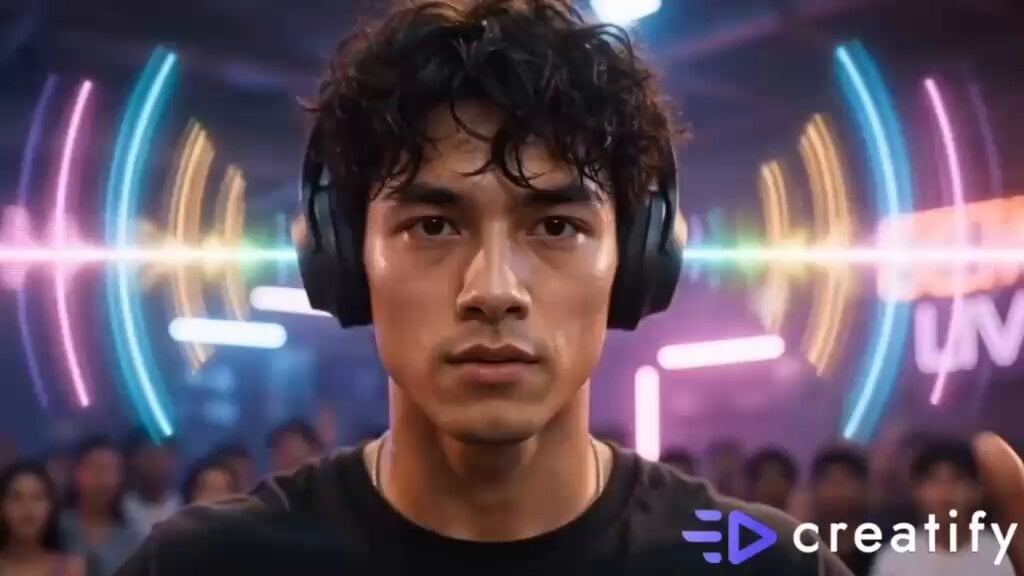
Street Dance Battle Sony Headphones
K-pop Idol Music Video Dance Scene
Modern Dance Studio Music Video
IPhone Style Handheld Dance Video
iPhone Handheld Street Encounter Video
Make it yours
iPhone Style Street Dance Music Video works as-is. These are the safest ways to change it without losing the look.
Change one field
Copy a single group, rewrite it, and generate again so you can see what that field is doing.
Keep the frame, change the subject
Hold the composition and light of iPhone Style Street Dance Music Video, then swap wardrobe, props or the person for a new take.
| If the result… | Why | Fix |
|---|---|---|
| The result drifts from the preview | Too many fields changed at once. | Reuse iPhone Style Street Dance Music Video as-is first, then change one group — subject, light, or setting. |
| The model over-stylizes the scene | The prose prompt leaves finish and camera underspecified. | Add one camera or lighting sentence and stay on Seedance 2.0. |
More Seedance 2.0 templates
Other prompts made for Seedance 2.0.

Comical Martial Arts Punch Scene

Maglev Train Action Sequence

Martial Arts Fight Sequence

Wuxia Protection and Trust Script

Vintage Korean Arcade MiniDV Vlog

Mercedes 190 SL Luxury Ad

Rainy Night Supernatural Reverse Comedy Video Script

Amazon Civilization Discovery

Futuristic South Asian City Transformation

Cozy Luxury Cafe Commercial
More video prompts
Fresh picks from across the catalog.
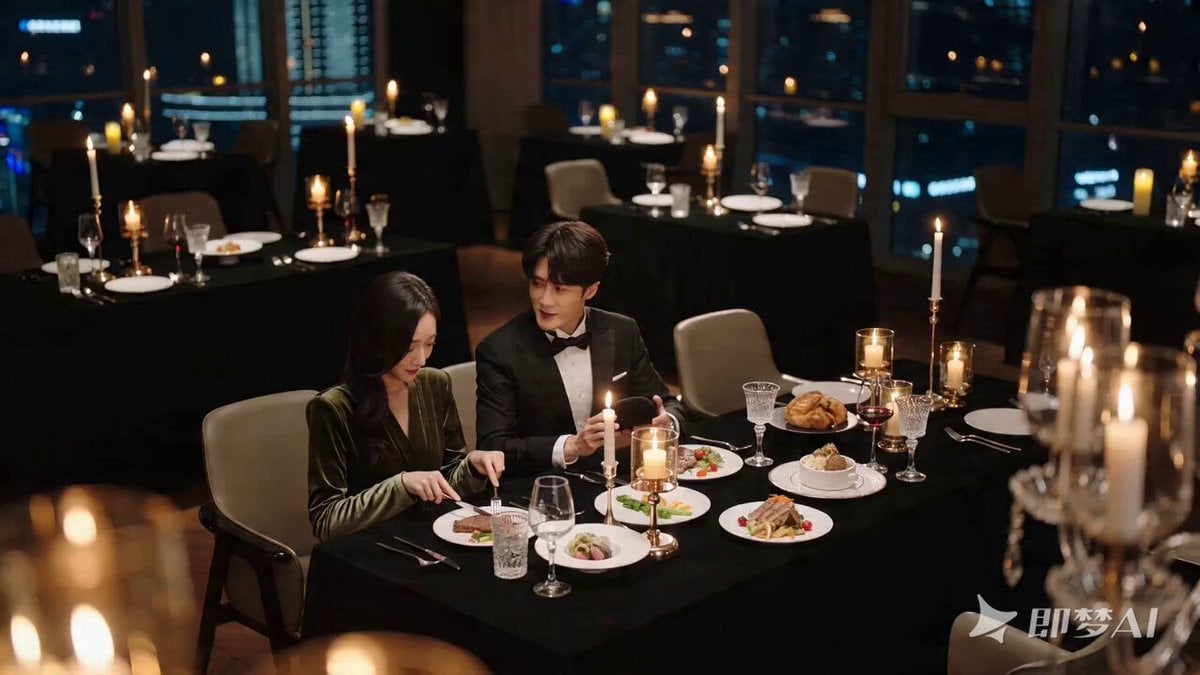
Romantic Proposal Scene Video Prompt for Seedance 2.0
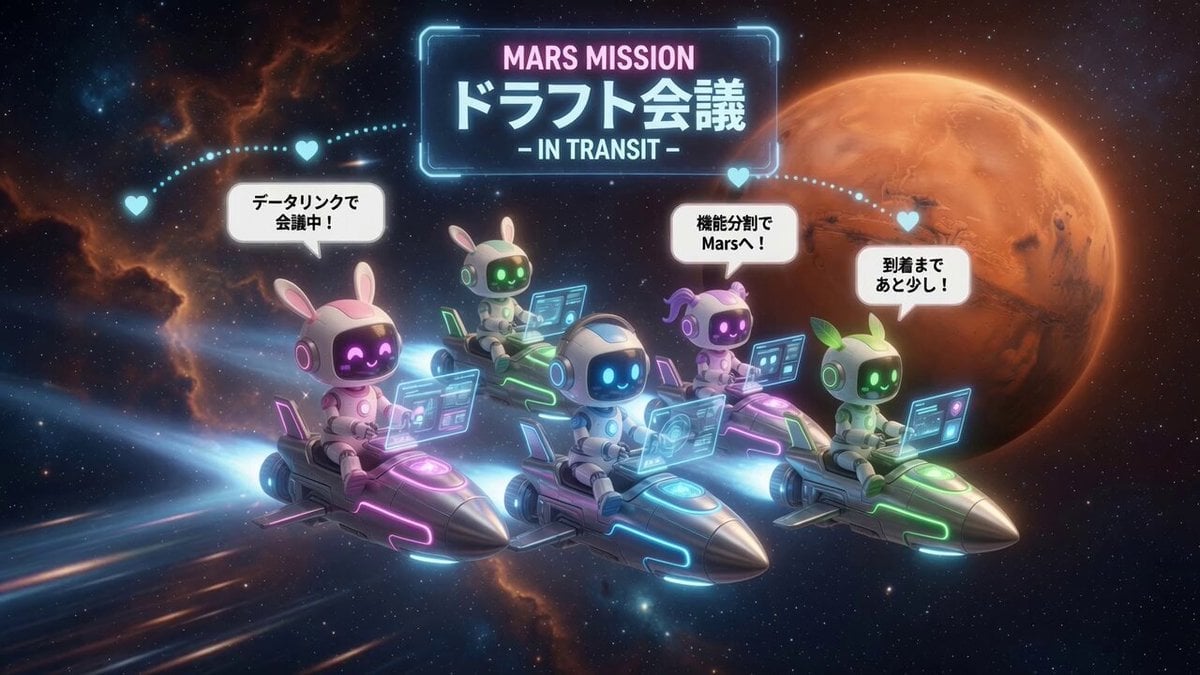
AI Characters on Flying Rockets

Premium Skincare Identity Commercial
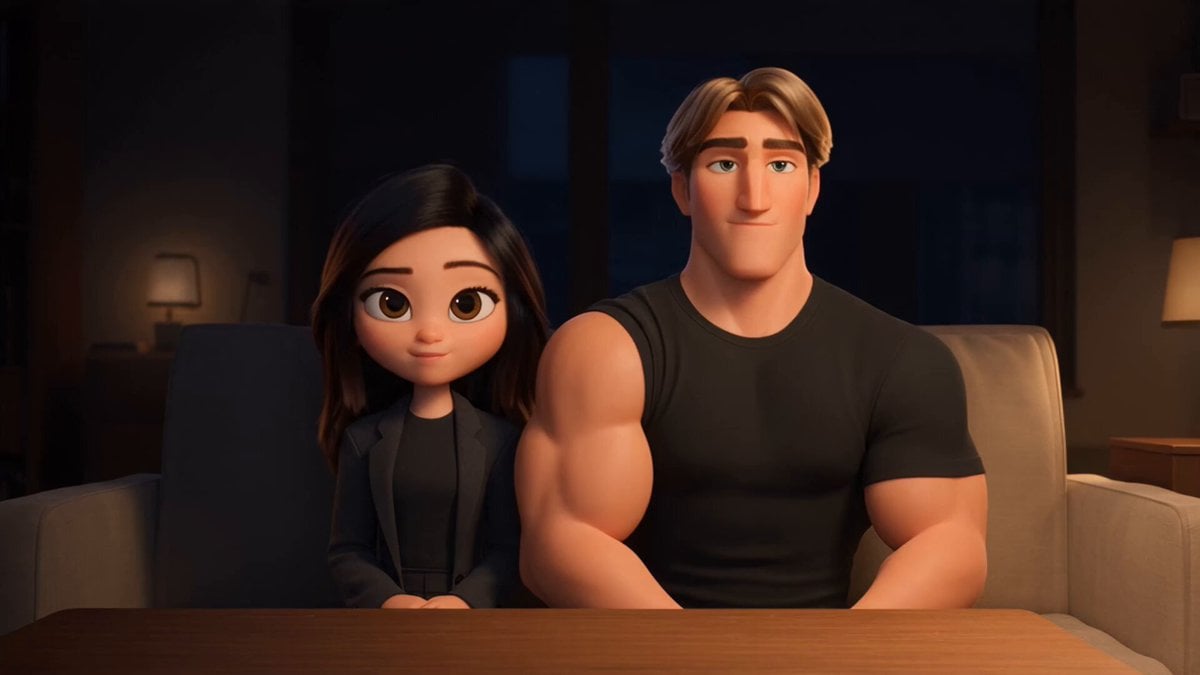
3D Animated Romantic Comedy Clip
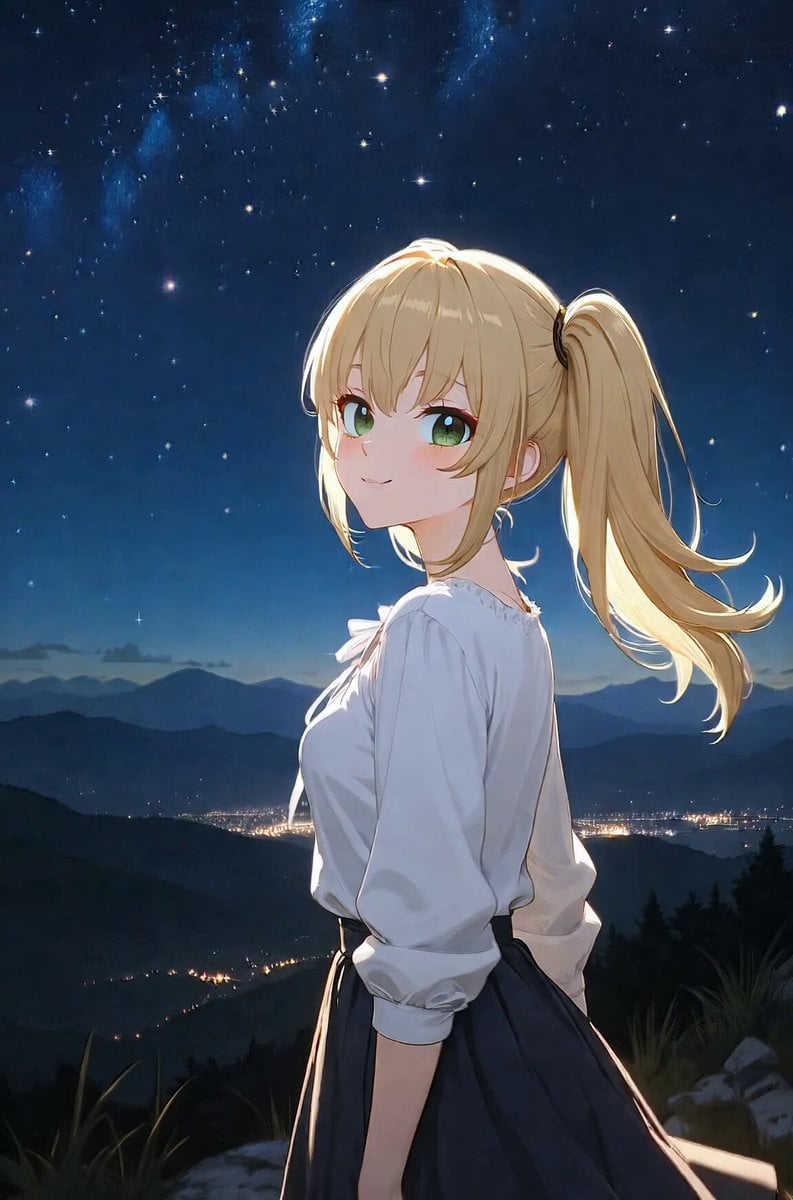
Ani Watching the Starry Night
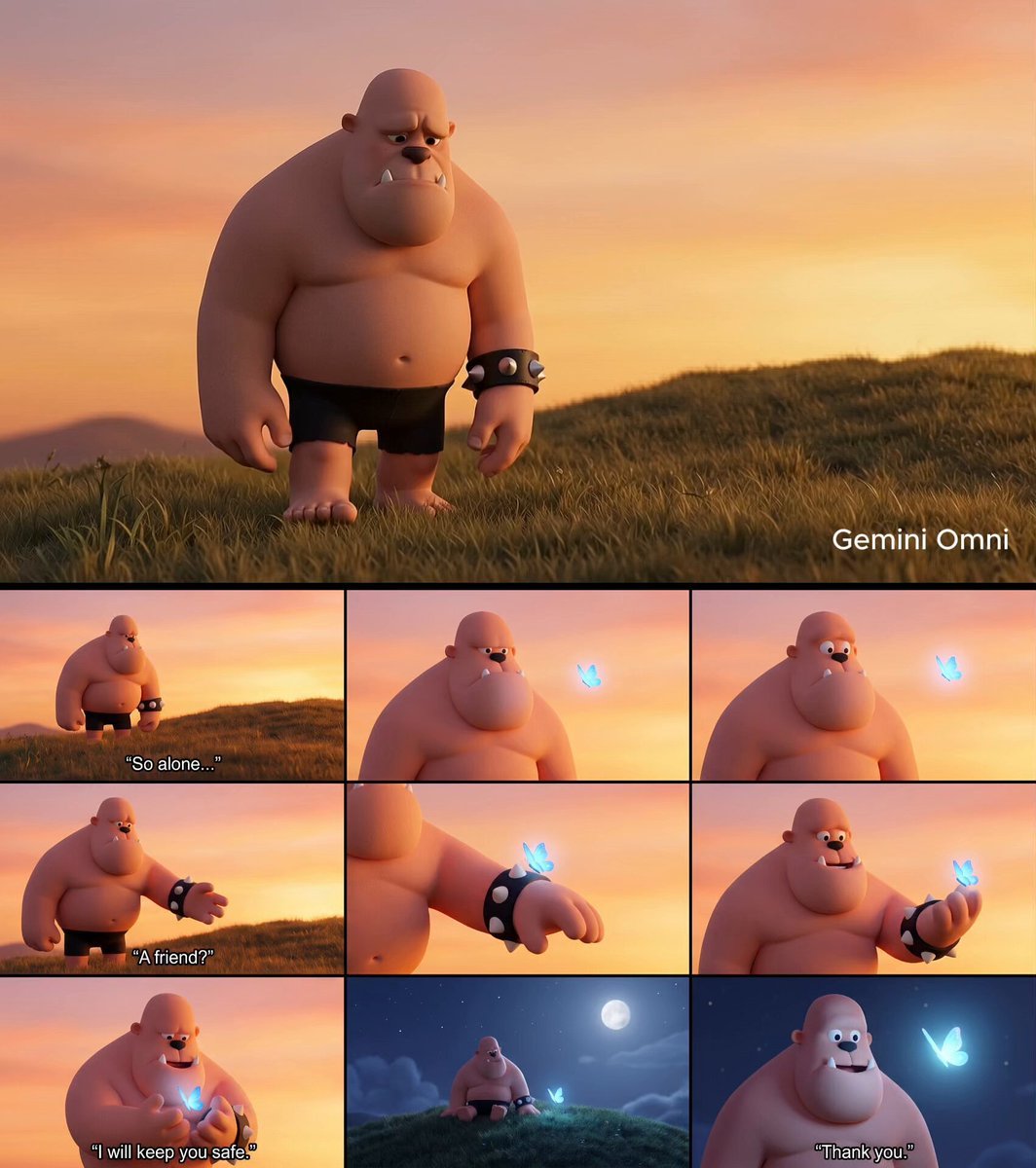
Giant and Glowing Butterfly Story
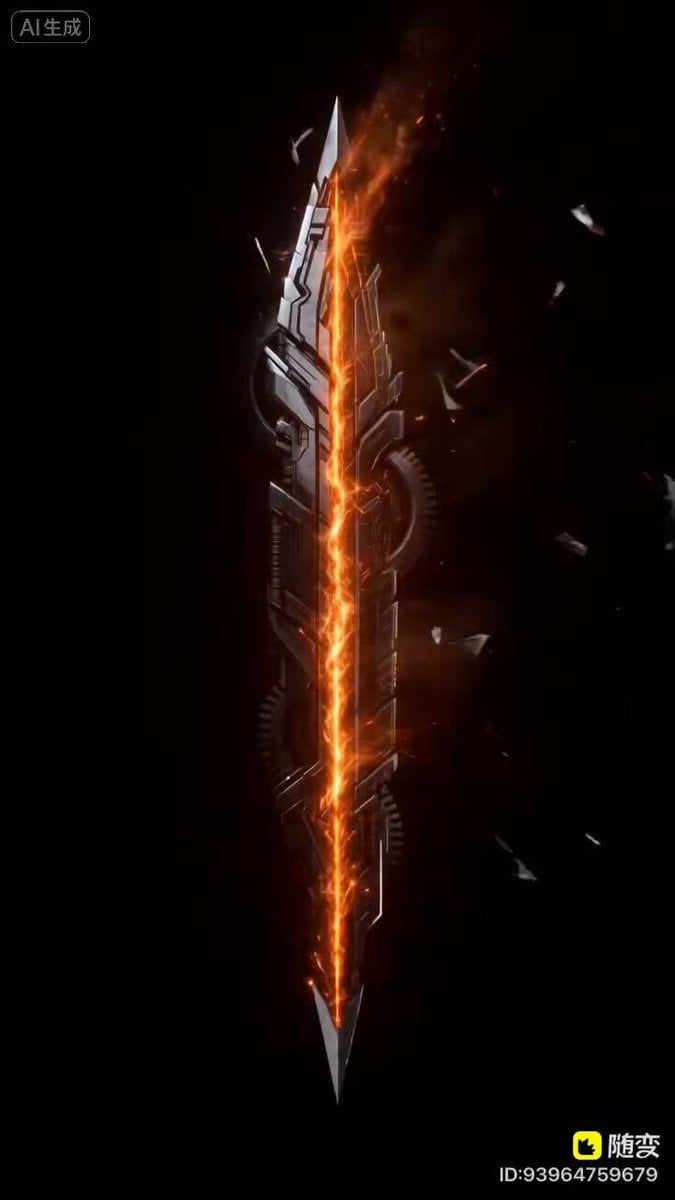
Mecha Style Text Animation Prompt for Seedance 2.0
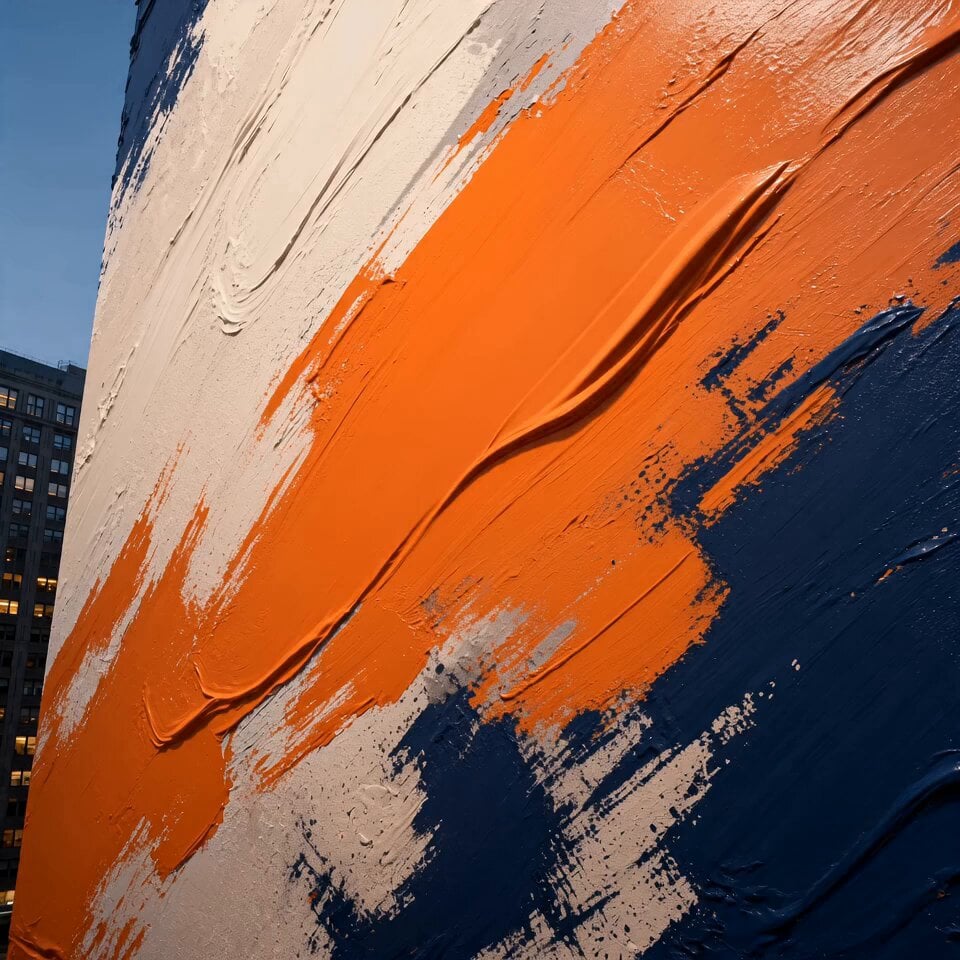
Cinematic Urban Billboard Liquid Paint

Ancient Kingdom of Urartu FPV
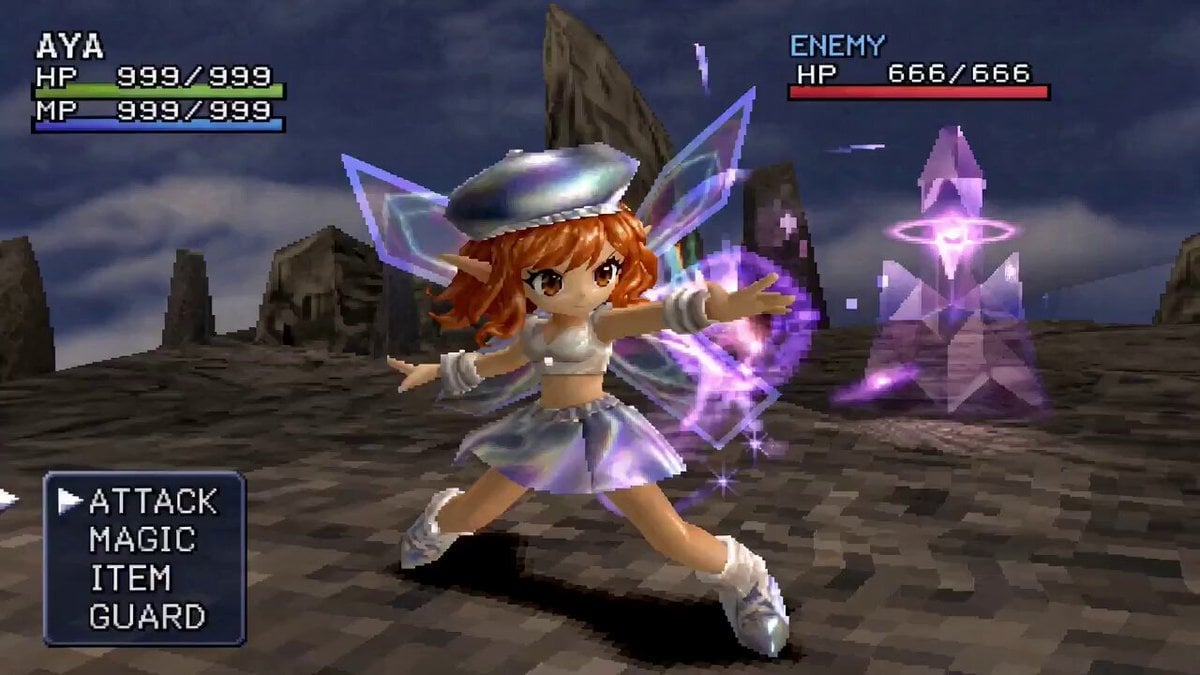
90s JRPG Battle Scene Sequence
Browse template categories
iPhone Style Street Dance Music Video questions
How do I use the iPhone Style Street Dance Music Video template?
Add your photo if the template asks for one, edit the prompt if you like — the template's model and format are already selected — and press Generate. Your version opens in PicX Studio.
Can I customize the iPhone Style Street Dance Music Video template?
Yes. You can change the subject, setting, lighting, mood, format, and available model controls before creating your video.
Is the iPhone Style Street Dance Music Video template free?
Opening and editing this template is free. Generating uses credits, shown on the Generate button when you are signed in.
Which AI model should I use?
Start with Seedance 2.0, which is the model associated with this template. You can compare another compatible model for a different finish.
Looking for something else? Browse all templates.

Your photo, any look
Thousands of ready templates for every top image and video model, from one credit balance.