
IPhone Style Handheld Dance Video
A dance video prompt for Seedance 2.0 designed to mimic an amateur handheld smartphone recording of a high school student dancing.
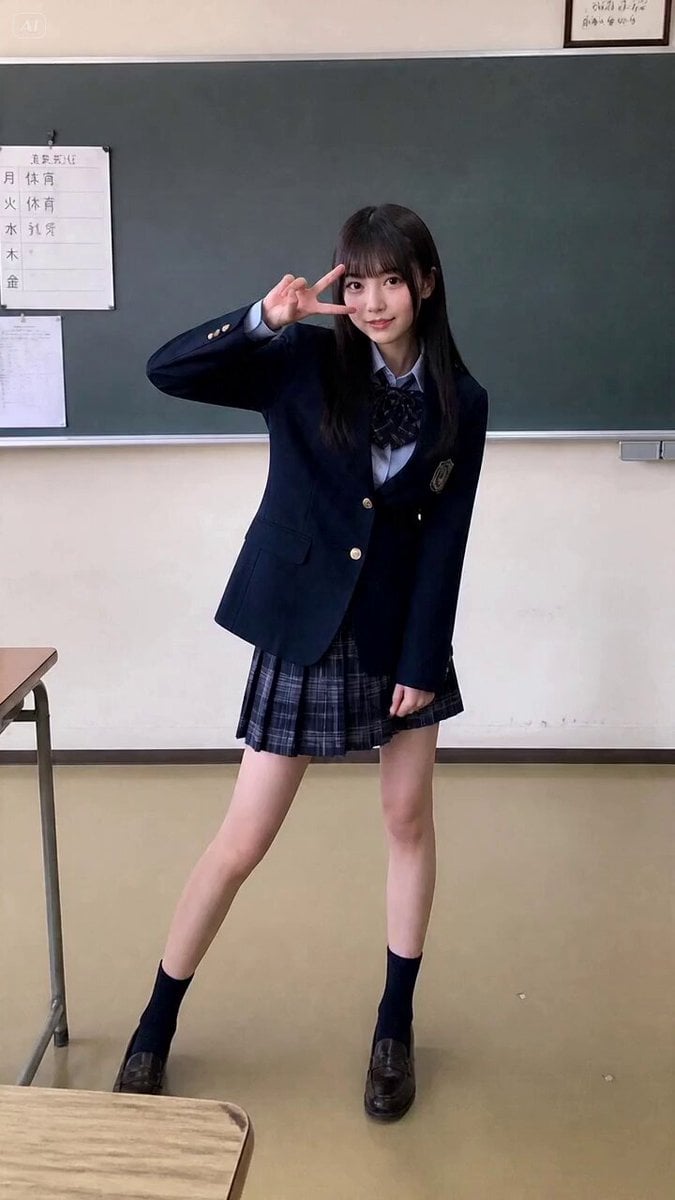
- Prompt included
- Model and format preset
- Premium template
The prompt behind this video
Copy the exact prompt behind IPhone Style Handheld Dance Video, or open it in the studio and make it yours.
画像1の人物またはキャラクターを使って、15秒の縦型実写ダンス動画を作成 - 顔、髪型、衣装、色、全体のシルエットは画像1を優先する - 人物は1人だけ - 顔、手、指、足の形を自然に保つ - 衣装の細部よりも、身体の重心移動、姿勢、シルエットを優先する - 激しいブレイクダンスではなく、高校生がノリで踊ってみた感じの音楽に乗るような短い実写ダンスMVにする - 重心移動、肩、腰、膝、足首の連動を明確にする - 同じ振付を続けず、ステップ、振り返り、手元、足元、横顔、髪の揺れを混ぜる - 友達がiPhoneで動画を撮っているような雰囲気で、素人感がでているカメラワーク(手ブレなど)
How to use IPhone Style Handheld Dance Video in 3 steps
- 1
Open
The prompt is already in the box next to the preview, with the template's model and format selected.
- 2…a portrait of your subject in softgolden-hour light, 85mm…
Personalize
Edit the subject and creative details for your destination.
- 3Generate
Generate
Press Generate — your video is created in PicX Studio, so you can compare it with the original and refine one variable at a time.
More like this
Templates with the same subject, style or setup. Open one to see its prompt.
Early-2000s Trainee Flashback Film

Luxury Airport Travel Vlog

Handheld Tokyo Travel Vlog - Seedance 2.5

Mediterranean Morning Coffee Run Vlog (Seedance 2.5)

DV Camcorder POV Gym Montage — Seedance 2.5
DV Camcorder POV Gym Montage — Seedance 2.5
Handheld iPhone Style School Romance
iPhone Style Street Dance Music Video

Cyberpunk Holographic Dance Performance - Seedance 2.5
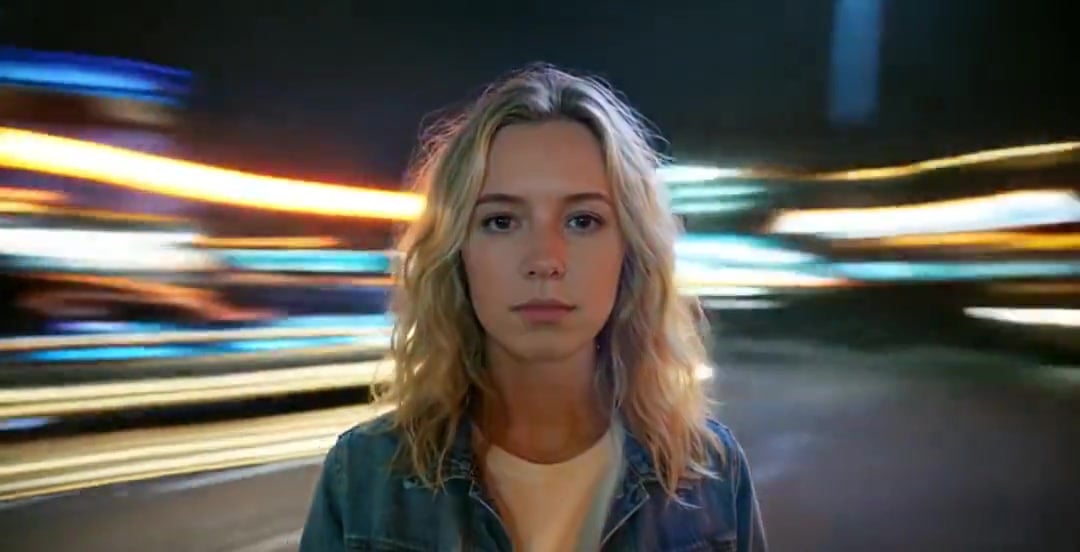
Handheld Neon Chaos Motion Blur — Kling 3.0 v3 Pro
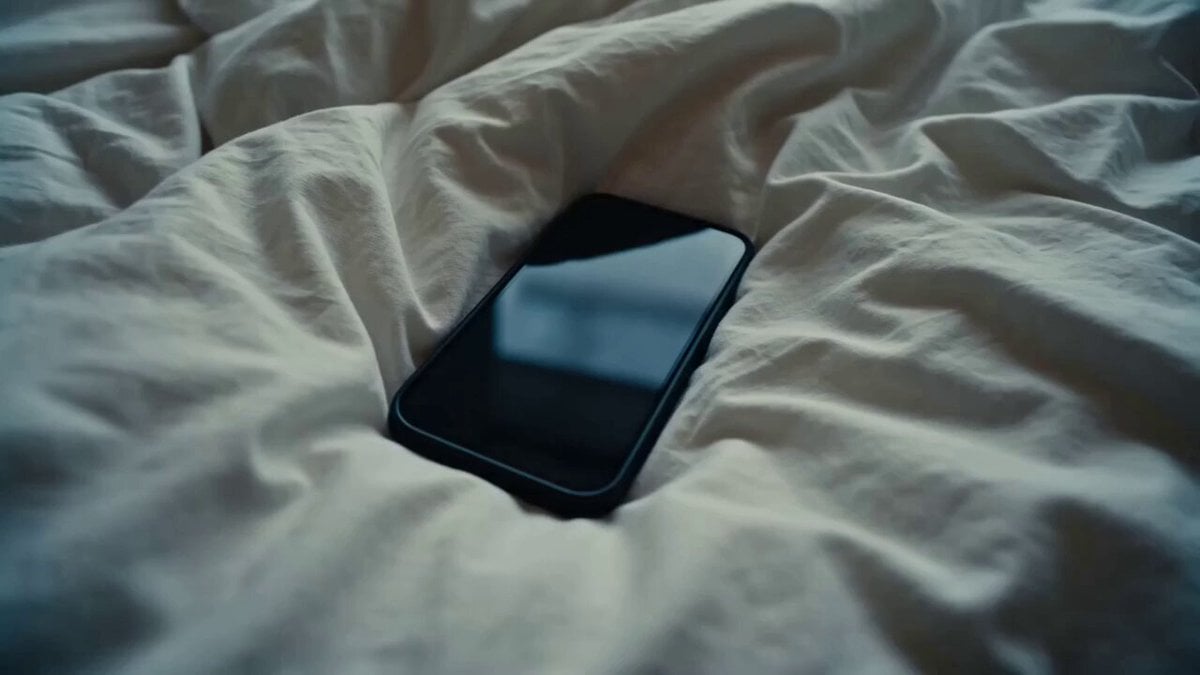
Rushed Morning Routine Montage

NYC Wingsuit Hot Dog Landing
Make it yours
IPhone Style Handheld Dance Video works as-is. These are the safest ways to change it without losing the look.
Change one field
Copy a single group, rewrite it, and generate again so you can see what that field is doing.
Keep the frame, change the subject
Hold the composition and light of IPhone Style Handheld Dance Video, then swap wardrobe, props or the person for a new take.
| If the result… | Why | Fix |
|---|---|---|
| The result drifts from the preview | Too many fields changed at once. | Reuse IPhone Style Handheld Dance Video as-is first, then change one group — subject, light, or setting. |
| The model over-stylizes the scene | The prose prompt leaves finish and camera underspecified. | Add one camera or lighting sentence and stay on Seedance 2.0. |
More Seedance 2.0 templates
Other prompts made for Seedance 2.0.

Comical Martial Arts Punch Scene

Maglev Train Action Sequence

Martial Arts Fight Sequence

Wuxia Protection and Trust Script

Vintage Korean Arcade MiniDV Vlog

Mercedes 190 SL Luxury Ad

Rainy Night Supernatural Reverse Comedy Video Script

Amazon Civilization Discovery

Futuristic South Asian City Transformation

Cozy Luxury Cafe Commercial
More video prompts
Fresh picks from across the catalog.
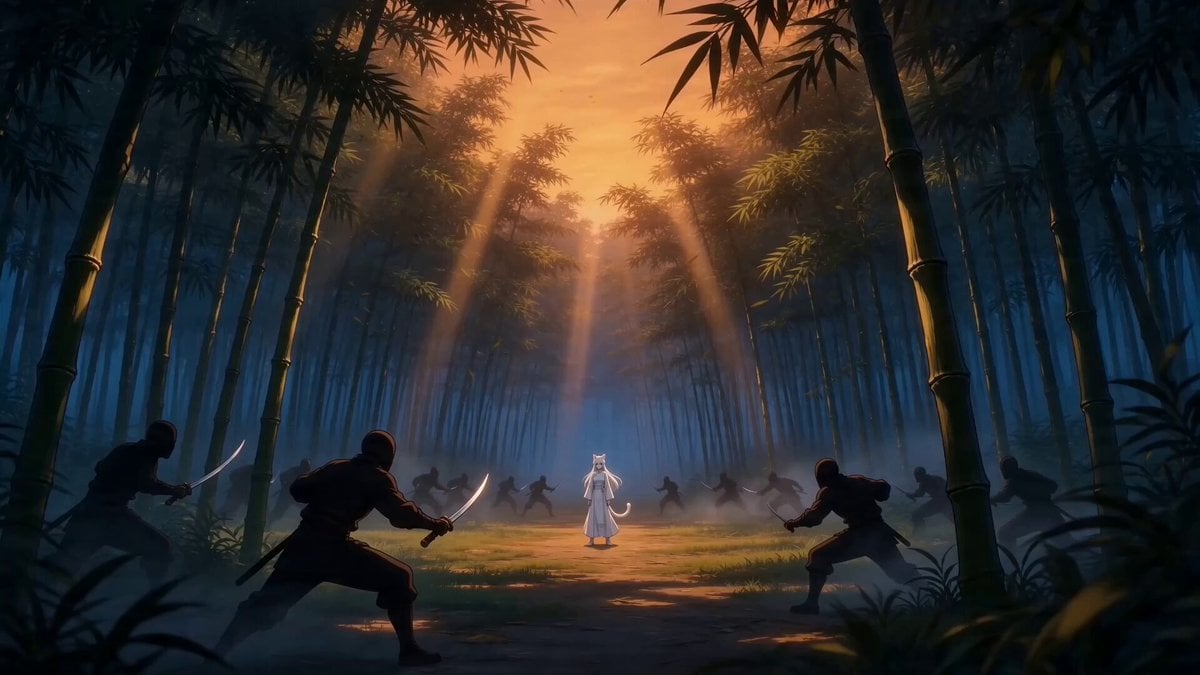
Taiqi Martial Arts Fight Sequence
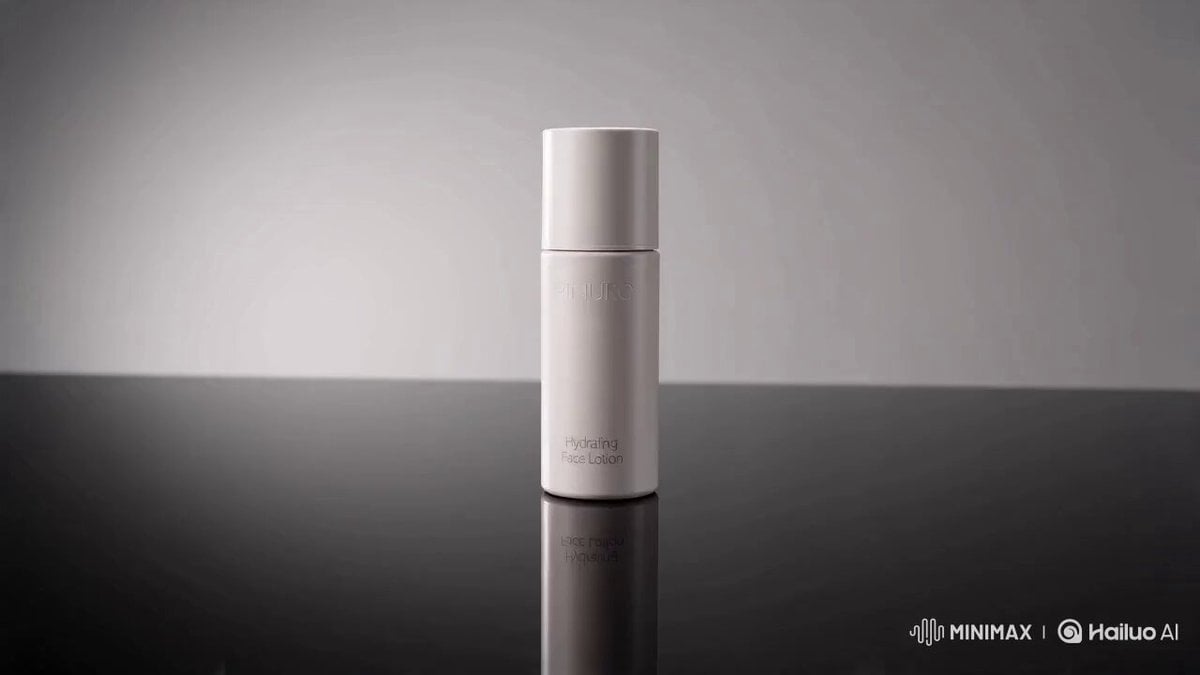
Luxury Skincare Commercial Video Prompt
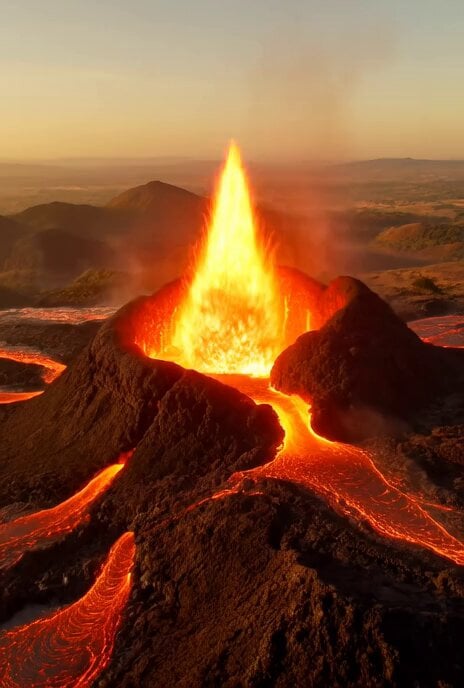
Video Generation Prompt: Hyper-realistic Cataclysmic Volcano Eruption
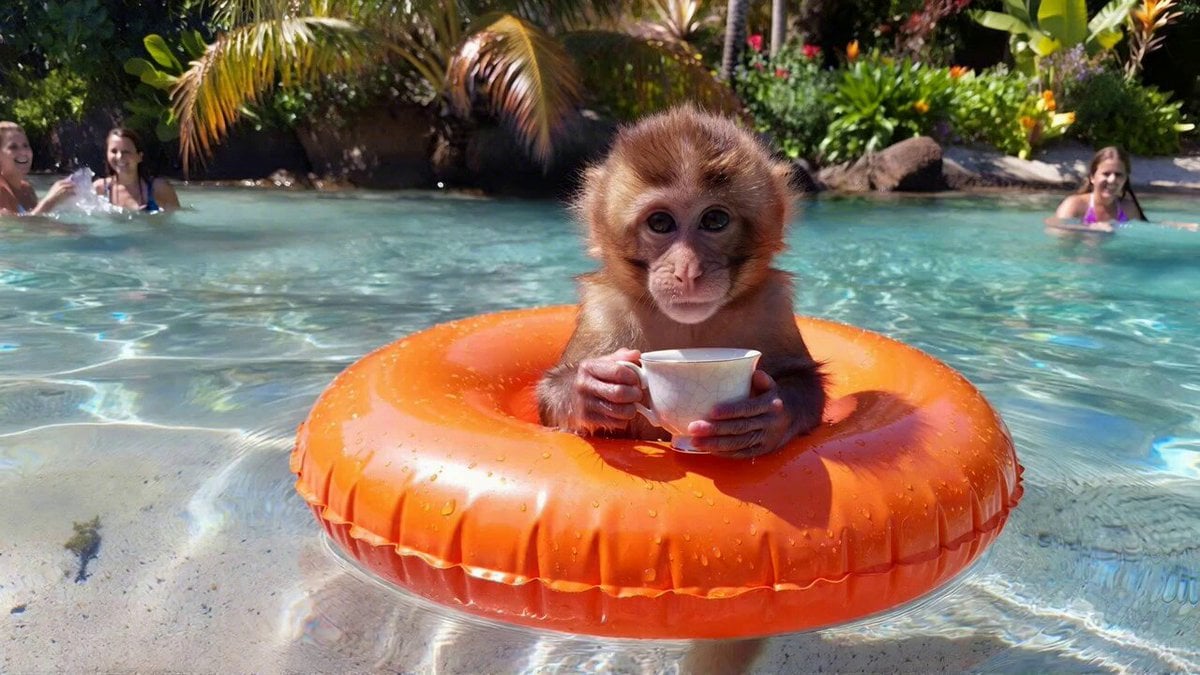
Cute Monkey Relaxing in Pool (Seedance 1.5 Pro)
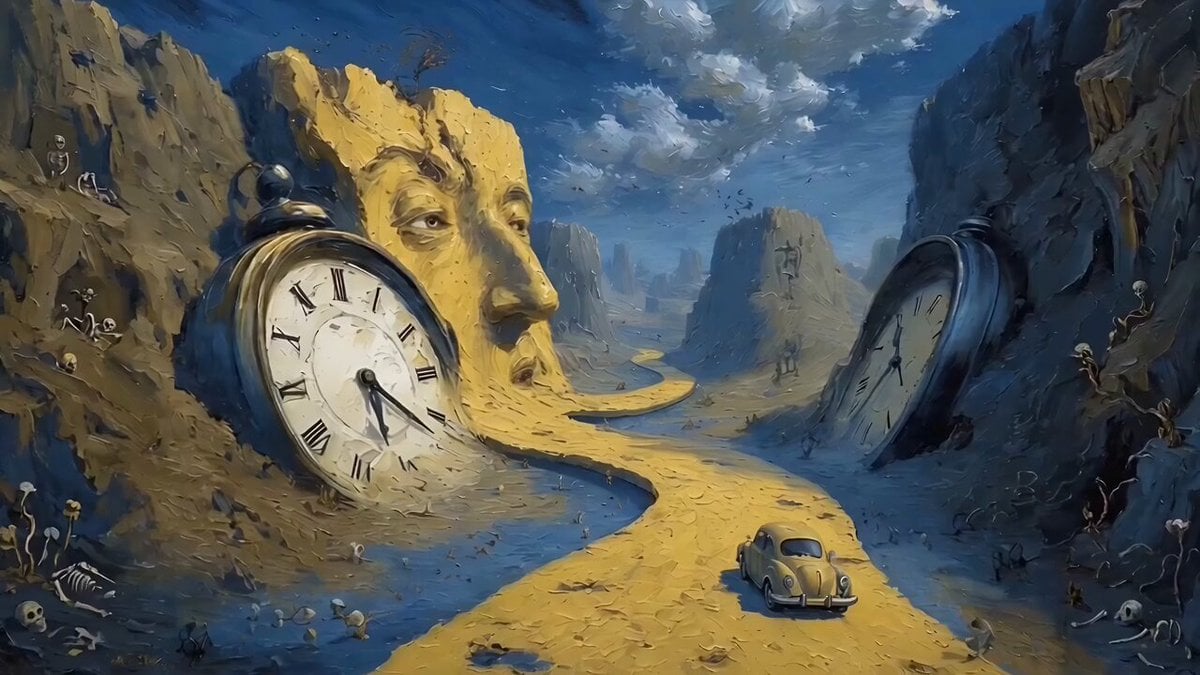
Car Driving Through Melting Clocks Canyon in Salvador Dalí Style

Chain-Reaction Comedy Short Script
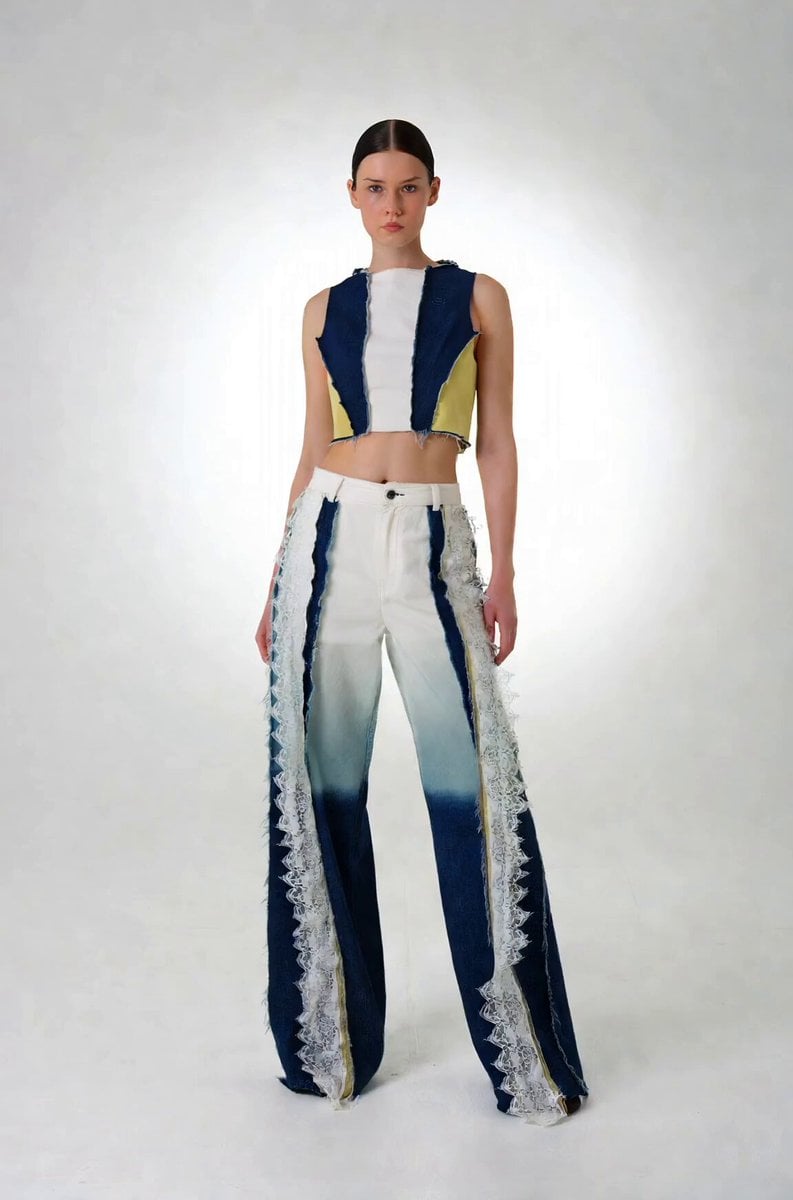
Precise Character Rotation Sequence
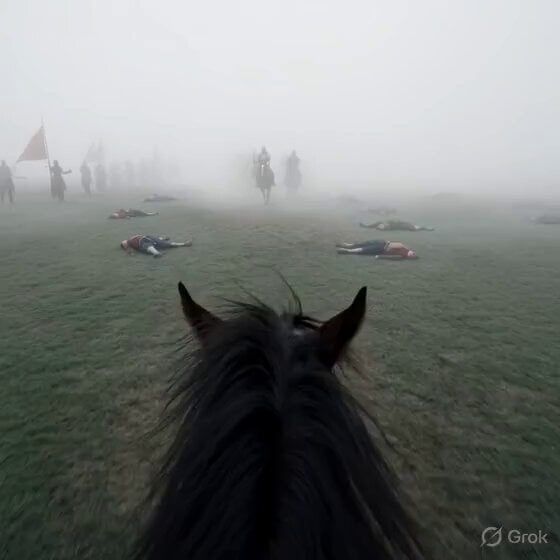
First-Person Horseback Charge on Medieval Battlefield
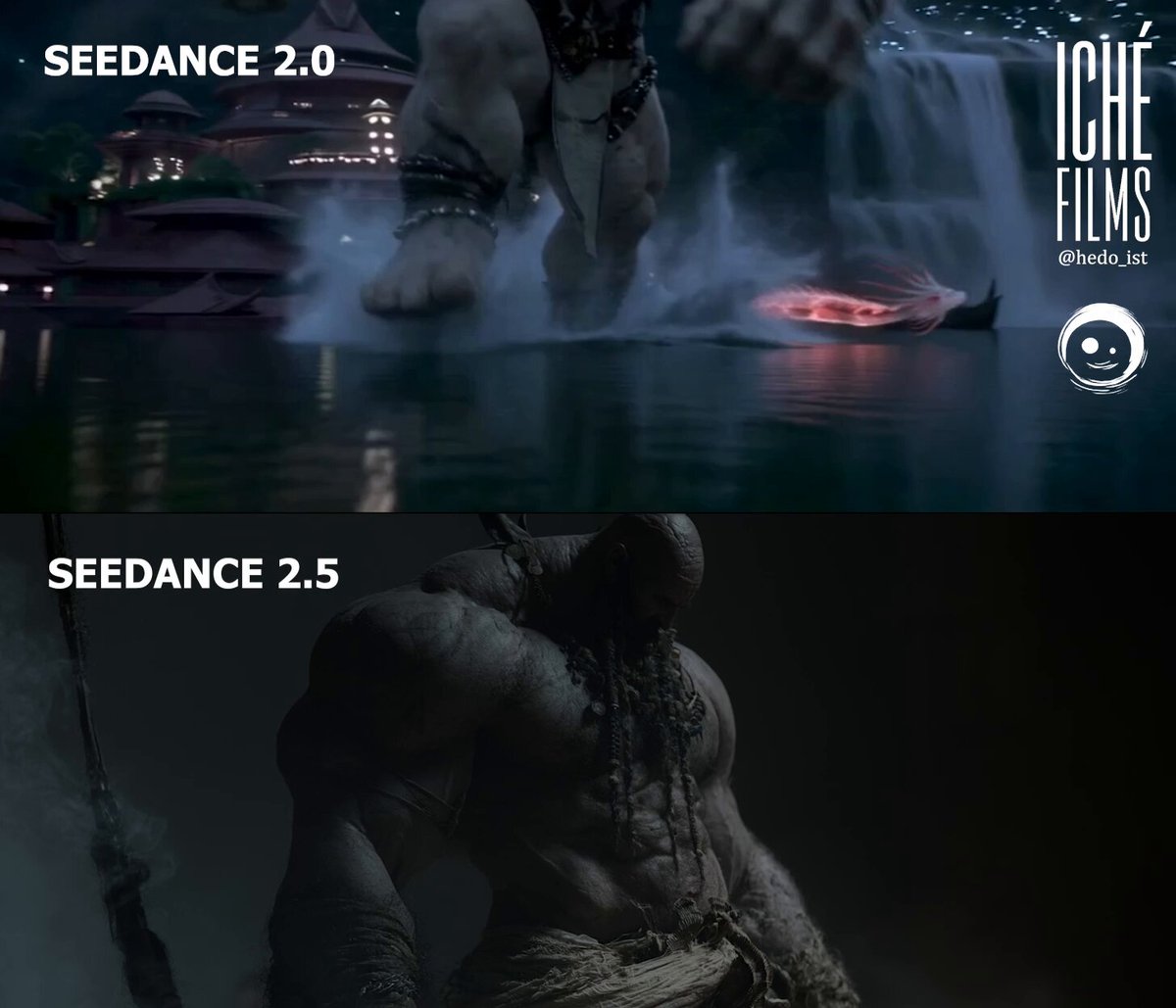
Giant and Dragon Cinematic Duel
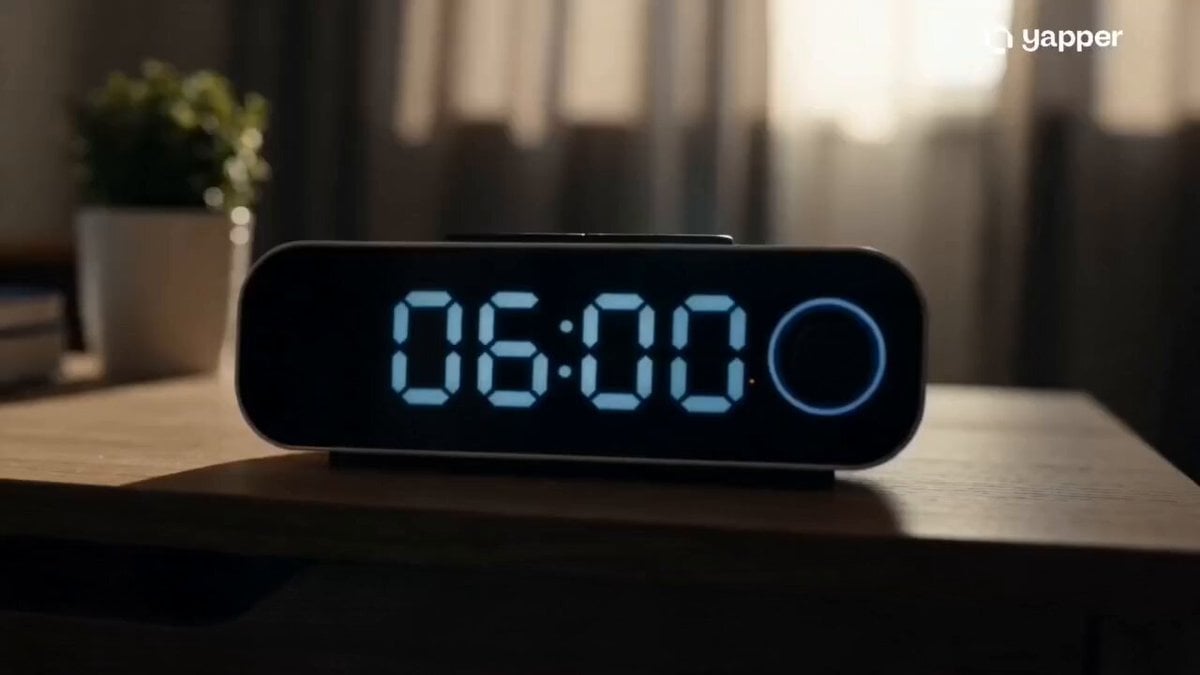
Epic Everyday Life Movie Trailer
Browse template categories
IPhone Style Handheld Dance Video questions
How do I use the IPhone Style Handheld Dance Video template?
Add your photo if the template asks for one, edit the prompt if you like — the template's model and format are already selected — and press Generate. Your version opens in PicX Studio.
Can I customize the IPhone Style Handheld Dance Video template?
Yes. You can change the subject, setting, lighting, mood, format, and available model controls before creating your video.
Is the IPhone Style Handheld Dance Video template free?
Opening and editing this template is free. Generating uses credits, shown on the Generate button when you are signed in.
Which AI model should I use?
Start with Seedance 2.0, which is the model associated with this template. You can compare another compatible model for a different finish.
Looking for something else? Browse all templates.

Your photo, any look
Thousands of ready templates for every top image and video model, from one credit balance.