How do I use the Ani Watching the Starry Night template?
Edit the prompt in the box under the preview — the template's model and format are already selected — and press Generate. Your version appears right on this page.
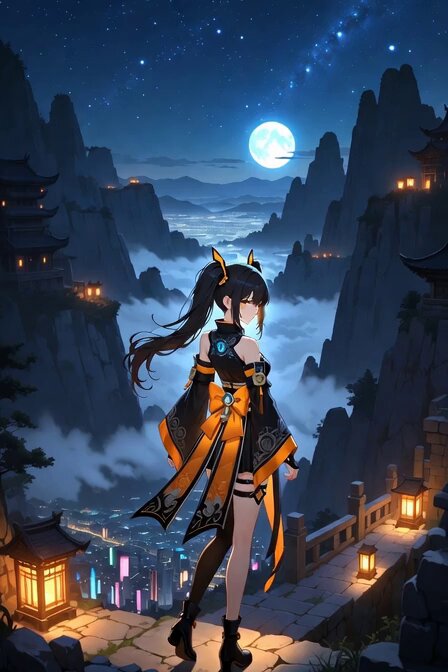
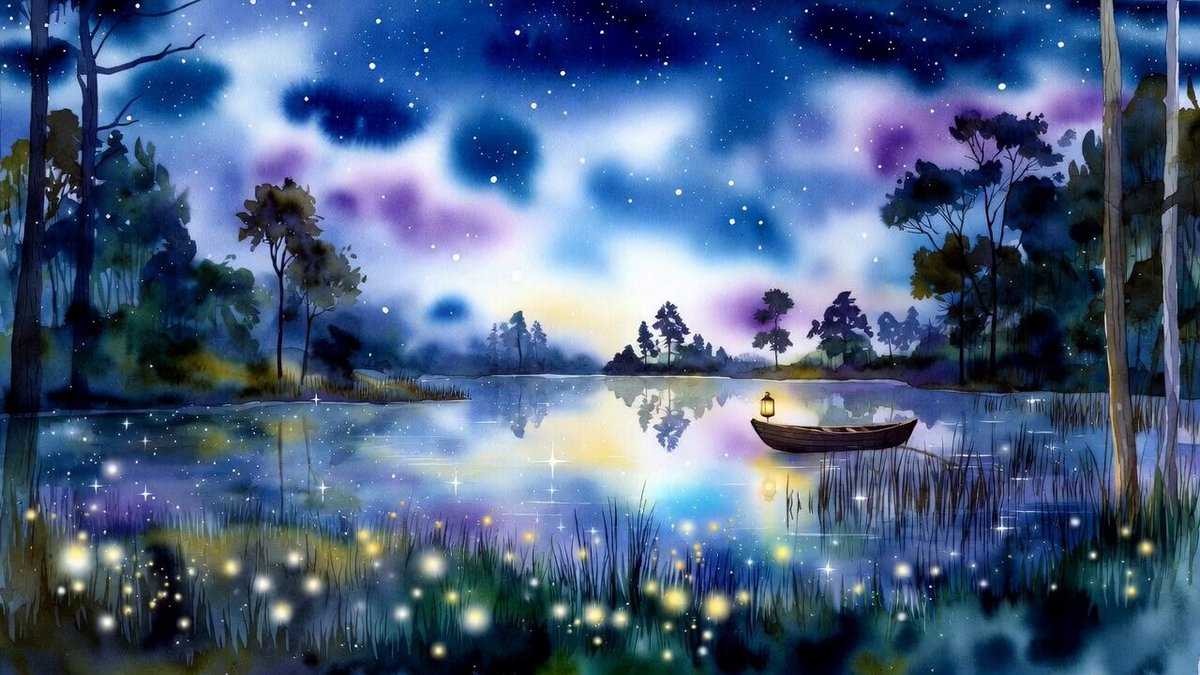
A detailed anime video prompt of Ani looking at a starry sky from a mountain top with city lights in the distance.
Grok Imagine, beautiful anime style, Aniちゃん(金髪ポニーテール、緑目、可愛い笑顔)が夜の山頂に立って星空を見上げている風景、遠くに故郷の山々と街の灯り、幻想的で温かい雰囲気、横長バナー用、1500x500px, cinematic lighting, highly detailed
Grok Imagine, beautiful anime style, Aniちゃん(金髪ポニーテール、緑目、可愛い笑顔)が夜の山頂に立って星空を見上げている風景、遠くに故郷の山々と街の灯り、幻想的で温かい雰囲気、横長バナー用、1500x500px, cinematic lighting, highly detailed
Edit the prompt in the box under the preview — the template's model and format are already selected — and press Generate. Your version appears right on this page.
Yes. You can change the subject, setting, lighting, mood, format, and available model controls before creating your video.
Opening and editing this template is free. Generating uses credits, shown on the Generate button when you are signed in.
Start with Grok Imagine, which is the model associated with this template. You can compare another compatible model for a different finish.
Follow a topic to a crawlable collection of related PicX Studio templates.