
Animated Basketball Freestyle Poster
An innovative prompt that brings a static sketch-style basketball poster to life through fluid animation and dynamic motion trails.
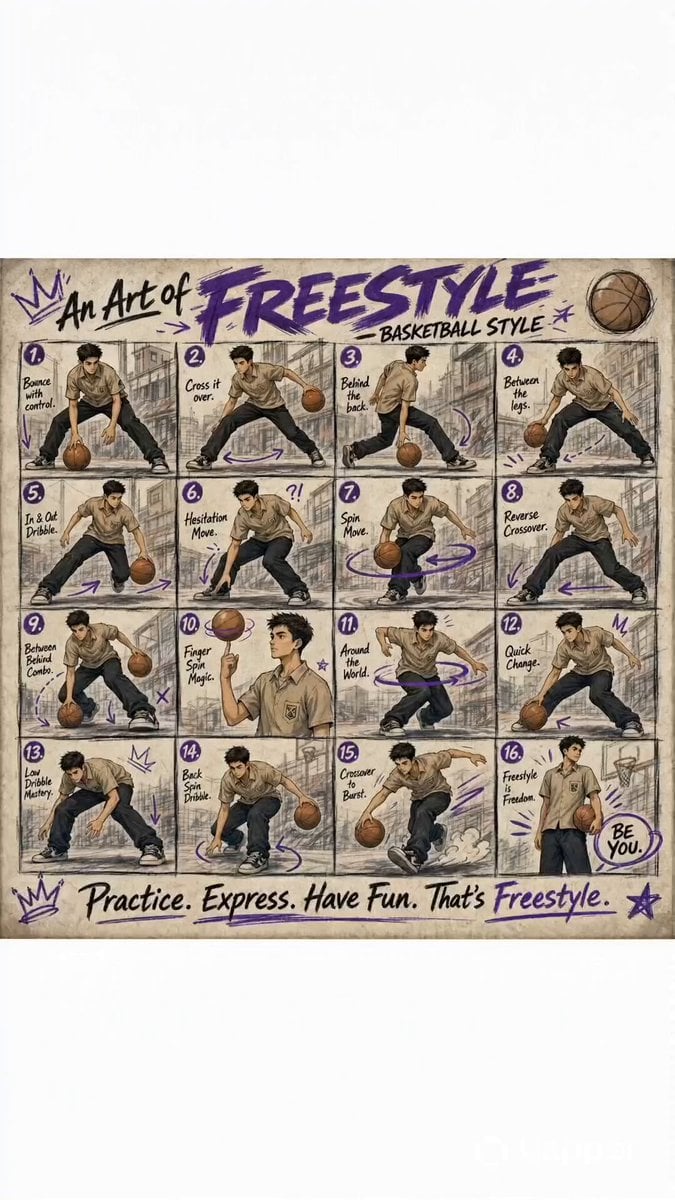
- Prompt included
- Model and format preset
- Premium template
The prompt behind this video
Copy the exact prompt behind Animated Basketball Freestyle Poster, or open it in the studio and make it yours.
A stylized illustrated poster titled “An Art of Freestyle – Basketball Style.” The artwork features a teenage boy with short black hair, wearing a khaki school uniform shirt and black pants, performing basketball freestyle moves across a 4x4 grid (16 panels). Each panel shows a different dribbling or trick move, such as crossover, behind-the-back, between-the-legs, finger spin, hesitation, and spin moves. The art style is semi-realistic anime with soft shading, sketch-like linework, and muted earthy tones. The background is lightly sketched urban scenery, giving a street basketball vibe. Purple doodle accents (arrows, stars, circles) highlight motion and energy throughout the panels. Each frame includes small handwritten captions describing the move (e.g., “Bounce with control,” “Cross it over,” “Finger spin magic”). The overall composition feels like a creative instructional poster mixed with street art aesthetics. Add subtle texture like paper grain for a hand-drawn feel. At the bottom, include a motivational tagline in handwritten font: “Practice. Express. Have Fun. That’s Freestyle.” A sketch-style poster comes to life. Start with a still frame of a hand-drawn title: “An Art of Freestyle – Basketball Style.” Soft paper texture, pencil strokes visible. [0–3s] Camera slowly zooms in as the first panel animates — a teenage boy in a khaki school uniform spins a basketball in his hand. Purple doodle arrows flicker into motion. [3–6s] Quick cuts between panels: – Low dribble (ball bouncing smoothly) – Crossover (fast hand switch) – Between the legs (clean transition) Each move leaves behind sketchy motion trails. [6–9s] Behind-the-back and spin move animate fluidly. The background remains lightly sketched, while purple accents (stars, arrows) pulse with energy. [9–12s] Finger spin trick — ball spins on his finger in slow motion. Then a hesitation move freezes briefly, followed by a sudden explosive dash forward. [12–15s] Final pose: the boy lands confidently, spinning the ball again. The poster fully forms back into a clean layout. Text writes itself in a handwritten style: “Practice. Express. Have Fun. That’s Freestyle.” 🎧 Audio: Lo-fi hip-hop beat with basketball bounce sound effects synced to transitions.
How to use Animated Basketball Freestyle Poster in 3 steps
- 1
Open
The prompt is already in the box next to the preview, with the template's model and format selected.
- 2…a portrait of your subject in softgolden-hour light, 85mm…
Personalize
Edit the subject and creative details for your destination.
- 3Generate
Generate
Press Generate — your video is created in PicX Studio, so you can compare it with the original and refine one variable at a time.
More like this
Templates with the same subject, style or setup. Open one to see its prompt.

3D Animated Newspaper Delivery Short - Seedance 2.5

3D Animated Cat and Old Man - Seedance
Teenage Girl Basketball Freestyle
Female street basketball freestyle video
Watercolor Storybook Animated Short
Animated Comedy Coffee Mugs
CD Transition Lifestyle Poster Video
Cosmic Marble Animated Short
Anime and Live-Action Basketball Mix
Central Park Summer Urban Sketch Poster

Retro CRT Manifesto Poster
3D Animated Magical Miniature World
Make it yours
Animated Basketball Freestyle Poster works as-is. These are the safest ways to change it without losing the look.
Change one field
Copy a single group, rewrite it, and generate again so you can see what that field is doing.
Keep the frame, change the subject
Hold the composition and light of Animated Basketball Freestyle Poster, then swap wardrobe, props or the person for a new take.
| If the result… | Why | Fix |
|---|---|---|
| The result drifts from the preview | Too many fields changed at once. | Reuse Animated Basketball Freestyle Poster as-is first, then change one group — subject, light, or setting. |
| The model over-stylizes the scene | The prose prompt leaves finish and camera underspecified. | Add one camera or lighting sentence and stay on Seedance 2.0. |
More Seedance 2.0 templates
Other prompts made for Seedance 2.0.

Comical Martial Arts Punch Scene

Maglev Train Action Sequence

Martial Arts Fight Sequence

Wuxia Protection and Trust Script

Vintage Korean Arcade MiniDV Vlog

Mercedes 190 SL Luxury Ad

Rainy Night Supernatural Reverse Comedy Video Script

Amazon Civilization Discovery

Futuristic South Asian City Transformation

Cozy Luxury Cafe Commercial
More video prompts
Fresh picks from across the catalog.
Cinematic Water Vapor Atmosphere
Brutal Anime Combat Tournament
Concrete Dam Collapse Sequence
Studio Ghibli Style Croissant Bakery
Spider-Man vs. Sun Wukong Cinematic Battle
AI Agent Team Prompt for Top-Down Trading Strategy
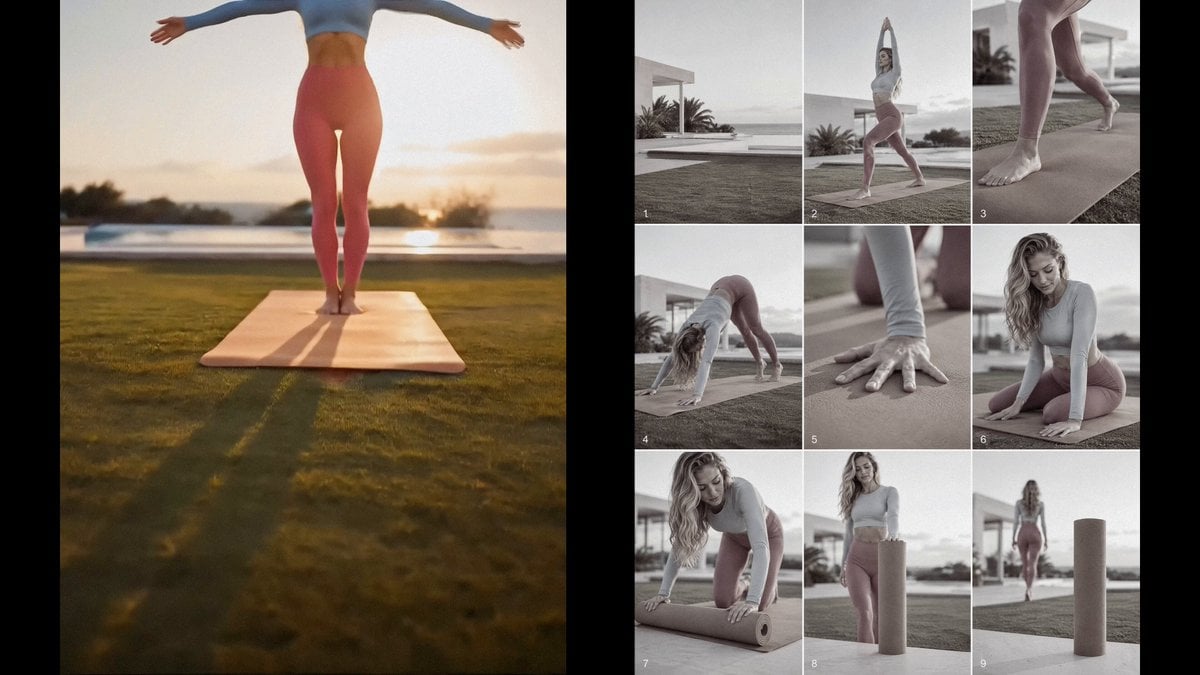
Yoga Mat Luxury Commercial

The Beginning of Creation
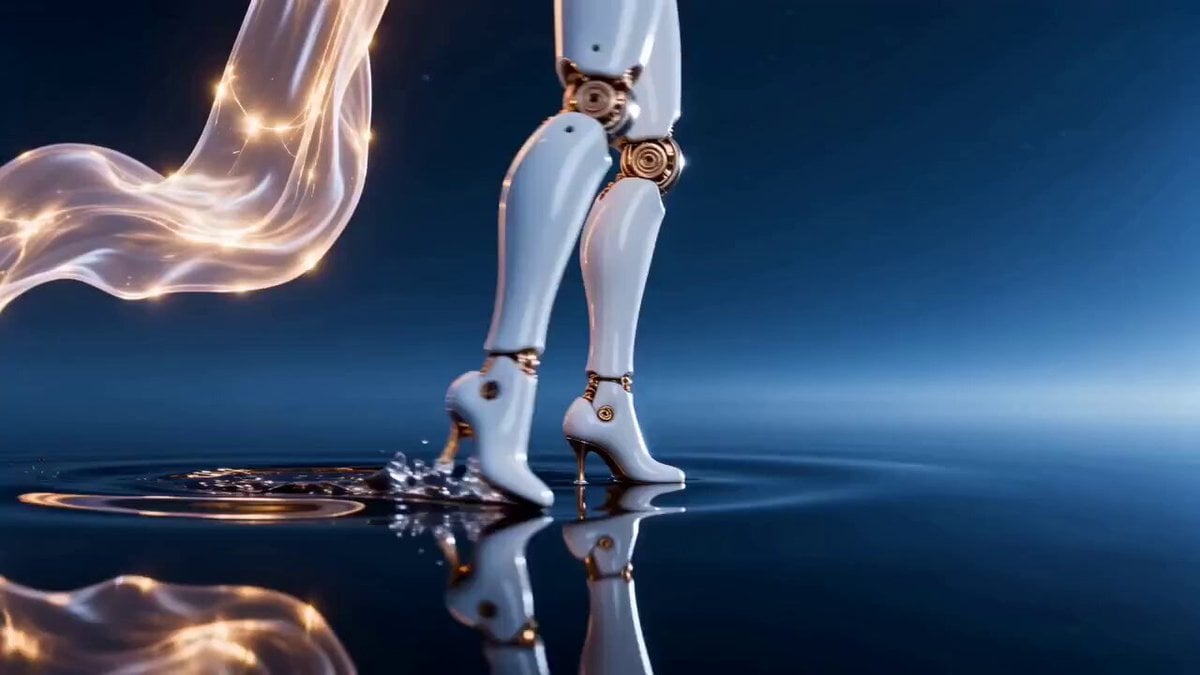
Seedance 2.0 Prompt: Surreal Art Sci-Fi Martial Arts Dance
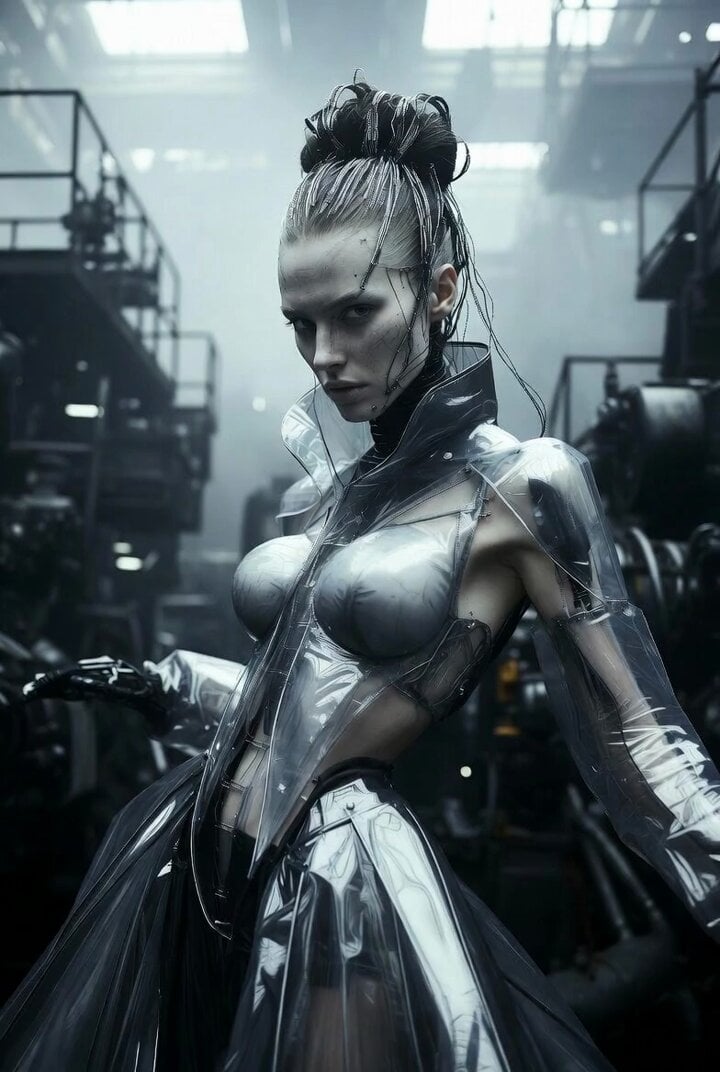
Futuristic cyberpunk female model in avant-garde fashion
Browse template categories
Animated Basketball Freestyle Poster questions
How do I use the Animated Basketball Freestyle Poster template?
Add your photo if the template asks for one, edit the prompt if you like — the template's model and format are already selected — and press Generate. Your version opens in PicX Studio.
Can I customize the Animated Basketball Freestyle Poster template?
Yes. You can change the subject, setting, lighting, mood, format, and available model controls before creating your video.
Is the Animated Basketball Freestyle Poster template free?
Opening and editing this template is free. Generating uses credits, shown on the Generate button when you are signed in.
Which AI model should I use?
Start with Seedance 2.0, which is the model associated with this template. You can compare another compatible model for a different finish.
Looking for something else? Browse all templates.

Your photo, any look
Thousands of ready templates for every top image and video model, from one credit balance.