How do I use the Fantasy Illustration of Woman on Balcony template?
Edit the prompt in the box under the preview — the template's model and format are already selected — and press Generate. Your version appears right on this page.
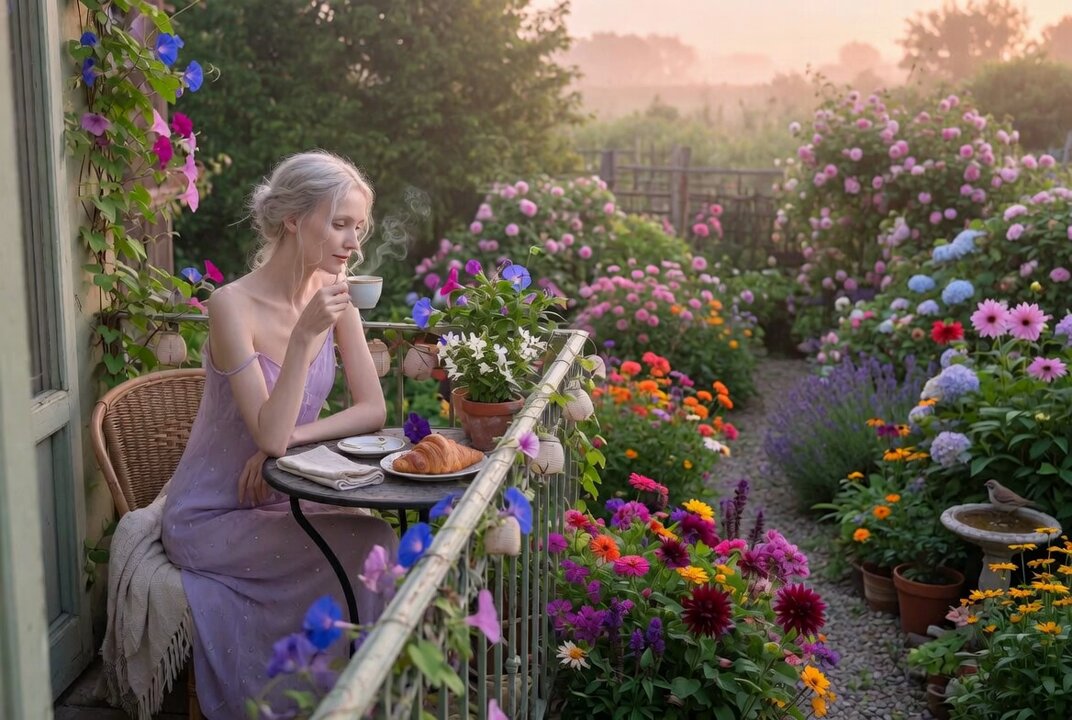
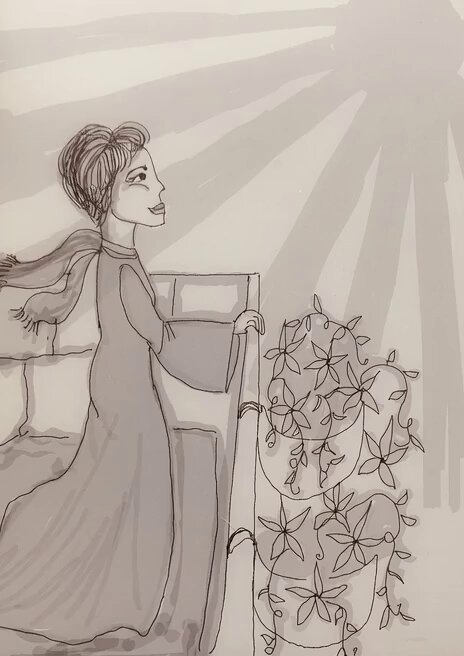
A detailed Grok Imagine prompt for generating a fantasy illustration of a beautiful woman with blonde hair and a flower crown, leaning on a stone balcony overlooking a medieval city, rendered in a romantic, ethereal…
Beautiful woman with long wavy blonde hair and flower crown, rosy cheeks, dreamy expression, wearing ornate lace corset dress with off-shoulder sleeves, leaning on stone balcony, overlooking historic medieval city with distant castle, moody watercolor background with pink-blue washes and abstract splashes, romantic ethereal atmosphere, soft lighting, highly detailed fantasy illustration, in the style of Alphonse Mucha and modern anime art.
Beautiful woman with long wavy blonde hair and flower crown, rosy cheeks, dreamy expression, wearing ornate lace corset dress with off-shoulder sleeves, leaning on stone balcony, overlooking historic medieval city with distant castle, moody watercolor background with pink-blue washes and abstract splashes, romantic ethereal atmosphere, soft lighting, highly detailed fantasy illustration, in the style of Alphonse Mucha and modern anime art.
Edit the prompt in the box under the preview — the template's model and format are already selected — and press Generate. Your version appears right on this page.
Yes. You can change the subject, setting, lighting, mood, format, and available model controls before creating your video.
Opening and editing this template is free. Generating uses credits, shown on the Generate button when you are signed in.
Start with Grok Imagine, which is the model associated with this template. You can compare another compatible model for a different finish.
Follow a topic to a crawlable collection of related PicX Studio templates.