How do I use the Realistic Dango AI Robot Keychain Animation template?
Edit the prompt in the box under the preview — the template's model and format are already selected — and press Generate. Your version appears right on this page.
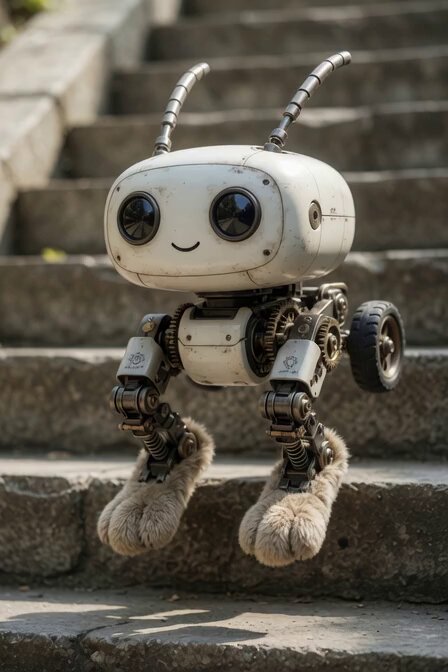
A video prompt for a realistic AI robot keychain that can talk and move its limbs, based on a specific photo style.
花より団子の、リアルな、この写真の感じで良いので喋れるようにして下さい。AIロボットキーホルダーにして下さい。プラスチックは辞めてください。手足動くようにして下さい。
花より団子の、リアルな、この写真の感じで良いので喋れるようにして下さい。AIロボットキーホルダーにして下さい。プラスチックは辞めてください。手足動くようにして下さい。
Edit the prompt in the box under the preview — the template's model and format are already selected — and press Generate. Your version appears right on this page.
Yes. You can change the subject, setting, lighting, mood, format, and available model controls before creating your video.
Opening and editing this template is free. Generating uses credits, shown on the Generate button when you are signed in.
Start with Grok Imagine, which is the model associated with this template. You can compare another compatible model for a different finish.
Follow a topic to a crawlable collection of related PicX Studio templates.