
The Librarian's Miniature Book Adventure
A surreal and cinematic journey of an elderly librarian who dives into an ancient book and travels through a miniature landscape of text and ink.
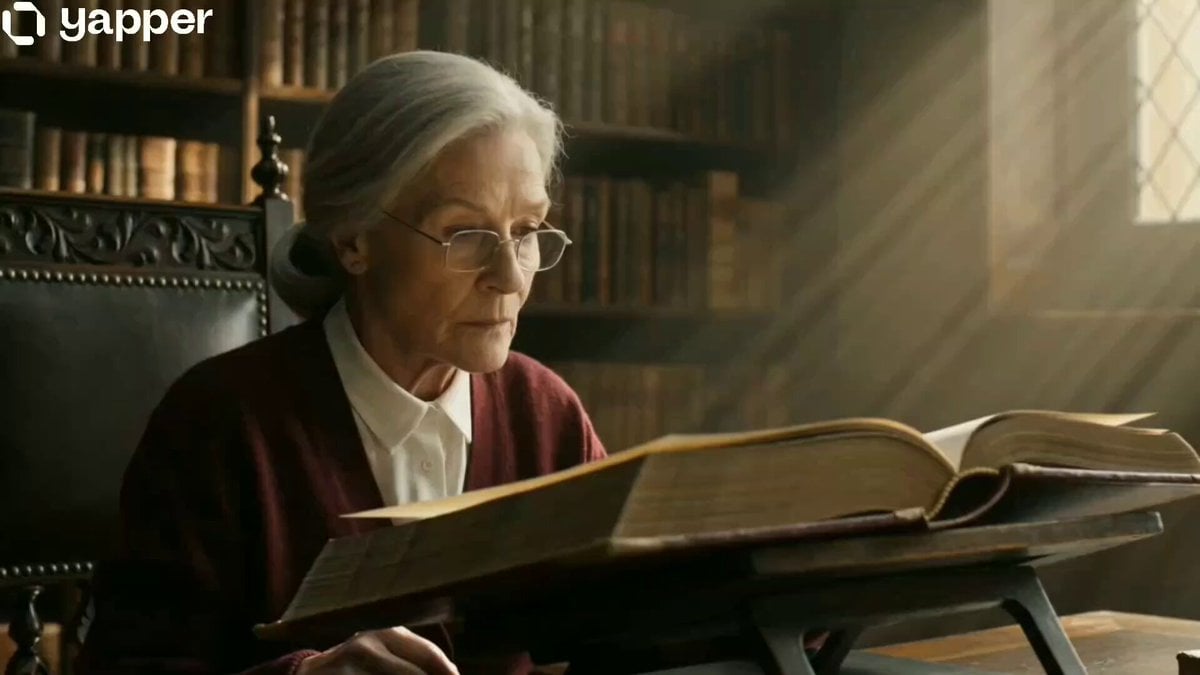
- Prompt included
- Model and format preset
- Free template
The prompt behind this video
Copy the exact prompt behind The Librarian's Miniature Book Adventure, or open it in the studio and make it yours.
Photorealistic cinematic, ARRI Alexa, anamorphic lens, warm tungsten light, dust-lit windows, shallow DOF, 35mm grain. In an old library, a stern elderly librarian removes her glasses and dives headfirst into an ancient book. She punches through the page, shrinks to matchstick size, and sprints between giant ink letters. A paper airplane made from torn pages flies past; she jumps on and rides it across a vast text landscape while dodging erupting ink blots, falling pens, and warped magnified zones. Entering the book’s gutter canyon, floating letters and ink rain surround her in dreamy slow motion. The airplane disintegrates; she grabs a flying quill and rides it like a broomstick, carving ink trails across the page. Finally, she rockets upward through the paper, returning full-size into the real library, landing perfectly beside her desk. She calmly closes the book, picks up her glasses, and gives a subtle confident smile as a single ink droplet falls onto the desk.
How to use The Librarian's Miniature Book Adventure in 3 steps
- 1
Open
The prompt is already in the box next to the preview, with the template's model and format selected.
- 2…a portrait of your subject in softgolden-hour light, 85mm…
Personalize
Edit the subject and creative details for your destination.
- 3Generate
Generate
Press Generate — your video is created in PicX Studio, so you can compare it with the original and refine one variable at a time.
More like this
Templates with the same subject, style or setup. Open one to see its prompt.
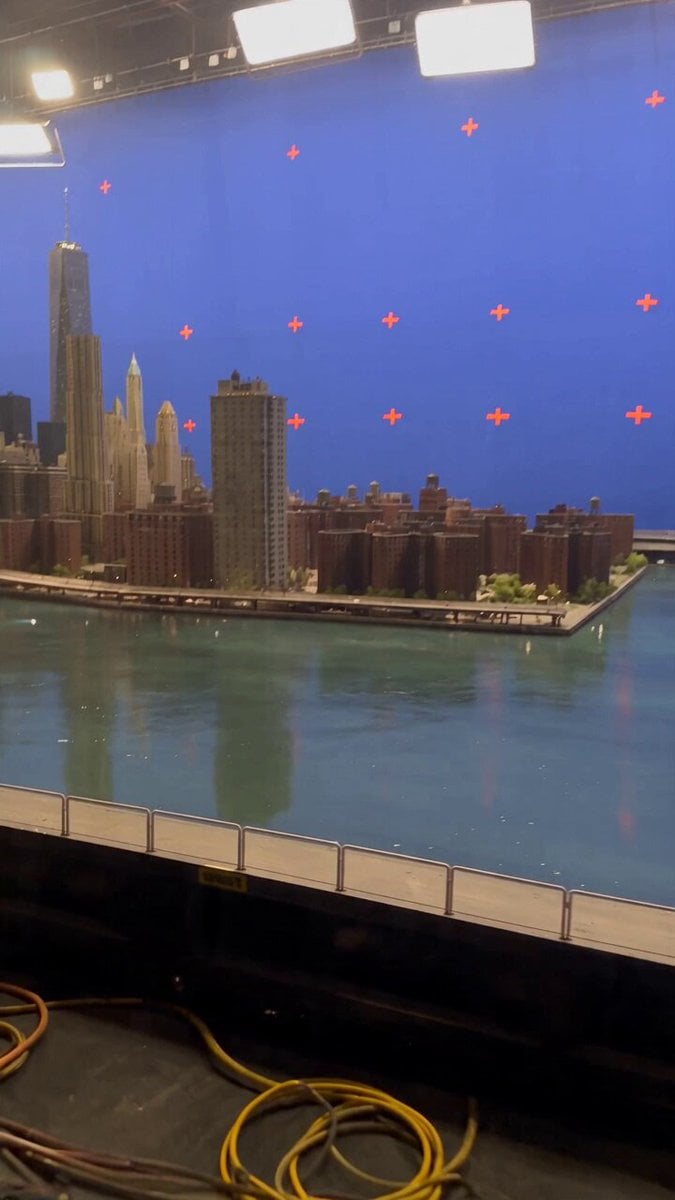
Miniature City Flood Soundstage
Miniature City Flood Soundstage
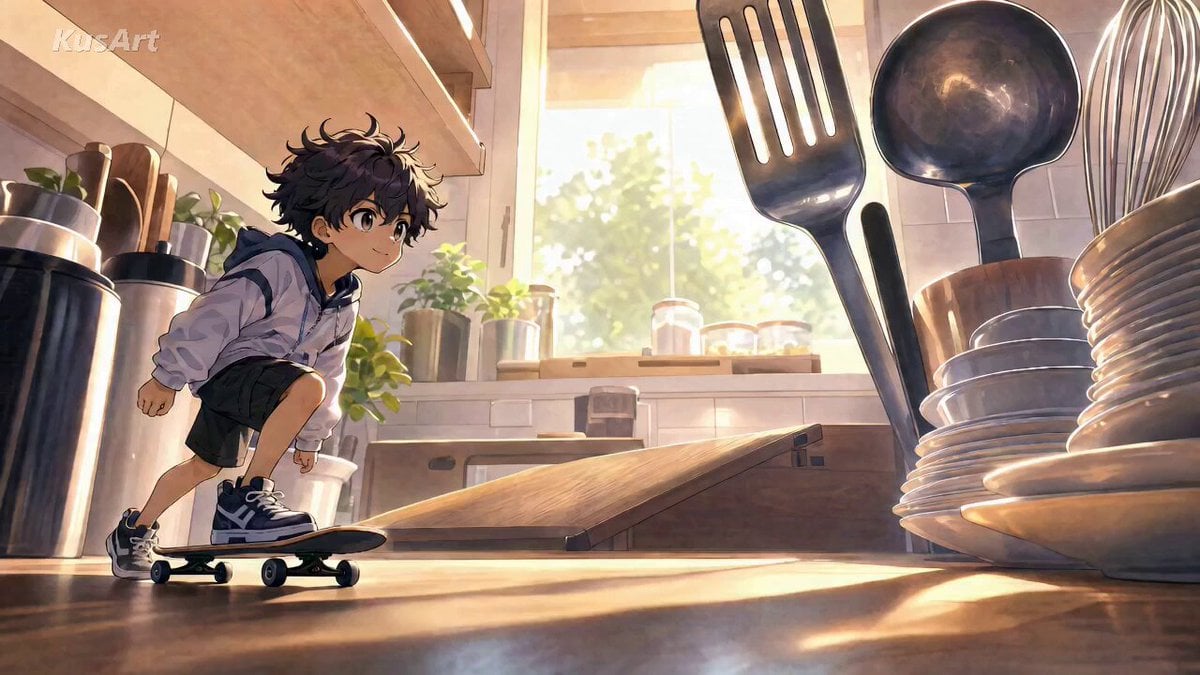
Miniature Skateboard Kitchen Adventure
Underground Temple Escape — Seedance 2.0
Chibi Cave Adventure — He Doesn't Know What's Coming
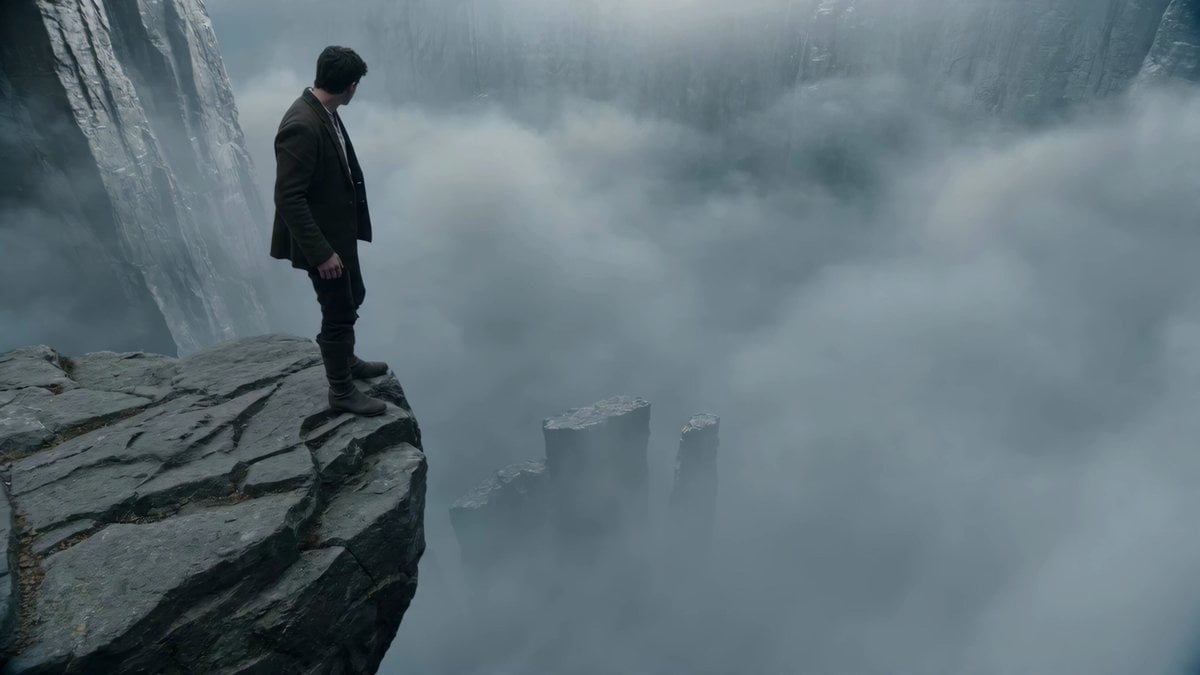
Adventurer Path Creator - Seedance 2
Bookstore Slice-of-Life Encounter
Pop-up Book Paper Craft Animation
Rainy Bookstore Lifestyle Cinematic Prompt
Miniature Kittens Breakfast Table Dance
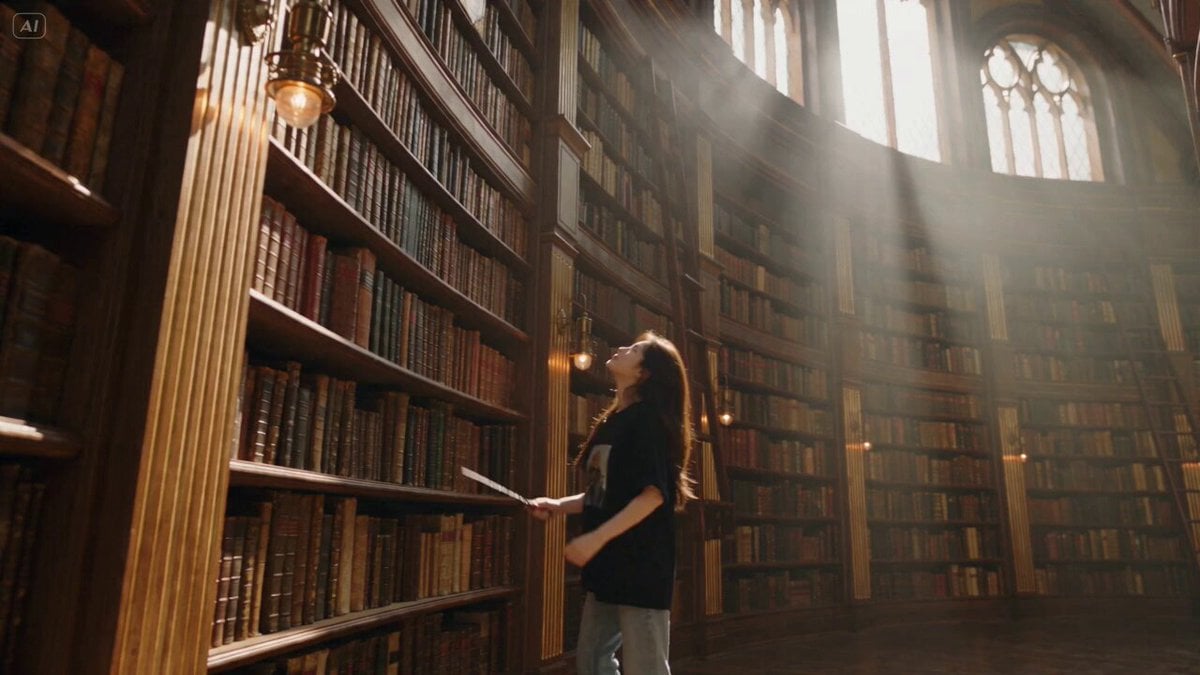
Witch Library Spellbook Summoning

One-Eyed Girl and Bear Companion Adventure
Make it yours
The Librarian's Miniature Book Adventure works as-is. These are the safest ways to change it without losing the look.
Change one field
Copy a single group, rewrite it, and generate again so you can see what that field is doing.
Keep the frame, change the subject
Hold the composition and light of The Librarian's Miniature Book Adventure, then swap wardrobe, props or the person for a new take.
| If the result… | Why | Fix |
|---|---|---|
| The result drifts from the preview | Too many fields changed at once. | Reuse The Librarian's Miniature Book Adventure as-is first, then change one group — subject, light, or setting. |
| The model over-stylizes the scene | The prose prompt leaves finish and camera underspecified. | Add one camera or lighting sentence and stay on Seedance 2.0. |
More Seedance 2.0 templates
Other prompts made for Seedance 2.0.

Comical Martial Arts Punch Scene

Maglev Train Action Sequence

Martial Arts Fight Sequence

Wuxia Protection and Trust Script

Vintage Korean Arcade MiniDV Vlog

Mercedes 190 SL Luxury Ad

Rainy Night Supernatural Reverse Comedy Video Script

Amazon Civilization Discovery

Futuristic South Asian City Transformation

Cozy Luxury Cafe Commercial
More video prompts
Fresh picks from across the catalog.
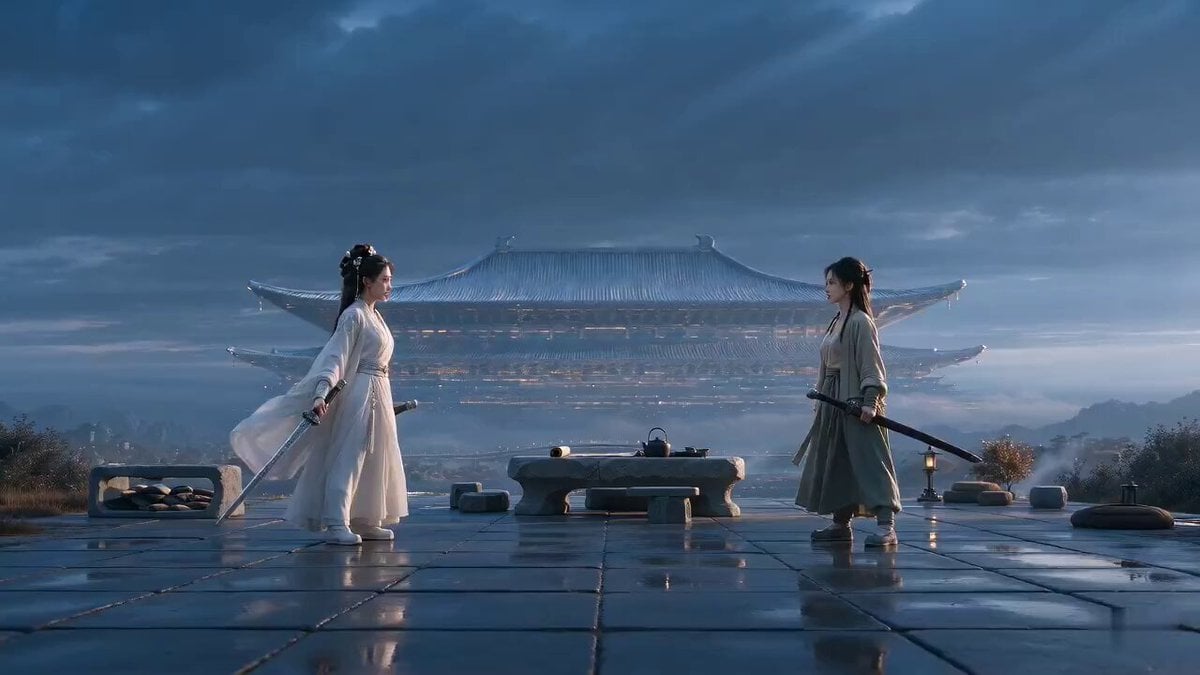
Xianxia Rehearsal Meta Comedy
Found-Footage City Anomaly

Chai Ritual Stop Motion
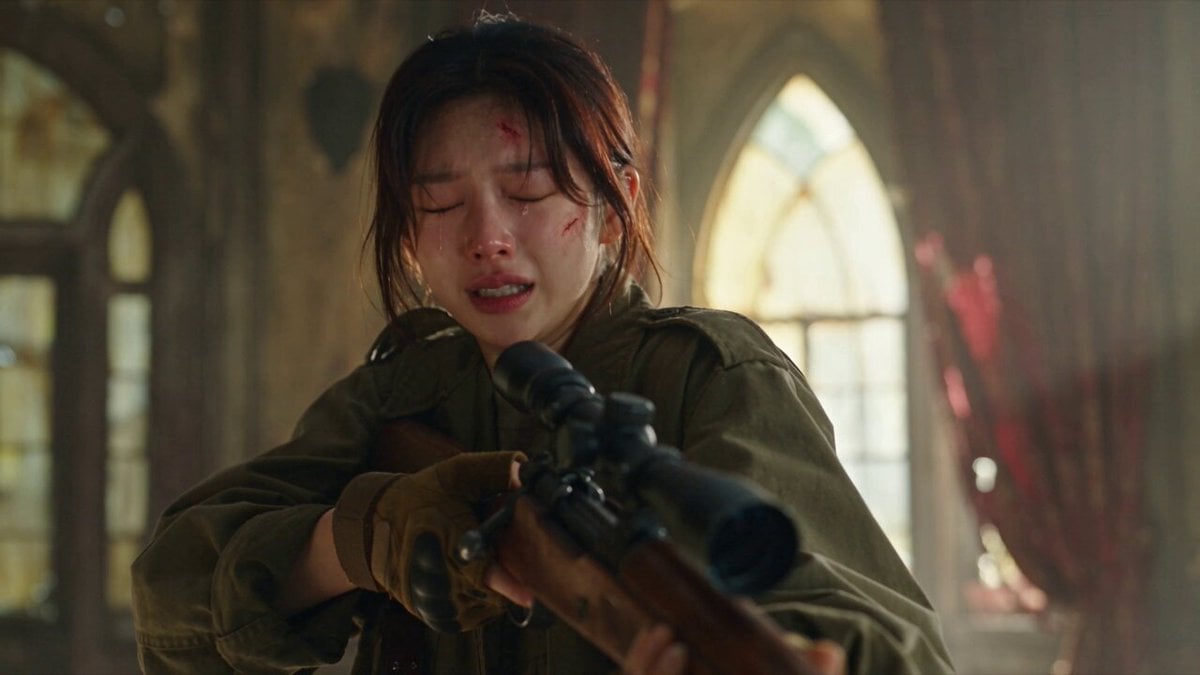
Apocalyptic Cat Transformation Sequence
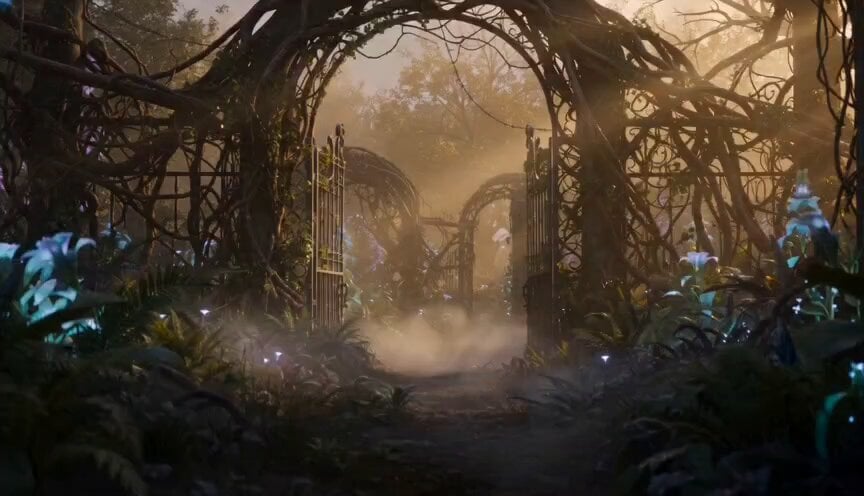
Exploration Robot in Bio-luminescent Garden Prompt
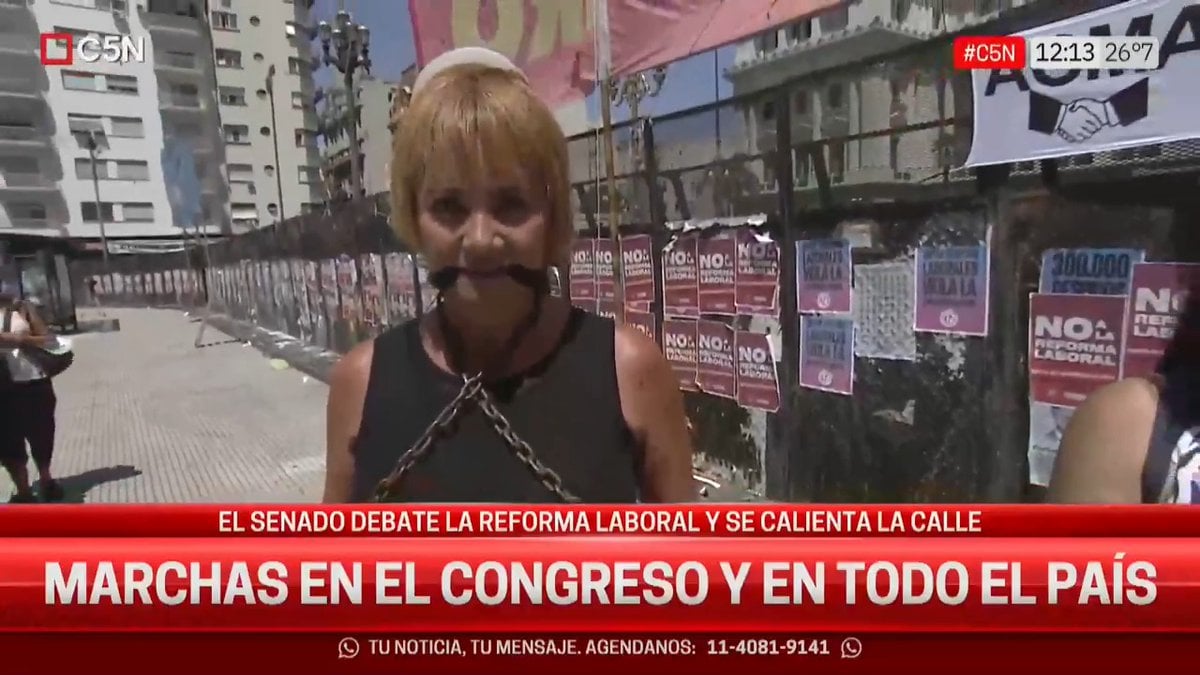
Lumpen Hobo Woman with Chains Prompt
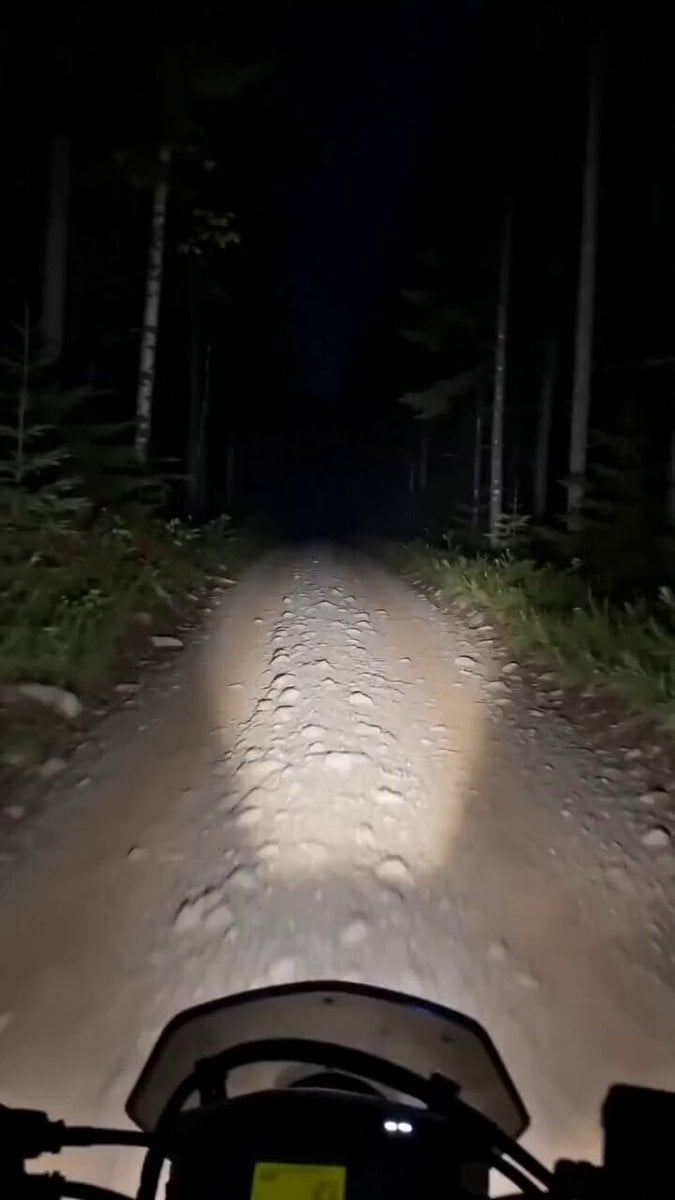
Motorcycle and Bear Forest Encounter
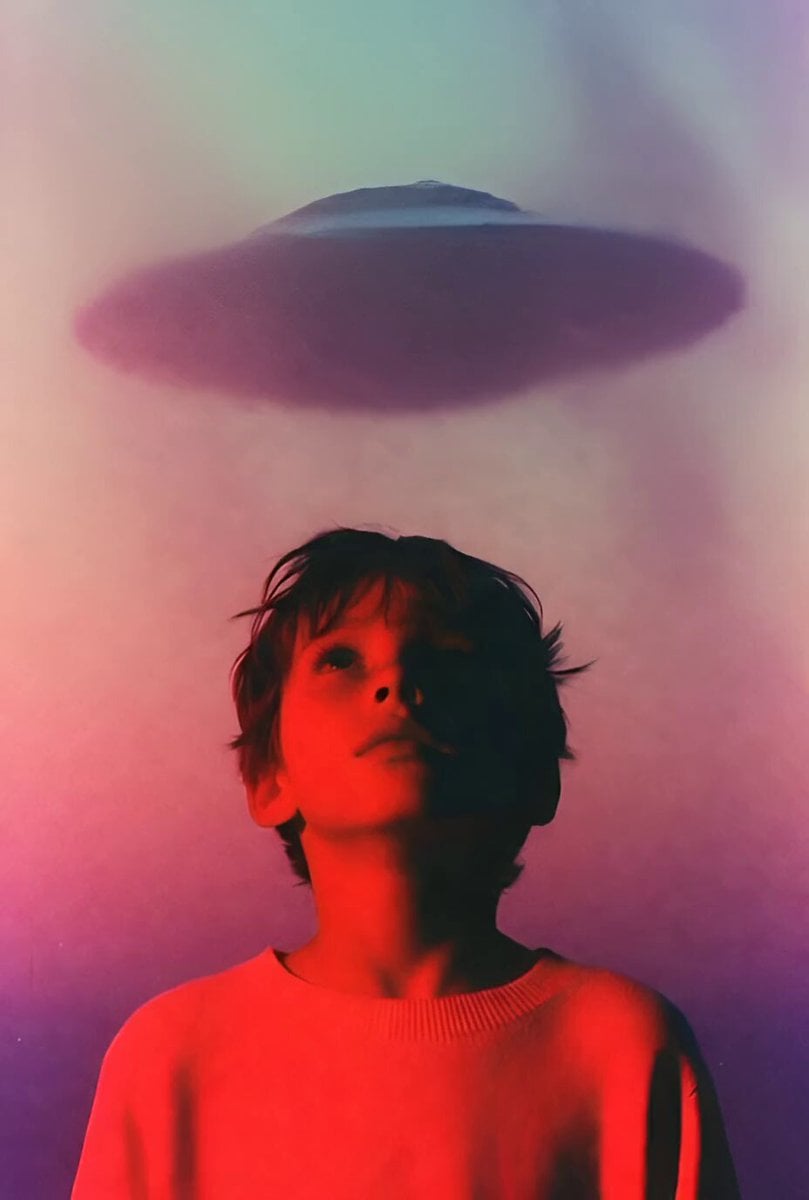
Child UFO abduction animation
Futuristic Mech and Pilot Orbiting Shot
Da Vinci Style Calendar Machine
Browse template categories
The Librarian's Miniature Book Adventure questions
How do I use the The Librarian's Miniature Book Adventure template?
Add your photo if the template asks for one, edit the prompt if you like — the template's model and format are already selected — and press Generate. Your version opens in PicX Studio.
Can I customize the The Librarian's Miniature Book Adventure template?
Yes. You can change the subject, setting, lighting, mood, format, and available model controls before creating your video.
Is the The Librarian's Miniature Book Adventure template free?
Opening and editing this template is free. Generating uses credits, shown on the Generate button when you are signed in.
Which AI model should I use?
Start with Seedance 2.0, which is the model associated with this template. You can compare another compatible model for a different finish.
Looking for something else? Browse all templates.

Your photo, any look
Thousands of ready templates for every top image and video model, from one credit balance.