
Witch Library Spellbook Summoning
A cinematic fantasy comedy sequence where a character uses a magical wand to summon a heavy book from a high shelf in an ancient library.
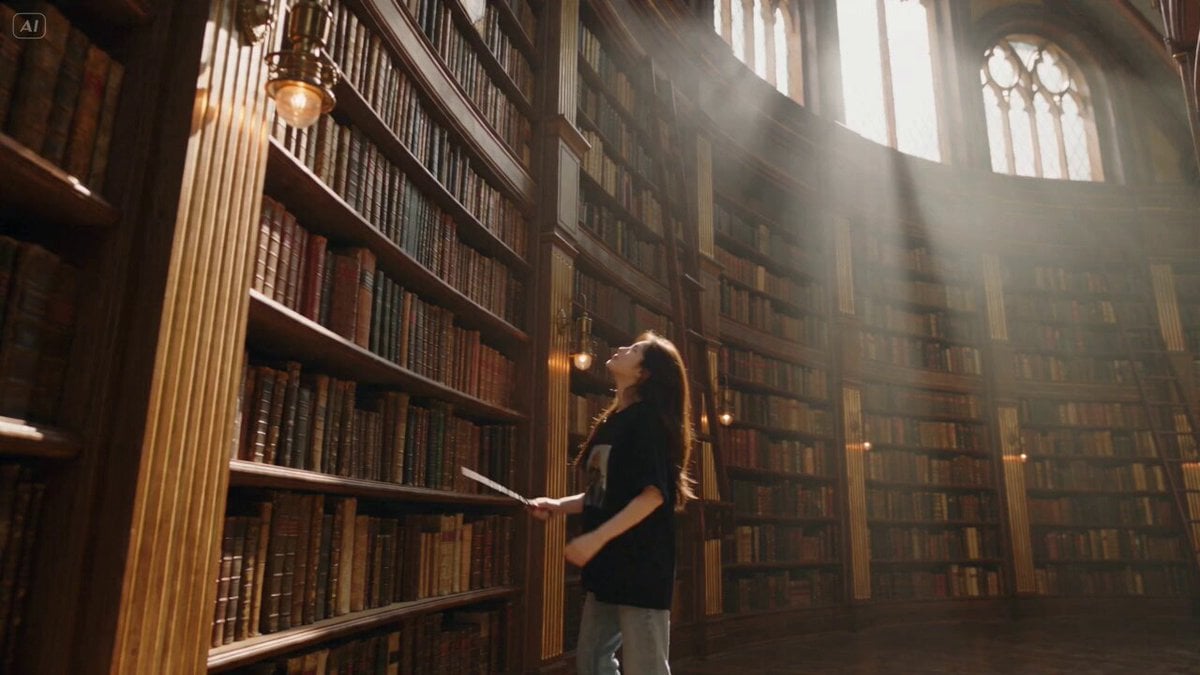
- Prompt included
- Model and format preset
- Free template
The prompt behind this video
Copy the exact prompt behind Witch Library Spellbook Summoning, or open it in the studio and make it yours.
Duration: 15s | 16:9 Landscape | Native 4K UHD | 24fps Genre: Cinematic Fantasy Comedy Target: Ultra-realistic premium live-action fantasy cinema REFERENCE LOCK — @image1 Use @image1 as the sole identity reference. Preserve Character A exactly as shown. Exactly one Character A. No identity drift, duplication, redesign, hairstyle change, or outfit change. CORE CONCEPT Inside an ancient witch's library, Character A wants one thick spellbook from the highest shelf. The book is completely out of reach. Character A uses a wand to summon it. The book responds too aggressively, flies off the shelf, spins through the room and lands directly into Character A's hands with enough force to make Character A stumble backward. SHOT 1 — 0s–4s | TOO HIGH Wide library establishing shot. Huge wooden bookshelf fills the background. Character A stands below the highest shelf and reaches upward. Fingertips remain clearly below the book. Character A tries jumping once. Still impossible. Character A lands and gives the book a tired stare. Camera slowly tilts from Character A to the distant book. Dust particles float naturally in warm window light. SHOT 2 — 4s–7s | SUMMONING Tight three-quarter close-up. Character A raises one wand. Extreme macro of wand tip. Subtle violet-blue glow activates. Cut to low OTS shot aligned directly toward the book. At 6s, a narrow magical beam connects from wand tip to the center of the book. Small contact spark. Book remains still for 0.2s. Then suddenly pulls free. SHOT 3 — 7s–11s | BOOK ATTACK Ultra-low tracking shot. The heavy book shoots off the shelf. Pages flutter violently from the air resistance. Book travels across the room with believable weight. Camera tracks backward. At 9.5s, book reaches Character A. Character A catches it against the chest. The impact forces one realistic step backward. A few loose pages flutter down. Character A looks down at the book. Then slowly looks back toward the shelf. SHOT 4 — 11s–15s | SERIOUSLY? Tight close-up. Character A calmly opens the book. A tiny puff of old dust rises directly into the face. Character A closes eyes for a second. Slowly brushes dust from the face. Deadpan expression. Character A walks away carrying the book. End naturally while moving. AUDIO + MUSIC Old library ambience, wood creaks, subtle wind, wand ignition, magical hum, shelf vibration, book scraping wood, rushing air, heavy book impact, page flutter and footsteps. Music: muted piano, pizzicato strings, soft clarinet and acoustic guitar. Music briefly drops before the book impact. No dialogue, vocals, circus sounds, boing or laugh track. CAUSALITY BOOK OUT OF REACH → HAND FAILS → WAND ACTIVATES → BEAM CONNECTS → BOOK RELEASES → BOOK ACCELERATES → CHARACTER A CATCHES IT → DUST PUFF → EXIT. NEGATIVE PROMPT Extra characters, duplicate book, duplicate wand, floating book before magic, teleportation, weightless physics, cartoon phys
How to use Witch Library Spellbook Summoning in 3 steps
- 1
Open
The prompt is already in the box next to the preview, with the template's model and format selected.
- 2…a portrait of your subject in softgolden-hour light, 85mm…
Personalize
Edit the subject and creative details for your destination.
- 3Generate
Generate
Press Generate — your video is created in PicX Studio, so you can compare it with the original and refine one variable at a time.
More like this
Templates with the same subject, style or setup. Open one to see its prompt.
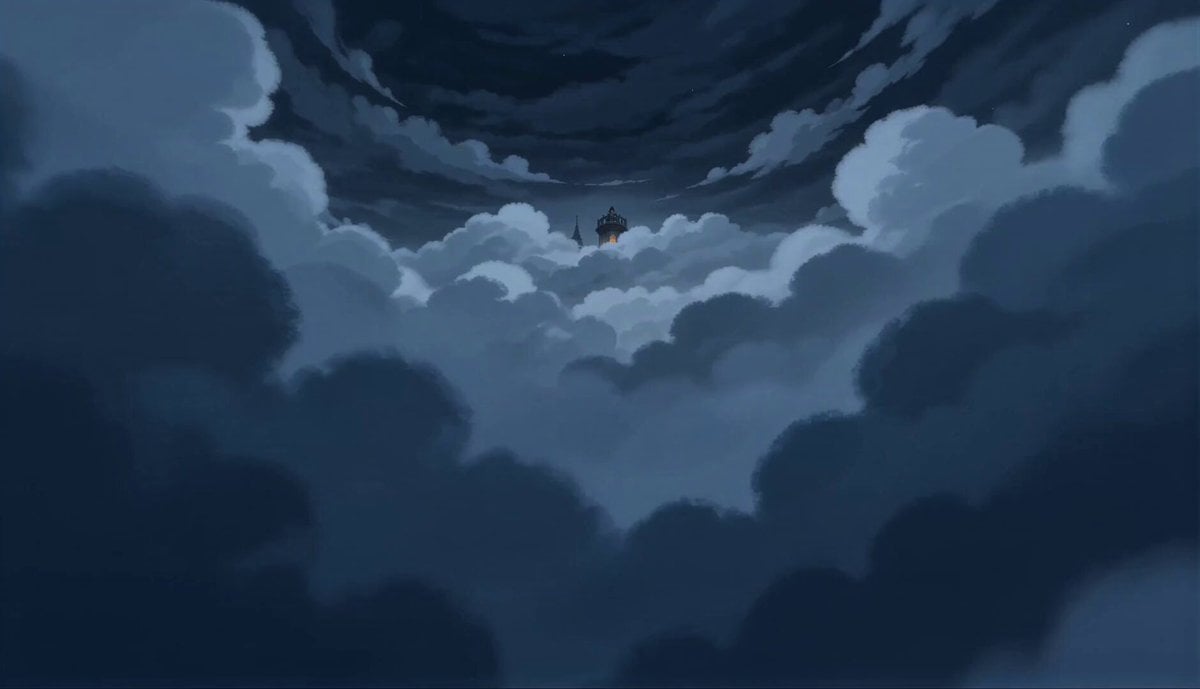
2D Fantasy Anime Wizard Dragon Summoning
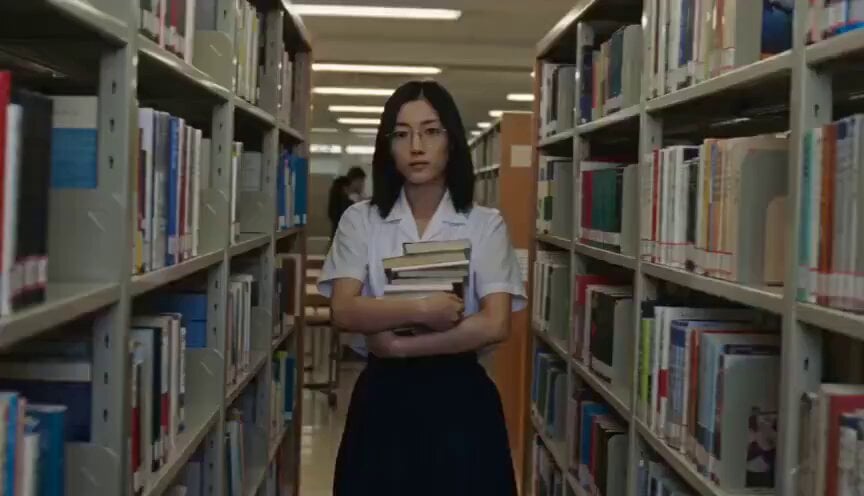
School Library Vlog Cinematic
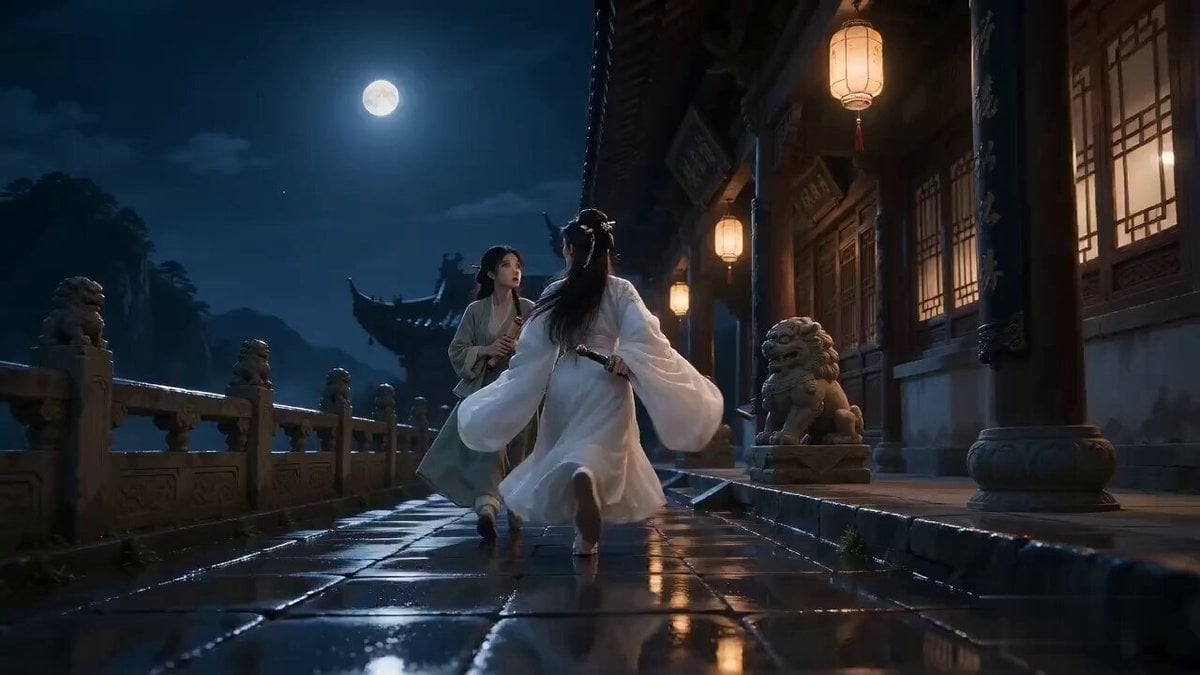
Seedance 2.0 Xianxia Mystery Library Video Prompt
Dark Fantasy Anime Summoning Ritual
Tiny Phoenix Summoning Xianxia Comedy
Food Summoning POV Stop-Motion Video

Library Candlelight Reading Video
Library of Forgotten Dreams
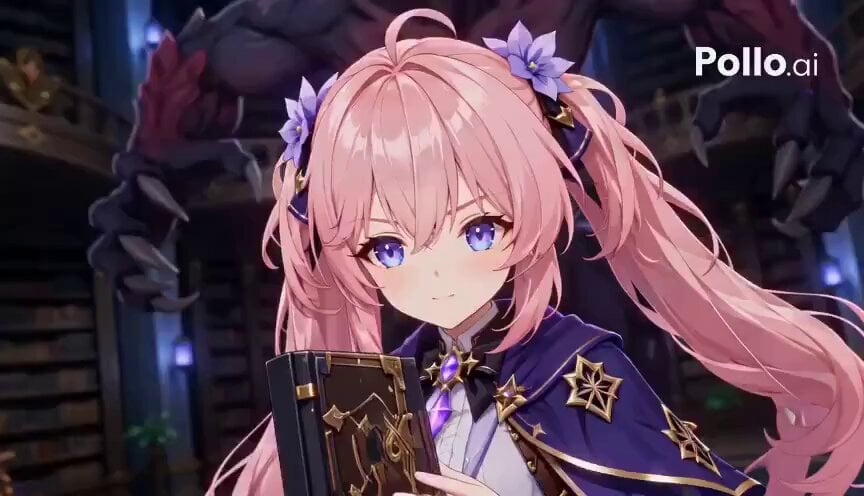
Anime RPG Magic Library Battle

Cinematic Ink Library Storyboard
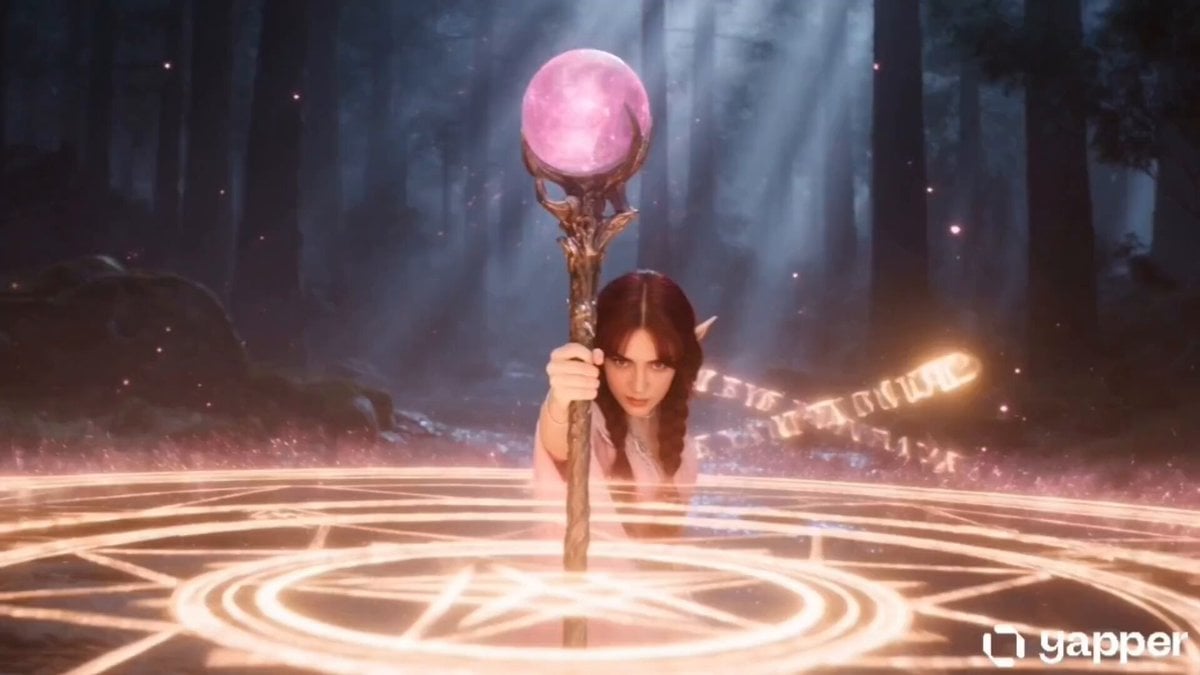
Elf Mage Dragon Summoning Ritual
Epic Mountain Dragon Summoning
Make it yours
Witch Library Spellbook Summoning works as-is. These are the safest ways to change it without losing the look.
Change one field
Copy a single group, rewrite it, and generate again so you can see what that field is doing.
Keep the frame, change the subject
Hold the composition and light of Witch Library Spellbook Summoning, then swap wardrobe, props or the person for a new take.
| If the result… | Why | Fix |
|---|---|---|
| The result drifts from the preview | Too many fields changed at once. | Reuse Witch Library Spellbook Summoning as-is first, then change one group — subject, light, or setting. |
| The model over-stylizes the scene | The prose prompt leaves finish and camera underspecified. | Add one camera or lighting sentence and stay on Seedance 2.0. |
More Seedance 2.0 templates
Other prompts made for Seedance 2.0.

Comical Martial Arts Punch Scene

Maglev Train Action Sequence

Martial Arts Fight Sequence

Wuxia Protection and Trust Script

Vintage Korean Arcade MiniDV Vlog

Mercedes 190 SL Luxury Ad

Rainy Night Supernatural Reverse Comedy Video Script

Amazon Civilization Discovery

Futuristic South Asian City Transformation

Cozy Luxury Cafe Commercial
More video prompts
Fresh picks from across the catalog.
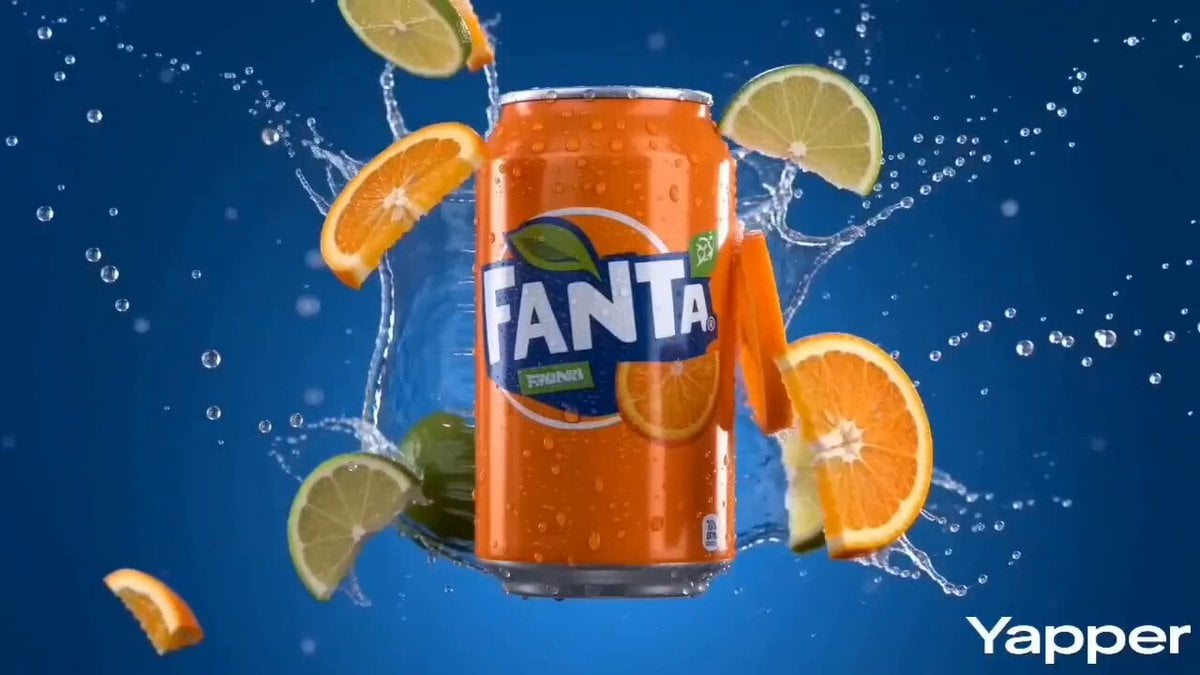
Vibrant Orange Soda Commercial Shot

Epic Fantasy VFX Battle Sequence
Crows on a rock with Celtic runes and glass mosaic jug
Cyberpunk Neon Motorcycle Chase
Late-Night Gym Found-Footage Horror
Optimus Prime Robot Interaction
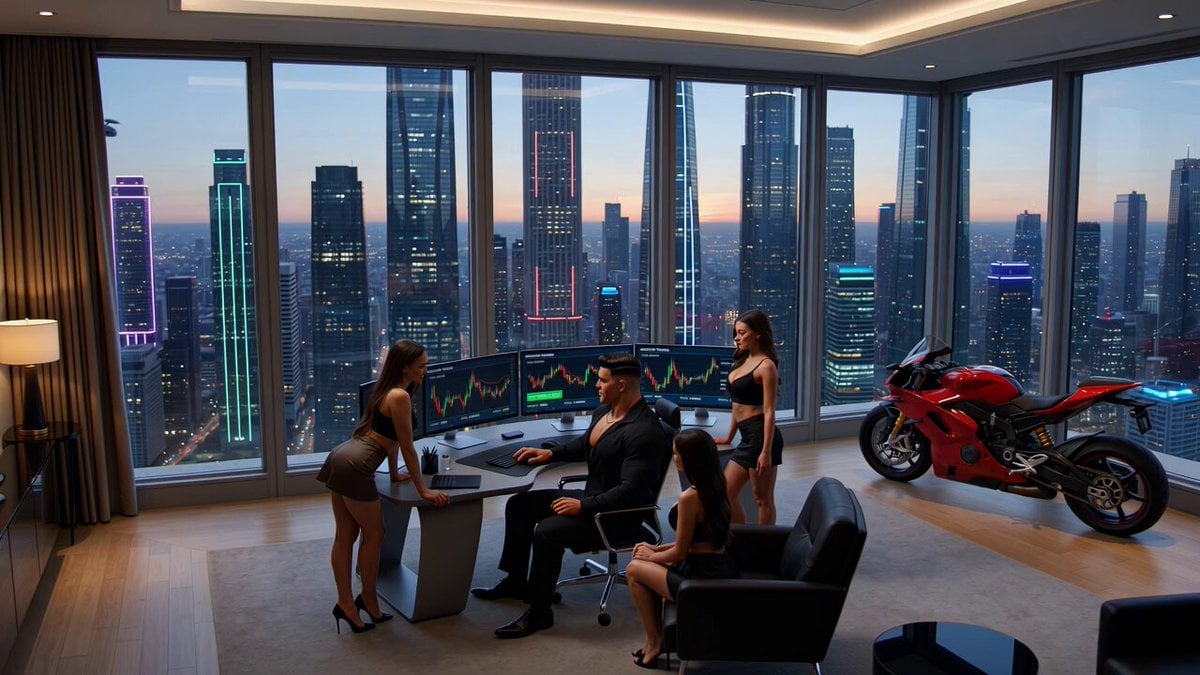
Crypto memecoin degen trading in a cyberpunk high-rise bachelor pad
Dance Studio Narrative Progress Sequence

Wuxia Hero Cat Battle Scene

Robot World Cup broadcast video prompt
Browse template categories
Witch Library Spellbook Summoning questions
How do I use the Witch Library Spellbook Summoning template?
Add your photo if the template asks for one, edit the prompt if you like — the template's model and format are already selected — and press Generate. Your version opens in PicX Studio.
Can I customize the Witch Library Spellbook Summoning template?
Yes. You can change the subject, setting, lighting, mood, format, and available model controls before creating your video.
Is the Witch Library Spellbook Summoning template free?
Opening and editing this template is free. Generating uses credits, shown on the Generate button when you are signed in.
Which AI model should I use?
Start with Seedance 2.0, which is the model associated with this template. You can compare another compatible model for a different finish.
Looking for something else? Browse all templates.

Your photo, any look
Thousands of ready templates for every top image and video model, from one credit balance.