
Epic Fantasy VFX Battle Sequence
A complex multi-shot prompt for a dark fantasy sequence involving a magical orb, glowing tattoos, a giant demonic samurai, and forest combat with special effects.

- Prompt included
- Model and format preset
- Premium template
The prompt behind this video
Copy the exact prompt behind Epic Fantasy VFX Battle Sequence, or open it in the studio and make it yours.
SHOT 01 (0-15) Close-up of a hand holding a glowing green Yin-Yang jade sphere in a foggy, dark forest, the ethereal light reflecting on the fingers. Close-up of a hand holding a glowing green Yin-Yang jade ball, ethereal green light, foggy pine forest background, cinematic lighting, high detail. SHOT 02 (1-2s) The hand clenches, and the orb dissolves into glowing green liquid energy that flows into the skin as intricate vine and flower patterns. POV of a hand crushing a magical orb, glowing green liquid energy, neon green vine tattoos spreading up the forearm, misty forest, cinematic VFX. SHOT 03 (2-4s) POV showing the arm adorned with glowing floral patterns as a giant horned samurai and an army of creatures materialize from the deep fog. POV wide shot, arm with glowing green cherry blossom patterns, giant demonic samurai warrior in distance, horde of green monsters, misty forest, epic fantasy. SHOT 04 (4-55) The viewer's hands are raised, featuring glowing green energy rings on the fingers, while the ground in front splits open with a magical flash. POV, hands with glowing green magic rings, earth cracking open, mystical energy surge, forest environment, high-speed action. SHOT 05 (5-8s) The camera charges through a group of lunging monsters while bamboo poles sprout from the ground to hinder their movement. POV motion shot, charging through a horde of green goblin creatures, bamboo stalks rapidly growing from the soil, misty forest, dynamic movement. SHOT 06 (8-10s) The viewer confronts the giant samurai, who roars fiercely as a bamboo fence instantly grows between them to block his path. POV, facing a giant demonic samurai boss, magic bamboo fence rising from ground, close-up of roaring monster, foggy woods, cinematic lighting. SHOT 07 (10-125) A massive sacred tree erupts from the ground behind the monster, wrapping it in thick ropes and vines to completely immobilize it. Wide shot, massive tree magically growing, giant monster being bound by thick ropes and vines to the tree trunk, forest setting, cinematic VFX. SHOT 08 (12-15s) POV of hands with glowing green sakura crests on the palms, overlooking the defeated army and the bound monster in the quiet mist.
How to use Epic Fantasy VFX Battle Sequence in 3 steps
- 1
Open
The prompt is already in the box next to the preview, with the template's model and format selected.
- 2…a portrait of your subject in softgolden-hour light, 85mm…
Personalize
Edit the subject and creative details for your destination.
- 3Generate
Generate
Press Generate — your video is created in PicX Studio, so you can compare it with the original and refine one variable at a time.
More like this
Templates with the same subject, style or setup. Open one to see its prompt.
Sea Serpent vs Crab Titan — Ocean Battle
Swordsman vs Shadow Monster — Bamboo Forest Battle
Dragon Rescue — Volcanic Kingdom Collapse (Seedance)
Stone Colossus Desert Riders — Golden Fire Reveal
Tiger vs Gorilla — Jungle Canyon Clash
Subway Flood — Epic Tunnel Chaos
Mecha Transformation vs Kaiju — 4-Scene Epic

Necromancer Battlefield Orbit
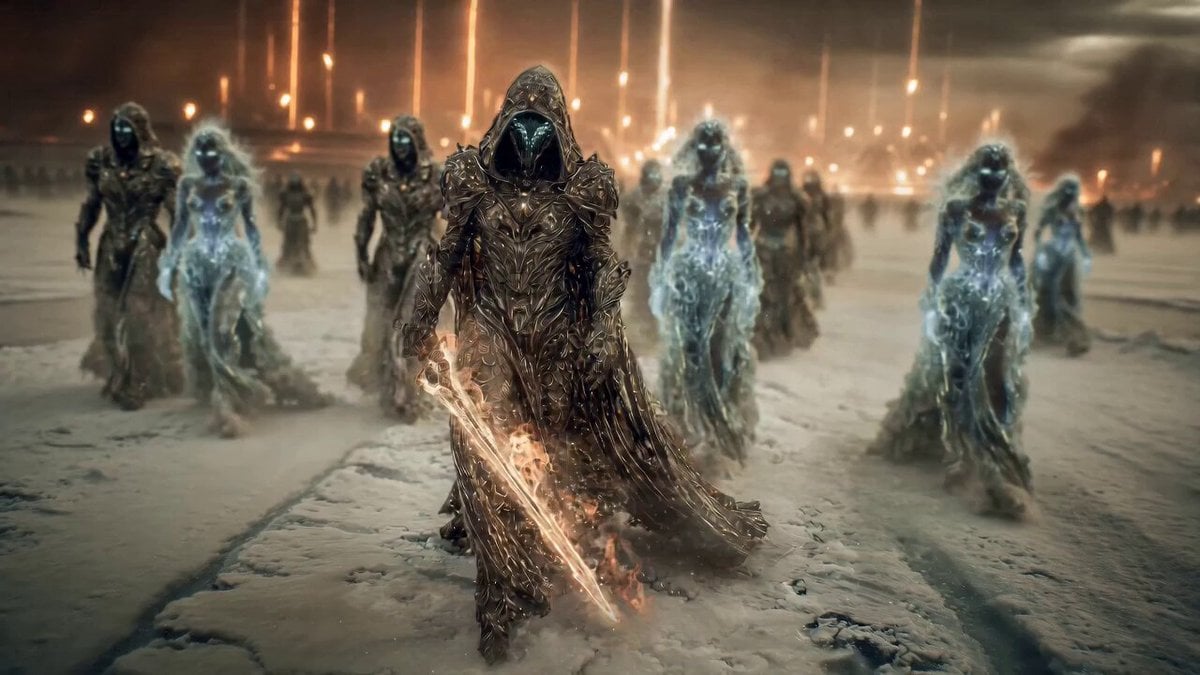
Epic Fantasy Battle Scene Prompt for Seedance 2.0
Ice Queen — Frozen Battlefield Time Control (Seedance)
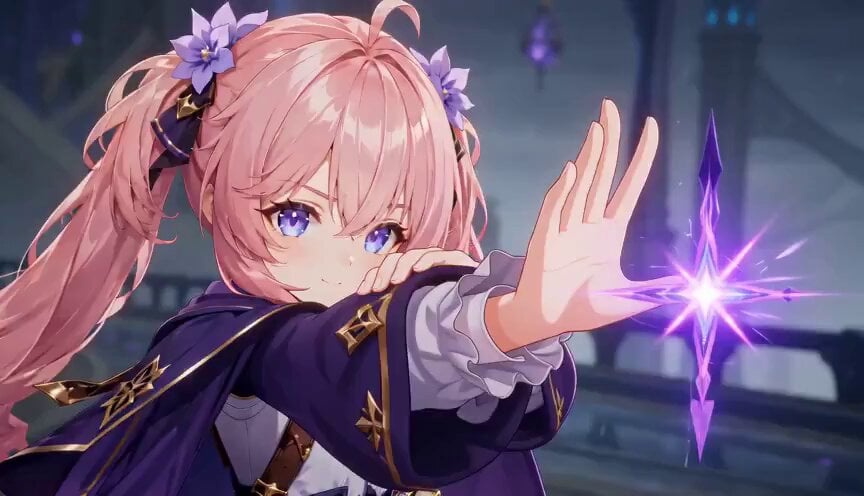
Magic City Fantasy Battle Animation

Dragon Rider Cinematic Flight — Seedance 2.5
Make it yours
Epic Fantasy VFX Battle Sequence works as-is. These are the safest ways to change it without losing the look.
Change one field
Copy a single group, rewrite it, and generate again so you can see what that field is doing.
Keep the frame, change the subject
Hold the composition and light of Epic Fantasy VFX Battle Sequence, then swap wardrobe, props or the person for a new take.
| If the result… | Why | Fix |
|---|---|---|
| The result drifts from the preview | Too many fields changed at once. | Reuse Epic Fantasy VFX Battle Sequence as-is first, then change one group — subject, light, or setting. |
| The model over-stylizes the scene | The prose prompt leaves finish and camera underspecified. | Add one camera or lighting sentence and stay on Seedance 2.0. |
More Seedance 2.0 templates
Other prompts made for Seedance 2.0.

Comical Martial Arts Punch Scene

Maglev Train Action Sequence

Martial Arts Fight Sequence

Wuxia Protection and Trust Script

Vintage Korean Arcade MiniDV Vlog

Mercedes 190 SL Luxury Ad

Rainy Night Supernatural Reverse Comedy Video Script

Amazon Civilization Discovery

Futuristic South Asian City Transformation

Cozy Luxury Cafe Commercial
More video prompts
Fresh picks from across the catalog.
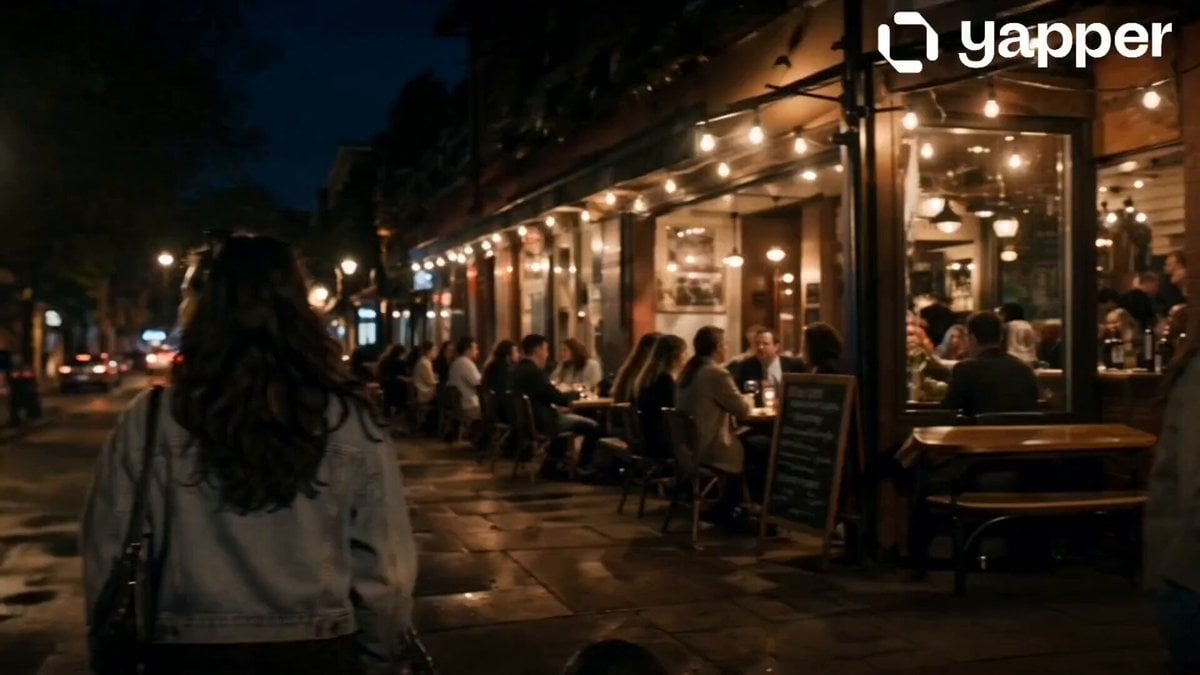
Suspenseful Alleyway Scene
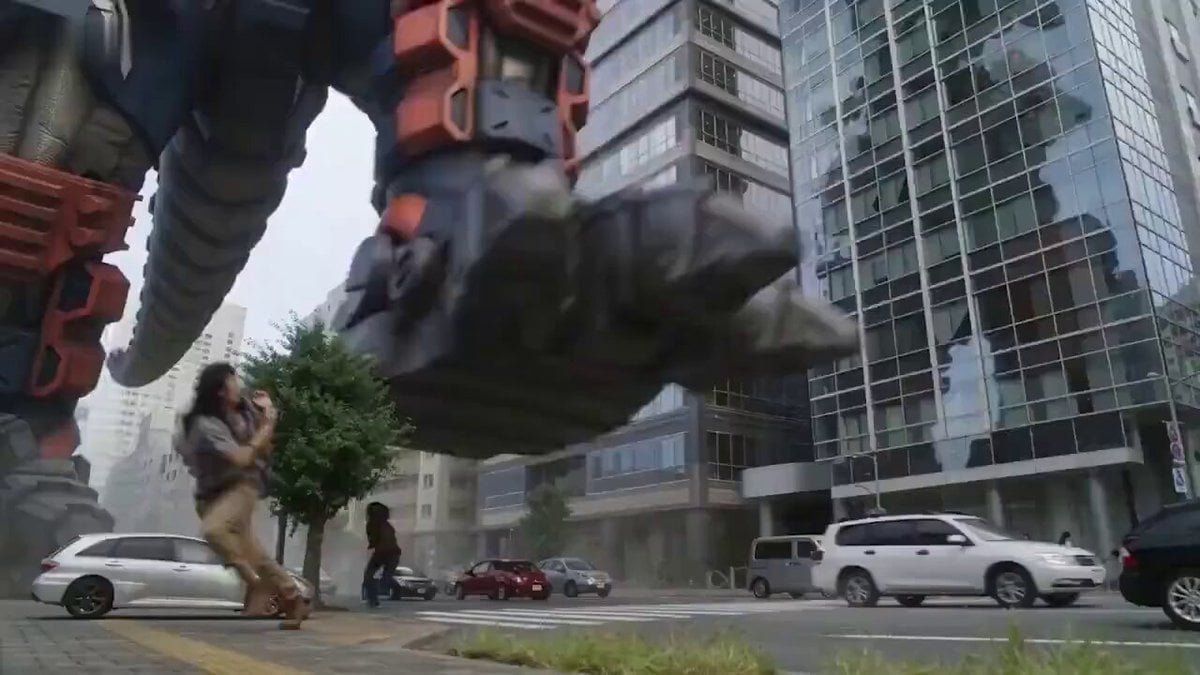
Gigantic Armored Mech Destroys Modern City
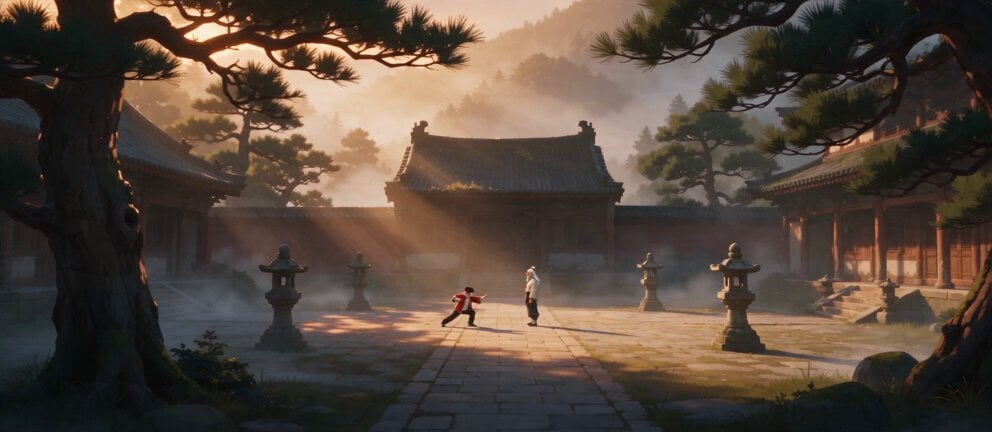
Live Action Film Reference Quality
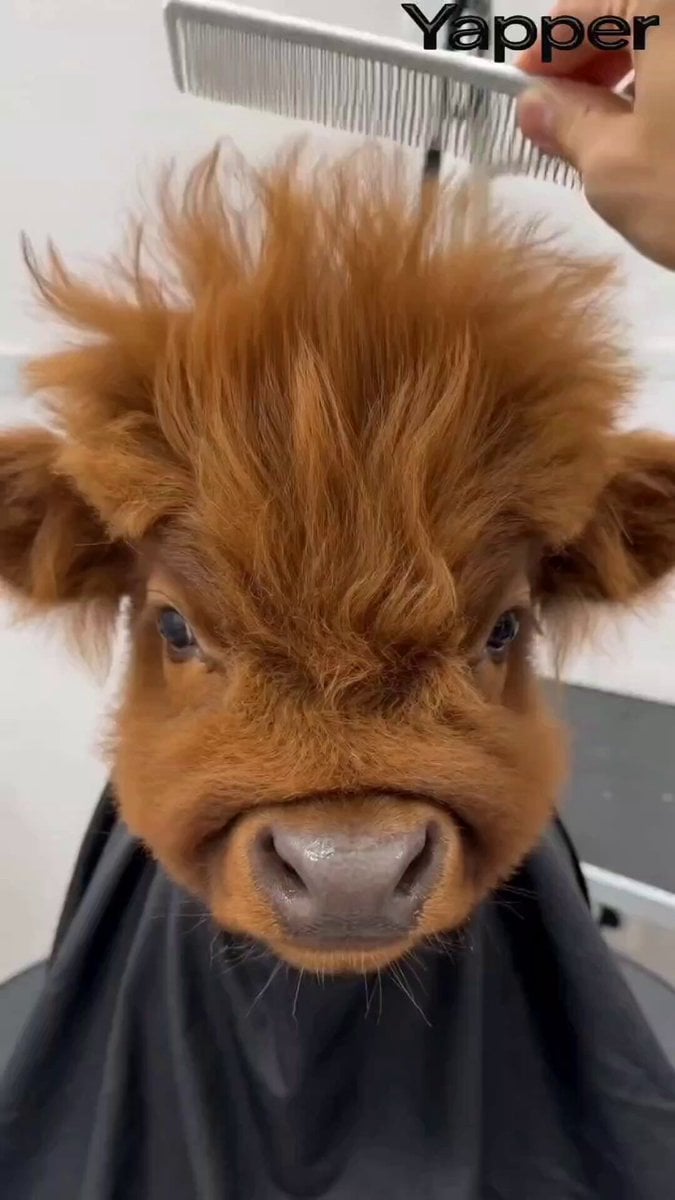
Humorous Persian Calf Haircut Transformation Video Prompt
Japanese SWAT Team Hostage Scenario Cinematic Script
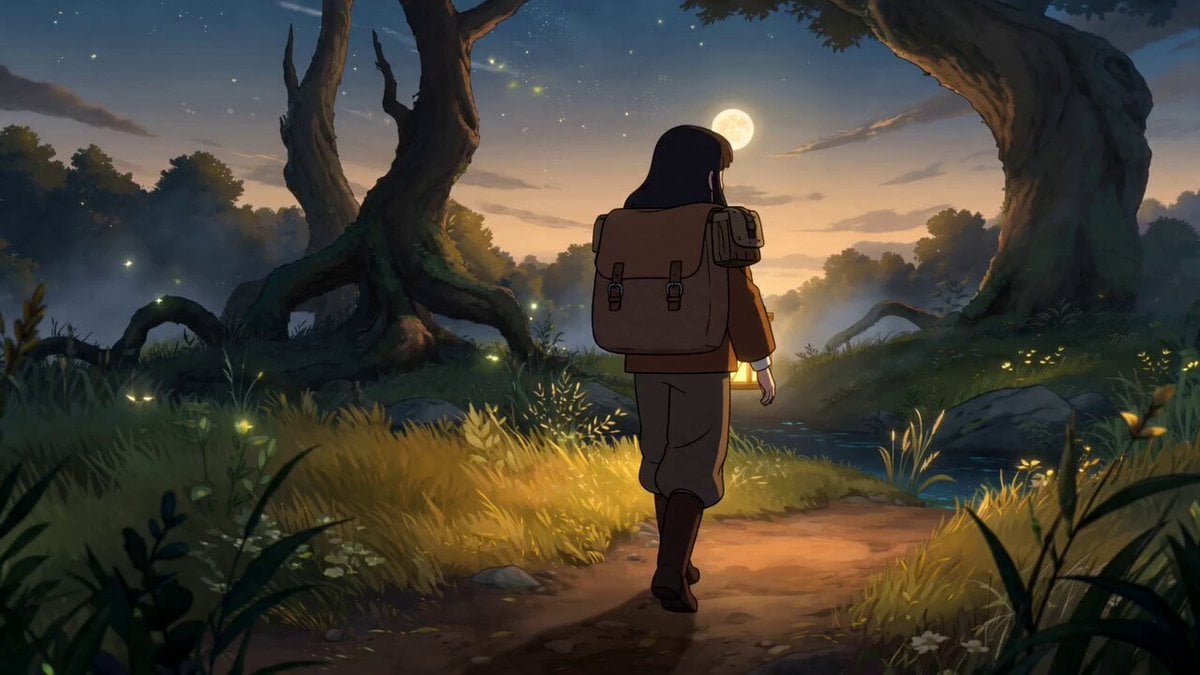
Fantasy Anime Forest Adventure Sequence

St. Patrick's Day Dog Video Prompt
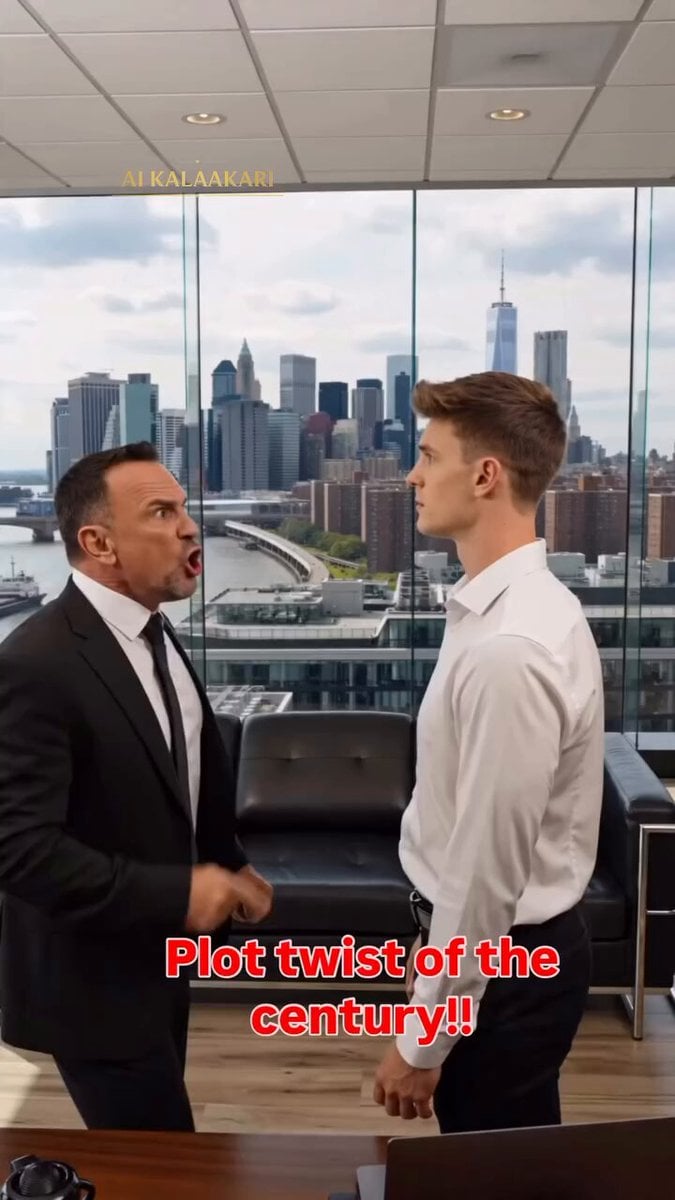
Asteroid Prank Corporate Comedy

Mutant Horse and Wolf Transformation
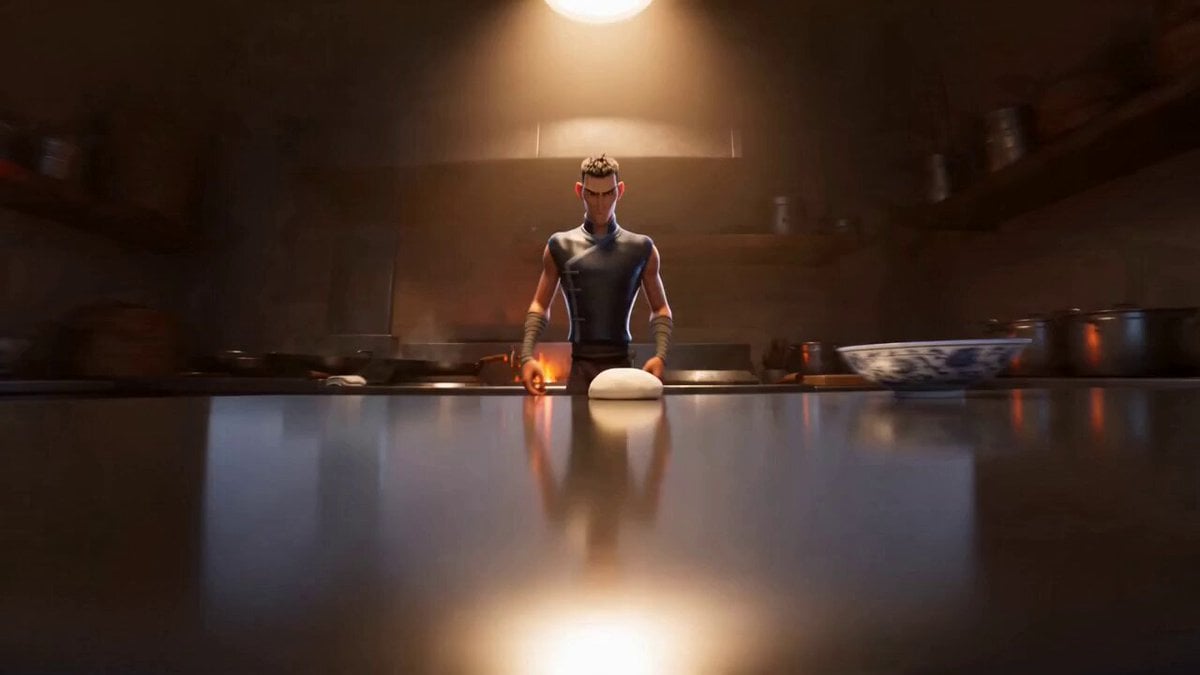
Character Description for a Kung Fu Chef
Browse template categories
Epic Fantasy VFX Battle Sequence questions
How do I use the Epic Fantasy VFX Battle Sequence template?
Add your photo if the template asks for one, edit the prompt if you like — the template's model and format are already selected — and press Generate. Your version opens in PicX Studio.
Can I customize the Epic Fantasy VFX Battle Sequence template?
Yes. You can change the subject, setting, lighting, mood, format, and available model controls before creating your video.
Is the Epic Fantasy VFX Battle Sequence template free?
Opening and editing this template is free. Generating uses credits, shown on the Generate button when you are signed in.
Which AI model should I use?
Start with Seedance 2.0, which is the model associated with this template. You can compare another compatible model for a different finish.
Looking for something else? Browse all templates.

Your photo, any look
Thousands of ready templates for every top image and video model, from one credit balance.