
Humorous Persian Calf Haircut Transformation Video Prompt
A detailed, multi-scene prompt for Seedance 2.0 to generate a humorous video of a Persian calf receiving a 'bowl cut' at a professional pet salon, focusing on ASMR sounds and close-up camera work.
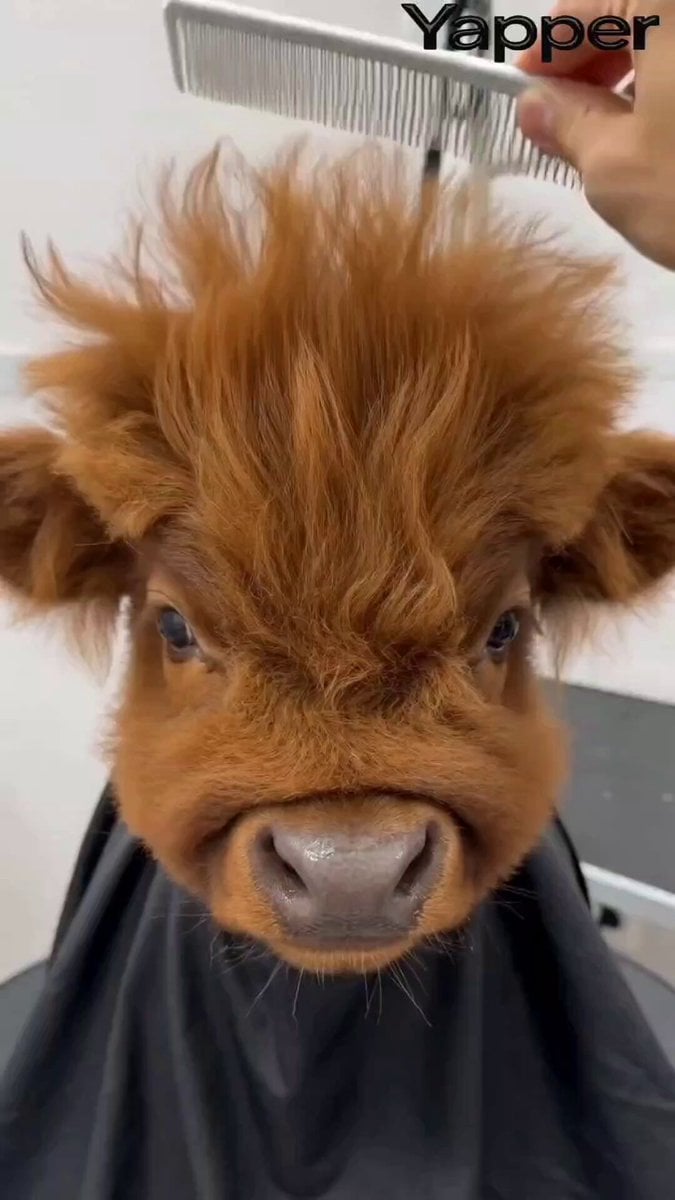
- Prompt included
- Model and format preset
- Premium template
The prompt behind this video
Copy the exact prompt behind Humorous Persian Calf Haircut Transformation Video Prompt, or open it in the studio and make it yours.
Theme: Humorous Persian calf salon haircut transformation Visuals: Professional pet salon setting with a ring light, close-up shots of a fluffy brown kid cattle wearing a black grooming cape, realistic grooming tools and techniques creating a comedic “bowl cut” hairstyle Camera: Close-up macro shots, alternating between front view, side profile, and top-down angles Style: High-key lighting, realistic, comedic pet content, ASMR grooming aesthetic Action: The human hand gently combs through the calf’s messy brown fur upward — soft brushing sounds + fluffy fur rustling [cut] Side profile: water mist sprays onto the calf’s head, fur becomes damp and sleek — spray bottle sound + fine water misting [cut] Top-down view: scissors trim a straight line across the wet fur held by the comb — snipping sounds + precise cutting motion [cut] Front view: thinning shears rapidly texturize the front “bangs” — quick snipping sounds + fur thinning texture [cut] Side profile: hairdryer blows air, brown fur fluffs up and moves in the wind — dryer hum + soft whooshing [cut] Front view: final touch-ups with comb and scissors perfect the round bowl cut shape — gentle combing + tiny snips [cut] Final reveal: the fluffy brown kid cattle sits proudly with a perfect mushroom-shaped bowl cut, blinks and looks side-to-side at the camera — satisfied calf sound
How to use Humorous Persian Calf Haircut Transformation Video Prompt in 3 steps
- 1
Open
The prompt is already in the box next to the preview, with the template's model and format selected.
- 2…a portrait of your subject in softgolden-hour light, 85mm…
Personalize
Edit the subject and creative details for your destination.
- 3Generate
Generate
Press Generate — your video is created in PicX Studio, so you can compare it with the original and refine one variable at a time.
More like this
Templates with the same subject, style or setup. Open one to see its prompt.

Magical Room Transformation - Seedance 2.5

Dark Tokusatsu Transformation - Seedance 2.5

RX-7 to Mech Transformation Cyberpunk
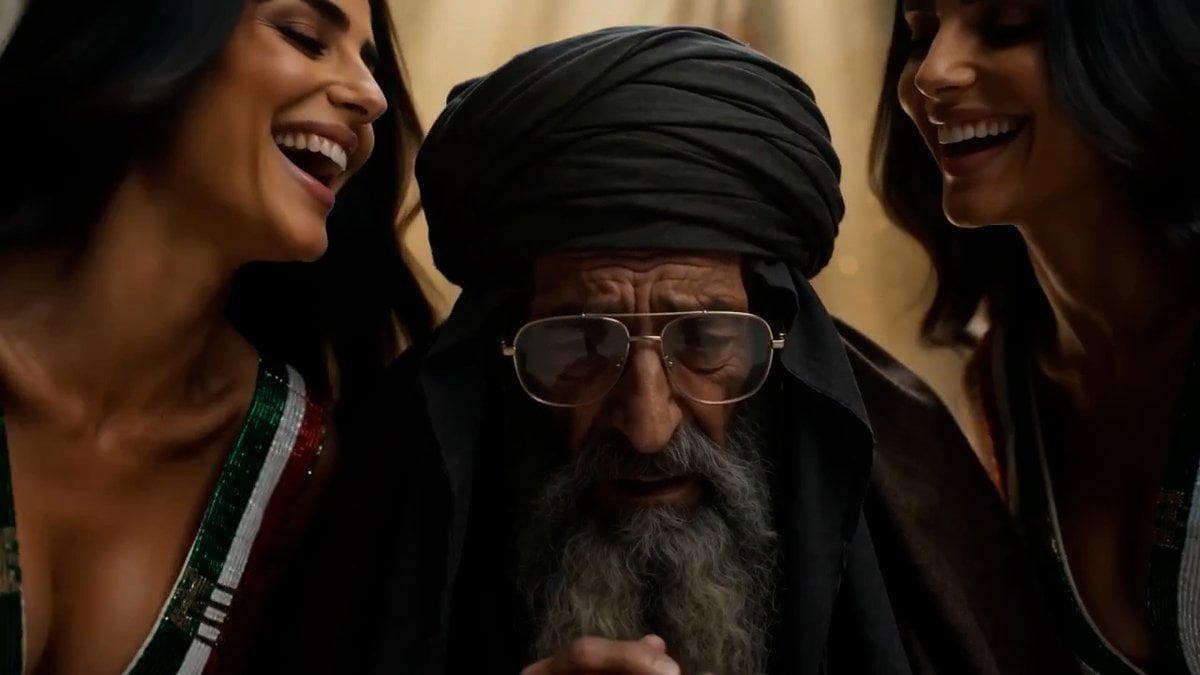
Persian Baddies Liberation Scene (Humorous)
Civilization Timelapse — Centuries in One Shot
Mecha Transformation vs Kaiju — 4-Scene Epic
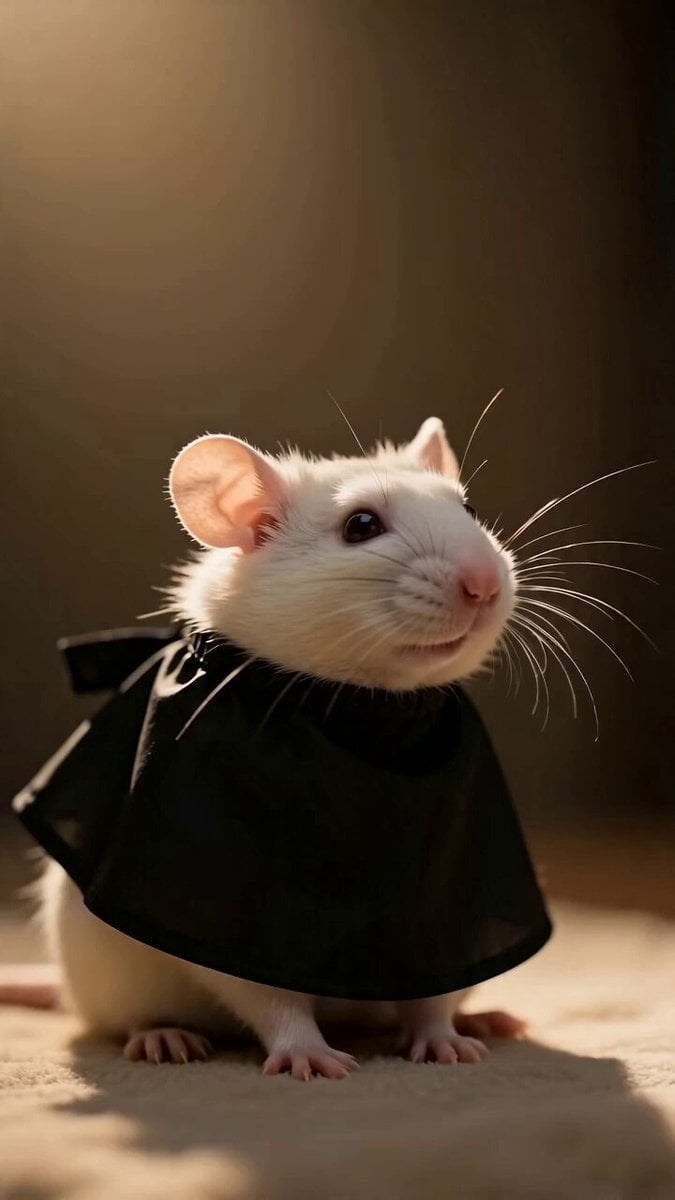
Fashionable Pet Rat Haircut
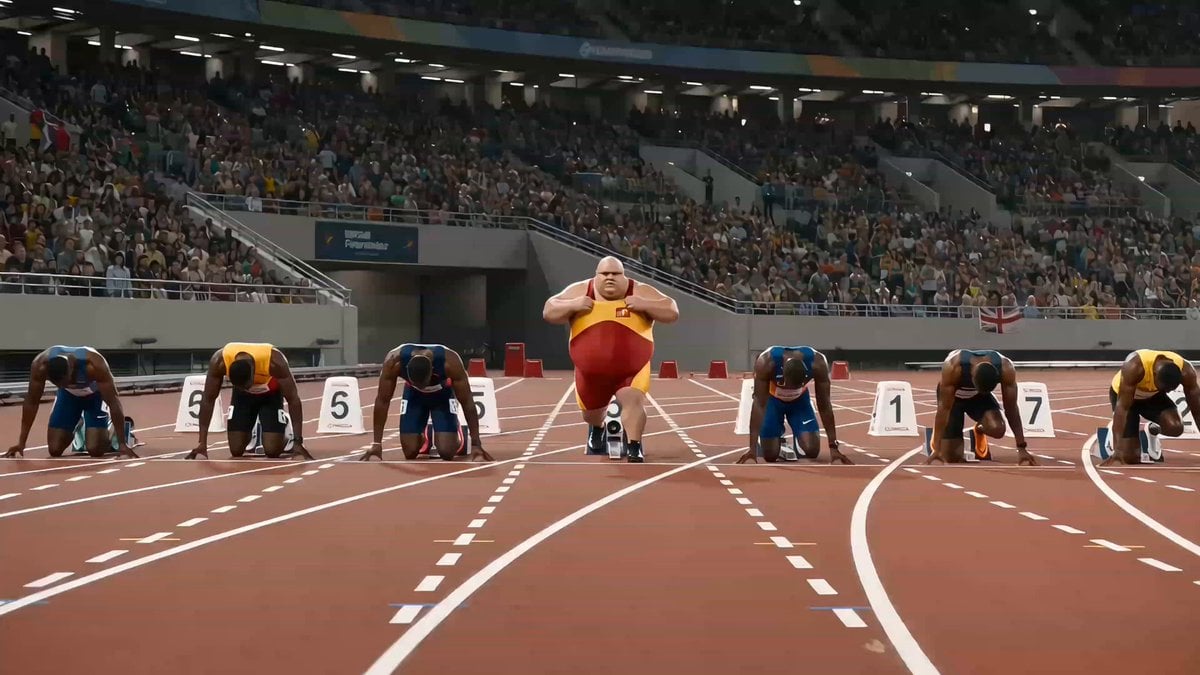
Humorous Fast Food Sprint Commercial
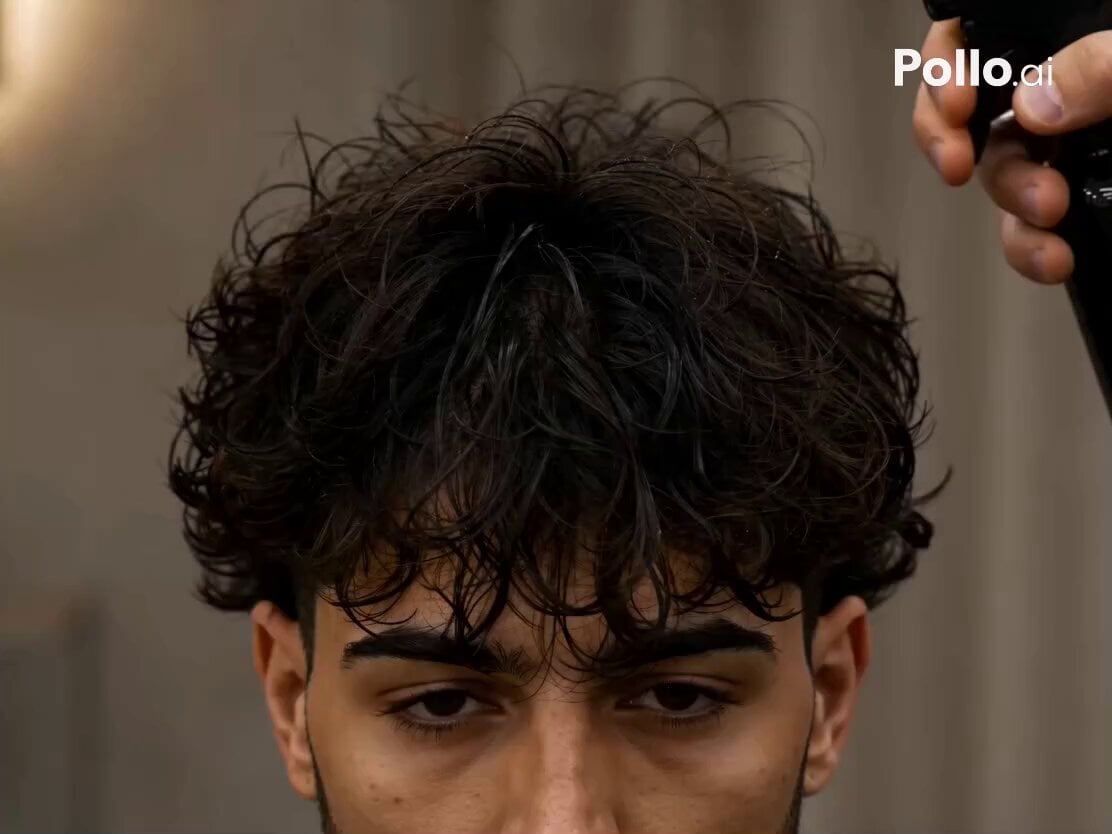
Vertical Barbershop Haircut Storyboard
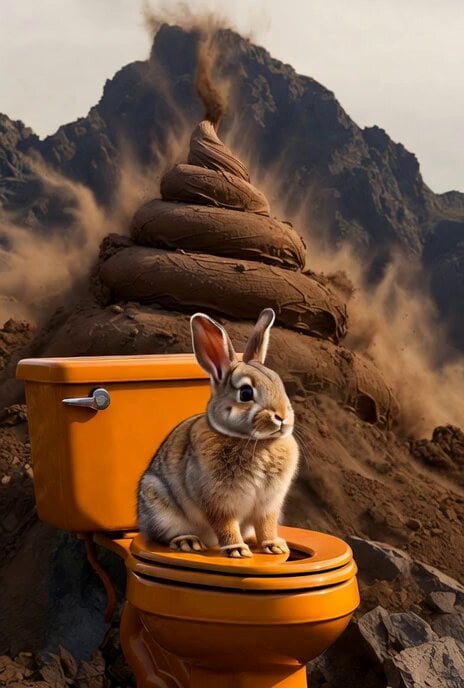
Humorous Bunny on Toilet Video Prompt
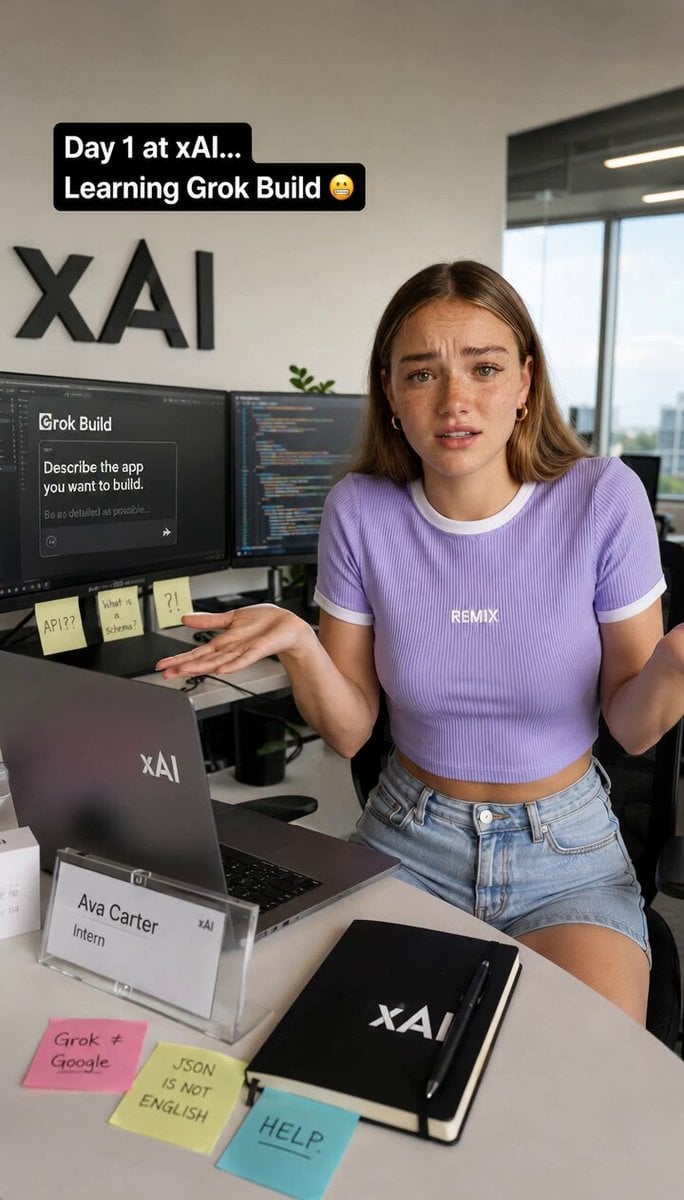
Humorous Intern Struggle at XAI
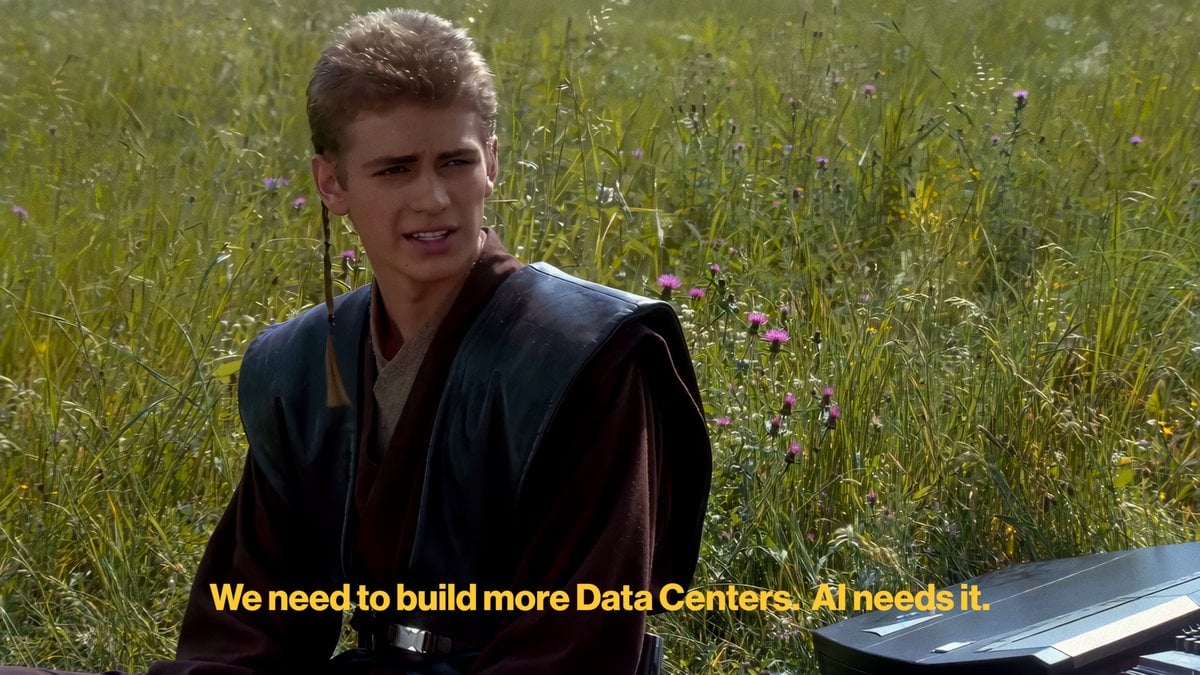
Humorous AI Discourse Meme Prompt (Lighthearted)
Make it yours
Humorous Persian Calf Haircut Transformation Video Prompt works as-is. These are the safest ways to change it without losing the look.
Change one field
Copy a single group, rewrite it, and generate again so you can see what that field is doing.
Keep the frame, change the subject
Hold the composition and light of Humorous Persian Calf Haircut Transformation Video Prompt, then swap wardrobe, props or the person for a new take.
| If the result… | Why | Fix |
|---|---|---|
| The result drifts from the preview | Too many fields changed at once. | Reuse Humorous Persian Calf Haircut Transformation Video Prompt as-is first, then change one group — subject, light, or setting. |
| The model over-stylizes the scene | The prose prompt leaves finish and camera underspecified. | Add one camera or lighting sentence and stay on Seedance 2.0. |
More Seedance 2.0 templates
Other prompts made for Seedance 2.0.

Comical Martial Arts Punch Scene

Maglev Train Action Sequence

Martial Arts Fight Sequence

Wuxia Protection and Trust Script

Vintage Korean Arcade MiniDV Vlog

Mercedes 190 SL Luxury Ad

Rainy Night Supernatural Reverse Comedy Video Script

Amazon Civilization Discovery

Futuristic South Asian City Transformation

Cozy Luxury Cafe Commercial
More video prompts
Fresh picks from across the catalog.

Ancient Indian kingdom FPV tour
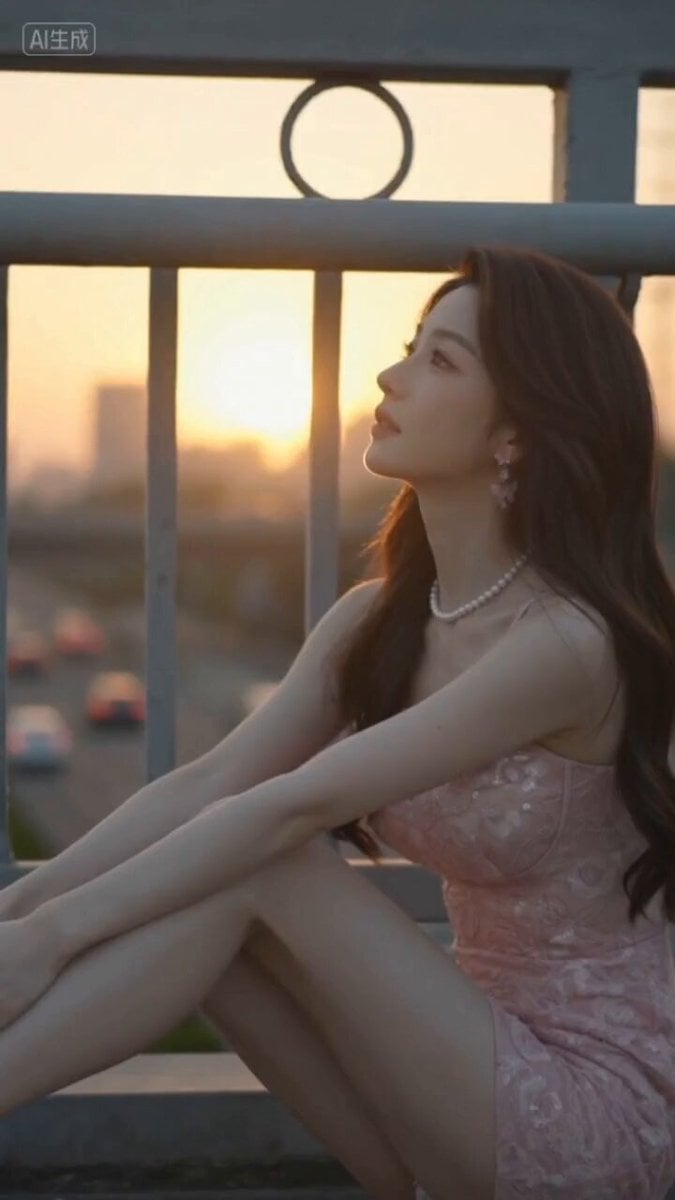
Japanese Cinematic Style Video Montage
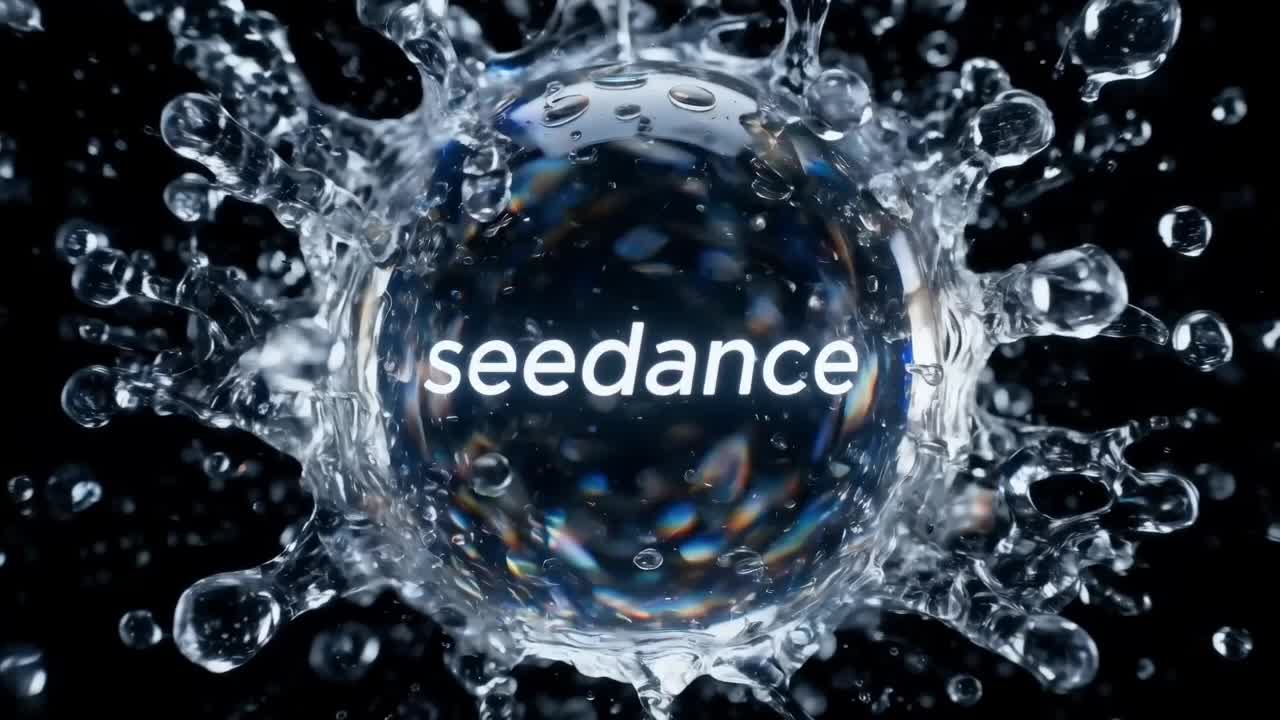
Crystal Ball Match-Cut Brand Film
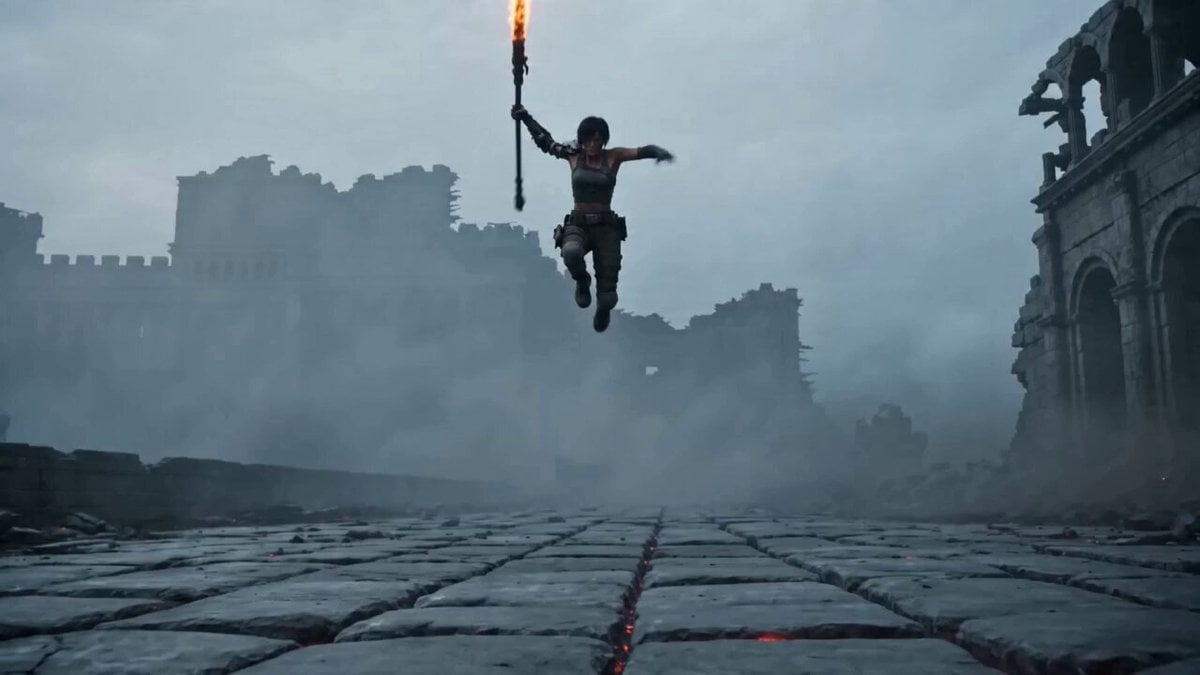
Prompt for Post-Apocalyptic Warrior
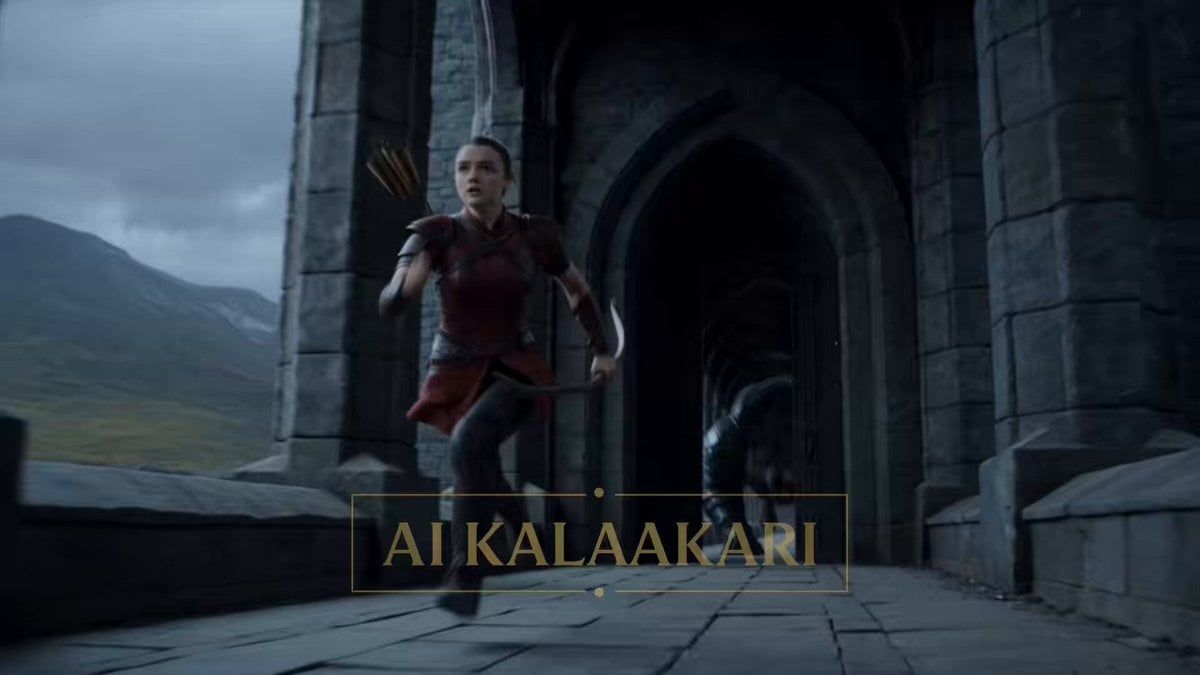
Fantasy Dragon Bridge Escape Sequence
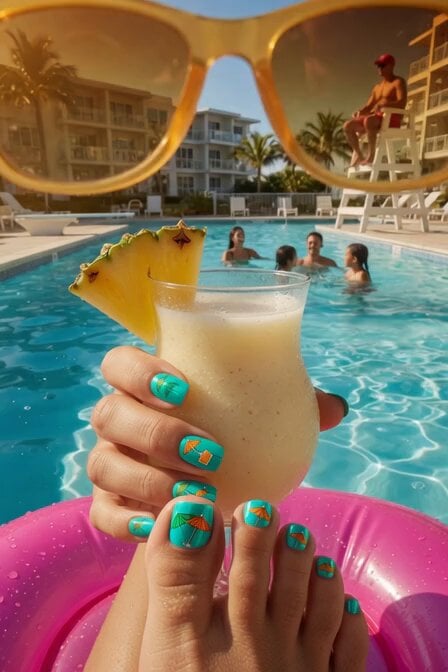
Summer Poolside Daydreaming Video
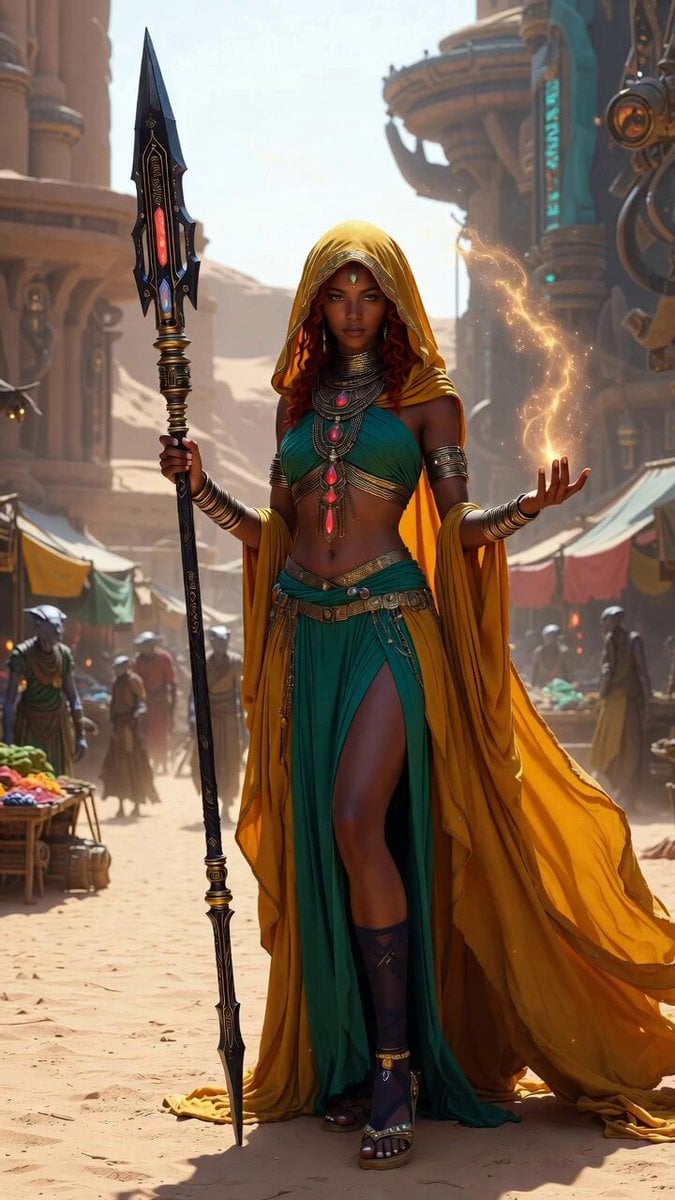
Desert Mystic Queen Portrait
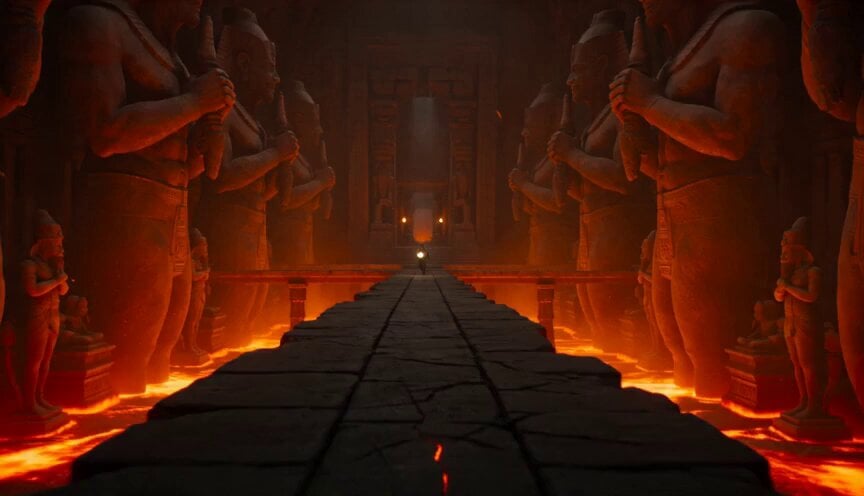
Volcano Temple Chase Sequence
Daily Routine
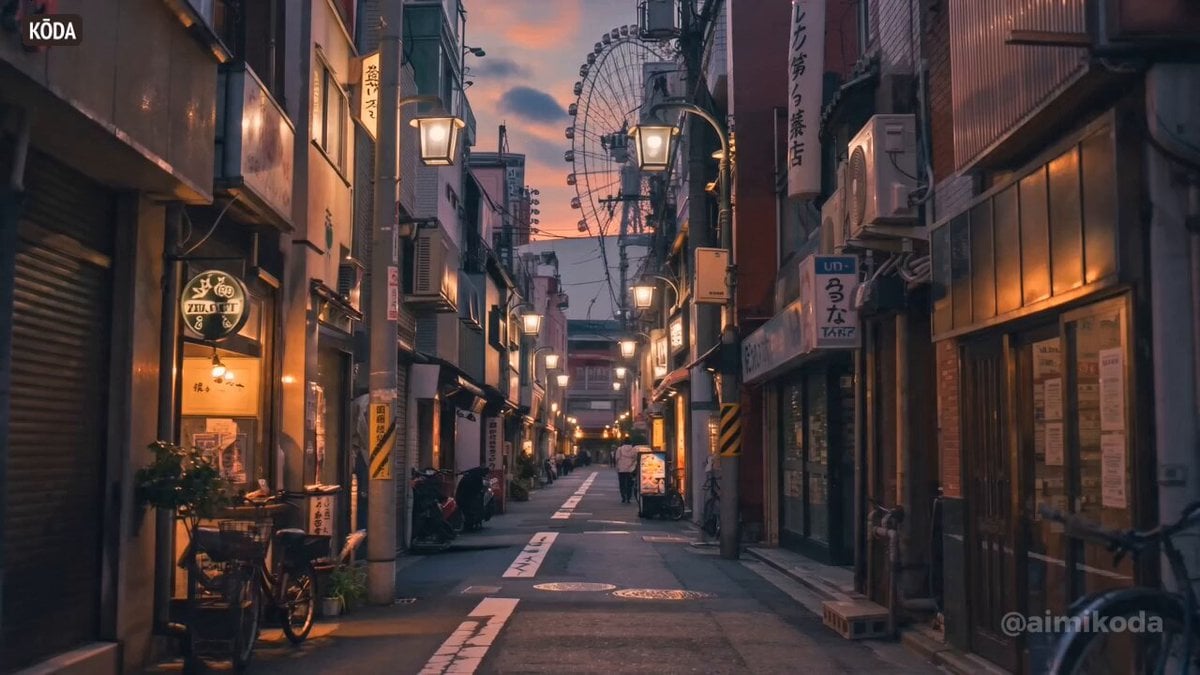
Image Board to Video Animation
Browse template categories
Humorous Persian Calf Haircut Transformation Video Prompt questions
How do I use the Humorous Persian Calf Haircut Transformation Video Prompt template?
Add your photo if the template asks for one, edit the prompt if you like — the template's model and format are already selected — and press Generate. Your version opens in PicX Studio.
Can I customize the Humorous Persian Calf Haircut Transformation Video Prompt template?
Yes. You can change the subject, setting, lighting, mood, format, and available model controls before creating your video.
Is the Humorous Persian Calf Haircut Transformation Video Prompt template free?
Opening and editing this template is free. Generating uses credits, shown on the Generate button when you are signed in.
Which AI model should I use?
Start with Seedance 2.0, which is the model associated with this template. You can compare another compatible model for a different finish.
Looking for something else? Browse all templates.

Your photo, any look
Thousands of ready templates for every top image and video model, from one credit balance.