How do I use the Found-Footage City Anomaly template?
Edit the prompt in the box under the preview — the template's model and format are already selected — and press Generate. Your version appears right on this page.
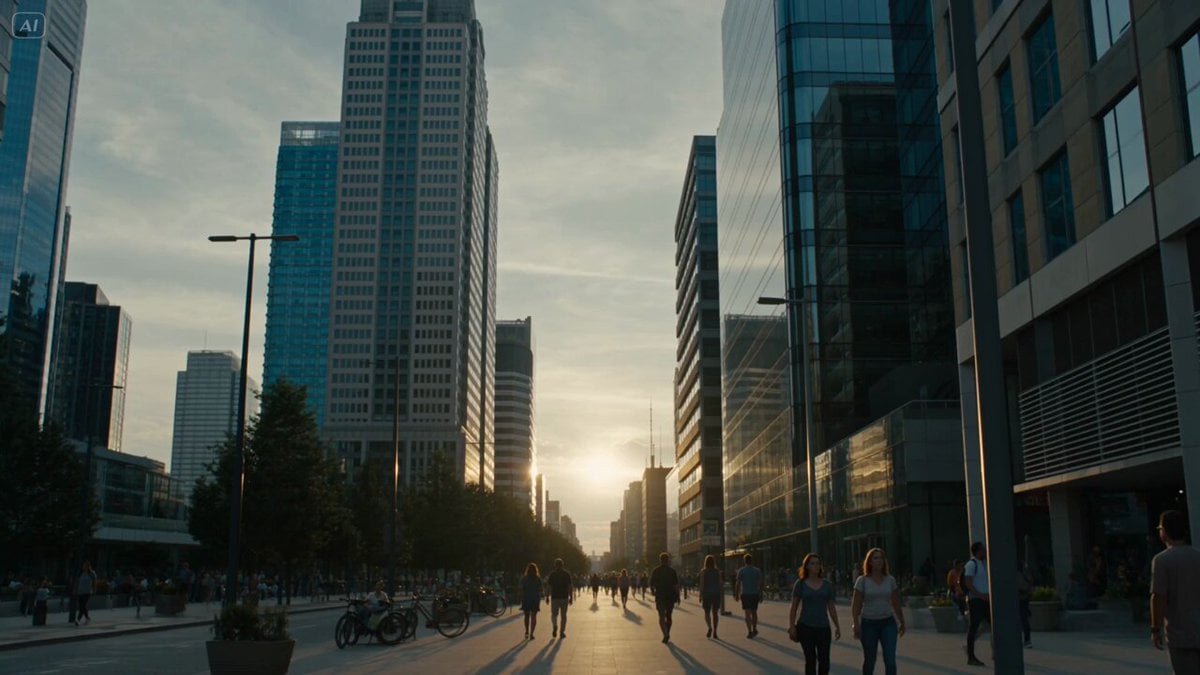
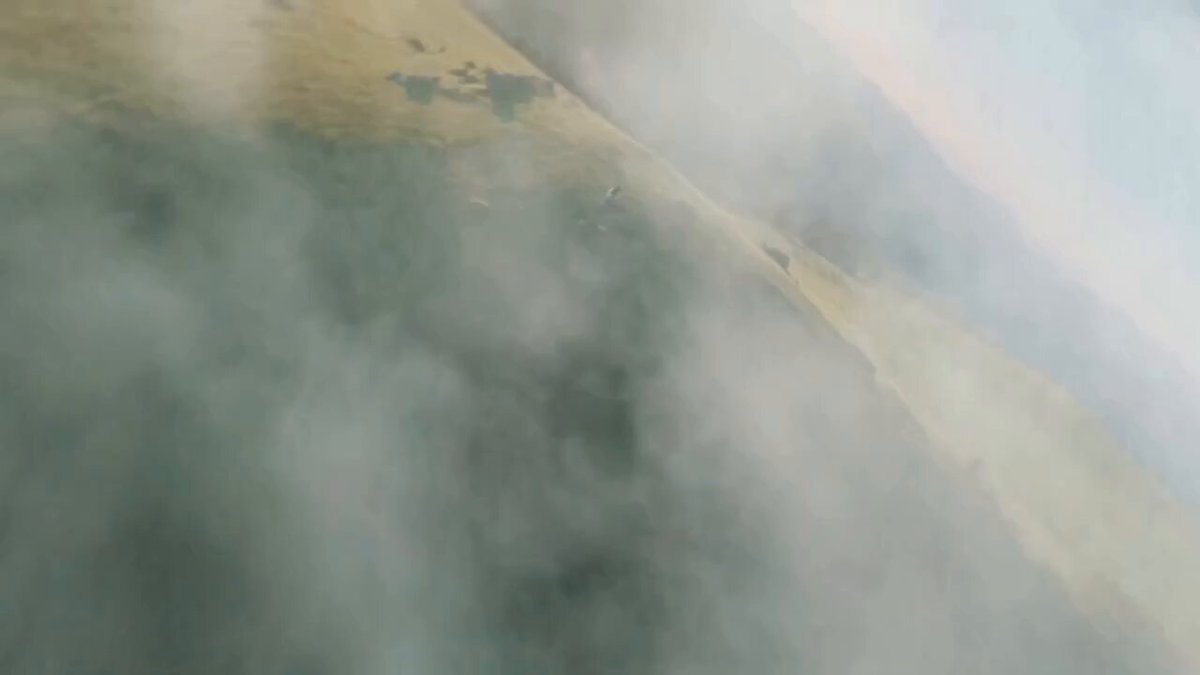
A 10-secondfound-footage style video prompt featuring a colossal organic hand descending on a city skyline, involving high motion and realistic handheld camera effects.
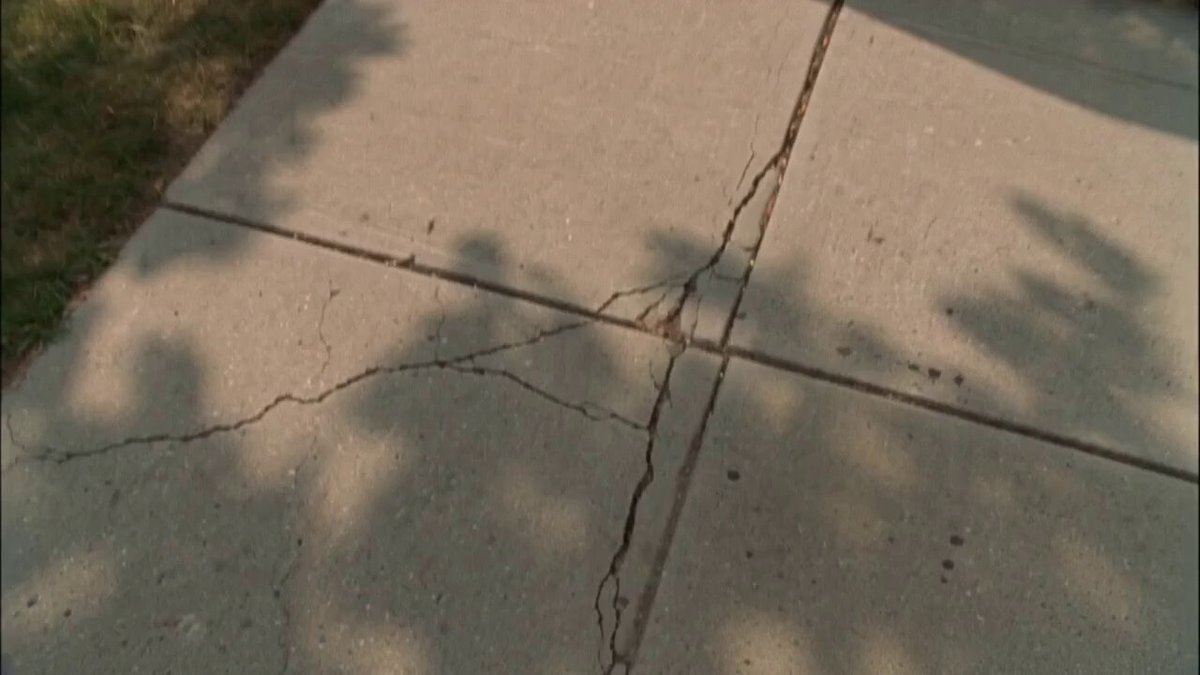
Generate a Video: SCENE 10 — THE LAST RECORDING Attachments: CITY ANOMALY (Environment Reference) MAIN CHARACTER (Character Appearance) Duration: 10 seconds Audio: Heavy breathing. Running footsteps. People screaming. Car alarms. Deep distant rumbling. Concrete collapsing. Wind. No background music. Prompt Source images are only used as visual references. Maintain the colossal anomaly exactly as shown in the reference image. Transform into fully photorealistic live-action footage. Ultra realistic. True live action. Authentic found-footage. Real handheld recording. Grounded cinematic realism. One continuous shot. Natural handheld instability. Strong motion blur during running. Natural autofocus hunting. No cuts. No teleportation. No CGI look. No visual effects. The recording begins in unstable accidental selfie view while the operator continues sprinting through the crowded city. Only part of the operator's terrified face is visible as the camera violently shakes with every step. Heavy breathing dominates the audio. The operator gasps, "No... no... keep going!" The camera suddenly jerks downward as the operator trips and falls hard onto the pavement. The recording tumbles across the ground before coming to rest on its side, pointing upward toward the skyline. The operator scrambles back to their feet and runs out of frame, leaving the camera behind. For a brief moment, only the sky and surrounding skyscrapers are visible. Then the impossibly colossal organic hand, exactly matching the attached reference image, slowly descends through the storm clouds in the distance. The enormous hand slams into the skyline far away, sending a massive shockwave through the city. Buildings disappear behind towering clouds of dust and debris as thick smoke rapidly fills the horizon. Orange firelight flickers deep within the expanding dust cloud while the sky darkens. The camera remains abandoned on the ground, trembling slightly from the distant impact. Dust begins drifting toward the lens. The image becomes increasingly obscured by smoke and airborne debris. The recording abruptly cuts to black, as if the device stopped recording or lost signal at the worst possible moment.
Generate a Video: SCENE 10 — THE LAST RECORDING Attachments: CITY ANOMALY (Environment Reference) MAIN CHARACTER (Character Appearance) Duration: 10 seconds Audio: Heavy breathing. Running footsteps. People screaming. Car alarms. Deep distant rumbling. Concrete collapsing. Wind. No background music. Prompt Source images are only used as visual references. Maintain the colossal anomaly exactly as shown in the reference image. Transform into fully photorealistic live-action footage. Ultra realistic. True live action. Authentic found-footage. Real handheld recording. Grounded cinematic realism. One continuous shot. Natural handheld instability. Strong motion blur during running. Natural autofocus hunting. No cuts. No teleportation. No CGI look. No visual effects. The recording begins in unstable accidental selfie view while the operator continues sprinting through the crowded city. Only part of the operator's terrified face is visible as the camera violently shakes with every step. Heavy breathing dominates the audio. The operator gasps, "No... no... keep going!" The camera suddenly jerks downward as the operator trips and falls hard onto the pavement. The recording tumbles across the ground before coming to rest on its side, pointing upward toward the skyline. The operator scrambles back to their feet and runs out of frame, leaving the camera behind. For a brief moment, only the sky and surrounding skyscrapers are visible. Then the impossibly colossal organic hand, exactly matching the attached reference image, slowly descends through the storm clouds in the distance. The enormous hand slams into the skyline far away, sending a massive shockwave through the city. Buildings disappear behind towering clouds of dust and debris as thick smoke rapidly fills the horizon. Orange firelight flickers deep within the expanding dust cloud while the sky darkens. The camera remains abandoned on the ground, trembling slightly from the distant impact. Dust begins drifting toward the lens. The image becomes increasingly obscured by smoke and airborne debris. The recording abruptly cuts to black, as if the device stopped recording or lost signal at the worst possible moment.
Edit the prompt in the box under the preview — the template's model and format are already selected — and press Generate. Your version appears right on this page.
Yes. You can change the subject, setting, lighting, mood, format, and available model controls before creating your video.
Opening and editing this template is free. Generating uses credits, shown on the Generate button when you are signed in.
Start with Seedance 2.0, which is the model associated with this template. You can compare another compatible model for a different finish.
Follow a topic to a crawlable collection of related PicX Studio templates.