How do I use the Wedding Video Camera Lens Writing template?
Edit the prompt in the box under the preview — the template's model and format are already selected — and press Generate. Your version appears right on this page.
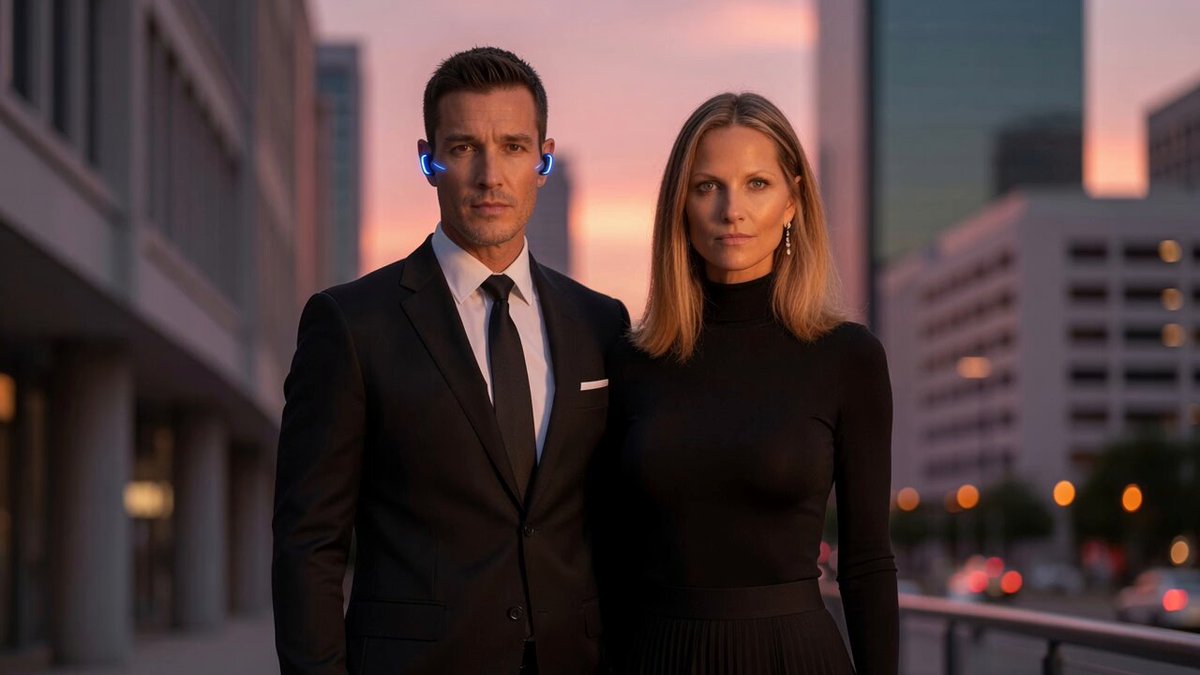
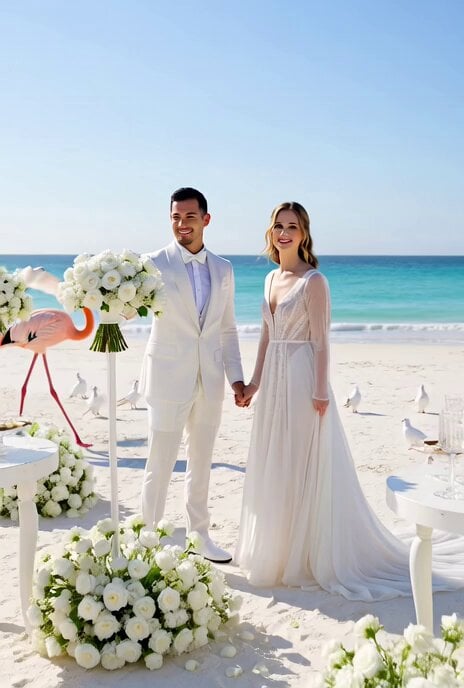
A cinematic video prompt for Grok Imagine to animate a wedding scene where the groom writes on the lens and smiles, using an image as a fixed end frame.
Use the attached image as the end frame and make a video of 6-seconds. The groom finishes writing “Happy Wedding” of “g” on the camera lens, then looks directly into the camera and smiles gently. The bride stays in the same position, smiling while softly swaying her dress. The camera remains completely locked off, with no pan, tilt, zoom, or camera movement. Do not animate or move the white text or illustrations. Fully preserve the art style of the attached image. Do not add, remove, or alter any elements from the attached image.
Use the attached image as the end frame and make a video of 6-seconds. The groom finishes writing “Happy Wedding” of “g” on the camera lens, then looks directly into the camera and smiles gently. The bride stays in the same position, smiling while softly swaying her dress. The camera remains completely locked off, with no pan, tilt, zoom, or camera movement. Do not animate or move the white text or illustrations. Fully preserve the art style of the attached image. Do not add, remove, or alter any elements from the attached image.
Edit the prompt in the box under the preview — the template's model and format are already selected — and press Generate. Your version appears right on this page.
Yes. You can change the subject, setting, lighting, mood, format, and available model controls before creating your video.
Opening and editing this template is free. Generating uses credits, shown on the Generate button when you are signed in.
Start with Grok Imagine, which is the model associated with this template. You can compare another compatible model for a different finish.
Follow a topic to a crawlable collection of related PicX Studio templates.