How do I use the Rural Chinese Village Memory Documentary template?
Edit the prompt in the box under the preview — the template's model and format are already selected — and press Generate. Your version appears right on this page.
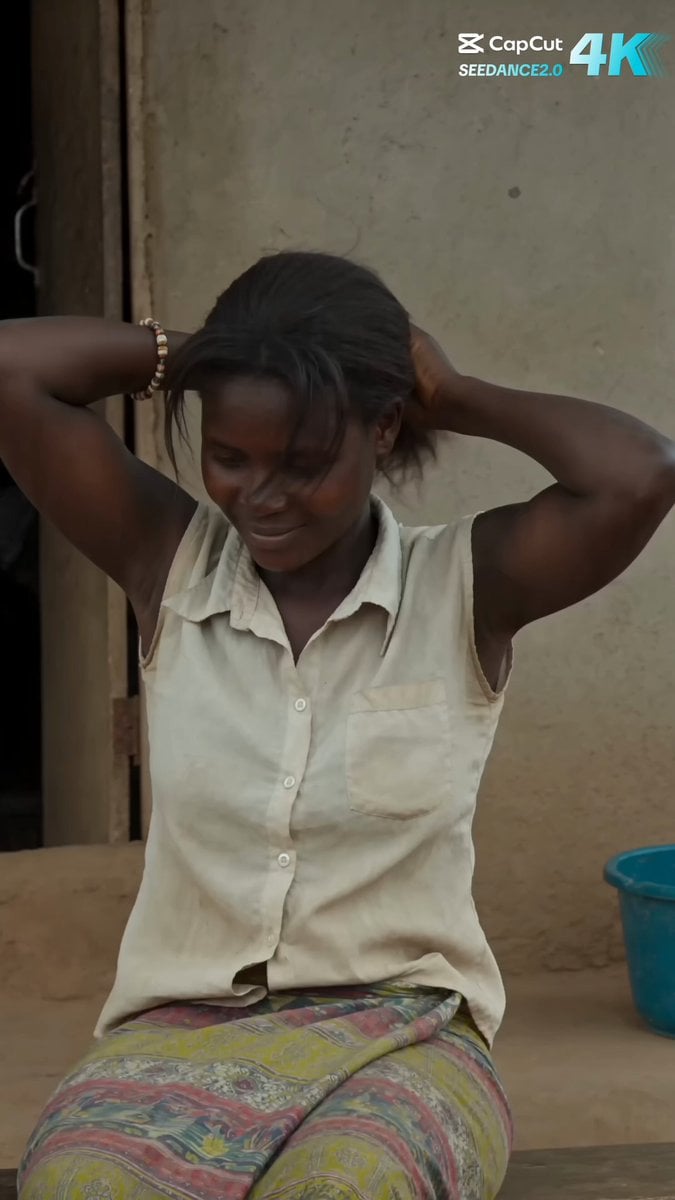
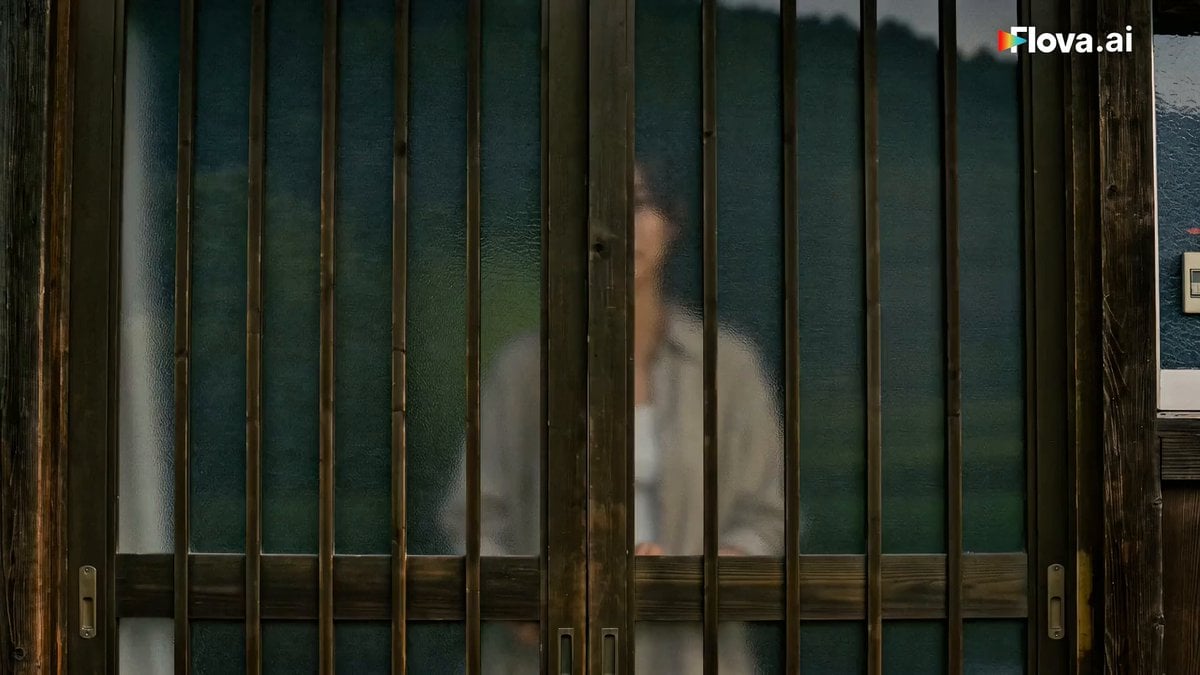
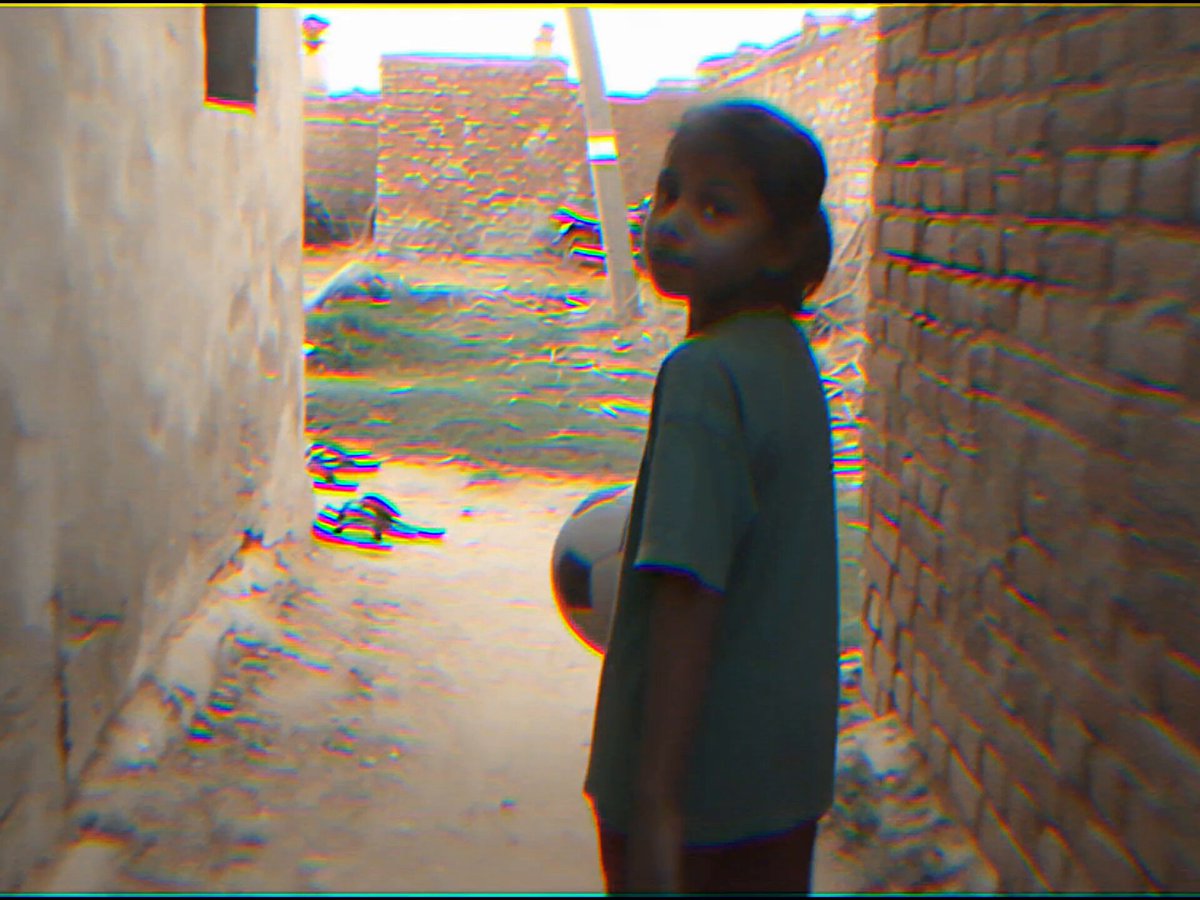
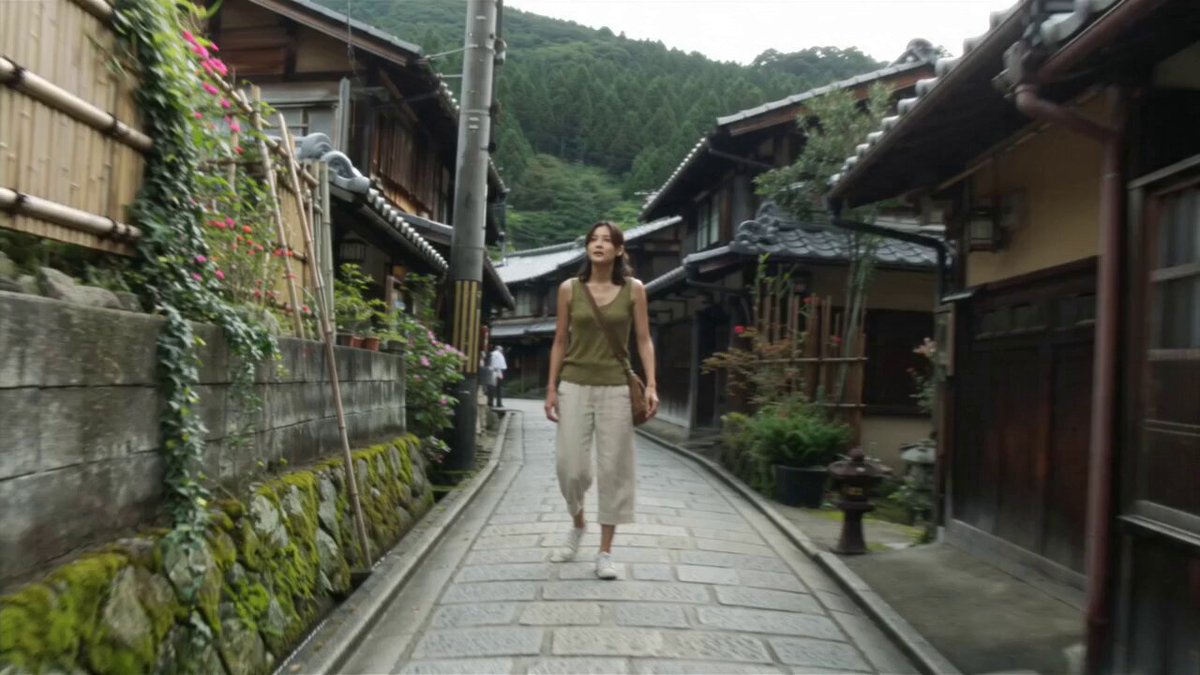
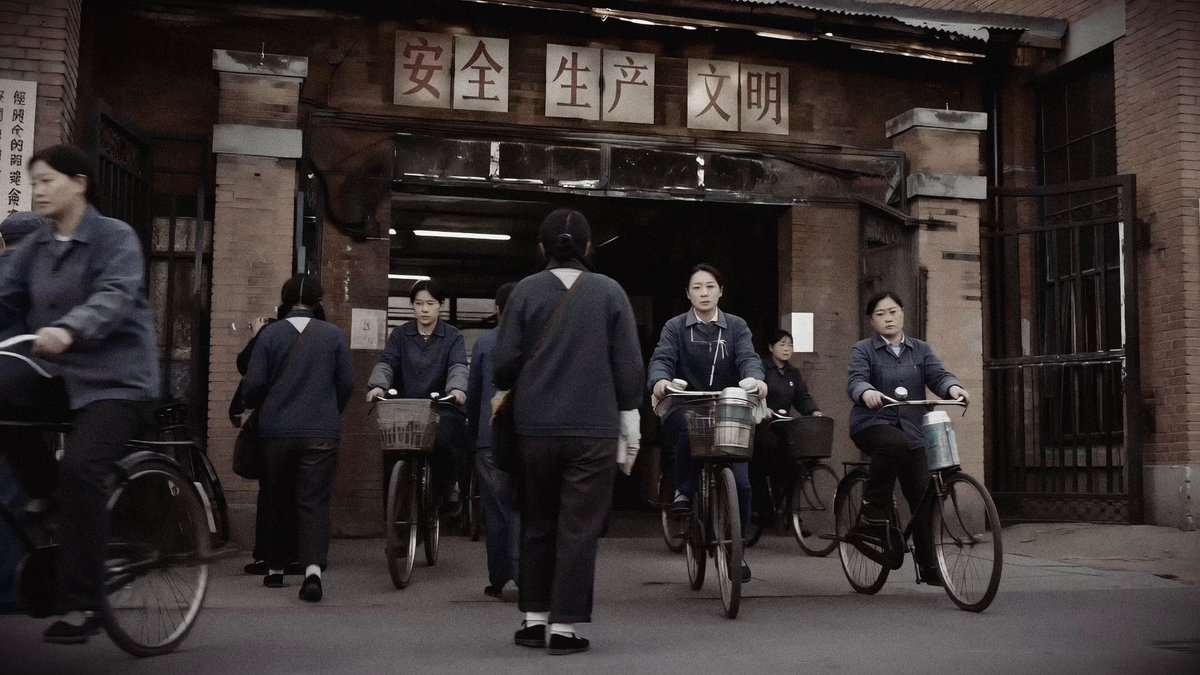
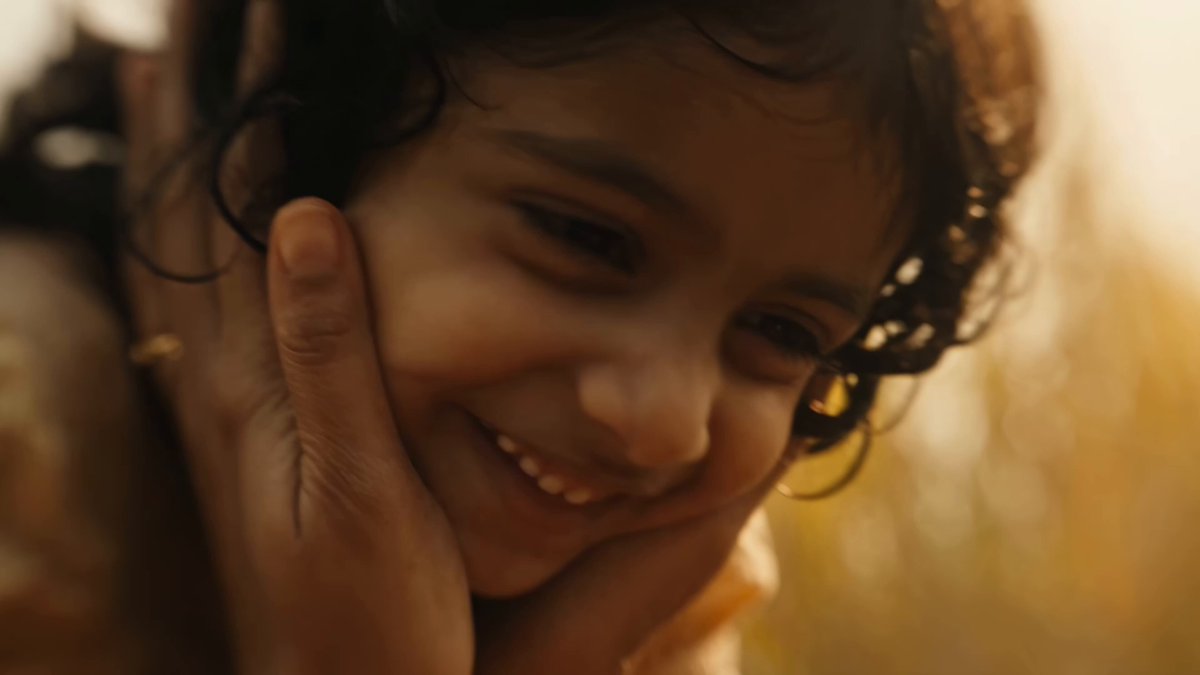
A multi-stage video prompt for Seedance 2.0 designed to simulate a realistic memory of visiting a grandmother in a Chinese village, using a 2008-2012 consumer digital camera aesthetic.
Main Subject Young Chinese woman, early 20s. Natural appearance. Black hair loosely tied back with soft bangs and a few loose strands moving in the breeze. Minimal makeup. Faded cream sleeveless top. Loose light-blue jeans. Worn canvas sneakers. Consistent identity throughout. Location Authentic rural Chinese village on a warm summer afternoon. Whitewashed walls. Grey tiled roofs. Vegetable garden. Stone pathways. Bamboo baskets. Clay pots. Citrus trees. Laundry hanging outside. Wooden courtyard gate. Quiet countryside atmosphere. No commercial elements. Visual Style Ultra-realistic memory-like documentary footage. Feels like a family member casually recording moments during a visit. Sharp facial detail. Natural skin texture. Realistic lighting. Authentic environmental motion. High-quality image. No cinematic color grading. No exaggerated vintage effects. No obvious AI look. The footage should feel genuinely recorded rather than generated. Camera Treatment Consumer digital camera from approximately 2008–2012. Handheld but mostly stable. Natural human movement while filming. Occasional framing imperfections. Minor focus breathing. Subtle exposure adaptation when moving between sunlight and shade. No excessive shake. No heavy blur. No strong digital noise. No aggressive autofocus hunting. The camera supports the memory rather than drawing attention to itself. 00:00–00:02 The camera follows her entering through a wooden courtyard gate. She notices her grandmother watering vegetables and immediately smiles. The camera lingers naturally as she walks toward her. 00:02–00:04 Grandmother is watering a small vegetable patch. The young woman gently takes the watering can and helps. Both laugh naturally. A light breeze moves nearby plants. 00:04–00:06 Grandmother points toward something growing among the vegetables. The young woman crouches beside her to look. Sunlight filters through leaves overhead. Small authentic gestures and eye contact. 00:06–00:08 In the courtyard. Grandmother hands her a fresh orange segment. She tastes it and smiles. The camera quietly observes the moment without interruption. 00:08–00:10 They fold laundry together beside a clothesline. Fabric moves gently in the summer breeze. Conversation continues naturally. No posing. 00:10–00:12 Sitting together on small stools beneath shade. Grandmother says something amusing. The young woman laughs and leans slightly toward her. The moment feels completely unplanned. 00:12–00:15 Leaving through the courtyard gate carrying a small bag of fruit. Halfway down the path she turns around. Her grandmother is still standing there watching. They exchange one final wave. The camera remains still for a moment after she turns away. Recording ends naturally. Audio Birds. Distant village ambience. Wind through trees. Laundry fluttering. Footsteps on stone. Quiet conversation. Occasional chi
Main Subject Young Chinese woman, early 20s. Natural appearance. Black hair loosely tied back with soft bangs and a few loose strands moving in the breeze. Minimal makeup. Faded cream sleeveless top. Loose light-blue jeans. Worn canvas sneakers. Consistent identity throughout. Location Authentic rural Chinese village on a warm summer afternoon. Whitewashed walls. Grey tiled roofs. Vegetable garden. Stone pathways. Bamboo baskets. Clay pots. Citrus trees. Laundry hanging outside. Wooden courtyard gate. Quiet countryside atmosphere. No commercial elements. Visual Style Ultra-realistic memory-like documentary footage. Feels like a family member casually recording moments during a visit. Sharp facial detail. Natural skin texture. Realistic lighting. Authentic environmental motion. High-quality image. No cinematic color grading. No exaggerated vintage effects. No obvious AI look. The footage should feel genuinely recorded rather than generated. Camera Treatment Consumer digital camera from approximately 2008–2012. Handheld but mostly stable. Natural human movement while filming. Occasional framing imperfections. Minor focus breathing. Subtle exposure adaptation when moving between sunlight and shade. No excessive shake. No heavy blur. No strong digital noise. No aggressive autofocus hunting. The camera supports the memory rather than drawing attention to itself. 00:00–00:02 The camera follows her entering through a wooden courtyard gate. She notices her grandmother watering vegetables and immediately smiles. The camera lingers naturally as she walks toward her. 00:02–00:04 Grandmother is watering a small vegetable patch. The young woman gently takes the watering can and helps. Both laugh naturally. A light breeze moves nearby plants. 00:04–00:06 Grandmother points toward something growing among the vegetables. The young woman crouches beside her to look. Sunlight filters through leaves overhead. Small authentic gestures and eye contact. 00:06–00:08 In the courtyard. Grandmother hands her a fresh orange segment. She tastes it and smiles. The camera quietly observes the moment without interruption. 00:08–00:10 They fold laundry together beside a clothesline. Fabric moves gently in the summer breeze. Conversation continues naturally. No posing. 00:10–00:12 Sitting together on small stools beneath shade. Grandmother says something amusing. The young woman laughs and leans slightly toward her. The moment feels completely unplanned. 00:12–00:15 Leaving through the courtyard gate carrying a small bag of fruit. Halfway down the path she turns around. Her grandmother is still standing there watching. They exchange one final wave. The camera remains still for a moment after she turns away. Recording ends naturally. Audio Birds. Distant village ambience. Wind through trees. Laundry fluttering. Footsteps on stone. Quiet conversation. Occasional chi
Edit the prompt in the box under the preview — the template's model and format are already selected — and press Generate. Your version appears right on this page.
Yes. You can change the subject, setting, lighting, mood, format, and available model controls before creating your video.
Opening and editing this template is free. Generating uses credits, shown on the Generate button when you are signed in.
Start with Seedance 2.0, which is the model associated with this template. You can compare another compatible model for a different finish.
Follow a topic to a crawlable collection of related PicX Studio templates.