
Chibi Character in Realistic Bedroom
A cinematic sequence featuring a stylized 3D chibi character in a highly detailed, realistic modern bedroom with natural lighting.
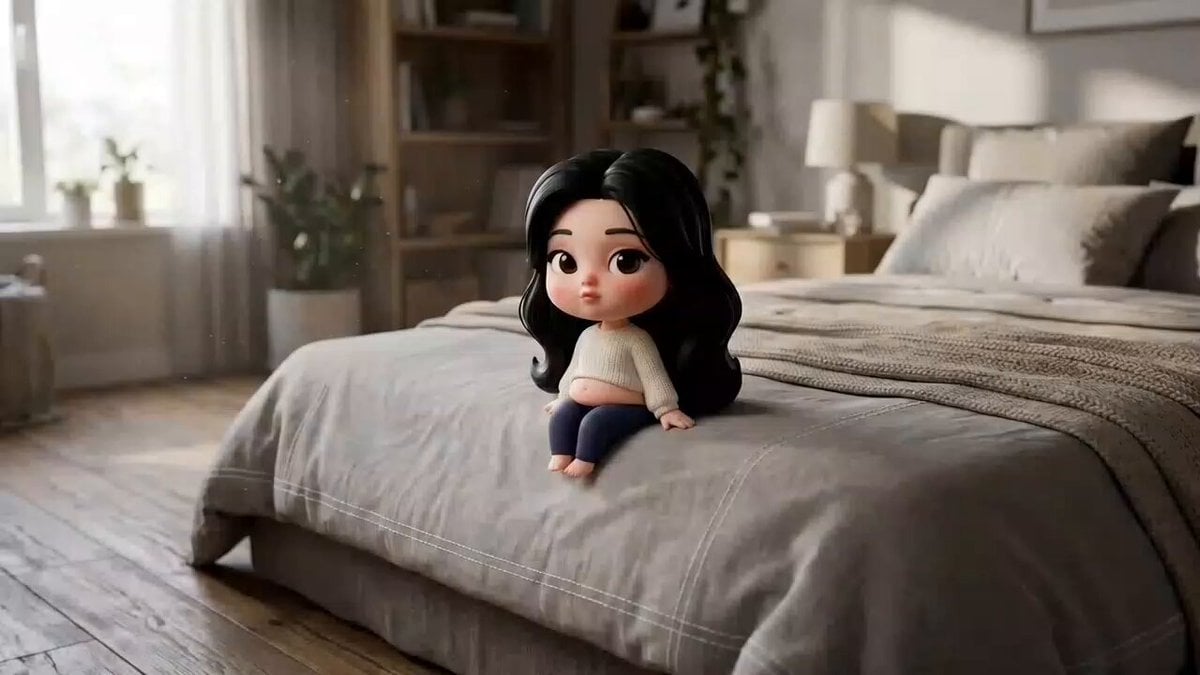
- Prompt included
- Model and format preset
- Free template
The prompt behind this video
Copy the exact prompt behind Chibi Character in Realistic Bedroom, or open it in the studio and make it yours.
Create a short cinematic sequence in a 'highly realistic modern bedroom environment' with natural soft daylight, detailed textures (wood, fabric, soft bedding), and subtle atmospheric dust particles in sun rays. The scene should feel photorealistic and grounded in reality, with no cartoon environment. A tiny stylized '3D chibi female character' exists within this real-world space. She has a soft rounded toddler-like body, fair skin with warm rosy undertones, large expressive dark brown eyes with thick eyelashes, round apple cheeks with pink blush, small pouty lips, and thin arched eyebrows. Her long voluminous jet-black hair is center-parted and softly wavy.
How to use Chibi Character in Realistic Bedroom in 3 steps
- 1
Open
The prompt is already in the box next to the preview, with the template's model and format selected.
- 2…a portrait of your subject in softgolden-hour light, 85mm…
Personalize
Edit the subject and creative details for your destination.
- 3Generate
Generate
Press Generate — your video is created in PicX Studio, so you can compare it with the original and refine one variable at a time.
More like this
Templates with the same subject, style or setup. Open one to see its prompt.
Luxury House Tour — 15 Shots in 15 Seconds (Seedance)
Dim Sum Chase — Shrimp Dumpling Monster
Chibi Cave Adventure — He Doesn't Know What's Coming
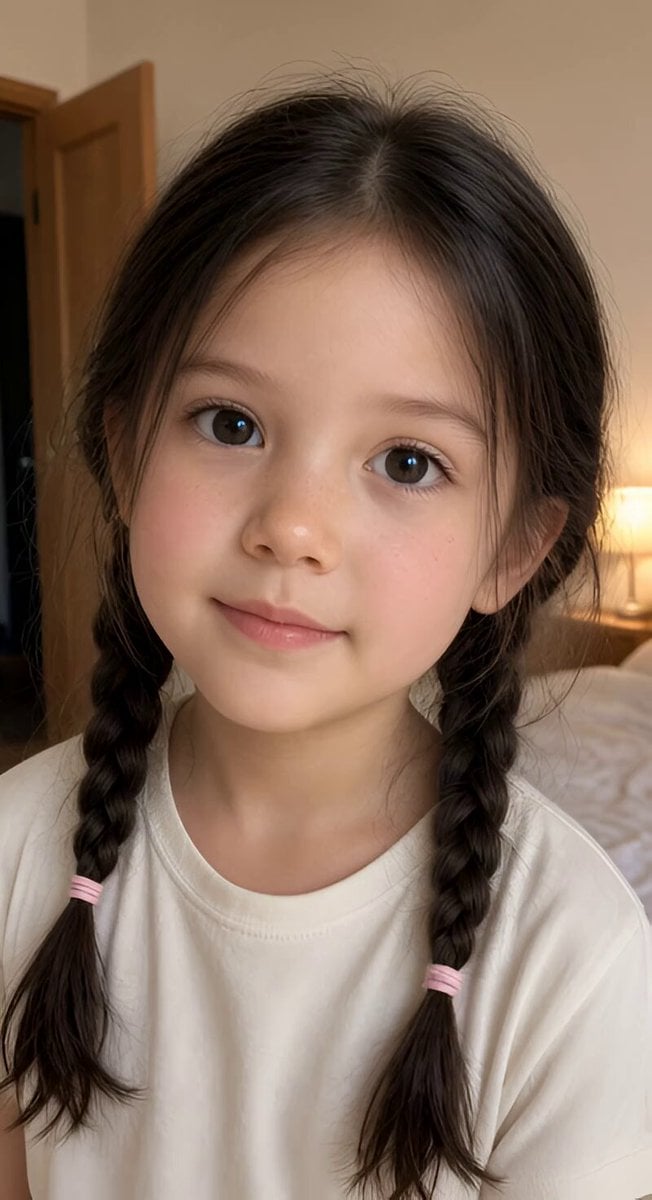
Realistic Braided Girl Bedroom Selfie Video
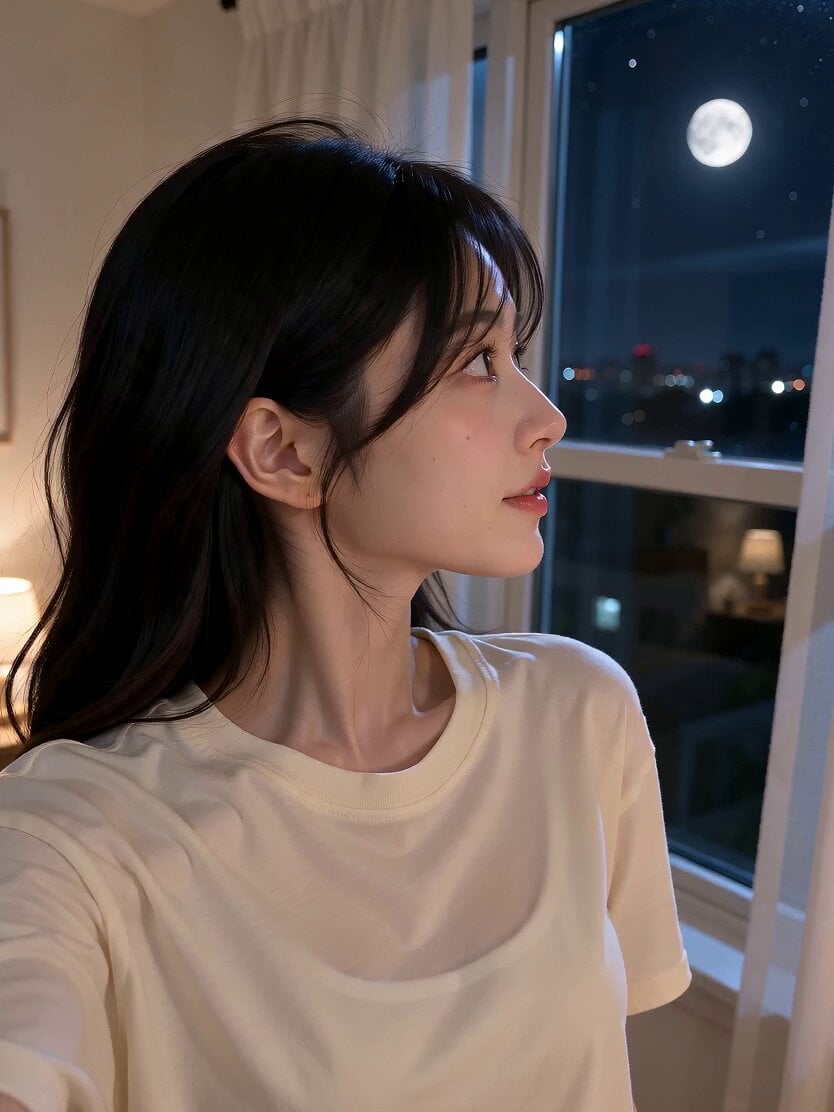
Romantic Bedroom Selfie Vlog
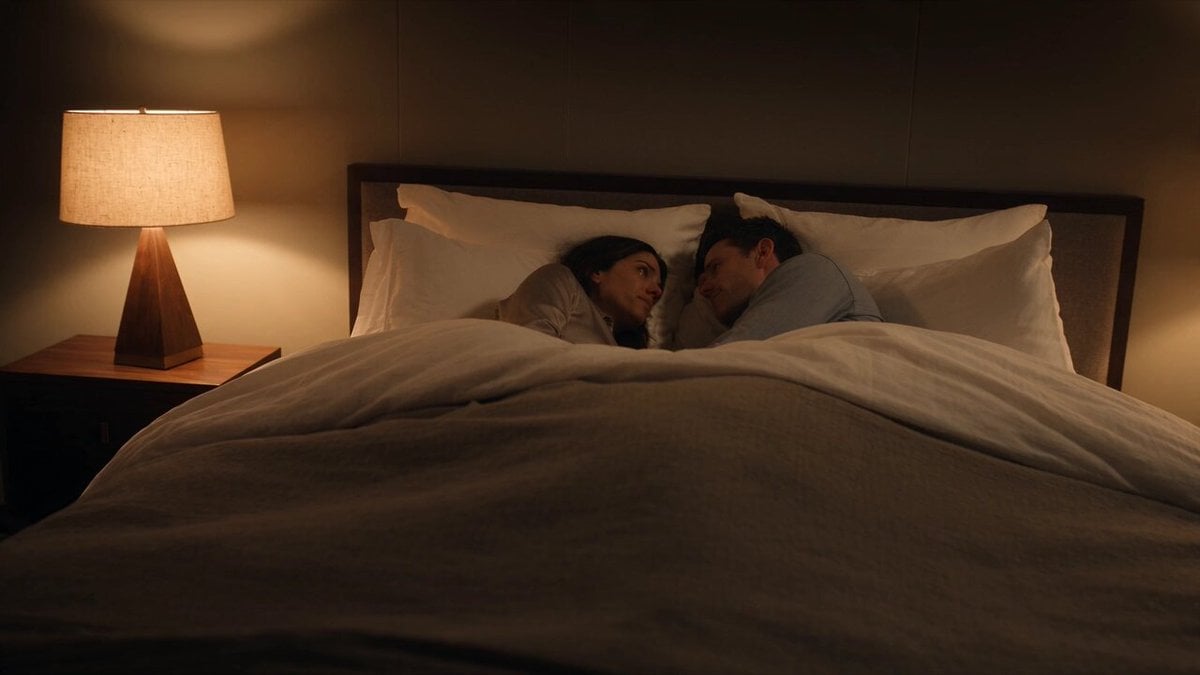
Emotional Bedroom Dialogue Scene
Deadpan Alien Bedroom Comedy
Hidden Cam Bedroom Dance

Korean Beauty Bedroom Vlog Selfie
Bright Airy Bedroom Interior

Dim Bedroom Cinematic Push-in Prompt

Futuristic Anti-Gravity Bedroom Scene
Make it yours
Chibi Character in Realistic Bedroom works as-is. These are the safest ways to change it without losing the look.
Change one field
Copy a single group, rewrite it, and generate again so you can see what that field is doing.
Keep the frame, change the subject
Hold the composition and light of Chibi Character in Realistic Bedroom, then swap wardrobe, props or the person for a new take.
| If the result… | Why | Fix |
|---|---|---|
| The result drifts from the preview | Too many fields changed at once. | Reuse Chibi Character in Realistic Bedroom as-is first, then change one group — subject, light, or setting. |
| The model over-stylizes the scene | The prose prompt leaves finish and camera underspecified. | Add one camera or lighting sentence and stay on Seedance 2.0. |
More Seedance 2.0 templates
Other prompts made for Seedance 2.0.

Comical Martial Arts Punch Scene

Maglev Train Action Sequence

Martial Arts Fight Sequence

Wuxia Protection and Trust Script

Vintage Korean Arcade MiniDV Vlog

Mercedes 190 SL Luxury Ad

Rainy Night Supernatural Reverse Comedy Video Script

Amazon Civilization Discovery

Futuristic South Asian City Transformation

Cozy Luxury Cafe Commercial
More video prompts
Fresh picks from across the catalog.
Tesla Diner Astronauts Video Prompt

Golden Hour Golf Course Comedy

Makoto Shinkai Inspired Anime Journey
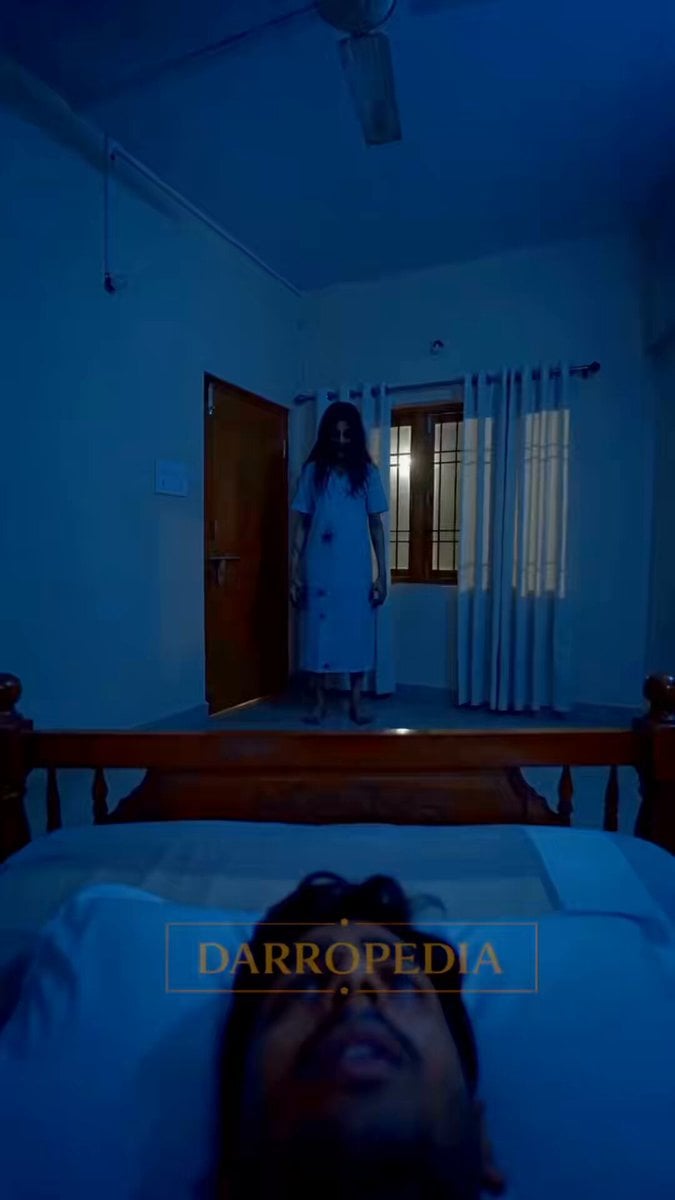
Sleep Paralysis Witch Horror Sequence

Astronaut to Apartment Match Cut Transition
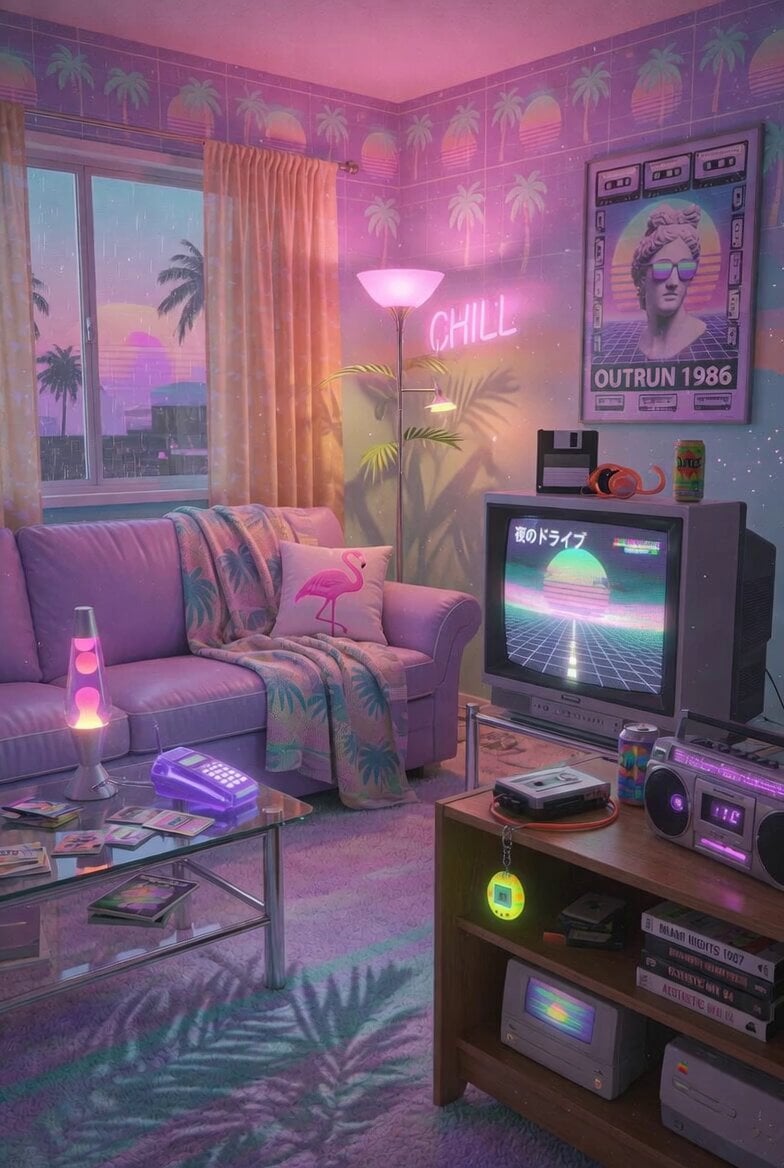
Vaporwave Retro Tech Living Room

Cinematic Dragon Fantasy Reel

Fantasy Crystal Cave Adventure

Cinematic Anime Night City Rooftop

Hyper-Realistic Stadium Fan Video
Browse template categories
Chibi Character in Realistic Bedroom questions
How do I use the Chibi Character in Realistic Bedroom template?
Add your photo if the template asks for one, edit the prompt if you like — the template's model and format are already selected — and press Generate. Your version opens in PicX Studio.
Can I customize the Chibi Character in Realistic Bedroom template?
Yes. You can change the subject, setting, lighting, mood, format, and available model controls before creating your video.
Is the Chibi Character in Realistic Bedroom template free?
Opening and editing this template is free. Generating uses credits, shown on the Generate button when you are signed in.
Which AI model should I use?
Start with Seedance 2.0, which is the model associated with this template. You can compare another compatible model for a different finish.
Looking for something else? Browse all templates.

Your photo, any look
Thousands of ready templates for every top image and video model, from one credit balance.