
Korean Beauty Bedroom Vlog Selfie
A multi-shot vertical video sequence designed as a natural handheld smartphone vlog featuring a woman in a cozy bedroom setting.
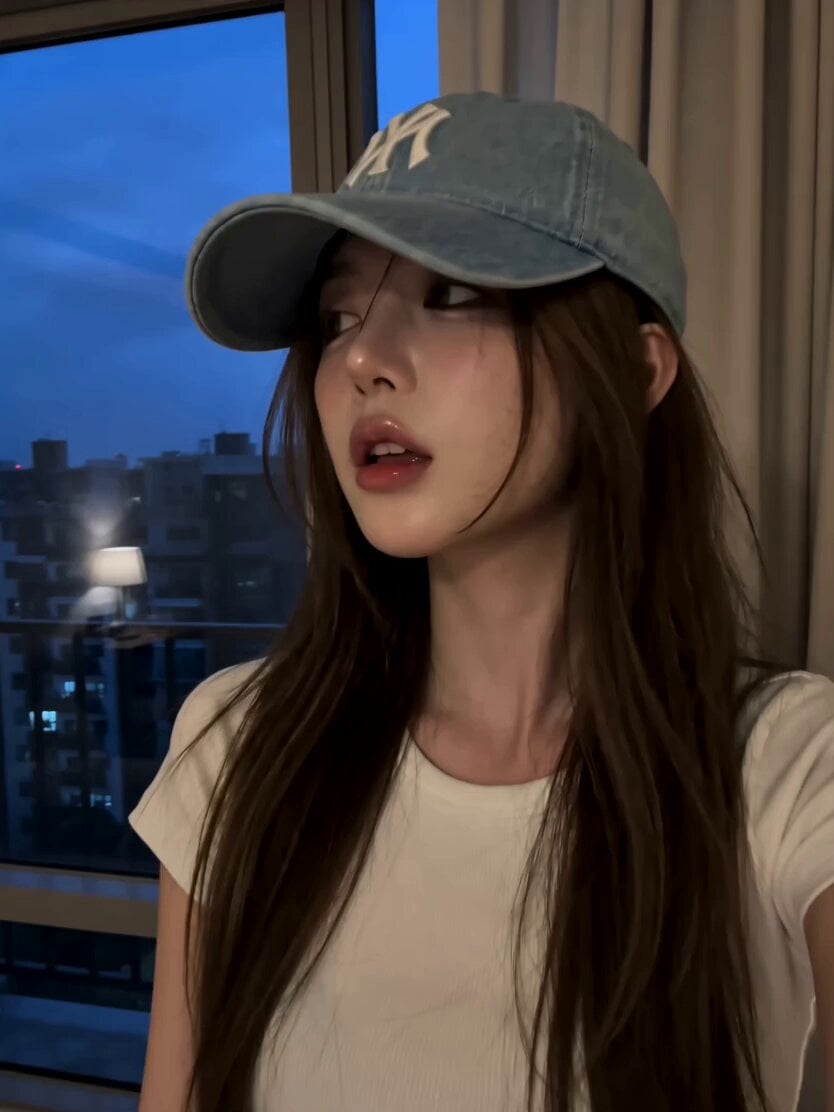
- Prompt included
- Model and format preset
- Free template
The prompt behind this video
Copy the exact prompt behind Korean Beauty Bedroom Vlog Selfie, or open it in the studio and make it yours.
Ultra-realistic cinematic vertical video, 10 seconds. A beautiful young Korean woman spends a peaceful evening in her cozy bedroom, wearing the same oversized cream-white T-shirt. Soft warm lamp light mixes with cool moonlight coming through the window, creating a calm late-night atmosphere. The video is filmed entirely as natural handheld smartphone selfies, like a personal vlog. Shot 1 (0–2s): Close front selfie. She looks out the window for a moment, then turns toward the camera with a gentle smile and softly tucks a strand of hair behind her ear. Shot 2 (2–4s): Slightly high-angle selfie. She sits on the bed hugging a fluffy pillow, tilts her head playfully, then smiles with a natural blink while the phone gently shakes. Shot 3 (4–6s): Mirror selfie. She slowly walks toward a full-length mirror, briefly looks at her reflection, then smiles at the phone with relaxed confidence. Warm fairy lights softly glow in the background. Shot 4 (6–8s): Side-profile selfie near the bedside table. She picks up a small photo frame, smiles nostalgically, then looks back into the camera with a subtle laugh. Her hair sways naturally as she moves. Shot 5 (8–10s): Front close-up selfie. She leans comfortably against the headboard, gives a tiny finger-heart toward the camera, then finishes with a warm smile while the camera slowly pulls away, revealing the cozy bedroom ambiance. Style: Ultra-photorealistic, realistic Korean beauty, authentic smartphone handheld movement, natural blinking, subtle breathing, lifelike hair simulation, soft warm lamp lighting with gentle moonlight, cinematic shallow depth of field, premium film color grading, 24 fps, 8K, intimate cozy Korean bedroom aesthetic.
How to use Korean Beauty Bedroom Vlog Selfie in 3 steps
- 1
Open
The prompt is already in the box next to the preview, with the template's model and format selected.
- 2…a portrait of your subject in softgolden-hour light, 85mm…
Personalize
Edit the subject and creative details for your destination.
- 3Generate
Generate
Press Generate — your video is created in PicX Studio, so you can compare it with the original and refine one variable at a time.
More like this
Templates with the same subject, style or setup. Open one to see its prompt.
Kyoto Morning Selfie Vlog
Sunny Morning Laundry Vlog
Romantic Bedroom Selfie Vlog
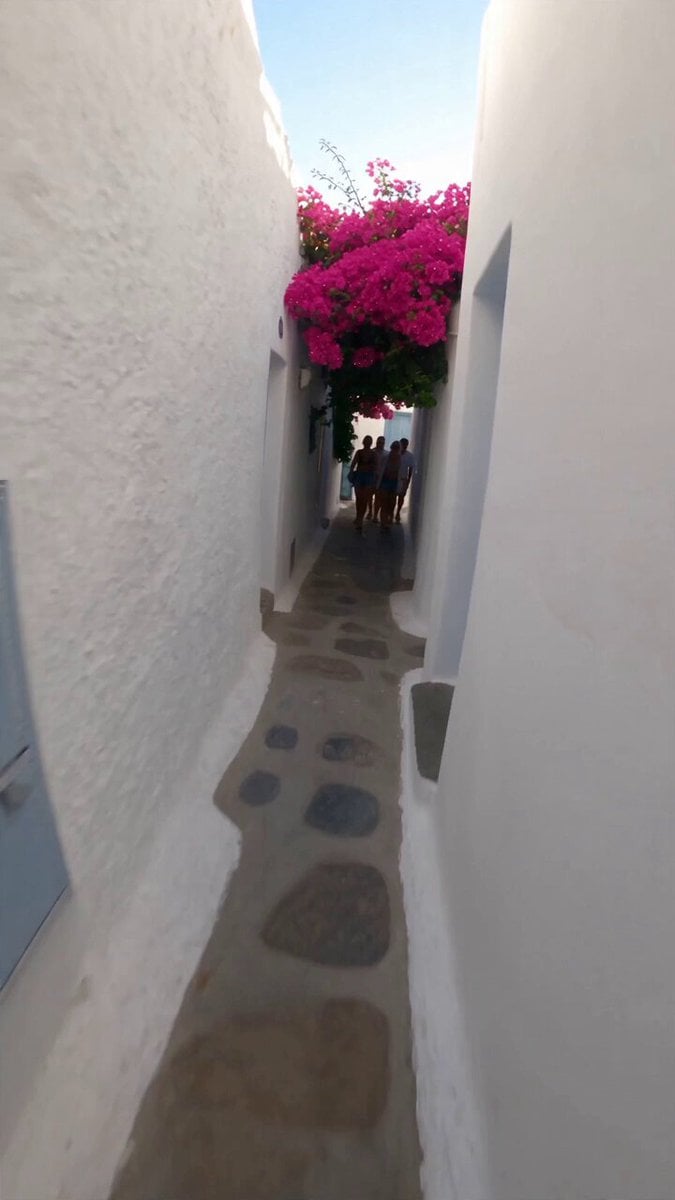
Selfie Travel Vlog Mykonos
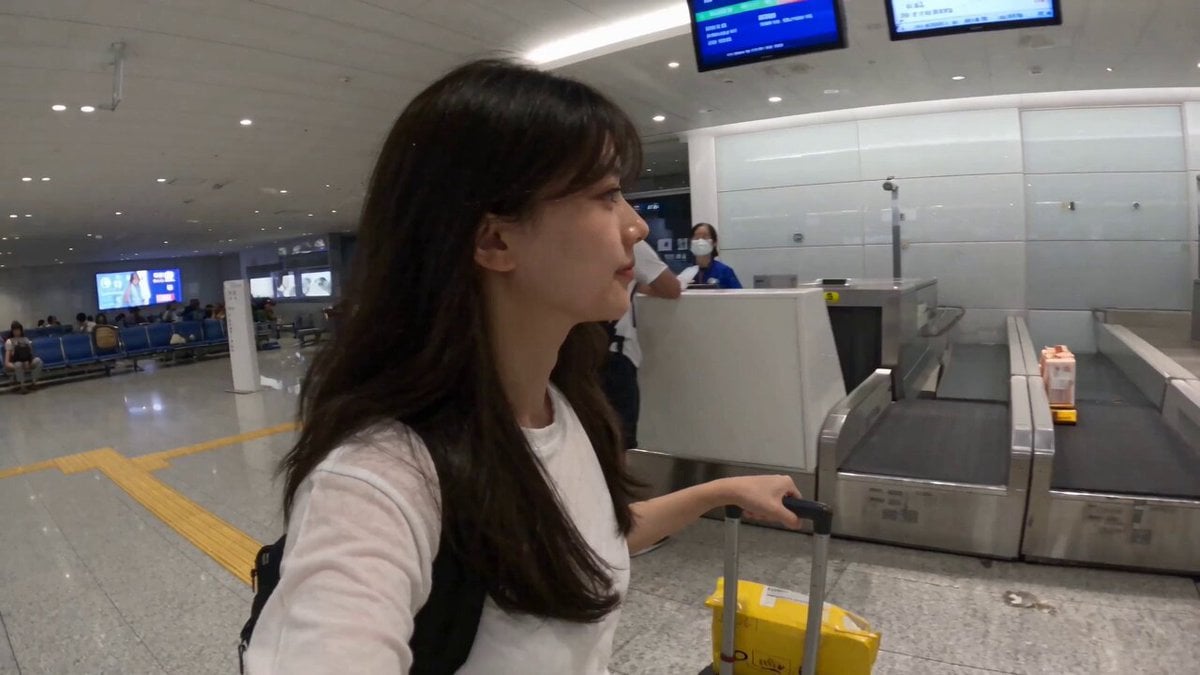
Smartphone Travel Vlog Tokyo Trip Identity Preserved
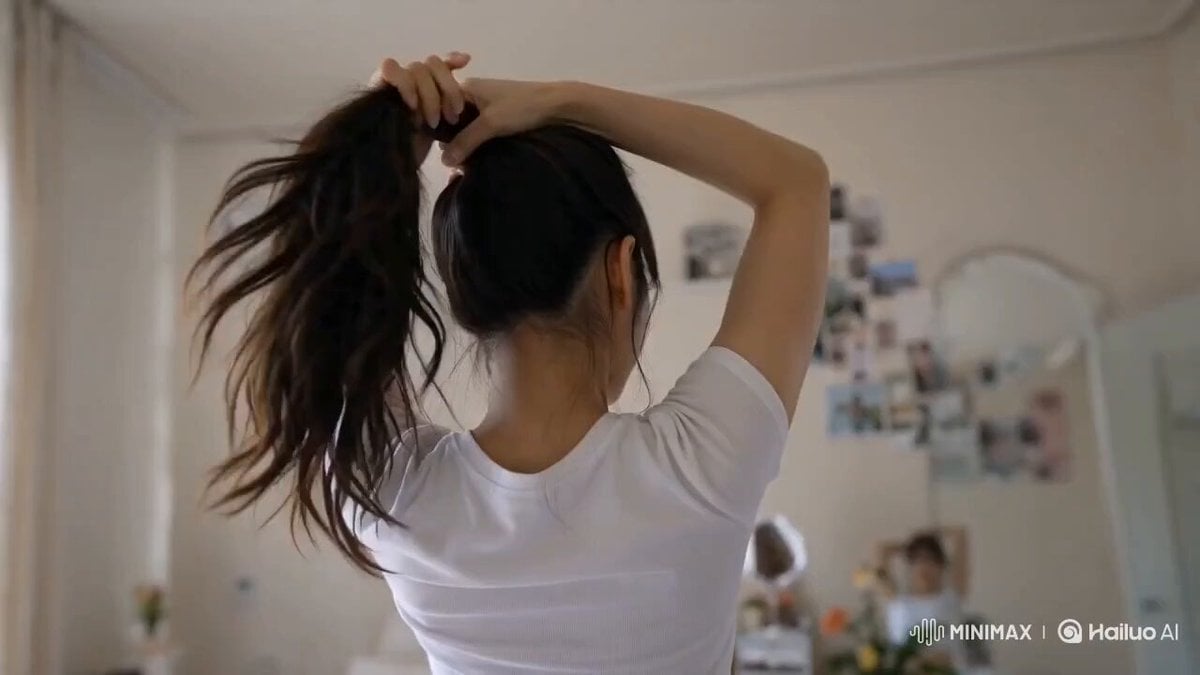
Korean Lifestyle Vlog Selfie Mode

Beauty Advent Calendar Unboxing Vlog
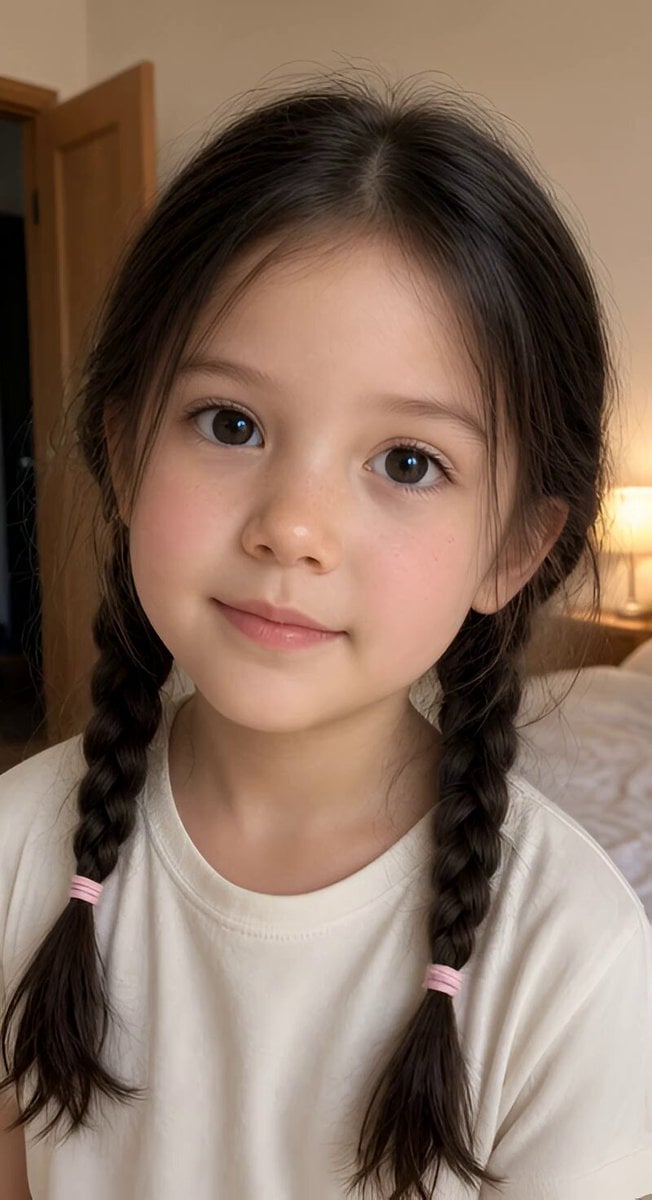
Realistic Braided Girl Bedroom Selfie Video
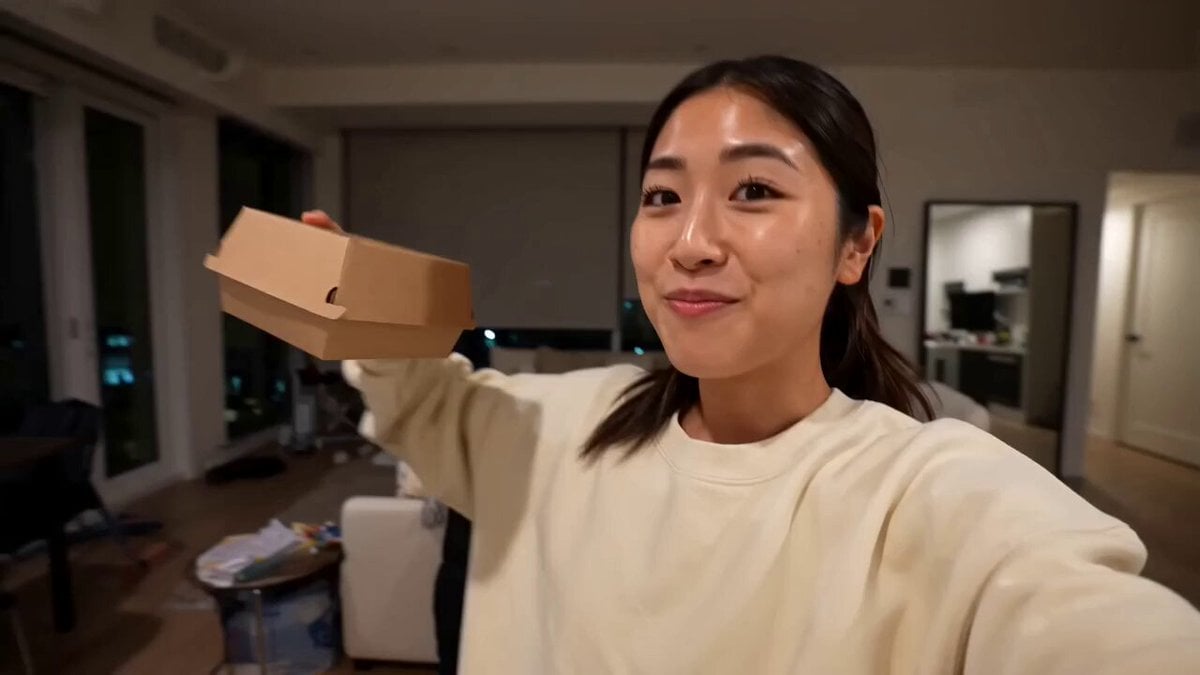
Gourmet Burger Vlog Selfie Style

Vintage Korean Arcade MiniDV Vlog

Thrift Store Vlog Selfie
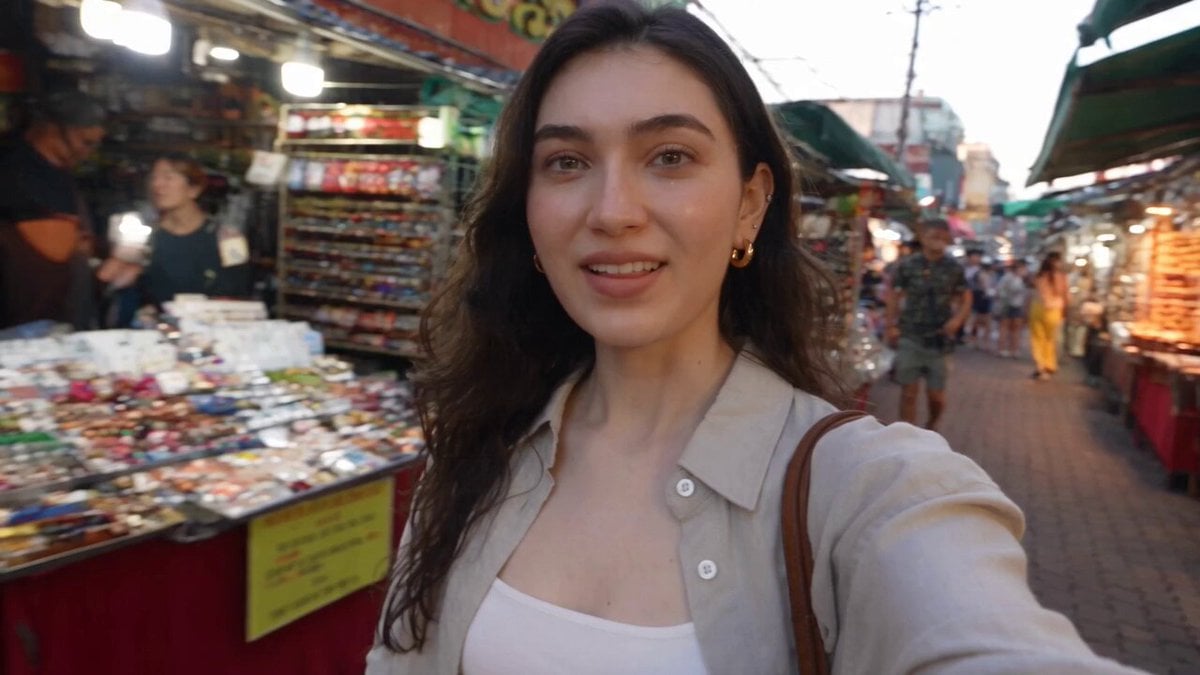
Smartphone Selfie Vlog Market Tour
Make it yours
Korean Beauty Bedroom Vlog Selfie works as-is. These are the safest ways to change it without losing the look.
Change one field
Copy a single group, rewrite it, and generate again so you can see what that field is doing.
Keep the frame, change the subject
Hold the composition and light of Korean Beauty Bedroom Vlog Selfie, then swap wardrobe, props or the person for a new take.
| If the result… | Why | Fix |
|---|---|---|
| The result drifts from the preview | Too many fields changed at once. | Reuse Korean Beauty Bedroom Vlog Selfie as-is first, then change one group — subject, light, or setting. |
| The model over-stylizes the scene | The prose prompt leaves finish and camera underspecified. | Add one camera or lighting sentence and stay on Seedance 2.0. |
More Seedance 2.0 templates
Other prompts made for Seedance 2.0.

Comical Martial Arts Punch Scene

Maglev Train Action Sequence

Martial Arts Fight Sequence

Wuxia Protection and Trust Script

Mercedes 190 SL Luxury Ad

Rainy Night Supernatural Reverse Comedy Video Script

Amazon Civilization Discovery

Futuristic South Asian City Transformation

Cozy Luxury Cafe Commercial

Cyber Ronin Nanotech Transformation Video
More video prompts
Fresh picks from across the catalog.

Anime Parody Running with Bread Scene Prompt
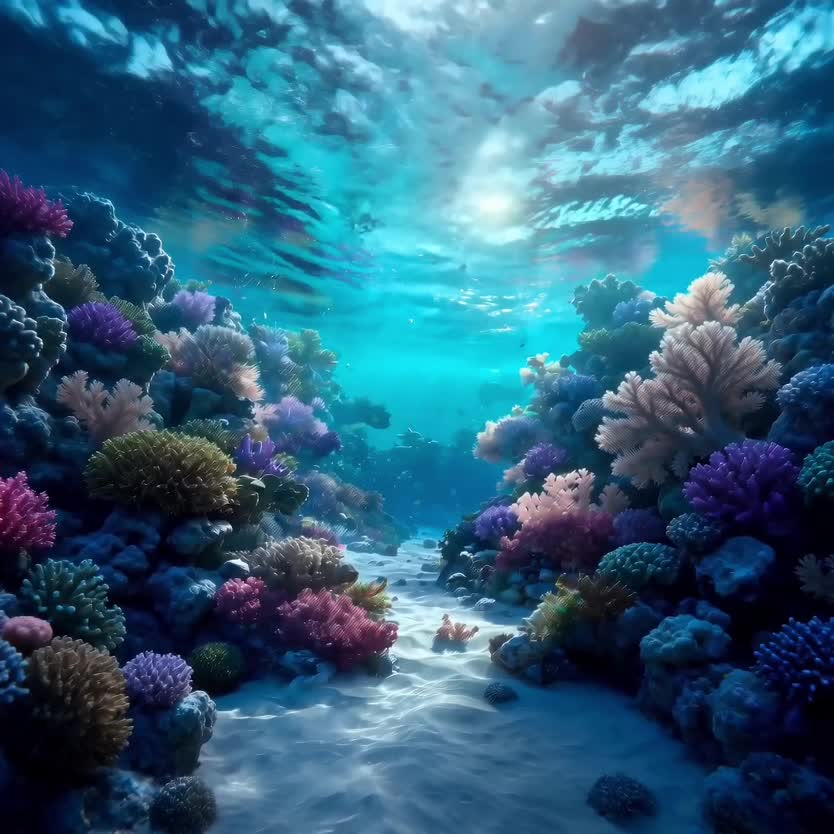
Deep-Sea Coral Reef Jellyfish Scene

Dreaming of Divinity Animation

Cinematic Cosmos Zoom In
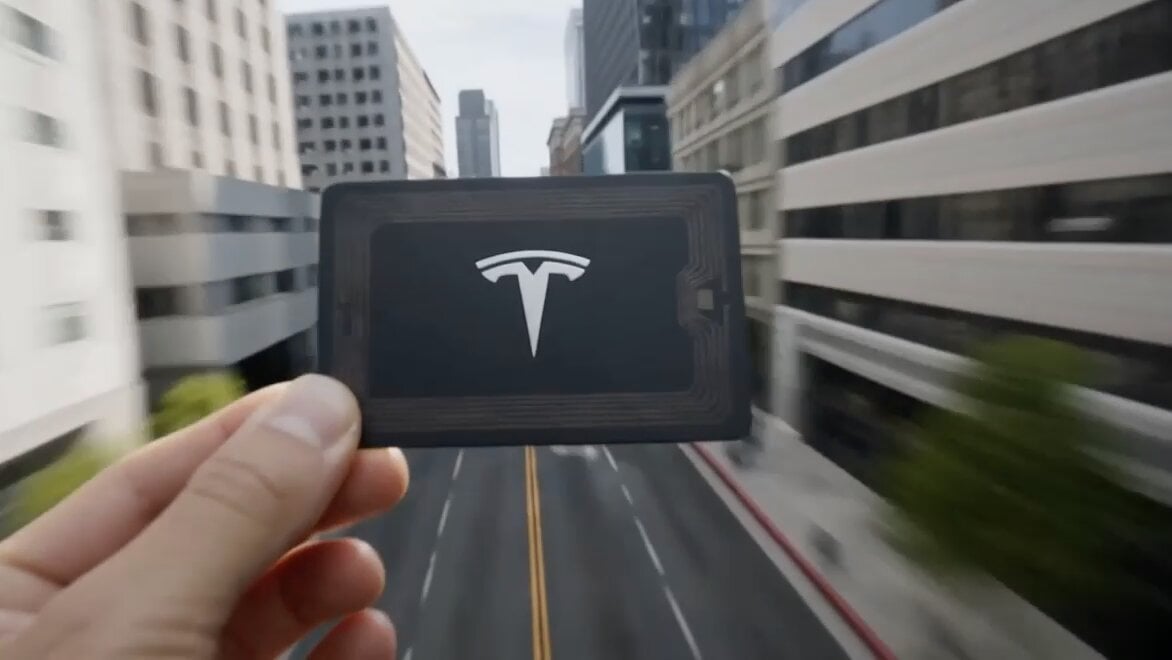
Cinematic CG Ad POV Video Prompt

Ray Traced Rain Scene with Character and Dragon Emergence

Dark Fantasy Queen Monster Transformation
Narrative Horse Ride

Dancing Puppies in Hoodies

Cinematic Biker Sequence
Browse template categories
Korean Beauty Bedroom Vlog Selfie questions
How do I use the Korean Beauty Bedroom Vlog Selfie template?
Add your photo if the template asks for one, edit the prompt if you like — the template's model and format are already selected — and press Generate. Your version opens in PicX Studio.
Can I customize the Korean Beauty Bedroom Vlog Selfie template?
Yes. You can change the subject, setting, lighting, mood, format, and available model controls before creating your video.
Is the Korean Beauty Bedroom Vlog Selfie template free?
Opening and editing this template is free. Generating uses credits, shown on the Generate button when you are signed in.
Which AI model should I use?
Start with Seedance 2.0, which is the model associated with this template. You can compare another compatible model for a different finish.
Looking for something else? Browse all templates.

Your photo, any look
Thousands of ready templates for every top image and video model, from one credit balance.