How do I use the Ray Traced Rain Scene with Character and Dragon Emergence template?
Edit the prompt in the box under the preview — the template's model and format are already selected — and press Generate. Your version appears right on this page.
A highly detailed, multi-stage prompt for a cinematic video using Ray Tracing and Unreal Engine aesthetics, featuring a character in heavy rain, specific camera movements, and a sequence involving freezing rain, forming…
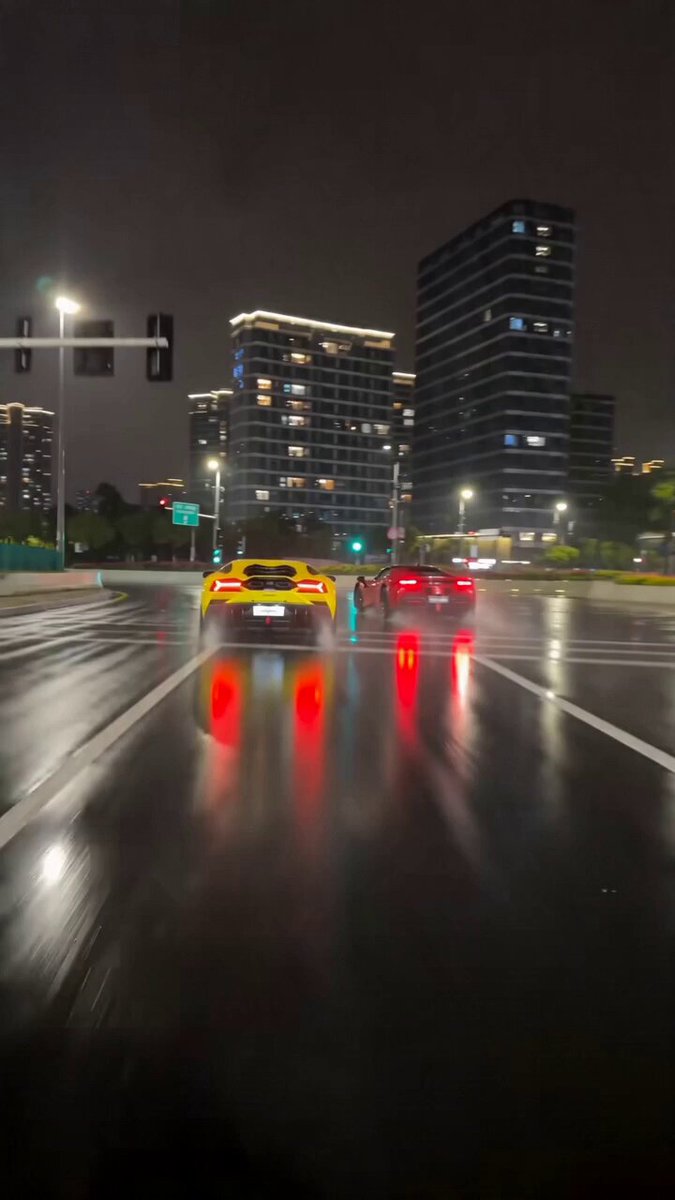
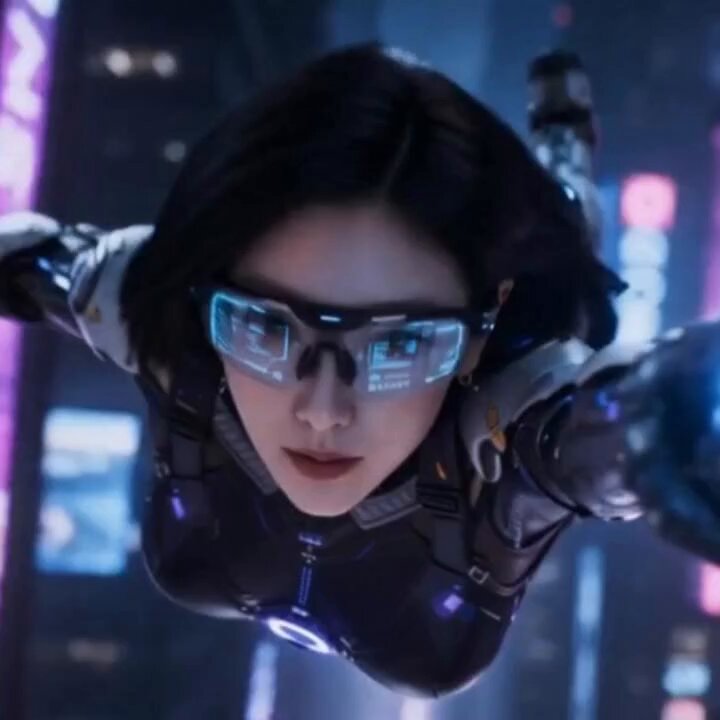
Ray tracing, Unreal Engine render, small town in heavy rain. @image1 character with identical hairstyle, outfit, realistic skin, dim lighting, IMAX cinematic, 35mm lens, 4:3 ratio, grey-blue low saturation, film grain, soft god-rays, cold expression, smooth motion, glowing sword trail. 1–3s: Camera tilts up from feet to full body; rain splashes burst under steps. 3–6s: Close-up feet stepping forward, blue shockwave spreads; world desaturates, rain freezes mid-air; camera pulls back, blue aura flows from body. 6–9s: Upper-body close-up; hands gather at chest, suspended rain forms water sword; blue light converges, droplets create massive sphere. 9–12s: Side face close-up; faint blue glow, slash upward; sword dissolves, arc energy explodes with rain; camera follows sky cut, clouds split; golden dragon and fire dragon emerge flying.
Ray tracing, Unreal Engine render, small town in heavy rain. @image1 character with identical hairstyle, outfit, realistic skin, dim lighting, IMAX cinematic, 35mm lens, 4:3 ratio, grey-blue low saturation, film grain, soft god-rays, cold expression, smooth motion, glowing sword trail. 1–3s: Camera tilts up from feet to full body; rain splashes burst under steps. 3–6s: Close-up feet stepping forward, blue shockwave spreads; world desaturates, rain freezes mid-air; camera pulls back, blue aura flows from body. 6–9s: Upper-body close-up; hands gather at chest, suspended rain forms water sword; blue light converges, droplets create massive sphere. 9–12s: Side face close-up; faint blue glow, slash upward; sword dissolves, arc energy explodes with rain; camera follows sky cut, clouds split; golden dragon and fire dragon emerge flying.
Edit the prompt in the box under the preview — the template's model and format are already selected — and press Generate. Your version appears right on this page.
Yes. You can change the subject, setting, lighting, mood, format, and available model controls before creating your video.
Opening and editing this template is free. Generating uses credits, shown on the Generate button when you are signed in.
Start with Seedance 2.0, which is the model associated with this template. You can compare another compatible model for a different finish.
Follow a topic to a crawlable collection of related PicX Studio templates.