
Jungle Supply Convoy Snake Ambush
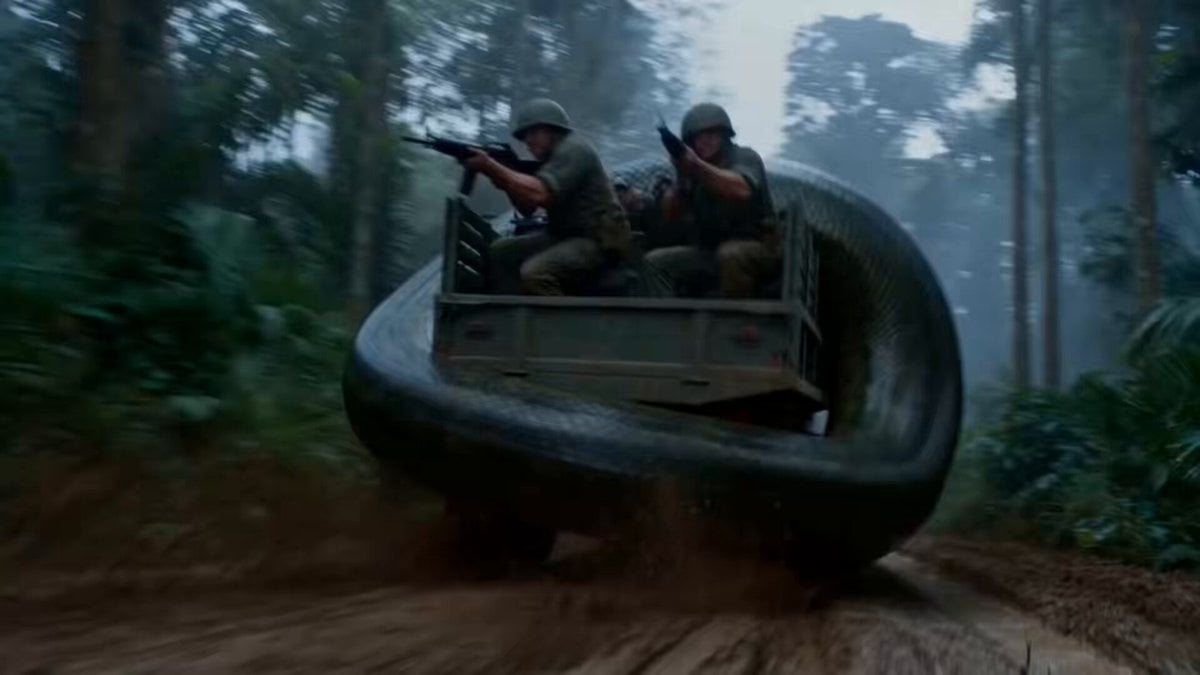
A detailed action-oriented video prompt for a cinematic sequence showing a giant python attacking an army truck convoy in a muddy rainforest, complete with specific shot directions and sound cues.
- Prompt included
- Model and format preset
- Premium template
The prompt behind this video
Copy the exact prompt behind Jungle Supply Convoy Snake Ambush, or open it in the studio and make it yours.
A muddy dirt track through thick green rainforest in grey daylight. An army supply convoy of trucks drives along the narrow track, jungle pressing in on both sides. A giant python, thick as a bus with dark green scales, has wrapped around the last truck and is dragging it backward into the trees. At the front, a gunner stands at a mounted gun on the lead gun-truck. Sound: roaring engines, groaning metal, soldiers shouting, snake hissing, rifle fire, radio voices. Shot 1 (0–3s) — THE HOOK: Low rear shot in the mud. The giant python squeezes the last truck and hauls it backward off the track into the trees, wheels sliding in the mud. Soldiers on the truck fire their rifles into the thick coils, but the bullets do nothing. The rear driver wrestles his wheel and shouts into his radio: “IT’S PULLING ME INTO THE TREES!” Shot 2 (3–6s): At the front of the convoy. The gunner swings his mounted gun around to point back down the line, but holds his fire — the snake is wrapped on the truck with men still on it. He calls on the radio: “Cut your trailer! Get it on the track!” Shot 3 (6–9s): At the rear truck. The driver pulls the trailer release. The truck breaks free and lurches forward onto the track — and the python, still wrapped around the heavy trailer, is yanked out of the trees with it, spilling onto the open muddy track, rearing its head up in the clear. Shot 4 (9–13s) — BIG SLOW-MOTION MOMENT: The snake is out in the open on the track now. The lead gunner opens fire. Bullet time — a long stream of heavy rounds flies down the line in slow motion, smoke and shell cases hanging in the air, tearing into the coiled python, mud and broken branches bursting up around it. Shot 5 (13–15s): Time snaps back. The python drops and lies still across the muddy track beside the wrecked trailer, smoke rising off it. The freed rear truck pulls up the line to the others, soldiers climbing down into the mud. Smoke drifts through the trees. Cut.
How to use Jungle Supply Convoy Snake Ambush in 3 steps
- 1
Open
The prompt is already in the box next to the preview, with the template's model and format selected.
- 2…a portrait of your subject in softgolden-hour light, 85mm…
Personalize
Edit the subject and creative details for your destination.
- 3Generate
Generate
Press Generate — your video is created in PicX Studio, so you can compare it with the original and refine one variable at a time.
More like this
Templates with the same subject, style or setup. Open one to see its prompt.

Energy Bow Jungle Edit
Rainforest Thriller — Searching the Unseen
Tiger vs Gorilla — Jungle Canyon Clash
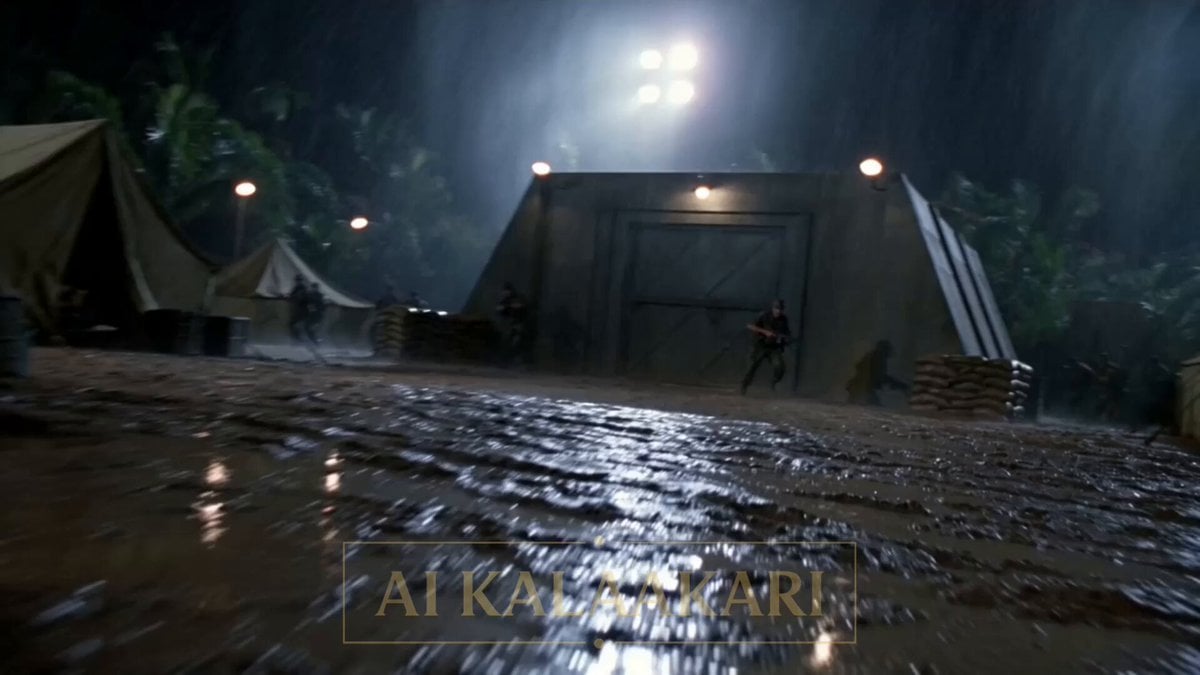
Alien Ambush in Jungle Army Base

Luminous Jellyfish and Kronosaurus Ambush
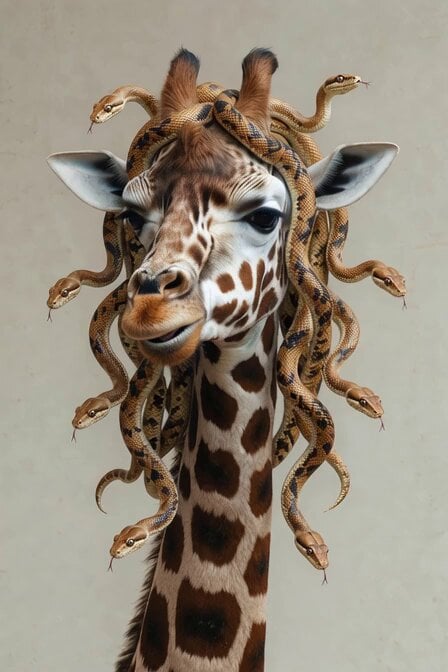
Surreal Snake Hair Giraffe Animation
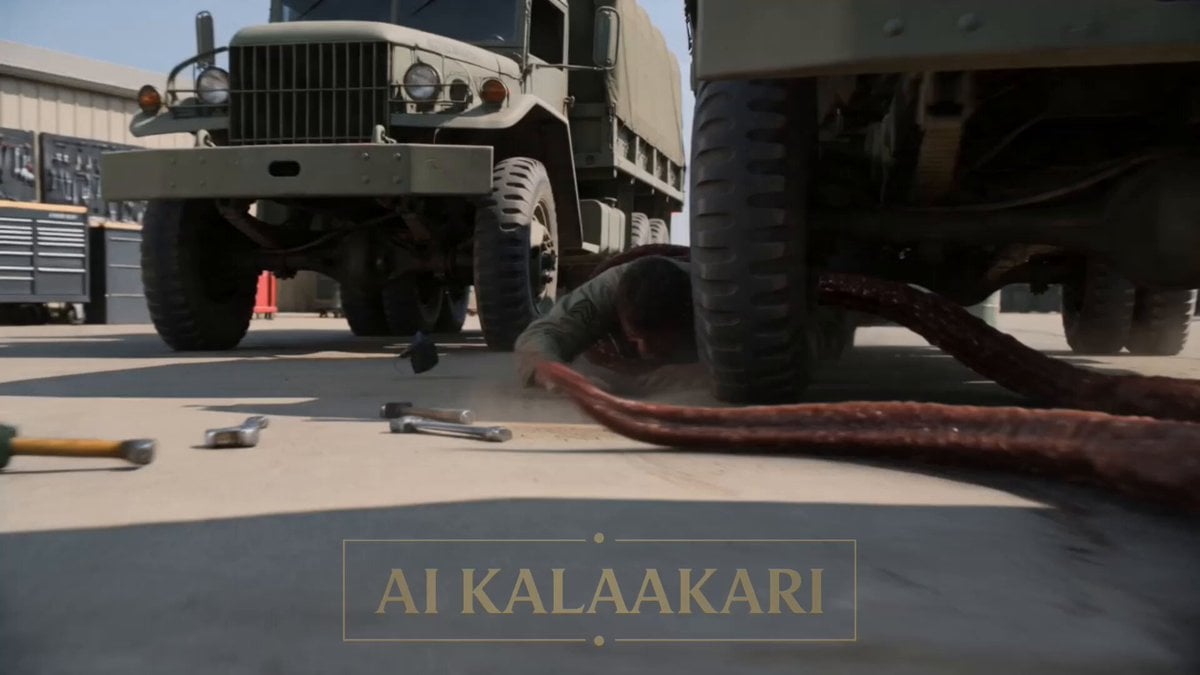
Alien Ambush Action Sequence

Crocodile Ambush Action Sequence
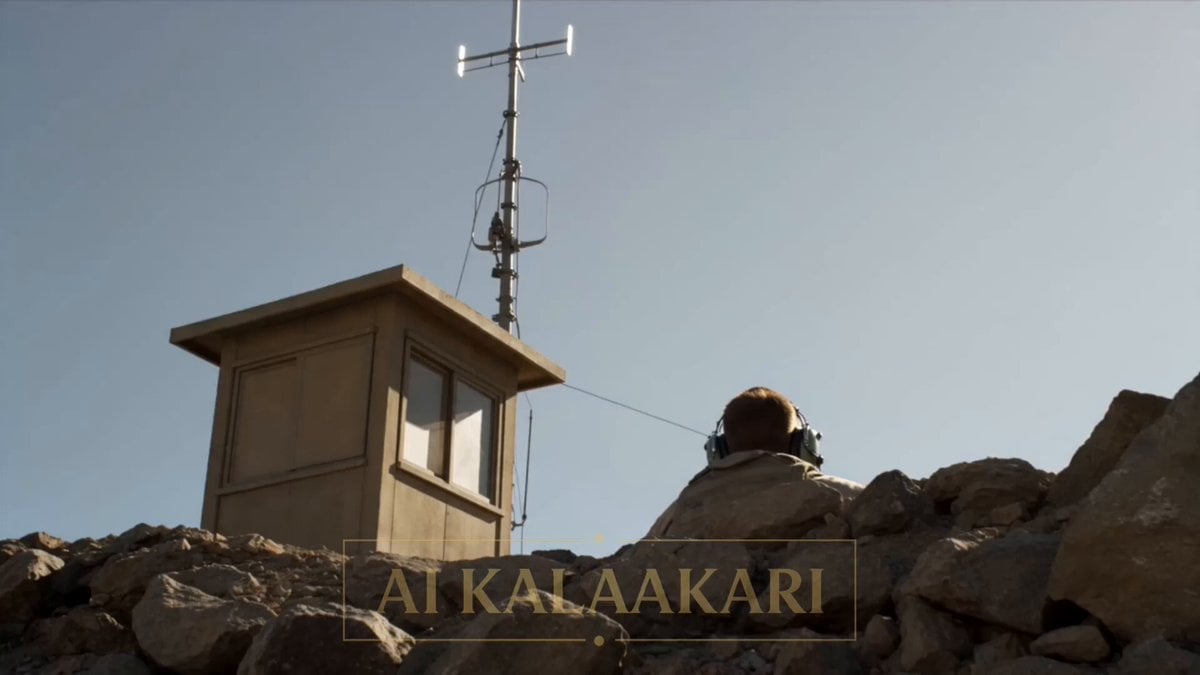
Giant Scorpion Ridge Ambush
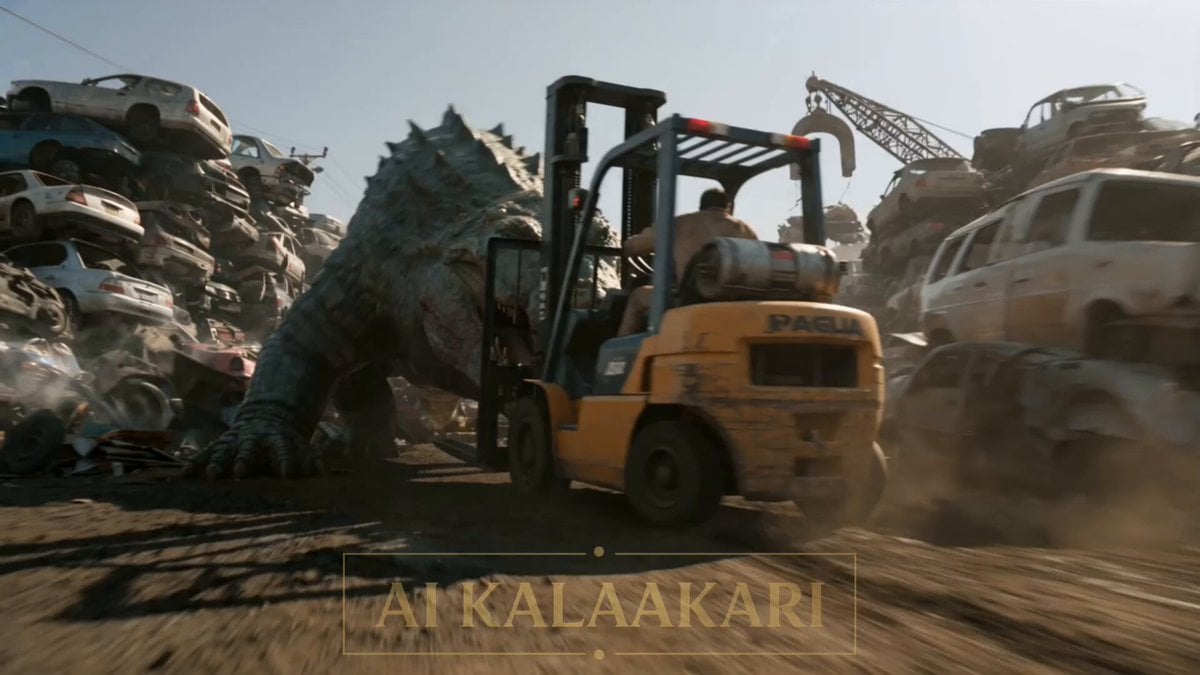
Scrapyard Mega Crocodile Ambush
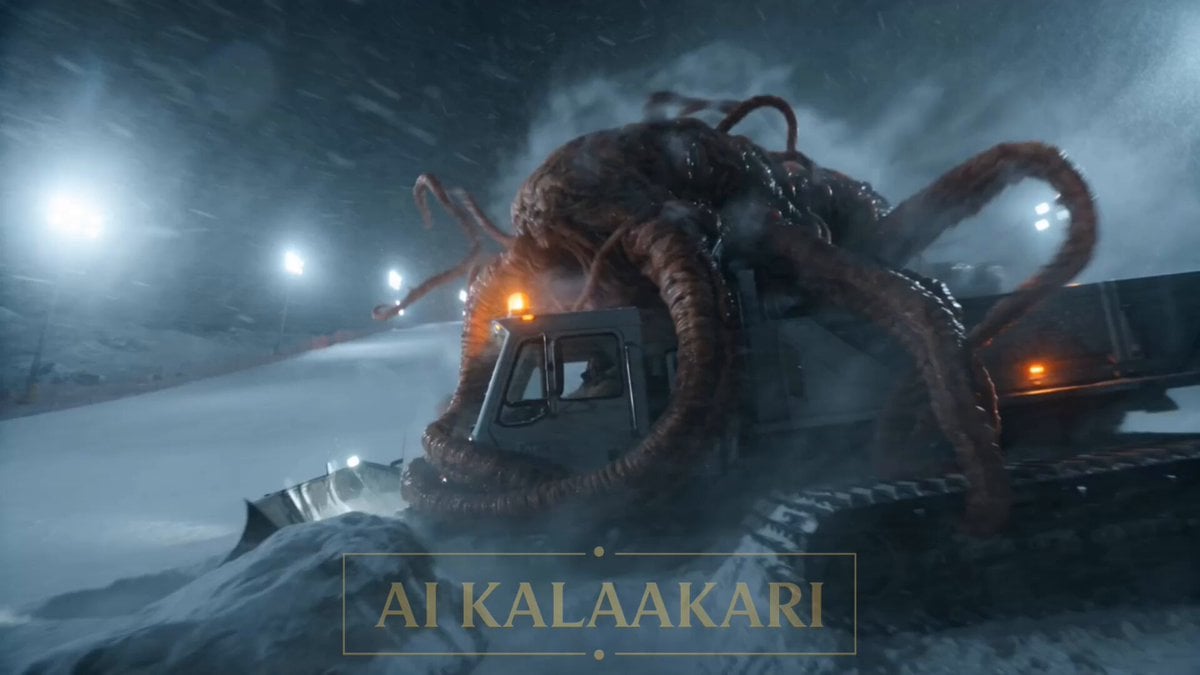
Alien Ski Station Night Ambush
Military Convoy Desert Chase
Make it yours
Jungle Supply Convoy Snake Ambush works as-is. These are the safest ways to change it without losing the look.
Change one field
Copy a single group, rewrite it, and generate again so you can see what that field is doing.
Keep the frame, change the subject
Hold the composition and light of Jungle Supply Convoy Snake Ambush, then swap wardrobe, props or the person for a new take.
| If the result… | Why | Fix |
|---|---|---|
| The result drifts from the preview | Too many fields changed at once. | Reuse Jungle Supply Convoy Snake Ambush as-is first, then change one group — subject, light, or setting. |
| The model over-stylizes the scene | The prose prompt leaves finish and camera underspecified. | Add one camera or lighting sentence and stay on Seedance 2.0. |
More Seedance 2.0 templates
Other prompts made for Seedance 2.0.

Comical Martial Arts Punch Scene

Maglev Train Action Sequence

Martial Arts Fight Sequence

Wuxia Protection and Trust Script

Vintage Korean Arcade MiniDV Vlog

Mercedes 190 SL Luxury Ad

Rainy Night Supernatural Reverse Comedy Video Script

Amazon Civilization Discovery

Futuristic South Asian City Transformation

Cozy Luxury Cafe Commercial
More video prompts
Fresh picks from across the catalog.

Princess Walking Rose Path Video

Chibi Girls Walking with Swagger in City Video
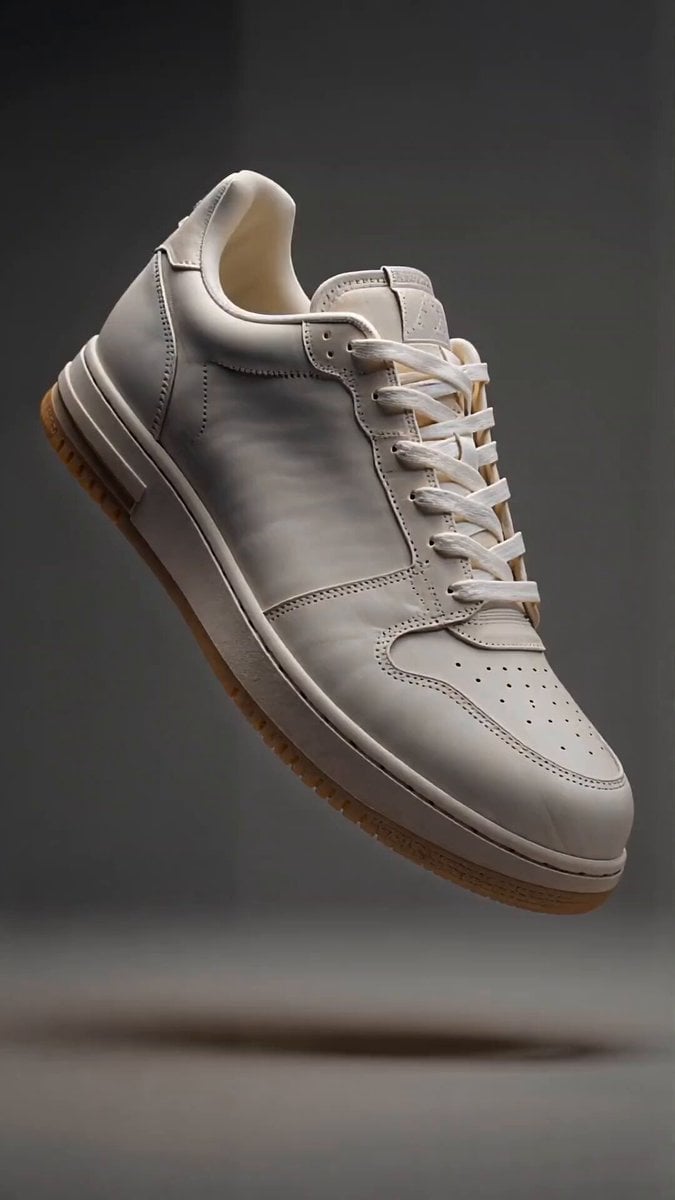
Sneaker Material Morph Transformation

Dramatic Lone Hero in Destroyed City Prompt
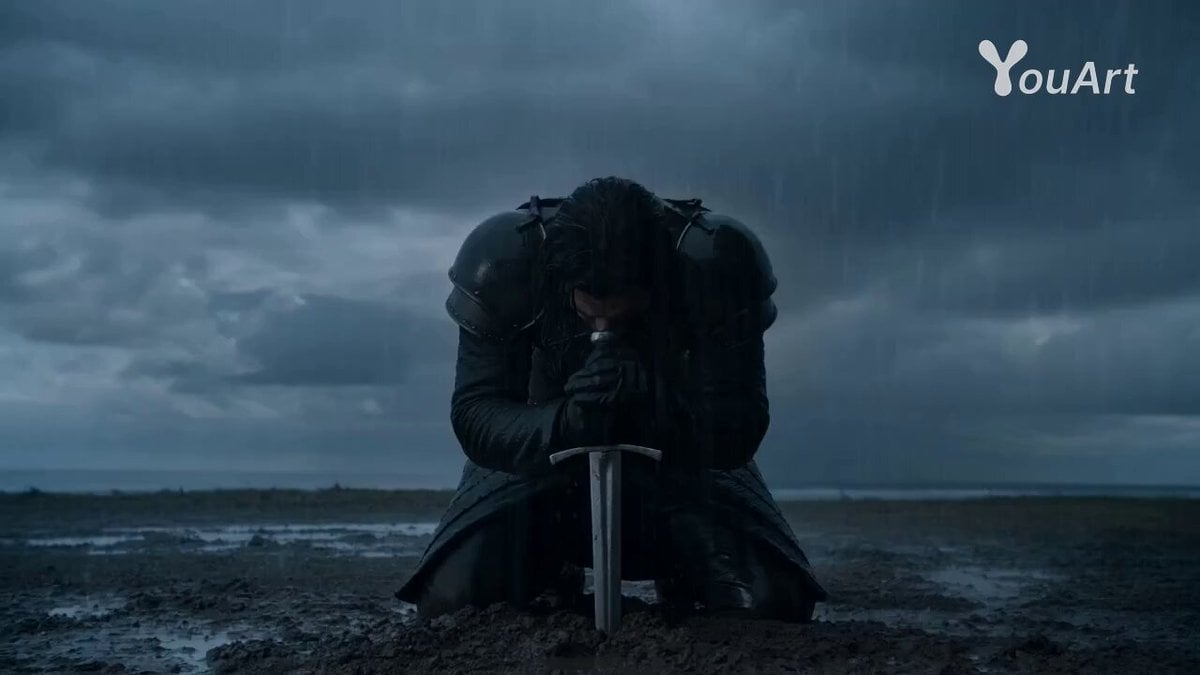
Warrior's Maniacal Transformation into a Villain
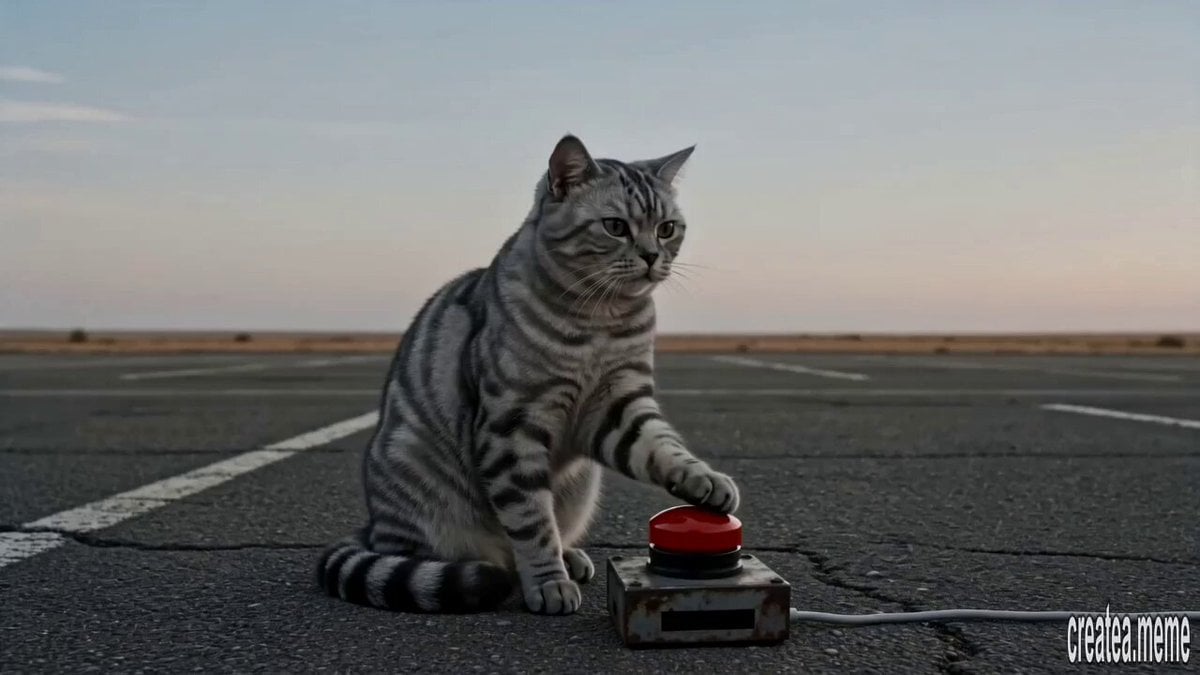
Cinematic Tabby Cat Explosion Meme
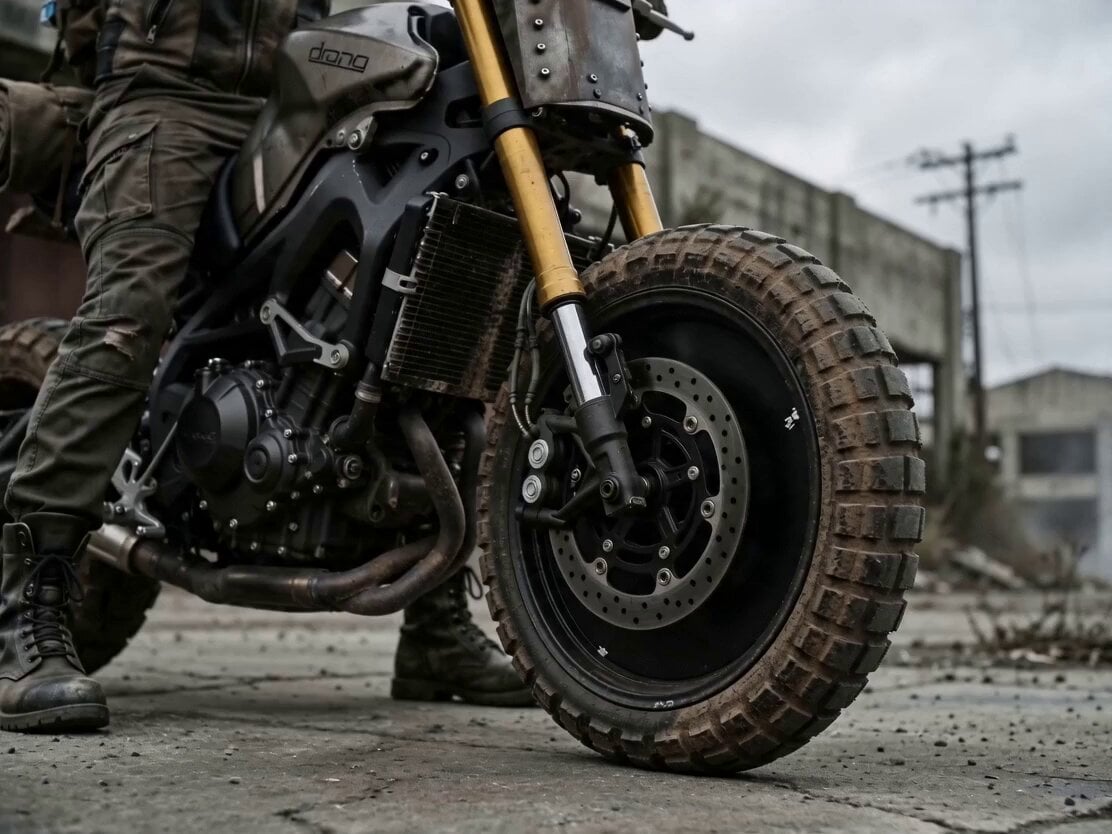
Cinematic Biker Sequence
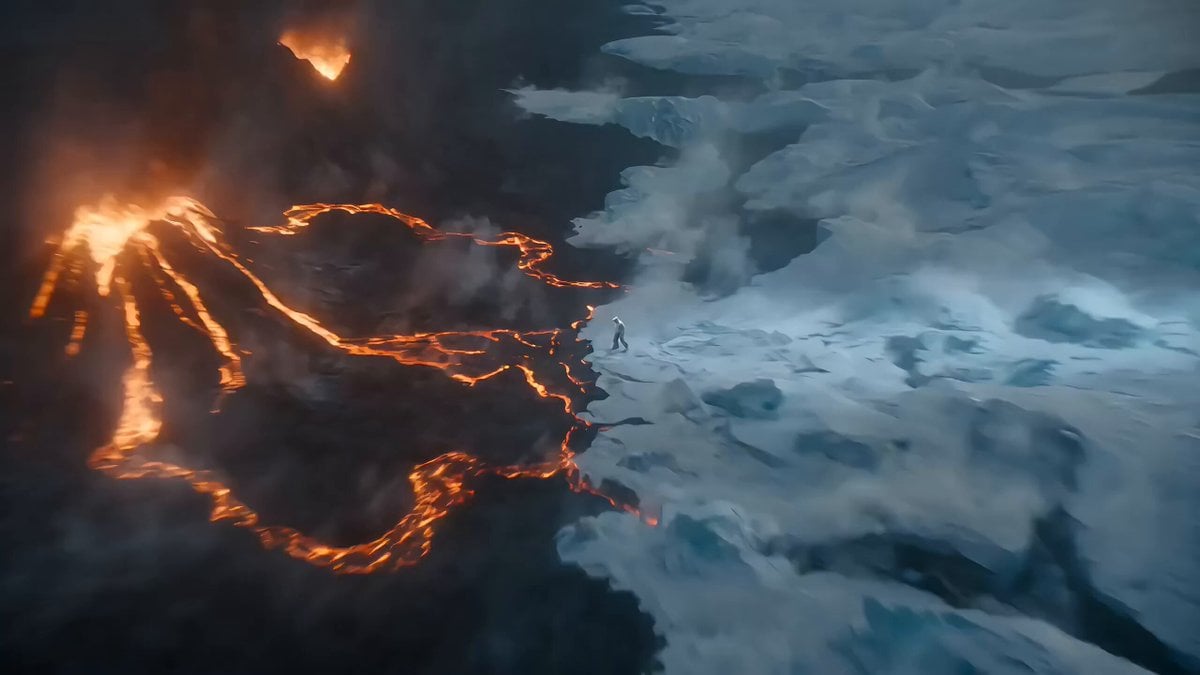
Epic Ice and Fire Disaster Action Prompt

Dragon Rider Cinematic Flight — Seedance 2.5

Motocross Jump to Hover Battleship
Browse template categories
Jungle Supply Convoy Snake Ambush questions
How do I use the Jungle Supply Convoy Snake Ambush template?
Add your photo if the template asks for one, edit the prompt if you like — the template's model and format are already selected — and press Generate. Your version opens in PicX Studio.
Can I customize the Jungle Supply Convoy Snake Ambush template?
Yes. You can change the subject, setting, lighting, mood, format, and available model controls before creating your video.
Is the Jungle Supply Convoy Snake Ambush template free?
Opening and editing this template is free. Generating uses credits, shown on the Generate button when you are signed in.
Which AI model should I use?
Start with Seedance 2.0, which is the model associated with this template. You can compare another compatible model for a different finish.
Looking for something else? Browse all templates.

Your photo, any look
Thousands of ready templates for every top image and video model, from one credit balance.