How do I use the Alien Ambush Action Sequence template?
Edit the prompt in the box under the preview — the template's model and format are already selected — and press Generate. Your version appears right on this page.
A multi-shot action prompt describing an alien attack at a military motor pool, including specific shot timing and slow-motion effects.
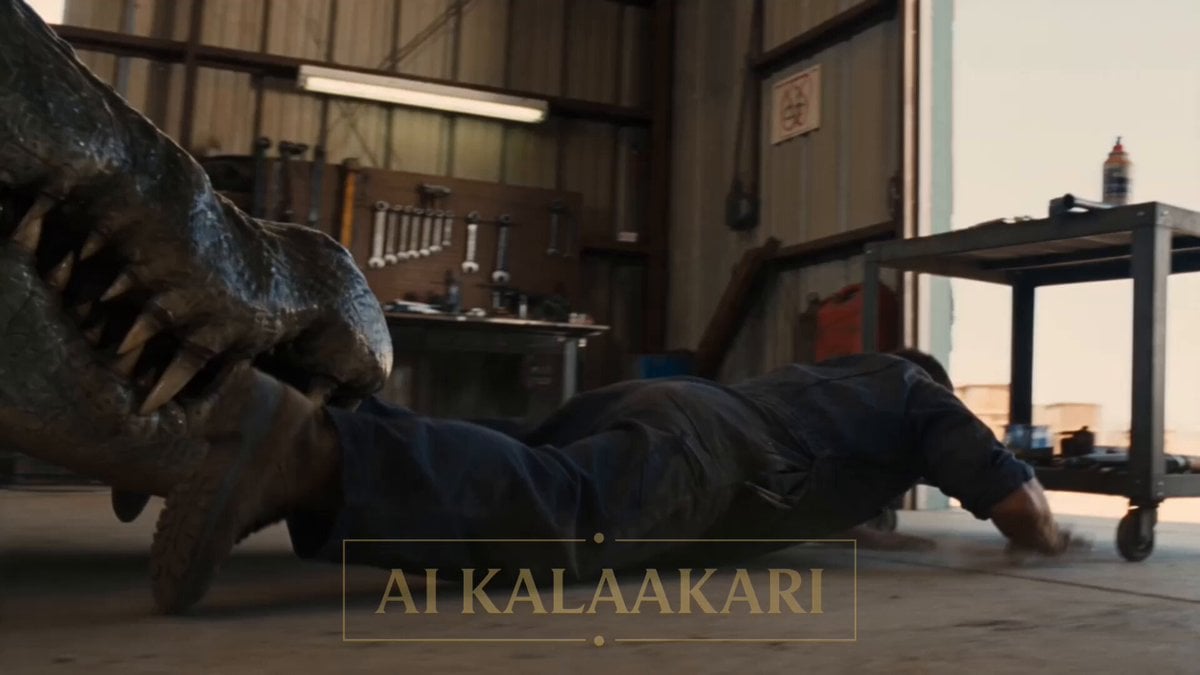
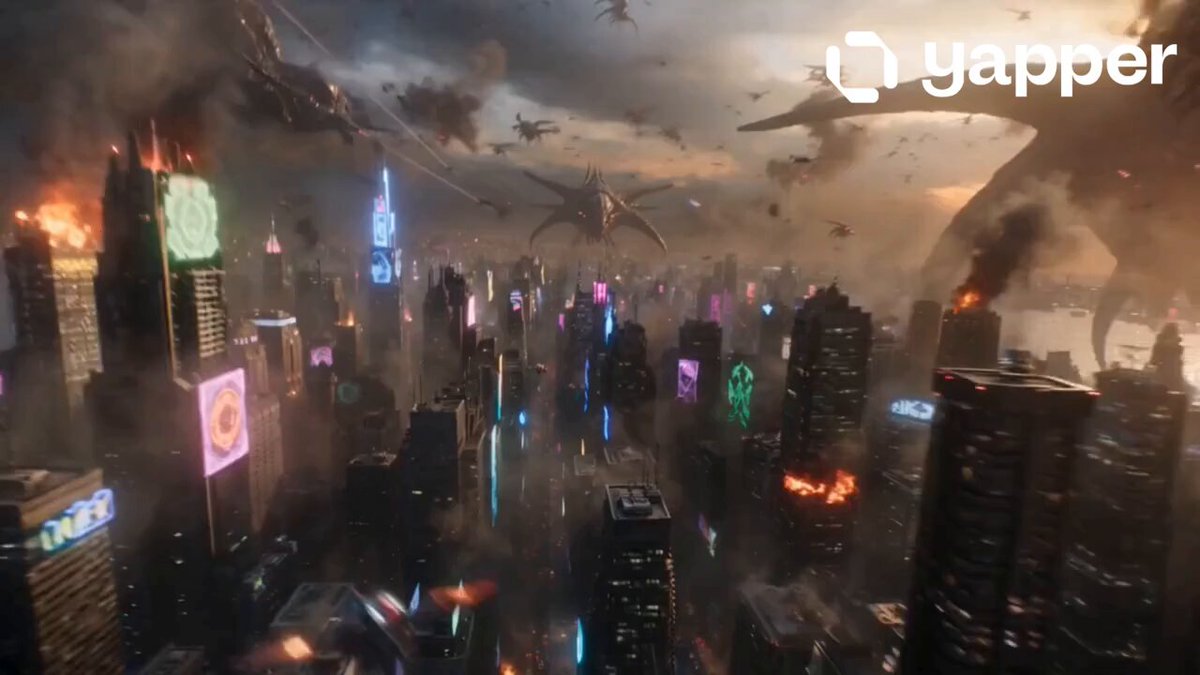
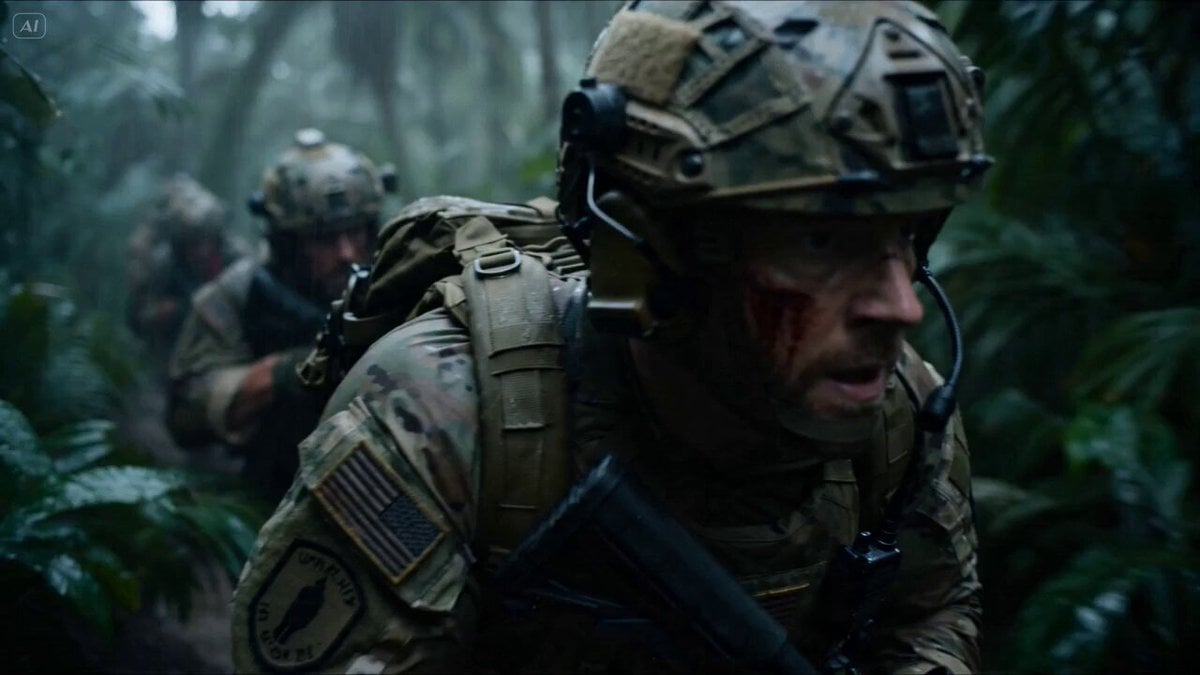
An army motor pool yard in bright daylight, rows of parked trucks and jeeps, tool racks along one side, open ground between the vehicles. A mechanic lies working under a truck when a tentacled alien — brownish-black and slimy — wraps around his legs and drags him out into the open yard. At the yard's watch post, a gunner is already loaded, covering the motor pool the way he does every shift. Sound: dragging tools, wet tentacles slapping, shouting, the alien's low roar, radio voices. Shot 1 (0–3s) — THE HOOK: Low shot across the yard. The alien's slimy tentacles wrap around the mechanic's legs and drag him out from under the truck, tools scattering across the ground. He claws at the dirt and shouts into his radio: "IT'S GOT ME! PULLING ME OUT!" Shot 2 (3–6s): At the watch post, the gunner drops behind his weapon, tracking the alien across the open yard — but holds his fire, the mechanic still too close. He calls on the radio: "Roll under the next truck! Get clear!" Shot 3 (6–9s): The mechanic twists hard and rolls sideways under a parked jeep nearby, breaking the tentacle's grip. The alien, empty-handed, slides forward into the open middle of the yard, rearing up tall and alone among the parked trucks, tentacles spread wide. Shot 4 (9–13s) — BIG SLOW-MOTION MOMENT: The alien stands alone in the open yard now, fuel drums stacked nearby. The gunner opens fire. Bullet time — the long burst rips across the yard in slow motion, muzzle flashes lighting the parked trucks, dust kicking up as it tears into the alien and the drums behind it. Shot 5 (13–15s): Time snaps back. The fuel drums ignite together with the alien in one huge fireball across the motor pool, fire rolling between the parked trucks. The mechanic peers out from under the jeep as smoke drifts over the yard.
An army motor pool yard in bright daylight, rows of parked trucks and jeeps, tool racks along one side, open ground between the vehicles. A mechanic lies working under a truck when a tentacled alien — brownish-black and slimy — wraps around his legs and drags him out into the open yard. At the yard's watch post, a gunner is already loaded, covering the motor pool the way he does every shift. Sound: dragging tools, wet tentacles slapping, shouting, the alien's low roar, radio voices. Shot 1 (0–3s) — THE HOOK: Low shot across the yard. The alien's slimy tentacles wrap around the mechanic's legs and drag him out from under the truck, tools scattering across the ground. He claws at the dirt and shouts into his radio: "IT'S GOT ME! PULLING ME OUT!" Shot 2 (3–6s): At the watch post, the gunner drops behind his weapon, tracking the alien across the open yard — but holds his fire, the mechanic still too close. He calls on the radio: "Roll under the next truck! Get clear!" Shot 3 (6–9s): The mechanic twists hard and rolls sideways under a parked jeep nearby, breaking the tentacle's grip. The alien, empty-handed, slides forward into the open middle of the yard, rearing up tall and alone among the parked trucks, tentacles spread wide. Shot 4 (9–13s) — BIG SLOW-MOTION MOMENT: The alien stands alone in the open yard now, fuel drums stacked nearby. The gunner opens fire. Bullet time — the long burst rips across the yard in slow motion, muzzle flashes lighting the parked trucks, dust kicking up as it tears into the alien and the drums behind it. Shot 5 (13–15s): Time snaps back. The fuel drums ignite together with the alien in one huge fireball across the motor pool, fire rolling between the parked trucks. The mechanic peers out from under the jeep as smoke drifts over the yard.
Edit the prompt in the box under the preview — the template's model and format are already selected — and press Generate. Your version appears right on this page.
Yes. You can change the subject, setting, lighting, mood, format, and available model controls before creating your video.
Opening and editing this template is free. Generating uses credits, shown on the Generate button when you are signed in.
Start with Seedance 2.0, which is the model associated with this template. You can compare another compatible model for a different finish.
Follow a topic to a crawlable collection of related PicX Studio templates.