
The 'Fat Note' Transformation Prompt
A detailed narrative prompt for Seedance 2.0 involving a character finding a mysterious notebook that causes them to gain weight through food-filled flashbacks.

- Prompt included
- Model and format preset
- Free template
The prompt behind this video
Copy the exact prompt behind The 'Fat Note' Transformation Prompt, or open it in the studio and make it yours.
テーマ:デブノート イメージ:ノートに名前を書くとデブになる。 被写体は道端に落ちているノート(真っ黒な表示、白文字タイトル)を拾う。 ノートを開くと謎言語が沢山書かれている。 試しに新しいページを開き自分の名前「YaReYaRu」と書いてみる。 すると回想シーンが流れ、ステーキを食べ、ラーメンを食べ、お寿司を食べ、お菓子を食べ、とにかく食べまくるシーンが流れる。 回想シーンが終わると 身長180cm体重150kgを想定できる見た目まで被写体が太る
How to use The 'Fat Note' Transformation Prompt in 3 steps
- 1
Open
The prompt is already in the box next to the preview, with the template's model and format selected.
- 2…a portrait of your subject in softgolden-hour light, 85mm…
Personalize
Edit the subject and creative details for your destination.
- 3Generate
Generate
Press Generate — your video is created in PicX Studio, so you can compare it with the original and refine one variable at a time.
More like this
Templates with the same subject, style or setup. Open one to see its prompt.
Magical Room Transformation - Seedance 2.5
Dark Tokusatsu Transformation - Seedance 2.5

RX-7 to Mech Transformation Cyberpunk
Civilization Timelapse — Centuries in One Shot
Mecha Transformation vs Kaiju — 4-Scene Epic
Cyber Ronin Nanotech Transformation Video

Cinematic Night Scene with Guitarist and Floating Musical Notes

Musical Notes Cloud Prompt

Pterodactyl Transformation Journey
Liquid Gold Cinematic Transformation

Glowing Origami Universe Transformation
Martial Arts Cyborg Battle and Transformation
Make it yours
The 'Fat Note' Transformation Prompt works as-is. These are the safest ways to change it without losing the look.
Change one field
Copy a single group, rewrite it, and generate again so you can see what that field is doing.
Keep the frame, change the subject
Hold the composition and light of The 'Fat Note' Transformation Prompt, then swap wardrobe, props or the person for a new take.
| If the result… | Why | Fix |
|---|---|---|
| The result drifts from the preview | Too many fields changed at once. | Reuse The 'Fat Note' Transformation Prompt as-is first, then change one group — subject, light, or setting. |
| The model over-stylizes the scene | The prose prompt leaves finish and camera underspecified. | Add one camera or lighting sentence and stay on Seedance 2.0. |
More Seedance 2.0 templates
Other prompts made for Seedance 2.0.

Comical Martial Arts Punch Scene

Maglev Train Action Sequence

Martial Arts Fight Sequence

Wuxia Protection and Trust Script

Vintage Korean Arcade MiniDV Vlog

Mercedes 190 SL Luxury Ad

Rainy Night Supernatural Reverse Comedy Video Script

Amazon Civilization Discovery

Futuristic South Asian City Transformation

Cozy Luxury Cafe Commercial
More video prompts
Fresh picks from across the catalog.

Talking Woman with Synchronized Subtitles
Girl and Cat Transformation Video Prompt (Seedance 2.0)
Cinematic Excalibur Space Knight Opera
Tokyo Travel Vlog Cinematic Script
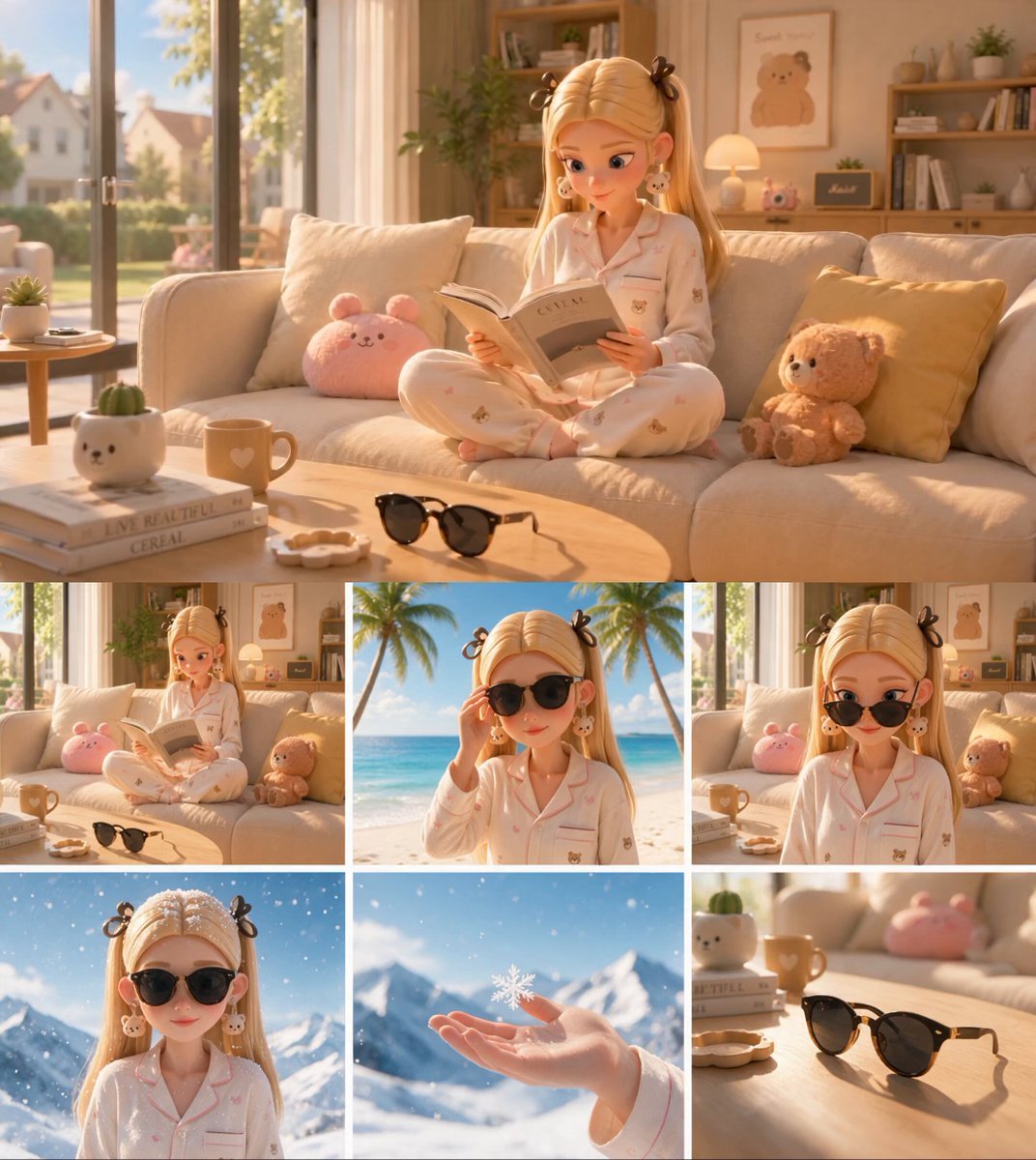
3D Eyewear Commercial Magic Transitions

Chibi Character in Realistic Bedroom

Ethereal Fairy-Elf on a Crystal Throne Video
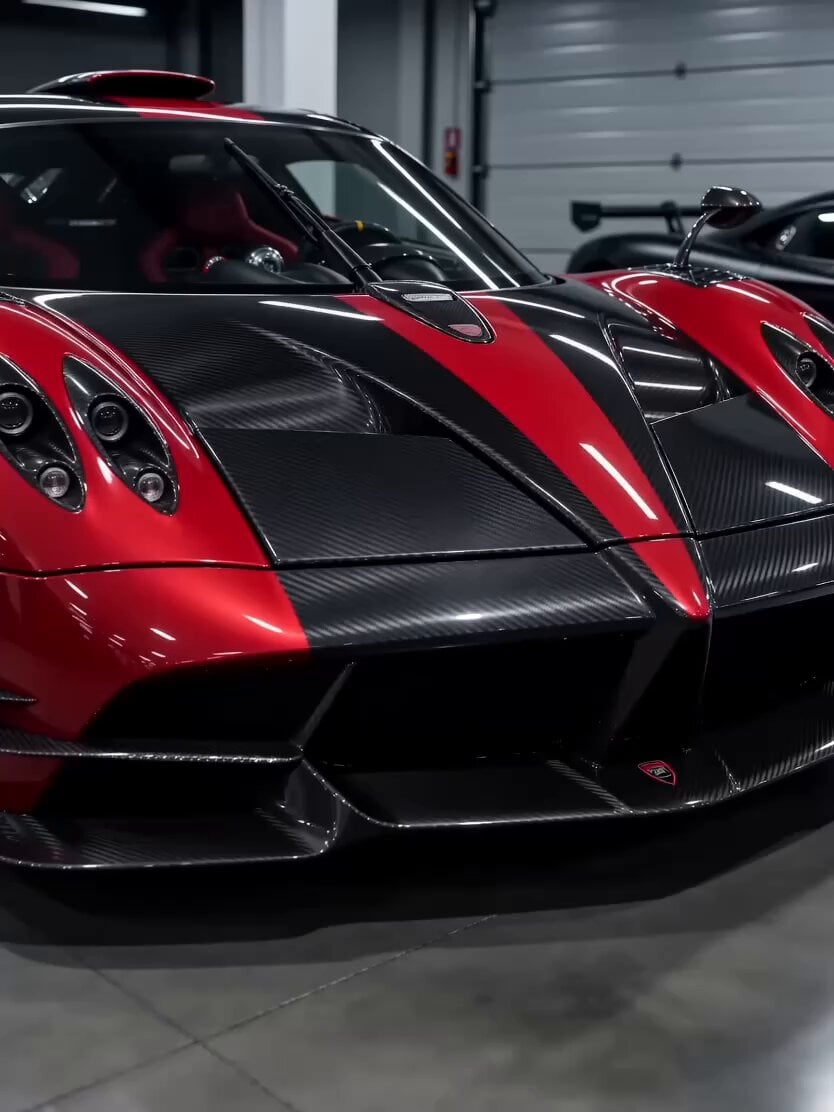
Seedance 2.0 Supercar Showcase Video Prompt
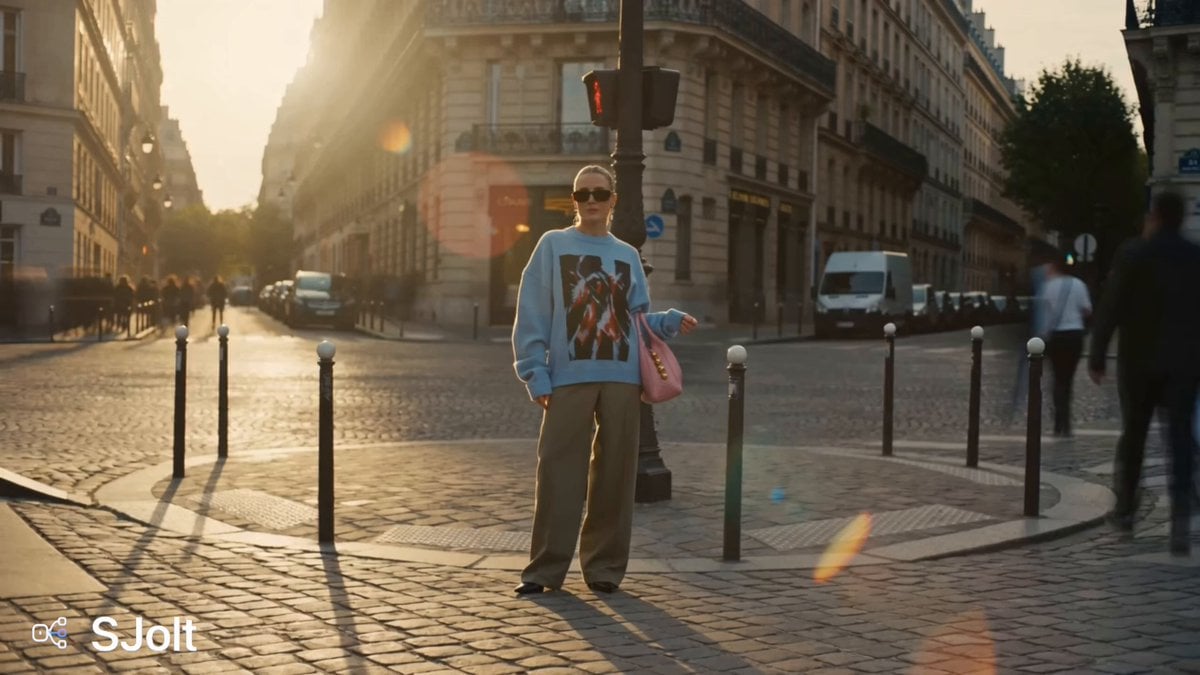
Parisian Fashion Campaign Streetwear Editorial
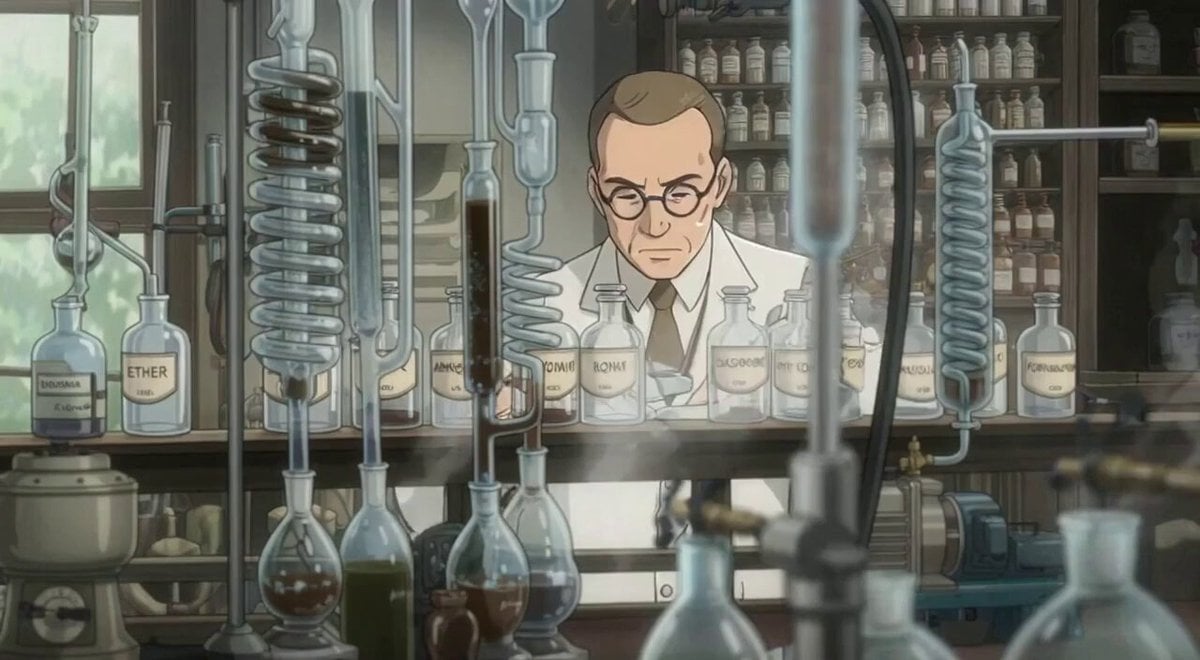
Man working in a lab with ambient sound
Browse template categories
The 'Fat Note' Transformation Prompt questions
How do I use the The 'Fat Note' Transformation Prompt template?
Add your photo if the template asks for one, edit the prompt if you like — the template's model and format are already selected — and press Generate. Your version opens in PicX Studio.
Can I customize the The 'Fat Note' Transformation Prompt template?
Yes. You can change the subject, setting, lighting, mood, format, and available model controls before creating your video.
Is the The 'Fat Note' Transformation Prompt template free?
Opening and editing this template is free. Generating uses credits, shown on the Generate button when you are signed in.
Which AI model should I use?
Start with Seedance 2.0, which is the model associated with this template. You can compare another compatible model for a different finish.
Looking for something else? Browse all templates.

Your photo, any look
Thousands of ready templates for every top image and video model, from one credit balance.