
Tokyo Travel Vlog Cinematic Script
A comprehensive script for a 15-second Tokyo travel vlog including specific timestamps, dialogue, and camera lens details for a realistic smartphone aesthetic.
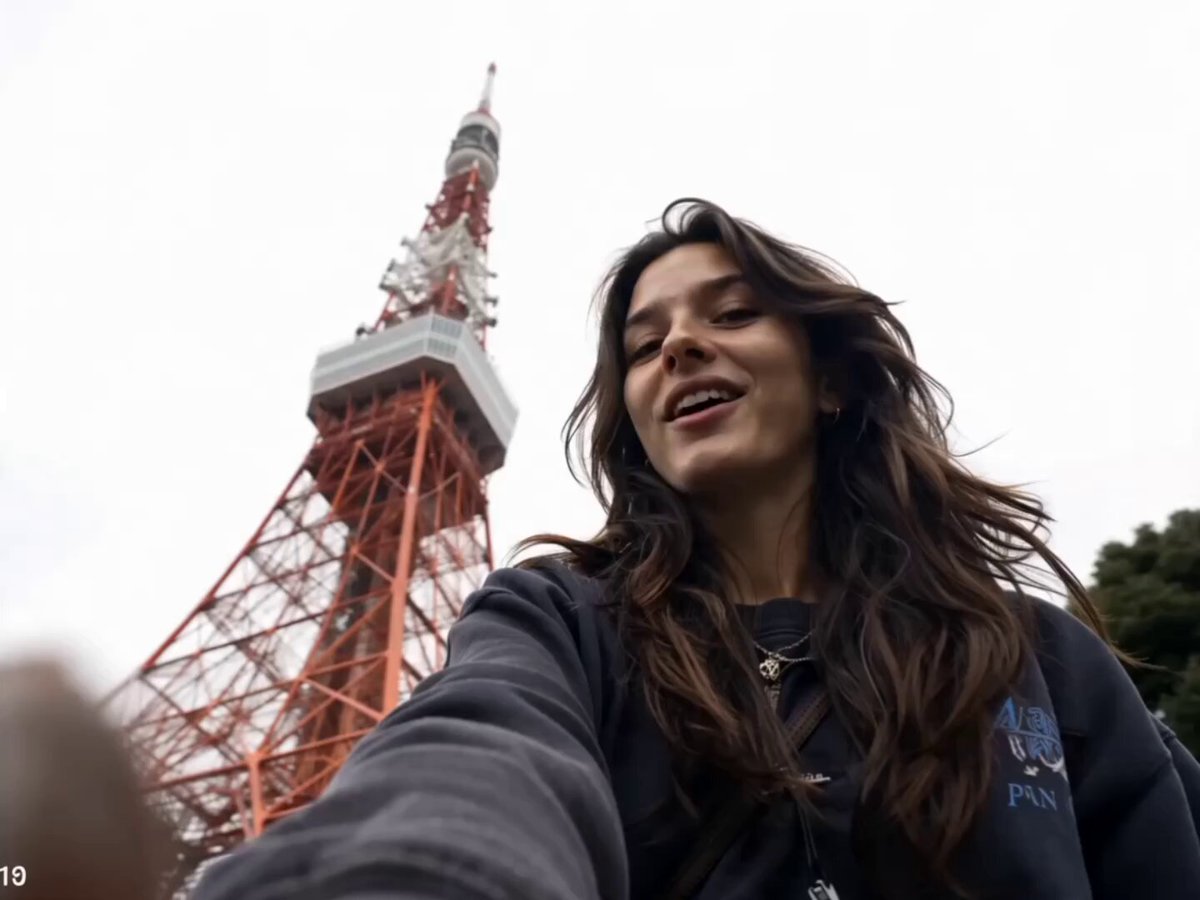
- Prompt included
- Model and format preset
- Free template
The prompt behind this video
Copy the exact prompt behind Tokyo Travel Vlog Cinematic Script, or open it in the studio and make it yours.
TOKYO TRAVEL VLOG — 15 SEC MUSIC CUT Subject: Same girl. Long dark wavy hair, Japanese streetwear. 26mm phone lens, deep focus, realistic skin texture, mild HDR, neutral iPhone color science, unedited candid, no cinematic grading, no studio lighting, no light trails, no motion blur effects. (0:00–0:01) — walking shot, Tokyo Tower reveal Selfie, low angle. Tower behind her, sky overexposed. Natural smile. Neutral daylight, deep focus. Dialogue: "Okay… we're in Tokyo…!" Transition: Hard cut / beat drop (0:01–0:02) — Shibuya Crossing Mid-stride into crowd. Turns head toward camera. Neon signs sharp behind her. Real night exposure. Transition: Fast cut on beat (0:02–0:03) — Convenience Store Holds onigiri up to camera, eyebrows raised. Harsh fluorescent interior. Cool white light, realistic skin. Transition: Snap cut on beat (0:03–0:04) — Yoyogi Park Seated, looking away. Dappled light, lens smudge visible. Music drops one beat — wind, birds — snaps back. Transition: Cut on natural movement (0:04–0:06) — Takoyaki Reaction Bites, eyes wide, pulls back laughing. Warm practical lantern light. Realistic skin in amber. Dialogue: "It's so hot — oh my god." Transition: Cut on laugh end (0:06–0:07) — Vending Machine Night Stands before glowing vending machine. Mixed LED light on face. Slight smirk. No glow fx. Transition: Single beat cut (0:07–0:08) — Train Window Face reflected in window. City blurred naturally outside. She looks out, not at camera. Transition: Snap cut (0:08–0:09) — Torii Gate Low angle. Walks toward and through shrine gate. Gate fills top of frame. Natural daylight. Transition: Snap cut (0:09–0:11) — Digital Light Exhibit ★ SIGNATURE Looks up slowly. Blue, violet, gold projection on face. Rack focus — face sharp, lights diffused. Just projection on skin, no bloom. Speed: ~60% slow motion Transition: Soft cut mid-upward motion (0:11–0:12) — Gundam Reveal Face → camera tilts up → full statue in frame. Small impressed smile. Wide angle, natural daylight. Transition: Sharp cut after smile (0:12–0:13) — Lantern Alley Follow from behind. Lanterns warm, shadows dark. Natural low light. She glances back once. Transition: Cut on forward movement (0:13–0:14) — Rooftop Skyline Close selfie → arm extends → skyline revealed. Wind moves hair. Natural night phone exposure. Dialogue: "I don't think I've ever seen anything like this." Transition: Hard cut on last word (0:14–0:16) — Nara Deer Park, She crouches, holds out a deer cracker. Deer bows toward her — she bursts out laughing. Another nudges her from behind, she nearly topples. Handheld, slightly off-balance. All real. Dialogue: "Wait— oh my god he actually bowed—" Transition: Fade to black
How to use Tokyo Travel Vlog Cinematic Script in 3 steps
- 1
Open
The prompt is already in the box next to the preview, with the template's model and format selected.
- 2…a portrait of your subject in softgolden-hour light, 85mm…
Personalize
Edit the subject and creative details for your destination.
- 3Generate
Generate
Press Generate — your video is created in PicX Studio, so you can compare it with the original and refine one variable at a time.
More like this
Templates with the same subject, style or setup. Open one to see its prompt.

Handheld Tokyo Travel Vlog - Seedance 2.5

Luxury Airport Travel Vlog

Kenting Lifestyle Travel Vlog

Smartphone Travel Vlog Tokyo Trip Identity Preserved
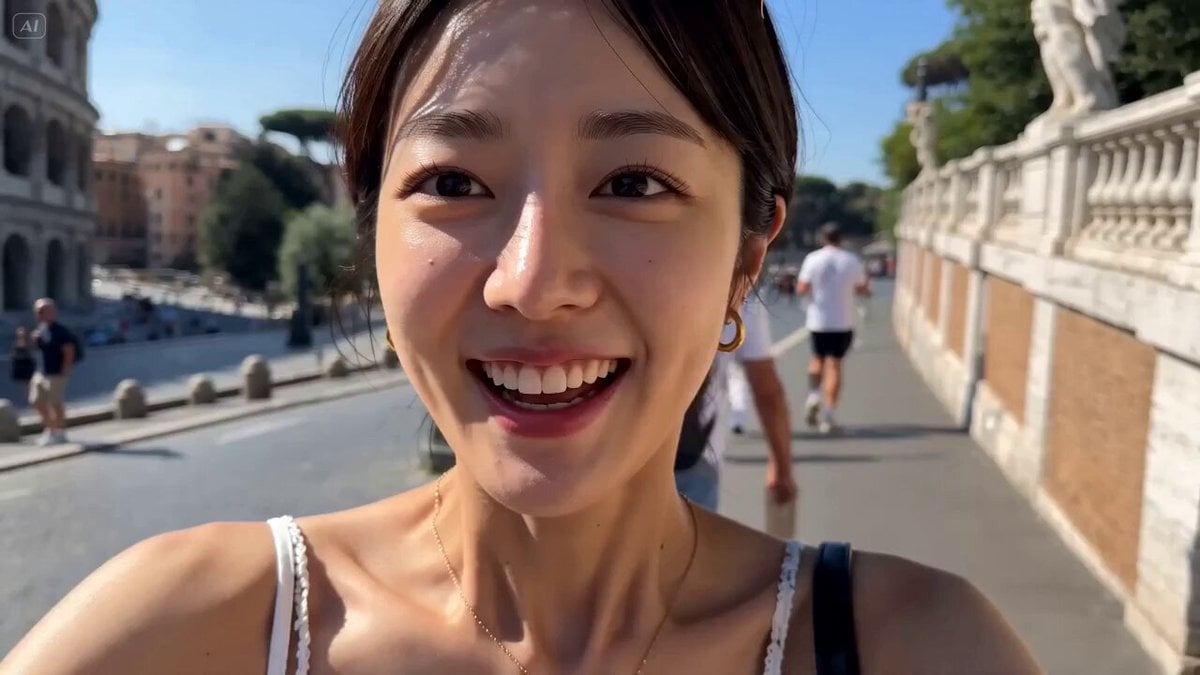
Rome Travel Vlog Video Script
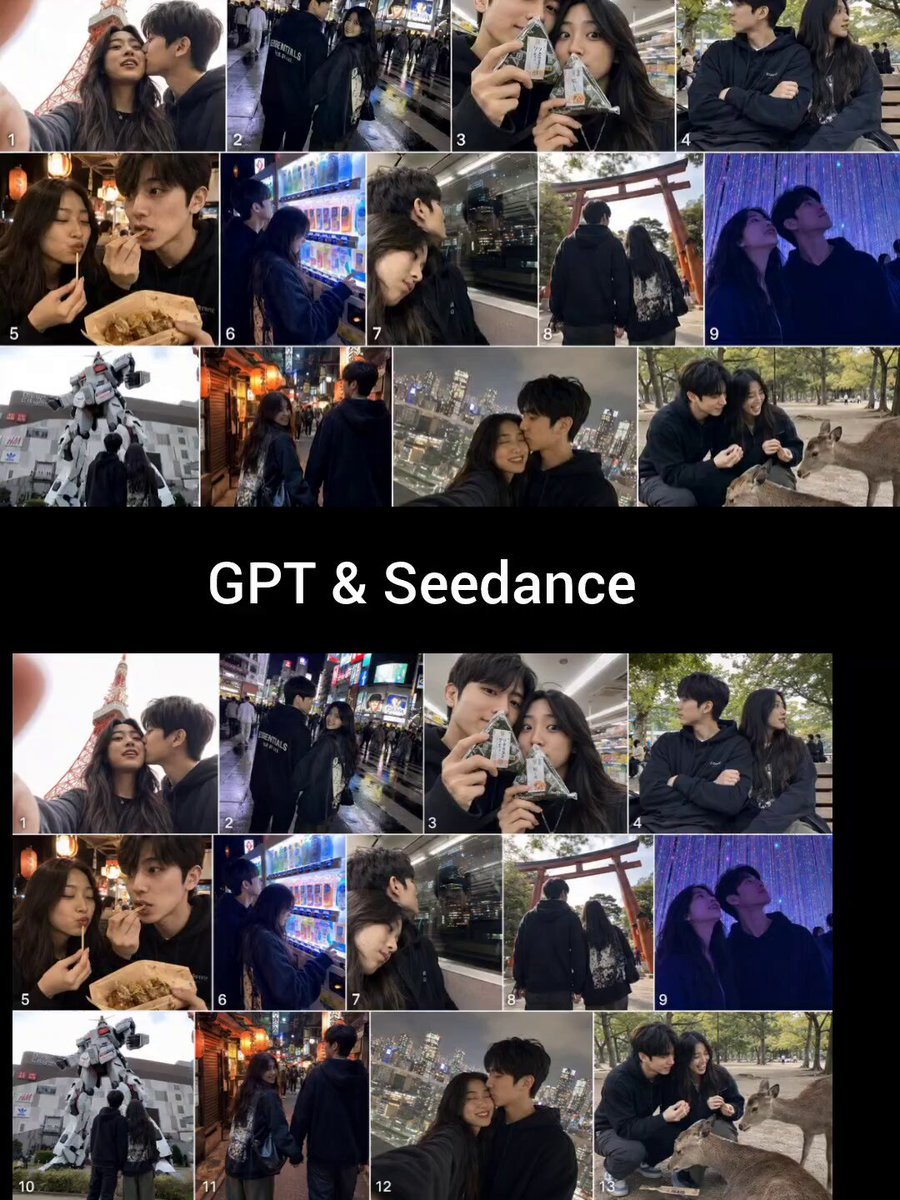
Realistic Tokyo Travel Vlog Aesthetic
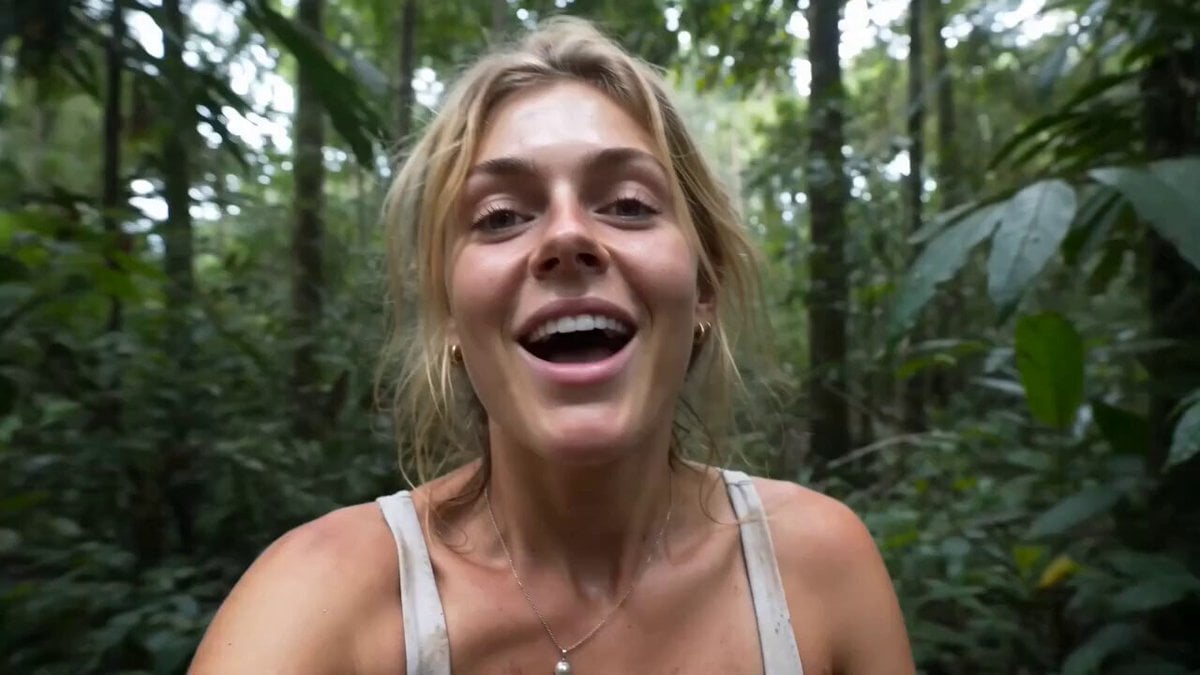
Rainforest Travel Vlog Script
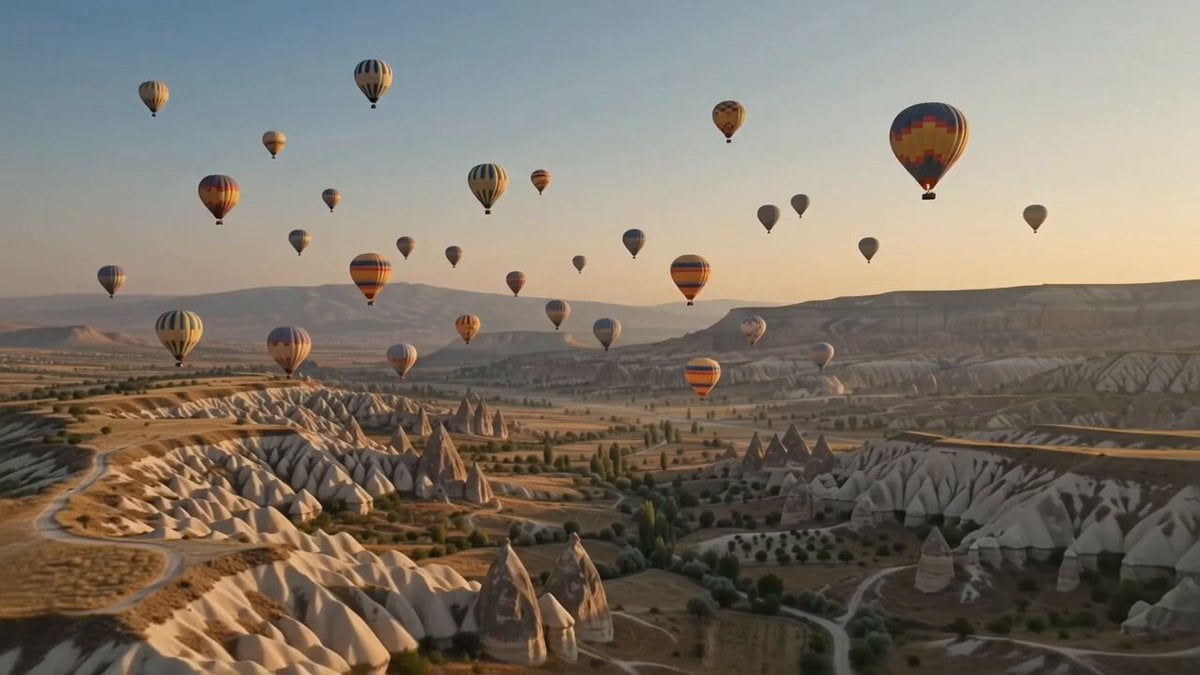
Hot-Air Balloon Travel Vlog
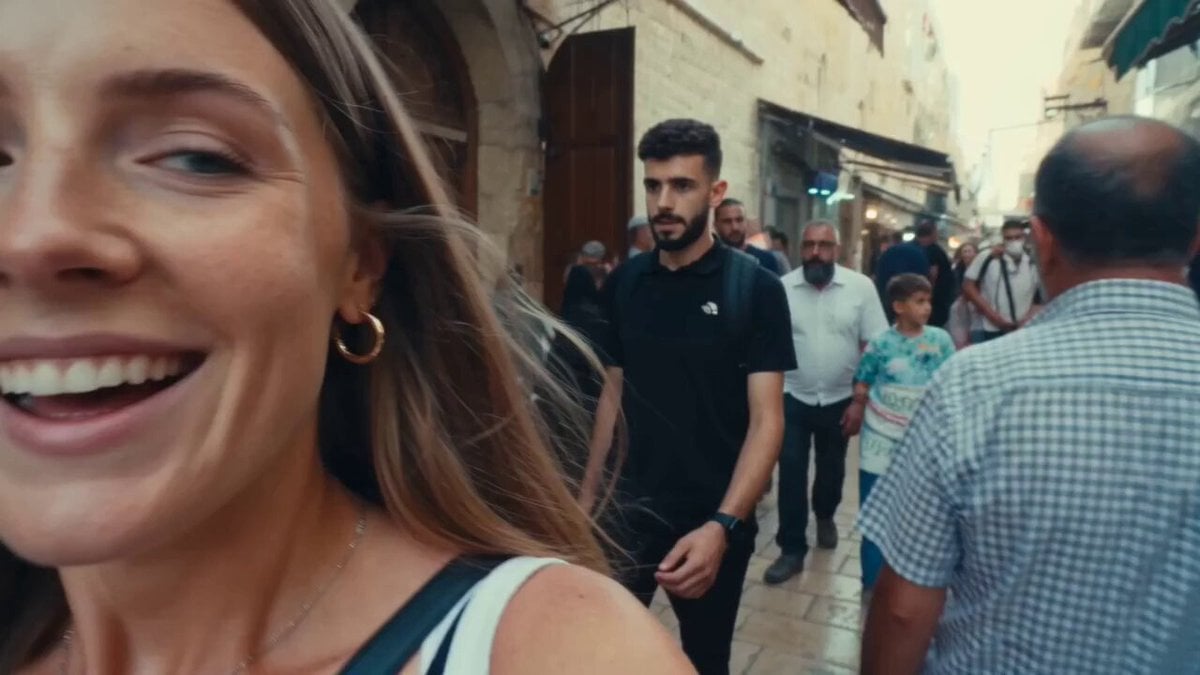
Vintage 16mm Jerusalem Travel Vlog

Japanese Summer Festival Travel Vlog
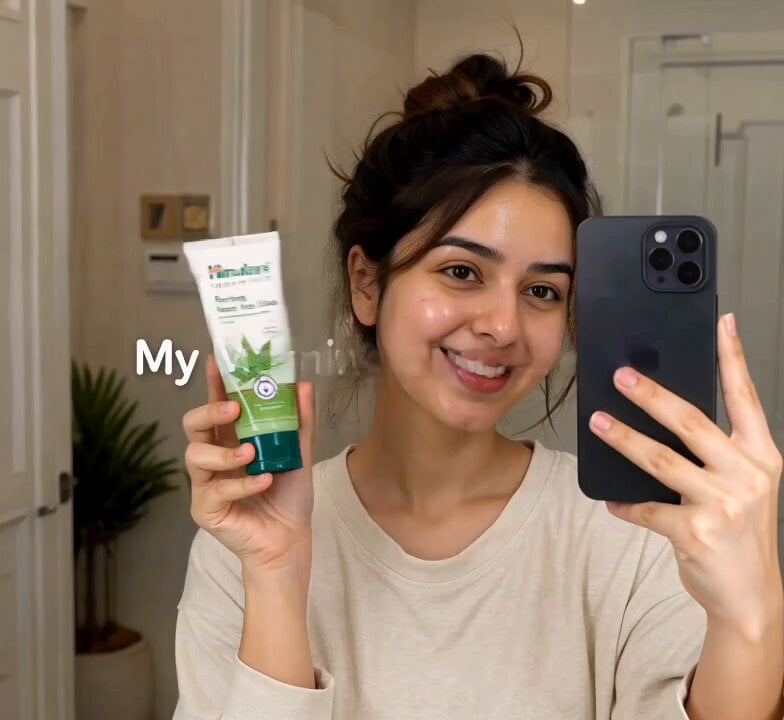
Morning Skincare Routine Vlog Script

Mediterranean Coffee Run Vlog - Seedance 2.5
Make it yours
Tokyo Travel Vlog Cinematic Script works as-is. These are the safest ways to change it without losing the look.
Change one field
Copy a single group, rewrite it, and generate again so you can see what that field is doing.
Keep the frame, change the subject
Hold the composition and light of Tokyo Travel Vlog Cinematic Script, then swap wardrobe, props or the person for a new take.
| If the result… | Why | Fix |
|---|---|---|
| The result drifts from the preview | Too many fields changed at once. | Reuse Tokyo Travel Vlog Cinematic Script as-is first, then change one group — subject, light, or setting. |
| The model over-stylizes the scene | The prose prompt leaves finish and camera underspecified. | Add one camera or lighting sentence and stay on Seedance 2.0. |
More Seedance 2.0 templates
Other prompts made for Seedance 2.0.

Comical Martial Arts Punch Scene

Maglev Train Action Sequence

Martial Arts Fight Sequence

Wuxia Protection and Trust Script

Vintage Korean Arcade MiniDV Vlog

Mercedes 190 SL Luxury Ad

Rainy Night Supernatural Reverse Comedy Video Script

Amazon Civilization Discovery

Futuristic South Asian City Transformation

Cozy Luxury Cafe Commercial
More video prompts
Fresh picks from across the catalog.
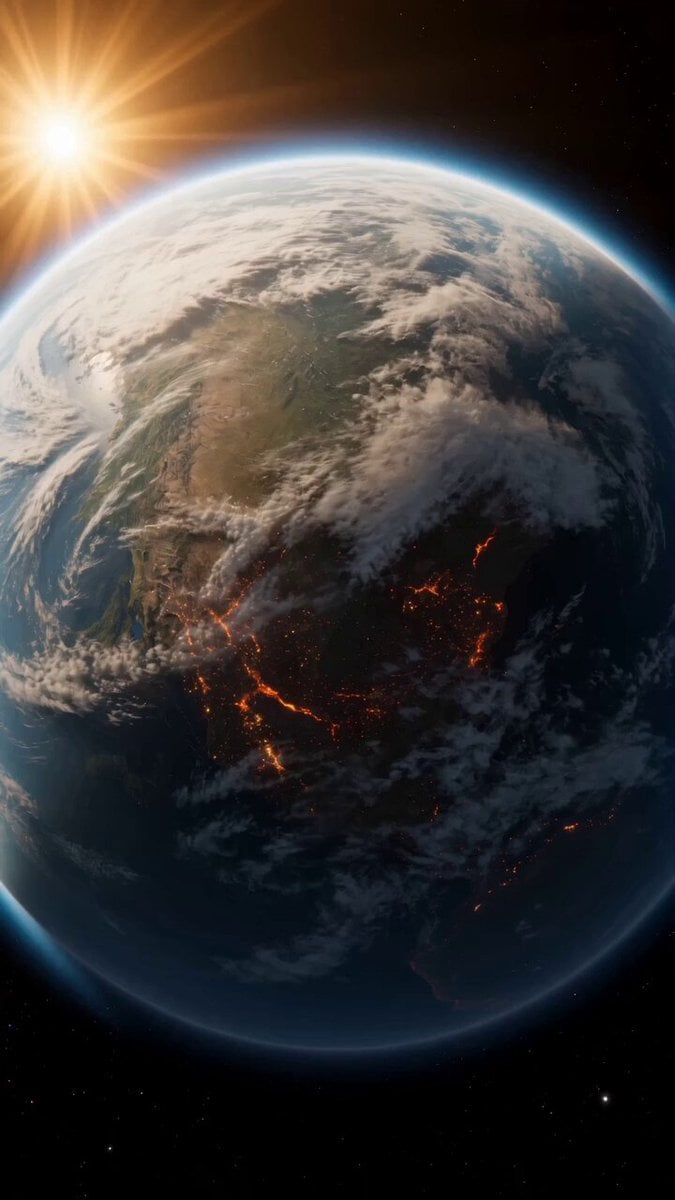
Continuous Planet Collapse Escape Sequence
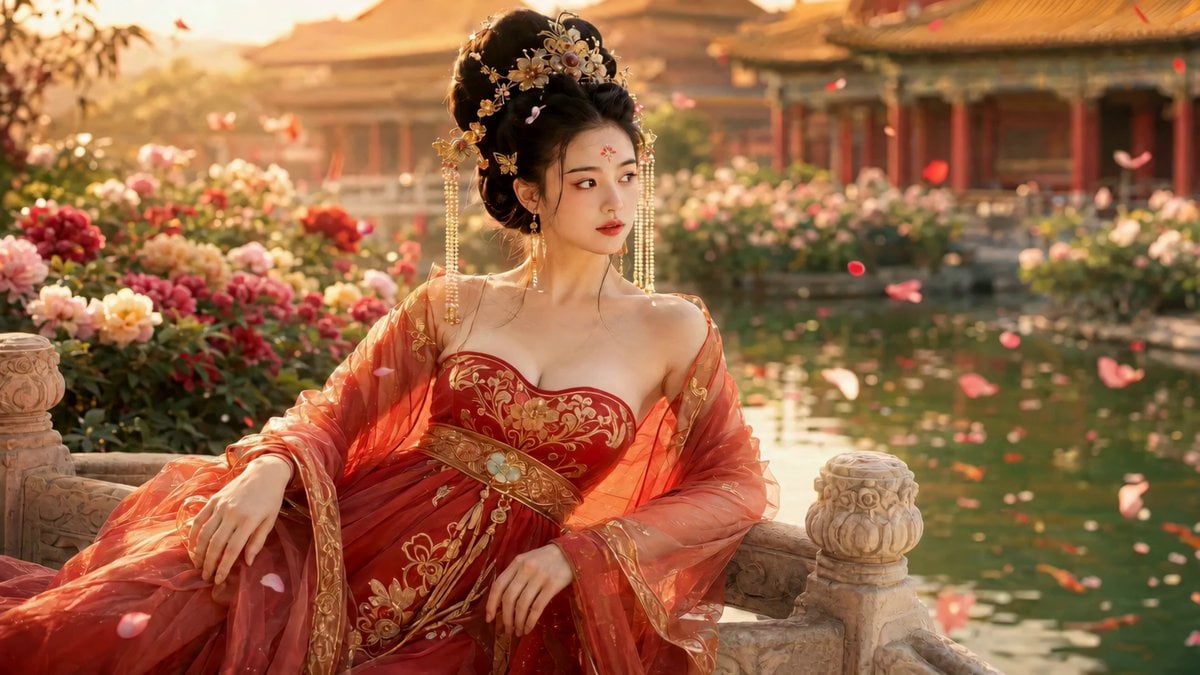
Cinematic Ancient Palace Beauty Close-up
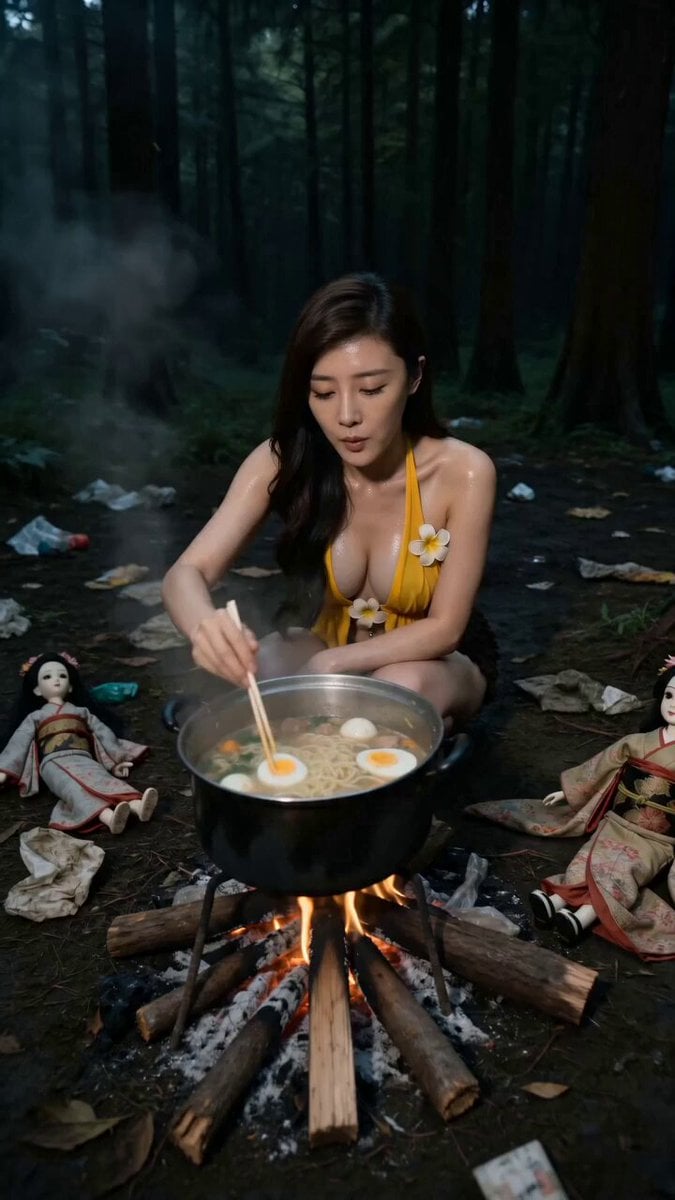
VHS Forest Mystery Horror Tape
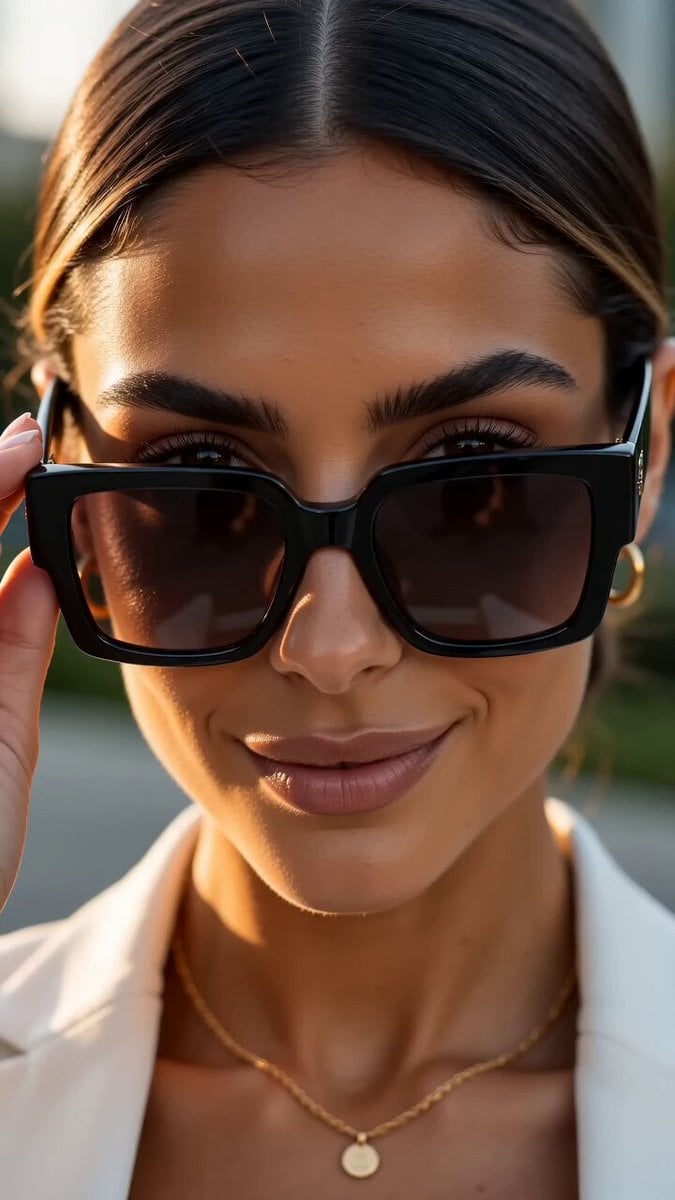
Cinematic Fashion Sunglasses Commercial
Luxury Tropical Resort Vlog
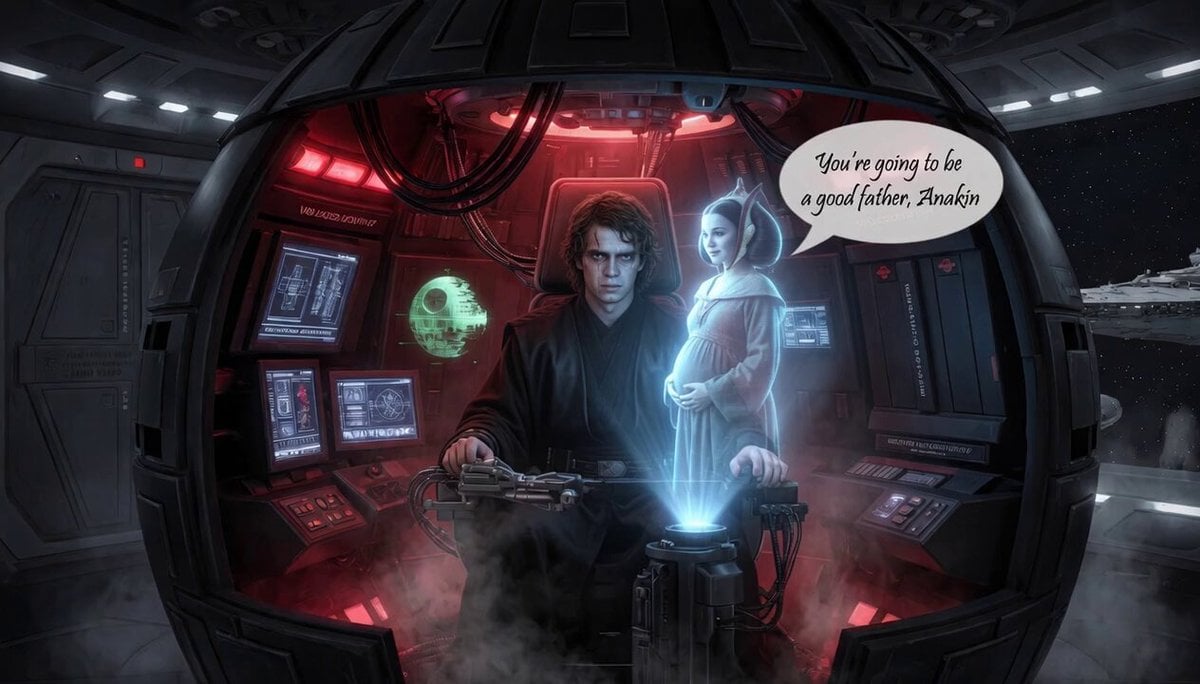
Darth Vader Emotional Past
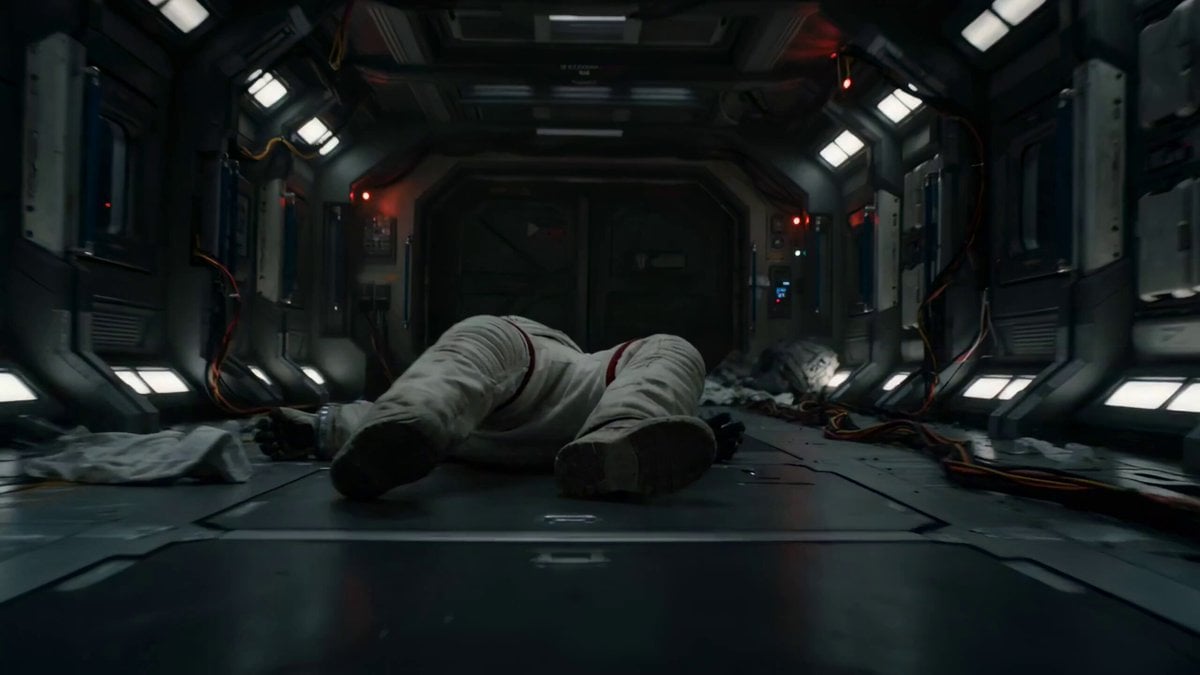
Astronaut Zero-Gravity Escape Scene
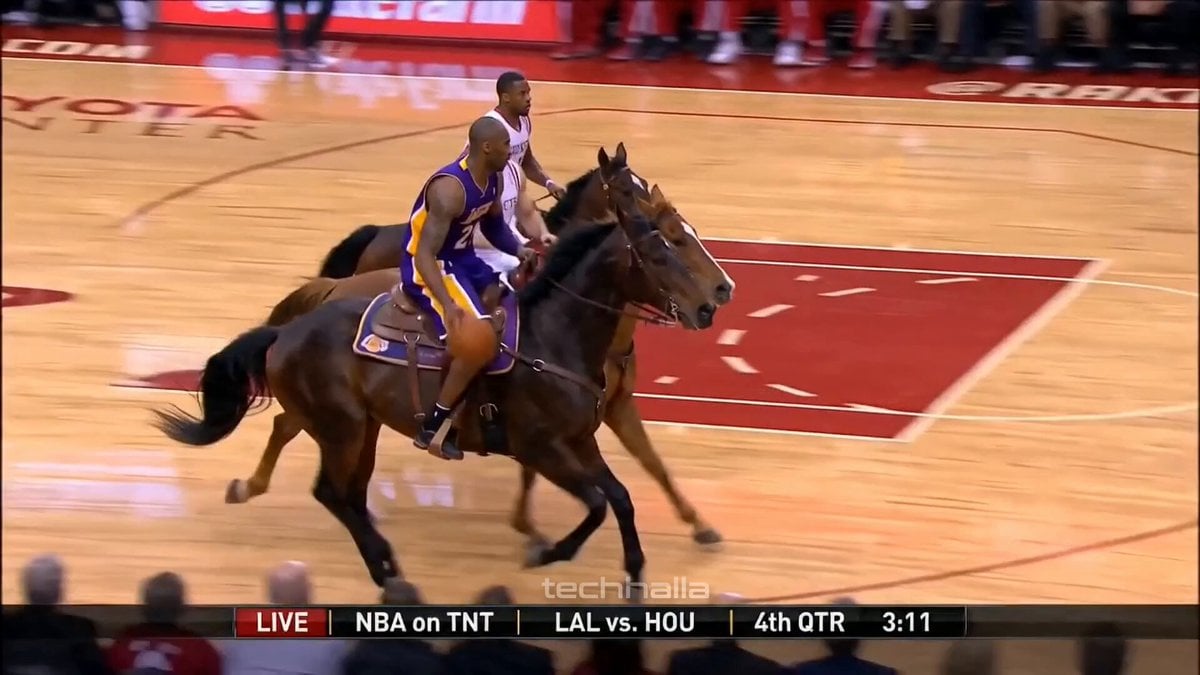
Olympic Hammer Throw Broadcast Simulation
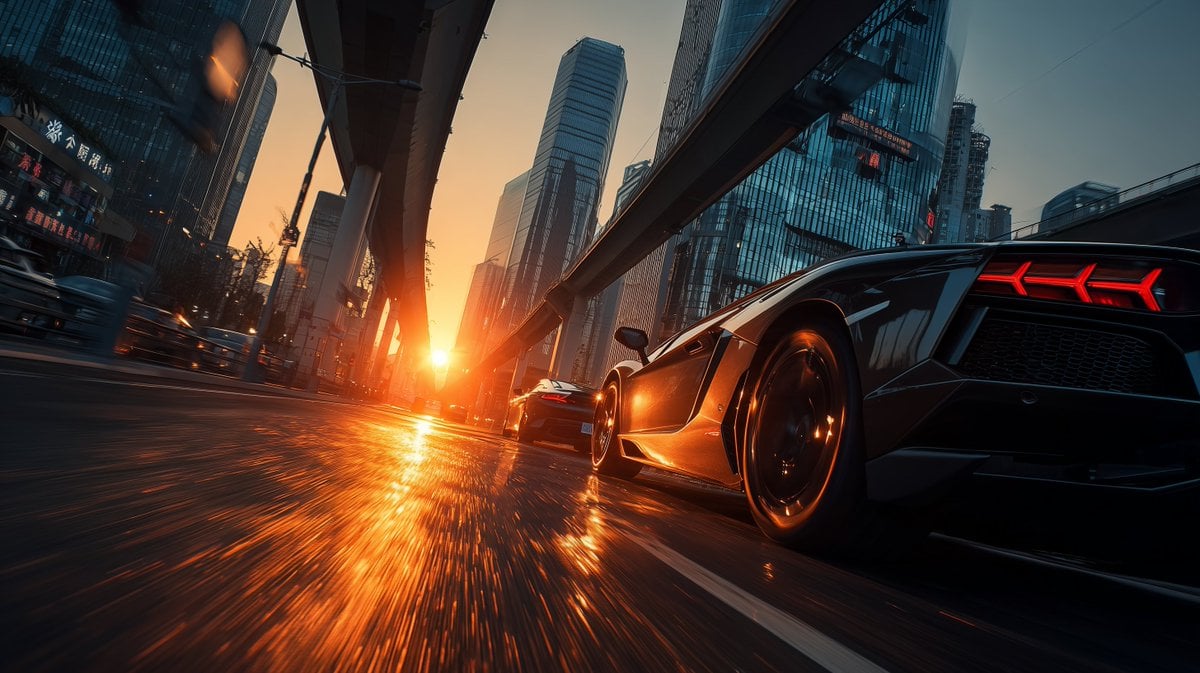
Cinematic Shanghai Megacity Sunset
Cinematic Horror Thriller Video Prompt
Browse template categories
Tokyo Travel Vlog Cinematic Script questions
How do I use the Tokyo Travel Vlog Cinematic Script template?
Add your photo if the template asks for one, edit the prompt if you like — the template's model and format are already selected — and press Generate. Your version opens in PicX Studio.
Can I customize the Tokyo Travel Vlog Cinematic Script template?
Yes. You can change the subject, setting, lighting, mood, format, and available model controls before creating your video.
Is the Tokyo Travel Vlog Cinematic Script template free?
Opening and editing this template is free. Generating uses credits, shown on the Generate button when you are signed in.
Which AI model should I use?
Start with Seedance 2.0, which is the model associated with this template. You can compare another compatible model for a different finish.
Looking for something else? Browse all templates.

Your photo, any look
Thousands of ready templates for every top image and video model, from one credit balance.