
Rainforest Travel Vlog Script
A structured JSON prompt for a 15-second cinematic rainforest travel vlog, detailing camera angles, audio ambience, character appearance, and a sequence of fast-paced cuts.
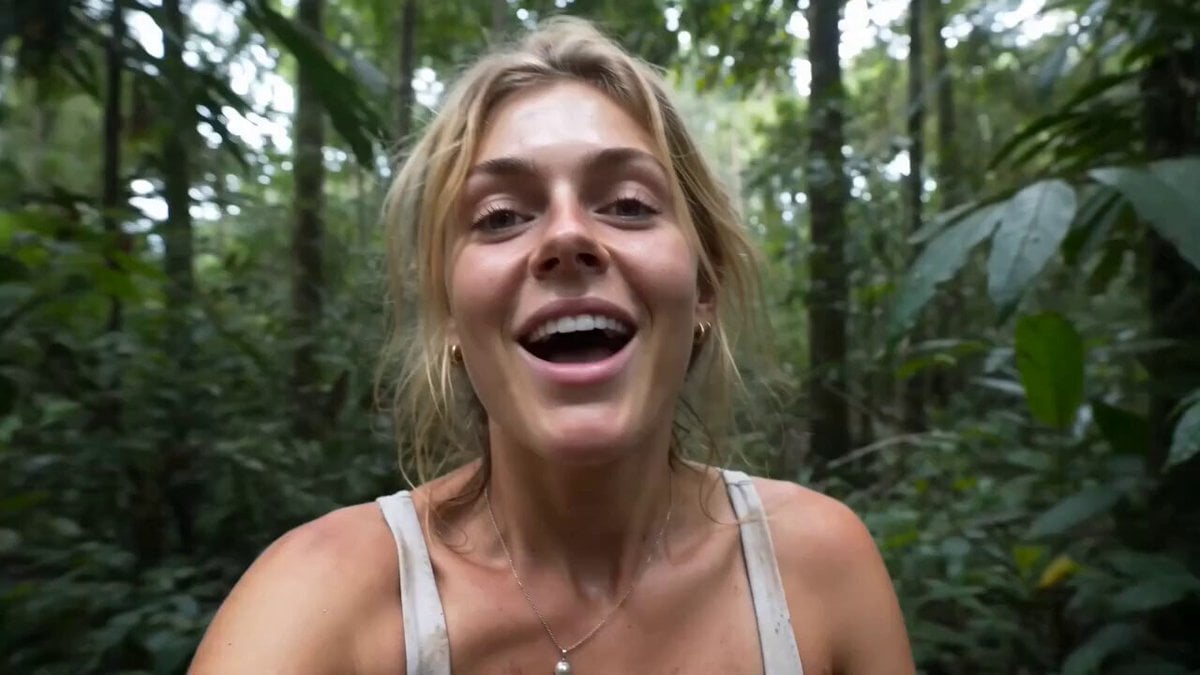
- Prompt included
- Model and format preset
- Premium template
The prompt behind this video
Copy the exact prompt behind Rainforest Travel Vlog Script, or open it in the studio and make it yours.
- Duration
- 15
- Style
- cinematic travel vlog, handheld energy, fast-paced editing, authentic rainforest exploration, vibrant colors, high-vibes adventure
- Camera
- selfie shots, action camera feel, quick cuts, wide-angle lens, close-ups, tracking shots, POV moments, no slow motion
- Audio › Music
- upbeat energetic indie rock with driving drums and guitar riffs
- Audio › Ambience
- rainforest birds, insects, distant wildlife, leaves rustling
- Audio › Voice
- soft ASMR whisper at opening
- Character › Appearance
- beautiful adventurous blonde woman, natural messy hair, sun-kissed skin, expressive eyes, authentic traveler
- Character › Outfit
- consistent throughout entire video: light gray fitted tank top, khaki hiking shorts, thin necklace, simple bracelets, rugged outdoor look, slightly muddy from rainforest trekking
- Prompt
- 0-2 seconds: Extreme close-up selfie. The woman smiles directly into the camera while walking through dense rainforest vegetation. ASMR whisper: 'I found a hidden world deep in the rainforest...' Rock music explodes in immediately after the whisper. Fast movement, leaves brushing past the lens. 2-4 seconds: Dynamic selfie shot weaving through a narrow jungle path. Lush green rainforest surrounds her. Hair bouncing naturally. High energy. 4-6 seconds: Quick cut. She laughs while standing with local rainforest villagers. Friendly interactions, authentic atmosphere, vibrant community energy. 6-8 seconds: Fast reveal shot. She turns her head and spots a large gorilla in the jungle. Excited expression. Camera quickly pans between her reaction and the animal. 8-10 seconds: Following local guides through dense rainforest trails. Fast walking pace. Jungle depth and scale visible. Adventurous travel-vlog feeling. 10-12 seconds: Sitting around a small rainforest campfire with locals. Laughing, listening, sharing a moment. Warm firelight contrasts with deep green surroundings. 12-14 seconds: Tasting traditional rainforest food. Playful reaction. Quick cuts between food, smiles, and surrounding jungle life. 14-15 seconds: Final selfie on a rainforest trail. She grins at the camera while towering jungle vegetation surrounds her. Energetic ending. High-vibes travel adventure. Consistent clothing in every shot: light gray tank top and khaki hiking shorts. Fast transitions, authentic travel vlog pacing, handheld realism, natural lighting, vibrant rainforest atmosphere, cinematic adventure energy.
- Negative Prompt
- outfit changes, wardrobe changes, slow motion, studio lighting, city environments, futuristic elements, fantasy creatures, camera stabilization, duplicate person, extra travelers, text overlays, subtitles, logos, watermarks, clothing inconsistency, different hairstyle, different age
Raw JSON
{
  "duration": 15,
  "style": "cinematic travel vlog, handheld energy, fast-paced editing, authentic rainforest exploration, vibrant colors, high-vibes adventure",
  "camera": "selfie shots, action camera feel, quick cuts, wide-angle lens, close-ups, tracking shots, POV moments, no slow motion",
  "audio": {
    "music": "upbeat energetic indie rock with driving drums and guitar riffs",
    "ambience": "rainforest birds, insects, distant wildlife, leaves rustling",
    "voice": "soft ASMR whisper at opening"
  },
  "character": {
    "appearance": "beautiful adventurous blonde woman, natural messy hair, sun-kissed skin, expressive eyes, authentic traveler",
    "outfit": "consistent throughout entire video: light gray fitted tank top, khaki hiking shorts, thin necklace, simple bracelets, rugged outdoor look, slightly muddy from rainforest trekking"
  },
  "prompt": "0-2 seconds: Extreme close-up selfie. The woman smiles directly into the camera while walking through dense rainforest vegetation. ASMR whisper: 'I found a hidden world deep in the rainforest...' Rock music explodes in immediately after the whisper. Fast movement, leaves brushing past the lens. \n2-4 seconds: Dynamic selfie shot weaving through a narrow jungle path. Lush green rainforest surrounds her. Hair bouncing naturally. High energy. 4-6 seconds: Quick cut. She laughs while standing with local rainforest villagers. Friendly interactions, authentic atmosphere, vibrant community energy. 6-8 seconds: Fast reveal shot. She turns her head and spots a large gorilla in the jungle. Excited expression. Camera quickly pans between her reaction and the animal. \n8-10 seconds: Following local guides through dense rainforest trails. Fast walking pace. Jungle depth and scale visible. Adventurous travel-vlog feeling. 10-12 seconds: Sitting around a small rainforest campfire with locals. Laughing, listening, sharing a moment. Warm firelight contrasts with deep green surroundings. \n12-14 seconds: Tasting traditional rainforest food. Playful reaction. Quick cuts between food, smiles, and surrounding jungle life. \n14-15 seconds: Final selfie on a rainforest trail. She grins at the camera while towering jungle vegetation surrounds her. Energetic ending. High-vibes travel adventure. Consistent clothing in every shot: light gray tank top and khaki hiking shorts. Fast transitions, authentic travel vlog pacing, handheld realism, natural lighting, vibrant rainforest atmosphere, cinematic adventure energy.",
  "negative_prompt": "outfit changes, wardrobe changes, slow motion, studio lighting, city environments, futuristic elements, fantasy creatures, camera stabilization, duplicate person, extra travelers, text overlays, subtitles, logos, watermarks, clothing inconsistency, different hairstyle, different age"
}How to use Rainforest Travel Vlog Script in 3 steps
- 1
Open
The prompt is already in the box next to the preview, with the template's model and format selected.
- 2…a portrait of your subject in softgolden-hour light, 85mm…
Personalize
Edit the subject and creative details for your destination.
- 3Generate
Generate
Press Generate — your video is created in PicX Studio, so you can compare it with the original and refine one variable at a time.
More like this
Templates with the same subject, style or setup. Open one to see its prompt.

Handheld Tokyo Travel Vlog - Seedance 2.5

Luxury Airport Travel Vlog

Kenting Lifestyle Travel Vlog
Rome Travel Vlog Video Script

Mediterranean Coffee Run Vlog - Seedance 2.5

Mysterious Home Exploration Vlog - Seedance 2.5

Realistic Morning Routine Lifestyle Vlog - Seedance 2.5

Nostalgic MiniDV Convenience Store Vlog - Seedance 2.5

Mediterranean Morning Coffee Run Vlog (Seedance 2.5)

Product UGC Commercial

Luxury Lifestyle Day Vlog

Kyoto Morning Selfie Vlog
Make it yours
Rainforest Travel Vlog Script works as-is. These are the safest ways to change it without losing the look.
Change one field
Copy a single group, rewrite it, and generate again so you can see what that field is doing.
Keep the frame, change the subject
Hold the composition and light of Rainforest Travel Vlog Script, then swap wardrobe, props or the person for a new take.
| If the result… | Why | Fix |
|---|---|---|
| The result drifts from the preview | Too many fields changed at once. | Reuse Rainforest Travel Vlog Script as-is first, then change one group — subject, light, or setting. |
| Seedance 2.0 ignores part of the JSON | Some models flatten or skip nested keys. | Keep the same values and paste them as a short paragraph instead. |
More Seedance 2.0 templates
Other prompts made for Seedance 2.0.

Comical Martial Arts Punch Scene

Maglev Train Action Sequence

Martial Arts Fight Sequence

Wuxia Protection and Trust Script

Vintage Korean Arcade MiniDV Vlog

Mercedes 190 SL Luxury Ad

Rainy Night Supernatural Reverse Comedy Video Script

Amazon Civilization Discovery

Futuristic South Asian City Transformation

Cozy Luxury Cafe Commercial
More video prompts
Fresh picks from across the catalog.

One-Eyed Girl and Bear Companion Adventure
Olympic Snowboard Big Air Competition
1986 Horror Film Iridescent Macropsia
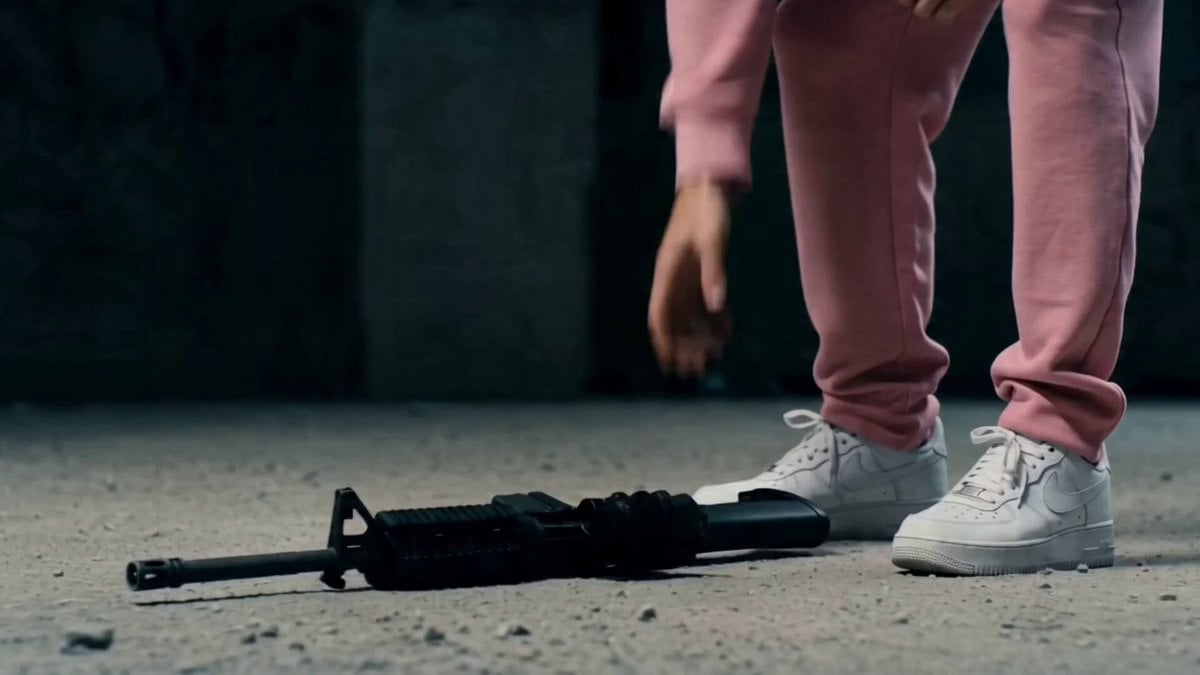
Post-Apocalyptic Survival Thriller Prompt

Realistic Football Cinematic
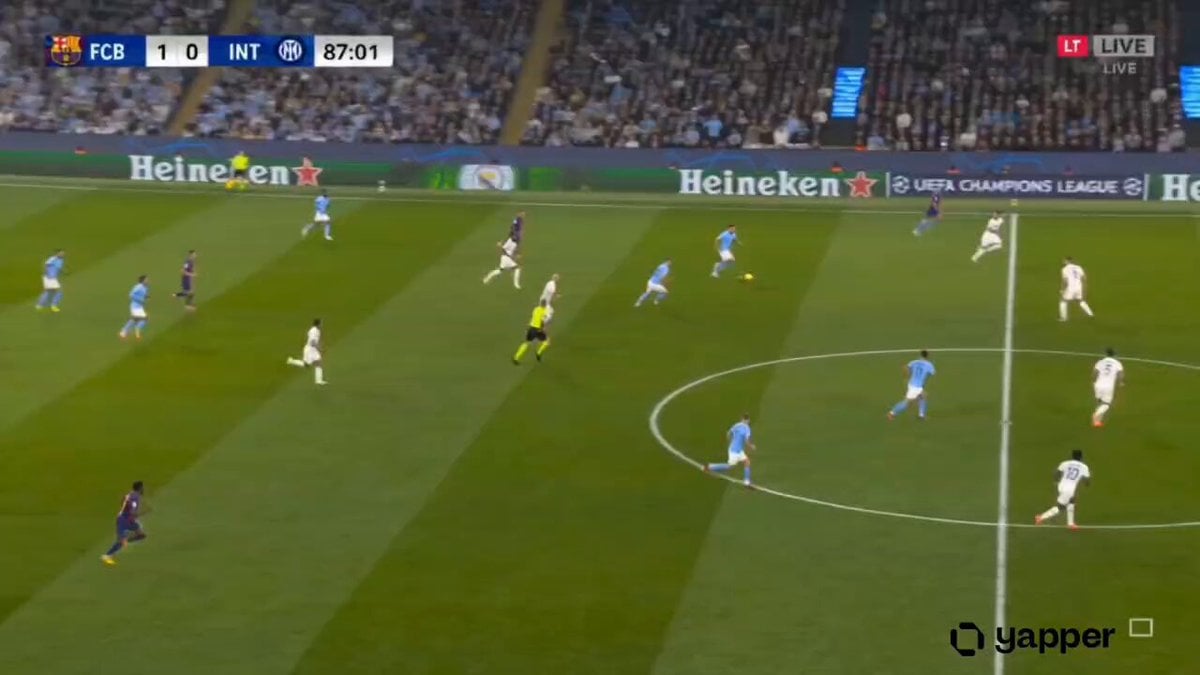
Hyper-realistic Live Football Broadcast
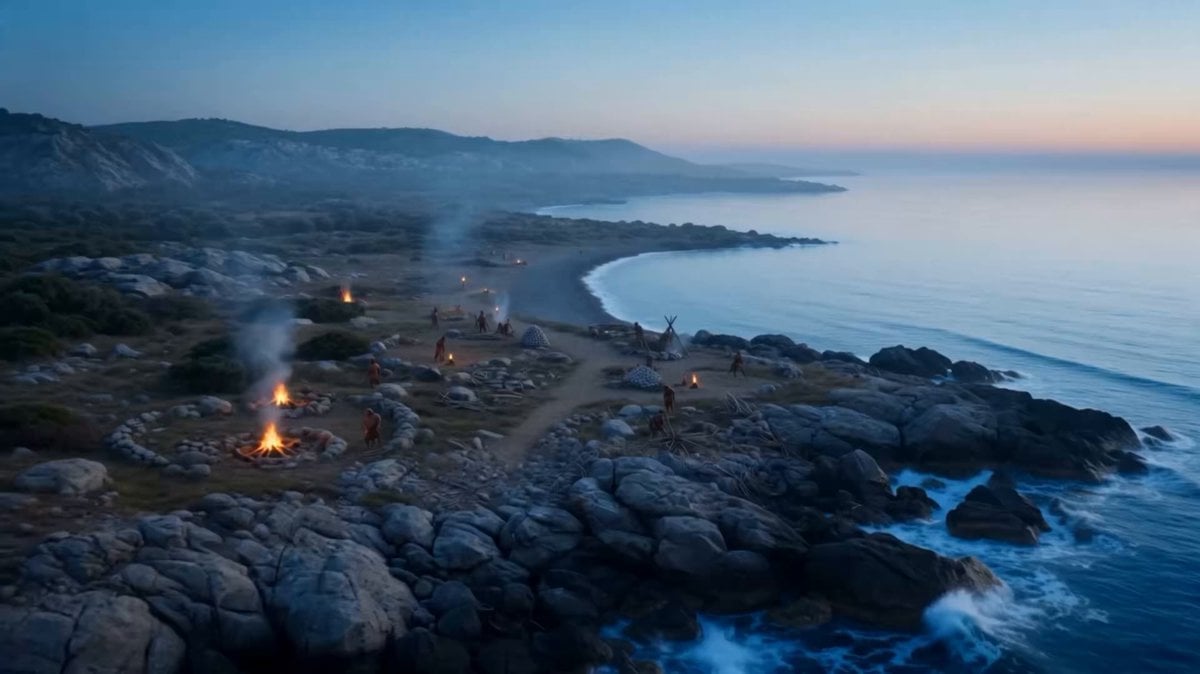
Time-Lapse City Evolution in 8K IMAX

Open-World RPG Grocery Store Quest Prompt
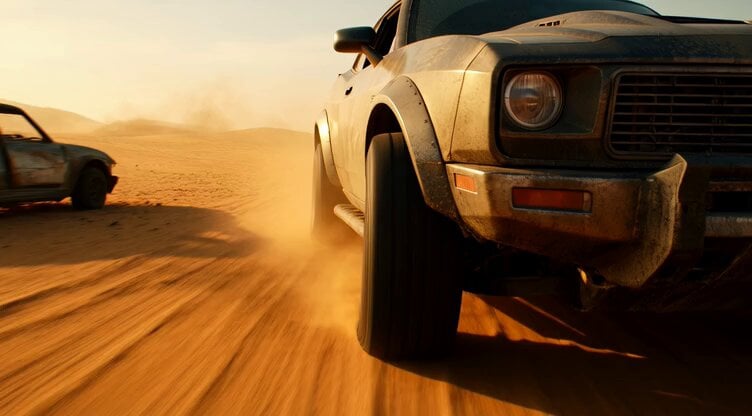
Tracking shot of armored muscle car in desert

Grok Imagine Prompt: The colossal silhouette of a deity strides through the depths of a twisted, swi
Browse template categories
Rainforest Travel Vlog Script questions
How do I use the Rainforest Travel Vlog Script template?
Add your photo if the template asks for one, edit the prompt if you like — the template's model and format are already selected — and press Generate. Your version opens in PicX Studio.
Can I customize the Rainforest Travel Vlog Script template?
Yes. You can change the subject, setting, lighting, mood, format, and available model controls before creating your video.
Is the Rainforest Travel Vlog Script template free?
Opening and editing this template is free. Generating uses credits, shown on the Generate button when you are signed in.
Which AI model should I use?
Start with Seedance 2.0, which is the model associated with this template. You can compare another compatible model for a different finish.
Looking for something else? Browse all templates.

Your photo, any look
Thousands of ready templates for every top image and video model, from one credit balance.