
Rome Travel Vlog Video Script
A comprehensive video generation prompt for a high-energy travel vlog in Rome, featuring cinematic cuts and Japanese dialogue.
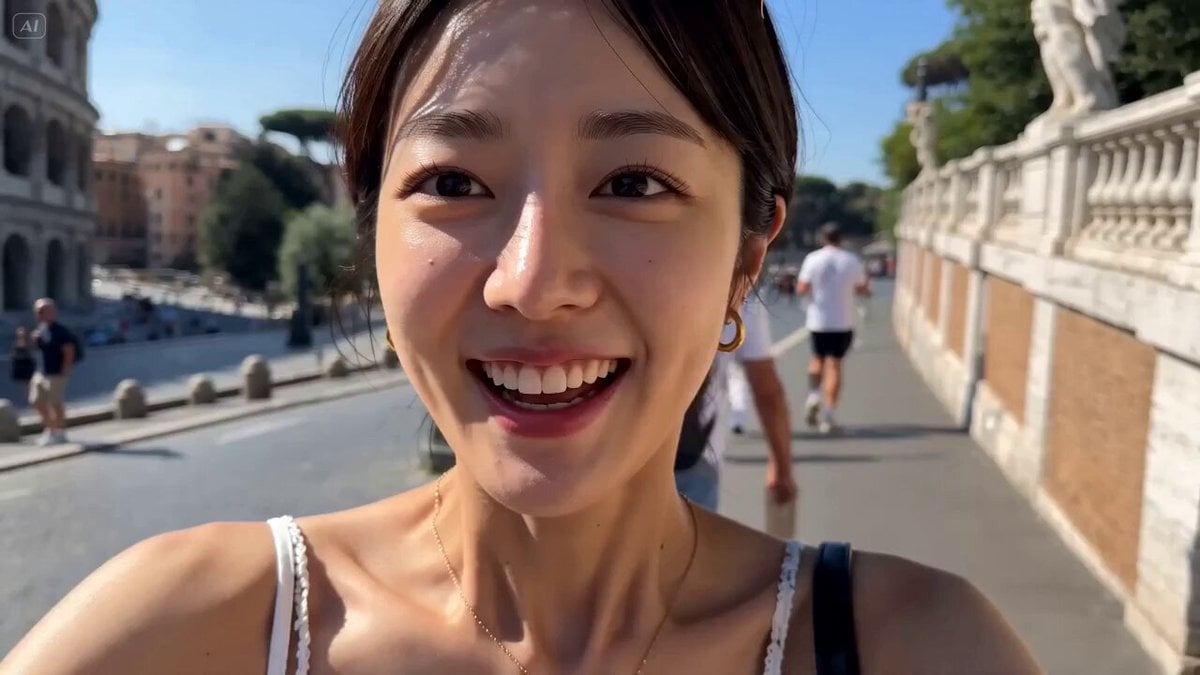
- Prompt included
- Model and format preset
- Premium template
The prompt behind this video
Copy the exact prompt behind Rome Travel Vlog Video Script, or open it in the studio and make it yours.
Style: Travel vlog, sunny Rome, vibrant colors, handheld + quick whip pans, fast cuts, natural lighting, high energy music [00:00–00:01.5] EXTREME CLOSE-UP — her smiling face (start) Camera slightly moving, natural handheld She looks directly into lens Dialogue (Japanese, cheerful): 「みんな〜ローマに来たよ!」 [00:01.5–00:03] CUT — Colosseum selfie angle She tilts camera, sun flare 「すごくない!?」 [00:03–00:04.5] CUT — walking past Pantheon (over-shoulder → turns back smiling) 「めっちゃ綺麗〜!」 [00:04.5–00:06] CUT — pizza bite close-up Cheese stretch 「いただきまーす!」 [00:06–00:07.5] CUT — sunglasses selfie in Vatican square Quick spin 「暑いけど最高!」 [00:07.5–00:09] CUT — St. Peter’s Basilica medium shot She poses, slight hair movement 「ここ有名なとこ!」 [00:09–00:10.5] CUT — Trevi Fountain turn-back shot Water sparkling 「願い事しよっかな〜」 [00:10.5–00:12] CUT — Spanish Steps sitting pose Soft smile, relaxed 「ちょっと休憩〜」 [00:12–00:13.5] CUT — café espresso close-up She leans in, playful 「カフェ最高!」 [00:13.5–00:15] CUT — walking narrow street, turns back to camera Golden light Final line (bright, inviting): 「またね〜!」 Music hits final upbeat accent
How to use Rome Travel Vlog Video Script in 3 steps
- 1
Open
The prompt is already in the box next to the preview, with the template's model and format selected.
- 2…a portrait of your subject in softgolden-hour light, 85mm…
Personalize
Edit the subject and creative details for your destination.
- 3Generate
Generate
Press Generate — your video is created in PicX Studio, so you can compare it with the original and refine one variable at a time.
More like this
Templates with the same subject, style or setup. Open one to see its prompt.

Handheld Tokyo Travel Vlog - Seedance 2.5

Luxury Airport Travel Vlog

Kenting Lifestyle Travel Vlog
Rainforest Travel Vlog Script

Mediterranean Coffee Run Vlog - Seedance 2.5

Mysterious Home Exploration Vlog - Seedance 2.5

Realistic Morning Routine Lifestyle Vlog - Seedance 2.5

Nostalgic MiniDV Convenience Store Vlog - Seedance 2.5

Mediterranean Morning Coffee Run Vlog (Seedance 2.5)

Product UGC Commercial

Luxury Lifestyle Day Vlog

Kyoto Morning Selfie Vlog
Make it yours
Rome Travel Vlog Video Script works as-is. These are the safest ways to change it without losing the look.
Change one field
Copy a single group, rewrite it, and generate again so you can see what that field is doing.
Keep the frame, change the subject
Hold the composition and light of Rome Travel Vlog Video Script, then swap wardrobe, props or the person for a new take.
| If the result… | Why | Fix |
|---|---|---|
| The result drifts from the preview | Too many fields changed at once. | Reuse Rome Travel Vlog Video Script as-is first, then change one group — subject, light, or setting. |
| The model over-stylizes the scene | The prose prompt leaves finish and camera underspecified. | Add one camera or lighting sentence and stay on Seedance 2.0. |
More Seedance 2.0 templates
Other prompts made for Seedance 2.0.

Comical Martial Arts Punch Scene

Maglev Train Action Sequence

Martial Arts Fight Sequence

Wuxia Protection and Trust Script

Vintage Korean Arcade MiniDV Vlog

Mercedes 190 SL Luxury Ad

Rainy Night Supernatural Reverse Comedy Video Script

Amazon Civilization Discovery

Futuristic South Asian City Transformation

Cozy Luxury Cafe Commercial
More video prompts
Fresh picks from across the catalog.
Vertical Character Dance MV
Spider-Man vs Custom Hero Rooftop Battle
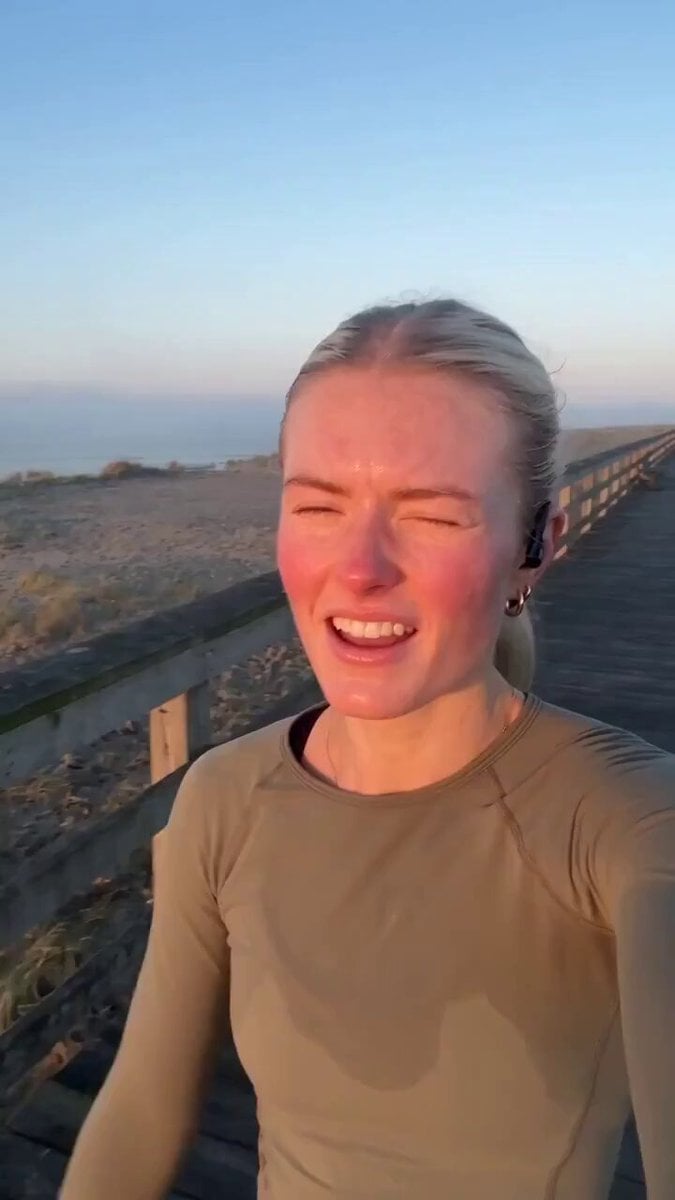
Handheld Scandinavian Influencer Running Vlog

Claude Fable 5 prompt: Multishot action scene, he

Grok Imagine Video Prompt: Cool Colors and Lightning
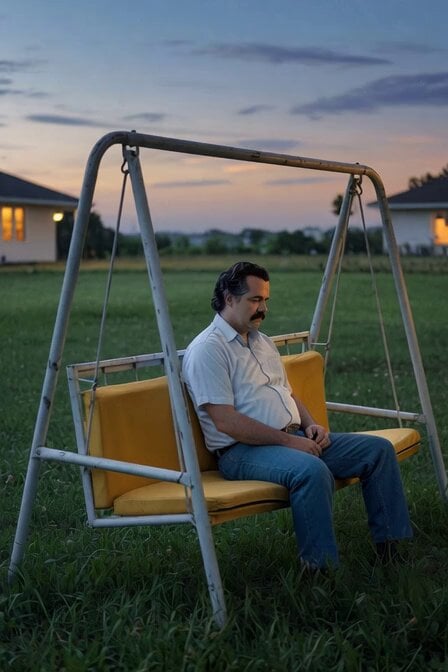
Sad Swing Scene
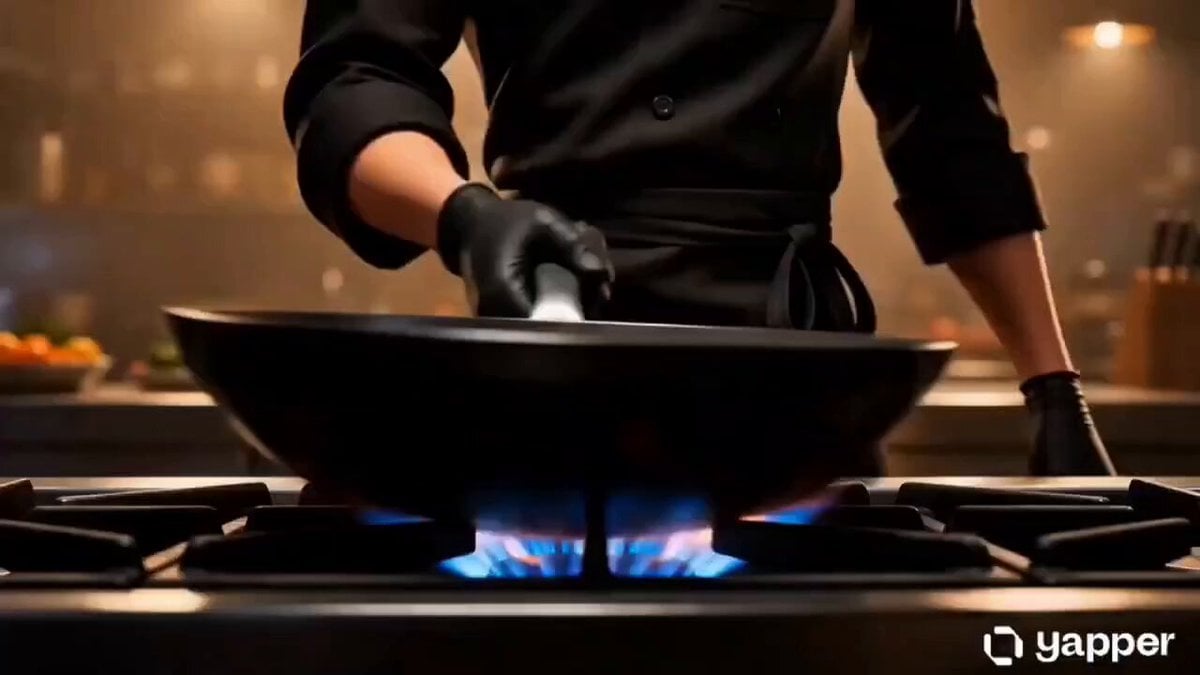
Culinary Choreography Chef Animation
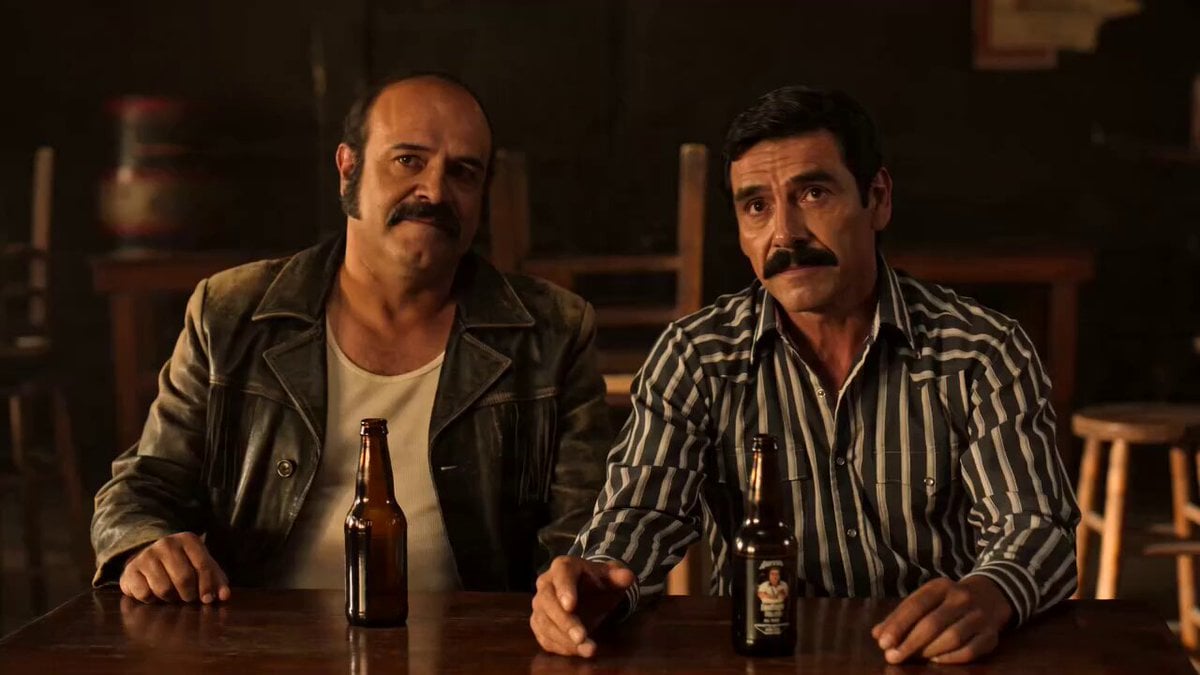
Cinematic Mariachi Bar Scene
Character transformation with bruised face and armor reference
Girlfriend Waking Up Vlog Scene
Browse template categories
Rome Travel Vlog Video Script questions
How do I use the Rome Travel Vlog Video Script template?
Add your photo if the template asks for one, edit the prompt if you like — the template's model and format are already selected — and press Generate. Your version opens in PicX Studio.
Can I customize the Rome Travel Vlog Video Script template?
Yes. You can change the subject, setting, lighting, mood, format, and available model controls before creating your video.
Is the Rome Travel Vlog Video Script template free?
Opening and editing this template is free. Generating uses credits, shown on the Generate button when you are signed in.
Which AI model should I use?
Start with Seedance 2.0, which is the model associated with this template. You can compare another compatible model for a different finish.
Looking for something else? Browse all templates.

Your photo, any look
Thousands of ready templates for every top image and video model, from one credit balance.