
Culinary Choreography Chef Animation
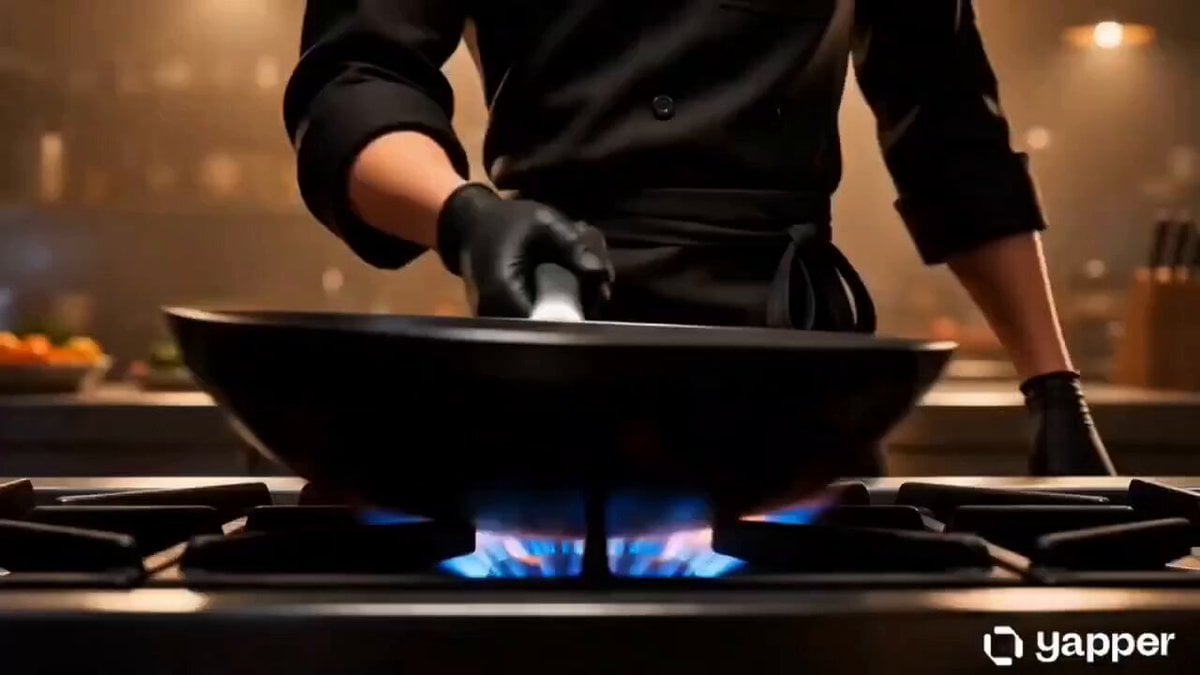
An intricate 3D animation prompt featuring a chef performing blade-fast culinary maneuvers in a professional kitchen with volumetric lighting.
- Prompt included
- Model and format preset
- Free template
The prompt behind this video
Copy the exact prompt behind Culinary Choreography Chef Animation, or open it in the studio and make it yours.
Stylized 3D animation with warm cinematic lighting, soft volumetric glow, rich saturated tones, and slightly exaggerated proportions. Culinary choreography inspired by elite swordmasters movements are hyper-fast, elastic, and precise, with dramatic exaggeration in speed and control while maintaining realistic cooking order. AUDIO: No music. Only natural sound amplified: fire bursts, oil sizzling, metal strikes, knife impacts, breath control. SUBJECTS: Subject 1 (Chef): Very lean, agile, sharp facial structure. Movements extremely fast but controlled. Micro-expressions: focused eyes, slight jaw tension, controlled breathing, subtle eyebrow shifts when evaluating heat and texture. Subject 2 (Food Critic): Not visible. ENVIRONMENT: Professional kitchen. Warm tungsten lighting. Steam and oil particles floating. Reflections slightly stretched due to motion. MOOD: Explosive precision. Controlled aggression. Every movement feels like a duel. TIMELINE: 0:00-0:03-Ignition. Chef slams wok onto flame - WHOOSH. Flame surges upward aggressively. Chef instantly lowers wrist flame stabilizes as if "obeying" him. Eyes sharpen. Oil poured in thin stream wrist rotates mid-air before landing perfectly. 0:03-0:06 - Blade dance. Knife flicked upward caught in reverse grip without looking. Garlic and chili thrown onto board - mid-air slicing begins. Each cut lands before ingredients fully touch surface. Final strike knife stops EXACTLY at board without sound delay. Chef exhales sharply. 0:06-0:09 - Protein sequence. Shrimp tossed upward. Chef pivots body - slicing motion follows arc of shrimp. Shell separates mid-air cleanly. Chef catches shrimp with back of blade - flips into wok without looking. Micro-expression: tiny eye shift - confirming accuracy. 0:09-0:12- Heat combat. Garlic hits oil - violent sizzle. Chef rotates wrist rapidly -spatula becomes extension of hand. Shrimp tossed, flipped, caught - never leaving control. Flame wraps briefly around wok edge. Chef leans in breathing steady. eyes locked,
How to use Culinary Choreography Chef Animation in 3 steps
- 1
Open
The prompt is already in the box next to the preview, with the template's model and format selected.
- 2…a portrait of your subject in softgolden-hour light, 85mm…
Personalize
Edit the subject and creative details for your destination.
- 3Generate
Generate
Press Generate — your video is created in PicX Studio, so you can compare it with the original and refine one variable at a time.
More like this
Templates with the same subject, style or setup. Open one to see its prompt.
3D Glossy Fairy Animation - Seedance 2.5

Silk Road Pomegranate Folk Animation
Multilingual Creative Typography Loop
Pixar Style 3D Chef Mascot Animation
Sushi Chef Animation Prompt
Walking Factory with Rebel on Hoverbike - Wasteland
Cartoon Bullfight Arena — Girl vs Bull (Seedance)
Dim Sum Chase — Shrimp Dumpling Monster

Mixed-Media Culinary Stylus Morph
Lop-Eared Bunny Takoyaki Chef
Anime Sword Combat Combat Choreography
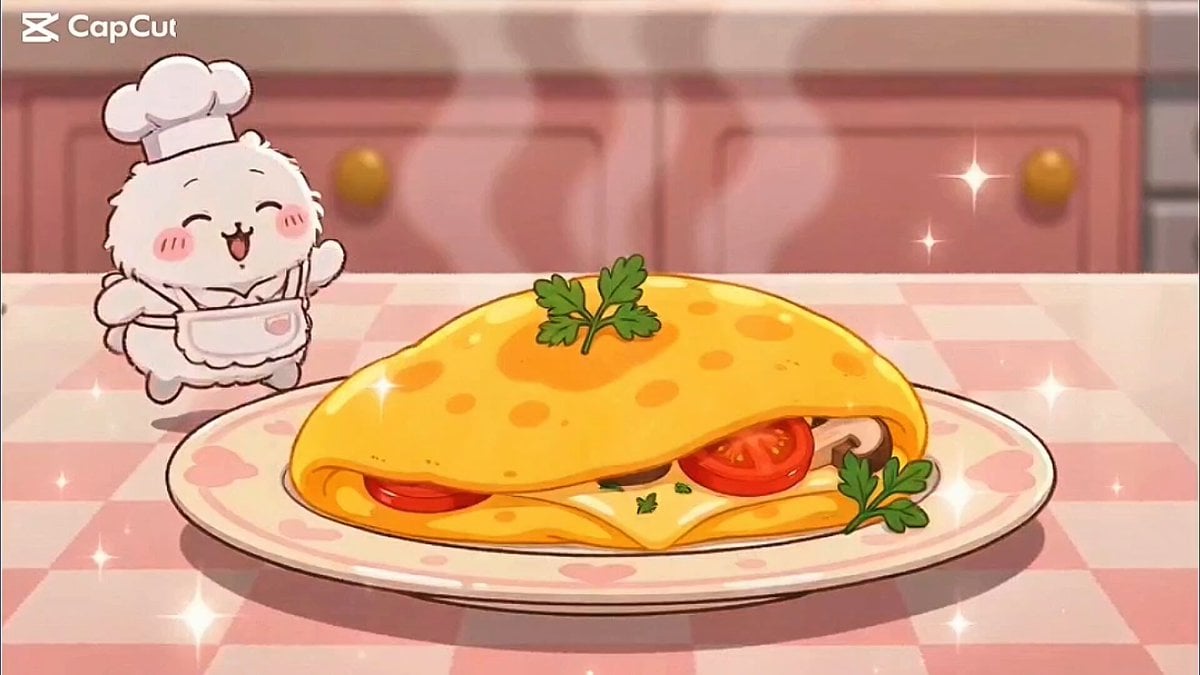
Kawaii Bunny Chef Anime Cooking
Make it yours
Culinary Choreography Chef Animation works as-is. These are the safest ways to change it without losing the look.
Change one field
Copy a single group, rewrite it, and generate again so you can see what that field is doing.
Keep the frame, change the subject
Hold the composition and light of Culinary Choreography Chef Animation, then swap wardrobe, props or the person for a new take.
| If the result… | Why | Fix |
|---|---|---|
| The result drifts from the preview | Too many fields changed at once. | Reuse Culinary Choreography Chef Animation as-is first, then change one group — subject, light, or setting. |
| The model over-stylizes the scene | The prose prompt leaves finish and camera underspecified. | Add one camera or lighting sentence and stay on Seedance 2.0. |
More Seedance 2.0 templates
Other prompts made for Seedance 2.0.

Comical Martial Arts Punch Scene

Maglev Train Action Sequence

Martial Arts Fight Sequence

Wuxia Protection and Trust Script

Vintage Korean Arcade MiniDV Vlog

Mercedes 190 SL Luxury Ad

Rainy Night Supernatural Reverse Comedy Video Script

Amazon Civilization Discovery

Futuristic South Asian City Transformation

Cozy Luxury Cafe Commercial
More video prompts
Fresh picks from across the catalog.
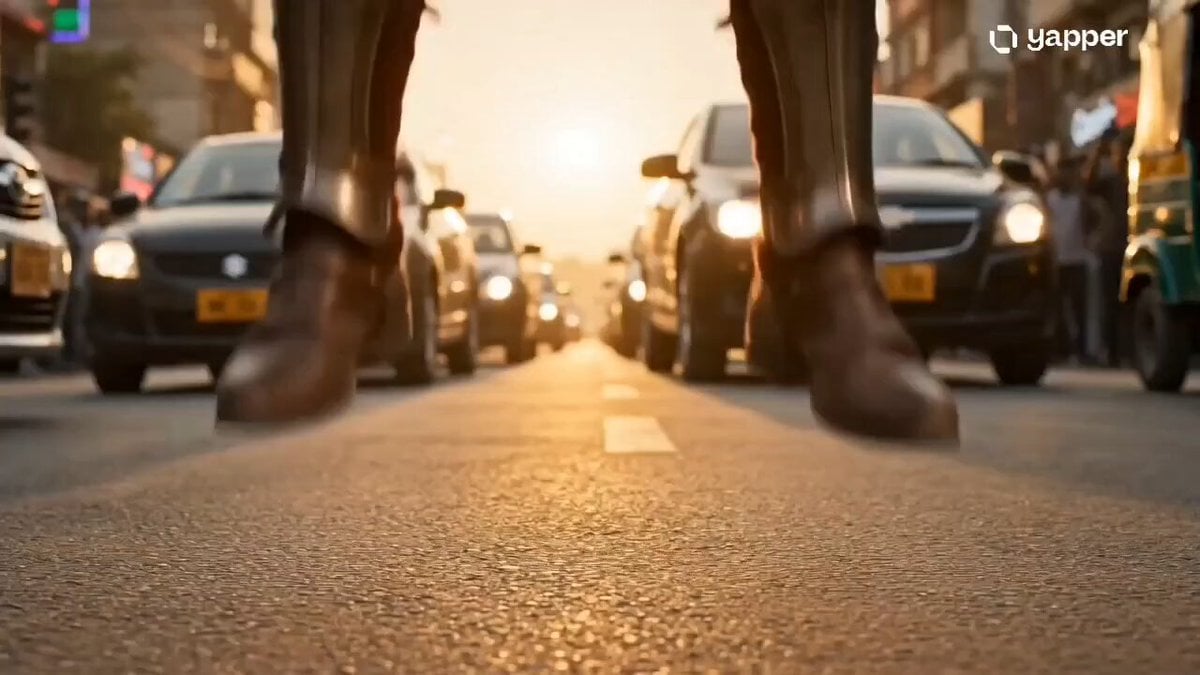
Time Collision Warrior in Lahore
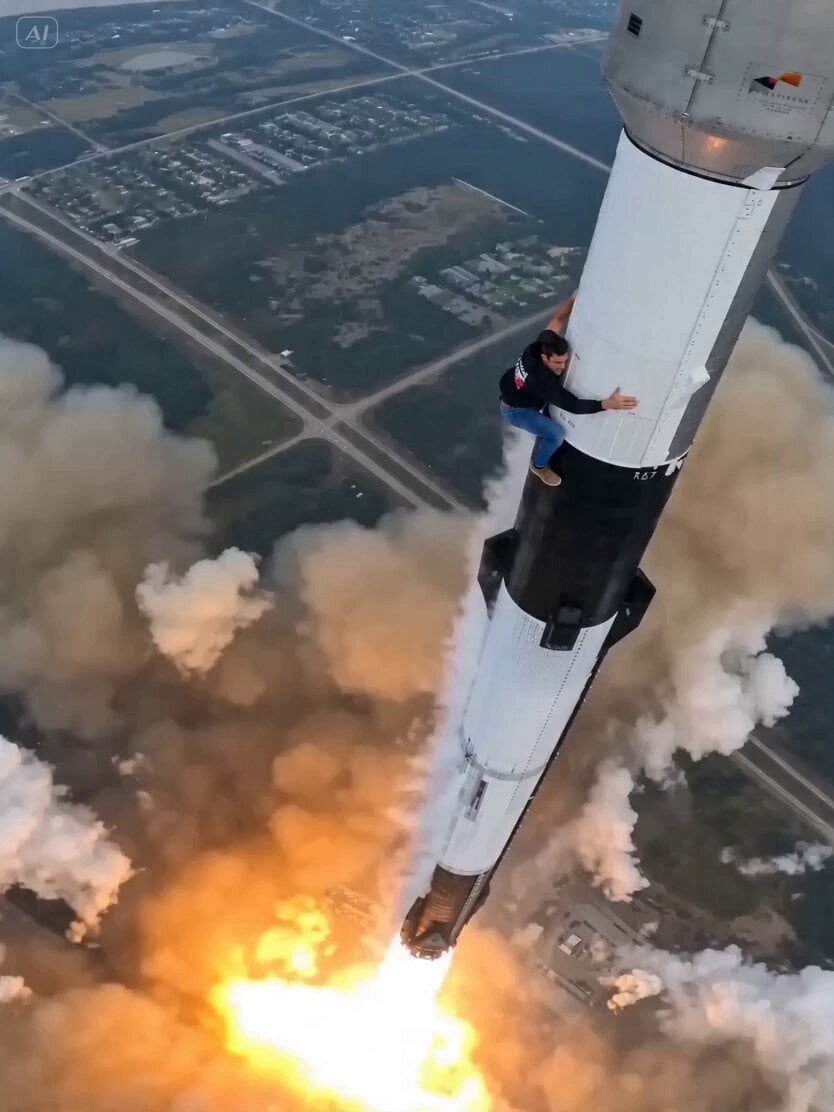
Rocket Surf Cine Verité

Cinematic Couple Dancing in Rain
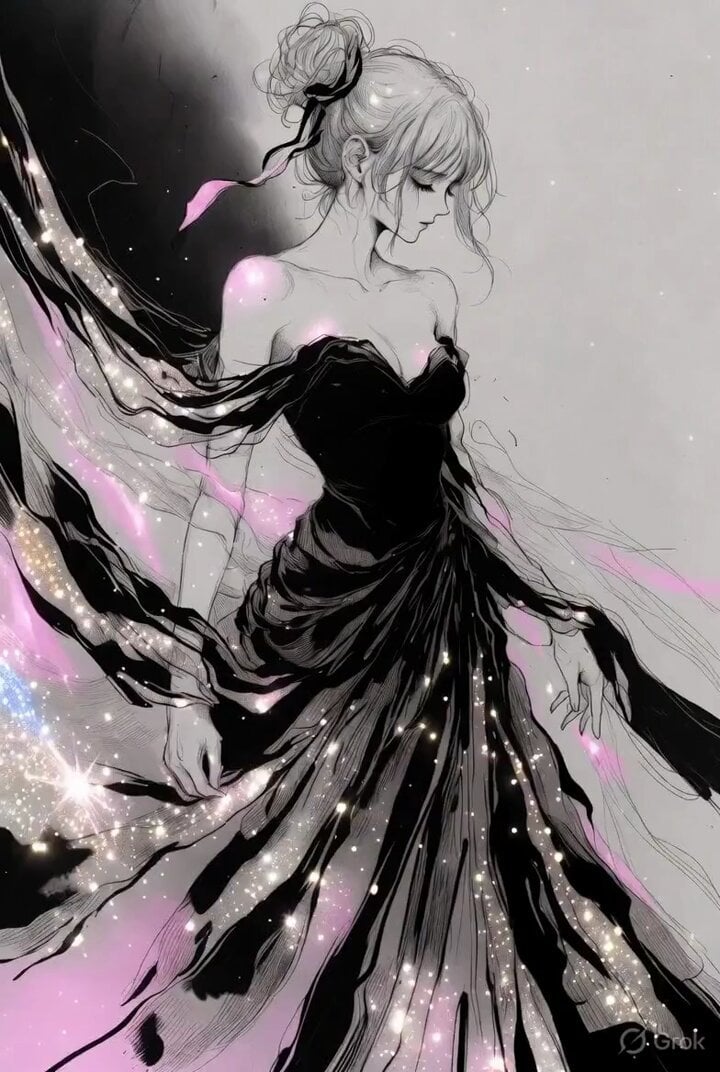
Ethereal Woman Ink and Pencil Sketch
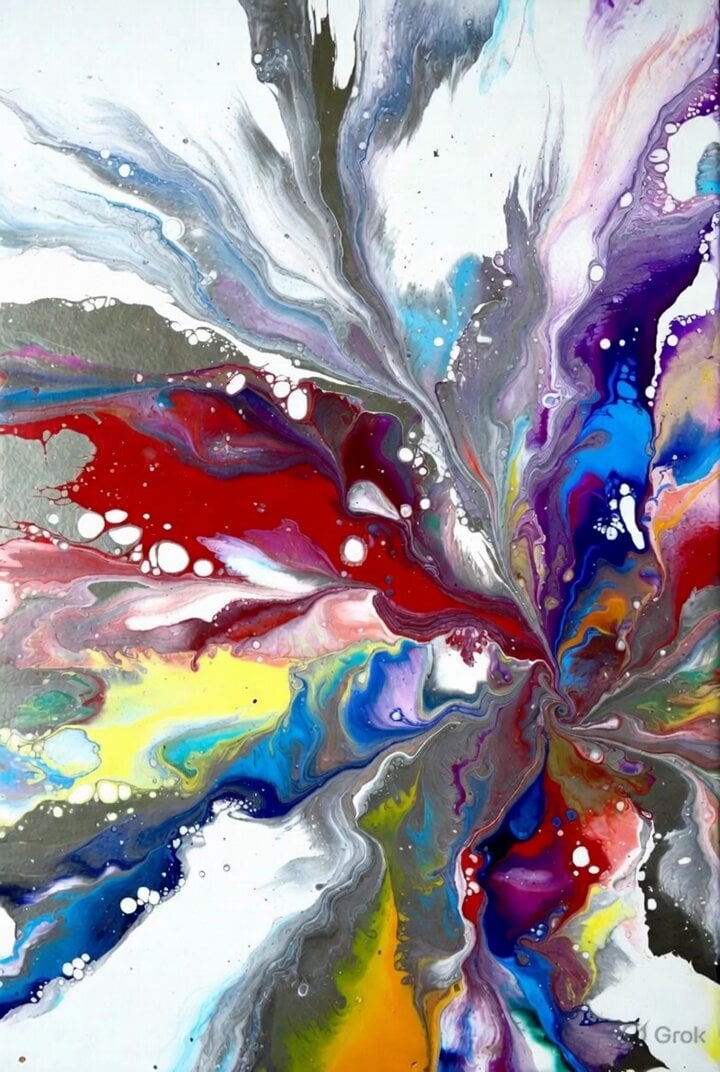
Grok Imagine prompt: Ultra-realistic cinematic fantasy portrait of a royal woman
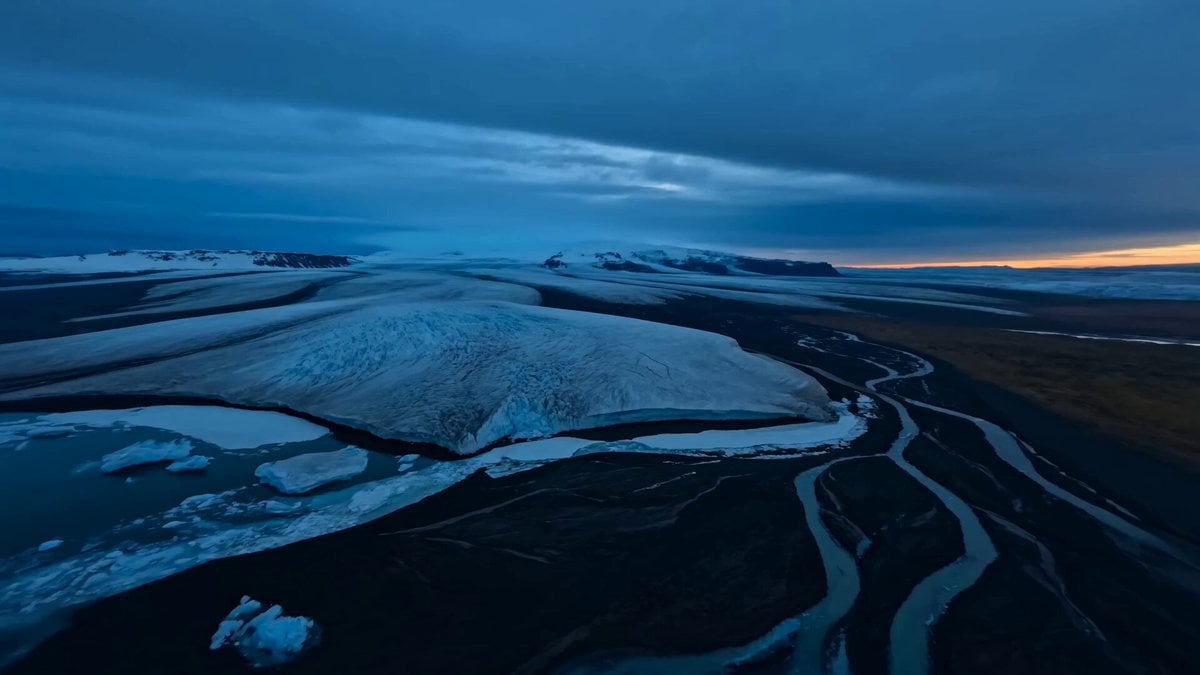
Cinematic Aerial Shot of Iceland Glaciers and Volcanoes
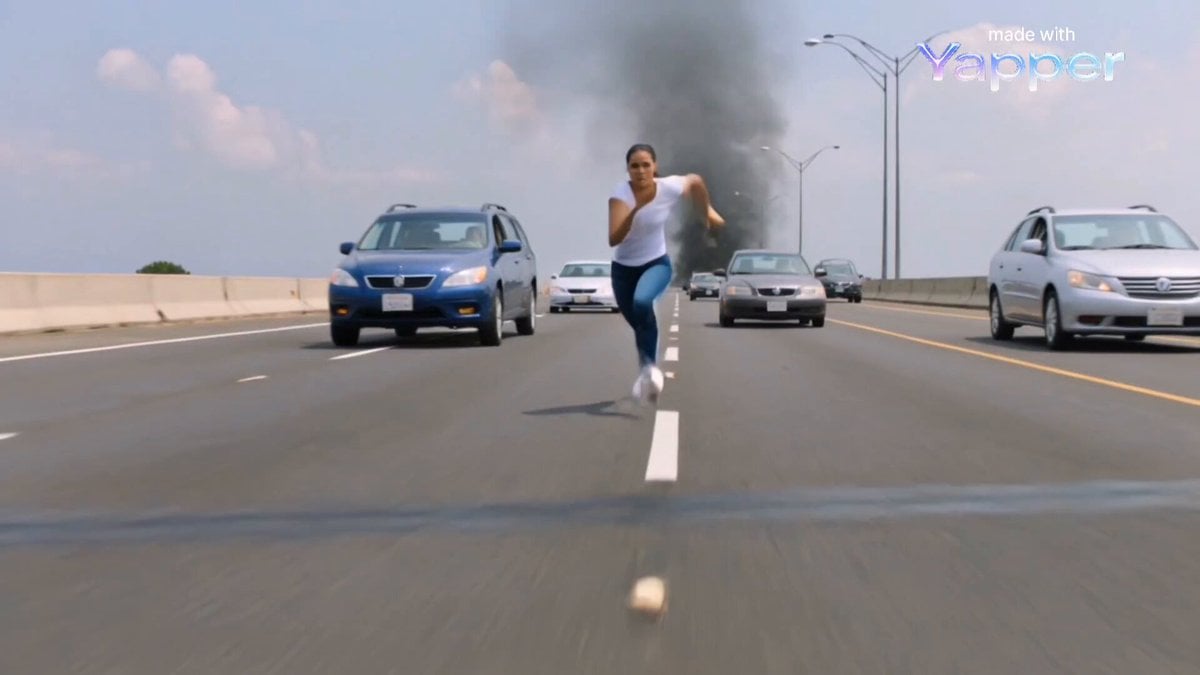
Dark Warrior vs Lava Dragon Cinematic Scene Prompt

Cinematic Ancient Palace Beauty Close-up
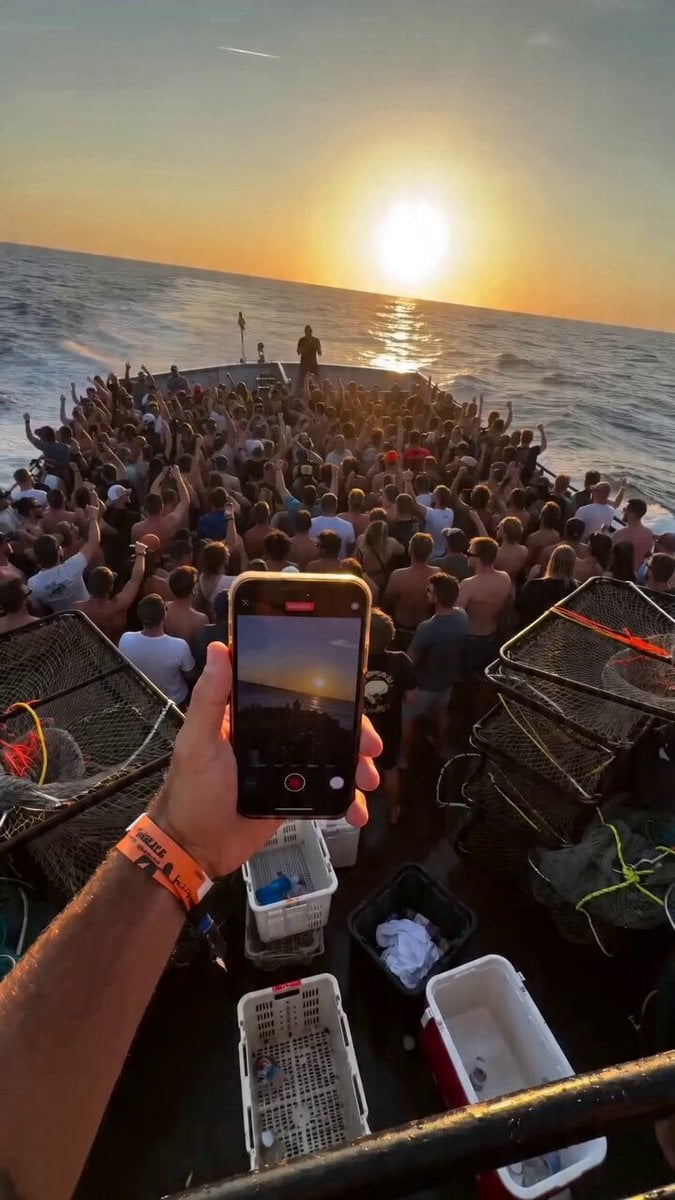
Fishing Boat Crowd POV Video Prompt
Masculine Cowboys with Sparkling Text
Browse template categories
Culinary Choreography Chef Animation questions
How do I use the Culinary Choreography Chef Animation template?
Add your photo if the template asks for one, edit the prompt if you like — the template's model and format are already selected — and press Generate. Your version opens in PicX Studio.
Can I customize the Culinary Choreography Chef Animation template?
Yes. You can change the subject, setting, lighting, mood, format, and available model controls before creating your video.
Is the Culinary Choreography Chef Animation template free?
Opening and editing this template is free. Generating uses credits, shown on the Generate button when you are signed in.
Which AI model should I use?
Start with Seedance 2.0, which is the model associated with this template. You can compare another compatible model for a different finish.
Looking for something else? Browse all templates.

Your photo, any look
Thousands of ready templates for every top image and video model, from one credit balance.