
Anime Sword Combat Combat Choreography
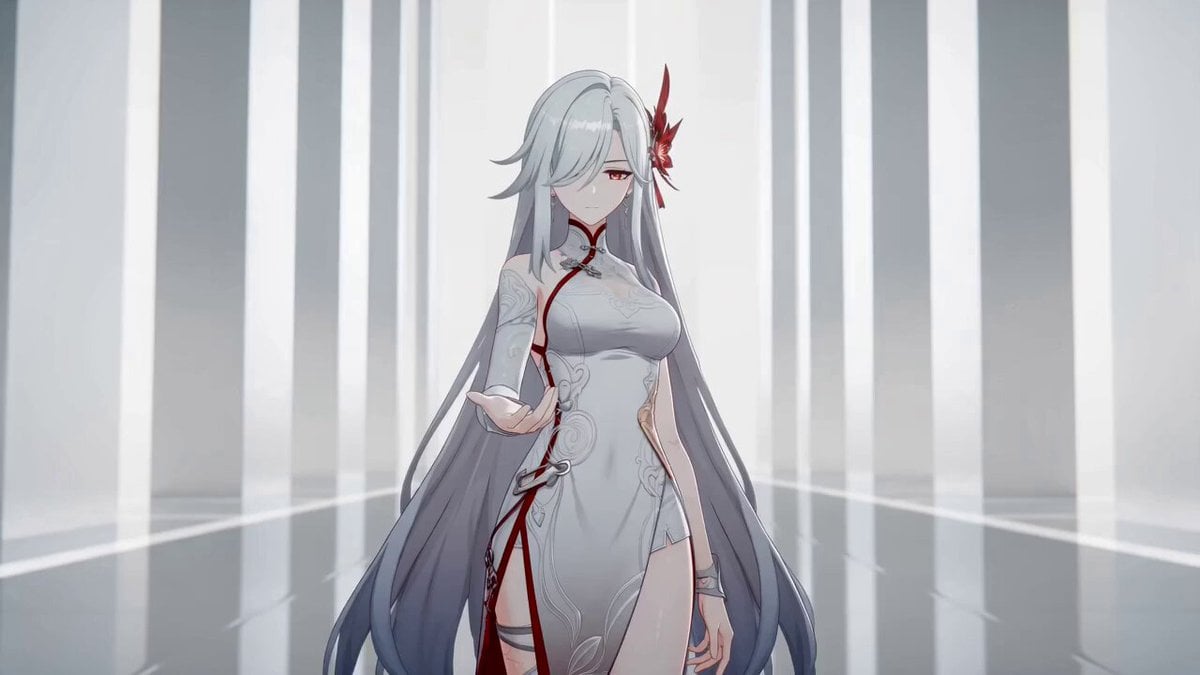
A comprehensive multi-shot storyboard prompt for a cel-shaded anime action sequence featuring a swordswoman performing energy-based combat moves in a minimalist environment.
- Prompt included
- Model and format preset
- Free template
The prompt behind this video
Copy the exact prompt behind Anime Sword Combat Combat Choreography, or open it in the studio and make it yours.
白紅剣士の赤エネルギー剣戟コンボ Scene Header: Day · Interior · 白の幾何学空間 · monochrome minimalist · high-key diffuse light · red energy accent Shot 1 | 0-2s · Medium Shot · 構え Visual: 白紅剣士 が白の幾何学空間 の中央に立つ。白い長髪、チャイナドレス風衣装、赤い花飾り。右手に赤いエネルギーブレードが具現化し、浮遊準備状態。左手は自然に下ろしたリラックス姿勢。 Dialogue: None Shot 2 | 2-4s · Medium Shot · 回転斬り Visual: 白紅剣士 が腰を軸に右回りに体を捻る。右手の赤エネルギーブレードが の右側から前方へ大きな弧を描いて斬撃。赤い半透明モーションブラートレイルが剣の軌跡を残す。 の白い長髪とチャイナドレスが回転の遠心力で流れる。 Dialogue: None Shot 3 | 4-6s · Low Angle Medium Shot · 低姿勢スイープ Visual: 白紅剣士 が膝をついた低姿勢に沈む。赤エネルギーブレードが の体の周りを地面すれすれに水平に旋回、広い半円弧を描く。白の幾何学空間 の床面に赤い光が反射。 Dialogue: None Shot 4 | 6-8s · Medium Shot · 斬り上げからの空中ジャンプ Visual: 白紅剣士 が低姿勢から立ち上がりながら、赤エネルギーブレードが下から上への垂直弧を描く。そのまま空中へジャンプ、体が上昇。エネルギーブレードは の頭上に浮遊追従。 Dialogue: None Shot 5 | 8-10s · Medium Shot · 空中反転斬撃 Visual: 空中で白紅剣士 が体を反転。赤エネルギーブレードが頭上から下向きに叩き斬る軌道を描く。 の体が空中で優雅に回転、白い長髪が流れる。白の幾何学空間 の柱が背景に流れる。 Dialogue: None Shot 6 | 10-12s · Low Angle Medium Shot · 着地衝撃 Visual: 白紅剣士 が片手着地の低姿勢で着地。赤エネルギーブレードが地面を叩き、オレンジ色の火花・赤い光の粒子が飛び散る衝撃波が発生。白の幾何学空間 に着地衝撃の余韻。 Dialogue: None Shot 7 | 12-14s · Medium Shot · 構えに戻る Visual: 白紅剣士 が立ち上がり、赤エネルギーブレードが右手に帰還、エネルギーが収束。 が直立の構え姿勢に戻る。白の幾何学空間 の静霧が戻る。 Dialogue: None SFX: エネルギーの共鳴音 + 剣の風切り音 + 着地衝撃音 + 火花の弾ける音 Visual style direction: monochrome minimalist environment with red energy accent, high-key diffuse lighting, cel-shaded 3D anime aesthetic, translucent red arc motion trails for energy blade trajectory, orange spark particles and red light particles on impact, elegant and precise combat choreography.
How to use Anime Sword Combat Combat Choreography in 3 steps
- 1
Open
The prompt is already in the box next to the preview, with the template's model and format selected.
- 2…a portrait of your subject in softgolden-hour light, 85mm…
Personalize
Edit the subject and creative details for your destination.
- 3Generate
Generate
Press Generate — your video is created in PicX Studio, so you can compare it with the original and refine one variable at a time.
More like this
Templates with the same subject, style or setup. Open one to see its prompt.
Gothic Anime Sword Slash
Cyber-Shrine Anime Sword Duel

MiniMax H3 Character Introduction
Japanese Pure Love Short Film
Brutal Anime Combat Tournament
Futuristic Anime Aerial Combat
Studio Ghibli Dumpling Kitchen Cooking Scene
Anime Jungle Sword Fight Action
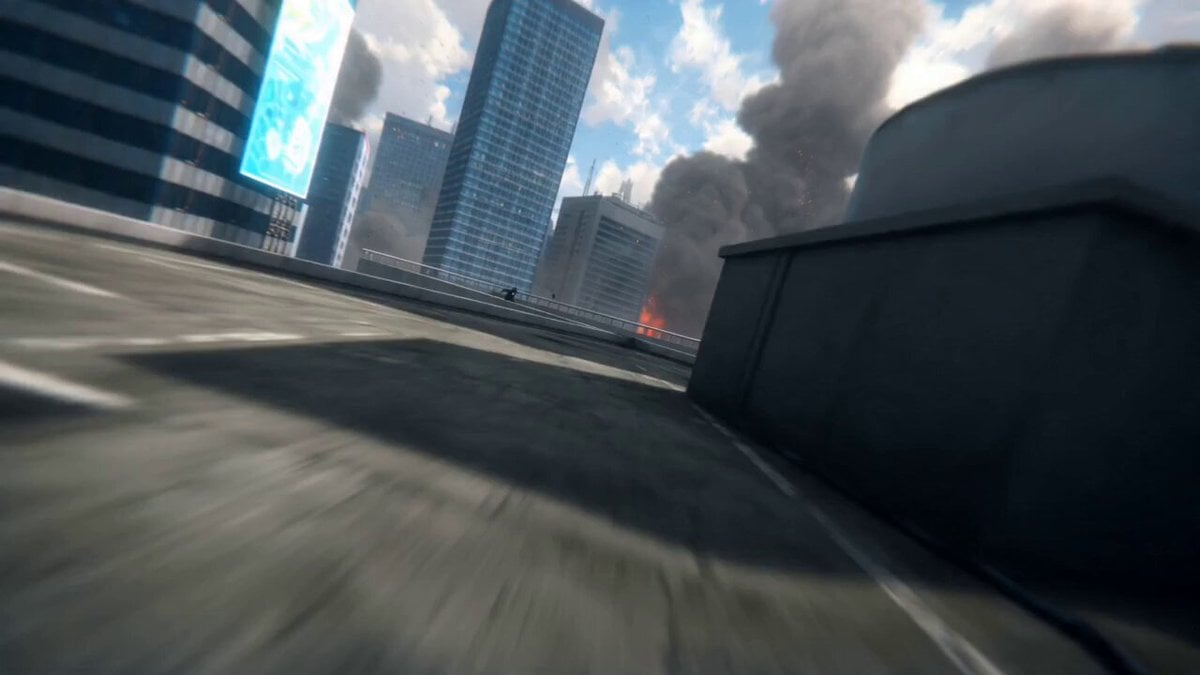
Anime Swordsman Futuristic City Battle
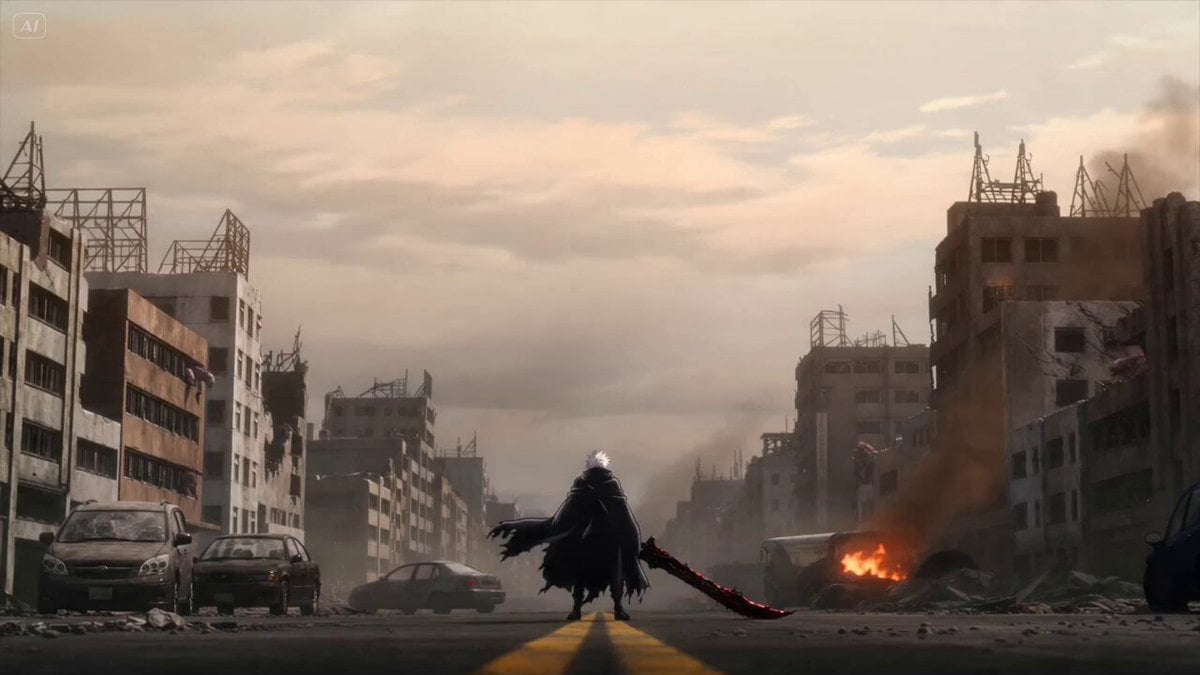
Anime Swordsman Action Sequence
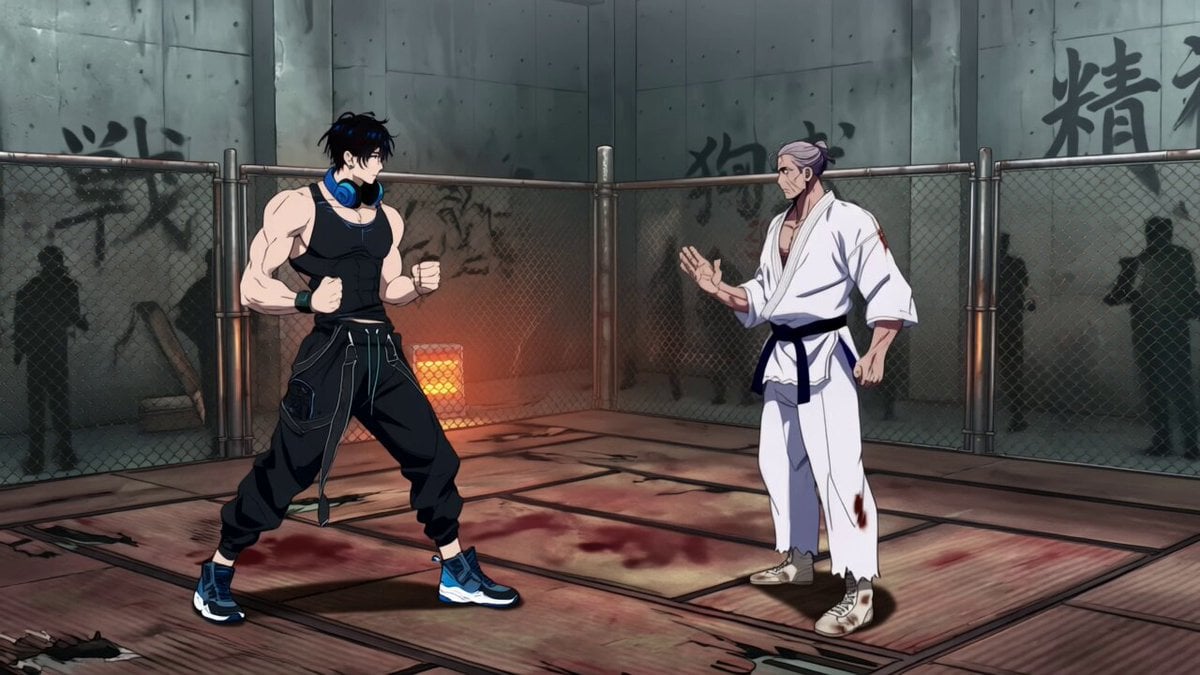
Multi-Shot Anime Fight Choreography Prompt
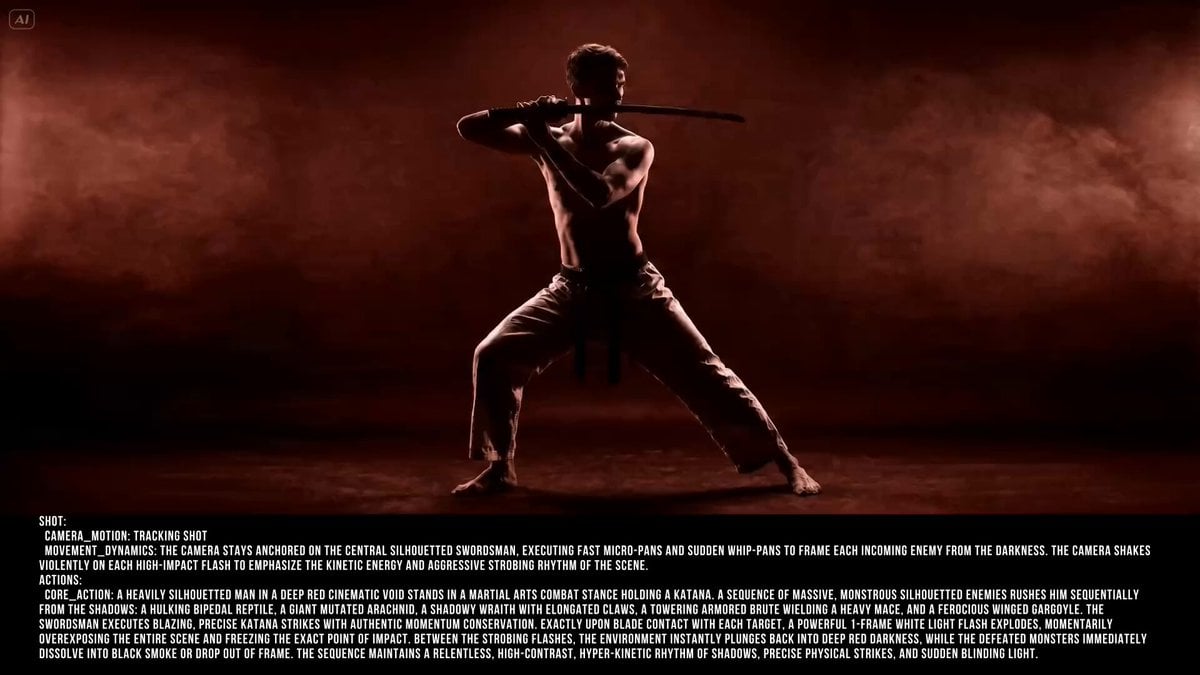
Silhouetted Swordsman Combat Prompt
Make it yours
Anime Sword Combat Combat Choreography works as-is. These are the safest ways to change it without losing the look.
Change one field
Copy a single group, rewrite it, and generate again so you can see what that field is doing.
Keep the frame, change the subject
Hold the composition and light of Anime Sword Combat Combat Choreography, then swap wardrobe, props or the person for a new take.
| If the result… | Why | Fix |
|---|---|---|
| The result drifts from the preview | Too many fields changed at once. | Reuse Anime Sword Combat Combat Choreography as-is first, then change one group — subject, light, or setting. |
| The model over-stylizes the scene | The prose prompt leaves finish and camera underspecified. | Add one camera or lighting sentence and stay on Seedance 2.0. |
More Seedance 2.0 templates
Other prompts made for Seedance 2.0.

Comical Martial Arts Punch Scene

Maglev Train Action Sequence

Martial Arts Fight Sequence

Wuxia Protection and Trust Script

Vintage Korean Arcade MiniDV Vlog

Mercedes 190 SL Luxury Ad

Rainy Night Supernatural Reverse Comedy Video Script

Amazon Civilization Discovery

Futuristic South Asian City Transformation

Cozy Luxury Cafe Commercial
More video prompts
Fresh picks from across the catalog.
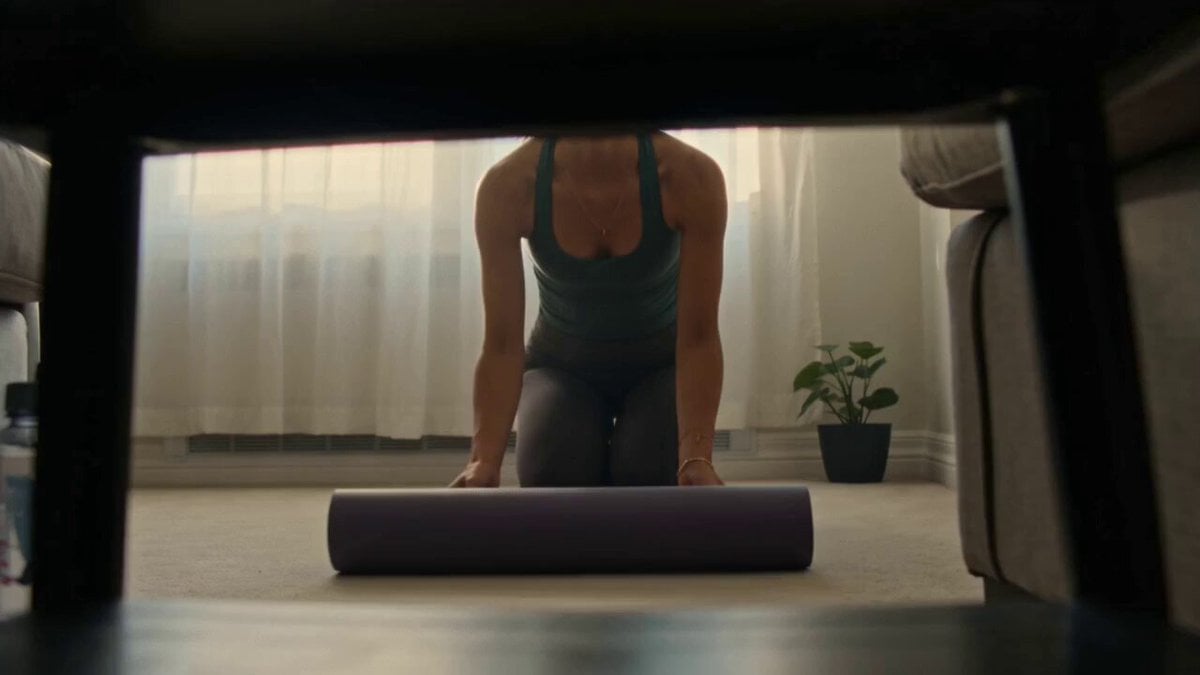
Handheld Morning Yoga Vlog
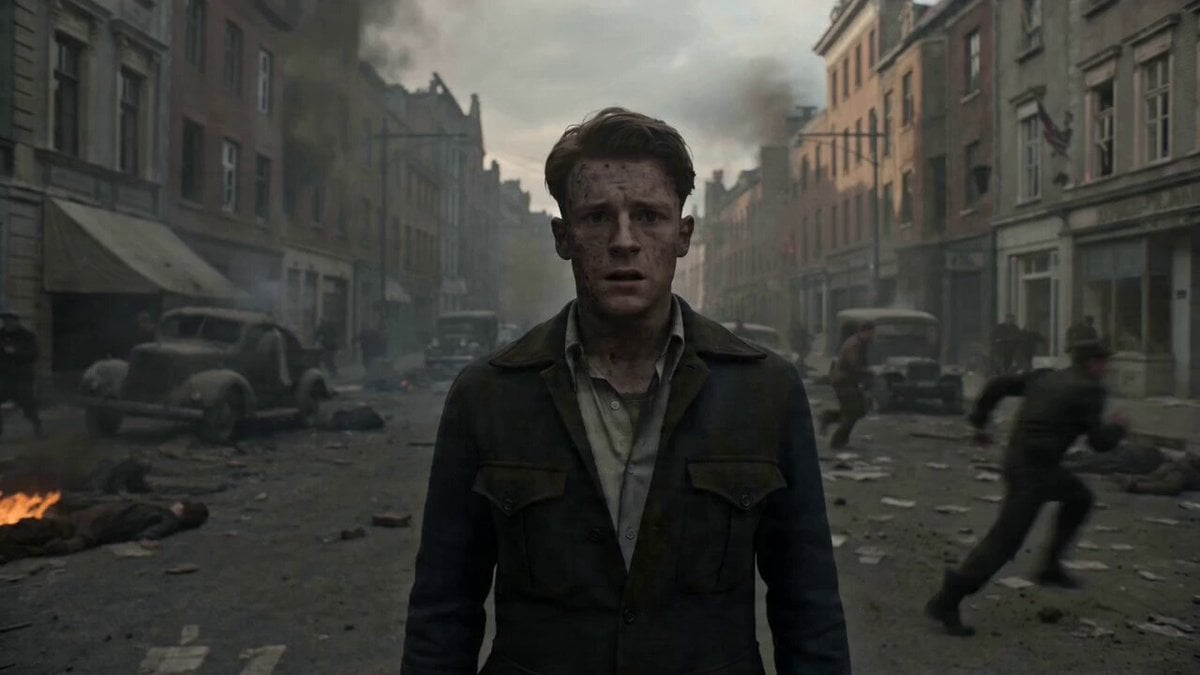
Warzone Chaos Sensory Overload Video
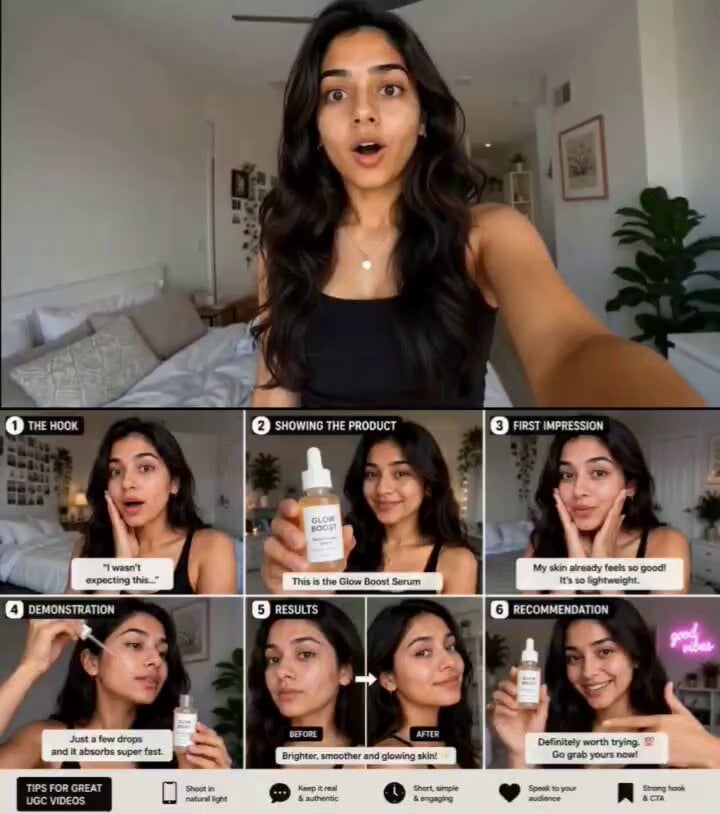
Realistic UGC Product Review Video
AI Animal Rescue Cinematic Montage
Jungle Animal Interaction Video Prompt
Tiny Dragons in Water Bucket
High Fashion Editorial Video
Celestial Awakening Animation
Frozen Party Handheld Camera Shot
Sailing in the Chesapeake Bay
Browse template categories
Anime Sword Combat Combat Choreography questions
How do I use the Anime Sword Combat Combat Choreography template?
Add your photo if the template asks for one, edit the prompt if you like — the template's model and format are already selected — and press Generate. Your version opens in PicX Studio.
Can I customize the Anime Sword Combat Combat Choreography template?
Yes. You can change the subject, setting, lighting, mood, format, and available model controls before creating your video.
Is the Anime Sword Combat Combat Choreography template free?
Opening and editing this template is free. Generating uses credits, shown on the Generate button when you are signed in.
Which AI model should I use?
Start with Seedance 2.0, which is the model associated with this template. You can compare another compatible model for a different finish.
Looking for something else? Browse all templates.

Your photo, any look
Thousands of ready templates for every top image and video model, from one credit balance.