
Anime Jungle Sword Fight Action
A comprehensive anime action prompt for a sword fight sequence in a dark mystical jungle with MAPPA and Demon Slayer style influence.
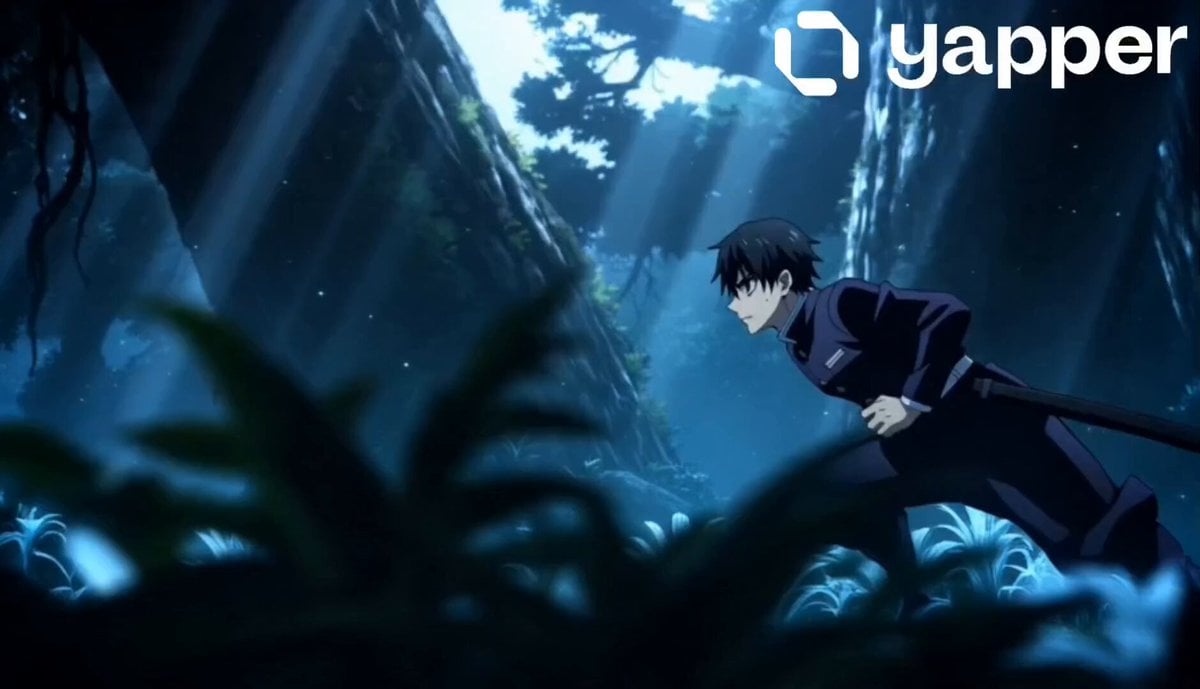
- Prompt included
- Model and format preset
- Premium template
The prompt behind this video
Copy the exact prompt behind Anime Jungle Sword Fight Action, or open it in the studio and make it yours.
Use the uploaded character as the main protagonist. Preserve the exact facial features, hairstyle, outfit, and body proportions. Convert the character into a male version while keeping the identity consistent. A cinematic anime action sequence set deep inside a dark mystical jungle at night. Massive ancient trees tower overhead, glowing plants illuminate the ground, floating particles drift in the air, wet rocks reflect moonlight, and fog slowly moves through the forest. Moonlight pierces through branches creating dramatic shadows. The male character moves silently through the jungle, alert and focused. Suddenly, masked enemies emerge from the shadows and ambush him. Intense hand-to-hand combat and sword fighting begins with fast-paced anime choreography. The character performs fluid dodges, spins, and powerful strikes. Dynamic camera movements include tracking shots, cinematic close-ups, wide-angle fight scenes, and slow-motion impact moments. Leaves, dust, and debris fly during attacks. Weapons emit subtle glowing effects. Strong emotional expressions on the character’s face. Cinematic lighting, deep shadows, and volumetric light rays enhance the atmosphere. Ultra-detailed environment, realistic anime shading, smooth and fluid animation, high-budget anime film quality, inspired by MAPPA and Demon Slayer style. 4K resolution, high FPS, cinematic depth of field. Negative Prompt: blurry, low quality, distorted anatomy, extra limbs, bad hands, stiff movement, duplicate characters, cartoonish style, low fps, messy face, deformed eyes, glitch artifacts
How to use Anime Jungle Sword Fight Action in 3 steps
- 1Upload ImagePNG, JPG or paste
Add your photo
Upload the photo the template builds on. The prompt, model and format are already set.
- 2…a portrait of your subject in softgolden-hour light, 85mm…
Personalize
Edit the subject and creative details for your destination.
- 3Generate
Generate
Press Generate — your video is created in PicX Studio, so you can compare it with the original and refine one variable at a time.
More like this
Templates with the same subject, style or setup. Open one to see its prompt.
Swordsman vs Shadow Monster — Bamboo Forest Battle
Tiger vs Gorilla — Jungle Canyon Clash
Mecha Transformation vs Kaiju — 4-Scene Epic
Anime Swordsman Action Sequence
Parametric Fight Scenes Seedance
Gothic Anime Sword Slash
Cyber-Shrine Anime Sword Duel

Cinematic Istanbul Night Fight - Seedance 2.5
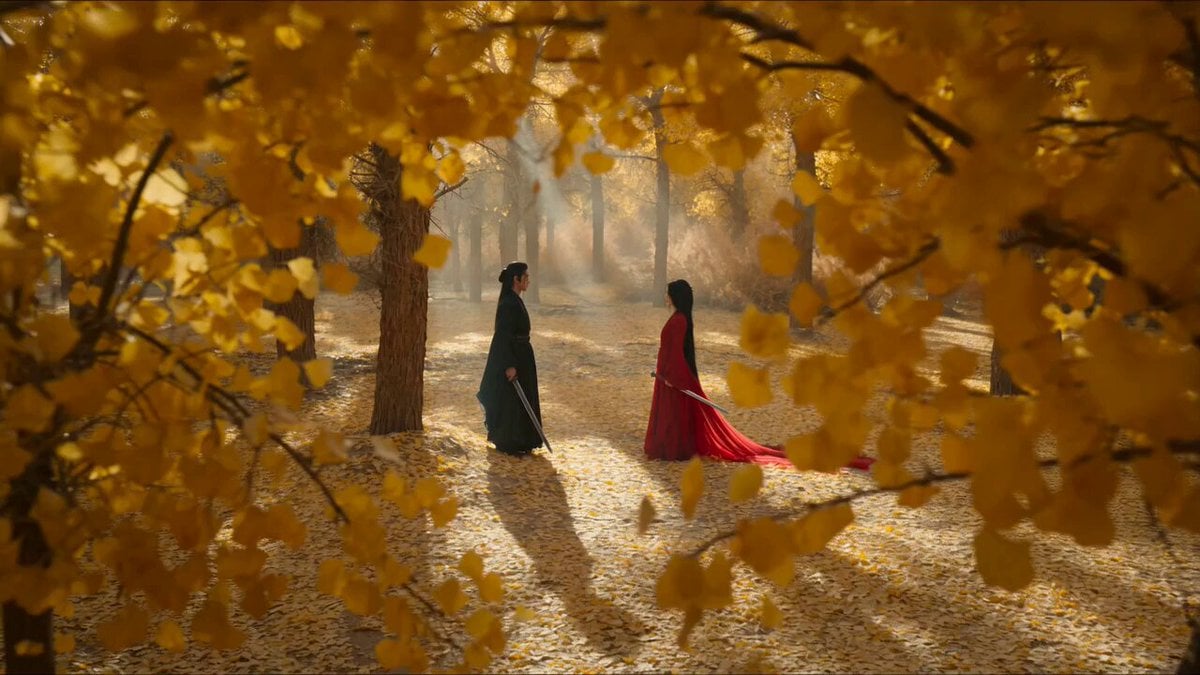
Forest Sword Fight Cinematography
Jungle Animal Interaction Video Prompt

MiniMax H3 Character Introduction
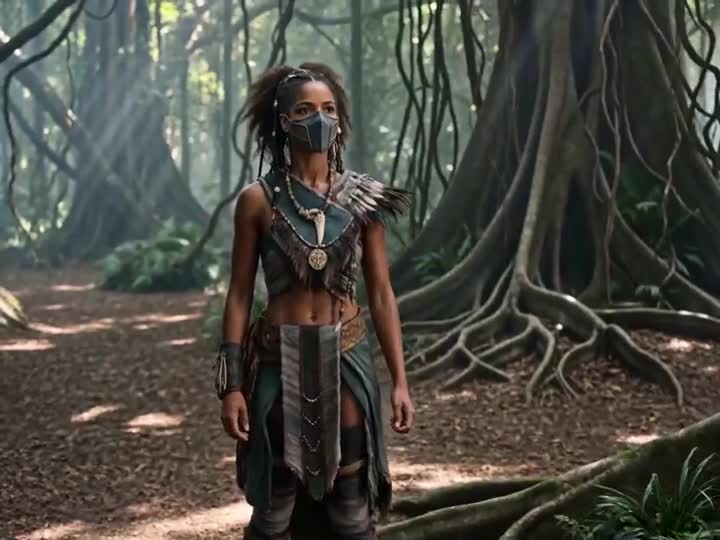
Energy Bow Jungle Edit
Make it yours
Anime Jungle Sword Fight Action works as-is. These are the safest ways to change it without losing the look.
Change one field
Copy a single group, rewrite it, and generate again so you can see what that field is doing.
Keep the frame, change the subject
Hold the composition and light of Anime Jungle Sword Fight Action, then swap wardrobe, props or the person for a new take.
| If the result… | Why | Fix |
|---|---|---|
| The result drifts from the preview | Too many fields changed at once. | Reuse Anime Jungle Sword Fight Action as-is first, then change one group — subject, light, or setting. |
| The model over-stylizes the scene | The prose prompt leaves finish and camera underspecified. | Add one camera or lighting sentence and stay on Seedance 2.0. |
More Seedance 2.0 templates
Other prompts made for Seedance 2.0.

Comical Martial Arts Punch Scene

Maglev Train Action Sequence

Martial Arts Fight Sequence

Wuxia Protection and Trust Script

Vintage Korean Arcade MiniDV Vlog

Mercedes 190 SL Luxury Ad

Rainy Night Supernatural Reverse Comedy Video Script

Amazon Civilization Discovery

Futuristic South Asian City Transformation

Cozy Luxury Cafe Commercial
More video prompts
Fresh picks from across the catalog.
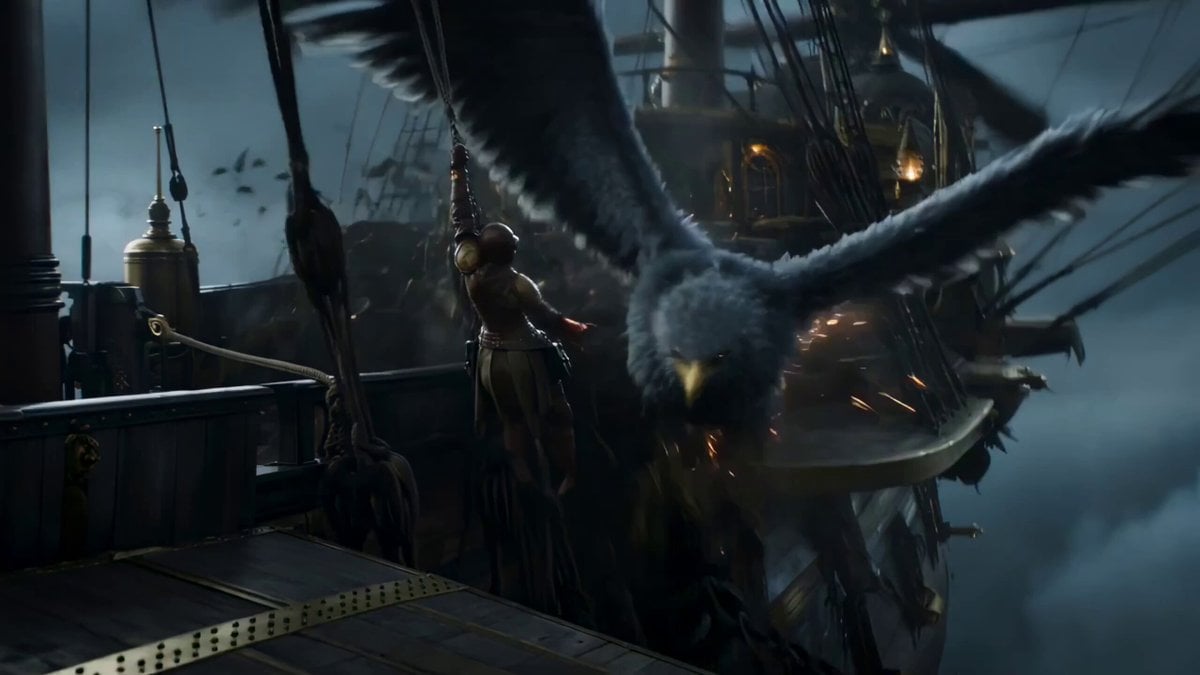
Steampunk Sky Battle Video Prompt
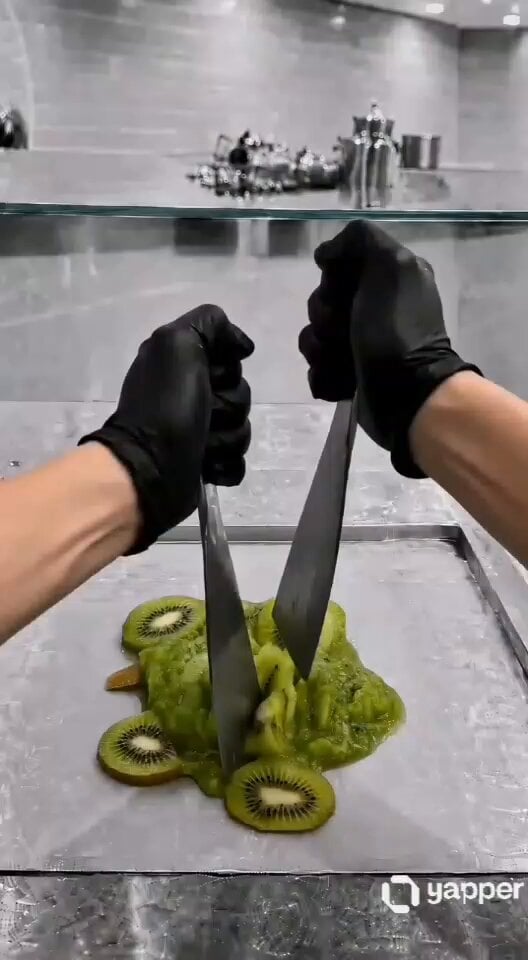
ASMR Kiwi Ice Cream Rolls Video Prompt
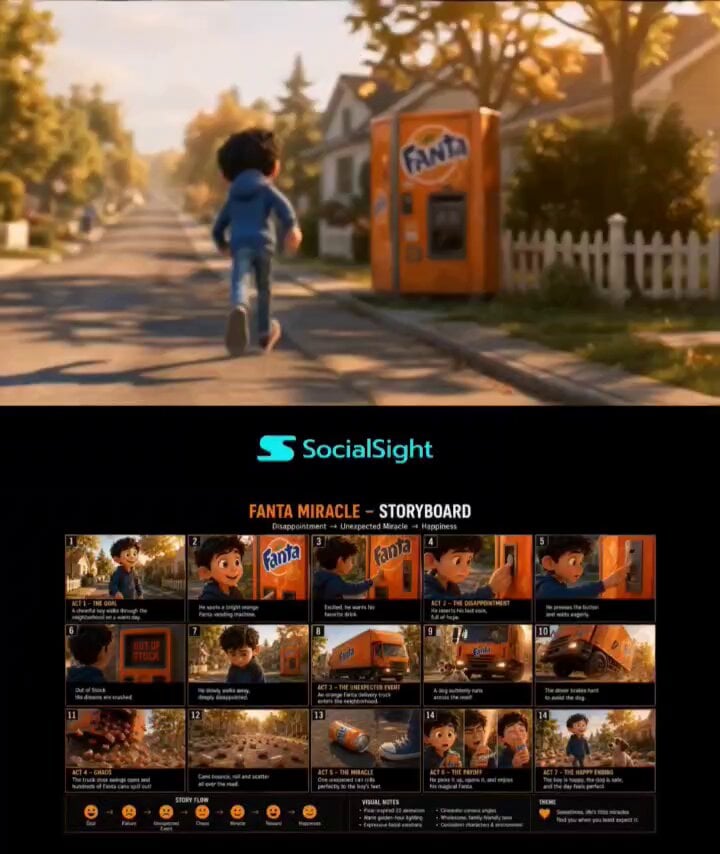
Pixar-Style Boy and Fanta Machine Story
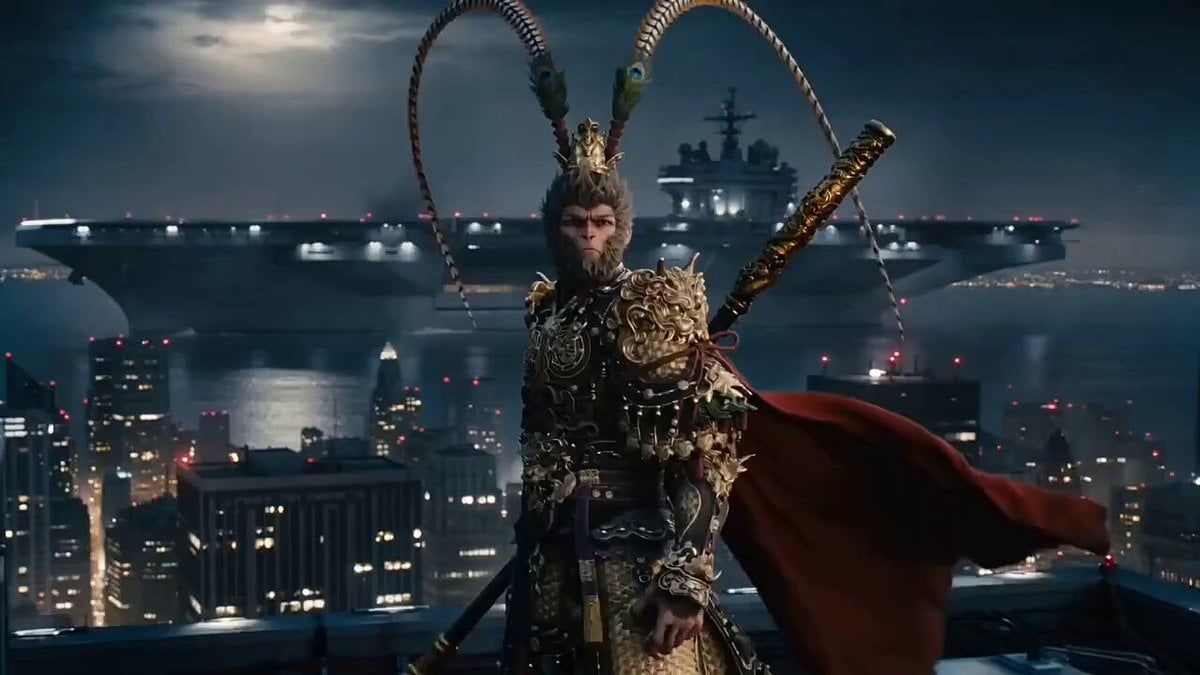
Multi-Scene Cinematic Battle Prompt (Sun Wukong vs. Homelander)
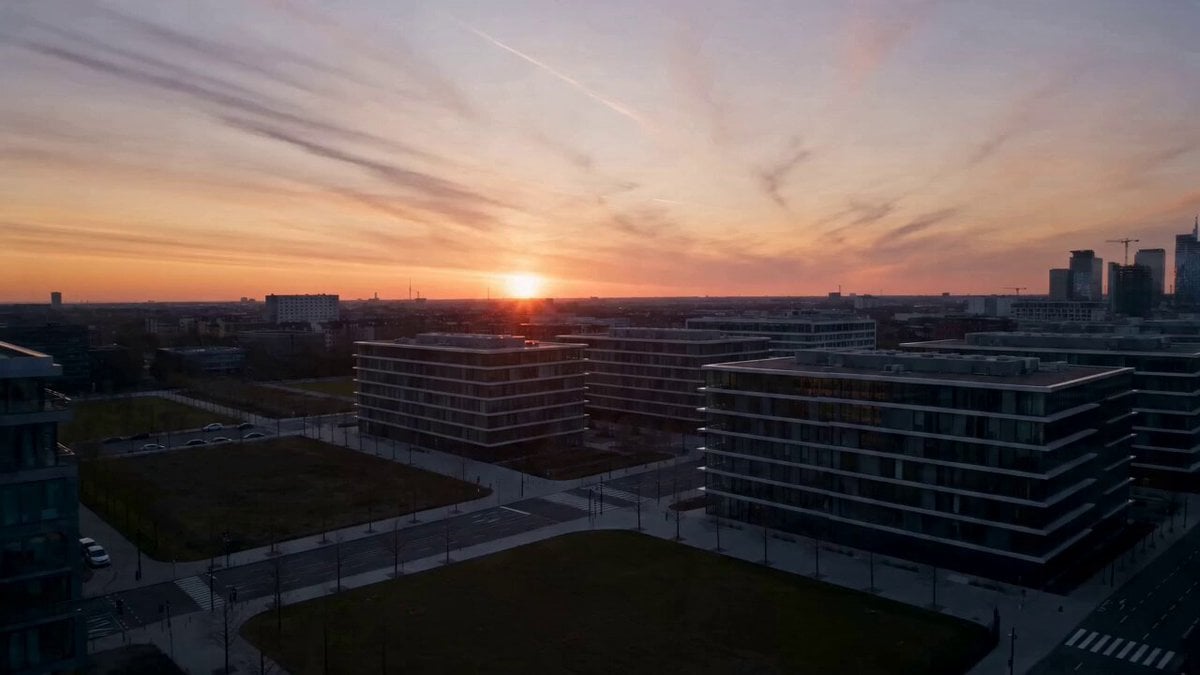
Electric Bike Urban Commercial
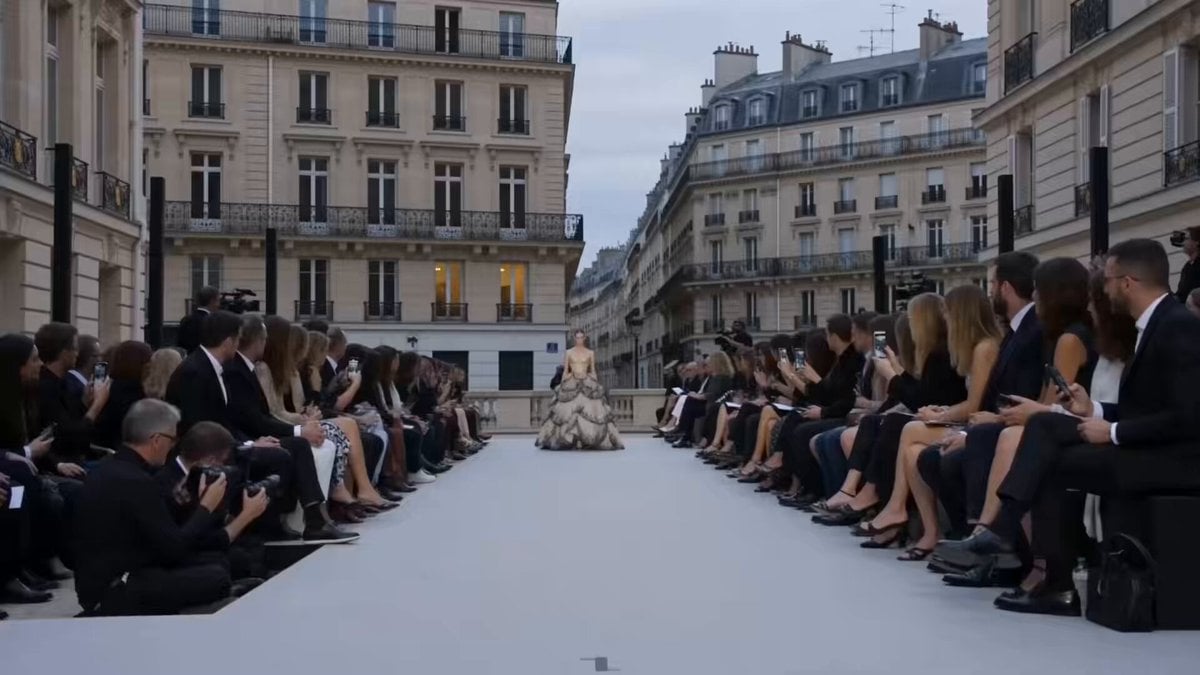
Paris Fashion Runway Footage
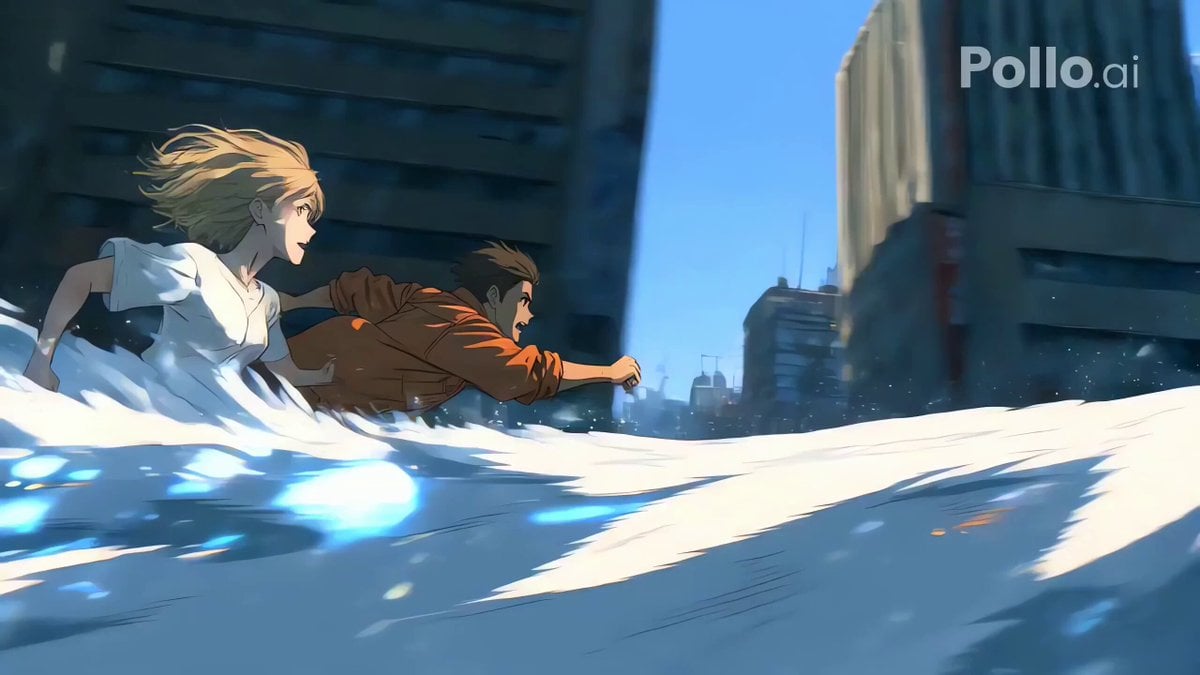
Cinematic Water Splash and Tracking Camera
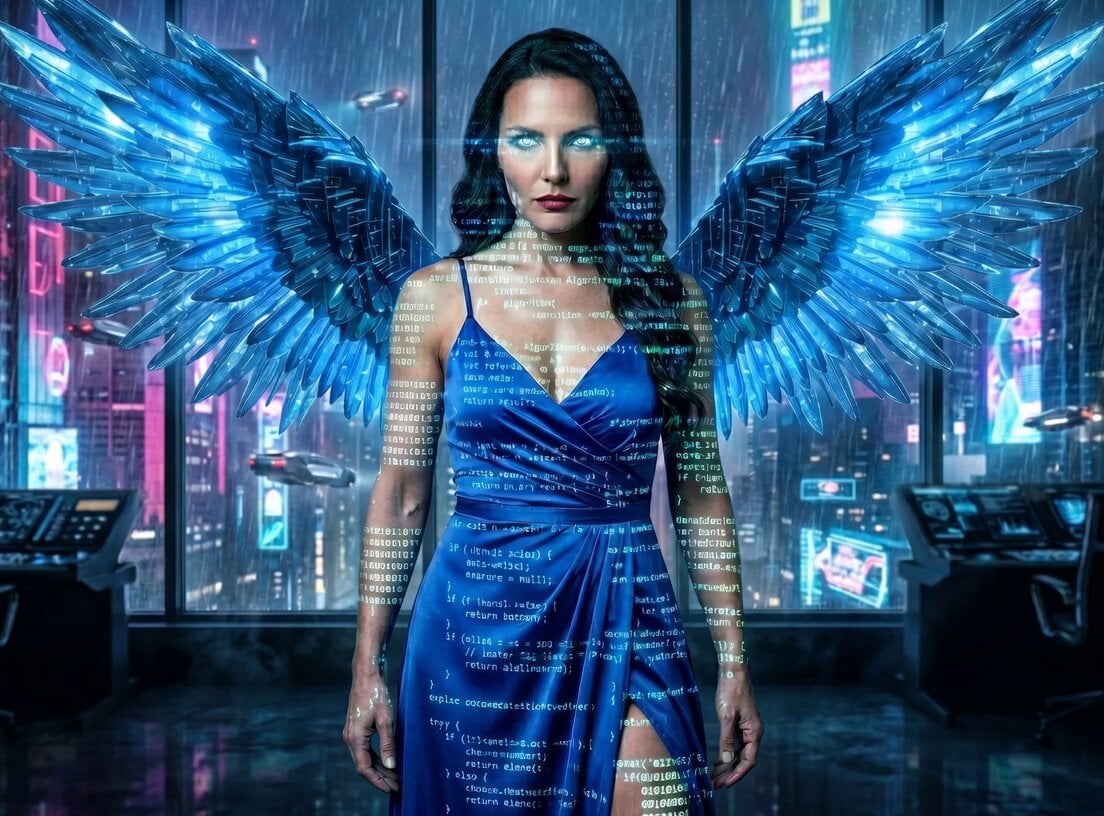
Angelic Hover Over City
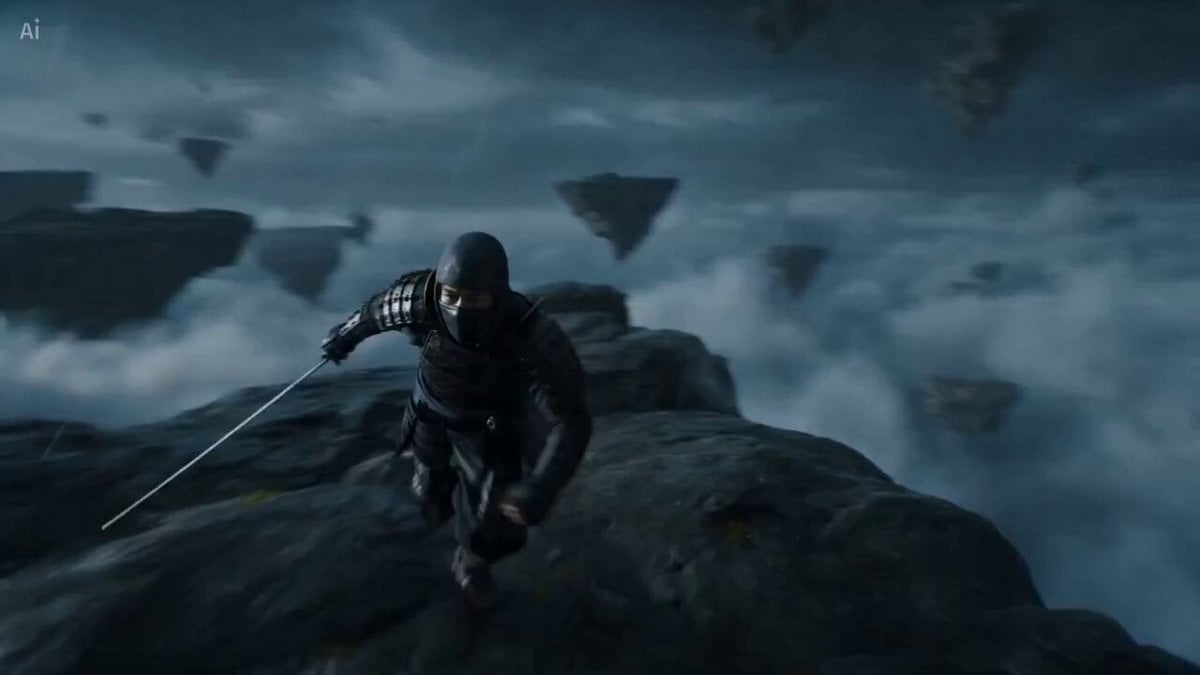
Surreal Battlefield Ronin Fight Prompt
Serpentine Movement Motion Prompt
Browse template categories
Anime Jungle Sword Fight Action questions
How do I use the Anime Jungle Sword Fight Action template?
Add your photo if the template asks for one, edit the prompt if you like — the template's model and format are already selected — and press Generate. Your version opens in PicX Studio.
Can I customize the Anime Jungle Sword Fight Action template?
Yes. You can change the subject, setting, lighting, mood, format, and available model controls before creating your video.
Is the Anime Jungle Sword Fight Action template free?
Opening and editing this template is free. Generating uses credits, shown on the Generate button when you are signed in.
Which AI model should I use?
Start with Seedance 2.0, which is the model associated with this template. You can compare another compatible model for a different finish.
Looking for something else? Browse all templates.

Your photo, any look
Thousands of ready templates for every top image and video model, from one credit balance.