How do I use the Brutal Anime Combat Tournament template?
Edit the prompt in the box under the preview — the template's model and format are already selected — and press Generate. Your version appears right on this page.
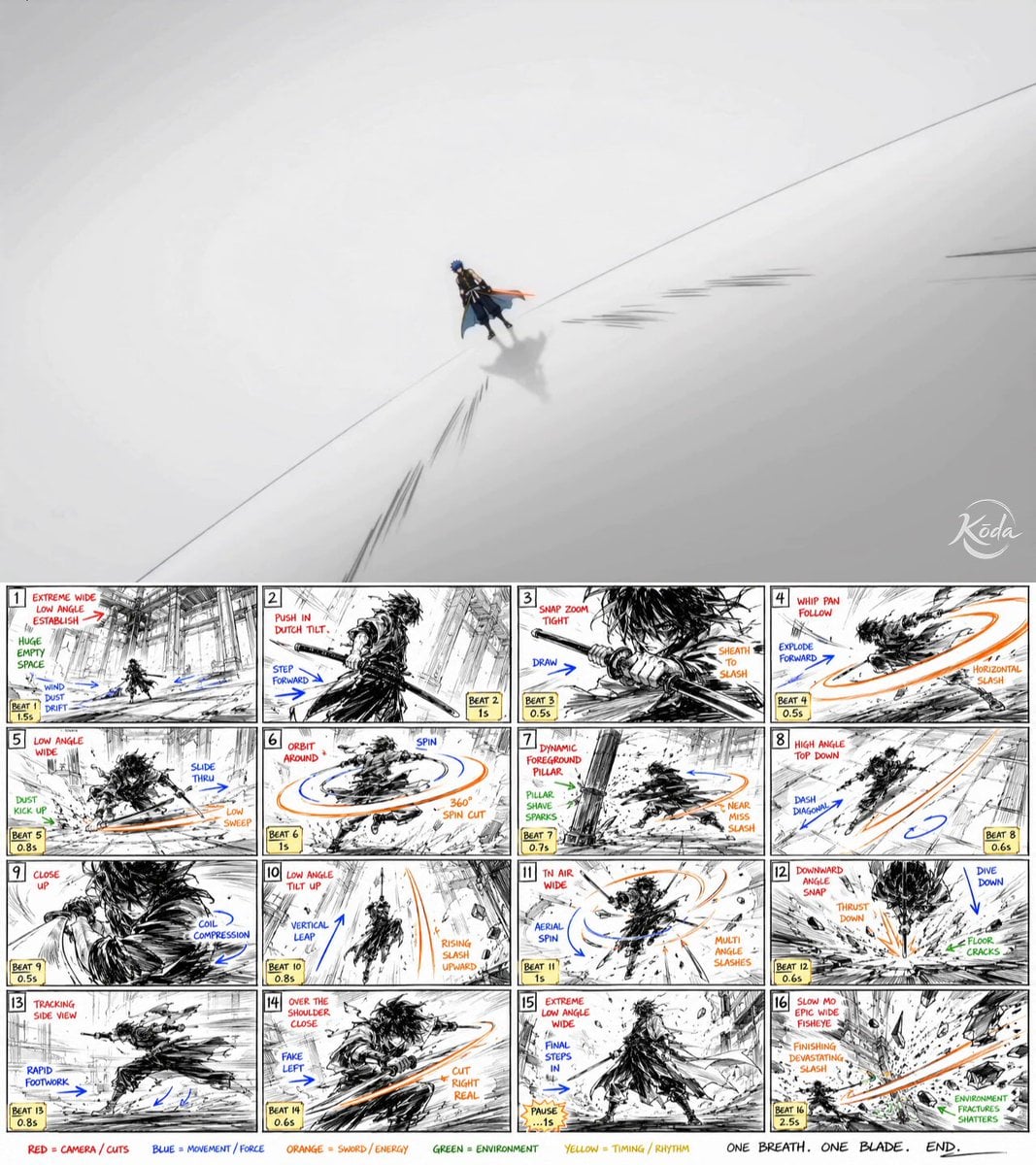
A high-intensity anime battle sequence prompt featuring a lightning-aura martial artist in a cinematic tournament setting, drawing inspiration from MAPPA style choreography.
A battle-crazed martial artist with golden eyes, torn sleeveless robe and crackling lightning aura surrounding his fists, rendered in ultra-premium Japanese anime rendering, MAPPA-inspired action choreography, sharp cel shading, dynamic motion smears, impact frame animation - Enters an underground arena where a monstrous champion waits among roaring spectators; - The arena explodes into chaos as both fighters exchange devastating punches, every impact generating visible shockwaves that crack the floor and launch debris into the air; - The martial artist unleashes a final lightning-infused uppercut that sends the giant opponent crashing through the arena ceiling, ending with sunlight pouring into the destroyed arena as the crowd erupts Brutal anime combat, tournament arc energy, insane sakuga payoff.
A battle-crazed martial artist with golden eyes, torn sleeveless robe and crackling lightning aura surrounding his fists, rendered in ultra-premium Japanese anime rendering, MAPPA-inspired action choreography, sharp cel shading, dynamic motion smears, impact frame animation - Enters an underground arena where a monstrous champion waits among roaring spectators; - The arena explodes into chaos as both fighters exchange devastating punches, every impact generating visible shockwaves that crack the floor and launch debris into the air; - The martial artist unleashes a final lightning-infused uppercut that sends the giant opponent crashing through the arena ceiling, ending with sunlight pouring into the destroyed arena as the crowd erupts Brutal anime combat, tournament arc energy, insane sakuga payoff.
Edit the prompt in the box under the preview — the template's model and format are already selected — and press Generate. Your version appears right on this page.
Yes. You can change the subject, setting, lighting, mood, format, and available model controls before creating your video.
Opening and editing this template is free. Generating uses credits, shown on the Generate button when you are signed in.
Start with Seedance 2.0, which is the model associated with this template. You can compare another compatible model for a different finish.
Follow a topic to a crawlable collection of related PicX Studio templates.