
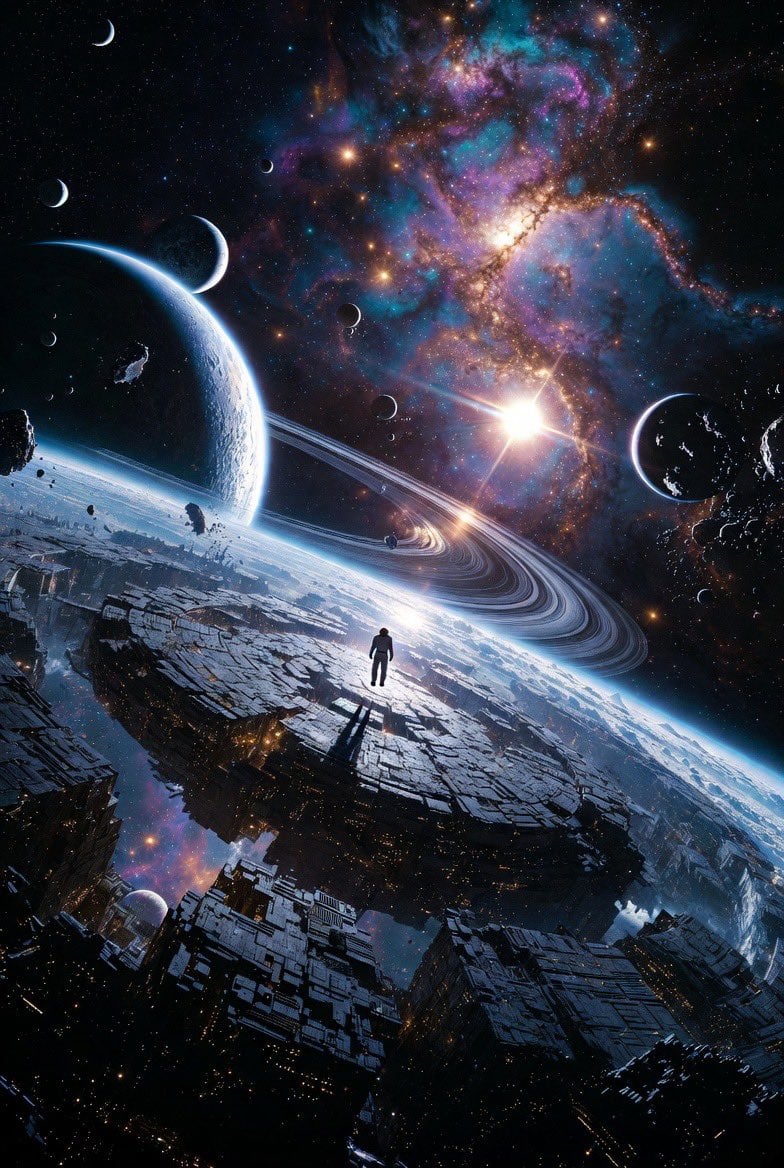
Epic Sci-Fi Scene on an Alien Megastructure with Mixed Art Styles
A complex, multi-style prompt for Grok Imagine, describing a figure standing on a cracked obsidian alien megastructure orbiting a dying binary star, incorporating elements of cyberpunk neon, baroque opulence, abstract…
- Prompt included
- Model and format preset
- Premium template
The prompt behind this video
Copy the exact prompt behind Epic Sci-Fi Scene on an Alien Megastructure with Mixed Art Styles, or open it in the studio and make it yours.
standing on the cracked obsidian surface of an ancient alien megastructure orbiting a dying binary star system. Massive ringed gas giants and shattered moon fragments drift in the background, sharp cyberpunk neon reflections, majestic baroque opulence with gilded celestial ornaments, sleek futuristic minimalism, explosive abstract expressionism with swirling cosmic energy, delicate watercolor washes bleeding into starfields, hyper-stylized anime cel-shading with dramatic rim lighting, intricate steampunk mechanical details on ancient alien ruins, dark surrealism in the vein of Zdzisław Beksiński and H.R. Giger, vibrant pop-art cosmic colors, ethereal fantasy illustration glowing with magic particles, brutalist sci-fi architecture, intricate mandala-like geometric sacred patterns etched into the stars, and flawless golden ratio composition.
How to use Epic Sci-Fi Scene on an Alien Megastructure with Mixed Art Styles in 3 steps
- 1
Open
The prompt is already in the box next to the preview, with the template's model and format selected.
- 2…a portrait of your subject in softgolden-hour light, 85mm…
Personalize
Edit the subject and creative details for your destination.
- 3Generate
Generate
Press Generate — your video is created in PicX Studio, so you can compare it with the original and refine one variable at a time.
More like this
Templates with the same subject, style or setup. Open one to see its prompt.
Oceanic Civilization Epic Sci-Fi Film
Evil Space Sci-Fi Power Threshold

Spaceship Landing and Alien Departure
Futuristic megastructure city prompt
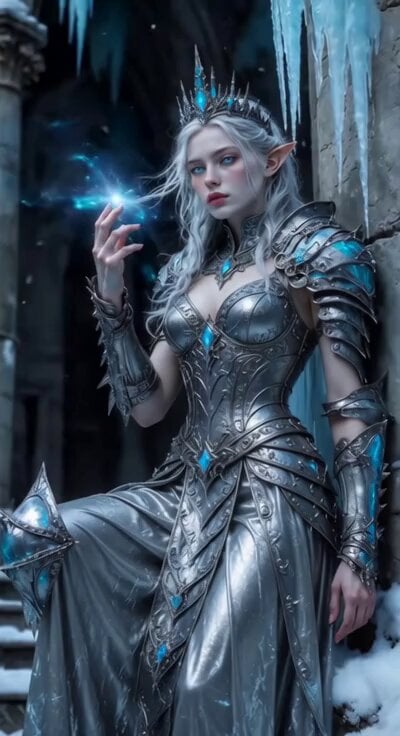
Sci-Fi Ice Queen Action
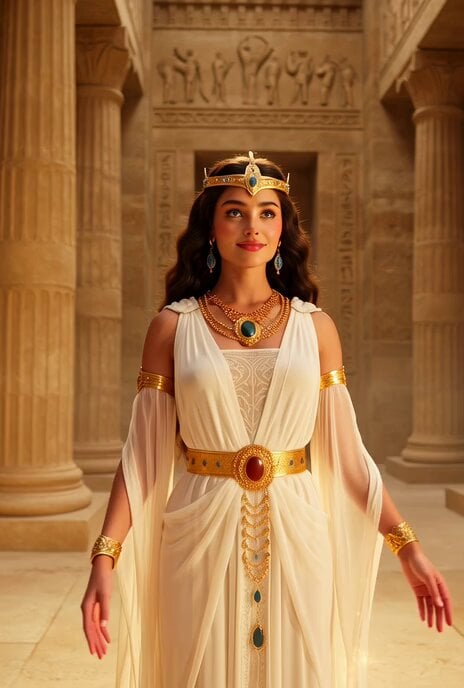
Divine Hathorian Goddess Scifi
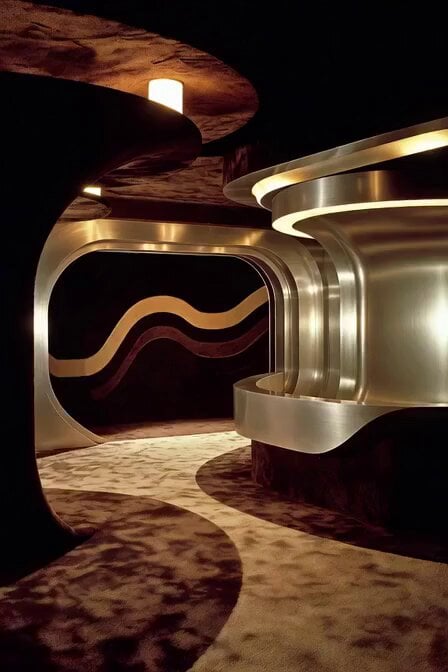
Translucent Aliens Handshake Scene
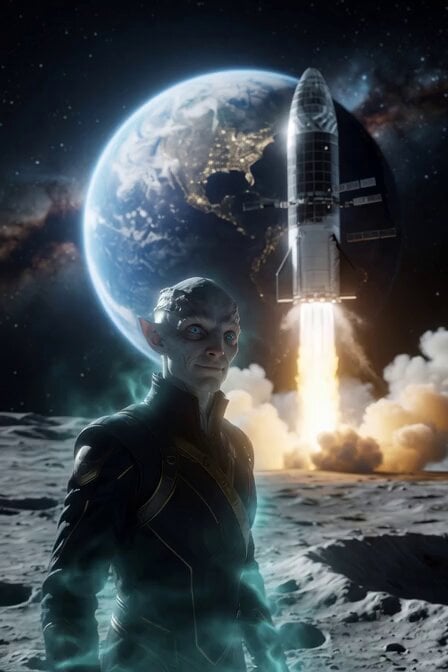
Alien Anthropologist Data Cube Video
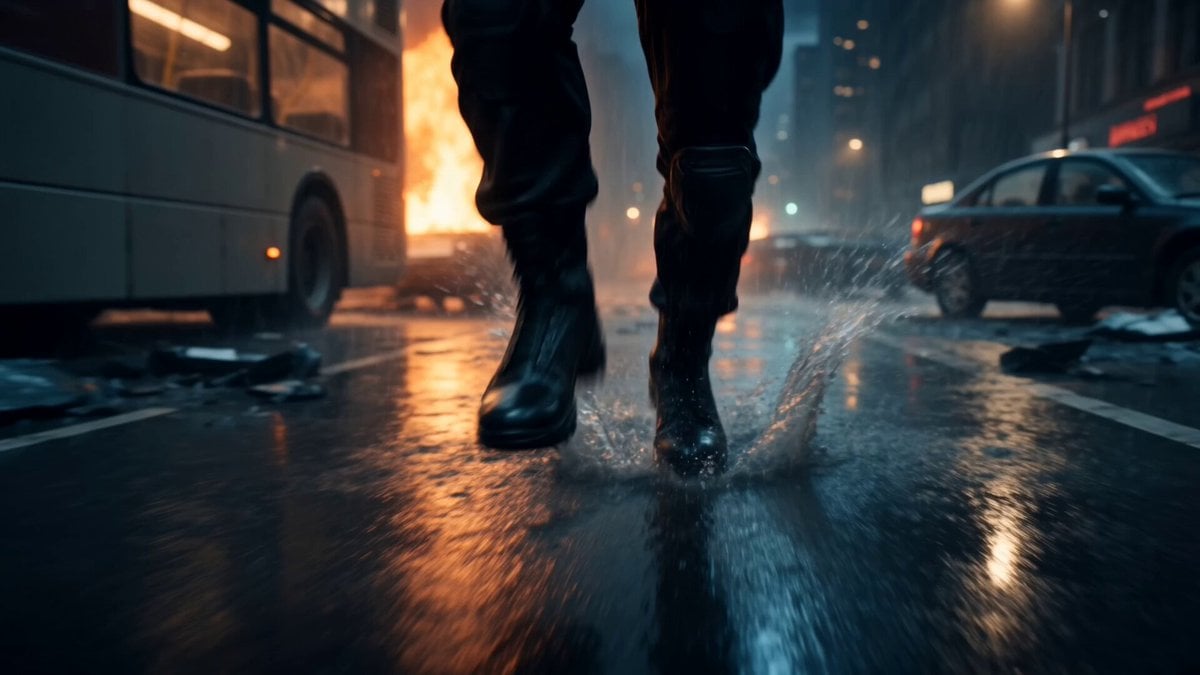
Alien Invasion City Chase Cinematic Video
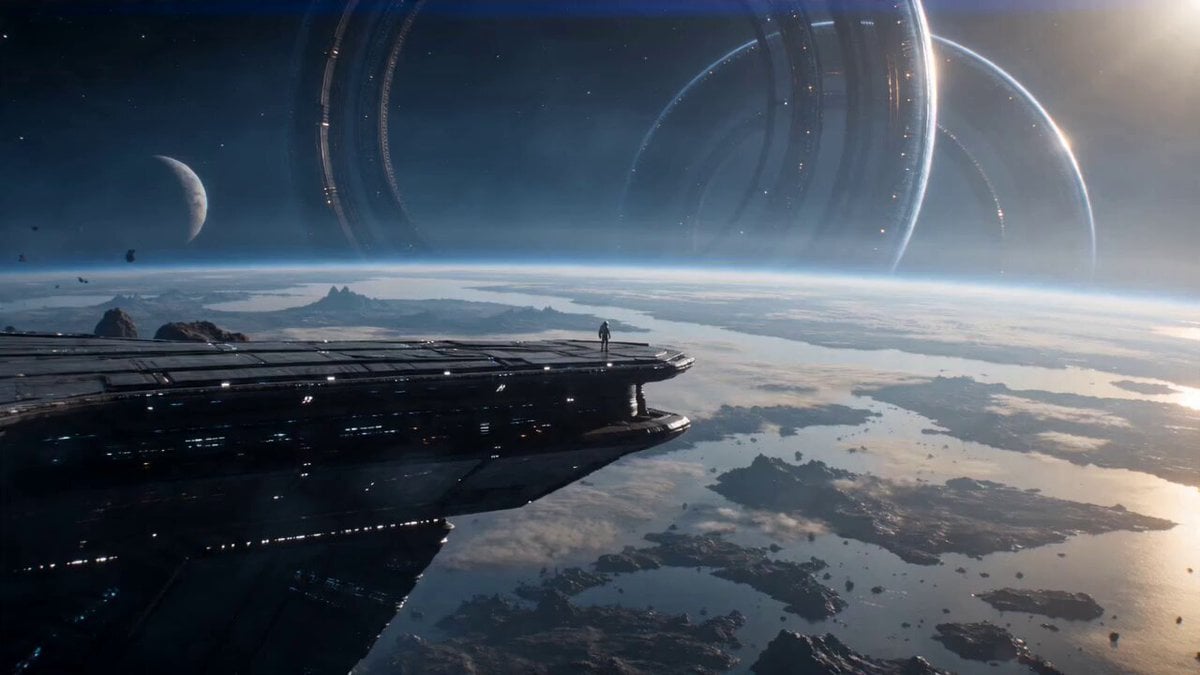
Astronaut and Alien Megastructure
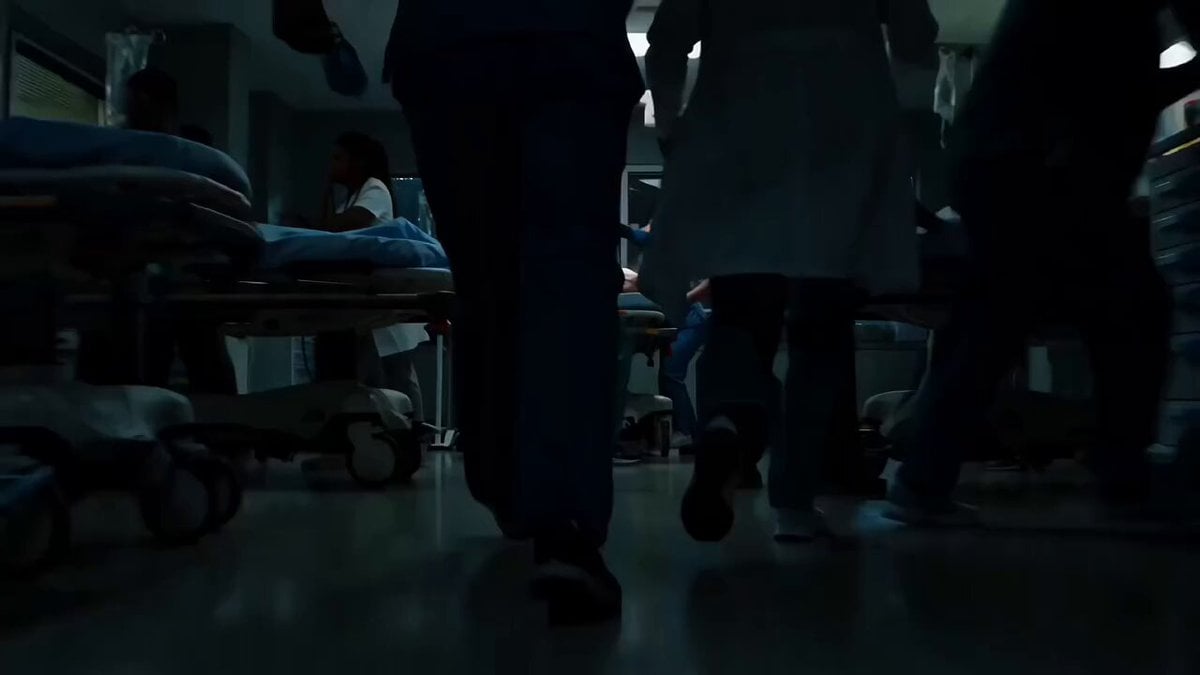
Sci-Fi Horror Hospital Alien Scene

Kaleidoscopic Cosmic Dolphin Video
Make it yours
Epic Sci-Fi Scene on an Alien Megastructure with Mixed Art Styles works as-is. These are the safest ways to change it without losing the look.
Change one field
Copy a single group, rewrite it, and generate again so you can see what that field is doing.
Keep the frame, change the subject
Hold the composition and light of Epic Sci-Fi Scene on an Alien Megastructure with Mixed Art Styles, then swap wardrobe, props or the person for a new take.
| If the result… | Why | Fix |
|---|---|---|
| The result drifts from the preview | Too many fields changed at once. | Reuse Epic Sci-Fi Scene on an Alien Megastructure with Mixed Art Styles as-is first, then change one group — subject, light, or setting. |
| The model over-stylizes the scene | The prose prompt leaves finish and camera underspecified. | Add one camera or lighting sentence and stay on Grok Imagine. |
More Grok Imagine templates
Other prompts made for Grok Imagine.

Mecha Runway Tap Dance Video Prompt

Emotional Angry Couple Drama

Train Zooming in Star Field Video Prompt

Cyberpunk Guerrilla Girl Video Generation

Detailed multi-part video prompt

Interior View Video Generation Prompt

GTA 6 never came out in 1 million years

Bitcoin liferaft video prompt

Woman floating down, opening eyes and looking deeply into the viewer's eyes
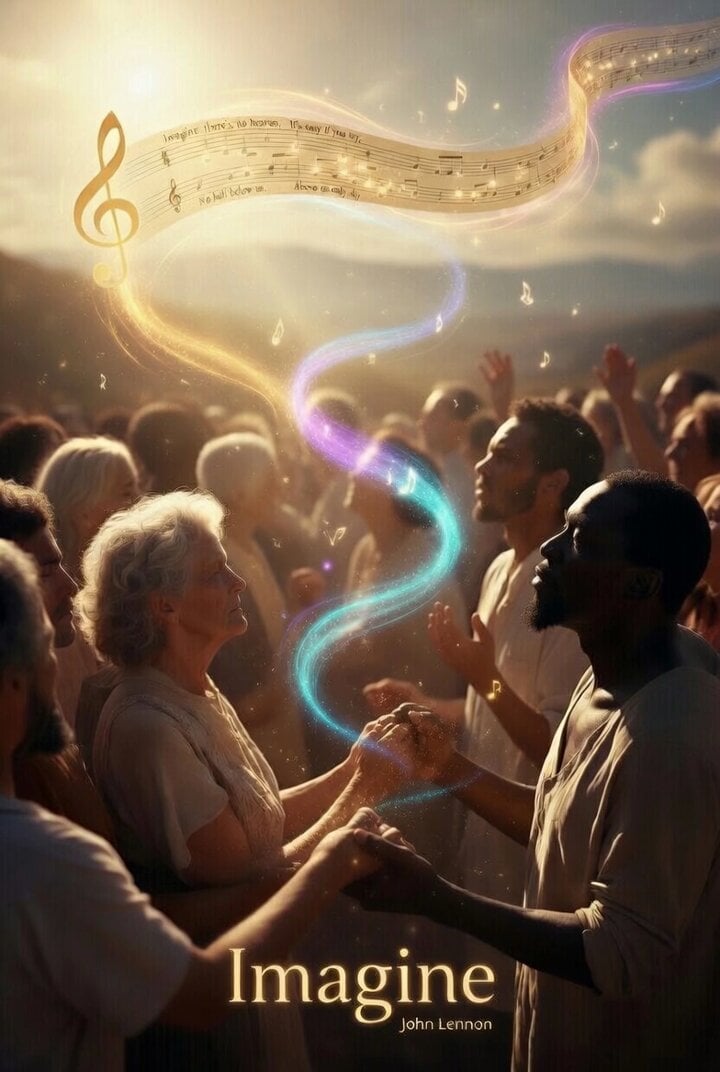
Utopian World of Harmony and Peace
More video prompts
Fresh picks from across the catalog.
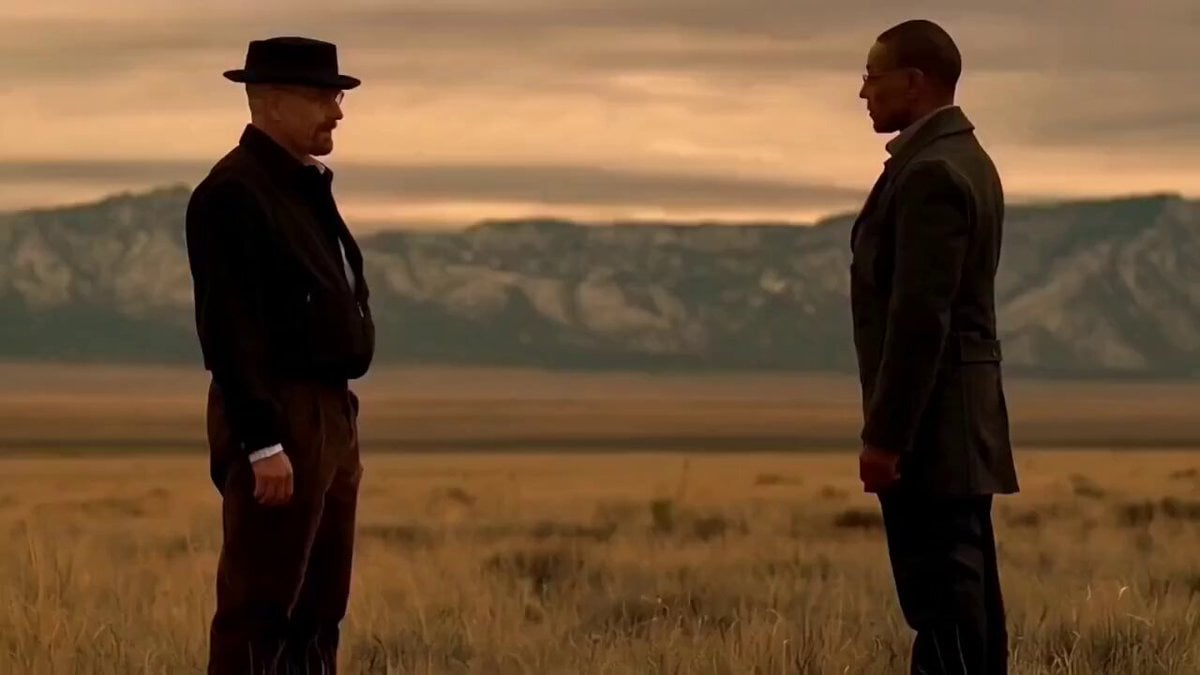
Breaking Bad AI Bro Pitch
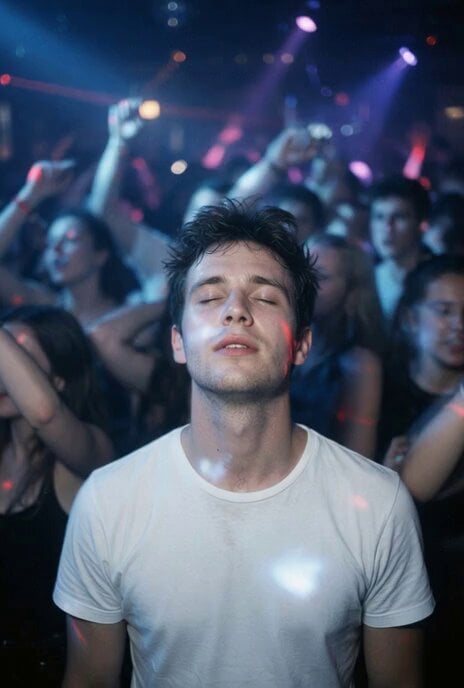
Nightclub Trance Slow Motion Video

Golden Cosmic Floral Embrace
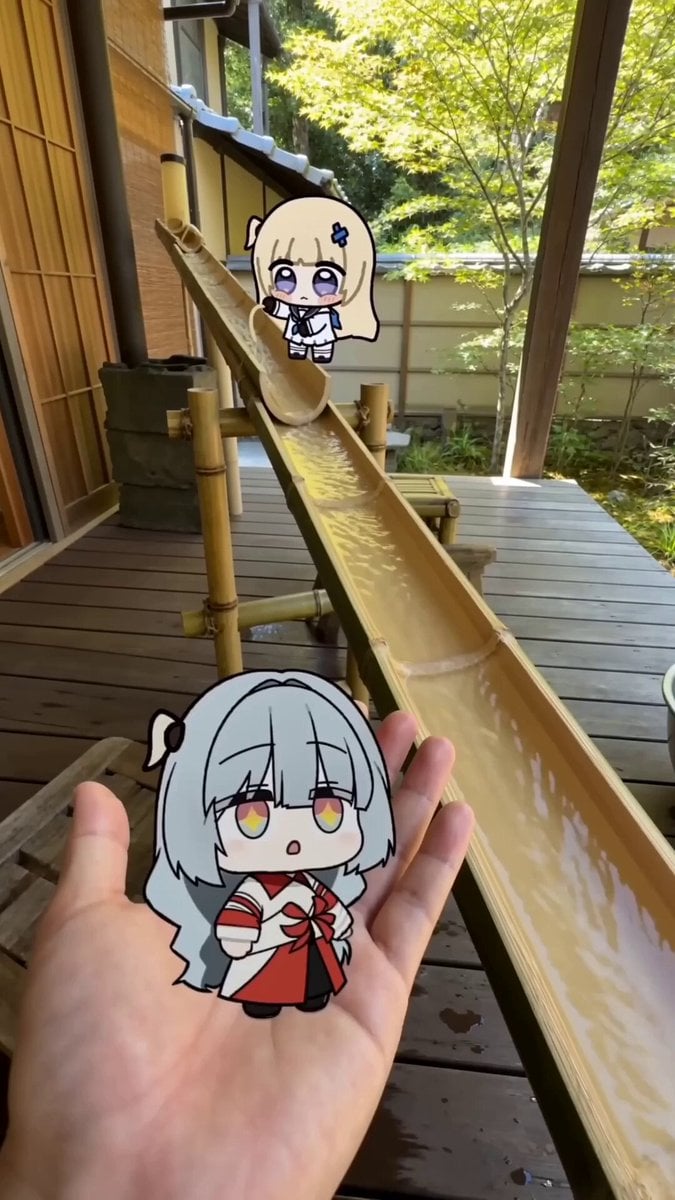
POV Japanese Garden Nagashi Somen Lunch

Luxury Cruise Sunset Journey
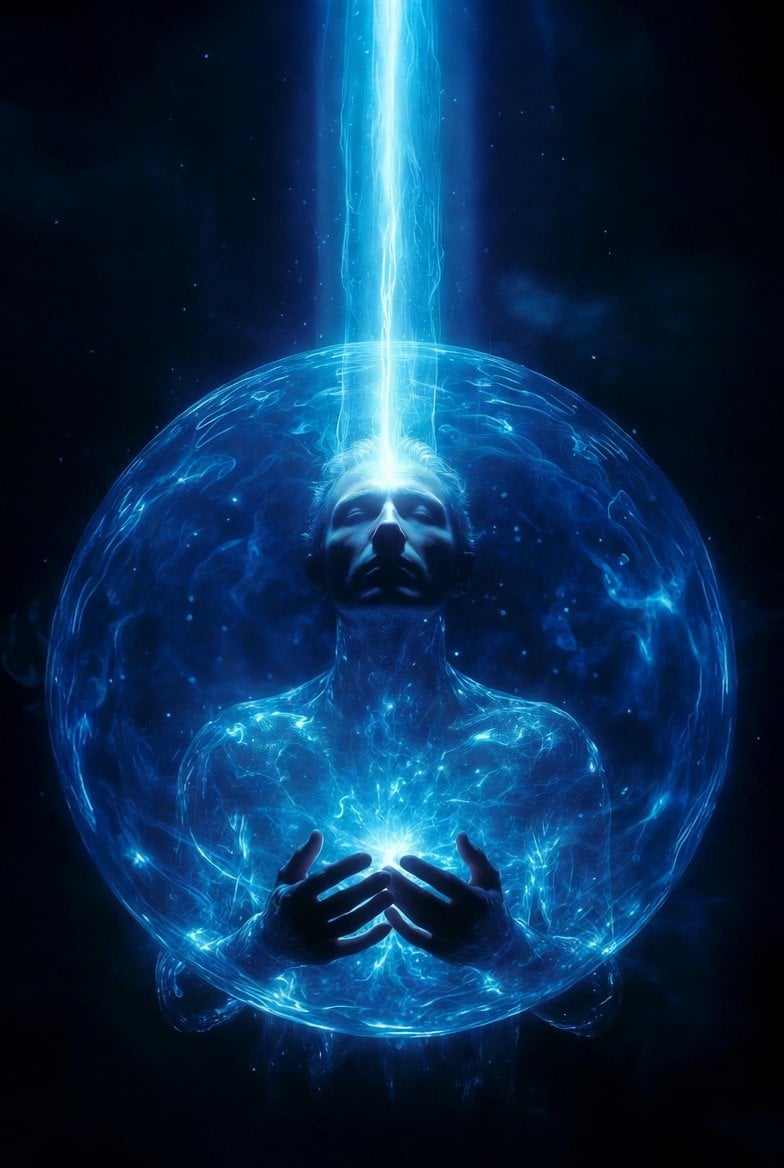
Arcturian High Council Message Protocol

All-White Beach Wedding Video Prompt (1)
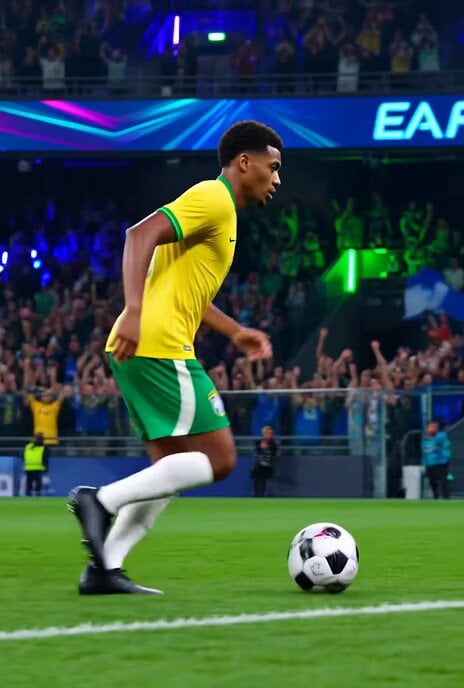
Brazilian Soccer Player Bicycle Kick Video Prompt
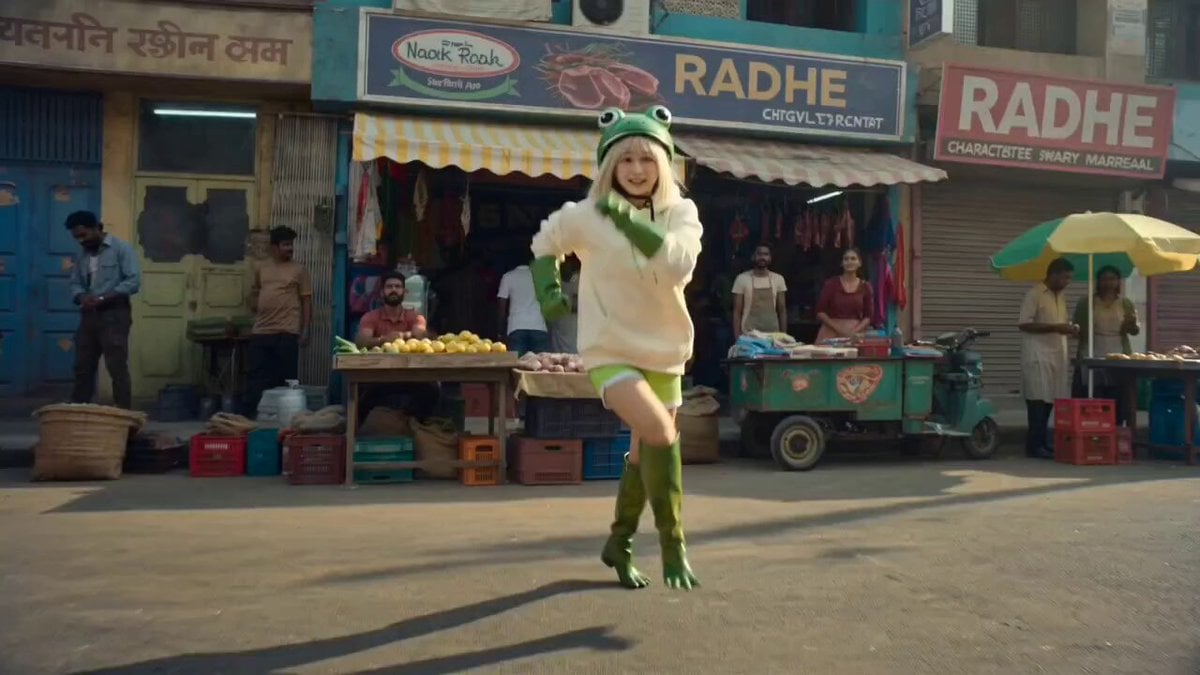
Bollywood Street Dance Template
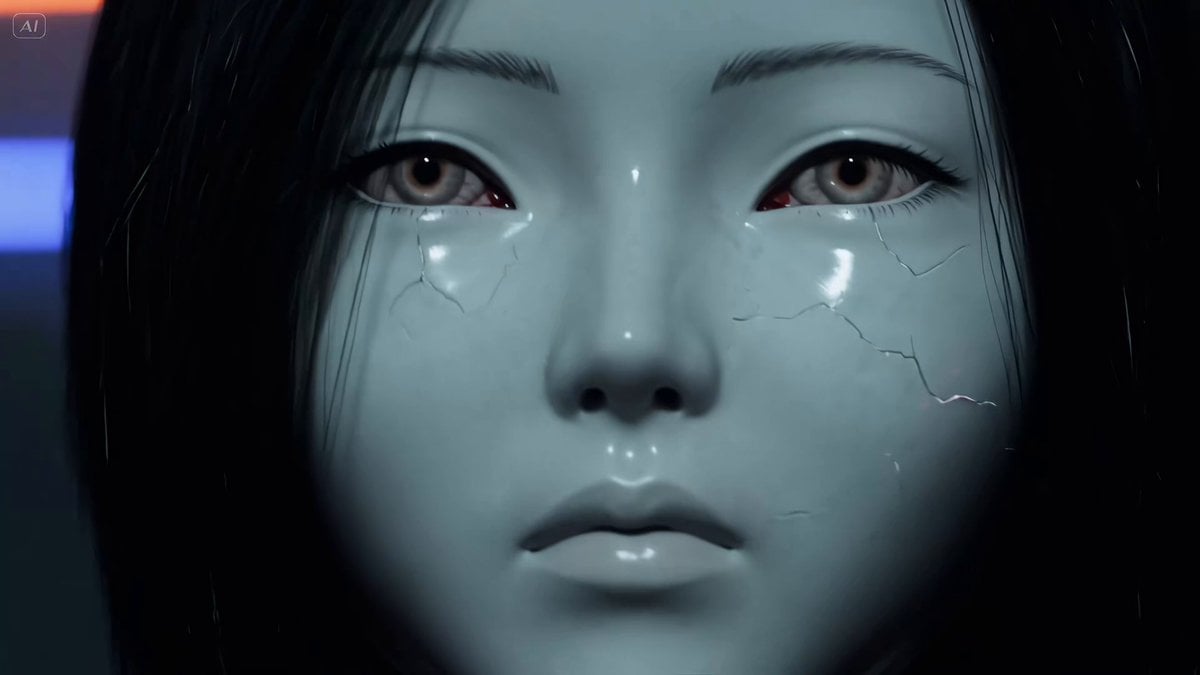
Biomechanical Parasite Horror Video Prompt for Seedance 2.0
Browse template categories
Epic Sci-Fi Scene on an Alien Megastructure with Mixed Art Styles questions
How do I use the Epic Sci-Fi Scene on an Alien Megastructure with Mixed Art Styles template?
Add your photo if the template asks for one, edit the prompt if you like — the template's model and format are already selected — and press Generate. Your version opens in PicX Studio.
Can I customize the Epic Sci-Fi Scene on an Alien Megastructure with Mixed Art Styles template?
Yes. You can change the subject, setting, lighting, mood, format, and available model controls before creating your video.
Is the Epic Sci-Fi Scene on an Alien Megastructure with Mixed Art Styles template free?
Opening and editing this template is free. Generating uses credits, shown on the Generate button when you are signed in.
Which AI model should I use?
Start with Grok Imagine, which is the model associated with this template. You can compare another compatible model for a different finish.
Looking for something else? Browse all templates.

Your photo, any look
Thousands of ready templates for every top image and video model, from one credit balance.