How do I use the Golden Cosmic Floral Embrace template?
Edit the prompt in the box under the preview — the template's model and format are already selected — and press Generate. Your version appears right on this page.
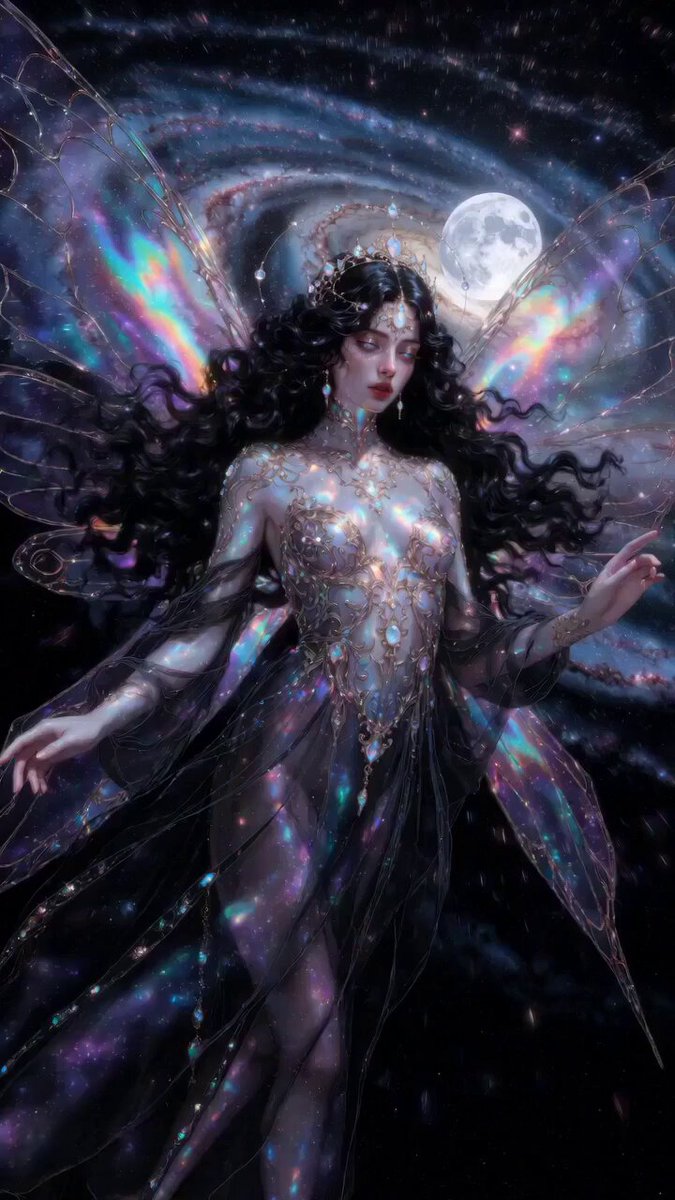
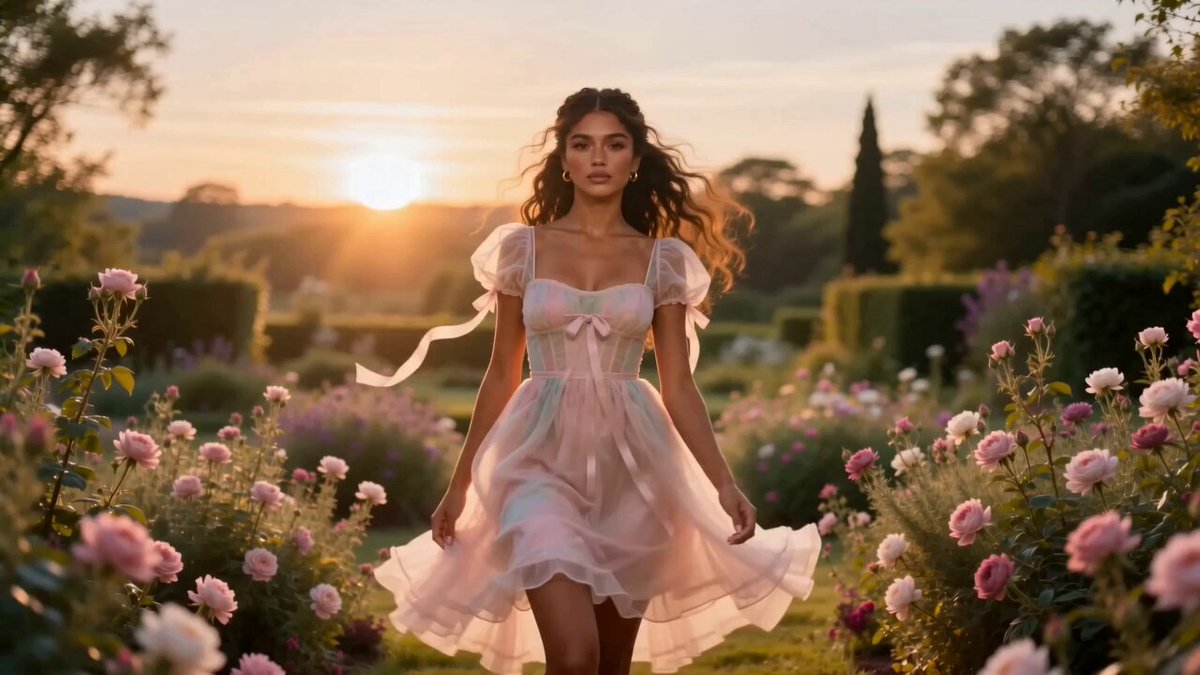
A highly detailed cinematic prompt featuring golden roses, rubies, and butterflies falling from space.
愛の金の薔薇ともっと薔薇とハートを大きくたくさん増やして赤いハートとならたくさんルビーのハートと光のダイヤモンドと黒と金の蝶々を彼方遠くの宇宙から降り注ぎ,私の体を包んで月と私を抱きしめる。をさらに近めに。ウエストより上を配置。
愛の金の薔薇ともっと薔薇とハートを大きくたくさん増やして赤いハートとならたくさんルビーのハートと光のダイヤモンドと黒と金の蝶々を彼方遠くの宇宙から降り注ぎ,私の体を包んで月と私を抱きしめる。をさらに近めに。ウエストより上を配置。
Edit the prompt in the box under the preview — the template's model and format are already selected — and press Generate. Your version appears right on this page.
Yes. You can change the subject, setting, lighting, mood, format, and available model controls before creating your video.
Opening and editing this template is free. Generating uses credits, shown on the Generate button when you are signed in.
Start with Grok Imagine, which is the model associated with this template. You can compare another compatible model for a different finish.
Follow a topic to a crawlable collection of related PicX Studio templates.