How do I use the Cinematic Gaming Short with Seamless Transitions template?
Edit the prompt in the box under the preview — the template's model and format are already selected — and press Generate. Your version appears right on this page.
A highly detailed text-to-video prompt for Seedance 2.0 that constructs a cinematic gaming sequence.
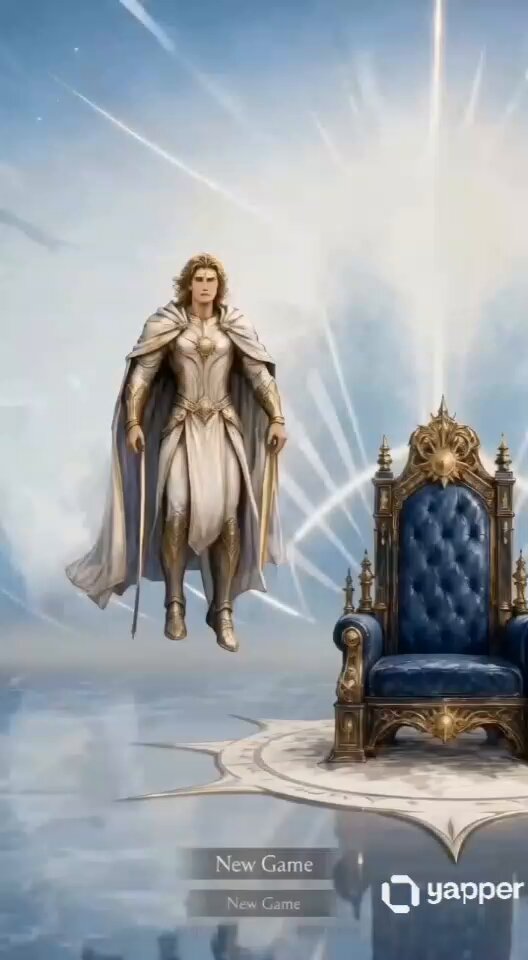
生成一个15秒的高燃游戏创意短片,包含深度旁白叙事,注意分镜编排与丝滑转场。【镜头与转场编排】0-5秒:手持摄影镜头快速推向闪烁红色RGB灯光的显示器。当屏幕中的角色举手时,利用“动作匹配转场”,无缝衔接至现实中男玩家起身向镜头伸手。镜头动作需保持连续的向前推力。5-8秒:玩家的手遮住镜头的瞬间,通过“黑屏过渡”丝滑切入CG世界。金色骷髅战士在黑暗中现身,慢动作展现左手爆发金色粒子。8-15秒:采用“快速跳切(Jump Cut)”配合节奏,展现角色的多角度特写。结尾画面逐渐变暗,与开头色调呼应,形成视觉闭环。【视觉与转场质量】全篇保持电影级写实与高对比度。转场必须平滑、无跳跃感,人物动作衔接自然 。【旁白与声音设计】1. 使用深沉、磁性、略带沙哑的男声旁白,语速稳重,充满故事感。2. 旁白内容:“在现实与虚幻的交界,唯一真实的,是战斗的渴望。”3. 声音设计:画面节奏与旁白重音、背景音效进行精准卡点。5秒处能量爆发需配合震撼的重低音(Sub-bass)。
生成一个15秒的高燃游戏创意短片,包含深度旁白叙事,注意分镜编排与丝滑转场。【镜头与转场编排】0-5秒:手持摄影镜头快速推向闪烁红色RGB灯光的显示器。当屏幕中的角色举手时,利用“动作匹配转场”,无缝衔接至现实中男玩家起身向镜头伸手。镜头动作需保持连续的向前推力。5-8秒:玩家的手遮住镜头的瞬间,通过“黑屏过渡”丝滑切入CG世界。金色骷髅战士在黑暗中现身,慢动作展现左手爆发金色粒子。8-15秒:采用“快速跳切(Jump Cut)”配合节奏,展现角色的多角度特写。结尾画面逐渐变暗,与开头色调呼应,形成视觉闭环。【视觉与转场质量】全篇保持电影级写实与高对比度。转场必须平滑、无跳跃感,人物动作衔接自然 。【旁白与声音设计】1. 使用深沉、磁性、略带沙哑的男声旁白,语速稳重,充满故事感。2. 旁白内容:“在现实与虚幻的交界,唯一真实的,是战斗的渴望。”3. 声音设计:画面节奏与旁白重音、背景音效进行精准卡点。5秒处能量爆发需配合震撼的重低音(Sub-bass)。
Edit the prompt in the box under the preview — the template's model and format are already selected — and press Generate. Your version appears right on this page.
Yes. You can change the subject, setting, lighting, mood, format, and available model controls before creating your video.
Opening and editing this template is free. Generating uses credits, shown on the Generate button when you are signed in.
Start with Seedance 2.0, which is the model associated with this template. You can compare another compatible model for a different finish.
Follow a topic to a crawlable collection of related PicX Studio templates.