How do I use the 3D Anime Character Scenario Template template?
Edit the prompt in the box under the preview — the template's model and format are already selected — and press Generate. Your version appears right on this page.
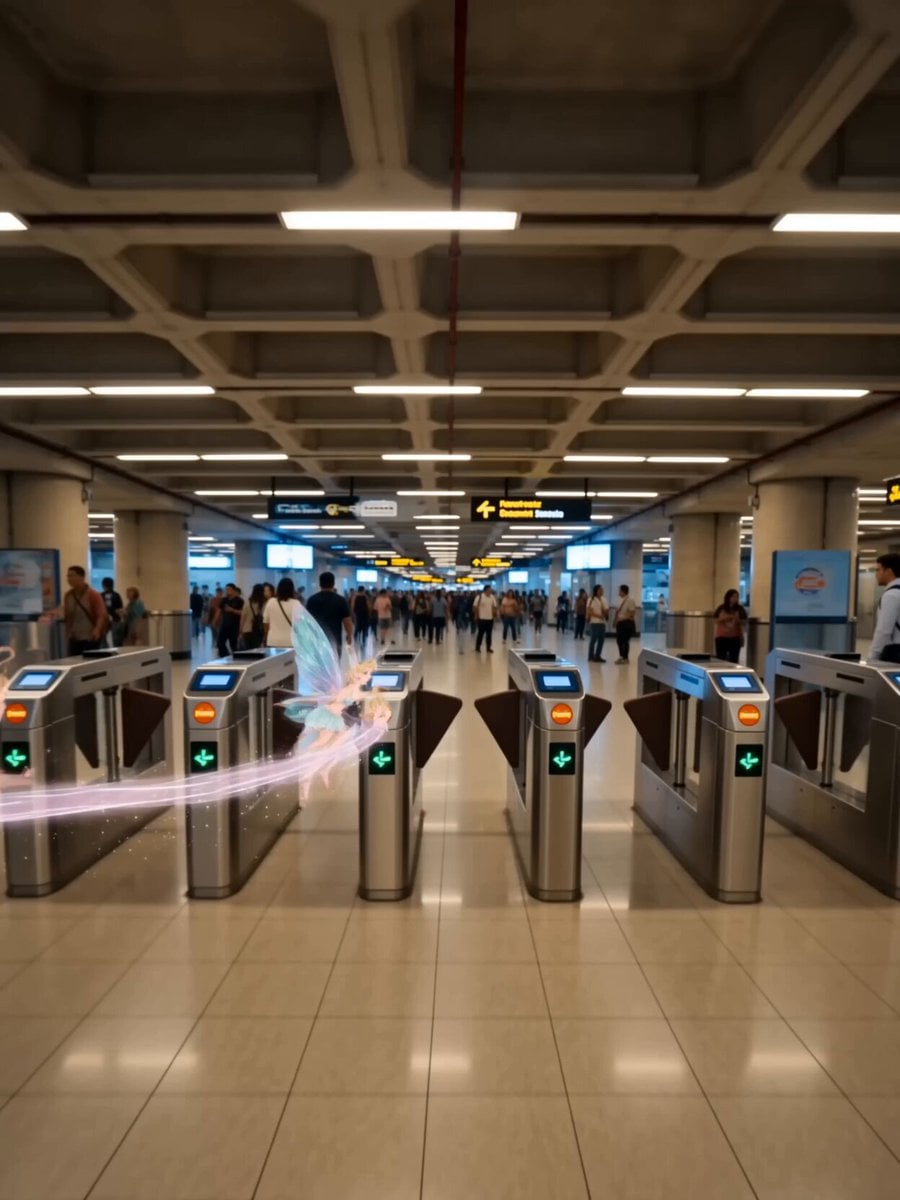
A comprehensive structure/template for Seedance 2.0 that allows users to place an animated character into real-world scenarios, including camera and lighting settings.
[Video content] A 3D anime-style character acts in the real world.\n[Video length] 15 seconds.\n[Frame rate] 60fps.\n\n[Character] Refer to the input image.\n[Character actions] Anime-style exaggerated actions that convey emotions and personality suited to the character.\n[Character style] 3D anime style.\n[Era/season/climate] Up to you.\n[Location (background)] A location suited to the story.\n[Location (background) style] Realistic style.\n[Language] Japanese.\n[Starting frame] Start from a creative opening frame.\n[Story] Up to you.\n[Cut structure] Multi-shot.\n\n[Scene] The various steps from waking up in the morning to going to elementary school.\n\n[Camera angle] Up to you.\n[Camera motion] Up to you.\n[Lighting] Cinematic lighting.\n[Editing] Jump cuts.\n[Effects] None\n\n[Dialogue] None.\n[Text] None.\n[Sound effects] Add suitable sound effects and ambient sounds.\n[BGM] None.
[Video content] A 3D anime-style character acts in the real world.\n[Video length] 15 seconds.\n[Frame rate] 60fps.\n\n[Character] Refer to the input image.\n[Character actions] Anime-style exaggerated actions that convey emotions and personality suited to the character.\n[Character style] 3D anime style.\n[Era/season/climate] Up to you.\n[Location (background)] A location suited to the story.\n[Location (background) style] Realistic style.\n[Language] Japanese.\n[Starting frame] Start from a creative opening frame.\n[Story] Up to you.\n[Cut structure] Multi-shot.\n\n[Scene] The various steps from waking up in the morning to going to elementary school.\n\n[Camera angle] Up to you.\n[Camera motion] Up to you.\n[Lighting] Cinematic lighting.\n[Editing] Jump cuts.\n[Effects] None\n\n[Dialogue] None.\n[Text] None.\n[Sound effects] Add suitable sound effects and ambient sounds.\n[BGM] None.
Edit the prompt in the box under the preview — the template's model and format are already selected — and press Generate. Your version appears right on this page.
Yes. You can change the subject, setting, lighting, mood, format, and available model controls before creating your video.
Opening and editing this template is free. Generating uses credits, shown on the Generate button when you are signed in.
Start with Seedance 2.0, which is the model associated with this template. You can compare another compatible model for a different finish.
Follow a topic to a crawlable collection of related PicX Studio templates.