
Zero-Gravity Rotating Corridor Fight
A highly detailed prompt for a 15-second sci-fi action sequence in one continuous take, depicting a zero-gravity fight between an agent and security personnel inside a slowly rotating high-tech transport ship corridor…

- Prompt included
- Model and format preset
- Free template
The prompt behind this video
Copy the exact prompt behind Zero-Gravity Rotating Corridor Fight, or open it in the studio and make it yours.
科幻动作片风格,15秒,一镜到底,镜头进入一条白色高科技运输舰走廊,红色警报灯开始闪烁,重力系统突然故障,整条走廊缓慢旋转起来。镜头以中近距离贴身跟随一名穿深灰战术服的特工,他在失重状态下与一名敌方安保展开极近距离搏斗。随着舱体持续旋转,地板、墙壁和天花板不断交换位置,两人一边在空中翻滚一边抓住扶手、管道和门框借力,拳击、肘击、膝撞和夺枪动作紧凑狠厉。镜头跟随人物穿过旋转舱门,掠过漂浮碎片、工具箱和闪烁灯管,空间方向不断改变却始终保持动作清晰。最后特工将敌人甩向一面透明观察窗,窗外是缓缓旋转的行星和碎裂的太空残骸,镜头在失重旋转中定格于人物重新稳住姿态的瞬间,极具高成本机械布景与特技感。
How to use Zero-Gravity Rotating Corridor Fight in 3 steps
- 1
Open
The prompt is already in the box next to the preview, with the template's model and format selected.
- 2…a portrait of your subject in softgolden-hour light, 85mm…
Personalize
Edit the subject and creative details for your destination.
- 3Generate
Generate
Press Generate — your video is created in PicX Studio, so you can compare it with the original and refine one variable at a time.
More like this
Templates with the same subject, style or setup. Open one to see its prompt.
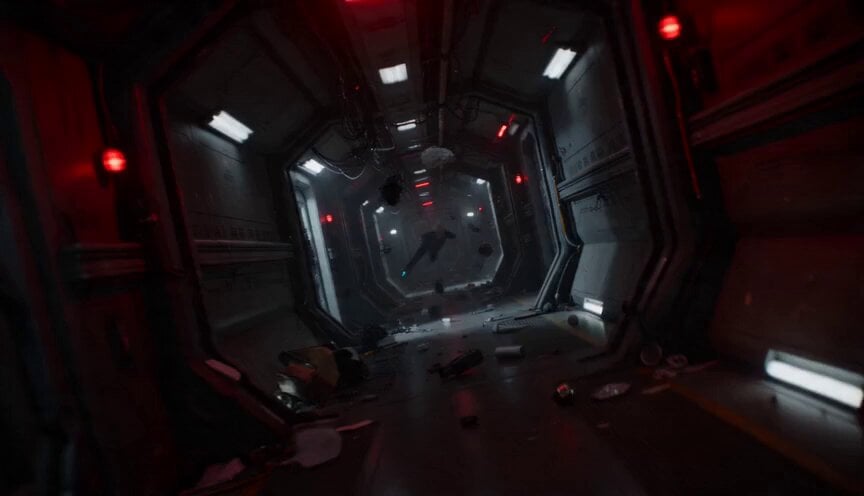
Zero-Gravity Prison Fight Scene
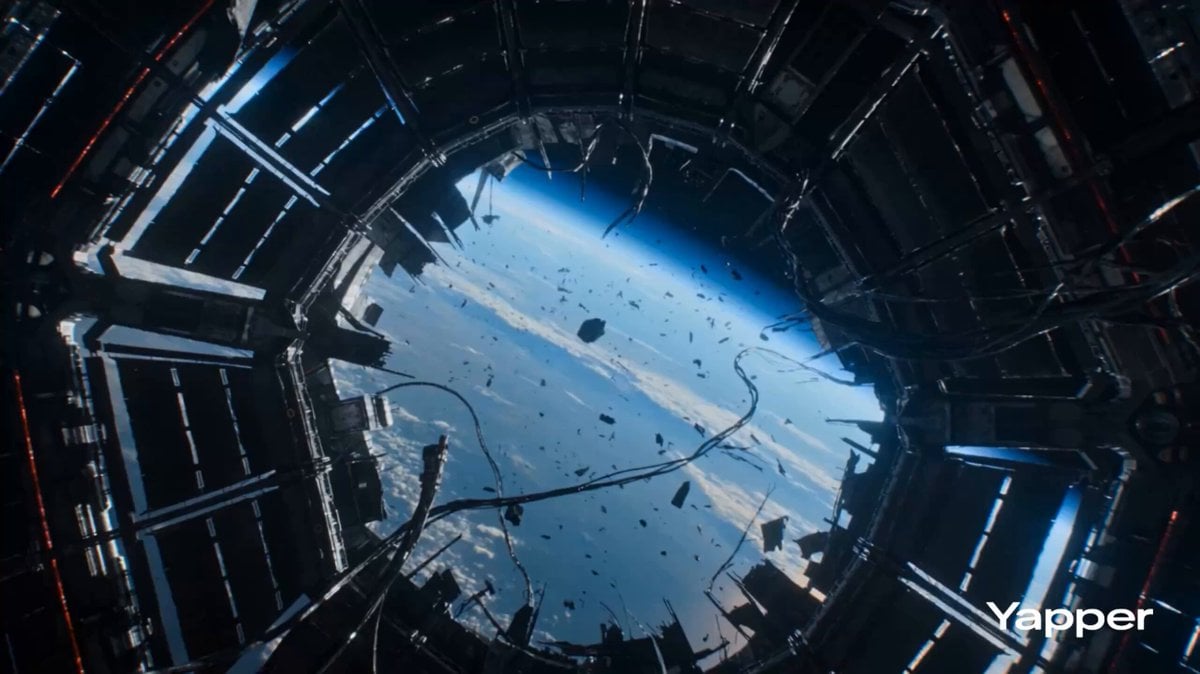
Zero Gravity Warrior Fight Video Prompt
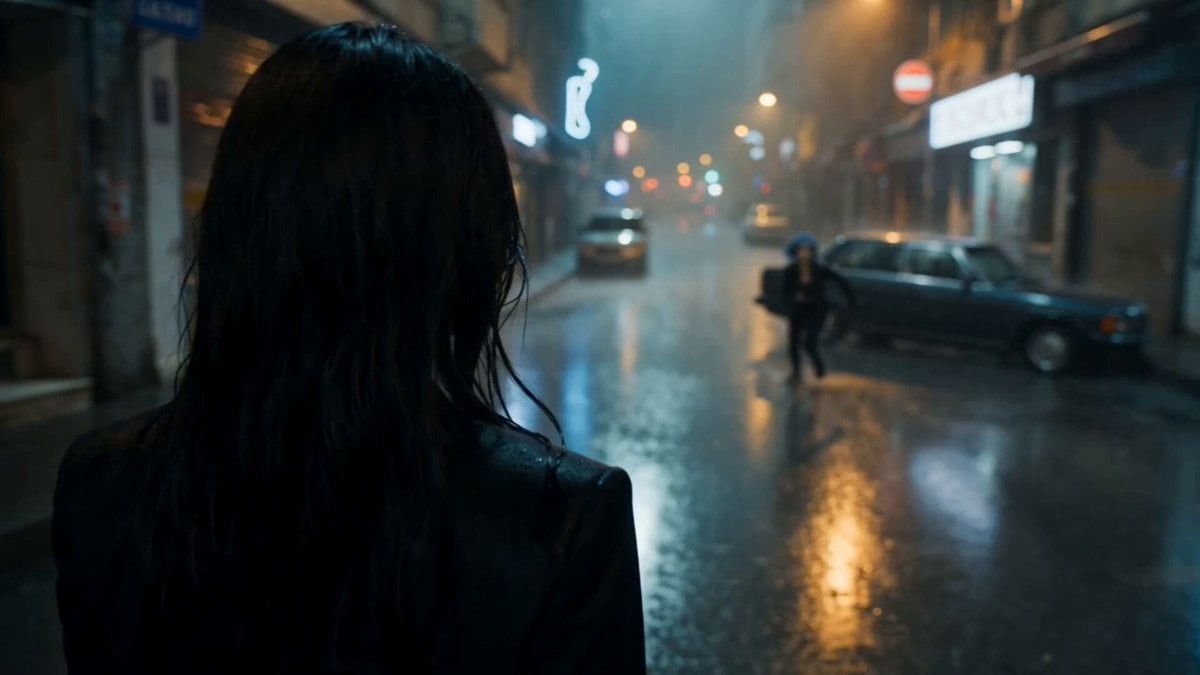
Cinematic Istanbul Night Fight - Seedance 2.5
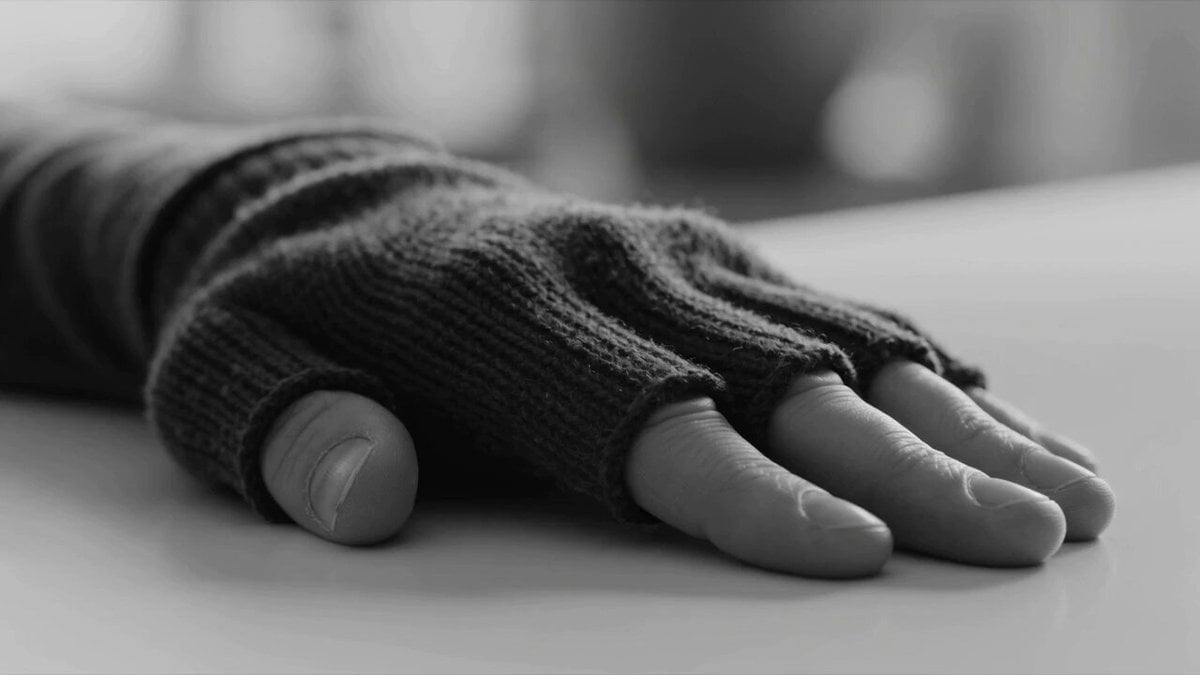
Zero Gravity Apartment Cinematic
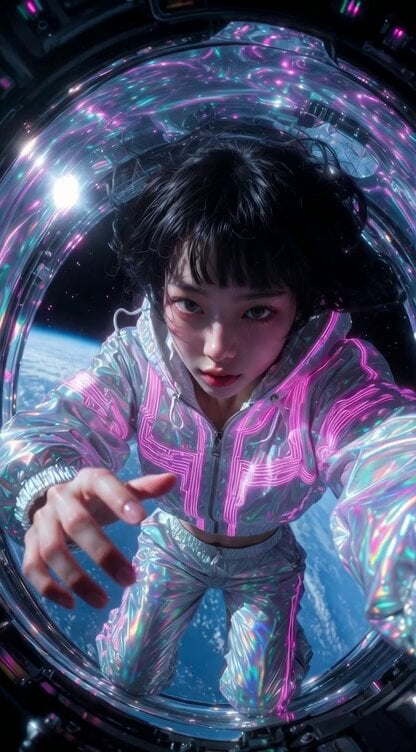
Grok Imagine prompt for a Japanese girl in zero gravity

Astronaut Children in Zero Gravity
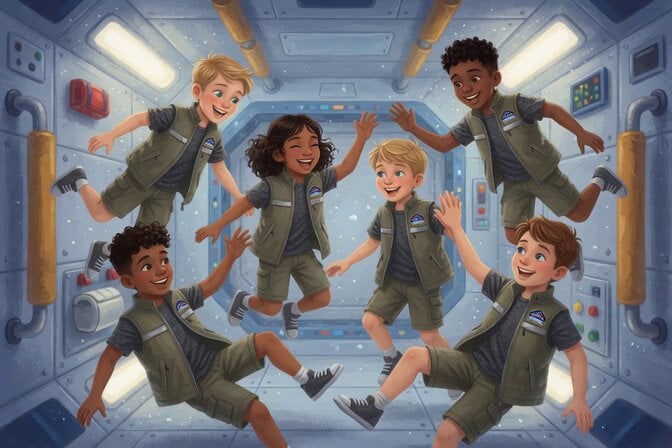
Space Camp Zero Gravity Astronauts
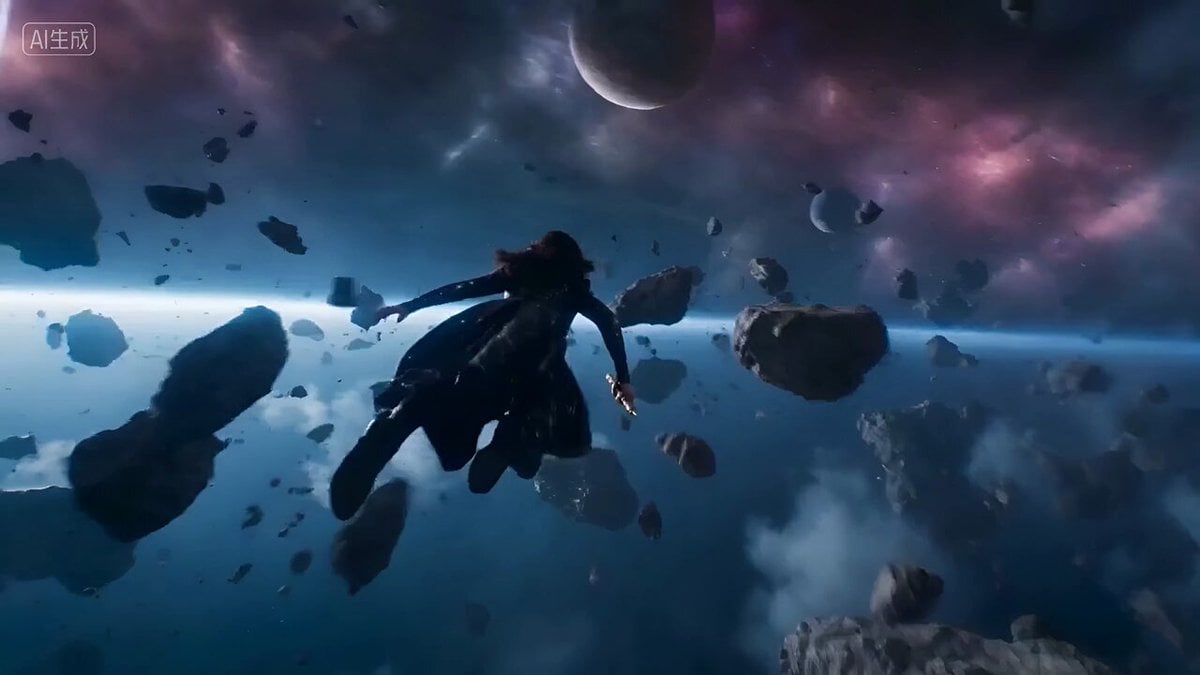
Epic Space Combat Scene with Cosmic Energy and Zero-Gravity Camera
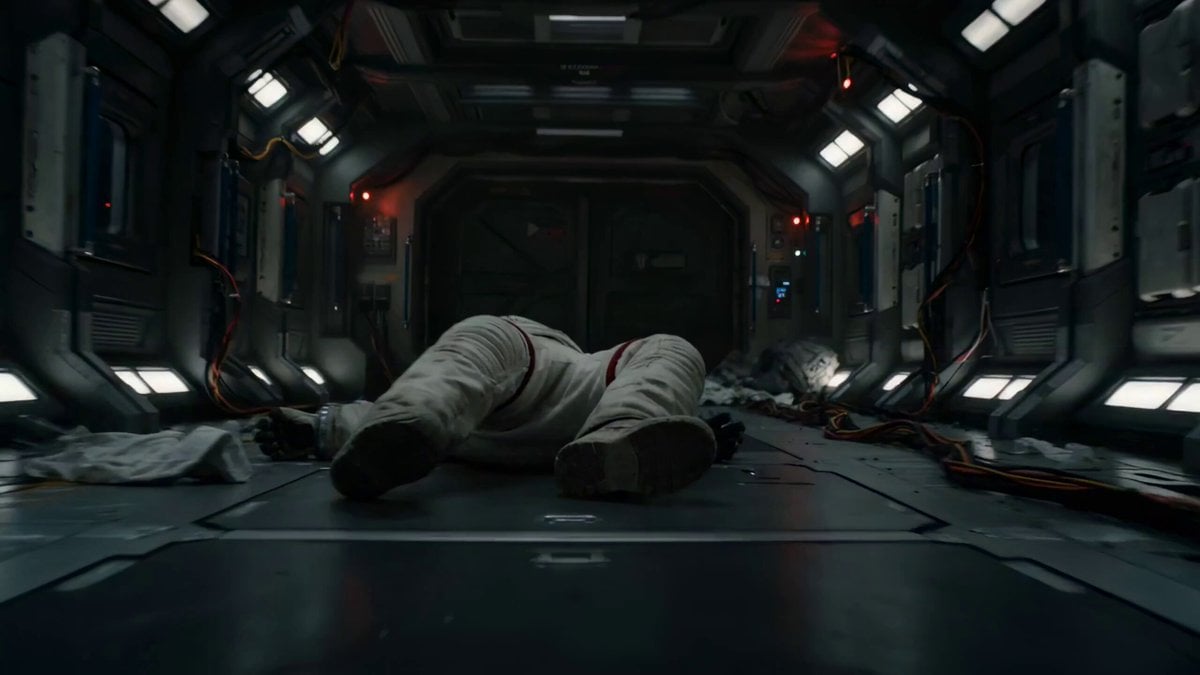
Astronaut Zero-Gravity Escape Scene
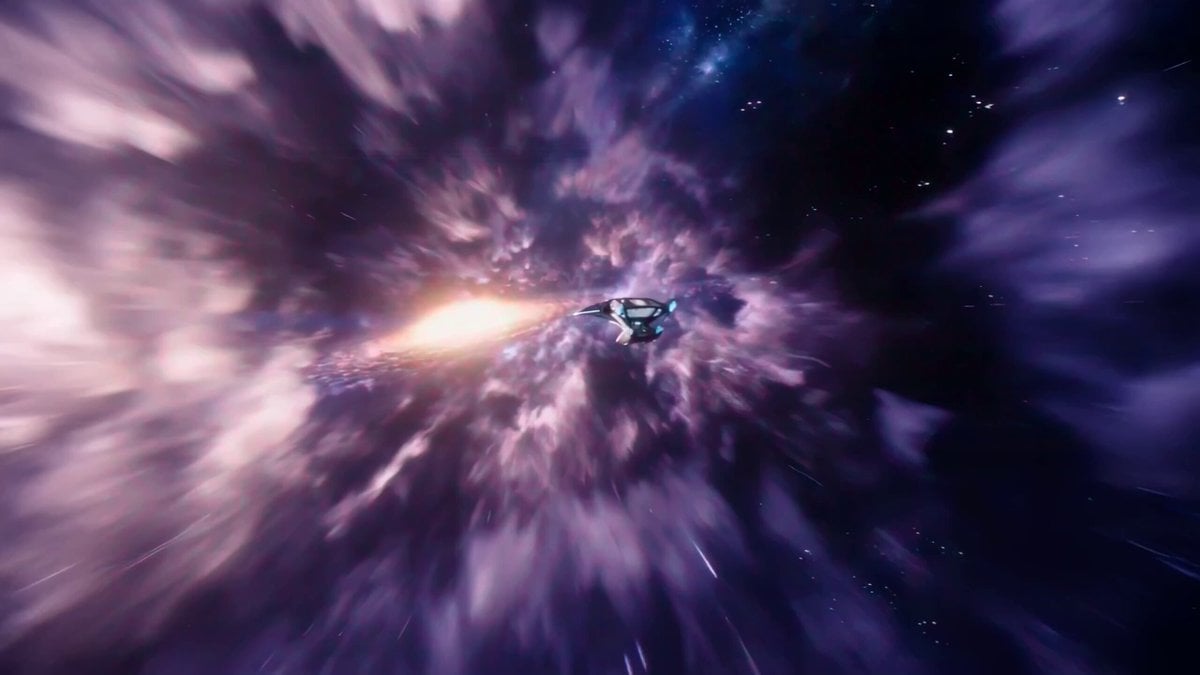
Interstellar Star-Cruiser Chase and Zero-Gravity Interior Scene
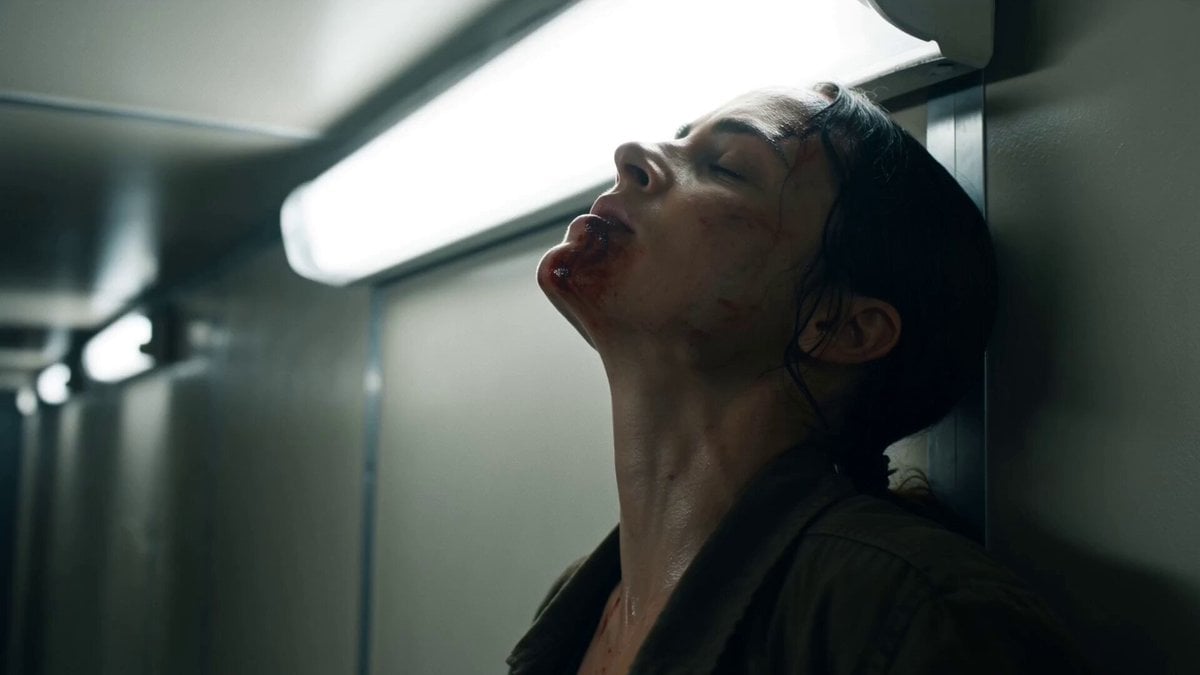
Corridor Breakout Fight Scene
Swordsman vs Shadow Monster — Bamboo Forest Battle
Make it yours
Zero-Gravity Rotating Corridor Fight works as-is. These are the safest ways to change it without losing the look.
Change one field
Copy a single group, rewrite it, and generate again so you can see what that field is doing.
Keep the frame, change the subject
Hold the composition and light of Zero-Gravity Rotating Corridor Fight, then swap wardrobe, props or the person for a new take.
| If the result… | Why | Fix |
|---|---|---|
| The result drifts from the preview | Too many fields changed at once. | Reuse Zero-Gravity Rotating Corridor Fight as-is first, then change one group — subject, light, or setting. |
| The model over-stylizes the scene | The prose prompt leaves finish and camera underspecified. | Add one camera or lighting sentence and stay on Seedance 2.0. |
More Seedance 2.0 templates
Other prompts made for Seedance 2.0.

Comical Martial Arts Punch Scene

Maglev Train Action Sequence

Wuxia Protection and Trust Script

Vintage Korean Arcade MiniDV Vlog

Mercedes 190 SL Luxury Ad

Rainy Night Supernatural Reverse Comedy Video Script

Amazon Civilization Discovery

Futuristic South Asian City Transformation

Cozy Luxury Cafe Commercial

Cyber Ronin Nanotech Transformation Video
More video prompts
Fresh picks from across the catalog.
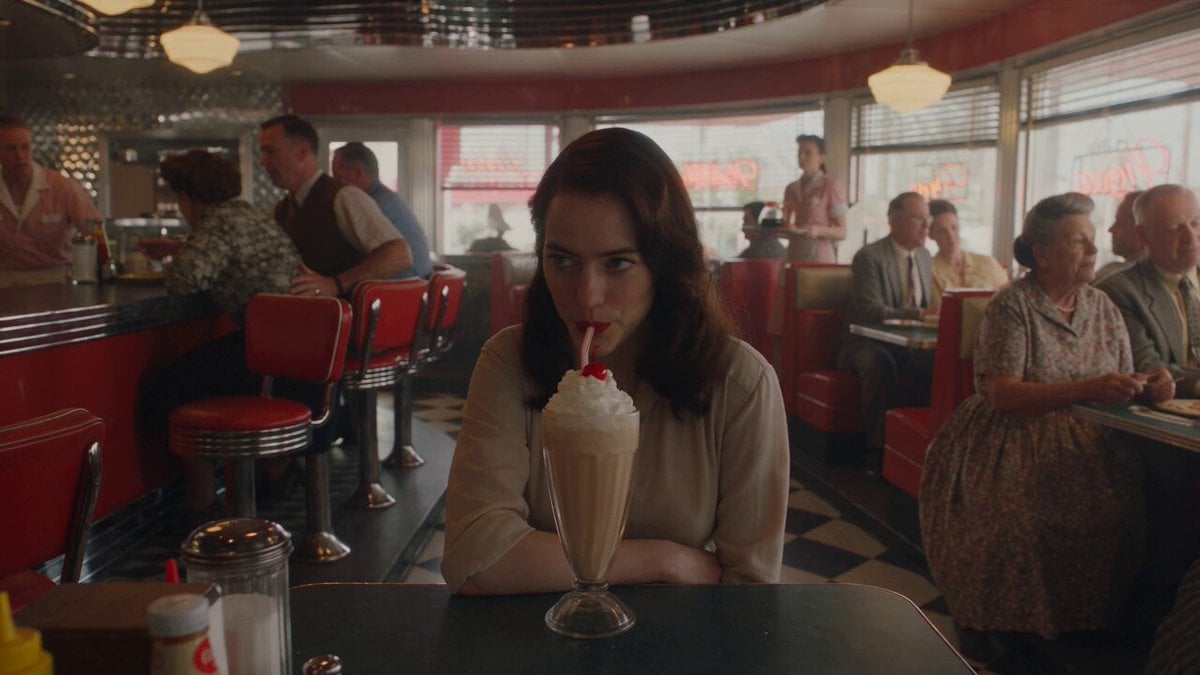
1950s Diner Time Freeze Rewind - Seedance 2.5

Bedtime Story About Creators
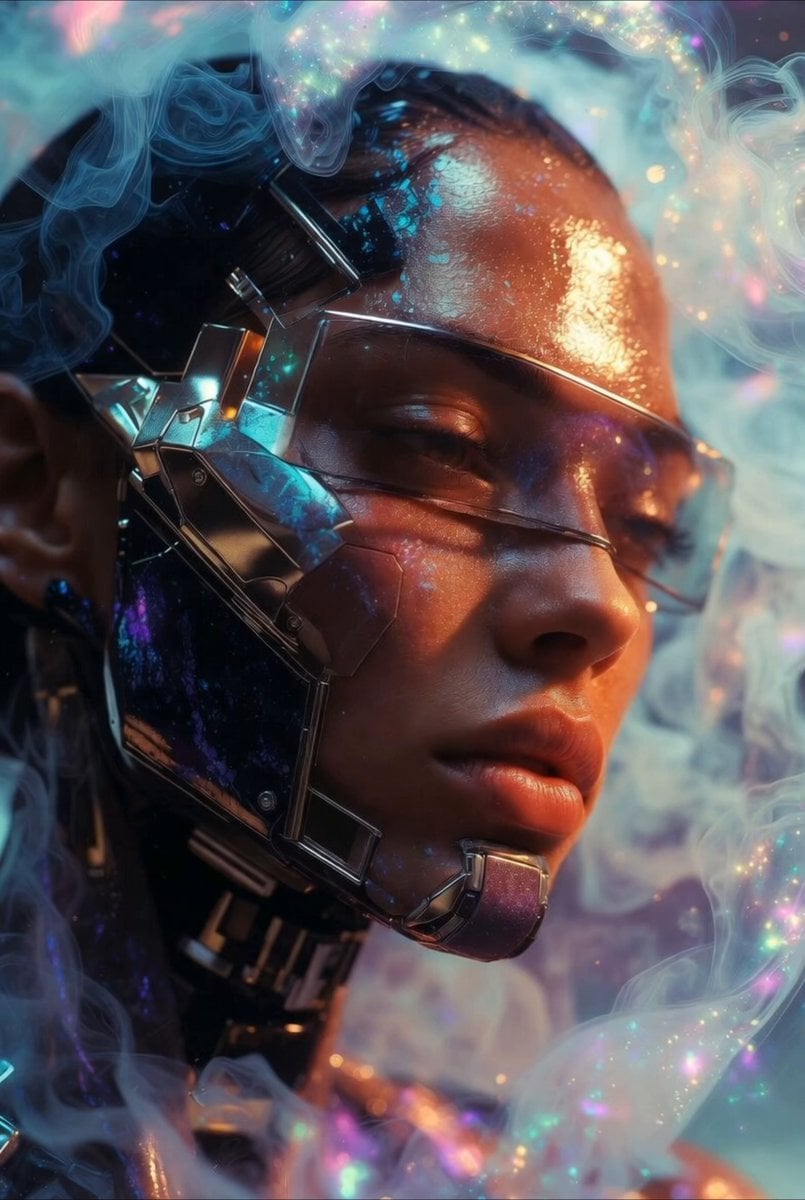
Cybernetic woman and butterfly video prompt
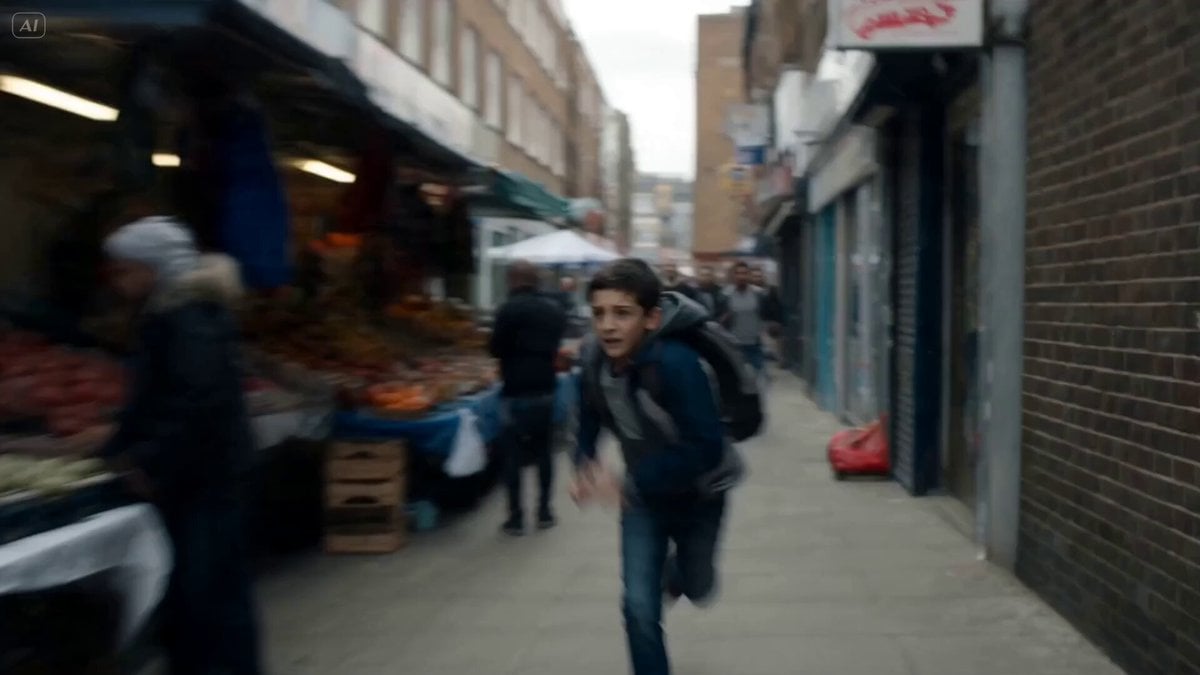
Cinematic Urban Foot Chase Escape
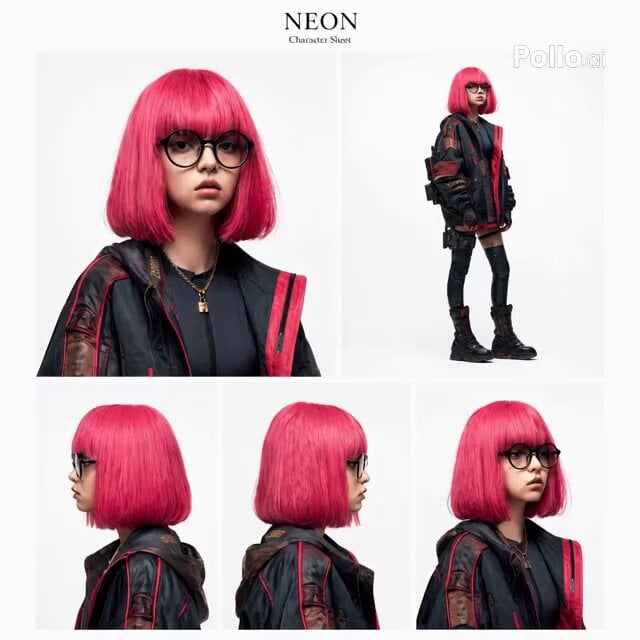
Horror Character Gymnastics Pull-over
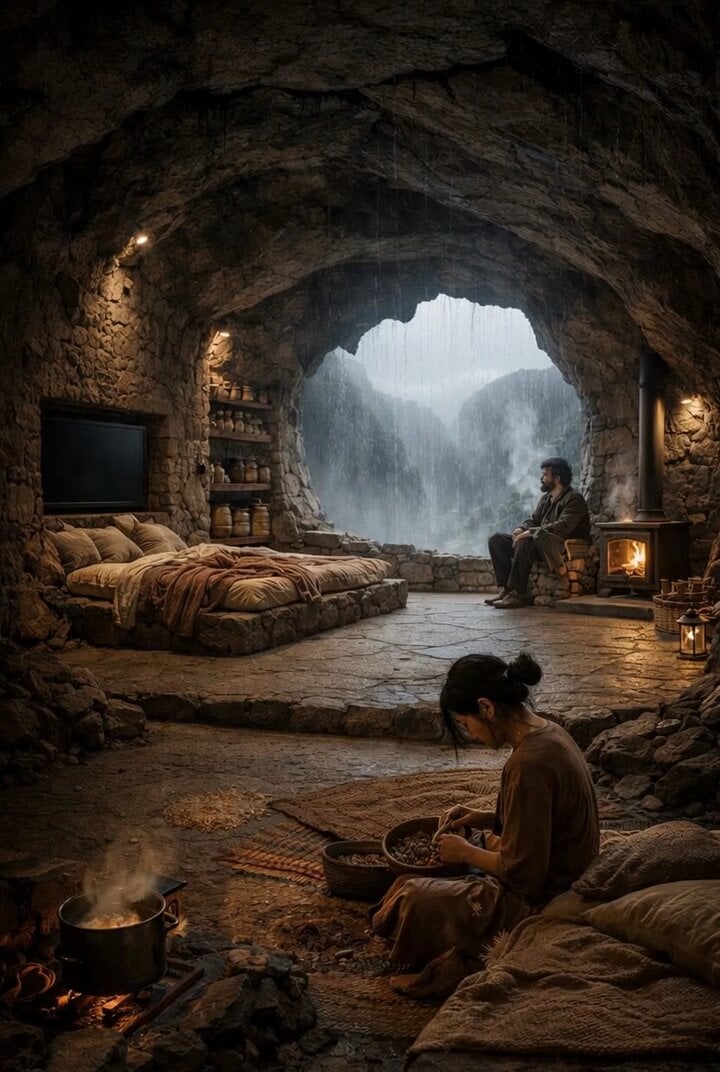
Cinematic Drone Shot of Mountain Cave Entrance
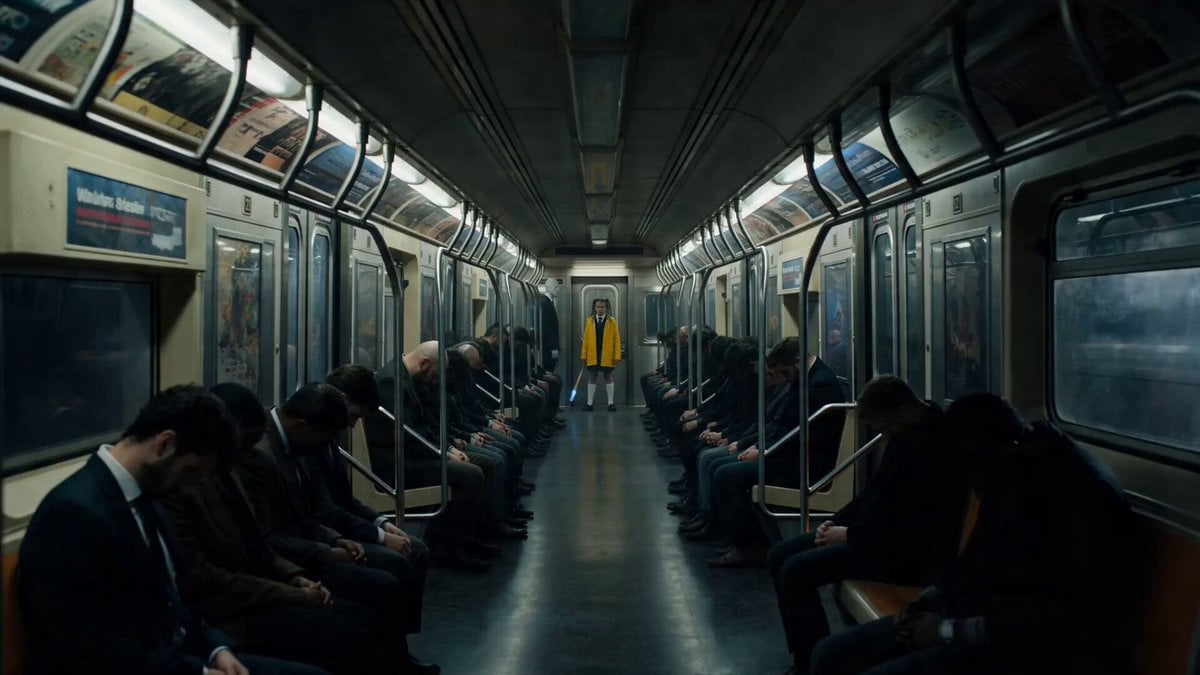
Possessed Train Schoolgirl Action Video
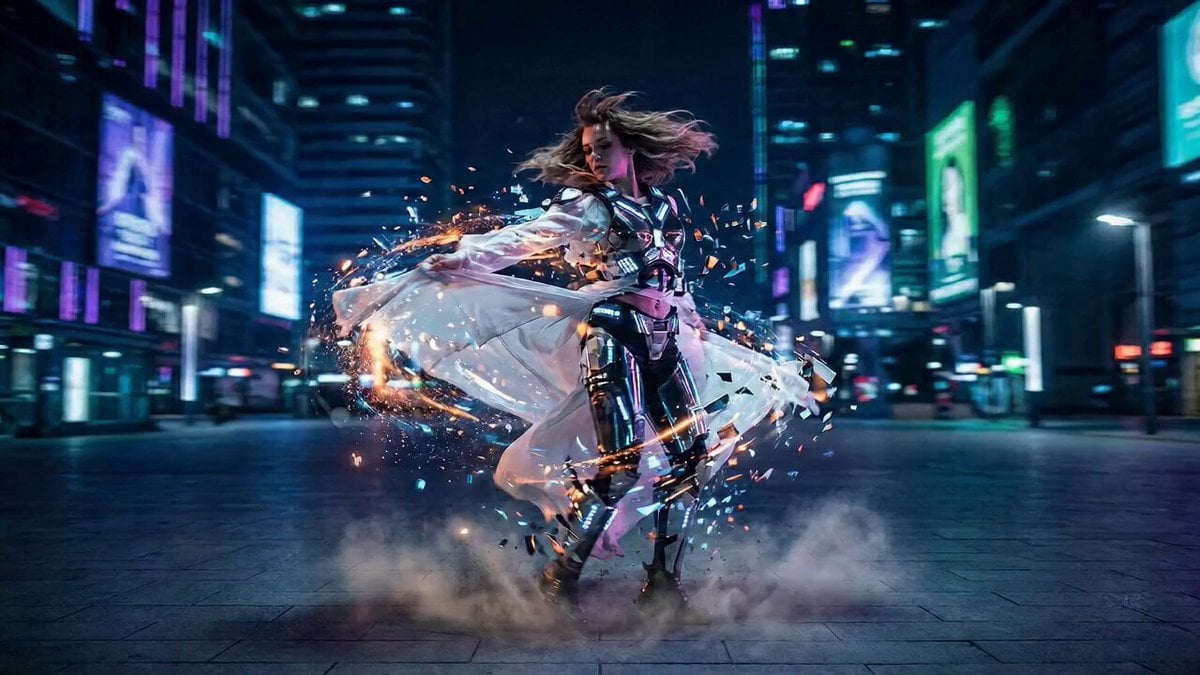
High-Energy Cinematic Transformation
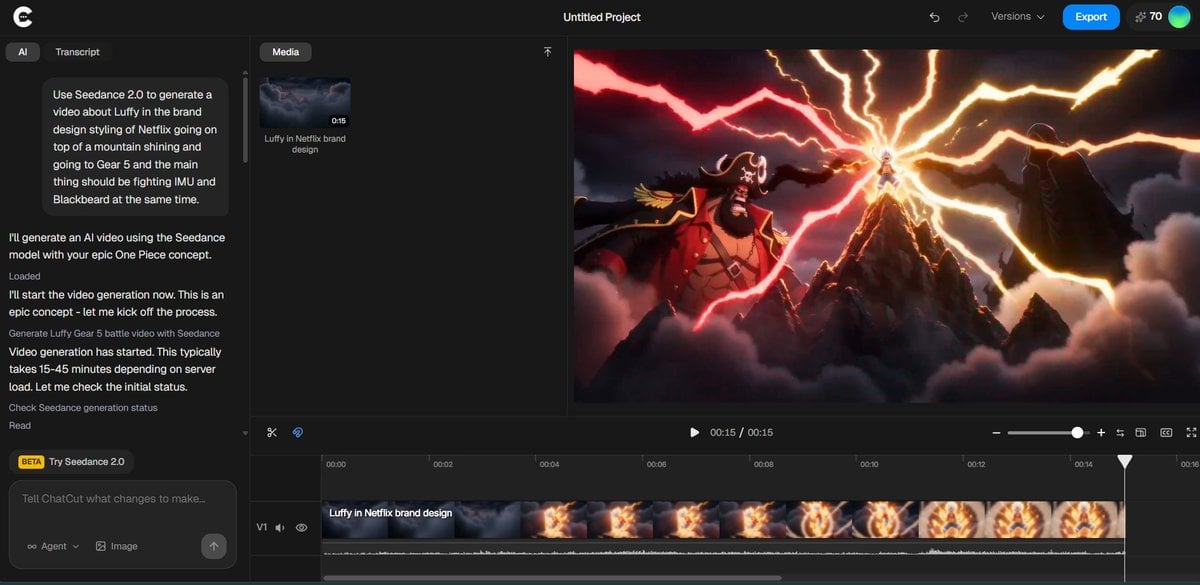
Luffy in Netflix Style Fighting Imu and Blackbeard
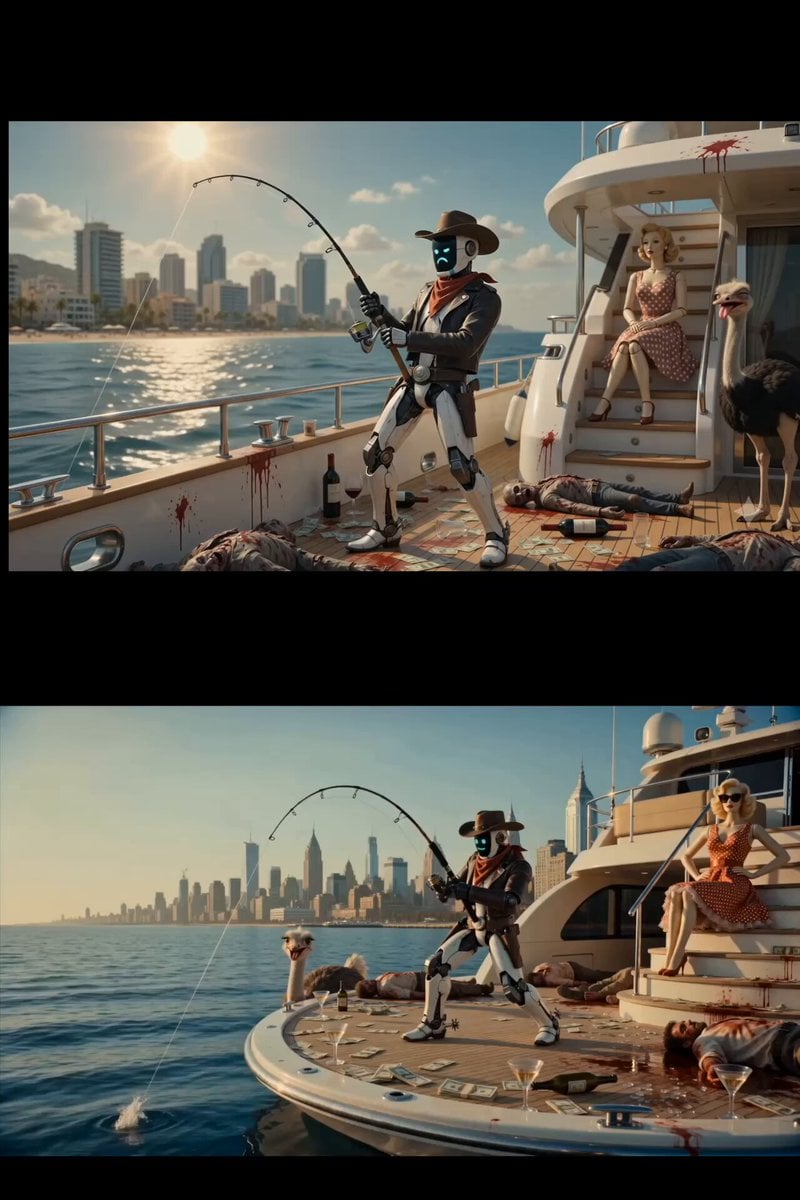
Surreal Scavenger Yacht Scene
Browse template categories
Zero-Gravity Rotating Corridor Fight questions
How do I use the Zero-Gravity Rotating Corridor Fight template?
Add your photo if the template asks for one, edit the prompt if you like — the template's model and format are already selected — and press Generate. Your version opens in PicX Studio.
Can I customize the Zero-Gravity Rotating Corridor Fight template?
Yes. You can change the subject, setting, lighting, mood, format, and available model controls before creating your video.
Is the Zero-Gravity Rotating Corridor Fight template free?
Opening and editing this template is free. Generating uses credits, shown on the Generate button when you are signed in.
Which AI model should I use?
Start with Seedance 2.0, which is the model associated with this template. You can compare another compatible model for a different finish.
Looking for something else? Browse all templates.

Your photo, any look
Thousands of ready templates for every top image and video model, from one credit balance.