How do I use the Corridor Breakout Fight Scene template?
Edit the prompt in the box under the preview — the template's model and format are already selected — and press Generate. Your version appears right on this page.
A multi-stage intense corridor breakout fight scene prompt with detailed action, camera, and lighting instructions.
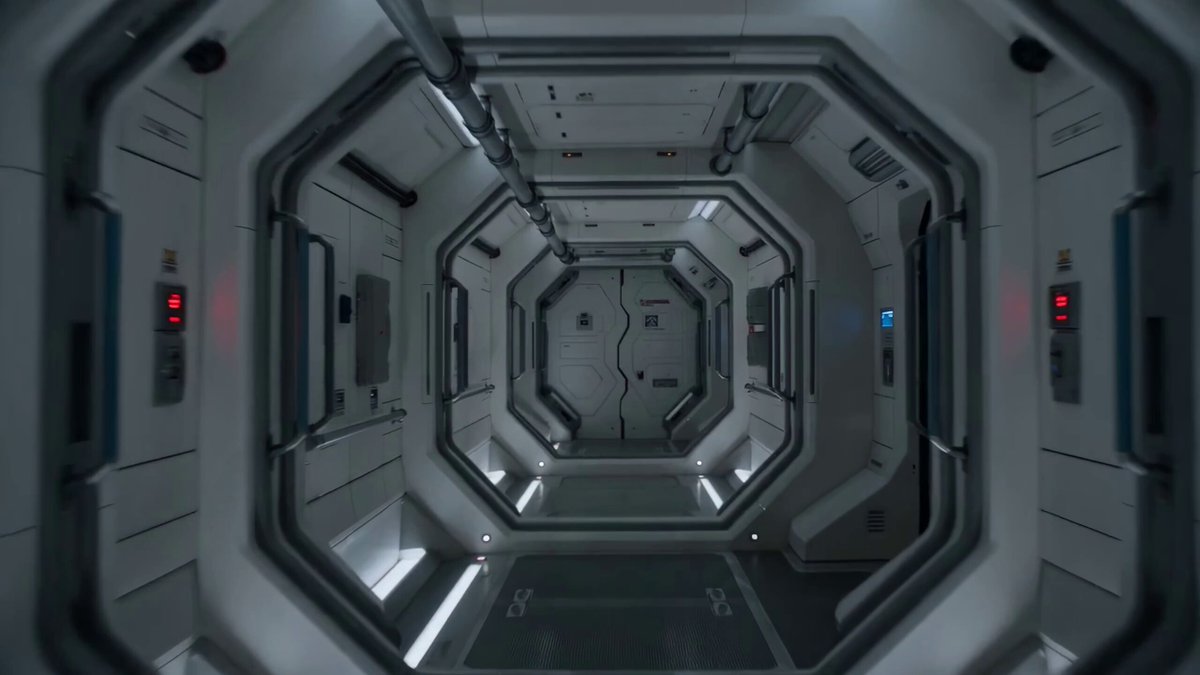
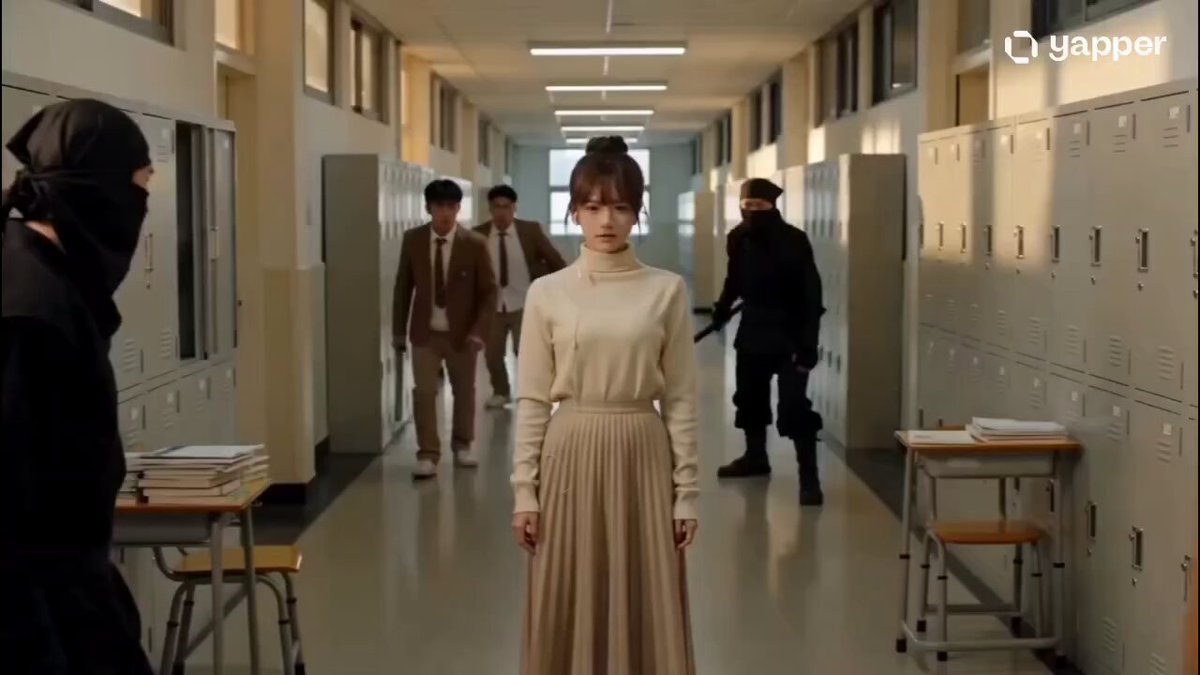
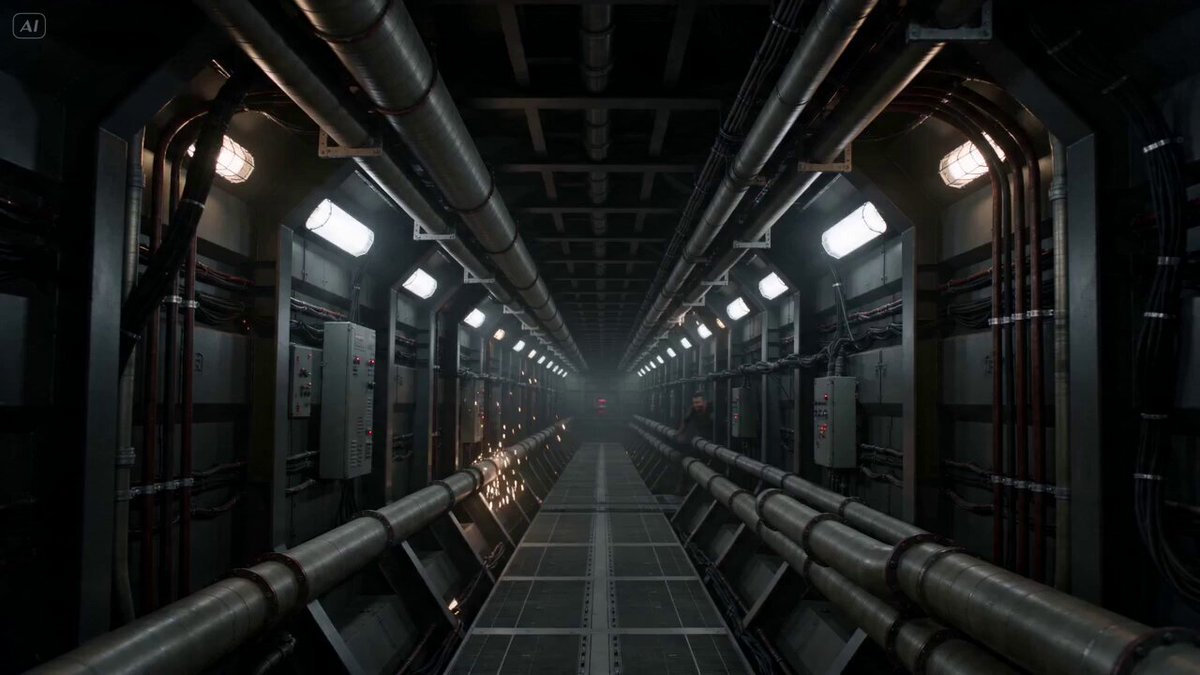
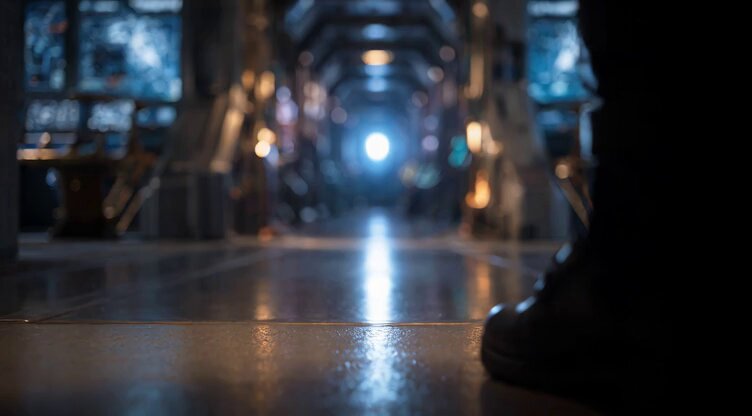
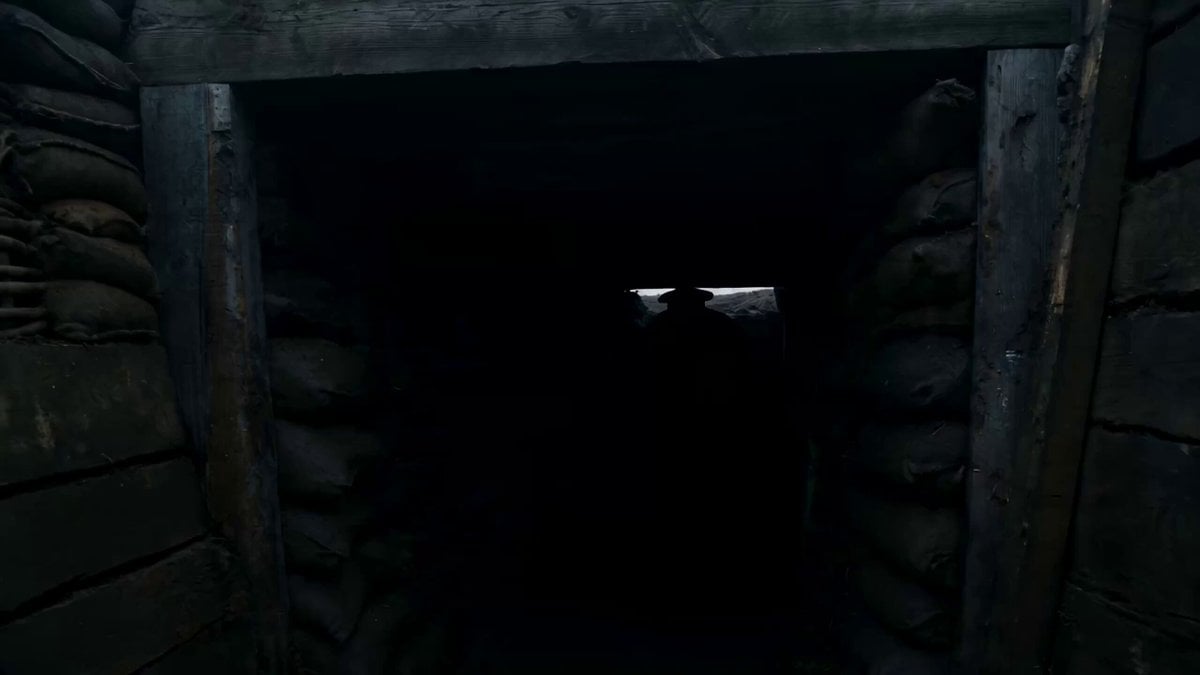
"Corridor Breakout" 0–3s: The Ignition Action: Leaning against a flickering fluorescent light in a narrow hallway, eyes closed. Audio: Low hum of electricity suddenly drowned out by a gutteral, visceral roar as she pushes off the wall. Visual: She rips a metal pipe from the wall fixture; sparks fly. 3–6s: CQC Blitz Target A: Swift diagonal strike to the ribs → hooks the neck → spins them into the wall. Target B: Mid-air kick to the chest → grabs their tactical vest → uses their momentum to swing them into a stack of metal crates. SFX: Heavy metallic clangs and the sound of shattering glass. 6–8s: Wardrobe & Atmosphere Detail: Jacket sleeves pushed up to the elbows, showing taped forearms. Environment: Sprinklers trigger; light mist fills the air. Red emergency lights begin to strobe. 8–11s: The Grapple Target C: Lunges with a baton → she ducks → palm strike to the chin. Target D: Tries to restrain her from behind → she delivers a sharp backward headbutt (crunch) → she flips them over her shoulder. 11–13s: The Finisher Action: Grabs the final guard by the collar → drags them toward a heavy security door. Visual: Slams their head into the keypad console → sparks burst → the door hydraulics hiss open. Guard slumps to the floor. 13–15s: The Aftermath Tone: High-contrast shadows, slow-motion water droplets. Action: She wipes blood from her lip, her chest heaving. She steps over the bodies and disappears into the darkness of the next room. Audio: Heartbeat thumping, fading into a single, sharp metallic ring.
"Corridor Breakout" 0–3s: The Ignition Action: Leaning against a flickering fluorescent light in a narrow hallway, eyes closed. Audio: Low hum of electricity suddenly drowned out by a gutteral, visceral roar as she pushes off the wall. Visual: She rips a metal pipe from the wall fixture; sparks fly. 3–6s: CQC Blitz Target A: Swift diagonal strike to the ribs → hooks the neck → spins them into the wall. Target B: Mid-air kick to the chest → grabs their tactical vest → uses their momentum to swing them into a stack of metal crates. SFX: Heavy metallic clangs and the sound of shattering glass. 6–8s: Wardrobe & Atmosphere Detail: Jacket sleeves pushed up to the elbows, showing taped forearms. Environment: Sprinklers trigger; light mist fills the air. Red emergency lights begin to strobe. 8–11s: The Grapple Target C: Lunges with a baton → she ducks → palm strike to the chin. Target D: Tries to restrain her from behind → she delivers a sharp backward headbutt (crunch) → she flips them over her shoulder. 11–13s: The Finisher Action: Grabs the final guard by the collar → drags them toward a heavy security door. Visual: Slams their head into the keypad console → sparks burst → the door hydraulics hiss open. Guard slumps to the floor. 13–15s: The Aftermath Tone: High-contrast shadows, slow-motion water droplets. Action: She wipes blood from her lip, her chest heaving. She steps over the bodies and disappears into the darkness of the next room. Audio: Heartbeat thumping, fading into a single, sharp metallic ring.
Edit the prompt in the box under the preview — the template's model and format are already selected — and press Generate. Your version appears right on this page.
Yes. You can change the subject, setting, lighting, mood, format, and available model controls before creating your video.
Opening and editing this template is free. Generating uses credits, shown on the Generate button when you are signed in.
Start with Seedance 2.0, which is the model associated with this template. You can compare another compatible model for a different finish.
Follow a topic to a crawlable collection of related PicX Studio templates.