
Space to Beach Seamless One-Shot
A highly detailed 15-second cinematic prompt for a seamless transition from deep space down to a summer beach, maintaining character consistency.
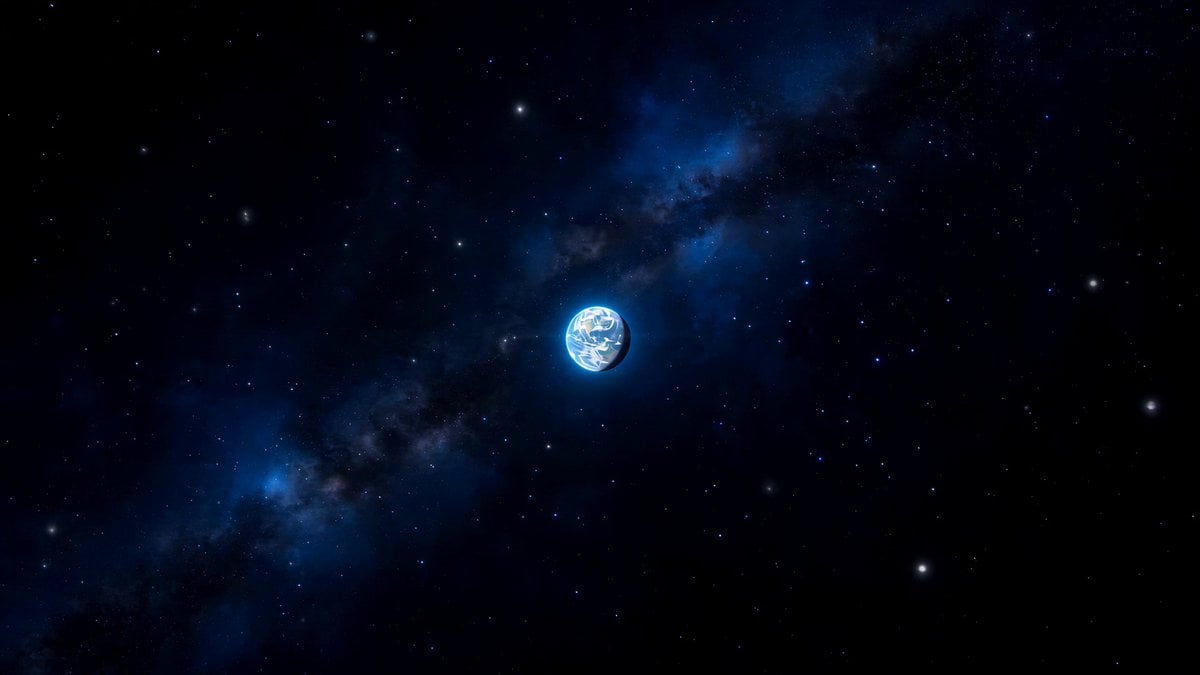
- Prompt included
- Model and format preset
- Free template
The prompt behind this video
Copy the exact prompt behind Space to Beach Seamless One-Shot, or open it in the studio and make it yours.
シーン: 深宇宙から始まり、日本列島の海岸へ一気に降下し、真夏のビーチでデカ盛りカップ焼きそばを食べる女性のショットで終わる、シームレスなワンカット映像。宇宙規模の視点から、人間の近距離ショットへ一気にスケールダウンする。 最終被写体: 最終カットは <Image1> を基準にする。 日本の夏の海辺、晴天、最高の海水浴日和。若い女性が大きな白い容器に入ったカップ焼きそばを手に持ち、箸で麺を持ち上げながら美味しそうに食べている。背景には青い海、砂浜、海水浴客、ビーチパラソル、海の家が見える。最終フレームは <<<Image1>>> の構図、表情、焼きそば、海辺の背景を優先して一致させる。 タイムライン 15秒: 0–4秒: 深宇宙から地球を捉える広角ショット。カメラが滑らかに前方へ加速し、地球が急速に大きくなる。暗い宇宙、星の光、地球の大気の青い縁取り。 4–8秒: カメラが大気圏へ突入する。雲を突き抜け、強いスピード感とモーションブラーを伴いながら東アジア上空へ降下する。日本列島が見え始める。 8–11秒: 日本列島の海岸線へロックオンし、高速で急降下する。青い海、白い波、砂浜、海辺の建物、パラソル、海水浴客が一気に近づいてくる。都市ではなく、夏の海水浴場へ向かう。 11–12秒: ビーチ上空から低空へ入り <Image1> のいる場所へ向かって滑らかに減速する。周囲の賑わいを残しながら、女性と手元の焼きそばへフォーカスが絞られる。 12–15秒: <Image1> に近いミディアムクローズアップで着地する。女性が箸で麺を持ち上げ、美味しそうに食べる自然な瞬間。背景の海、砂浜、海水浴客は少し柔らかくボケる。最後は女性の表情、焼きそば、青い海が主役になる。 カメラ: カットなしの連続ショット。宇宙では広角。大気圏突入から海岸までは高速前進。ビーチ接近後は急減速し、最終カットでは自然なシネマティック写真風のレンズ感に変化する。最後は安定した近距離ショット。 スタイル: フォトリアル、シネマティック、真夏の強い自然光、鮮やかな青空と海、健康的な肌の質感、食欲をそそる焼きそばの質感。宇宙と降下中はクールトーン、地上接近後は明るく暖かい夏色へ移行する。 重要: 最終カットは必ず <Image1> を基準にする。 到達地点は日本列島の海岸。 女性と焼きそばと海辺背景を最終的な主役にする。 ワンカットの連続感を維持する。
How to use Space to Beach Seamless One-Shot in 3 steps
- 1
Open
The prompt is already in the box next to the preview, with the template's model and format selected.
- 2…a portrait of your subject in softgolden-hour light, 85mm…
Personalize
Edit the subject and creative details for your destination.
- 3Generate
Generate
Press Generate — your video is created in PicX Studio, so you can compare it with the original and refine one variable at a time.
More like this
Templates with the same subject, style or setup. Open one to see its prompt.
Handheld Smartphone Beach Video
Okinawa Summer Beach Smartphone Vlog
Lone Space Soldier Cinematic Scene
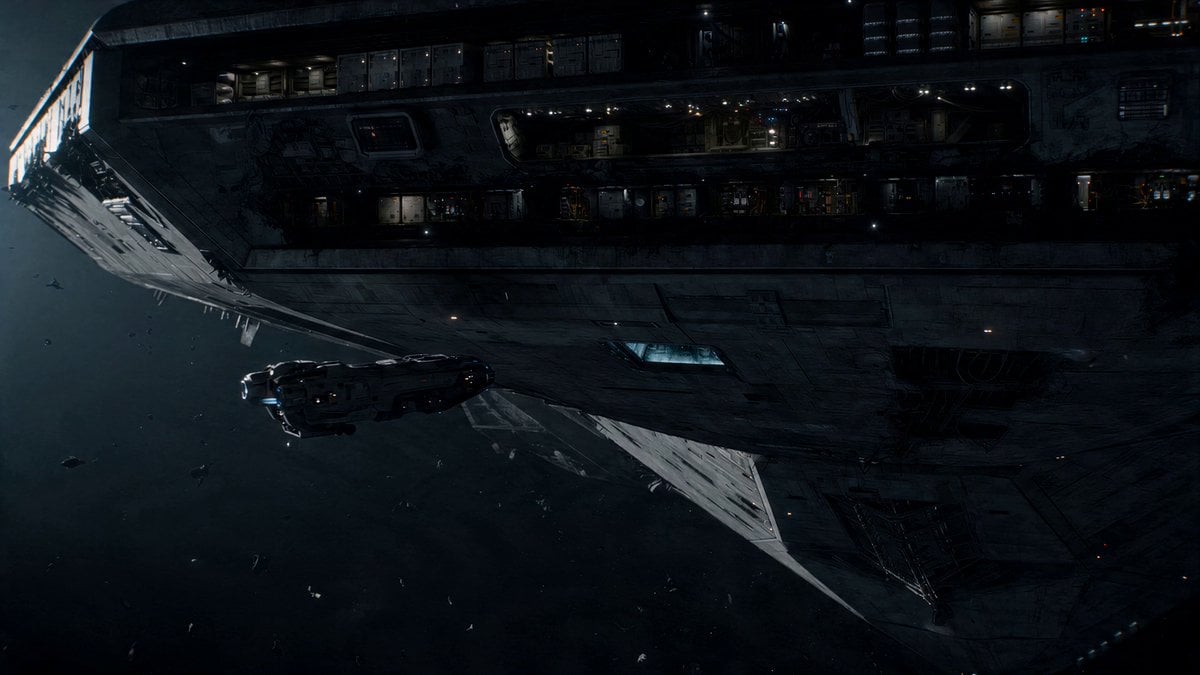
Abandoned Spacecraft Reactivation
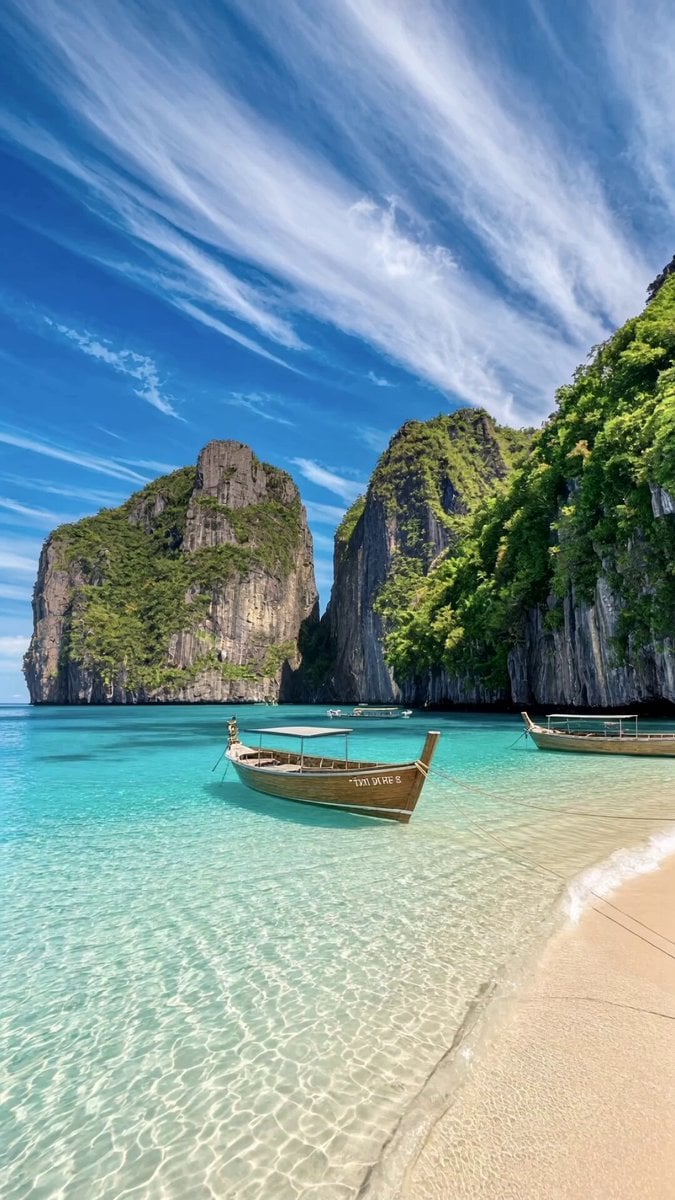
Tropical Beach Drone Shot
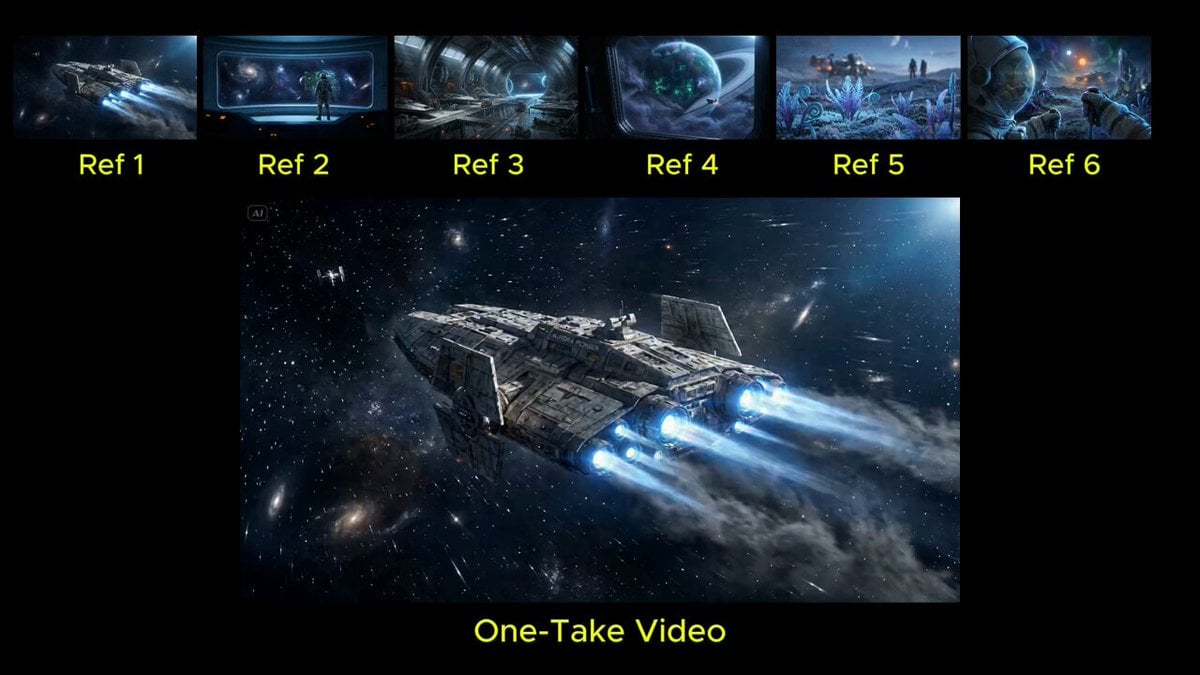
Seamless Continuous One-Take Video Prompt
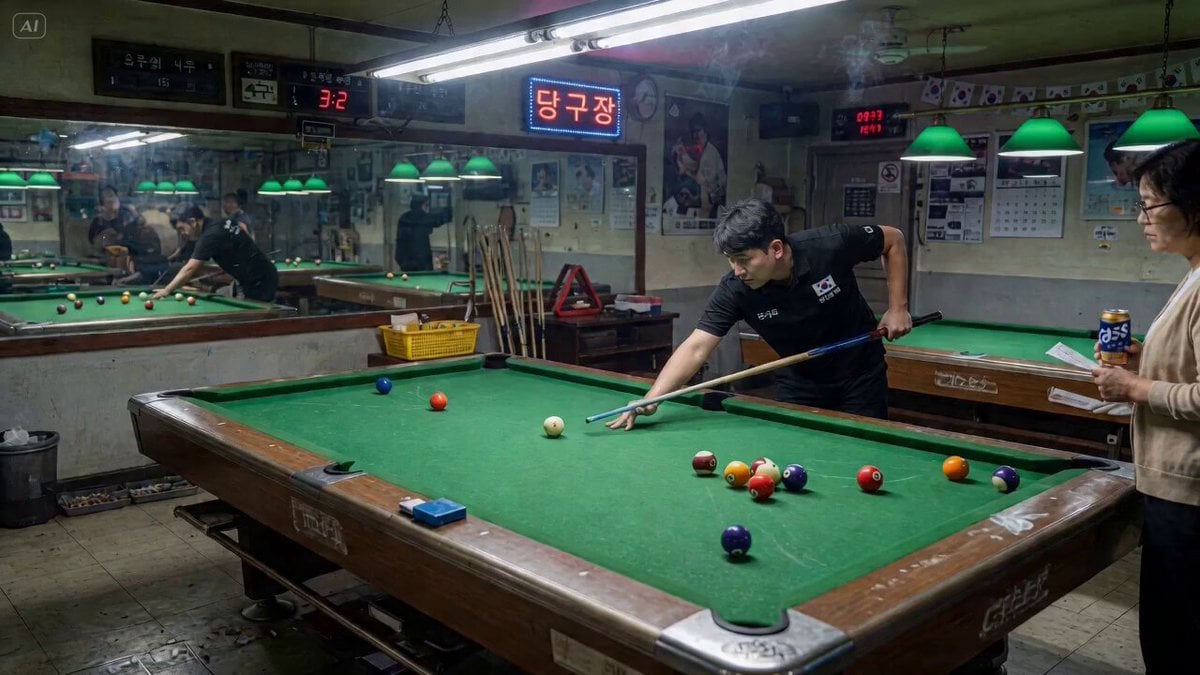
second seamless one-take transition video
High-Speed Ship Descent with Seedance 2.0
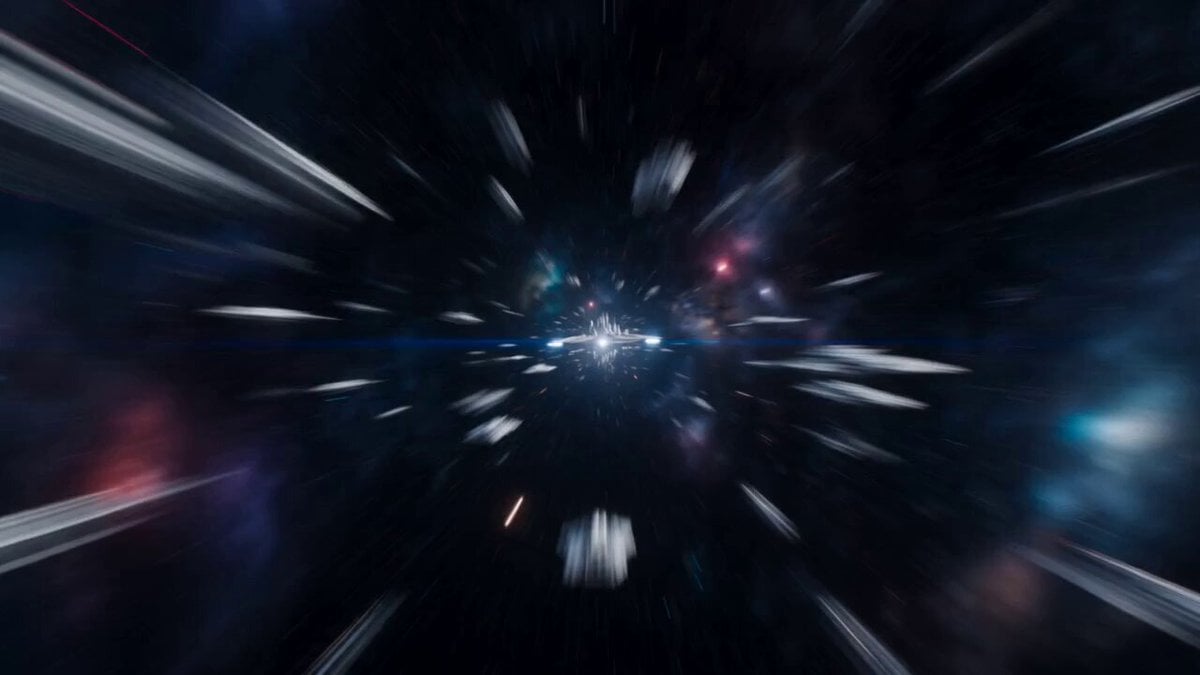
Futuristic Space Station Transformation Video
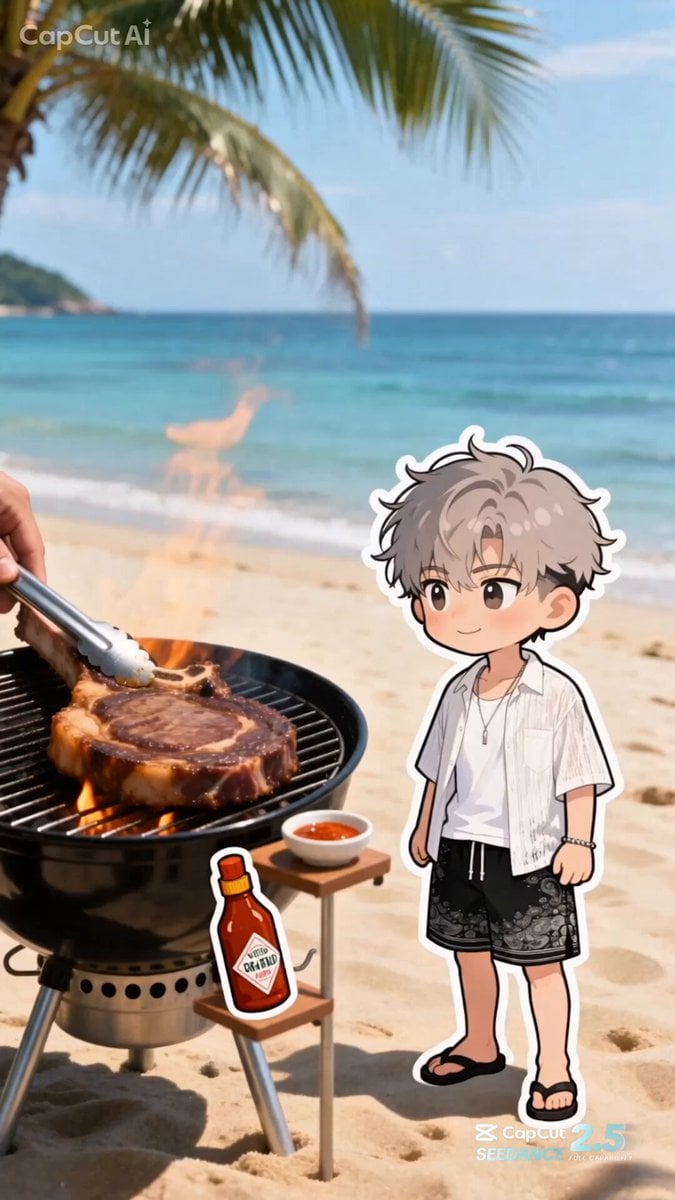
Summer Beach BBQ and Anime Character Sticker
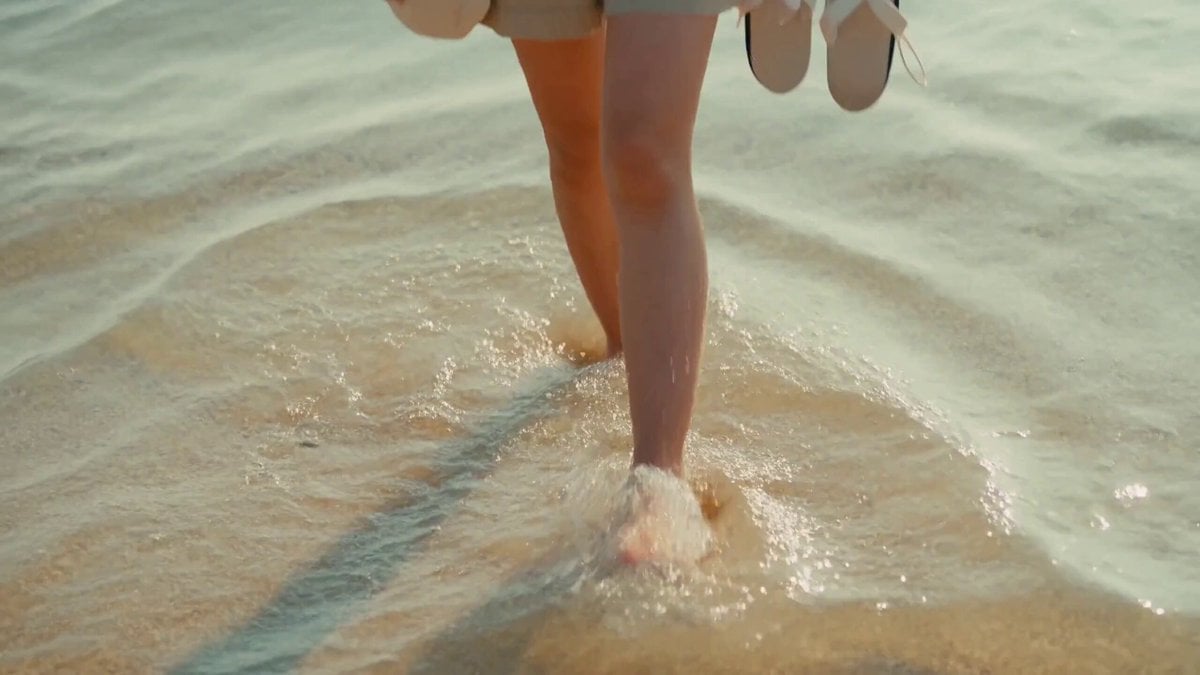
2000s MiniDV Jeju Island Beach Walk
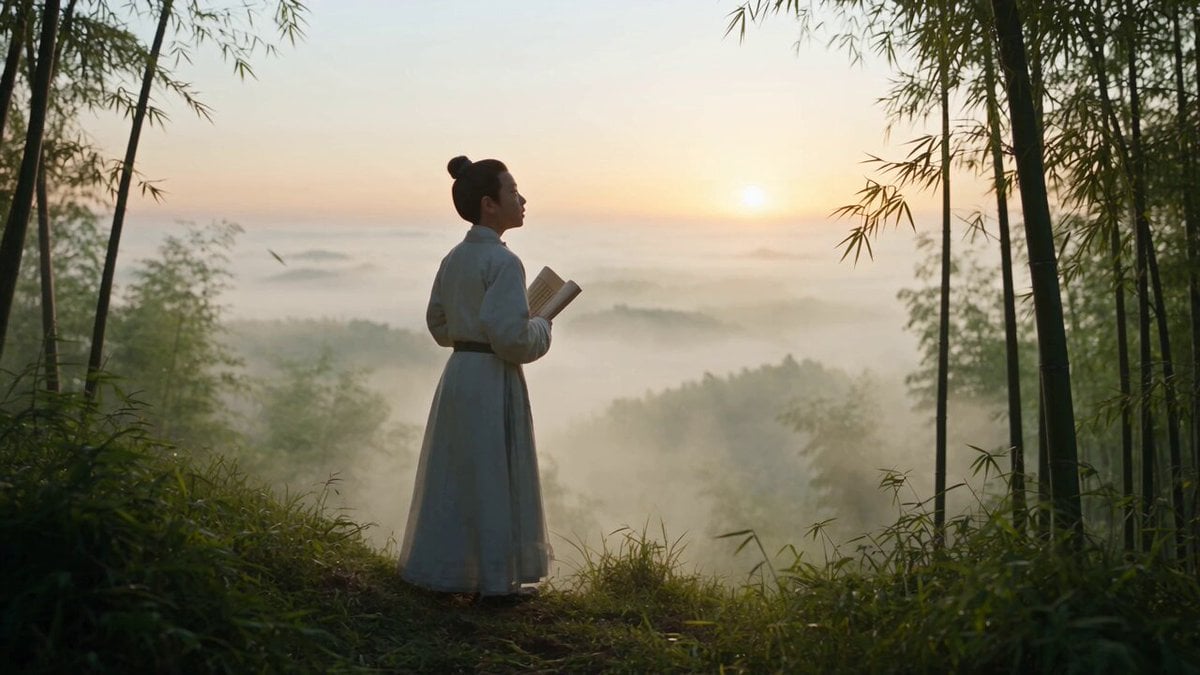
Cinematic One-Shot Biography of Su Shi
Make it yours
Space to Beach Seamless One-Shot works as-is. These are the safest ways to change it without losing the look.
Change one field
Copy a single group, rewrite it, and generate again so you can see what that field is doing.
Keep the frame, change the subject
Hold the composition and light of Space to Beach Seamless One-Shot, then swap wardrobe, props or the person for a new take.
| If the result… | Why | Fix |
|---|---|---|
| The result drifts from the preview | Too many fields changed at once. | Reuse Space to Beach Seamless One-Shot as-is first, then change one group — subject, light, or setting. |
| The model over-stylizes the scene | The prose prompt leaves finish and camera underspecified. | Add one camera or lighting sentence and stay on Seedance 2.0. |
More Seedance 2.0 templates
Other prompts made for Seedance 2.0.

Comical Martial Arts Punch Scene

Maglev Train Action Sequence

Martial Arts Fight Sequence

Wuxia Protection and Trust Script

Vintage Korean Arcade MiniDV Vlog

Mercedes 190 SL Luxury Ad

Rainy Night Supernatural Reverse Comedy Video Script

Amazon Civilization Discovery

Futuristic South Asian City Transformation

Cozy Luxury Cafe Commercial
More video prompts
Fresh picks from across the catalog.
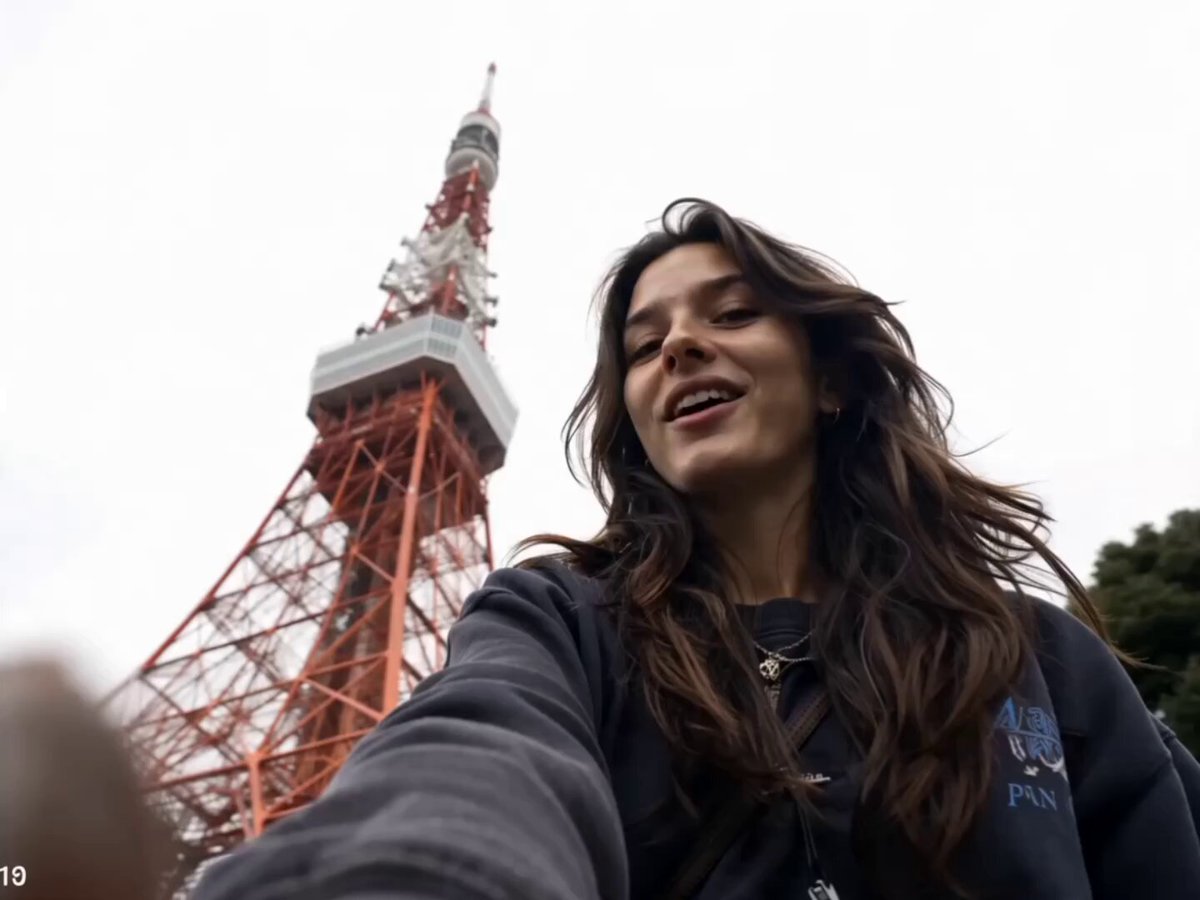
Tokyo Travel Vlog Cinematic Script
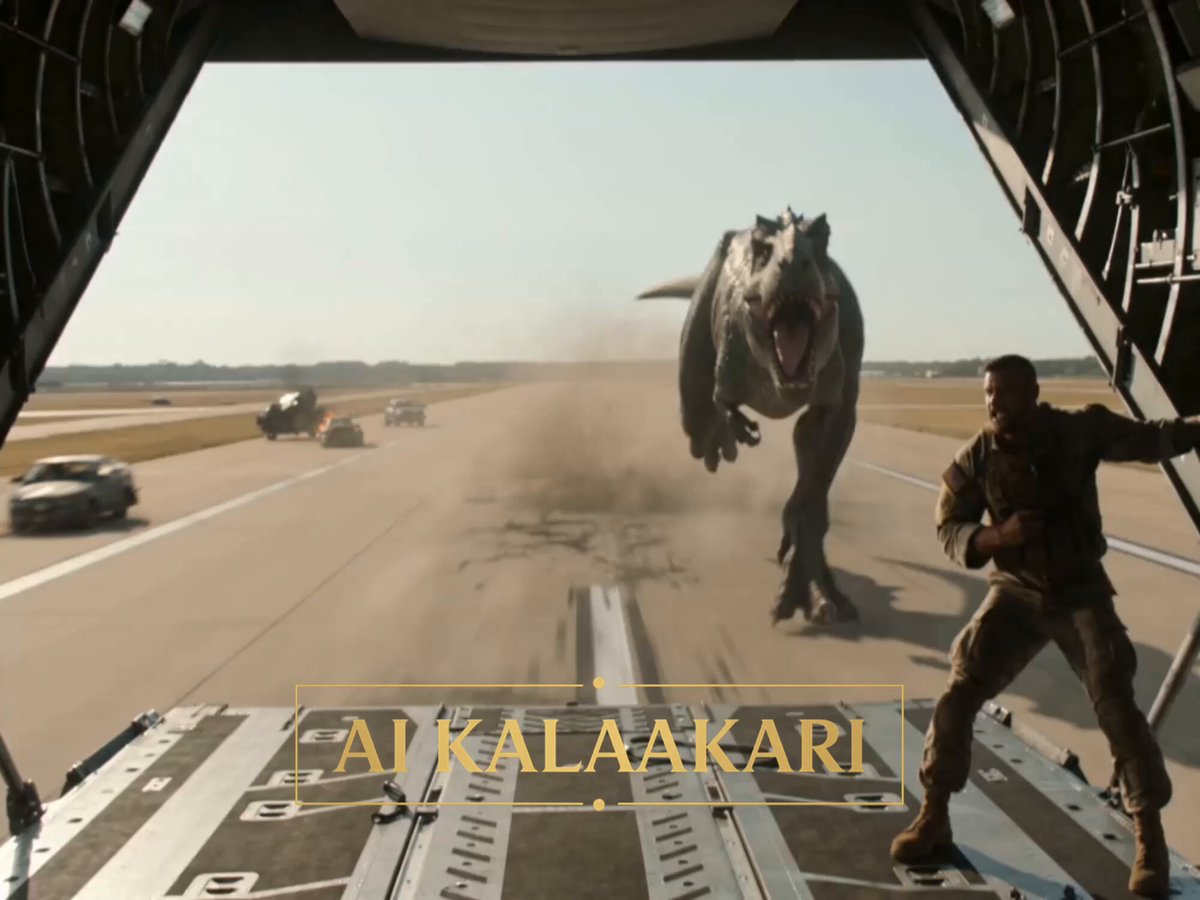
T-Rex vs Military Cargo Plane Action Scene
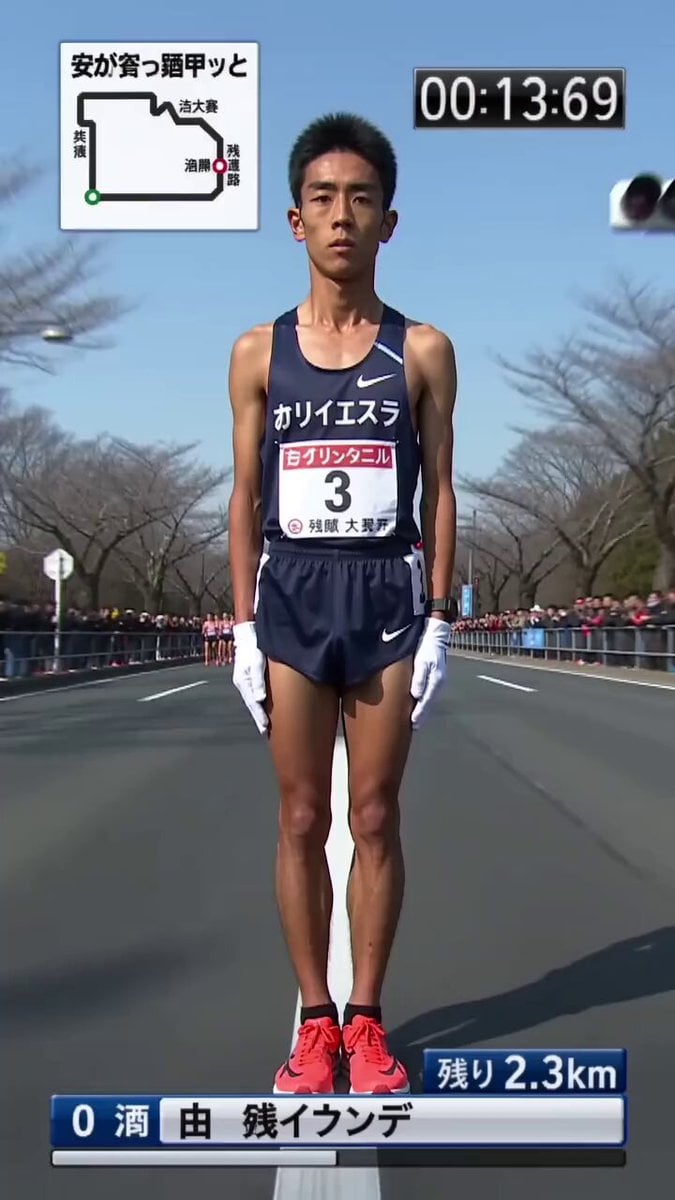
Surreal Hakone Ekiden Gliding Marathon
Grok Imagine prompt: Ultra-realistic cinematic fantasy portrait of a royal woman
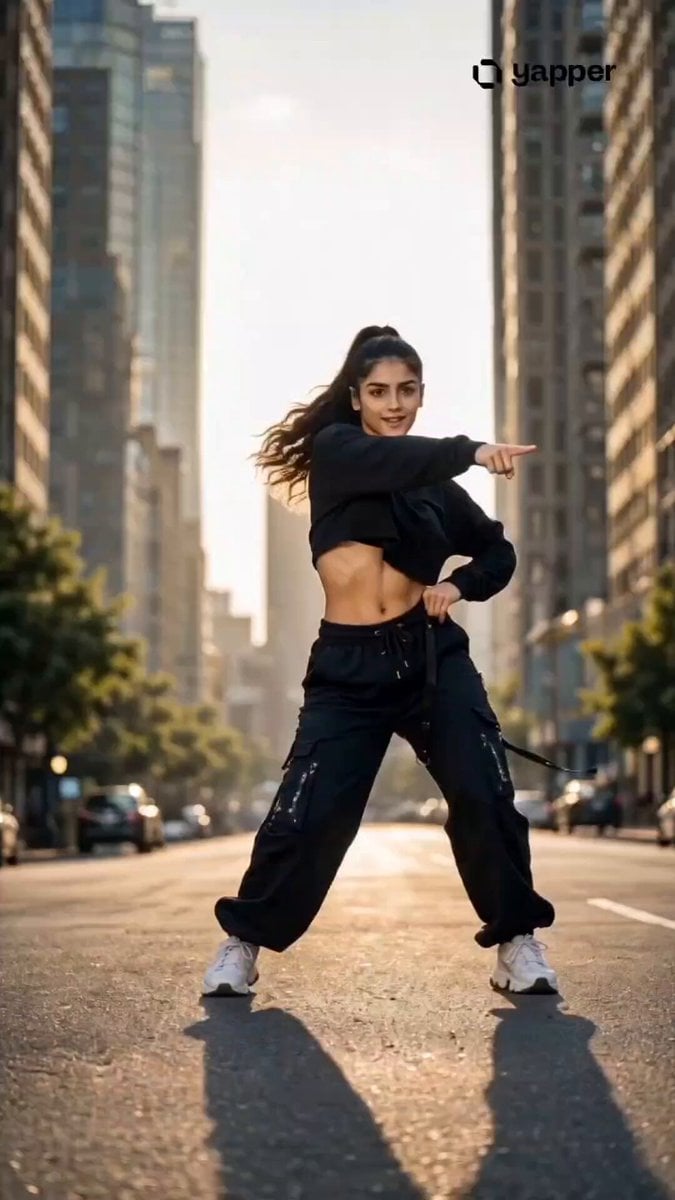
Streetwear Dance Performance
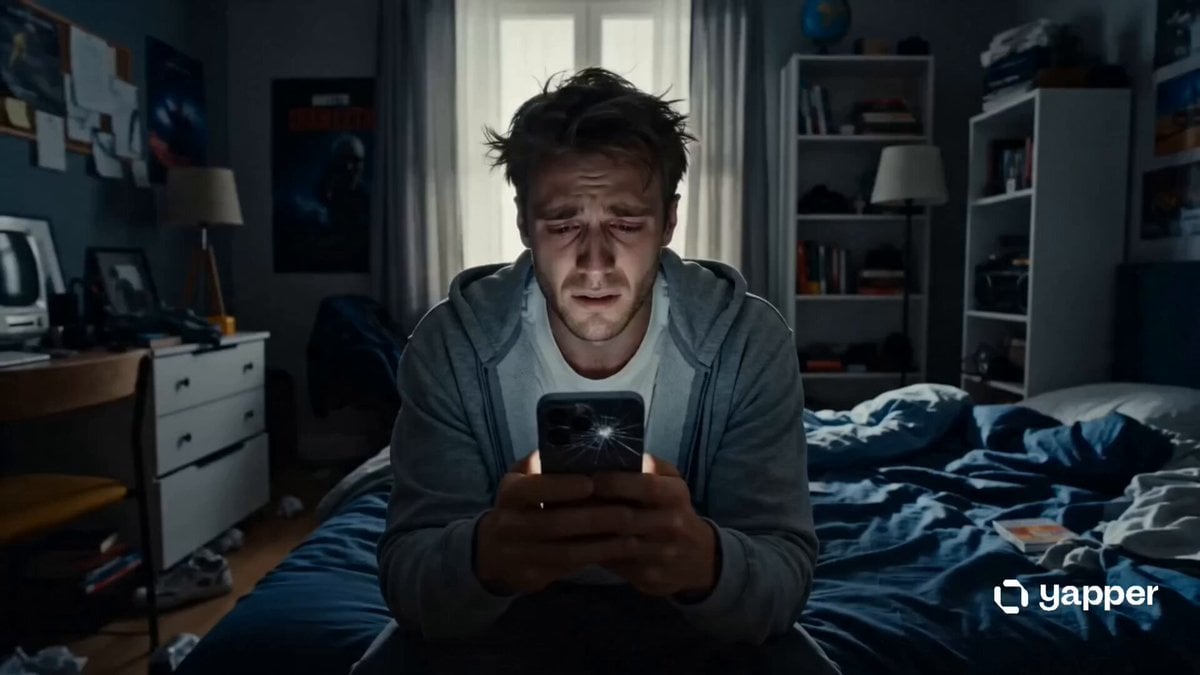
Phone Upgrade Dramatic Story
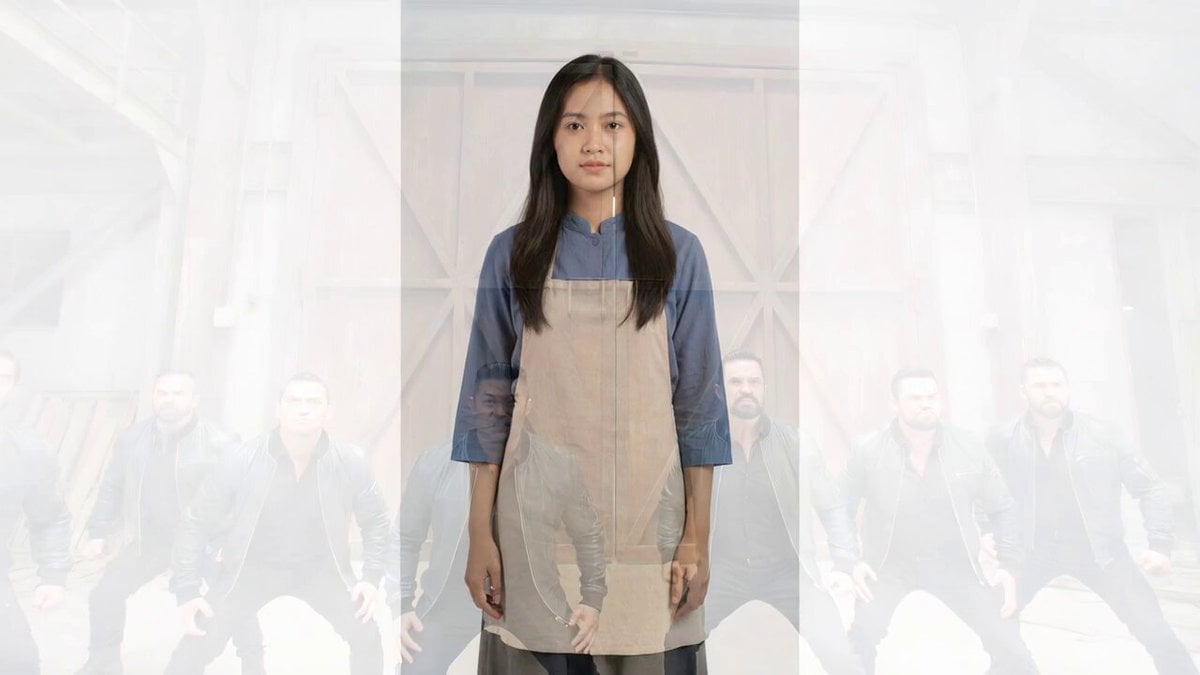
Cinematic Fight Scene in Abandoned Warehouse
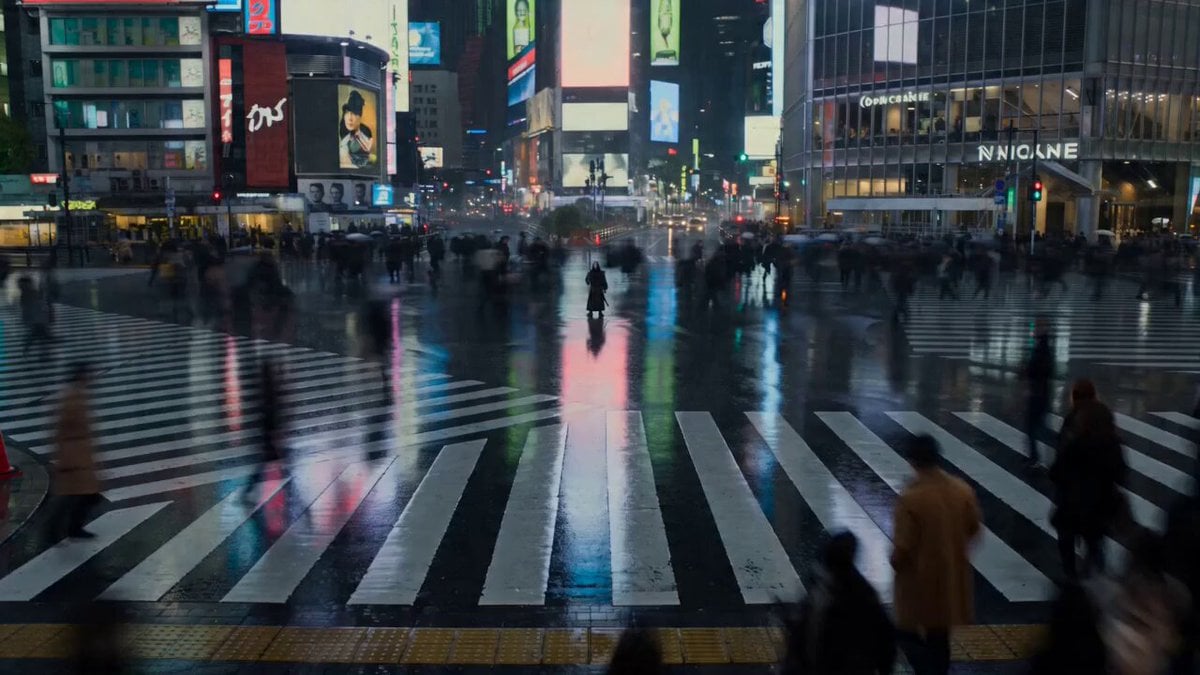
Japanese Festival Mask Figure and Colossal Serpentine Titan
Ethereal Fairy in Enchanted Forest Video Prompt
Cinematic Storyboard Sequence Transition
Browse template categories
Space to Beach Seamless One-Shot questions
How do I use the Space to Beach Seamless One-Shot template?
Add your photo if the template asks for one, edit the prompt if you like — the template's model and format are already selected — and press Generate. Your version opens in PicX Studio.
Can I customize the Space to Beach Seamless One-Shot template?
Yes. You can change the subject, setting, lighting, mood, format, and available model controls before creating your video.
Is the Space to Beach Seamless One-Shot template free?
Opening and editing this template is free. Generating uses credits, shown on the Generate button when you are signed in.
Which AI model should I use?
Start with Seedance 2.0, which is the model associated with this template. You can compare another compatible model for a different finish.
Looking for something else? Browse all templates.

Your photo, any look
Thousands of ready templates for every top image and video model, from one credit balance.