How do I use the Ethereal Fairy in Enchanted Forest Video Prompt template?
Edit the prompt in the box under the preview — the template's model and format are already selected — and press Generate. Your version appears right on this page.
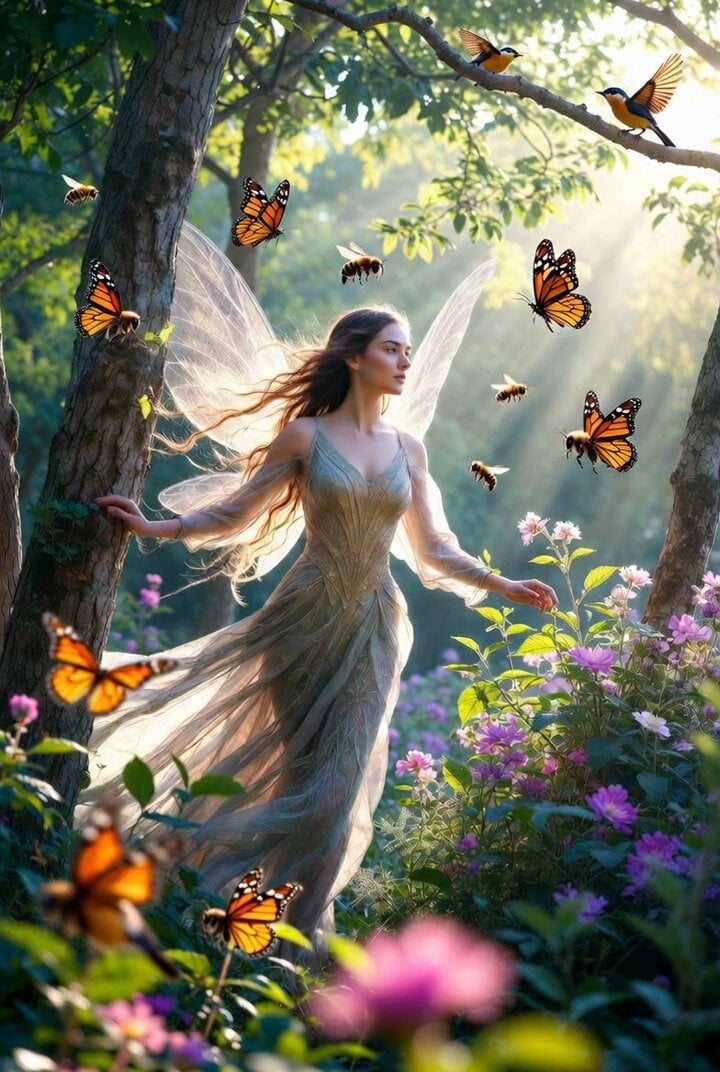
A detailed Grok Imagine prompt for generating a photorealistic yet fantastical video of a beautiful young woman with turquoise-green hair and large translucent fairy wings, sitting in sparkling water in an enchanted…
A beautiful young woman with delicate features, short wavy turquoise-green hair adorned with tiny yellow flowers, sitting gracefully in shallow sparkling water, large translucent fairy wings with pink and gold accents and embedded yellow blossoms, wearing a flowing light green satin fairy dress with ruffled hem and yellow flower decorations on the bodice and straps, soft glowing sunlight filtering through the trees, magical golden hour lighting, floating yellow flower clusters and hanging yellow blossoms above her, enchanted forest pond setting with soft bokeh background, ethereal and dreamy atmosphere, intricate details, cinematic lighting, highly detailed, 8k, masterpiece, best quality, photorealistic yet fantastical style
A beautiful young woman with delicate features, short wavy turquoise-green hair adorned with tiny yellow flowers, sitting gracefully in shallow sparkling water, large translucent fairy wings with pink and gold accents and embedded yellow blossoms, wearing a flowing light green satin fairy dress with ruffled hem and yellow flower decorations on the bodice and straps, soft glowing sunlight filtering through the trees, magical golden hour lighting, floating yellow flower clusters and hanging yellow blossoms above her, enchanted forest pond setting with soft bokeh background, ethereal and dreamy atmosphere, intricate details, cinematic lighting, highly detailed, 8k, masterpiece, best quality, photorealistic yet fantastical style
Edit the prompt in the box under the preview — the template's model and format are already selected — and press Generate. Your version appears right on this page.
Yes. You can change the subject, setting, lighting, mood, format, and available model controls before creating your video.
Opening and editing this template is free. Generating uses credits, shown on the Generate button when you are signed in.
Start with Grok Imagine, which is the model associated with this template. You can compare another compatible model for a different finish.
Follow a topic to a crawlable collection of related PicX Studio templates.